Best Online Resources for Learning Python
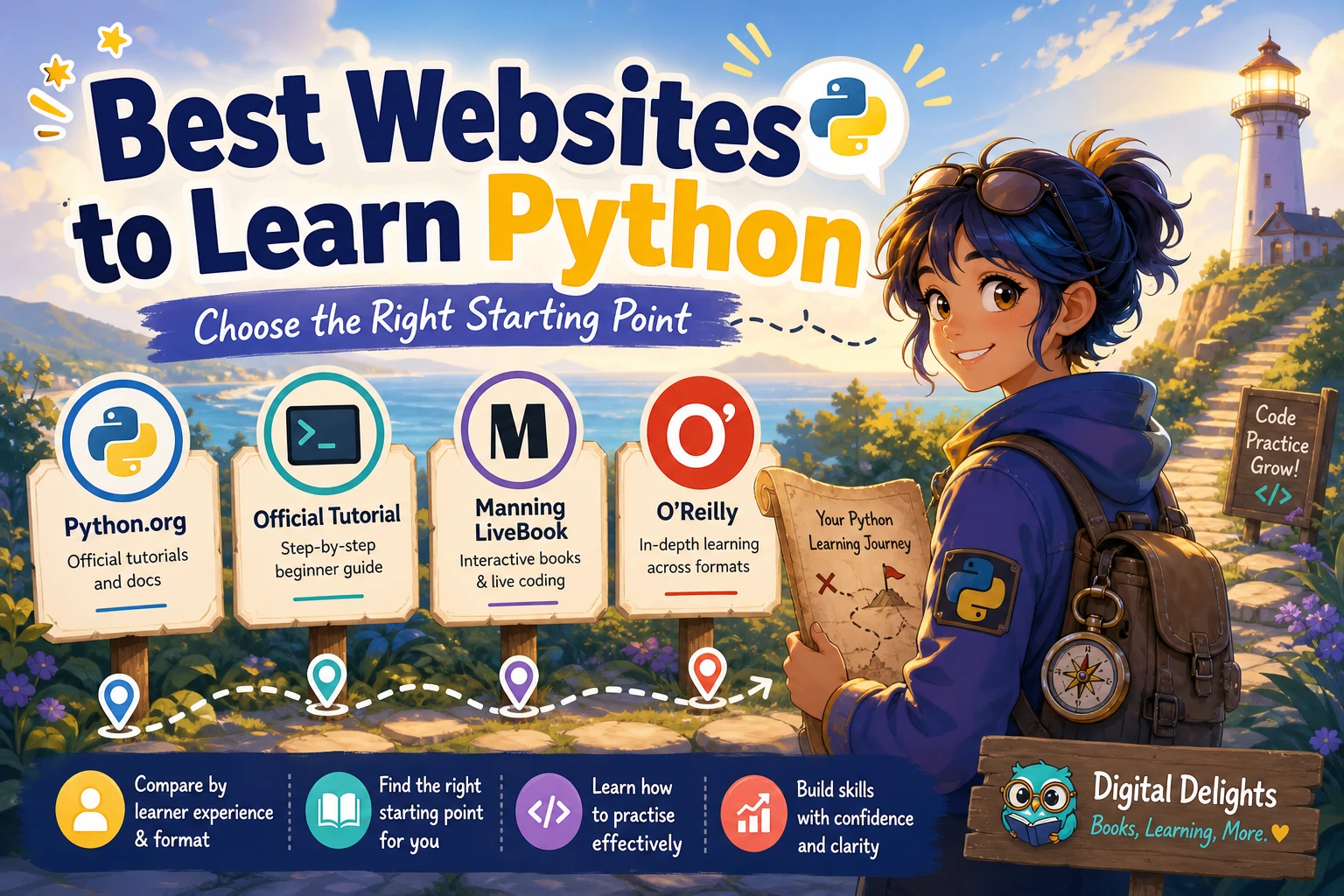
The best online resources for learning Python depend on what you already know and how you prefer to study. If you are new to programming, look for guided explanations that make room for frequent coding practice. If you already understand programming basics, the official Python Tutorial can be a useful way to learn Python’s syntax and features; its documentation says it is intended for people new to Python, not people new to programming.
A practical starting point is to use Python.org’s beginner guidance to find your bearings, choose learning material that matches your experience, and practise by writing small programs. Treat documentation as a reference alongside your lessons—not as something you must memorise. This guide compares resource types, suggests paths for different learners, and offers a study routine you can adapt.
How to choose an online Python resource
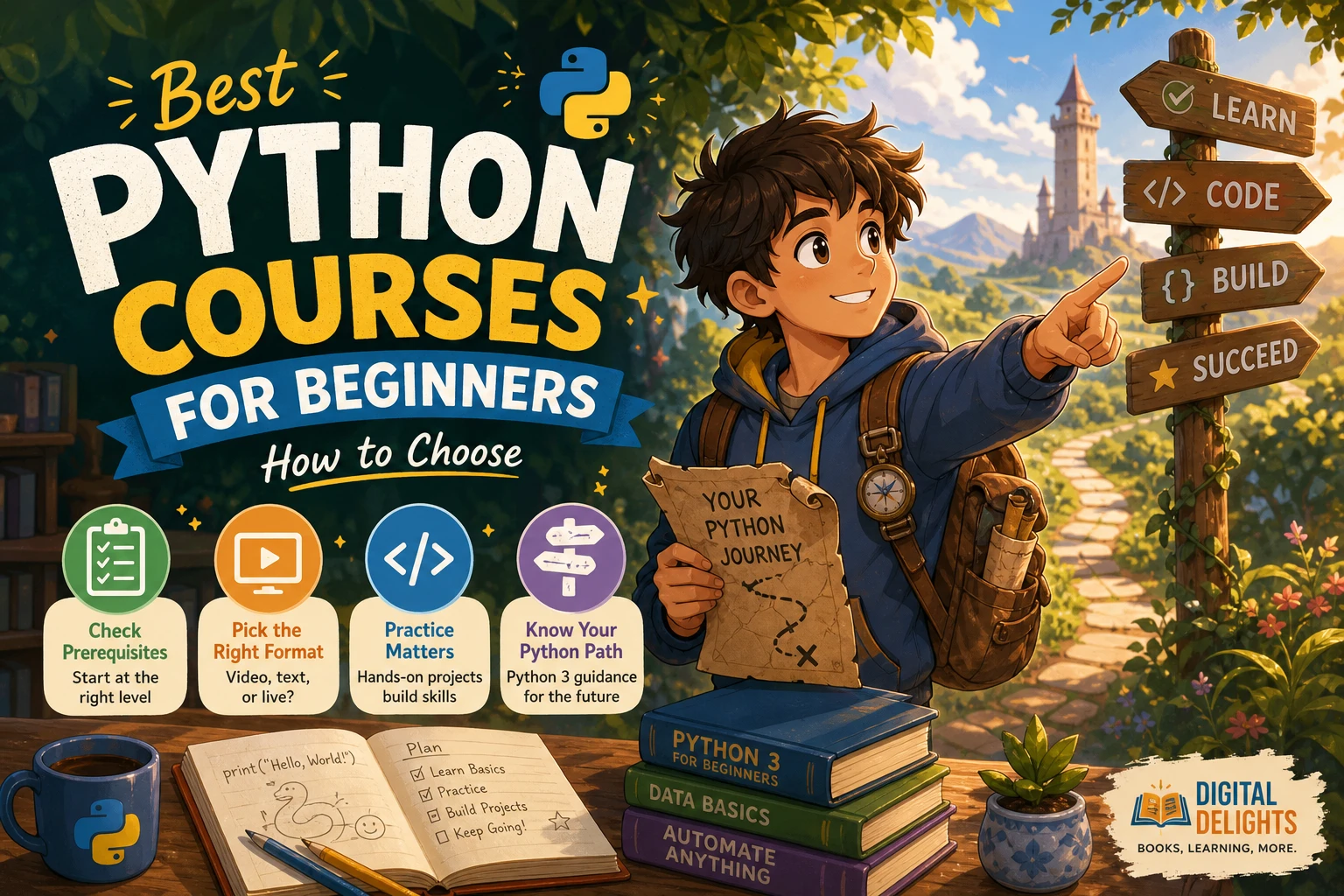
Before choosing a course, tutorial, book or practice site, work out what you need from it. A resource can be highly regarded and still be a poor fit if it assumes skills you have not learned or teaches in a format you will not use consistently.
Check your starting point
There is an important difference between being new to Python and being new to programming. A learner who has written code in another language may already understand variables, loops, functions and debugging. A complete beginner needs those ideas explained as well as Python syntax.
The official Python Tutorial makes this distinction clearly: it is aimed at people new to Python who already have a basic understanding of programming. If you are starting from zero, choose a resource that teaches programming fundamentals step by step before relying on that tutorial.
Choose a format you will actually use
- Guided course or book: useful when you want a planned sequence, explanations and exercises in one place.
- Official tutorial: useful for learners with some programming experience who want to work through Python’s features directly.
- Documentation: best used to look up how a specific language feature or library works.
- Exercises and projects: essential for turning explanations into the ability to write and debug code yourself.
These formats can complement one another. For example, follow a beginner-friendly course for structure, consult the official documentation when a question comes up, and use small projects to test what you have learned.
Consider access, setup and version details
Some learning resources ask you to install Python and run code on your computer; others may offer a browser-based environment. Check what a specific resource provides rather than assuming it includes an online coding workspace. If you install Python, follow current installation guidance for your operating system and check that the version and libraries match the material you are using.
Also look for practical support: are code examples available to copy or download? Do the lessons include exercises? Is there guidance for common errors? These details can make it easier to keep moving when your code does not behave as expected.
Best resource types for different Python learners
| Resource type | Good fit for | What to check |
|---|---|---|
| Python.org beginner guidance | People looking for an official starting point | Use it to orient yourself and follow the links that suit your level; it is not a complete course by itself. |
| Official Python Tutorial | People who already know basic programming | Its stated audience is learners new to Python, not learners new to programming. |
| Structured course or book | Beginners who want an ordered sequence | Look for clear explanations, exercises and projects that build gradually. |
| Exercises and personal projects | Anyone who needs to practise writing code | Choose tasks that require you to adapt ideas, not just repeat an example. |
| Official documentation | Learners checking a specific feature or detail | Use it as a reference alongside instruction; do not expect it to replace a beginner curriculum. |
Python.org’s beginner guidance: an orientation hub
Python.org’s Python for Beginners page points readers towards getting started, tutorials, books and code samples. It is a sensible first stop if you are unsure where to look, but think of it as a directory and orientation point rather than a single, complete learning programme.
The official Python Tutorial: a reference-led route
The official Python Tutorial is free and covers practical language topics. Its stated prerequisite matters: it expects readers to have basic programming knowledge. That makes it a better fit for someone switching to Python from another language than for someone encountering programming concepts for the first time.
If you use it, keep a small script or notebook open and try each idea as you go. When a section assumes something unfamiliar, pause to learn that concept rather than trying to push through by copying code.
Guided courses and books: structure for beginners
A structured course or book can help beginners because it sequences concepts instead of sending them straight into a large reference manual. Prefer material that explains how code works, includes short exercises, and gradually asks you to combine ideas in projects. The exact format matters less than whether it matches your current level and gives you regular opportunities to write code.
Digital Delights’ catalog includes PYTHON: Learn Coding Programs with Python Programming and Master Data Analysis & Analytics, Data Science and Machine Learning with the Complete Python for Beginners Crash Course – 4 Books in 1. Its catalog description covers beginner Python foundations and also points towards data analysis and machine learning topics. Consider it if you want a book-based resource with a broad scope; check the contents and compatibility details against your goals before choosing it.
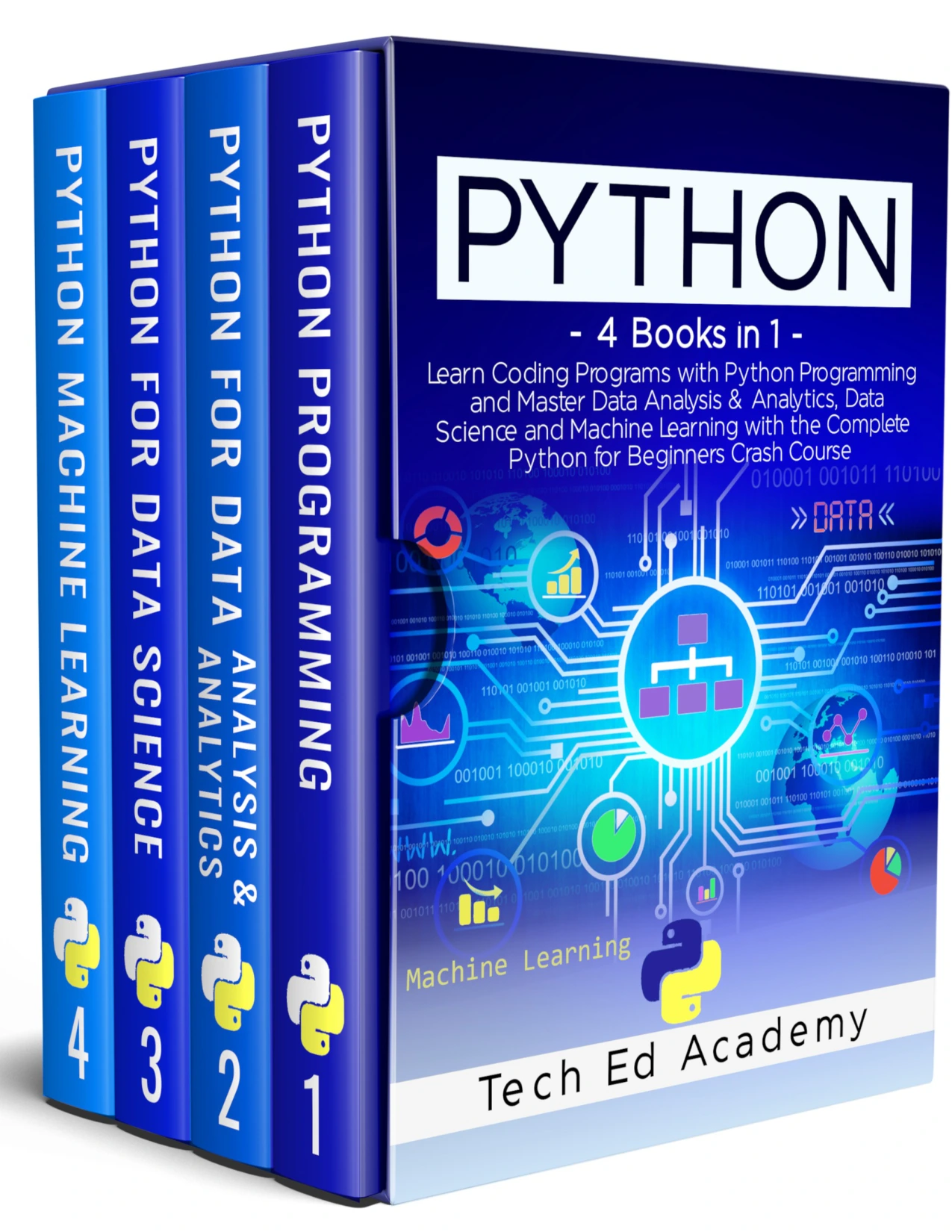
Readers who prefer a book format and want beginner Python material alongside introductory data analysis and machine-learning topics.
Exercises and projects: the practice layer
Reading and watching lessons can help explain a concept, but you also need to write code without simply following a finished example. Start with short exercises that isolate one idea, then use a small project to combine several ideas. A practice resource is most useful when it encourages you to reason about the problem and investigate errors, rather than only showing you the completed answer.
Project ideas for early learners include a number-guessing game, a simple quiz, a unit converter or a program that organises information in a list. Keep the scope modest. The aim is to practise variables, conditions, loops, functions and basic data structures—not to build a polished product on your first attempt.
Choose a Python learning path for your goal
If you are completely new to programming
- Choose a beginner resource that explains programming concepts as well as Python syntax.
- Practise variables, strings, numbers, conditions, loops and functions in short sessions.
- Write small exercises from a blank file, then compare your approach with the lesson.
- Build a tiny project using concepts you have already met.
- Use official documentation to answer focused questions as they arise.
Do not start by trying to learn every Python feature. A sound grasp of a smaller set of fundamentals is more useful for early projects than a long list of terms you have only read once.
If you already program in another language
Start with the official tutorial and note which Python features differ from languages you know. Try short examples as you go, particularly where syntax or built-in data types are unfamiliar. Keep the documentation nearby to check exact behaviour rather than relying on memory from another language.
If you want to work with data or machine learning
Learn core Python first: writing functions, working with collections, reading files and understanding errors will make later tools easier to approach. Then move into the libraries and methods relevant to your goal. A machine-learning text is a more suitable next step once you are ready to connect Python code with algorithms and data workflows.
For that later stage, Python Machine Learning Projects: Learn how to build Machine Learning projects from scratch | Python Machine Learning Projects covers Python foundations for machine learning, algorithms and case-study projects, according to its catalog description. It is a specialised follow-on option, not a substitute for learning general programming basics.
Learners who have begun Python fundamentals and want to explore algorithms, machine-learning workflows and case-study projects.
A practical study routine that works with different resources
A repeatable routine can make a course, tutorial or book more useful. Adjust the time to your schedule; consistency and active practice matter more than a rigid daily target.
- Set up a place to run code. Install Python using current official guidance, or use a browser environment if your chosen resource provides one.
- Study one small topic. Read or watch a short section rather than trying to finish a whole chapter passively.
- Type and run the example. Notice the output and make sure you understand what each part contributes.
- Change something deliberately. Alter an input, condition or value and predict what will happen before running the program.
- Try an exercise without looking at the solution first. If you get stuck, identify the specific concept or error you need to investigate.
- Record what you learned. Keep brief notes about useful patterns, mistakes and questions for later.
- Build a small project. Use familiar concepts in a new combination, and add one feature at a time.
When you encounter an error, read the message carefully and reduce the problem to the smallest example that still fails. This turns troubleshooting into a learning activity instead of a reason to abandon the exercise.
Common mistakes when learning Python online
- Starting above your level: a tutorial that assumes programming experience can leave a complete beginner confused. Check the stated prerequisites.
- Consuming lessons without coding: understanding an explanation while reading is not the same as being able to write a solution. Make time for exercises.
- Copying examples without changing them: modify the inputs and logic so you learn how the program responds.
- Jumping into libraries too early: tools for data science or machine learning can obscure basic Python concepts if you have not met them yet.
- Trying to memorise documentation: learn how to look up a specific answer and apply it, rather than treating every detail as something to memorise.
- Choosing based only on a “best” label: compare prerequisites, format, practice opportunities and fit with your goal. The available sources do not establish a universal winner.
Frequently asked questions about learning Python online
Is the official Python Tutorial suitable for someone new to programming?
It may be challenging as a first introduction. The tutorial says it is for people new to Python, not people new to programming, and expects basic programming knowledge. If you are starting from zero, begin with instruction that teaches programming fundamentals as well.
Can Python be learned online for free?
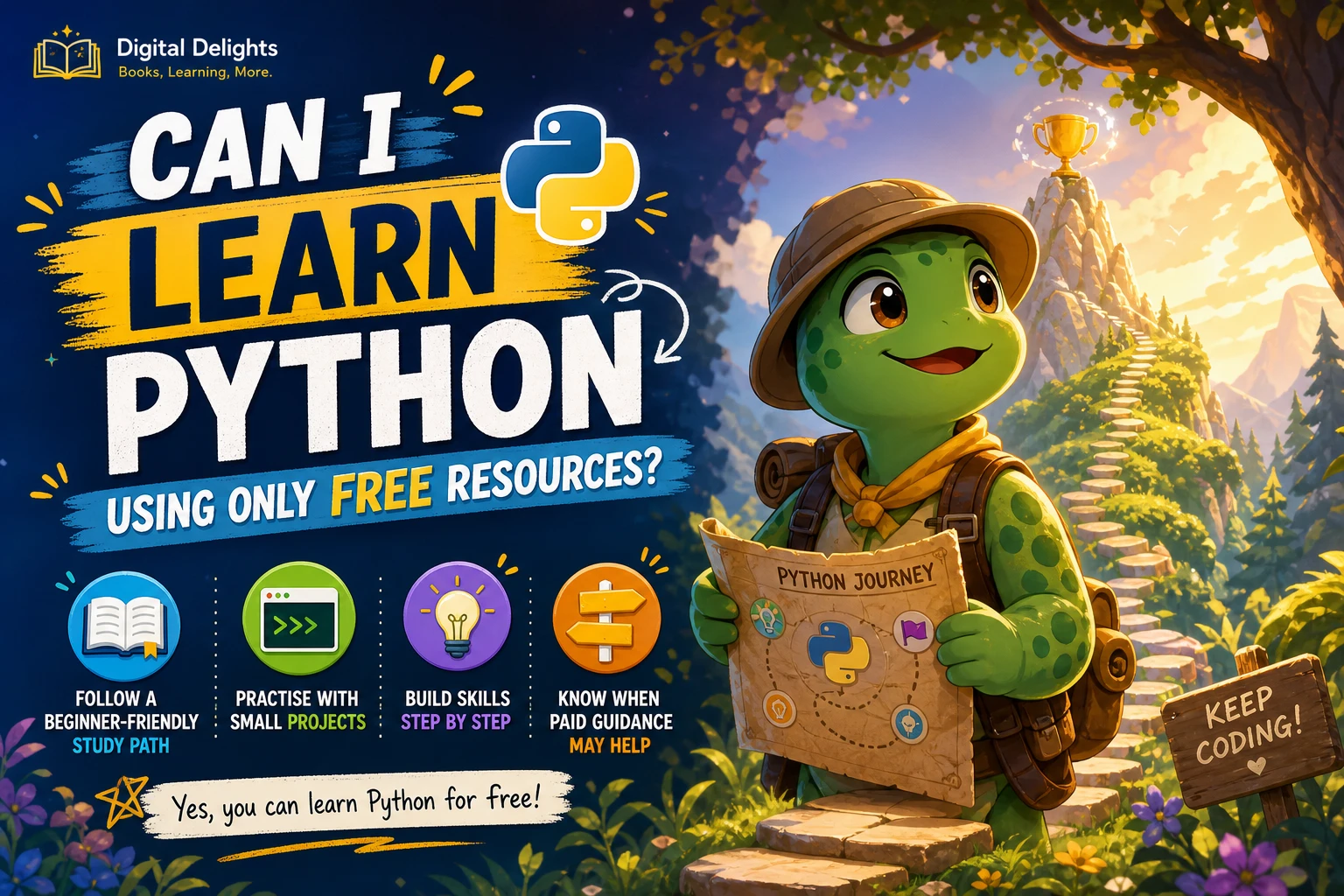
Yes. Python.org provides beginner guidance and the official Python Tutorial is available online. Free material can be combined with your own exercises and projects. Check each resource’s prerequisites and the current details of any third-party platform you consider.
Should beginners use a browser-based tool or install Python?
Either can work. A browser-based environment may let you begin without local setup if your chosen resource offers one. Installing Python lets you run code on your own computer. Choose the option supported by your learning material and device, and check setup guidance before you begin.
How should learners practise after a tutorial?
Redo examples from memory, change their inputs, and solve short exercises without copying a solution first. Then make a small project that combines familiar ideas. When something fails, use the error message and documentation to investigate the cause.
Conclusion: choose for your level, then practise
The best online resources for learning Python are the ones suited to your starting point and learning goal. Beginners generally need guided explanations and a steady sequence of exercises; programmers who already know the basics can use the official tutorial more directly. Python.org is a useful place to orient yourself, while documentation helps with specific questions and projects give you a reason to apply what you learn.
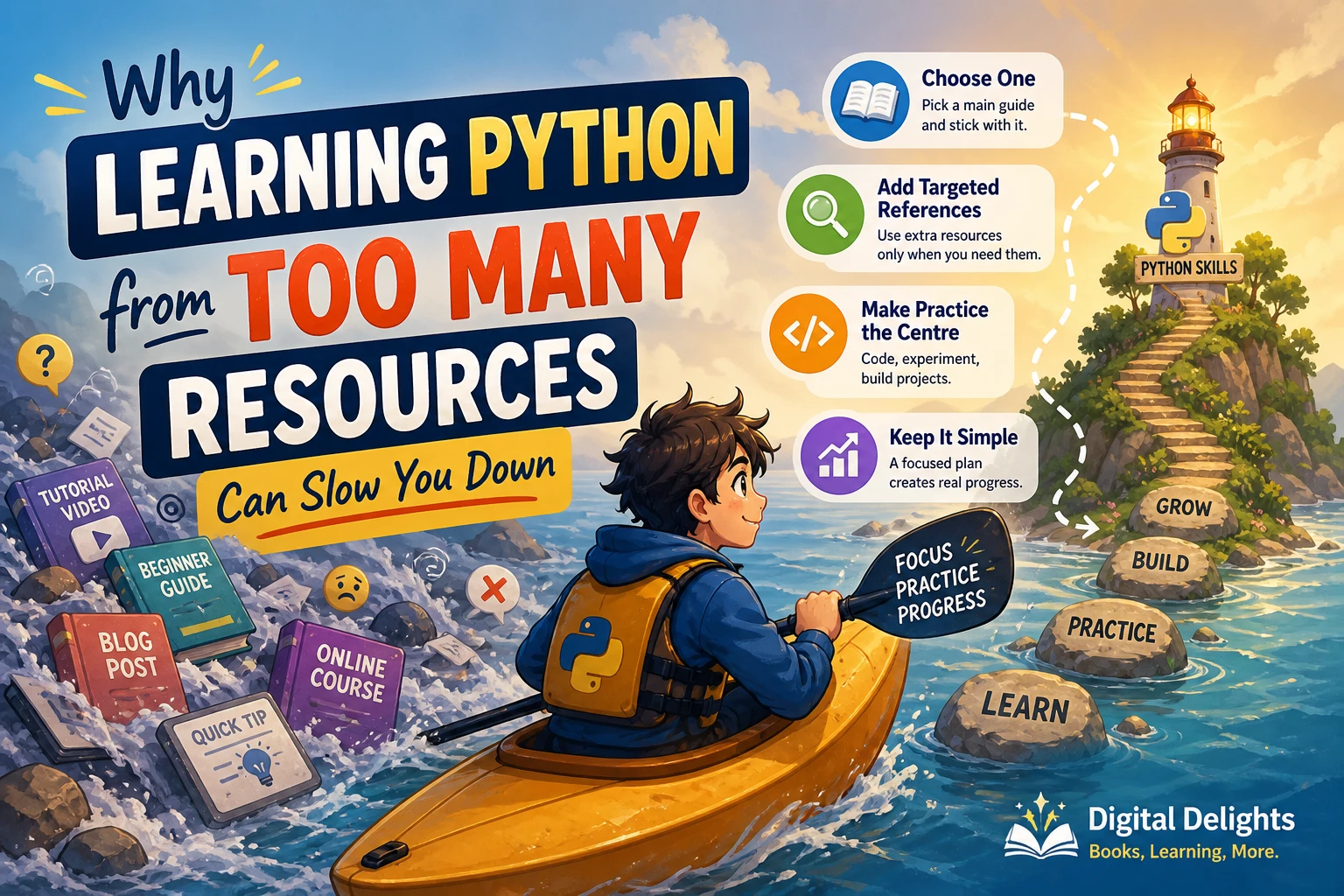
Choose one main learning resource, make time to write code, and build on small successes. If you prefer learning from a digital book, the catalog titles mentioned above offer optional pathways into beginner Python or later machine-learning topics.