What Python Topics Should You Learn Next?
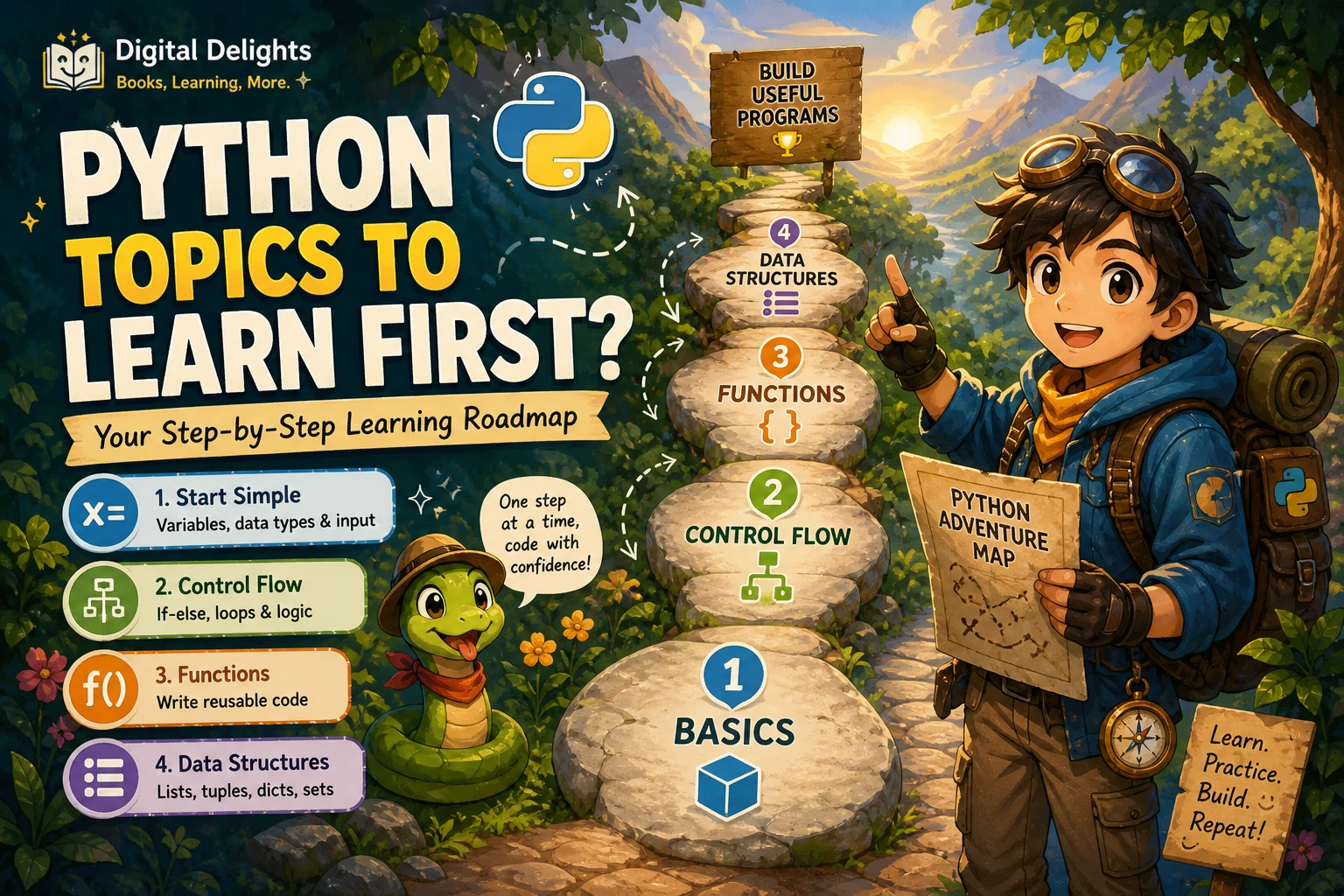
Once you can write basic Python, the next step is not to study every advanced feature or pick a specialty at random. First, practise making small programs readable, testable, and easy to run. Then choose a direction—such as data analysis, automation, web development, or machine learning—by building a modest project that interests you.
A useful progression is: check your fundamentals, strengthen a few skills that transfer across projects, and then specialise where your goals point. This gives you room to explore without getting stuck in tutorial-hopping or taking on several steep learning curves at once.
The short answer: strengthen the foundation, then choose a direction
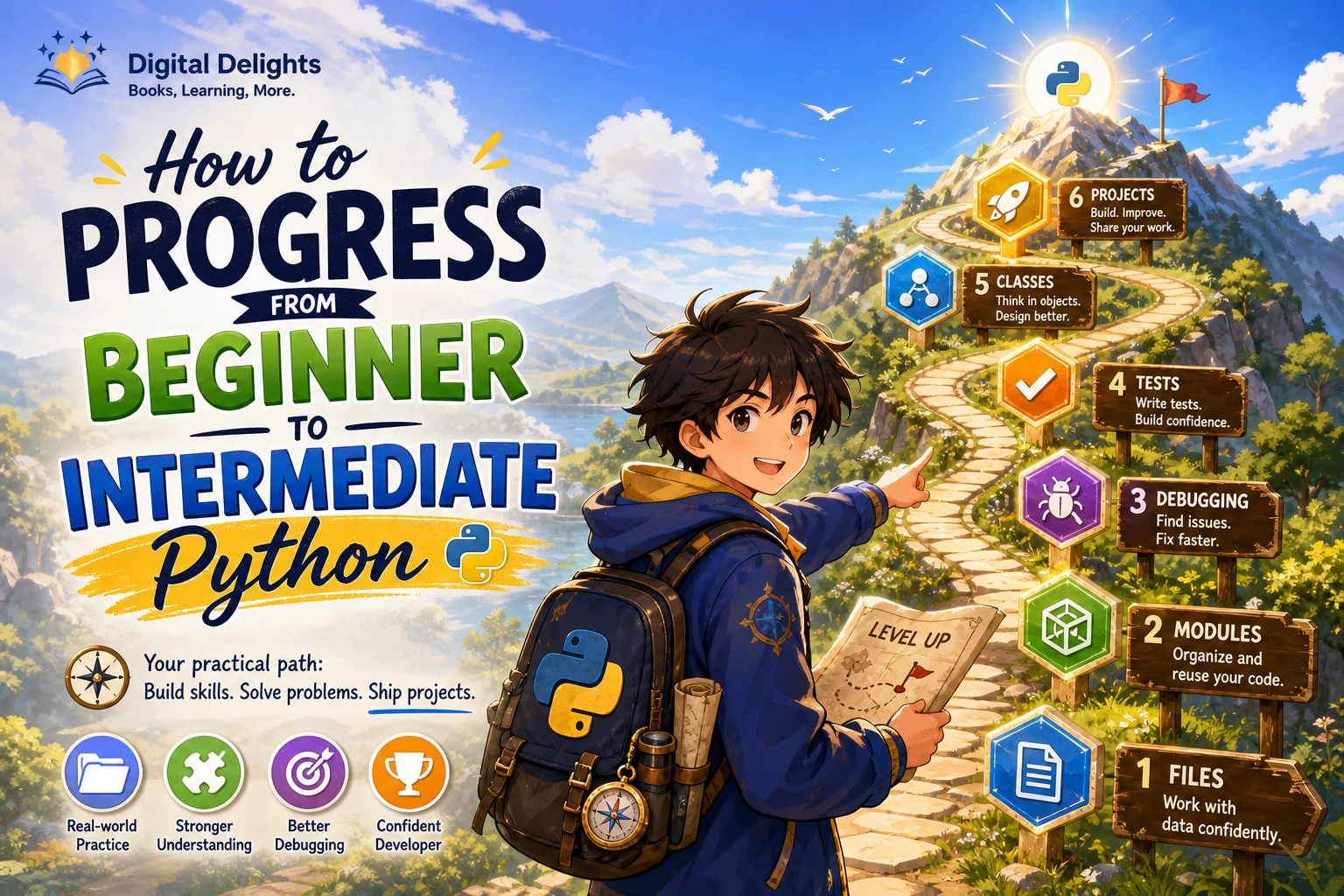
Before moving into a specialty, make sure you can bring several core skills together in a complete program. Practise organising code into functions and modules, working with collections and files, handling errors, and checking that your program behaves as intended. Learn enough about virtual environments and installing packages to reproduce your setup.
After that, pick one project and follow the skills it requires. A spreadsheet task may lead you toward automation; a question about a dataset may lead to analysis; a small service may lead to web development. You do not need to decide your long-term specialisation before you start.
Are you ready to move beyond Python basics?
Use this as a practical self-check, not an exam or a strict prerequisite. You are ready to start exploring next topics if you can do most of the following with some help from documentation or notes:
- Write and call functions, pass arguments, and return results.
- Choose and use common collections such as lists and dictionaries.
- Use loops and conditions to process information.
- Read from and write to files, and handle likely errors with exceptions.
- Understand the basic purpose of classes, even if you do not use them in every program.
- Break a task into steps and investigate an error instead of only copying a fix.
If several items still feel unfamiliar, spend time practising them inside small programs. The goal is not to master every corner of Python before starting a project; it is to have enough footing to understand what the project is teaching you. For a structured review, The Python Apprentice covers Python fundamentals along with topics such as functions, collections, files, testing, and debugging. Think Python: How to Think Like a Computer Scientist, 3rd Edition is another option for learners who want to revisit core concepts through explanations and exercises.
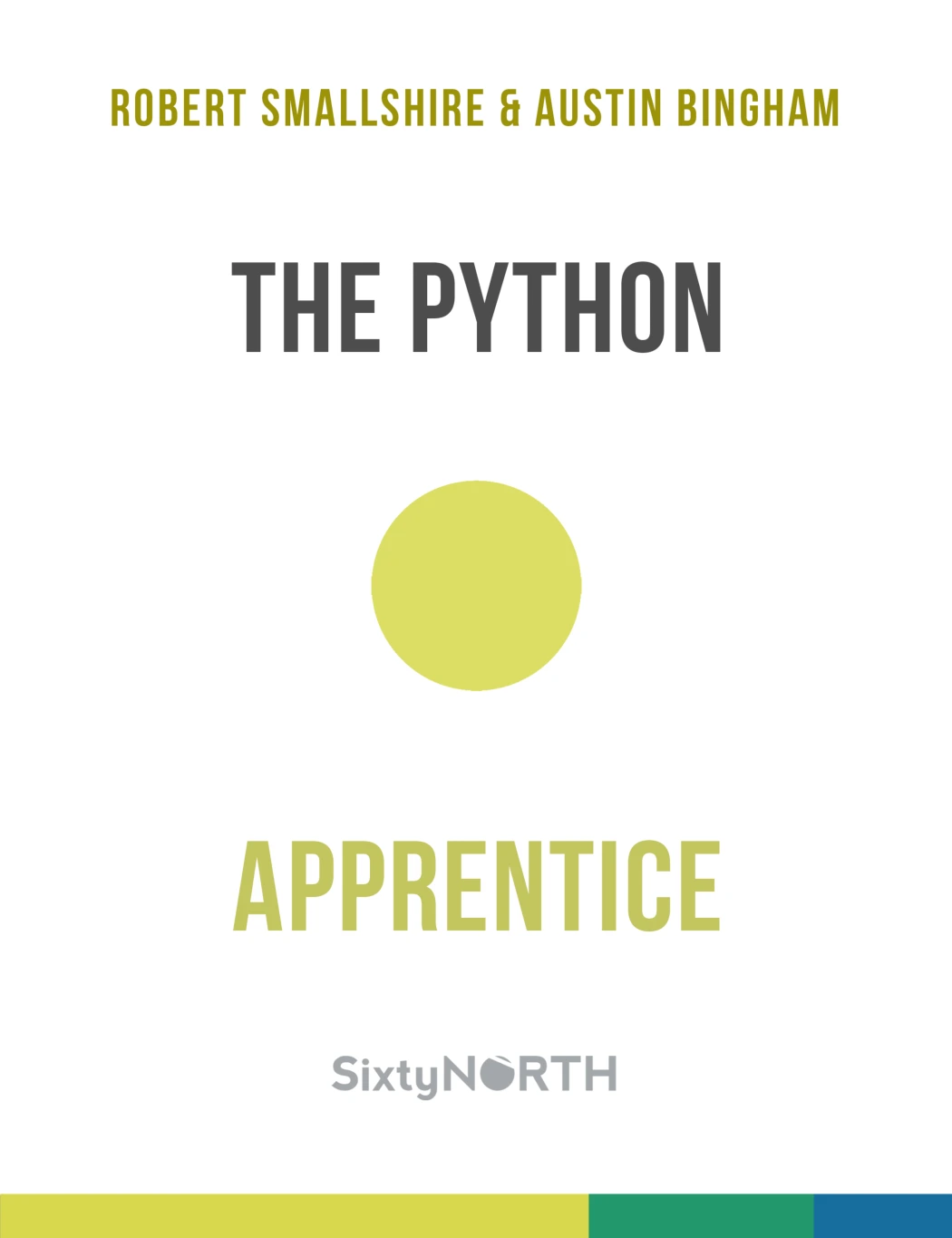
Learners who want to consolidate core Python skills before specialising.
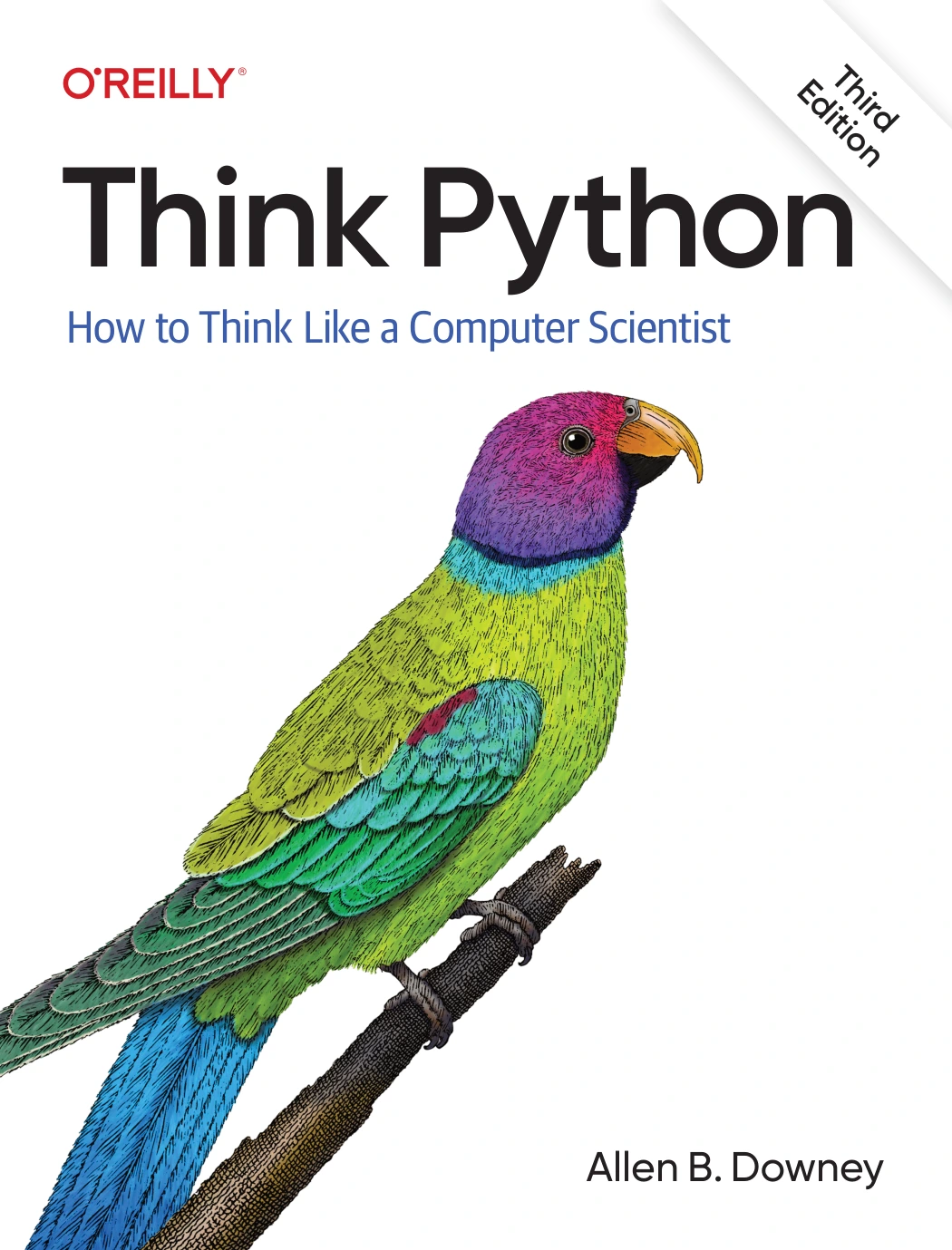
Think Python: How to Think Like a Computer Scientist, 3rd Edition
Self-directed learners who want to reinforce core concepts through practice.
Build skills that transfer to almost any Python project
Whatever direction you choose, a few habits make it easier to work on programs that have more than one file or one short script.
Organise code into functions and modules
Give each function a clear job, use names that explain what values represent, and move related code into modules when a script grows. This makes it easier to find a bug, reuse a piece of logic, or change one part without disturbing the rest. The official Python tutorial is a useful reference for language features including modules, classes, and other core topics.
Practise collections, comprehensions, and iteration
Lists, dictionaries, sets, and tuples are everyday tools for representing and processing information. Get comfortable choosing a suitable collection, looping over its contents, and using comprehensions when they make a transformation clearer. Iterators and generators are worth exploring as you encounter situations where values can be processed one at a time rather than collected all at once.
Test and debug your work
Do not rely only on running a program once and deciding that it looks right. Try normal inputs, empty or unexpected inputs, and cases likely to expose a mistake. Start with simple checks, then learn a testing approach that fits your projects. Debugging is also a skill: read the traceback, isolate the part of the program involved, and test a small change rather than changing several things at once.
Learn virtual environments and package installation
Projects can depend on different third-party packages or versions. A virtual environment helps keep a project’s installed packages separate from other work on the same computer. Learn how to create one, install a package into it, and record or document what the project needs. The Python tutorial includes material on environments and packages; follow the instructions that match your operating system and project.
Use type annotations when they help
Type annotations can make the expected inputs and outputs of functions easier to understand, and development tools can use them to provide checks and suggestions. They are optional and do not make Python enforce types at runtime. Treat them as a useful aid when a project or team benefits from them, not as a hurdle you must clear before building anything.
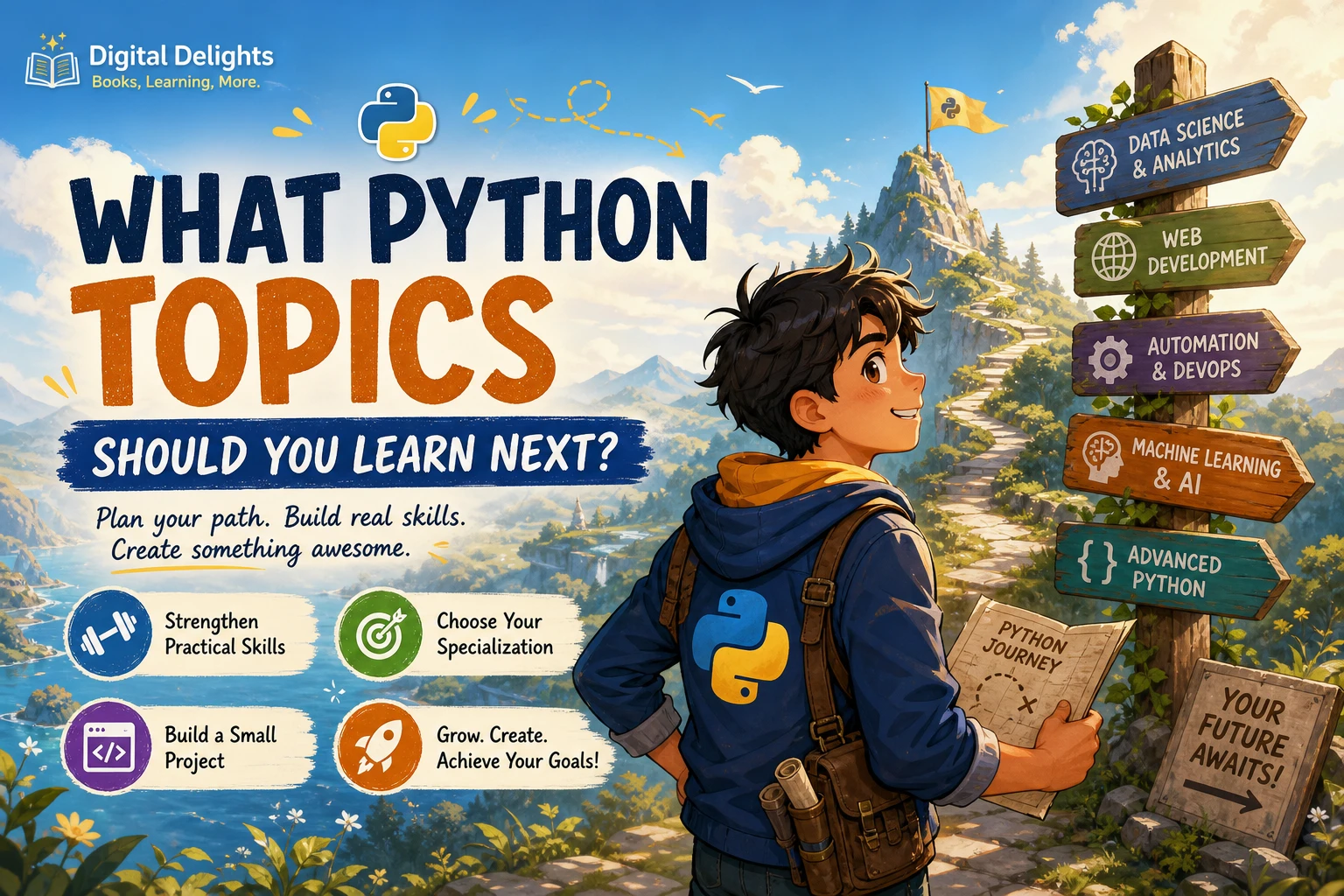
Choose your next Python topic by what you want to build
There is no universal best specialisation. Pick a direction that gives you a concrete problem to solve, and learn the relevant tools as the project calls for them.
| Direction | A suitable first project | Useful next skills |
|---|---|---|
| Data analysis | Clean a small dataset and summarise a question you care about. | Data structures, files, data cleaning, analysis, and clear presentation of results. |
| Automation | Turn a repetitive file or spreadsheet task into a script. | File handling, functions, error handling, and working with packages where needed. |
| Web applications or APIs | Build a small app or a program that requests and processes information from a service. | HTTP concepts, application structure, input validation, and testing. |
| Machine learning | Explore a small labelled dataset and explain what a simple model predicts. | Data preparation, model evaluation, and the Python tools used by your chosen workflow. |
| Deeper Python | Refactor a script into a tested, reusable program. | Iterators, generators, exceptions, object-oriented design, and later, concurrency if a project needs it. |
Data analysis and data science
If you enjoy asking questions of information, begin with a small dataset and a question you can state clearly. Practise loading it, checking for missing or inconsistent values, calculating a few summaries, and explaining what the results do—and do not—show. Python Data Science covers Python programming concepts in the context of data-intensive work and is described for readers who already have programming experience.
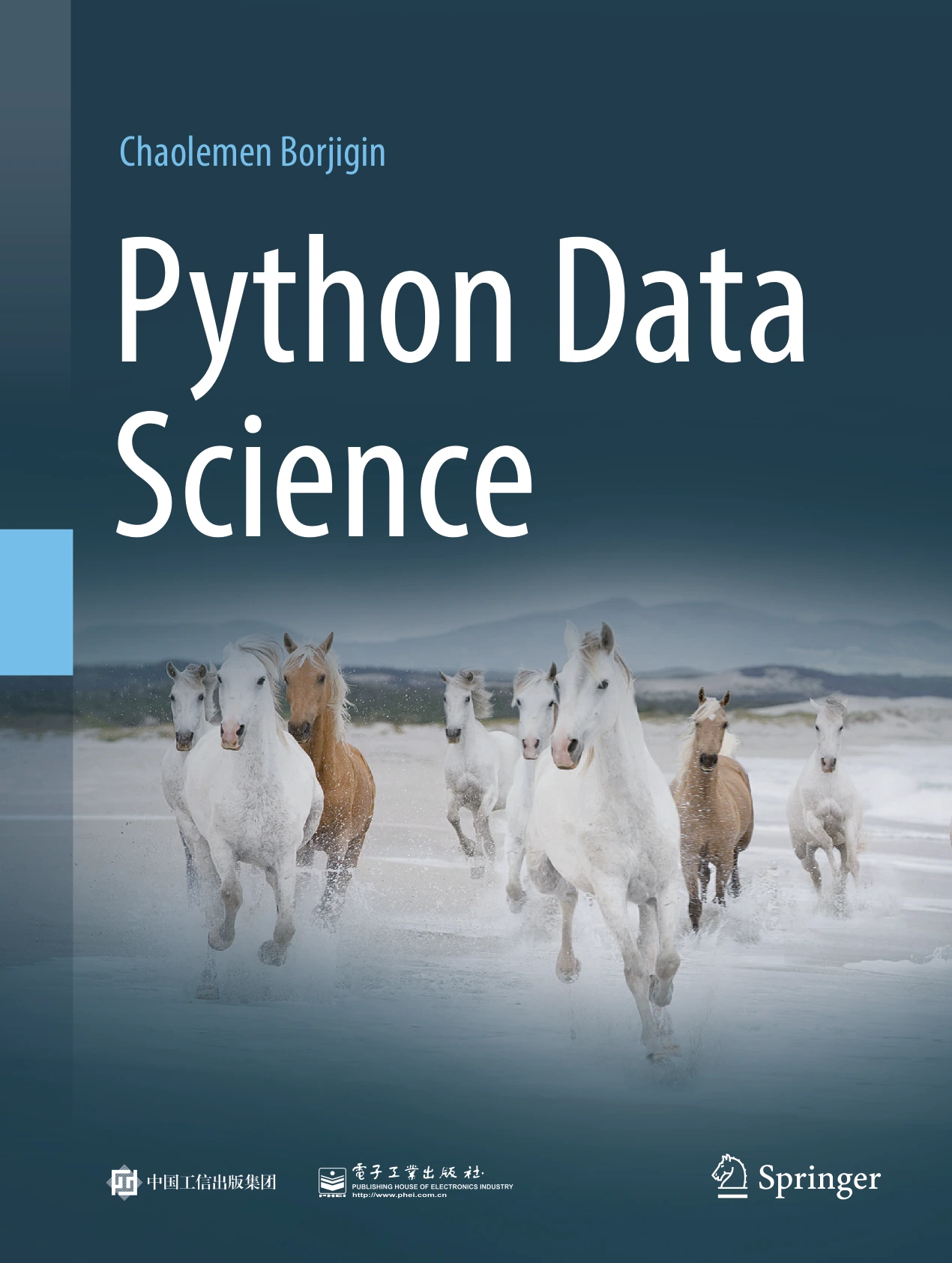
Readers who already have programming experience and want to explore Python in data science.
Automation and spreadsheet workflows
Look for a repeated task that is small enough to automate safely: renaming files, combining routine reports, or applying consistent transformations to tabular data. Keep a copy of the original inputs and check the output before relying on it. For learners who already use spreadsheets, Python for Excel Users: Know Excel? You Can Learn Python connects Python fundamentals with spreadsheet-oriented examples and automation.
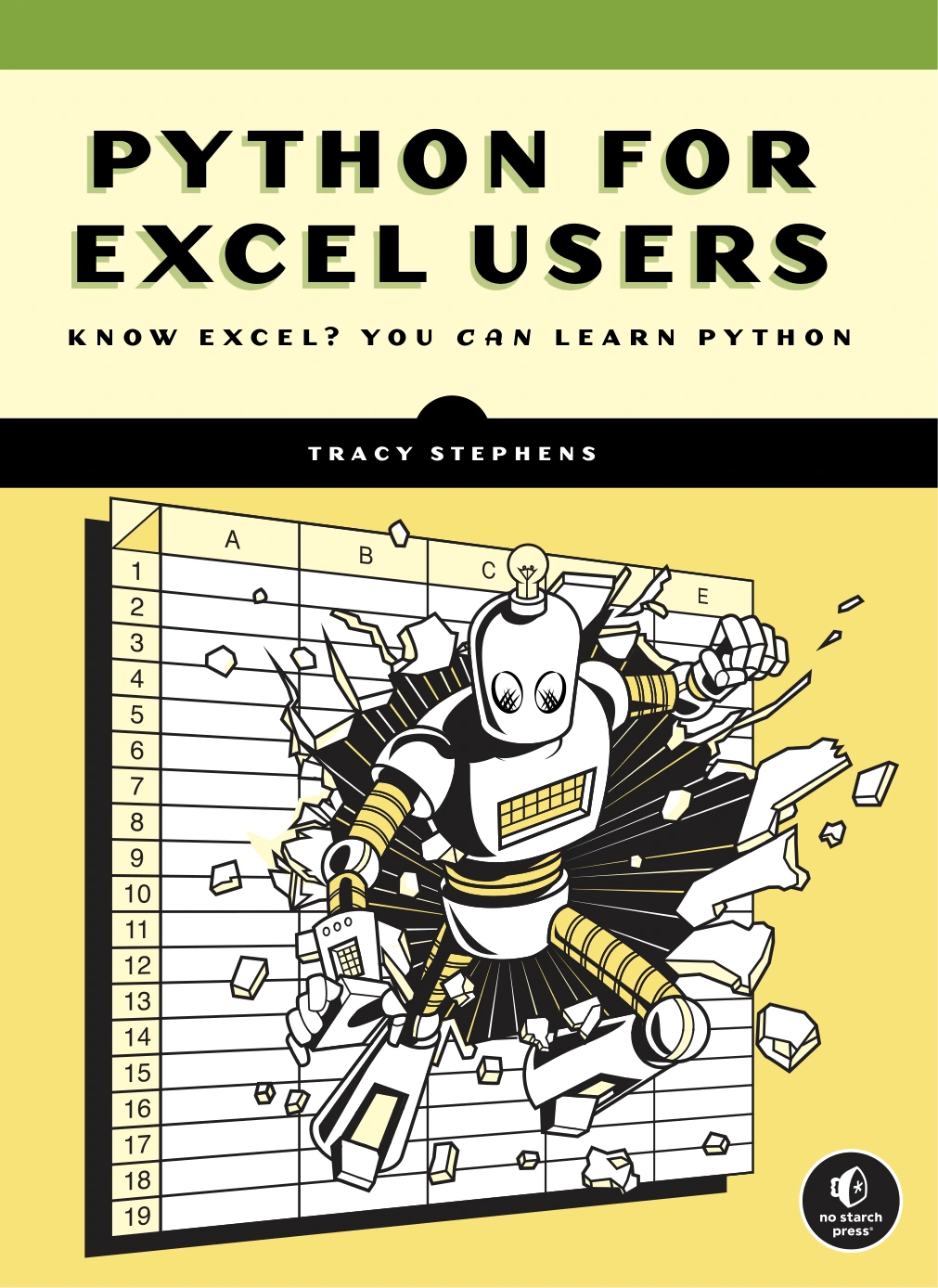
Python for Excel Users: Know Excel? You Can Learn Python
Excel users interested in applying Python to spreadsheet workflows.
Web applications and APIs
Choose this route if you want programs that respond to requests or provide information through an interface. Start with a deliberately small feature, such as returning a result from a simple endpoint or displaying records from a sample dataset. Learn the framework and deployment details only when your project needs them; the general Python foundation still matters for writing, testing, and maintaining the code.
Machine learning
Machine learning is a possible next direction, not a required destination after beginner Python. Before focusing on models, get comfortable handling data and checking whether a result makes sense. A modest first exercise might compare a simple prediction against known outcomes and examine where it is wrong. Hands-on Scikit-Learn for Machine Learning Applications is aimed at readers with intermediate programming skills and covers classification, regression, and model tuning with Python tools.
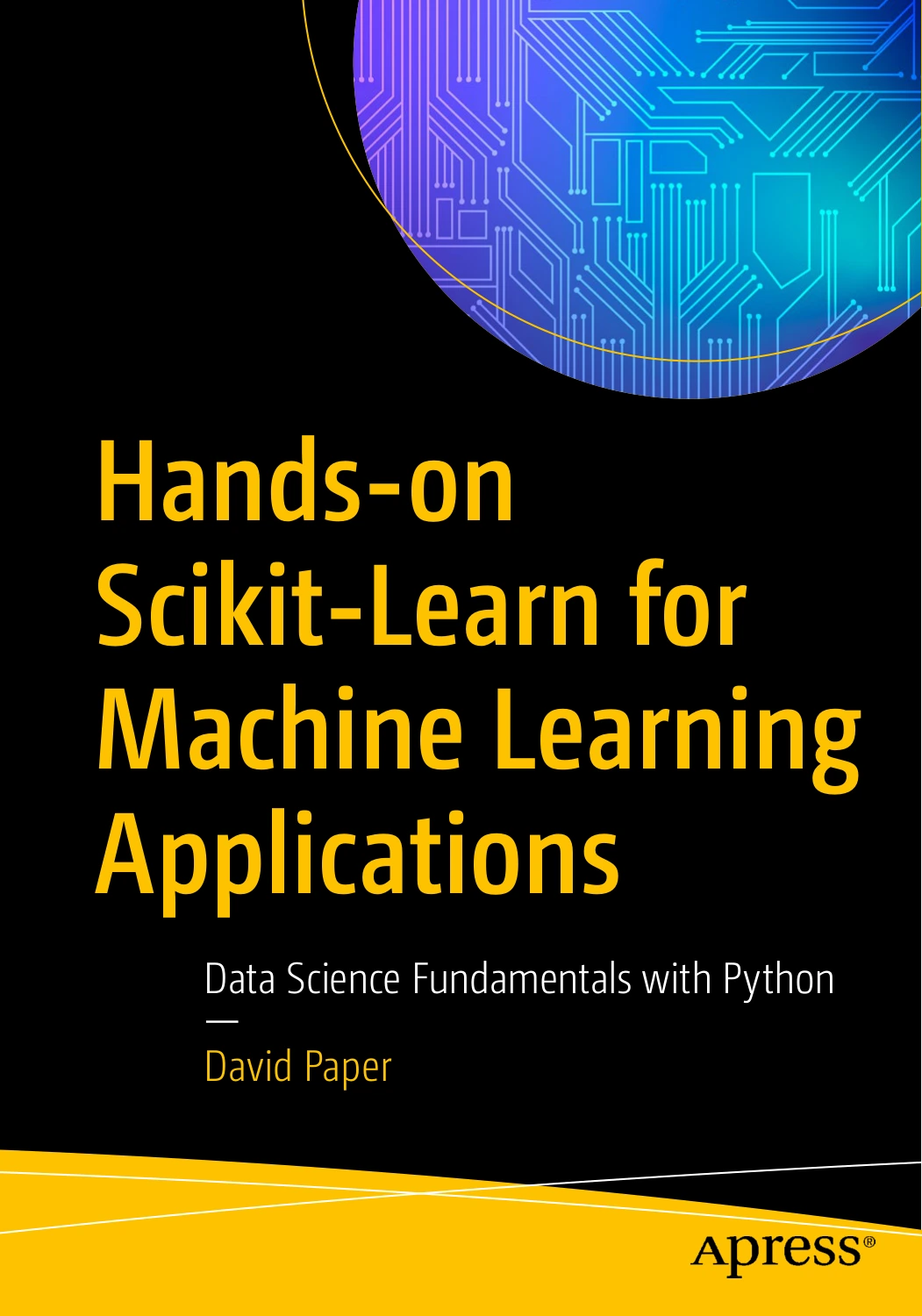
Hands-on Scikit-Learn for Machine Learning Applications: Data Science Fundamentals with Python
By David Paper
Learners with intermediate programming skills exploring machine learning with Python.
Advanced Python concepts
Study advanced language features when they solve a problem you have encountered. Generators can be useful when processing a sequence incrementally; concurrency may matter when a program has work that can be managed concurrently. These ideas are easier to understand when connected to a real need than when collected as a checklist. For readers already comfortable with the basics, Python Advanced Programming covers topics including generators, debugging, testing, and multiprocessing.
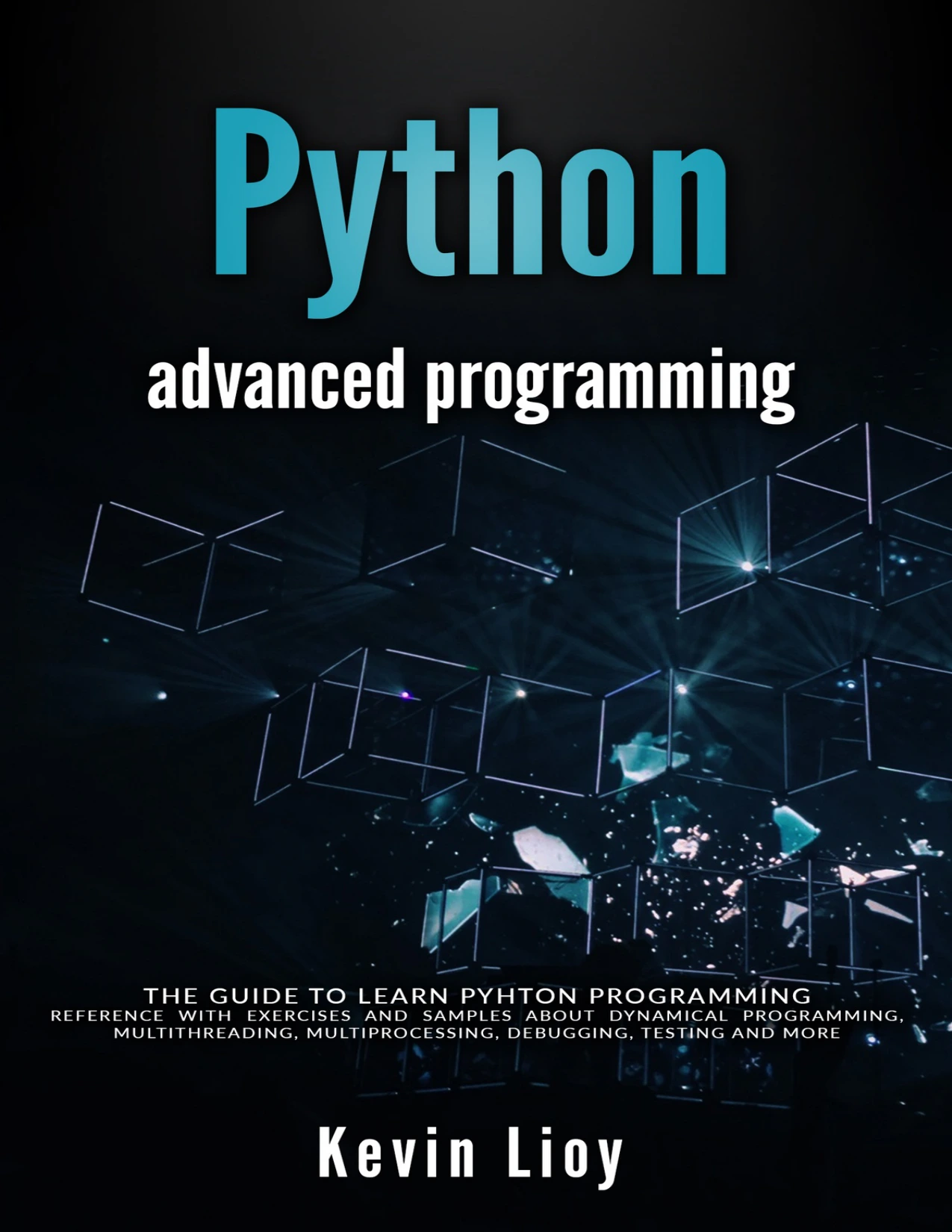
By Kevin Lioy
Readers comfortable with Python basics who want to explore generators, testing, debugging, or multiprocessing.
Turn your choice into a learning project
A project helps reveal which concept to learn next. Keep the first version small enough to finish, then improve it in stages:
- Write down one outcome. For example, “summarise these files” is more useful than “learn data science.”
- Build the smallest working version. Use a small sample, a simple interface, or a limited set of inputs.
- Make the code understandable. Divide repeated or distinct tasks into functions and name things clearly.
- Test ordinary and awkward cases. Check missing files, blank values, invalid input, or other failures your project could encounter.
- Identify the next obstacle. Learn the specific library, language feature, or tool needed to solve it.
- Document how to run it. Note the Python version and dependencies, and use a project environment where appropriate.
This approach combines deliberate practice with application. The publisher’s description of Python Workout, Second Edition positions it as practice for readers who already know core Python structures and functions. The publisher description of Python Crash Course, 3rd Edition also illustrates a project-oriented route. These are examples of complementary approaches, not proof that one sequence works best for every learner.
Check Python and library compatibility
Use a supported Python version, but do not assume that the newest version is automatically the right choice for every project. A library, course, workplace, or deployment environment may specify its own compatibility requirements. Check those requirements before installing packages or using a newer language feature. The official What’s New in Python pages describe changes by release; consult the documentation relevant to the interpreter and tools you plan to use.
Common mistakes when choosing what to learn next
- Collecting advanced topics without practising. One finished, understandable project can teach more than a long list of bookmarked tutorials.
- Trying to pursue several specialisations at once. Explore one direction through a small project, then reassess.
- Copying examples without changing them. Modify inputs, add a feature, and test a failure case so you know what the code is doing.
- Skipping program structure and testing. A script that runs once is not necessarily easy to change or dependable with different inputs.
- Assuming a specialty is compulsory. You do not need machine learning, web development, or advanced concurrency unless those topics connect to your goals or project.
Frequently asked questions
How do I know I’m ready to move beyond Python basics?
If you can use functions and common collections, work with files, handle straightforward errors, and follow the structure of a small program, you can begin a project in a new area. You do not need to feel fully confident in every topic first. Use the project to identify and practise gaps in your knowledge.
Should I learn advanced Python or start a project?
Start a small project and learn advanced concepts as they become relevant. Continue practising fundamentals such as functions, modules, testing, and debugging along the way. This keeps advanced topics connected to a purpose rather than turning them into disconnected memorisation.
Do I need to learn machine learning after Python?
No. Machine learning is one of several possible paths. Data analysis, automation, web applications, and deeper general Python skills are also reasonable choices. Choose based on what you want to build or understand.
Should I learn testing and type hints?
Testing is useful for checking that your program behaves as expected, especially as it grows or changes. Type hints are optional annotations that can help readers and development tools understand code; they are not enforced at runtime by Python. You can learn both gradually, applying them where they make your work clearer or easier to check.
Choose one useful next step
After Python basics, build a shared foundation in program structure, testing, debugging, and project environments. Then choose one modest project that fits your interests and follow the skills it requires. If you want to compare more learning material, browse the Python books and resources category at Digital Delights. The best next topic is the one that helps you make something, understand it, and improve it.