Moving from beginner to intermediate Python is less about collecting new syntax and more about using familiar tools to build programs that are complete, organized, and dependable. If you can write a small script with variables, conditions, loops, collections, and functions, you have a solid base to build on.
The next step is to work with files and errors, divide code into modules, debug problems systematically, and add tests. Classes and type hints can help too, but neither is a badge you need to earn before making useful programs. This guide offers a practical sequence, a project you can extend, and capability-based ways to judge your progress.
A practical readiness check
There is no official line separating beginner Python from intermediate Python. As a practical starting point, ask whether you can:
- Store values in variables and use strings, numbers, lists, and dictionaries.
- Use conditions and loops to control what a program does.
- Write a function that accepts inputs and returns a useful result.
- Save code in a
.pyfile and run it, rather than only entering commands interactively. - Read a simple error message and make a first attempt to find the relevant line.
If some items are still unfamiliar, revisit them through small examples before adding more topics. The official Python tutorial introduces core language features and notes that it is not intended to cover every part of Python. Treat it as a guide and reference, and spend time running and modifying code as you read.
How to progress from beginner to intermediate Python
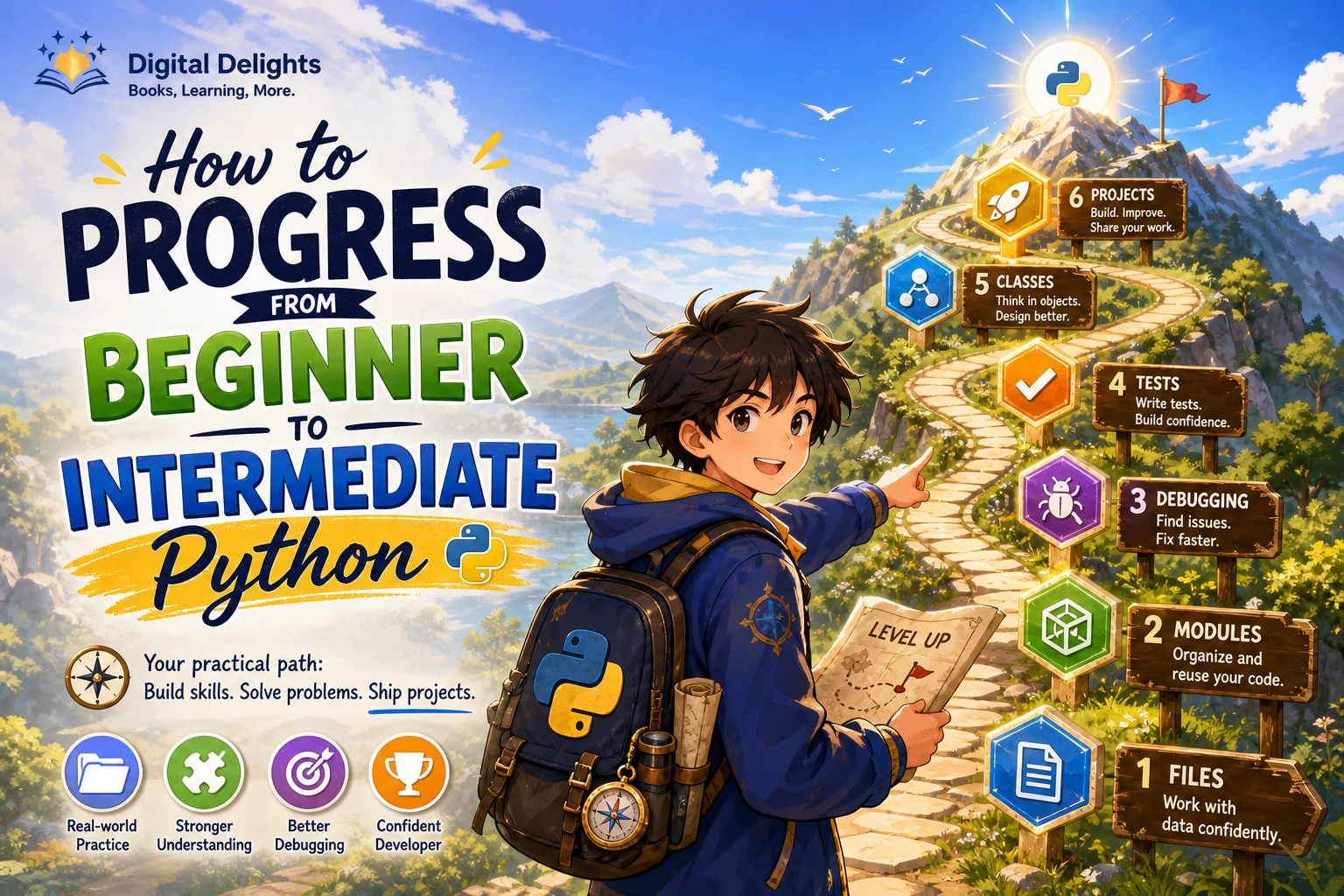
A useful learning path is to move from core language skills toward complete, testable programs. The sequence below is editorial guidance, not a formal curriculum: adjust it when a project gives you a reason to learn a topic sooner.
1. Make functions and collections work together
Functions help you give a task a name, accept the information it needs, and return a result. Practise dividing a problem into small functions with clear responsibilities. At the same time, get comfortable choosing a suitable data structure: a list for an ordered collection, a dictionary for values looked up by key, or a set when you need distinct items.
For example, a reading tracker might use a list of dictionaries, with each dictionary storing a book title and its status. A function could add a record, another could find unfinished books, and a third could display a summary. Focus on making each function understandable and checking what happens when it receives unexpected or missing data.
2. Work with files and handle errors
A script becomes more useful when it can keep information after it closes. Learn to read from and write to a text file, and explore a simple structured format such as JSON or CSV when it suits the data. Use Python’s built-in tools rather than building file handling from scratch.
Then consider what could go wrong: a file may not exist, a user may enter a blank value, or stored data may not have the shape you expected. Use exceptions to handle anticipated problems and give a clear message or recovery option. Avoid catching every possible error with a broad, silent exception handler; that can hide bugs instead of helping you understand them.
3. Split a growing program into modules
When a script becomes difficult to navigate, move related functions into separate files. A module is a Python file whose definitions can be imported by another file. For instance, a small tracker could keep its command-line interaction in one module and its file-reading and file-writing functions in another.
Python’s documentation explains how modules let you organize definitions and reuse them across programs. Start with a simple structure and clear filenames; avoid creating a large hierarchy before the project needs one. See the Python documentation on modules.
4. Debug deliberately and write repeatable tests
When a program behaves unexpectedly, reduce the problem: identify the input, reproduce the behavior, inspect relevant values, and check the assumptions in the code. Temporary print statements can help, but remove or replace them once you understand the issue.
Next, write checks for important behavior so you can run them again after making changes. Python’s standard library includes doctest and unittest for this purpose. Start with small cases, including edge cases such as empty input or a missing record. The standard-library tutorial introduces both tools.
5. Learn classes when they clarify the design
Classes are useful when a program benefits from grouping related data and behavior into objects. They are not required for every project. A short script that transforms a list may be easier to understand with a few functions; a program that manages many records with shared behavior may benefit from classes.
Before introducing a class, describe the problem it solves. If the answer is only “I have reached the object-oriented chapter,” try the simpler design first. Learn to read and use classes, then practise creating one when it makes the program’s responsibilities clearer.
6. Add introductory type hints
Type hints can document what a function expects and returns, making interfaces easier to read. For example, a function might indicate that it takes a list of names and returns a count. Python does not enforce annotations at runtime; they can support clarity and external checking tools, but they do not replace validation or tests. The typing documentation explains the role and limits of annotations.
Practise by extending one small project
Rather than starting a new tutorial every time you meet a new topic, choose a modest project and improve it in stages. A command-line habit tracker, reading list, or personal expense log can begin with a few functions and grow as you learn.
- Build the basic version: Let the user add an item, view saved items, and exit.
- Improve the interaction: Check that required values are present and show helpful prompts for invalid choices.
- Save the data: Read records at startup and write updates to a file.
- Handle expected failures: Decide what the program should do if the file is missing or its contents cannot be read.
- Organize the code: Separate the user interface from data-handling functions if the script has become hard to follow.
- Add tests: Check core functions with normal, empty, and unusual inputs.
- Review the design: Consider whether a class or type hints would improve clarity, rather than adding them automatically.
Keep each change small enough that you can explain what it does. When something breaks, use the error and the latest change to investigate instead of replacing the project with a copied solution.
What intermediate Python looks like in practice
“Intermediate” is not a certification or a universally agreed level. A more useful measure is what you can do without following every line of a tutorial. You may be moving beyond beginner work when you can:
- Turn a small problem into a working program with more than one module.
- Choose basic data structures and divide work into functions with clear purposes.
- Anticipate likely invalid input and handle expected errors without obscuring unrelated bugs.
- Use a relevant standard-library tool for a task such as testing, file handling, or data processing.
- Write checks for important behavior and use them after changing the program.
- Explain why your code is organized as it is and identify a sensible next improvement.
You do not need to know every library or advanced feature. The aim is to become more independent at turning a defined problem into code, checking the result, and improving the design.
Common traps that slow progress
- Tutorial-hopping: Switching courses whenever a topic feels difficult can leave you with many partial introductions. Finish a small exercise or project before changing resources.
- Copying code without adapting it: After following an example, change its inputs, add a feature, or deliberately test an edge case. That reveals whether you understand the moving parts.
- Rushing into advanced subjects: Frameworks and specialized libraries are easier to approach when functions, collections, files, and debugging are familiar.
- Treating classes as a level marker: Classes are one design tool, not proof of proficiency. Use them when they help represent the problem.
- Assuming type hints guarantee correctness: Annotations do not validate user input at runtime. Keep appropriate checks and tests.
- Expecting a fixed timetable: The sources here do not establish how long progression should take. Let your ability to build and explain a small program guide your next step.
Learning resources and choosing what to study next
Use the official tutorial as a reference for language features, and practise by writing code alongside your reading. If you prefer a book or workbook, choose based on the skill you want to work on, not just the word “intermediate” in a title. Catalog descriptions can help identify stated subject coverage, but they do not establish how effective a resource will be for every learner.
| Learning need | Resource | What the catalog description covers |
|---|---|---|
| Revisit a broad foundation | Python 101 | Core Python topics, standard-library modules, debugging, testing, and packaging. |
| Practise fundamentals through questions | Python Workbook for Absolute Beginners [Part 1] | Question-and-answer practice on topics including variables, collections, conditions, loops, and functions. |
| Follow a structured course of study | 100 Days of Coding in Python | A day-by-day approach covering Python fundamentals and broader programming topics such as algorithms, data structures, and design patterns. |
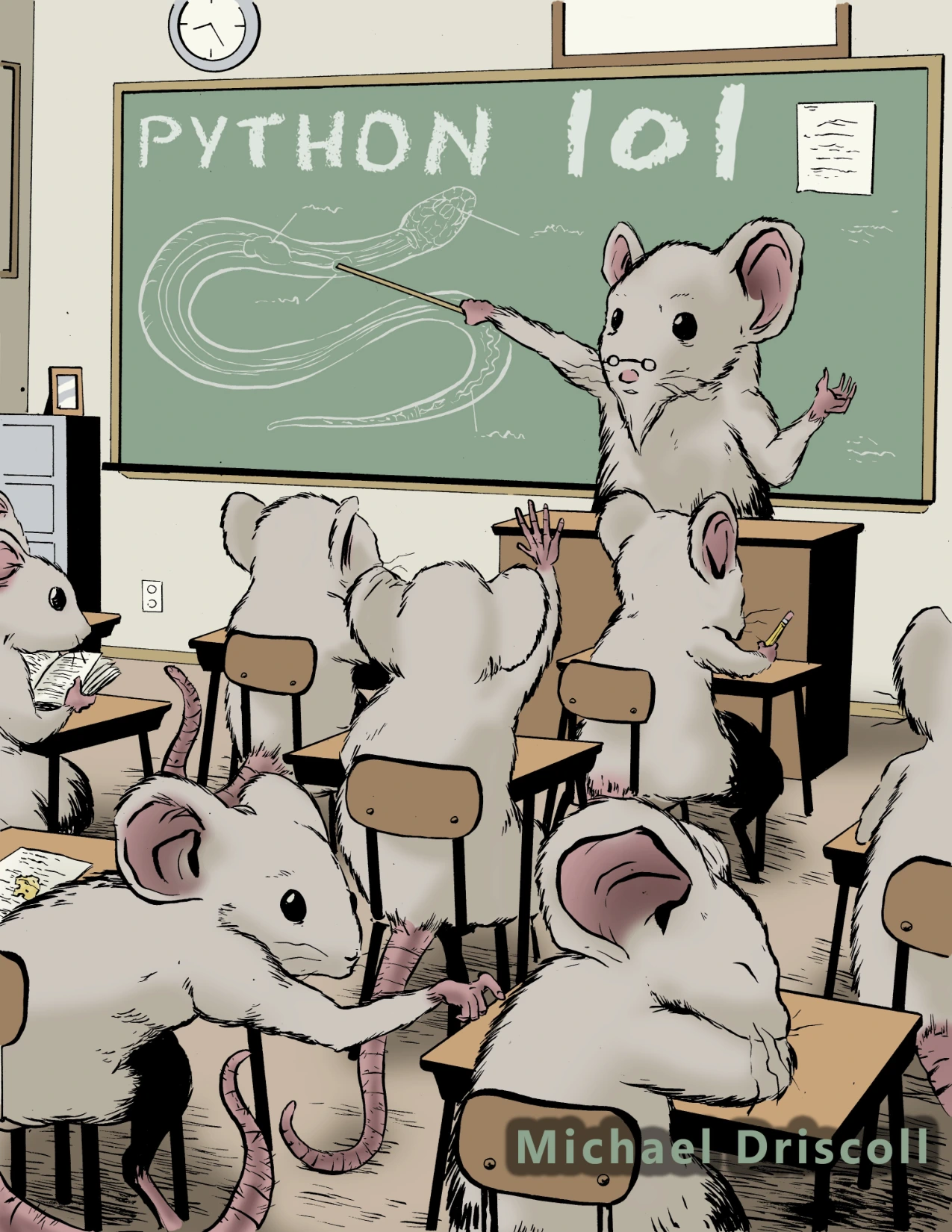
Learners who want to review core Python and explore a wider range of practical topics.
![cover of python workbook for absolute beginners [part 1]](https://cdn.digitaldelights.co/wp-media-folder-digital-delights/wp-content/uploads/2026/09/Python-Workbook-for-Absolute-Beginners-Part-1.webp "how to progress from beginner to intermediate python")
Python Workbook for Absolute Beginners [Part 1]
Learners who want to practise variables, collections, conditions, loops, and functions through questions.
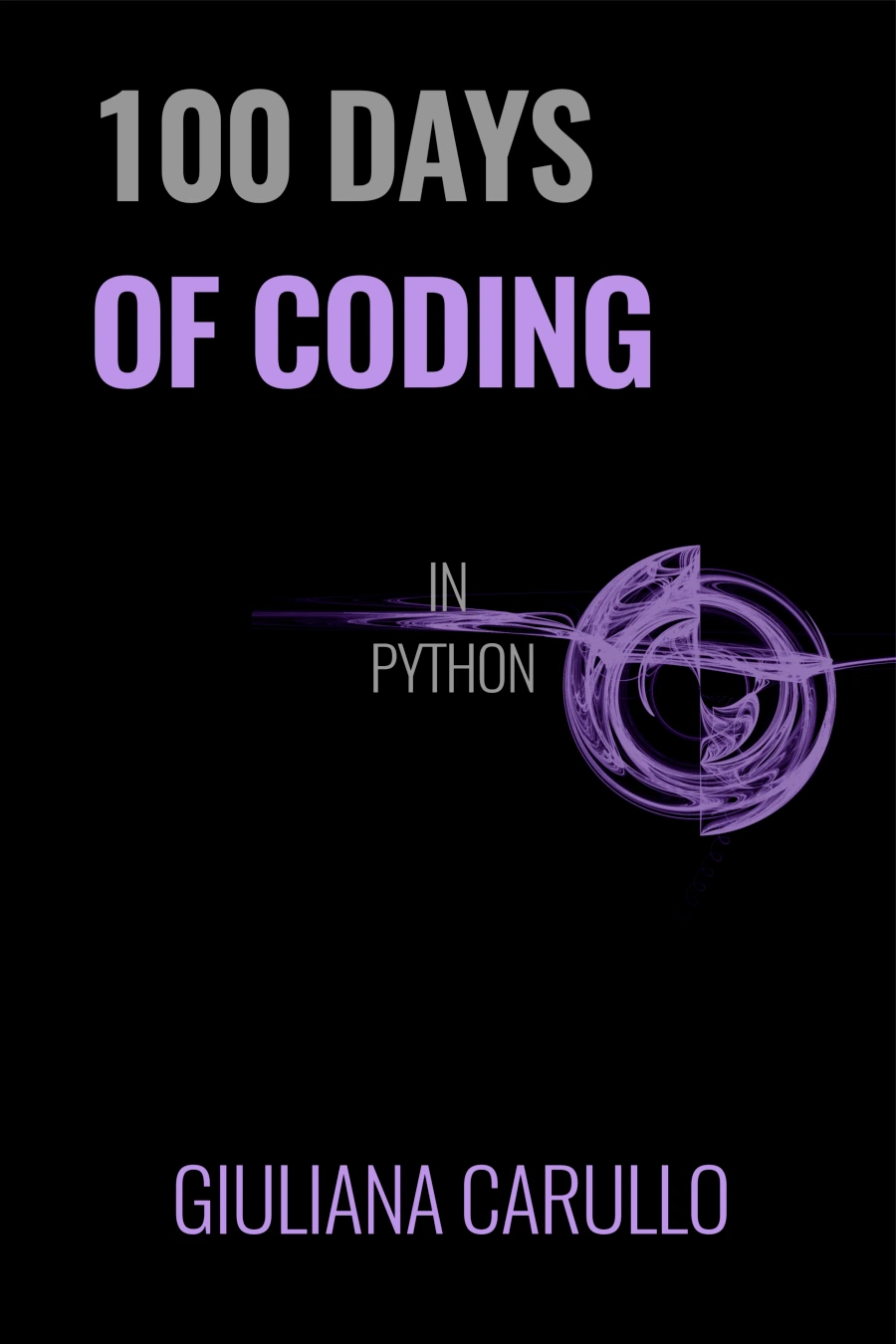
Self-directed learners who prefer a day-by-day format and want to explore algorithms and data structures alongside Python.
These are different formats and stated topic ranges, not a quality ranking. You can also browse the Python category for other titles and select one that matches your current gap. Before adopting newer syntax or installing tools for a project, check the Python version that project requires and use compatible documentation. The release details on Python.org downloads are a place to verify available releases.
Frequently asked questions
When should I start learning Python classes?
Learn what classes are once you are comfortable with functions, collections, and basic program structure. Practise creating a class when grouping data and related behavior makes a particular program easier to understand. You do not need to force classes into every script.
How much practice does it take to become intermediate in Python?
There is no evidence-backed number of hours or projects that applies to everyone. Work until you can build a small program, handle likely problems, organize its code, and check important behavior without relying on a line-by-line tutorial. Those capabilities are more useful indicators than a calendar target.
Do I need to choose a Python specialization now?
No. Build general programming habits first, then choose a direction when a project gives you a reason—for example, automation, data analysis, web development, or another area. A focused project can show you which tools and concepts to learn next.
Should I learn type hints before testing?
You can introduce type hints when they make function inputs and outputs clearer, but they do not replace tests. Tests check behavior; annotations describe intended types and may be used by external tools. Learning both is useful, but neither needs to delay your first complete project.
Conclusion
Progress beyond beginner Python by making small programs more complete: use functions and collections thoughtfully, save and validate data, organize code into modules, and check behavior with tests. Add classes and type hints when they solve a real clarity problem. A small project you can explain and improve is a more dependable measure of progress than a long list of syntax topics.