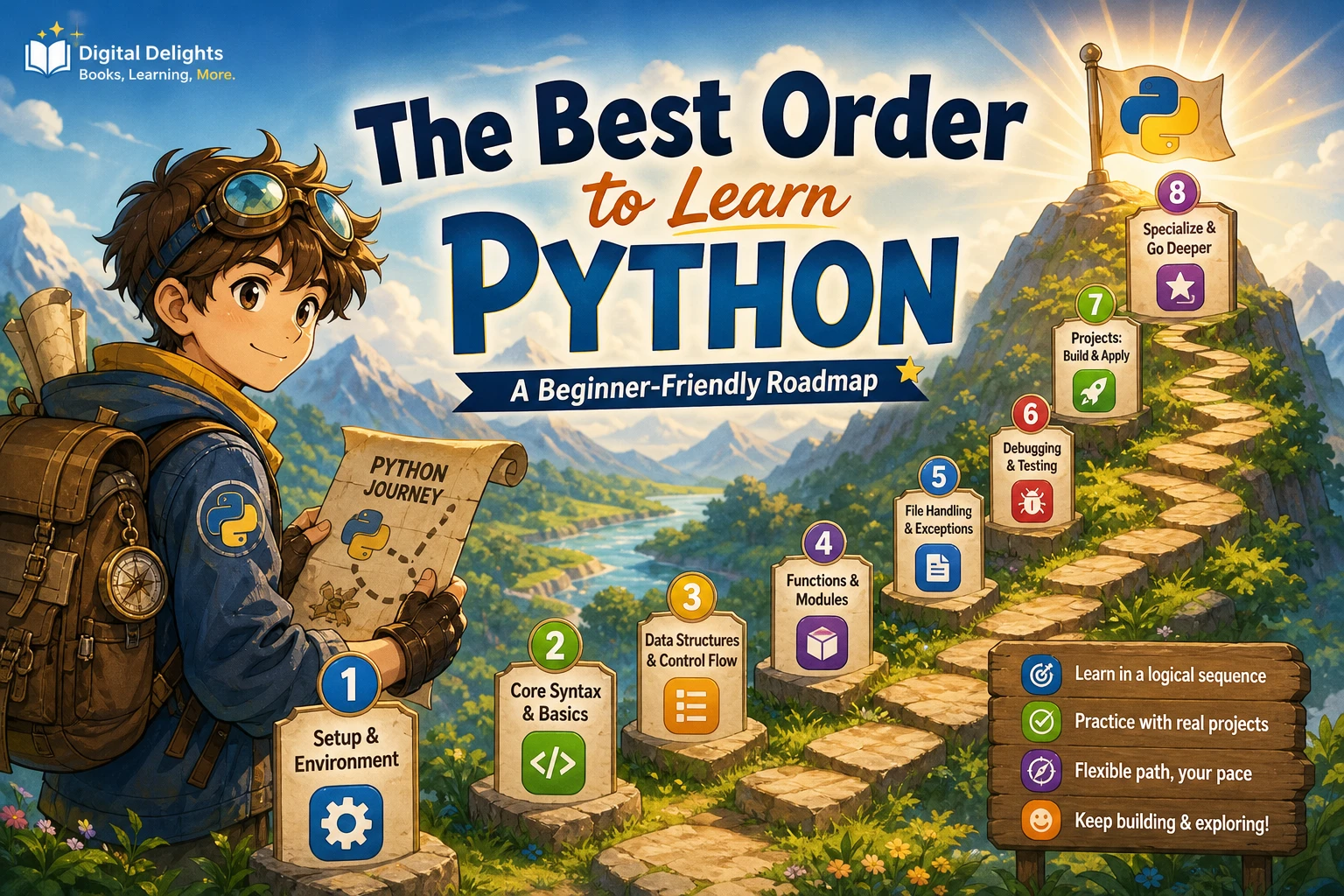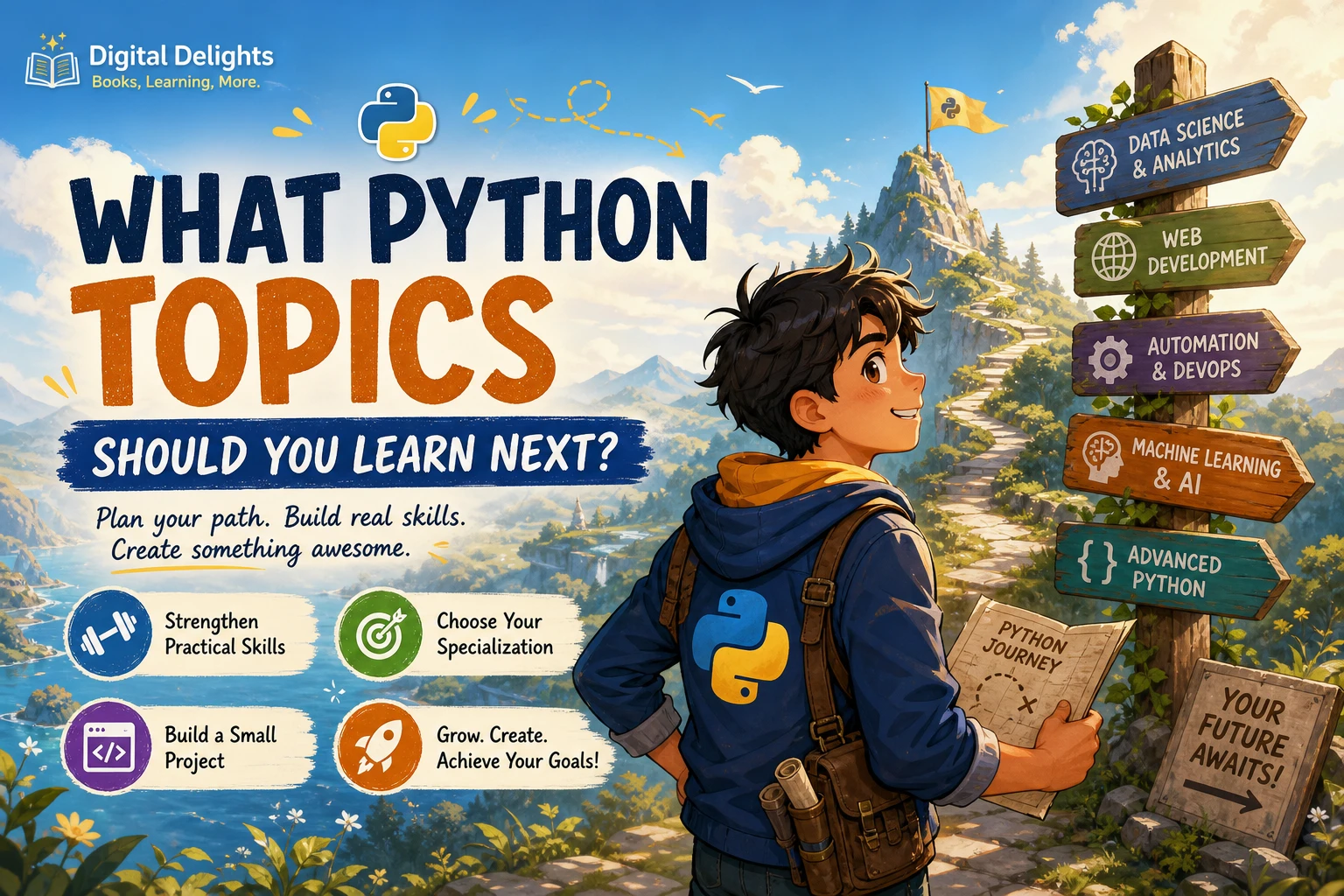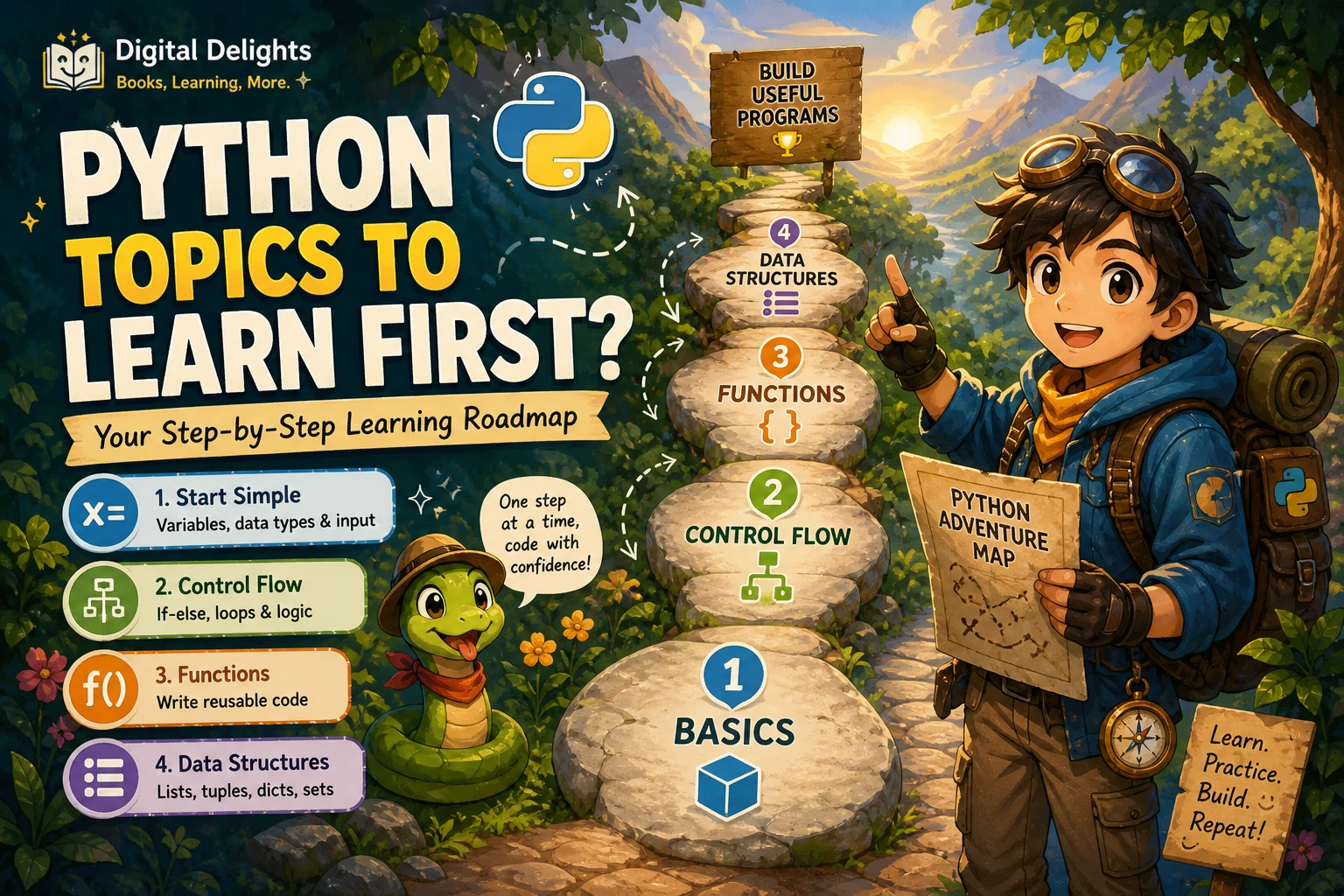
What Python Topics Should You Learn First?
When you start learning Python, the number of possible topics can make it hard to choose a first step. The practical answer is to begin with the basics that help you write small programs: running code, understanding values and variables, using conditions and loops, writing functions, and working with common data structures. Then add files, error handling, modules, classes, and external packages as your projects call for them.
This sequence is a useful roadmap, not a rule that every learner must follow. The official Python tutorial follows a similar progression, though it expects readers to have some general programming knowledge. If you are completely new to coding, take time to understand each idea with small examples before moving on.
The Python topics to learn first, in order
- Run Python and learn to read error messages.
- Understand values, variables, strings, numbers, operators, and basic input and output.
- Use conditions, loops, and functions to control and organize programs.
- Practise with lists, dictionaries, tuples, and sets.
- Build small scripts that work with files, exceptions, and modules.
- Learn classes and external packages when a project gives you a reason to use them.
The point is not to memorize every feature before writing code. Learn one concept, use it in a small task, and revisit it when you meet a more challenging problem.
1. Run Python and get comfortable with errors
Start by running a short line of Python, either in an interactive interpreter or in a script file. Try a simple expression such as 2 + 3, then print a result with print("Hello, Python"). The goal is to establish a simple cycle: write code, run it, inspect what happened, and make a change.
Errors are part of that cycle. A syntax error means Python cannot parse the code as written—for example, a missing closing quote. An exception occurs while code is running, such as trying to convert unsuitable text into a number. Read the error message and identify the line or operation it points to before changing anything. This habit is more useful than guessing at fixes.
2. Learn values, variables, and basic input and output
Next, learn the kinds of values your program can store and use. Begin with numbers, text strings, and Boolean values (True and False). Assign values to variables so your code can refer to them by name:
name = "Mina"
reading_minutes = 25
print(name, "read for", reading_minutes, "minutes")
Practise combining values with operators, comparing numbers and text, and getting input from a user. Keep track of types: text such as "25" is not the same as the number 25. Being able to recognize and convert between types will help prevent common beginner mistakes.
3. Add conditions, loops, and functions
These topics let a script make decisions, repeat work, and avoid duplicating the same instructions.
Conditions
Use if, elif, and else to choose what happens based on a condition. For example, a reading tracker could display a different message depending on whether a daily goal has been reached.
Loops
A for loop is useful for processing each item in a collection. A while loop repeats while a condition remains true. Practise both, and make sure you understand when a loop stops; a condition that never changes can create an endless loop.
Functions
Functions give a name to a task you may want to perform more than once. Learn how to define a function, pass information through parameters, and return a result. For instance, a function that calculates the remaining minutes in a daily reading goal is easier to reuse than copying the same calculation throughout a script.
If you want a guided introduction to foundational concepts such as variables, control flow, data structures, and functions, Python Programming for Beginners: Learn Python in a Step by Step Approach is a catalog resource aimed at readers starting without prior programming knowledge.
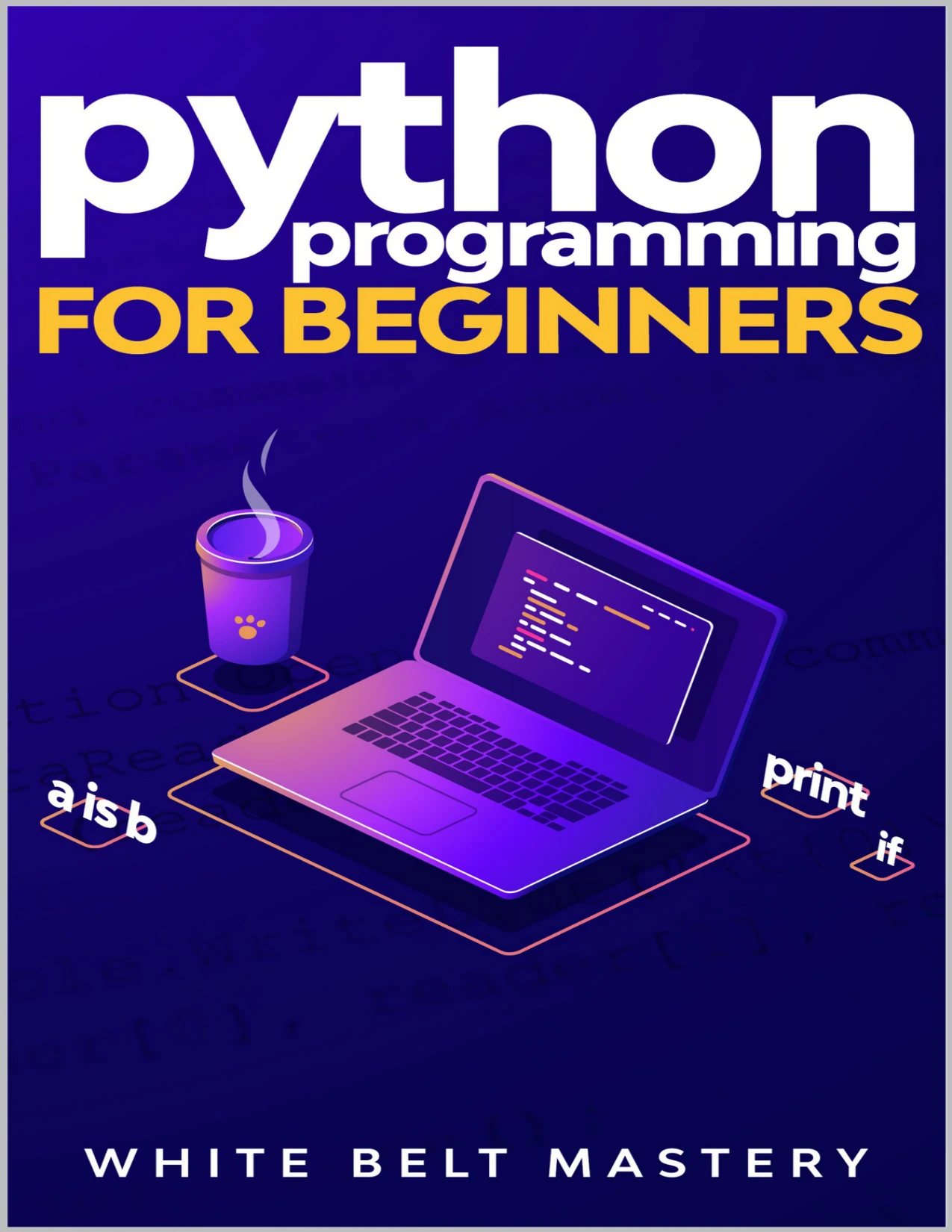
Readers starting without prior programming knowledge who want a step-by-step guide covering fundamentals such as control flow, data structures, and functions.
4. Practise with Python’s built-in data structures
Data structures help you keep related information together. Start with the built-in types below and practise choosing one that fits a task:
- Lists: ordered collections you can change, such as a sequence of tasks.
- Dictionaries: key-value mappings, such as a record that associates a person’s name with a reading goal.
- Tuples: ordered collections often used for a fixed group of related values.
- Sets: collections useful when you need distinct items or want to compare membership.
Then practise indexing, adding or removing items, checking whether a value is present, and looping through a collection. The official tutorial groups built-in data structures together; its organization is a helpful reference for what to explore after the basics (Python tutorial: data structures).
5. Write small programs that work with files and errors
Once you can use functions and collections, try a script that saves information between runs. Learn how to open, read, and write a text file, and how to handle expected problems—for example, a file that does not exist or input that cannot be converted to the format you need.
Use exception handling deliberately. Catch an error when your program can respond usefully, such as asking for valid input again; do not hide errors indiscriminately. As scripts grow, learn to split related code into modules so it is easier to find and reuse. The Python documentation covers modules, input and output, and exceptions as part of its introductory sequence (Python tutorial: modules).
6. Learn classes and packages when they solve a problem
You do not need to begin with object-oriented programming. A short script can be clear and useful with variables, functions, and built-in data structures alone. Classes become more relevant when you want to represent things that have related data and behavior, or when a project or library uses them. Python’s documentation describes classes as a way to bundle data and functionality, rather than a prerequisite for writing useful programs (Python tutorial: classes).
External packages add features that are not included in the language’s built-in tools. First learn how to use the standard library and understand what a project needs; then install a package when it provides a clear benefit. A virtual environment keeps a project’s installed packages separate from other projects. You can learn this setup when you start using external libraries, rather than treating it as the first Python topic (Python tutorial: virtual environments and packages).
Put the topics together in a beginner project
A simple reading or habit tracker is a manageable way to bring several fundamentals together. Start small and add features one at a time:
- Ask the user for a name or a daily goal.
- Store entries in a list or dictionary.
- Use a loop to show the entries and a condition to check the goal.
- Put repeated tasks in functions.
- Save the information to a file and load it again later.
- Handle missing files or invalid input with a clear message.
Do not worry about making the first version elegant or feature-rich. A small working program gives you a concrete place to practise, debug, and improve. If you prefer learning by solving a sequence of exercises, Python Workout, Second Edition (MEAP V03) is a practice-oriented catalog resource covering topics including strings, collections, files, and functions. The catalog identifies it as an early-access MEAP edition.
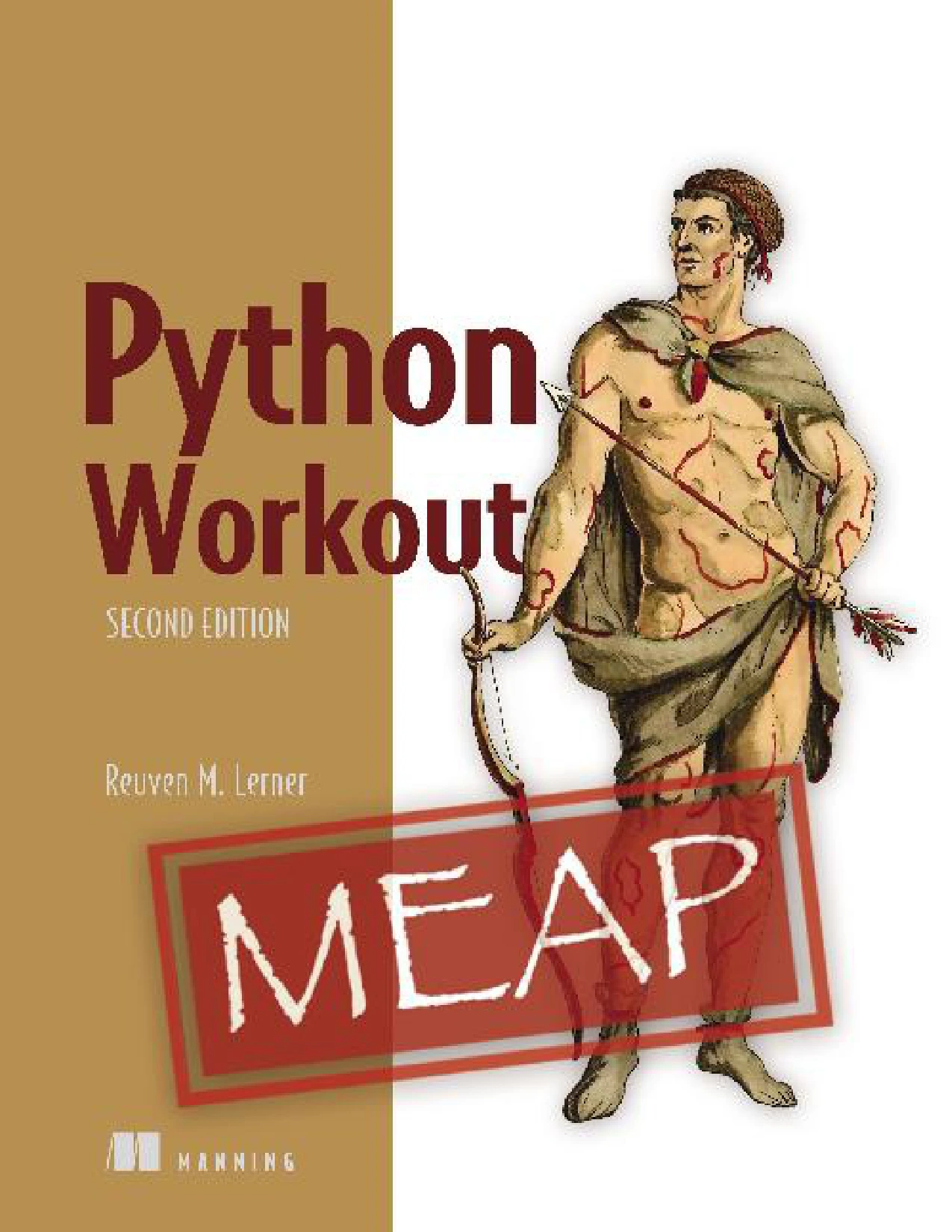
Python Workout, Second Edition (MEAP V03)
Learners ready to practise topics including strings, collections, files, and functions; the catalog identifies this as an early-access MEAP edition.
Common beginner detours to avoid
- Starting with a specialized library: First learn enough Python to understand variables, functions, collections, and errors. Then choose a library for a specific project.
- Reading without writing code: After each explanation, make a small change or solve a related problem yourself.
- Trying to learn every topic at once: Focus on the next useful concept instead of studying advanced features before you need them.
- Copying code without tracing it: Run examples, change inputs, and explain what each important line does.
- Treating errors as failure: Use error messages to find where your assumptions and the program’s behavior differ.
Frequently asked questions
Do I need prior coding experience to learn Python?
No. You can start with Python without having learned another language. If you are new to programming altogether, make sure your learning resource explains foundational ideas such as variables, conditions, loops, and functions instead of assuming you already know them. The official Python tutorial notes that it expects some general programming understanding, so complete beginners may want a more introductory first resource.
Do I need to learn Python classes right away?
No. Start with basic values, control flow, functions, and data structures. Learn classes when you encounter a project where grouping related data and behavior would make your code clearer, or when you need to understand a class-based library.
When should I install Python packages?
Install an external package when a project needs a capability that Python’s built-in tools do not provide conveniently. When you do, learn to use a virtual environment to keep that project’s dependencies separate. You can build useful small programs before studying a large collection of third-party packages.
What should I build after learning the basics?
Choose a small project that uses data you understand, such as a reading tracker, a simple quiz, or a text-file organizer. Aim to use variables, conditions, loops, functions, and at least one collection. Add file handling after the basic version works.
A practical way to keep learning
Start with code execution, basic values, control flow, functions, and built-in collections. Use those skills to build a small program, then add files, error handling, modules, classes, and packages as they become useful. This approach keeps early learning focused on transferable fundamentals instead of making advanced topics feel like entry requirements.
For further reading, explore the official Python tutorial alongside a beginner resource or exercise-focused book that matches your current level. You can also browse the Python book collection for additional digital learning resources.