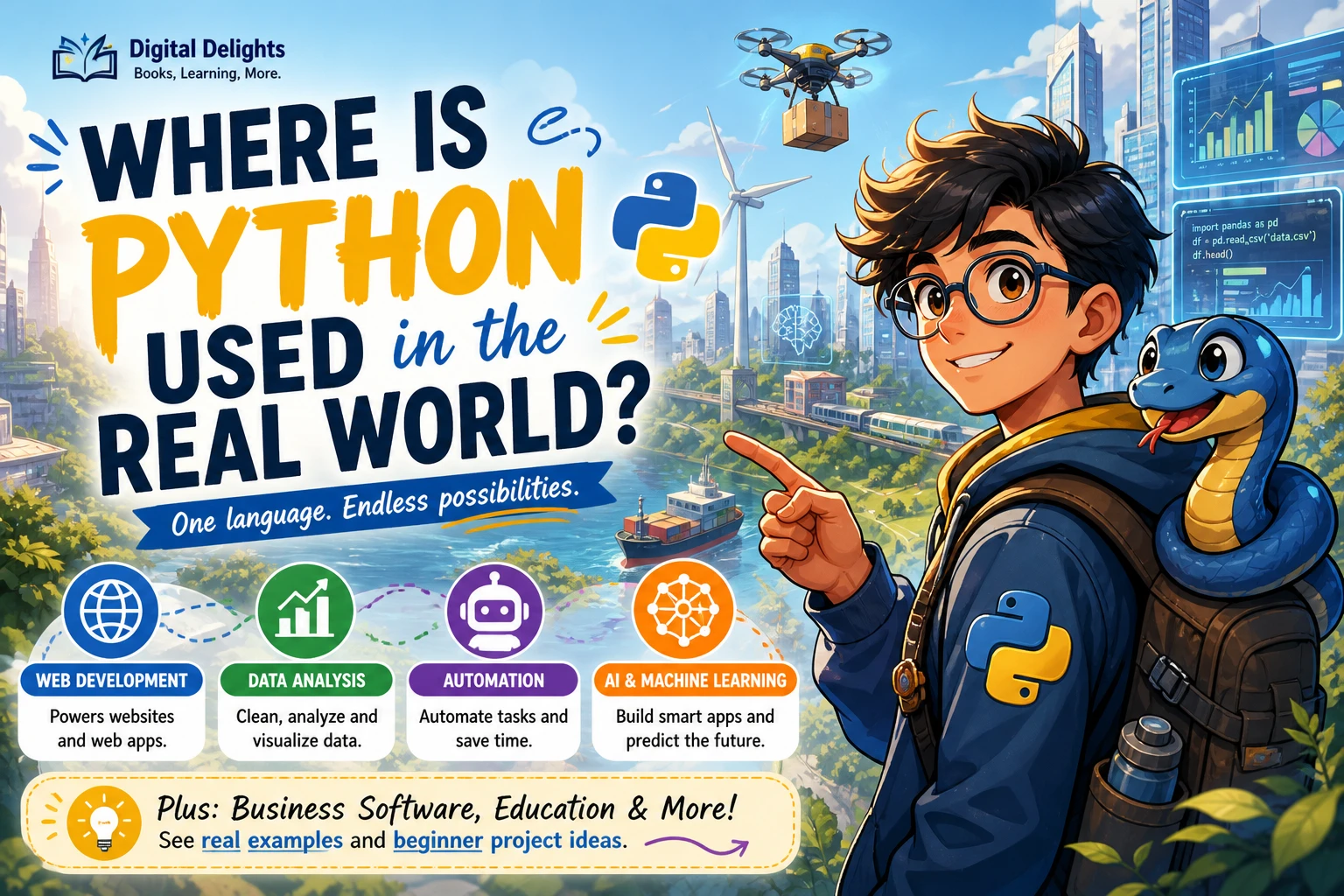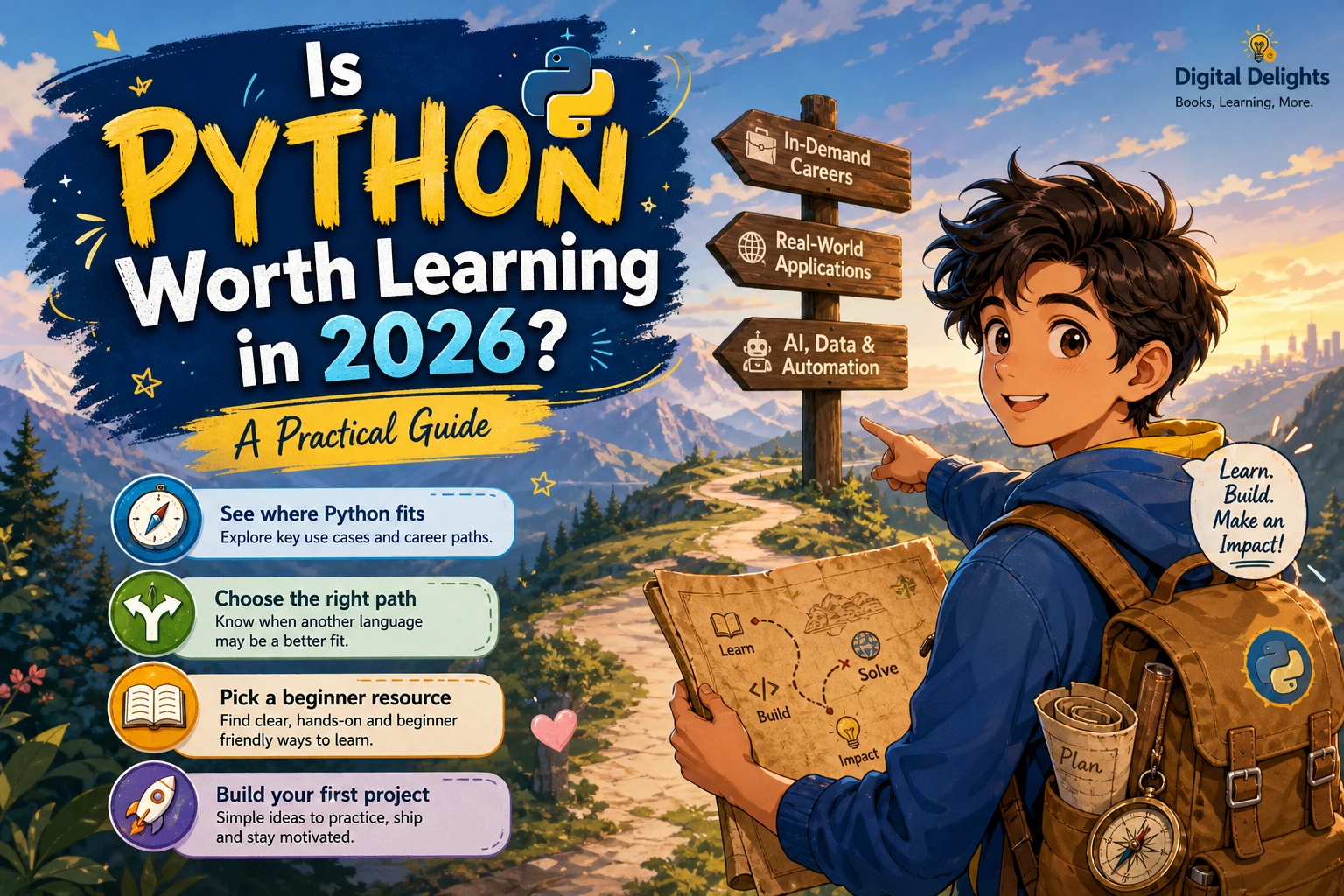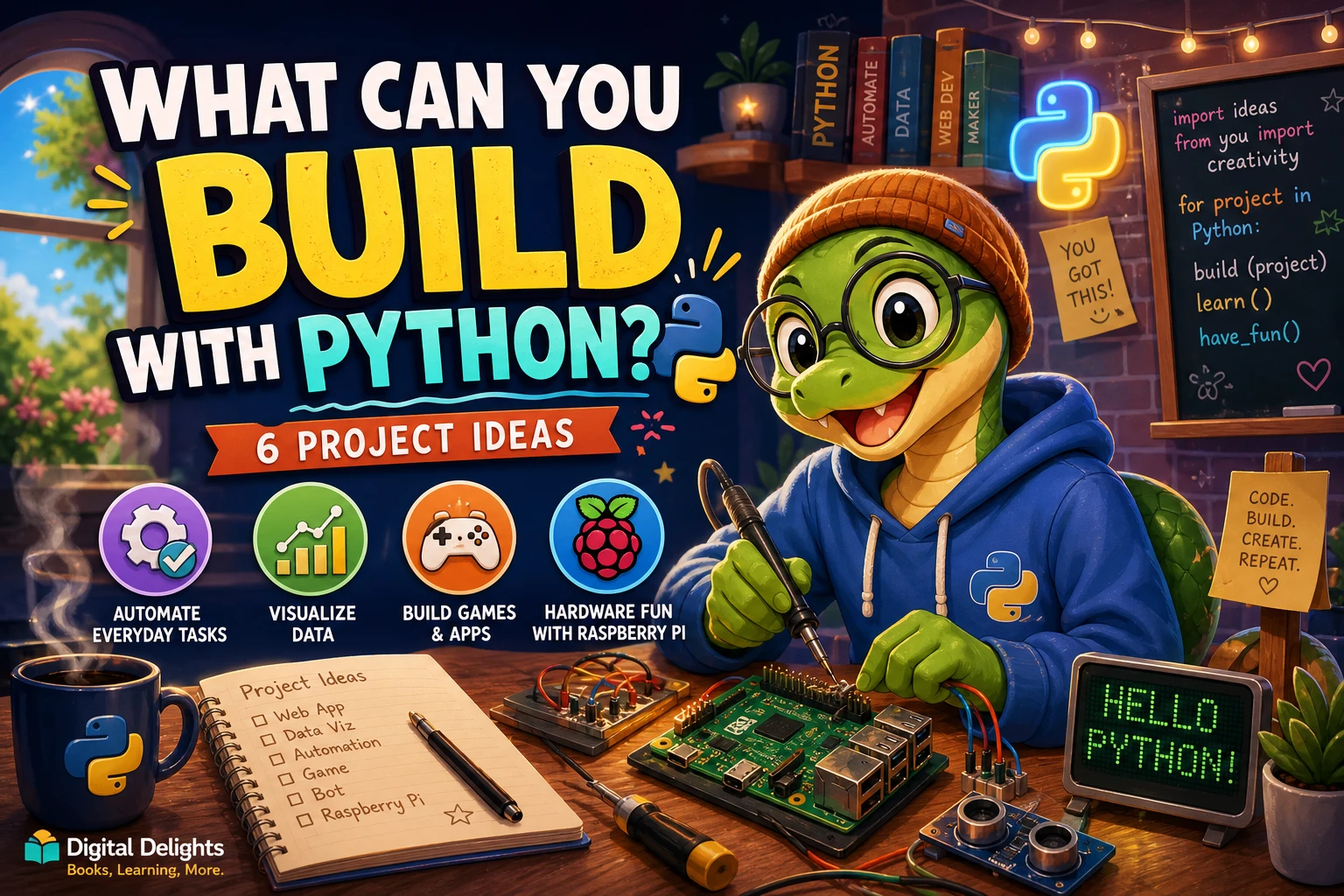
Python can help you build useful scripts, web-connected tools, data visualizations, games, desktop utilities, and web apps. The right choice depends on what you want the project to do: some tasks can use Python’s standard library, while others need additional packages or a framework.
If you are new to coding, start with a small project that solves a clear problem, such as sorting files or making a simple quiz. You will learn more by completing and improving one modest program than by trying to build a large application all at once. Below, you’ll find project ideas, the skills they use, and a practical way to choose where to begin.
What can you build with Python?
Python is a general-purpose language used for scripting and rapid application development. Depending on the project, it can be used to create:
- Scripts that organize files or automate repeatable tasks
- Programs that request information from online services and process the responses
- Data analysis tools and visualizations
- Games and other interactive programs
- Desktop utilities with a graphical interface
- Web applications, including interactive data apps
- Projects that combine software with devices such as a Raspberry Pi
These are project categories, not promises that every task is a good fit for Python. A working program also needs suitable design, testing, and—if other people will use it—thoughtful deployment and security.
1. Automate everyday tasks
A small automation script can help with a repetitive task you already understand. For example, you could write a program to sort files into folders by extension, rename a group of files consistently, or combine information from several text or CSV files.
Python’s standard library includes tools for common programming and system tasks, so a modest file-handling script may not need an extra package. The official Python tutorial describes the language as suitable for scripting and rapid application development: The Python Tutorial.
A good first automation project
Try a file sorter that checks the files in one chosen folder and moves them into subfolders based on their extensions. Start by listing the files and printing what the script would move. Only add the file-moving step once you have checked that the proposed changes are correct.
- Useful skills: variables, conditions, loops, strings, and file paths
- First version: display a list of files and their proposed destinations
- Possible improvement: add a confirmation step before anything is moved
That cautious first version is useful because scripts can change real files. Test with a temporary folder and copies rather than starting with important documents.
2. Create web-connected tools
Python can power small programs that request online information, process it, and show a useful result. For example, you might build a tool that collects information from a service’s API and formats the returned data as a report. The Python standard library includes modules for URLs, HTTP, email, and networking, though particular services and workflows may call for third-party packages.
Before connecting to an online service, check its documentation and terms. You may need an API key, and you should avoid putting private credentials directly into code that you share. A useful first step is to work with a small, publicly available response or sample data rather than building a complex service integration immediately.
3. Explore data and make visualizations
Python can help you inspect a dataset, answer questions about its contents, and create charts that make patterns easier to see. A project might summarize expenses from a sample CSV file, compare values across categories, or visualize how a measurement changes over time.
Data projects often use additional libraries for tasks such as working with tables or creating charts. The standard library is a useful foundation, but it does not provide every specialized data-science feature. Start with a dataset you can understand and a specific question, such as “Which category has the largest total?”
Make a data project manageable
- Choose a small dataset, preferably one with clear column names.
- Check for missing or inconsistent values.
- Write down one question the data could help answer.
- Calculate a simple summary before making a chart.
- Label the visualization so another person can understand it.
If you want a structured introduction to Python fundamentals alongside an eventual data-science direction, Introduction to Python Programming covers core programming concepts and introduces data science topics in its supplied description.
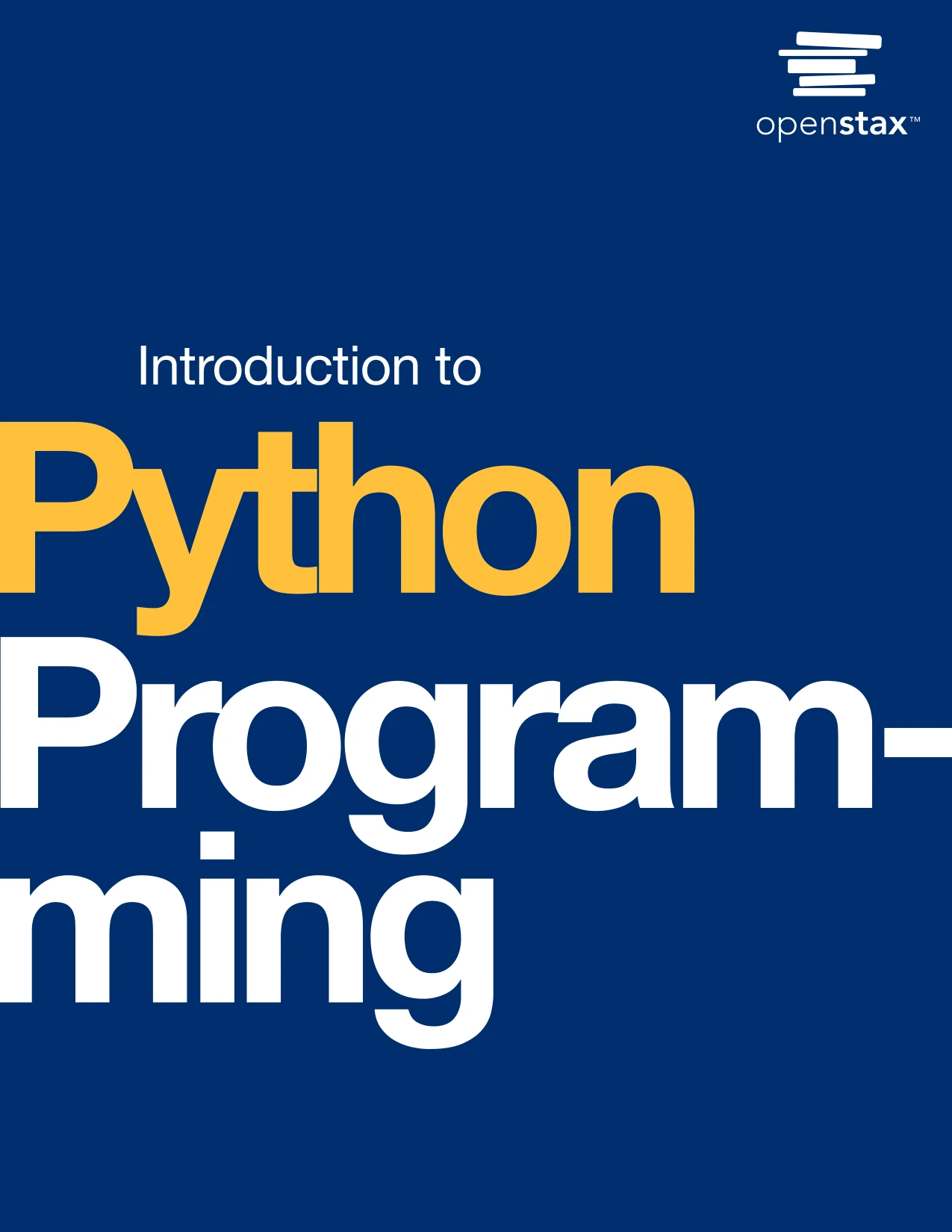
Introduction to Python Programming
By Udayan Das
Learners who want core Python concepts with an introduction to data science.
4. Build a game or interactive program
Python can be used for games and interactive projects, from a text-based guessing game to a program that responds to user input. A small game can teach you how to track a score, check conditions, repeat turns, and respond to invalid input.
For a first project, build a number-guessing game in the terminal. The program can choose a number, accept guesses, and tell the player whether to try higher or lower. You can later add a limited number of attempts or a replay option. Larger games involve more design and tooling, so keep the first version focused.
Games, web applications, and data visualizations are among the project types used as examples in No Starch Press’s Python Crash Course, 3rd Edition. This is evidence of selected learning projects, not a claim that Python is the best tool for every game.
For guided practice with fundamentals and case studies, Python Bookcamp: Exercises and Projects is one catalog option. Its supplied description emphasizes exercises, case studies, debugging, and small programs.

Python Bookcamp: Exercises and Projects
Learners seeking exercises, case studies, and small-program practice.
5. Make a desktop utility
A desktop utility can give a user a window with buttons, text fields, or other controls instead of requiring terminal commands. Python’s standard library includes tkinter, an interface to Tcl/Tk, which can support simple graphical interfaces. Its availability does not mean it is suitable for every desktop application; the requirements and intended users matter.
A reasonable first interface might let someone enter a few items and display a calculated total, or provide a window for a small personal checklist. Keep the first version limited to a few controls and one clear task. You can explore the available modules in the Python standard library documentation.
6. Build a web app
Python can be used to build web applications, but a web app involves more than writing Python code. Depending on the design, you may need a framework, a way to store data, a deployment setup, and checks for security and reliability.
One route for interactive data applications is Streamlit. The catalog description for Web App Development Made Simple with Streamlit covers building Python-based interactive apps, using widgets and visualizations, and deploying an app. It is a specific learning resource for readers exploring that approach, not a universal guide to every kind of website.
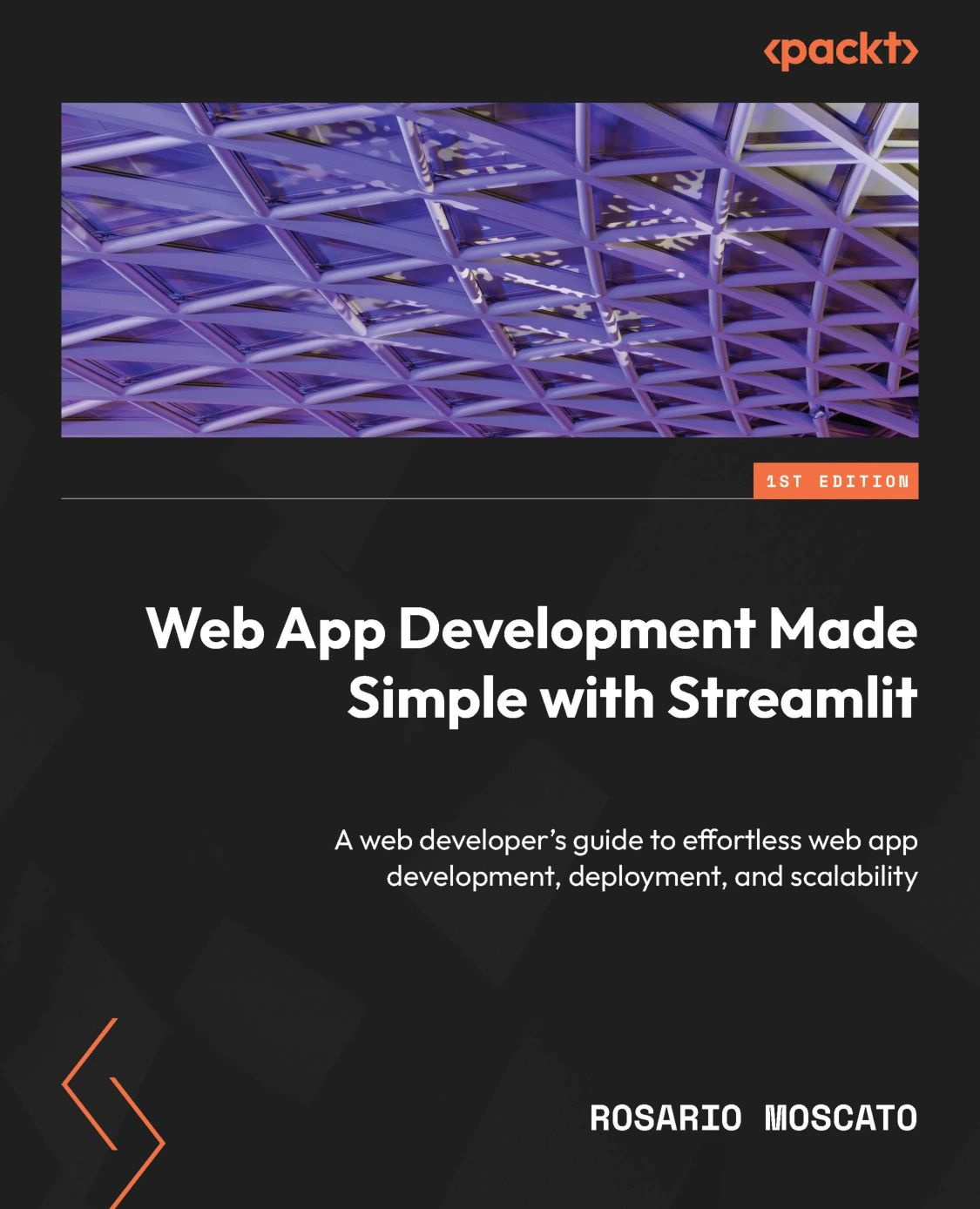
Web App Development Made Simple with Streamlit
Python learners interested in interactive apps, widgets, visualizations, and deployment.
7. Connect Python to physical projects
Python can also be part of a project that combines software with hardware. A Raspberry Pi project might read a sensor, control a component, or run a small local service. These builds require more than Python alone: you need compatible hardware, appropriate connections, and care when working with electrical components.
Raspberry Pi Cookbook: Software and Hardware Problems and Solutions, Fourth Edition is a catalog resource covering Raspberry Pi setup, Python, sensors, motors, displays, and other hardware topics. Consider it if your interest is specifically in hands-on Raspberry Pi projects.
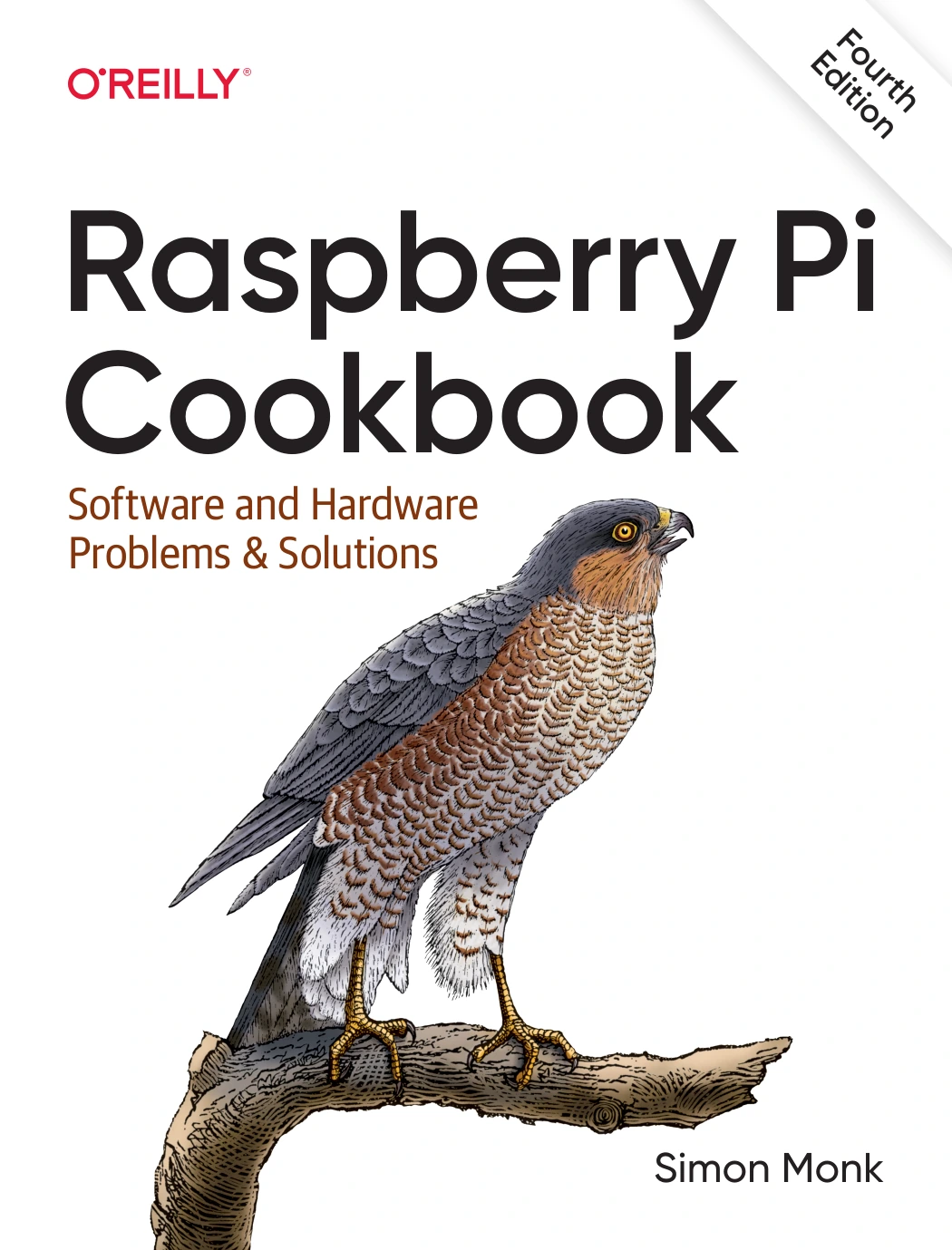
Raspberry Pi Cookbook: Software and Hardware Problems and Solutions, Fourth Edition
By Simon Monk
Readers interested in Raspberry Pi, Python, sensors, and connected hardware.
How to choose your first Python project
Pick a project based on something you already care about or do repeatedly. Then reduce it to the smallest useful version. You do not need to decide on a specialization before you have written a few programs.
| If you want to… | Try building… | Skills to practise |
|---|---|---|
| Reduce a repetitive task | A file sorter or text formatter | Loops, conditions, strings, and file handling |
| Work with information | A CSV summary or simple chart | Reading data, calculations, and possibly additional libraries |
| Make something interactive | A quiz or guessing game | Input, conditions, loops, and score tracking |
| Create a graphical tool | A small calculator or checklist window | Functions, event handling, and a GUI toolkit |
| Explore web apps | A small interactive data app | Python fundamentals and a suitable framework or package |
| Combine code and hardware | A Raspberry Pi sensor experiment | Python, hardware setup, and safe component use |
Whichever route you choose, make the first version deliberately small. Write down what it should do, build one feature, test it with a few examples, and only then add another feature. Keeping a short record of errors and fixes can also help you recognize patterns as you learn.
If you are starting from the basics, Python Programming for Beginners: Learn Python in a Step by Step Approach, Complete Practical Crash Course to Learn Python Coding covers introductory topics such as variables, control flow, data structures, functions, and files, according to its catalog description.
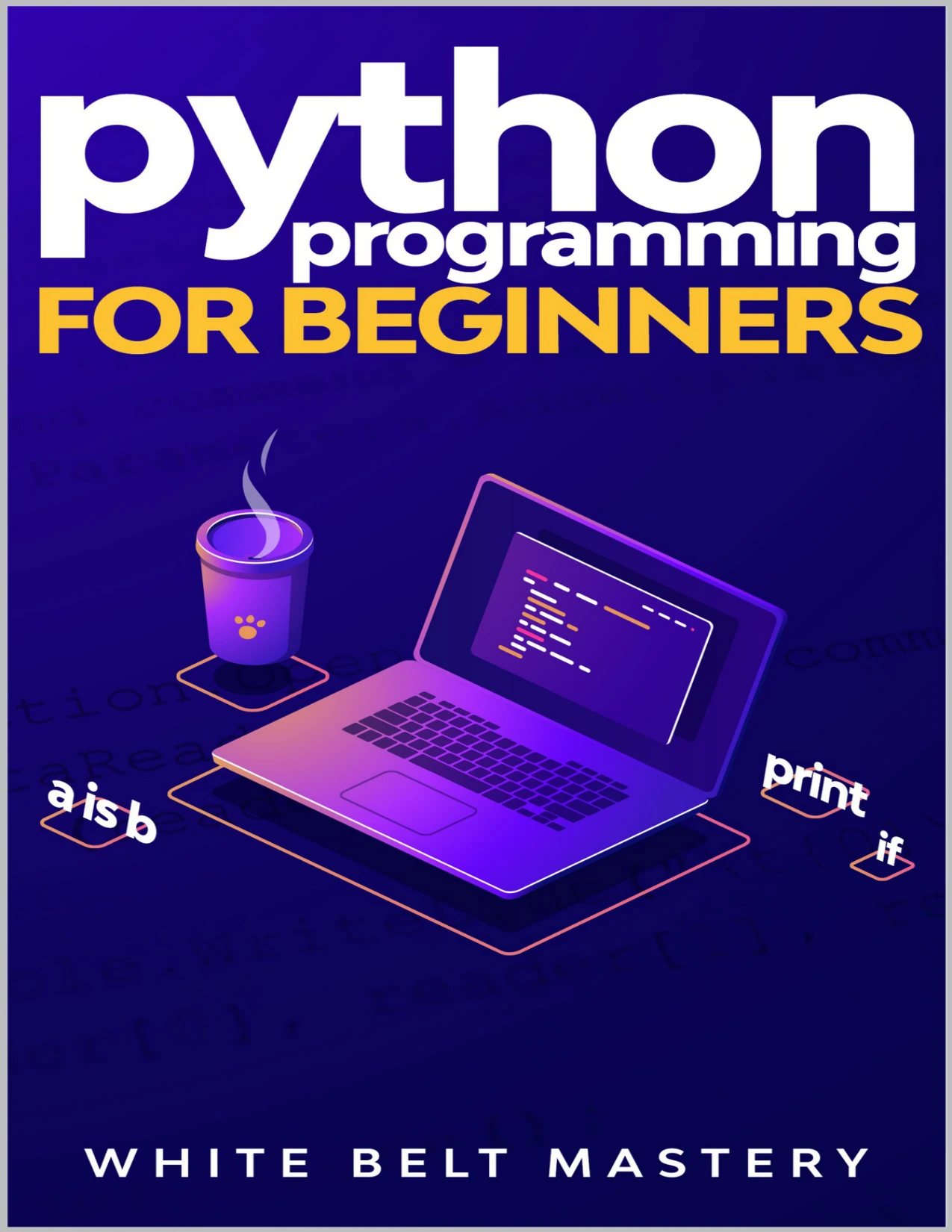
New programmers looking for a step-by-step introduction to Python fundamentals.
What Python does not provide automatically
Knowing Python syntax is only one part of completing a useful project. Depending on what you build, you may also need to learn:
- Packages or frameworks: specialized features may require tools beyond the language’s standard library.
- Testing: checks help reveal errors and confirm that changes have not broken existing behavior.
- Security: projects that handle accounts, private data, or network access need appropriate safeguards.
- Deployment: a program intended for other people may need to be packaged, hosted, or installed in a reliable way.
- Subject knowledge: the code cannot decide on its own what a useful chart, business rule, or hardware behavior should be.
For example, a program that works on your computer is not automatically ready to serve a website to many users. A data chart does not establish that the data is complete or interpreted correctly. Treat the first working version as a foundation to test and improve, not proof that every real-world requirement has been met.
Frequently asked questions
Can you make games with Python?
Yes. You can make small interactive programs and games with Python, and additional tools can support more graphical projects. The tools and work involved depend on the game, so a terminal-based quiz or guessing game is a practical first step.
Can Python build websites or web apps?
Yes. Python can be used in web applications, often alongside a framework or other supporting tools. An interactive data app is one possible project; a complete production website may also need storage, deployment, testing, and security work.
Do Python projects always need extra packages?
No. Some scripts can use the standard library alone. Specialized work—such as particular data visualizations or web-app features—may require third-party packages. Check the requirements of the project and the compatibility guidance for any package you choose.
What should a beginner build first?
Choose a small project connected to your interests, such as a quiz, a file sorter, or a program that summarizes a simple dataset. Aim for one clear function, test it with sample inputs, and add features gradually.
Which Python version should a beginner install?
Choose a stable Python release and check that it is compatible with the packages or learning materials you plan to use. The official Python downloads page lists available releases. Avoid choosing a release candidate for an ordinary beginner setup unless a project specifically calls for it.
Start with a small project and build from there
Python can be used for a broad range of projects, from short automation scripts to data apps and hardware experiments. The useful question is not simply what Python can build, but which small problem you want to solve first. Pick one, learn the concepts it requires, and expand the program only after its basic version works.
For more subject-specific reading, you can browse the Python collection at Digital Delights and choose a resource that matches your next step, whether that is learning fundamentals, practising with projects, or exploring a particular application.