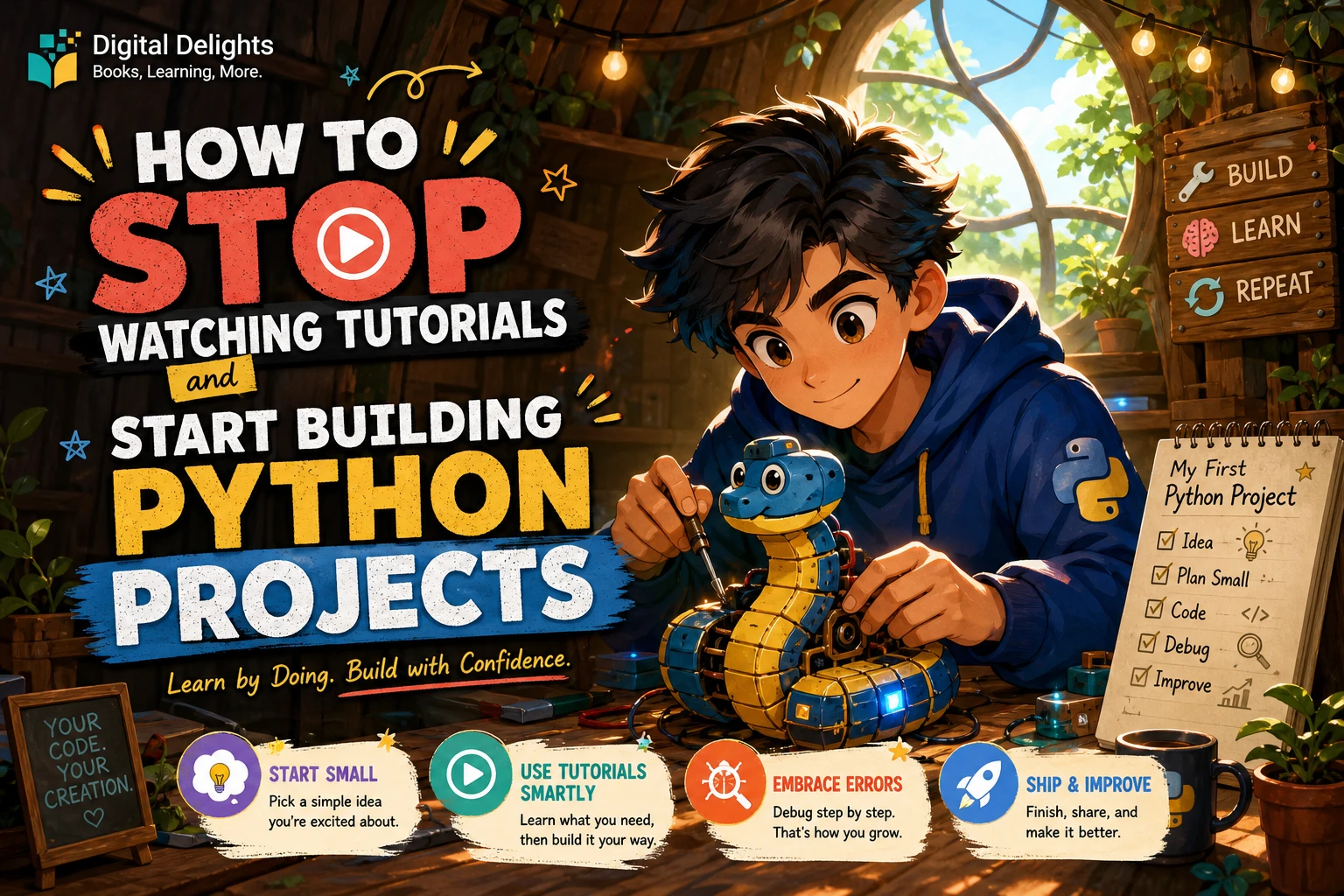
How to Stop Watching Tutorials and Start Building Python Projects
You can follow a Python tutorial, understand each example as it appears, and still feel unsure how to write a program on your own. That gap is normal: watching someone solve a problem is different from deciding what to write, testing it, and working through errors yourself.
You do not need to master all of Python before you start. Learn a few core concepts, pick a small problem, and build the simplest version that works. Then use tutorials and documentation to answer specific questions as they come up. This guide shows how to make that shift without turning your first project into a huge, frustrating undertaking.
How much Python do you need before starting a project?
A practical starting point is being able to recognize and use variables, conditionals, loops, and functions, and to run a Python script. This is a useful threshold—not a formal prerequisite or a test you have to pass. You can look up syntax and revisit concepts while building.
The official Python tutorial introduces the language and moves toward writing programs; it is a starting resource, not a requirement to memorize everything before you make something. Its section on modules also discusses using files and scripts for longer programs. Read the official Python tutorial.
If you are still learning the fundamentals, practise a concept briefly, then put it to work in a tiny program. For example, after learning conditions and loops, make a quiz that asks questions and keeps score. The project will show you which concepts you understand and which ones need another look.
Choose a Python project small enough to finish
A good first project has one clear purpose and a version you can complete without building a complex interface, account system, or database. Try one of these:
- Number-guessing game: choose a number, ask for guesses, and tell the player whether to guess higher or lower.
- Short quiz: ask a few questions, check answers, and show a final score.
- Simple expense tracker: enter expense amounts and display their total.
- File organizer: sort a small set of files into folders by type. Start with a test folder, not important personal files.
Before coding, describe the smallest useful version in one sentence. For a quiz, that might be: “The program asks three questions and tells me how many I answered correctly.” That statement gives you a boundary. Save optional additions—such as a menu, saved scores, or a graphical interface—until the basic version works.
Use tutorials as references, not scripts to follow
Tutorials can explain unfamiliar ideas and demonstrate working code. The problem is not watching one; it is staying in follow-along mode without trying to make decisions yourself. Change how you use tutorials:
- Write down the specific task you are trying to solve.
- Try a simple approach before searching for a complete solution.
- Look up only the concept or error that is blocking you.
- Return to your own code and apply what you learned.
- Change one feature in the example, run it, and explain what changed.
For instance, after following a number-guessing example, change the range, count the guesses, or let the player choose a difficulty. If you cannot explain a line, pause and investigate it rather than copying more code on top.
A repeatable workflow for building Python projects
You do not need a perfect plan. A short cycle of defining, building, testing, and extending is enough to keep the project moving.
- Define the minimum version. List only what the program must do to be useful. Keep the list short.
- Sketch the steps. Write the program’s flow in plain language before turning it into Python. A quiz might ask a question, receive an answer, check it, update the score, and repeat.
- Write a rough first draft. Make the core path work before polishing names, menus, or presentation.
- Run it often. Test after small changes so you can narrow down where a problem started.
- Fix one issue at a time. Read the error, check the relevant code, make a change, and run the program again.
- Add one feature. Once the basic version works, choose one improvement and test it separately.
- Record what you learned. Note how to run the program, what it does, and any important decisions or known limitations.
If your project needs third-party packages, consider using a virtual environment so its dependencies are kept separate from other projects. Python’s venv documentation describes these environments and notes that they are intended to be disposable and recreated when needed. A common project-local name is .venv; setup and activation steps can vary by operating system. See the official venv documentation.
What should you do when you get stuck?
Getting an error does not automatically mean the project is too advanced. Python’s documentation explains the difference between syntax errors and exceptions raised while a program runs, and shows how tracebacks help identify where an issue occurred. Review Python’s guide to errors and exceptions.
When something goes wrong, use this checklist:
- Read the full error message. Note the error type and the line number shown in the traceback.
- Inspect the nearby code. Check for a misspelled name, missing punctuation, unexpected value, or incorrect assumption.
- Reproduce the problem with less code. Temporarily remove unrelated parts until you can see the smallest case that still fails.
- Search a specific question. Include the error type and a short description of what you expected to happen. Avoid pasting private data or secrets.
- Check reliable documentation. Use the documentation for the Python version or library you are using.
- Change one thing and test again. If you make several changes at once, it becomes harder to tell which one mattered.
If the error points to a concept you have not learned yet, revisit that part of a lesson. Treat the tutorial as a reference for the obstacle—not a reason to abandon the project and start another full course.
Progress from a first script to a larger project
Build in stages, and let each stage teach you what you need for the next one:
- One-file program: make a quiz, guessing game, or small calculator work from start to finish.
- Functions: split repeated tasks into named pieces, such as asking a question or checking an answer.
- Files: save or load simple information when the project needs to remember something between runs.
- Libraries or APIs: add an external tool or service only when it solves a specific problem your basic version cannot handle comfortably.
Each step may send you back to documentation or a lesson. That is part of building software: you are learning concepts in context, not proving that you already know every answer.
Common traps that keep beginners watching instead of building
- Starting too big. A social network or complete game may require many unfamiliar parts. Reduce it to one feature you can test on its own.
- Copying code without changing it. Typing along can show how an example works, but changing an input, rule, or output helps you check your understanding.
- Switching tutorials at the first difficulty. Before starting another course, try to name the exact concept or error that stopped you.
- Waiting until you feel completely ready. You can learn missing pieces while working on a suitably small task.
- Treating every error as a verdict. Errors provide information about what the program did and where to investigate. Read the traceback and test a focused fix.
Python learning resources that include practical projects
A resource can provide structure and examples, while your own project gives you practice making choices. If you prefer a guided format, Python & Linux Coding Manual – Issue 7, 2025 covers Python fundamentals and includes a collection of scripts and project examples, according to its catalog description. It may suit learners who want beginner instruction alongside examples to study and adapt.
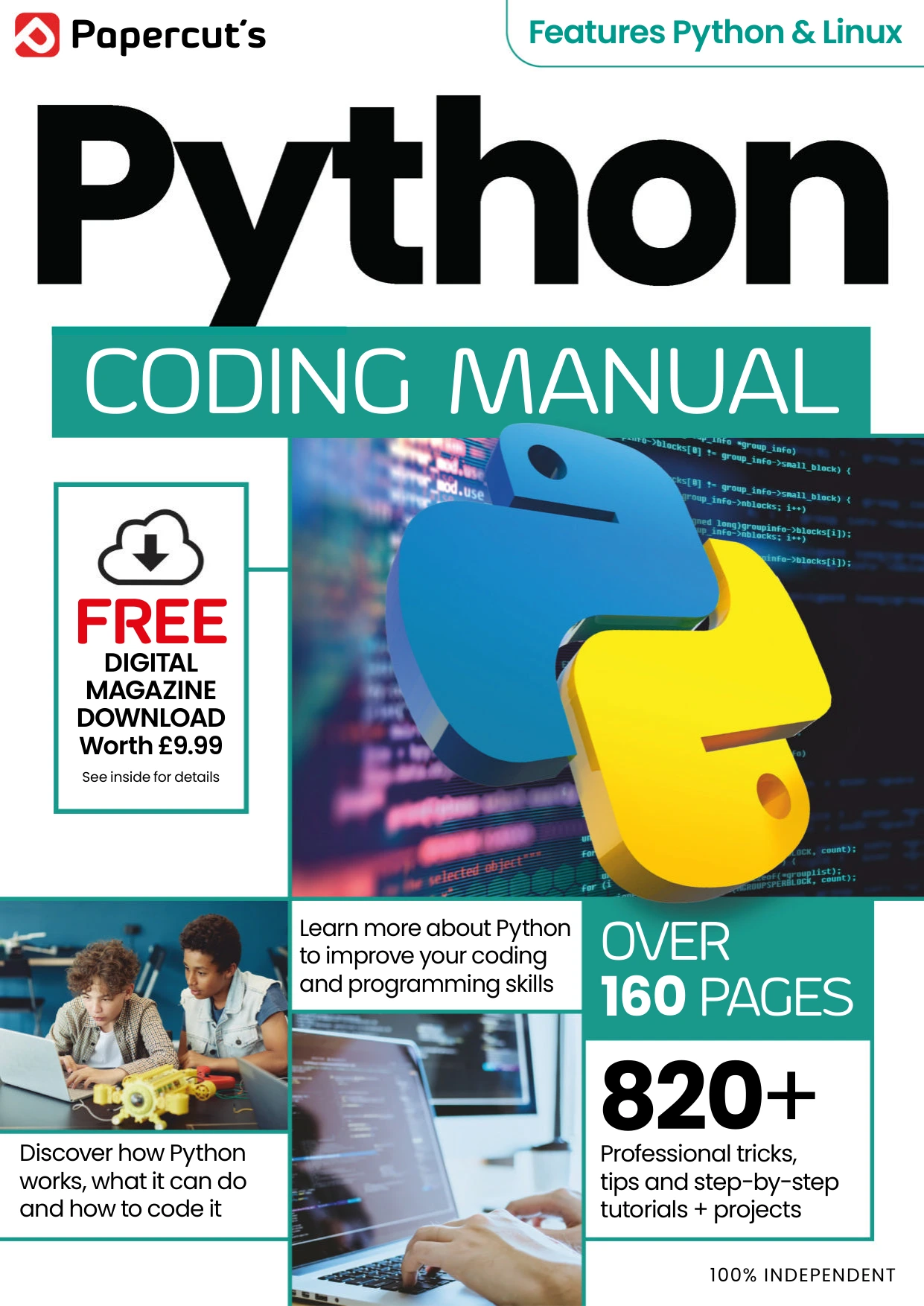
Python & Linux Coding Manual – Issue 7, 2025
Beginners who want introductory instruction alongside scripts and project examples to study and adapt.
For a compact, structured reference, Python Complete Manual – 26th Edition, 2025 covers setup, core Python building blocks, working with data and files, and small projects. It may be useful when you want a guide to consult as you move from fundamentals into your own scripts.
Python Complete Manual – 26th Edition, 2025
Learners looking for a compact guide to consult while moving from fundamentals into their own scripts.
Whichever resource you use, keep your active project in view. Read enough to answer the next question, then return to writing and testing your own code.
Frequently asked questions
Should I finish a Python course before starting a project?
No. You can start once you have some familiarity with variables, conditionals, loops, functions, and running a script. This is a practical suggestion, not a strict rule. Choose a small project and look up concepts as they become relevant.
What is a good first Python project?
Choose something with a clear goal and a short path to a working version, such as a number-guessing game, a short quiz, or a simple expense tracker. Keep the first version small enough that you can test each part.
Should I look up solutions when I get stuck?
Look up the specific concept or error, but try to understand the answer and apply it to your code. After using an example, change one feature and run it again. If the code still feels opaque, reduce the problem and investigate the relevant lines.
How do I know when to add another feature?
Add a feature when the basic version runs and you can describe what it does. Pick one improvement, make it, and test it before moving on. There is no need to expand the project just to make it seem more impressive.
Your next step: make the smallest version work
Pick one small problem today and write down what its simplest useful version must do. Then create a script, run it, and solve the first obstacle you encounter. You do not have to stop using tutorials; use them to answer focused questions, then get back to building.