How to Practise Python Programming
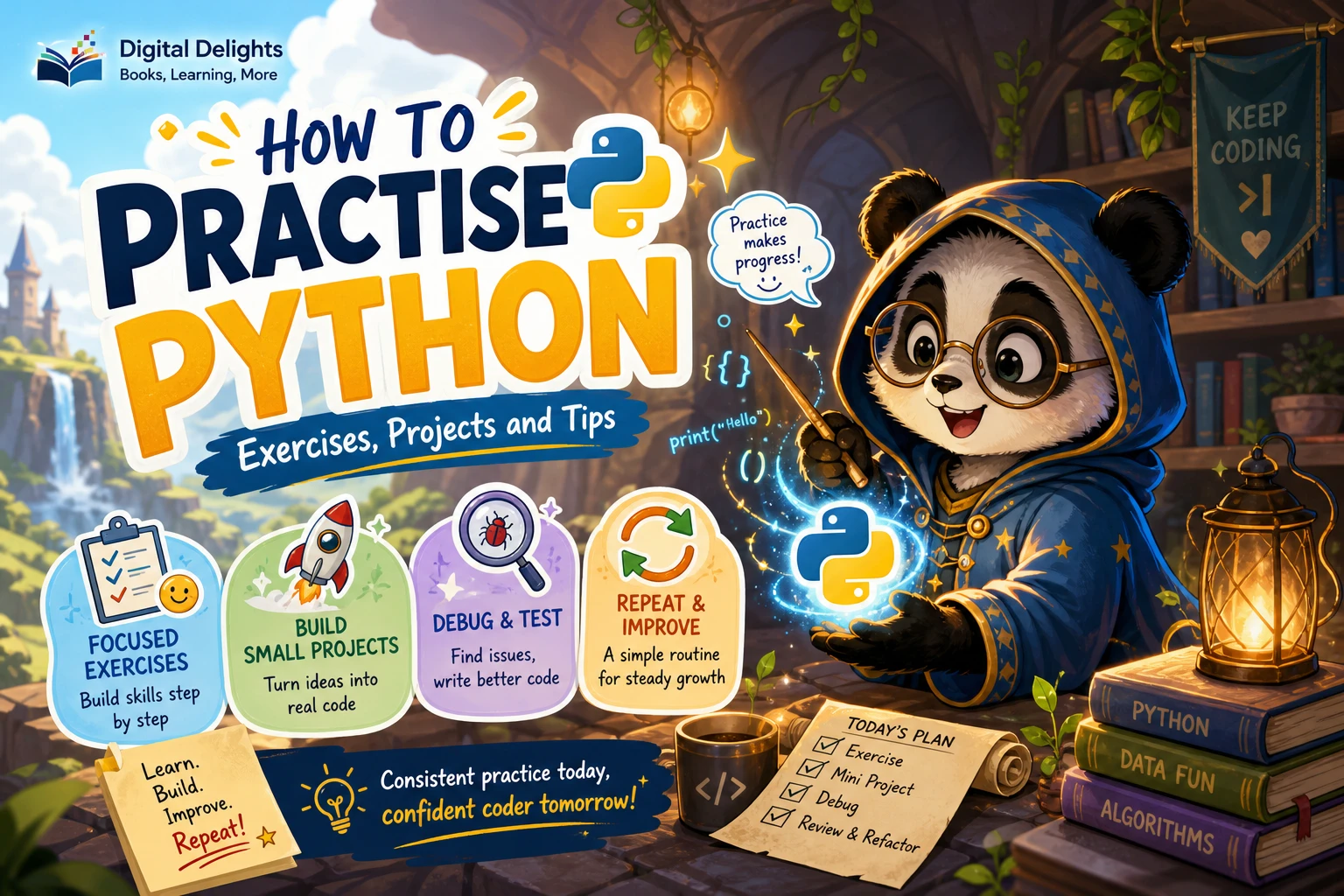
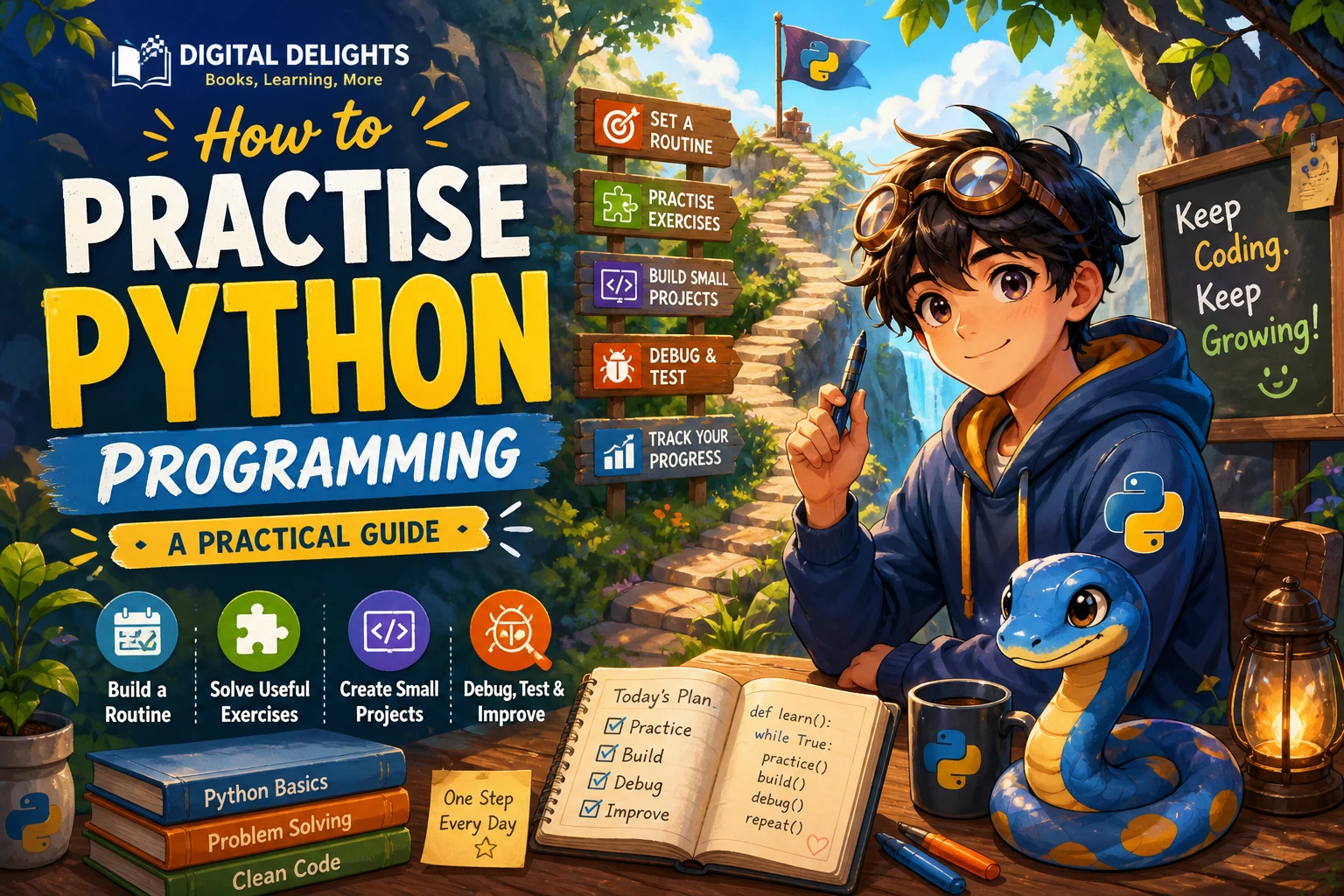
Reading Python examples can make code feel familiar, but recognizing a solution is different from writing one yourself. To improve, practise turning a clear problem into code, running it, investigating what happens, and revising your approach. A useful routine combines short exercises with small projects, so you can work on one idea at a time and then see how concepts fit together.
This guide lays out that routine, suggests a sensible progression through Python fundamentals, and explains how to learn from errors without simply copying a working answer.
A practical Python practice routine
Use this cycle for a short exercise or a feature in a project. You do not need a special schedule: choose a task small enough to understand and give yourself time to reason through it.
- Choose one task. Keep the goal specific, such as counting words in a sentence or finding the largest number in a list.
- Predict the result. If you have a code example, work out what you expect it to do before running it. For a new task, write down the expected input and output.
- Write a solution yourself. Start with what you know. If you consult a reference, close it again and write the solution in your own words rather than transcribing it line by line.
- Run the code and inspect the result. Compare the actual output with your prediction. If it differs, identify where your reasoning and the program diverge.
- Revise and try another case. Change the input, including a case that might be empty, unusually large, or otherwise different from your first example.
- Add a check. Compare the result with an expected value, use an assertion, or write a small test so you can check the behavior again after making changes.
For example, if you write a function that counts items, try an ordinary list and an empty list. That small change helps reveal whether the function handles more than its first demonstration case.
Combine exercises with small projects
Focused exercises and projects do different jobs. An exercise lets you concentrate on a single concept, while a project asks you to combine concepts and make practical decisions. There is no need to choose one approach permanently; using both gives you opportunities to practise individual skills and apply them together.
Use exercises to focus on one idea
Try a few tasks that target a specific topic, such as conditions, loops, functions, or list operations. The official Python tutorial covers control-flow tools and functions, which can help you review how these language features work: Python’s control-flow tutorial. After reviewing a topic, write a small program that uses it without copying the tutorial example unchanged.
Use projects to connect ideas
Choose a small project with a clear boundary. For instance, make a command-line quiz that asks questions, checks answers, and reports a score. It can give you practice with strings, lists, loops, conditions, and functions without requiring a large application. Other manageable ideas include a number-guessing game, a simple expense summary, or a program that reads a text file and counts its lines.
When the project starts to feel vague, reduce its scope. Build one working feature first, then add another. A small program you can explain and change is more useful for practice than a long project whose parts you do not understand.
Build Python skills in stages
Work from basic building blocks toward programs that combine them. You can revisit earlier topics as needed; this is a guide for organizing practice, not a test you must pass before moving forward.
- Basic expressions: practise variables, values, arithmetic, strings, and displaying or receiving simple input.
- Decisions and repetition: write programs with
ifstatements and loops. Try changing conditions and inputs to see how the program’s path changes. - Functions: turn a repeated or clearly defined operation into a function. Practise giving it inputs and returning a result.
- Collections: use lists and dictionaries to store related information, then write code that searches, updates, or summarizes it.
- Files and exceptions: practise reading and writing data, and consider what the program should do when a file is missing or its contents are unexpected.
- Modules and larger programs: divide related work into functions or files, and practise making changes without losing track of how the parts connect.
The official tutorial offers explanations of Python language features, while the standard-library tutorial describes tools such as doctest and unittest for checking code. Use documentation to answer specific questions, then return to writing and adapting code yourself: Python’s standard-library tutorial.
Learn from errors and check your work
An error is information about what happened when your program ran. Instead of changing several lines at once, read the message, locate the relevant part of your code, and test one possible fix at a time.
- Read the last line of the error message for the error type and its short explanation.
- Use the traceback to find the line where the problem was reported.
- Check the values and types involved. A print statement or a small isolated example can help.
- Make one change, run the program again, and see whether the result changed as expected.
- Once the program works, try inputs that could expose a different problem.
For functions, simple checks can make expectations concrete:
def double(number):
    return number * 2

assert double(4) == 8
assert double(0) == 0
As a function grows or other parts of a program depend on it, tests can help you catch behavior changes. The Python standard-library tutorial discusses testing options and recommends writing tests as functions are developed and running them frequently. Keep checks proportionate to your program: a small exercise may need only a few direct checks.
Track progress by what you can do
Progress is easier to judge through skills you can demonstrate than through pages read or examples copied. Keep a brief record of the problems you solved, the parts that needed help, and what you can now explain or change independently.
Useful signs of progress include being able to:
- Explain what a short piece of code does before running it.
- Start a similar exercise without following a worked solution line by line.
- Find and fix a straightforward error using the message and a small test.
- Change a program’s inputs or requirements and adapt the code accordingly.
- Break a larger task into smaller functions or steps.
You do not need to understand every detail immediately. Note the question you are stuck on, look up that specific point, and then try the task again without relying on the answer.
Common Python practice pitfalls
- Copying without changing the example: After following an example, close it and recreate the idea. Then change an input or requirement and explain the result.
- Choosing a project that is too large: Define a first version with one clear purpose. Add features only after that version works.
- Testing only the expected case: Try another input, including an empty or boundary case where it makes sense.
- Reading endlessly before writing: Use explanations to resolve a question, then apply the idea in code while it is fresh.
- Changing topics before applying them: Before moving on, write at least one small program or exercise that uses the concept you just reviewed.
Choose a resource that supports active practice
A learning resource is most useful when it gives you a clear next task and room to try it yourself. If you prefer a structured route through programming concepts and exercises, The Practice of Computing Using Python is one catalog-listed option. Its catalog description notes hands-on exercises alongside topics such as control structures, data structures, functions, files, and classes. Treat it as a guide for practice, not a substitute for writing and testing your own code.
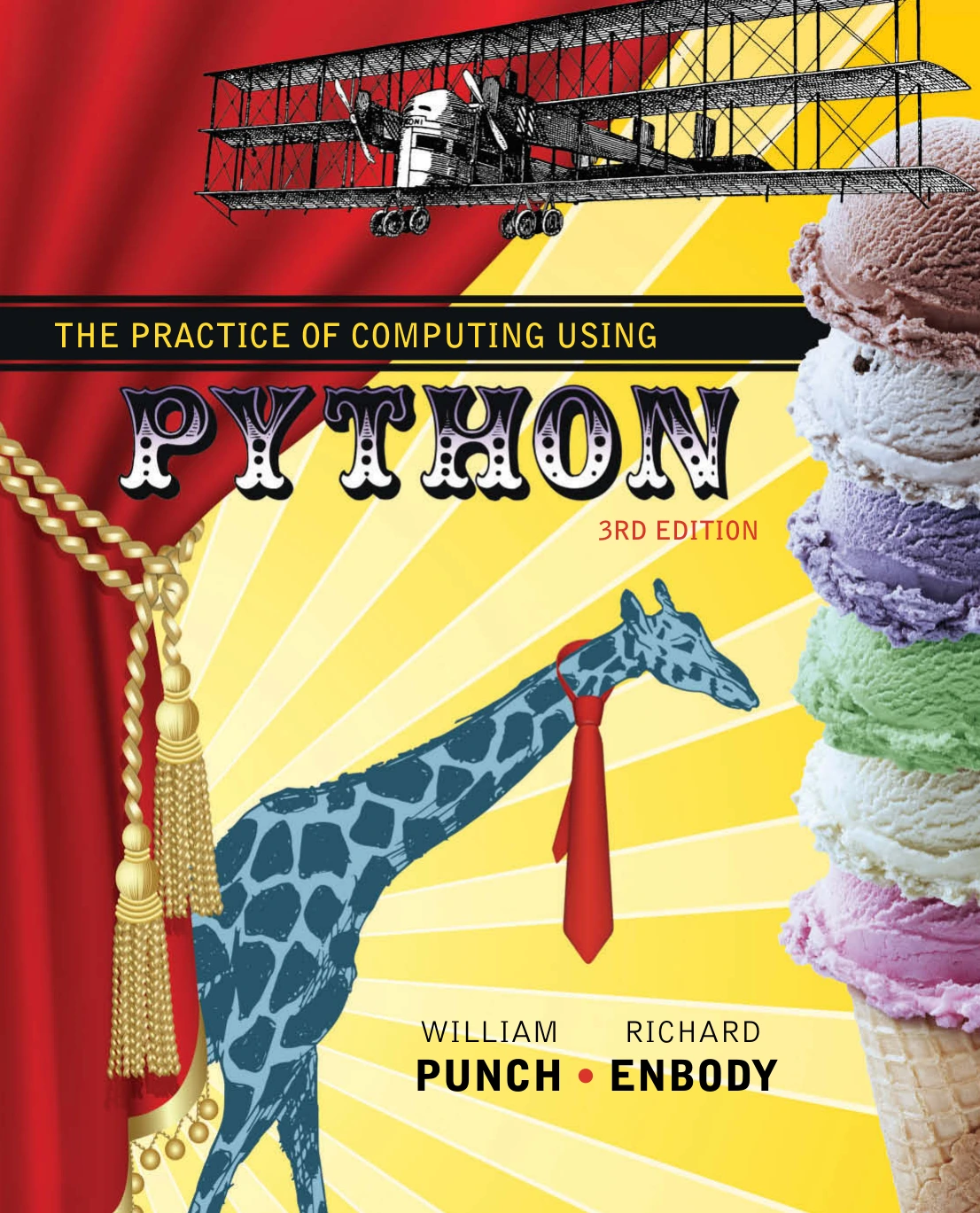
The Practice of Computing Using Python
Learners who want guided practice with Python fundamentals, data structures, functions, files, and classes.
You can also browse Python books and learning resources to compare options by topic and choose one that matches what you want to practise next.
When installing Python, check the official Python downloads page for a current version suitable for your system. If a lesson or package expects a different version, check its compatibility guidance before following the instructions.
Frequently asked questions
Should beginners practise with exercises or projects first?
Use both when you can. Exercises help you focus on one concept; small projects help you combine concepts. If you are unsure where to start, try a short exercise and then use the same idea in a small program.
How should I practise when my Python code fails?
Read the error message and traceback, identify the relevant line, and test one change at a time. Reduce the code to a small example if the problem is hard to isolate, then try the fix with another input.
When should I start writing tests?
Start with simple checks as soon as you have a function or result you can compare with an expected value. Add more formal tests when your code has multiple behaviors or you want to make changes without losing existing functionality.
How can I tell whether I’m improving?
Check whether you can explain, modify, and recreate programs with less reliance on copied examples. Also notice whether you can isolate errors and test a solution rather than making unrelated changes.
Conclusion: practise by writing, checking, and revising
To practise Python programming, work through a repeatable loop: choose a manageable task, reason about the expected result, write your own solution, run it, and revise it using errors and checks as feedback. Build fundamentals with focused exercises, then apply them in small projects. Over time, judge progress by what you can explain and create independently—not by how many examples you have read.