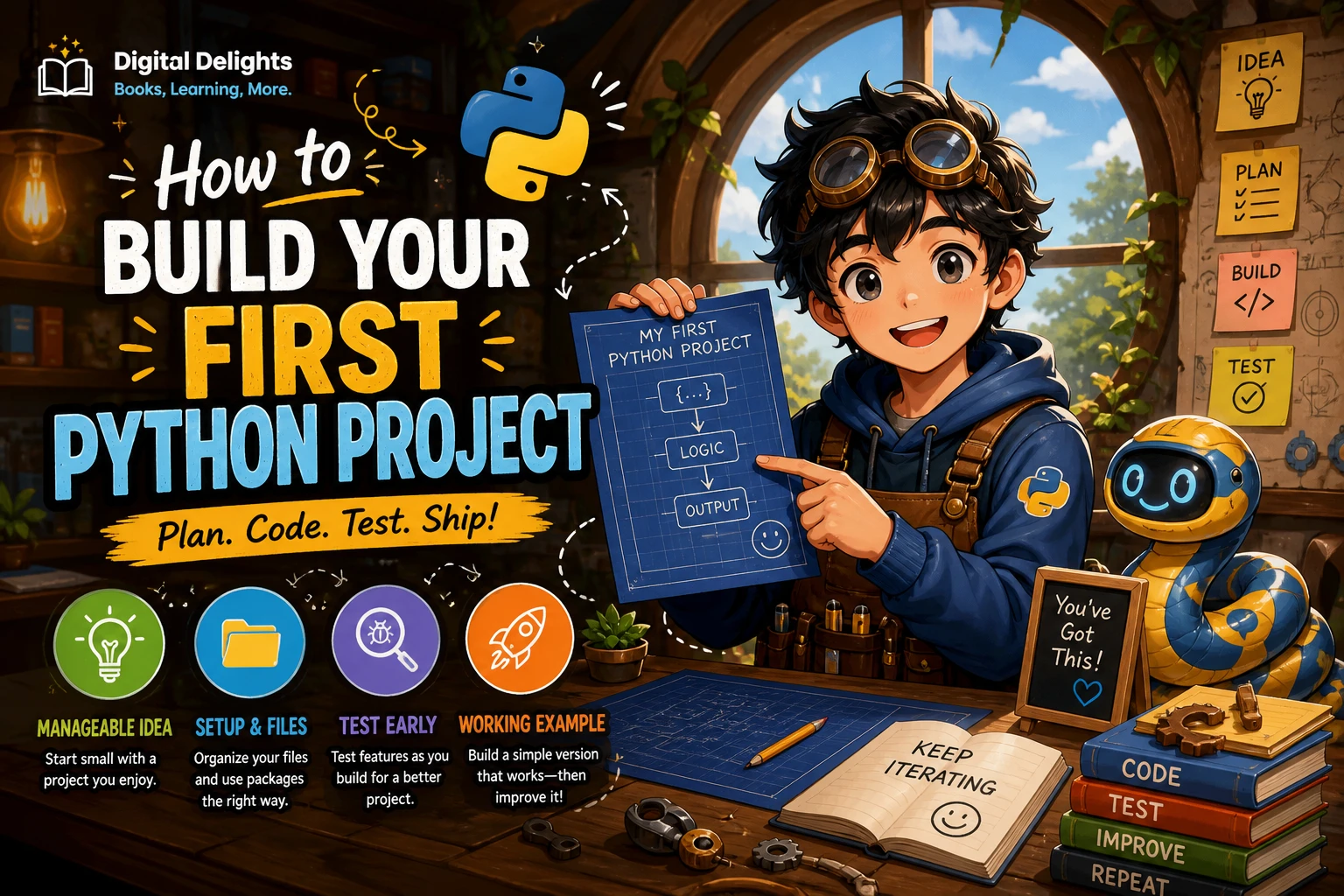
How to Build Your First Python Project
Your first Python project does not need a sophisticated interface or a long list of features. A small command-line quiz, tracker, or file organizer is enough to practise the essentials: getting input, making decisions, repeating actions, and fixing mistakes. The important part is to choose one clear task and finish a version that works.
This guide takes you from picking an idea to running, testing, and sharing a small project. You will also see a working quiz example and learn when it makes sense to add more files or install extra packages.
Choose a beginner-sized Python project
Good first projects have an obvious purpose and a short path to a working result. Choose one that interests you, but keep the first version deliberately small. You can add features after the basic version works.
| Project idea | What you can practise | A manageable first version |
|---|---|---|
| Command-line quiz | Input, comparisons, loops, functions, and a score | Ask three questions and show the final score |
| Simple tracker | Lists, menus, input validation, and possibly saving data | Add an item, show the list, and quit |
| File organizer | Paths, folders, and file operations | Sort a small test folder by file type |
There is no single best first Python project for everyone. A quiz is a convenient starting point because it can work entirely in the terminal and needs no external packages. A tracker may feel more useful for everyday life, while a file organizer introduces working with files and deserves extra care.
Keep the first version focused
Write down the one task your program should do. Then list only the features needed to complete that task. For a quiz, that might mean displaying questions, accepting answers, counting correct responses, and showing a final score. Leave accounts, graphics, online leaderboards, and saved profiles for later.
Check that Python runs on your computer
If Python is not installed, use the official Python downloads page and follow the instructions for your operating system. Installation steps differ between Windows, macOS, and Linux, so use the guidance that matches your device rather than assuming one command or installer works everywhere. The Python.org release page lists available installers and release information: Python 3.14.8 release information.
Open a terminal or command prompt and try python --version. Depending on your operating system and installation, python3 --version or, on Windows, py --version may be the appropriate command. If one is not recognized, check the installation instructions for your platform and how Python was installed.
Create a file named quiz.py in a folder for your project. Add this line:
print("My first Python project is running!")From the terminal, move into the folder containing the file and run python quiz.py, python3 quiz.py, or the appropriate command for your setup. If the message appears, you have confirmed that Python can run a script.
Build the project in small steps
Start with the smallest working version, then add one piece at a time. For the quiz below, the steps are: store questions and answers, ask each question, compare the response, count correct answers, and report the result.
A small command-line quiz
questions = [
    ("What keyword defines a function in Python? ", "def"),
    ("Which type uses square brackets for a sequence? ", "list"),
    ("What function displays text in the terminal? ", "print"),
]


def run_quiz():
    score = 0

    for prompt, answer in questions:
        response = input(prompt).strip().lower()
        if response == answer:
            print("Correct!")
            score += 1
        else:
            print(f"Not quite. The answer is {answer}.")

    print(f"You got {score} out of {len(questions)} correct.")


if __name__ == "__main__":
    run_quiz()
Save the code as quiz.py and run it from your project folder. The questions list keeps the prompts and answers together. The for loop asks each question in turn, while the if statement checks the response. The function groups the quiz steps into a reusable unit.
Try answering with different capitalization or adding spaces before and after an answer. The strip() and lower() calls normalize those differences before comparison. That is a small example of a design choice: decide which input variations your project should treat as equivalent.
Make one change at a time
Once the basic quiz works, choose one improvement, such as letting the player retry missed questions or showing a percentage. Make the change, run the program, and check that the existing behavior still works. Small changes are easier to understand and troubleshoot than a large batch of new features.
Organize files and manage packages
A single .py file is a sensible starting point for a tiny program. Do not split code into multiple files just to make the folder look more advanced. As the project grows, you might move reusable functions into another file. Python modules provide a way to organize definitions in files and reuse them in other code; see the official tutorial on Python modules.
The quiz uses only Python’s built-in features, so it does not need an external package. Avoid adding dependencies unless they solve a real problem in your project.
When should you use a virtual environment?
A virtual environment gives a project its own isolated place for installed packages. It is useful when a project depends on third-party libraries, especially if different projects need different package versions. The Python documentation explains how venv works and how to create an environment: Python virtual environments and packages.
You do not need to make environment setup a hurdle for a small, standard-library-only first project. If you later install a package, create a virtual environment and follow the activation instructions for your operating system and shell.
Handle errors and test the result
An error message is information about what Python could not do. Read the traceback from the bottom upward to find the error type and the line where the problem occurred, then inspect the nearby code. Python’s tutorial explains tracebacks and common exceptions as part of its guidance on input and output: Python input, output, and error information.
Fix one issue at a time and run the program again. Check spelling, quotation marks, indentation, and whether variable names match. If the message is unfamiliar, search for the exact error text together with the relevant line of code; avoid pasting private data into public forums.
Test more than the happy path
Before calling the quiz finished, try a few cases:
- Answer every question correctly and confirm the score reaches the total.
- Answer incorrectly and check that the program continues to the next question.
- Enter an answer with extra spaces or different capitalization.
- Check that the final score is shown even when no answers are correct.
For a tracker or another program that writes to disk, test with a separate sample file or folder first. Keep a backup of anything important, and be careful about code that renames, moves, or deletes files. When opening a file in Python, the with statement is a useful pattern because it helps ensure that the file is closed when the operation finishes, including if an error occurs. The official input and output tutorial covers file operations and this context manager pattern.
Improve and share your finished project
When the basic version works, add a short README file. Explain what the program does, what Python version or other requirements it needs, and how to run it. Include any limitations a new user should know about. Keep instructions specific to what you have actually checked on your own setup, rather than promising the same command will work unchanged on every computer.
Then decide on one useful next feature. For the quiz, you could shuffle questions or let a player choose a category. For a tracker, you might add a way to remove an item. For a file organizer, add a preview of planned changes before moving anything. A clear next step helps you practise without letting the project grow without a plan.
Common first-project mistakes
- Starting too big: Reduce the idea to one task and a few essential features. Get that version working before adding more.
- Copying code without understanding it: Break examples into smaller parts, change one thing, and observe what happens. If a line is unclear, look up the syntax before relying on it.
- Installing packages too early: First ask whether Python’s built-in tools are enough. Fewer dependencies usually mean fewer setup steps for a small beginner project.
- Testing only one input: Try correct, incorrect, empty, or unusual inputs that make sense for your program.
- Ignoring error messages: Read the traceback, identify the line and error type, and investigate one problem at a time.
- Adding features before finishing: Write down future ideas, but complete and test the minimum version first.
Frequently asked questions
What should I build as my first Python project?
Choose a small program that solves one clear task, such as a command-line quiz or a basic tracker. A quiz is a straightforward option if you want to practise input, loops, conditionals, and functions without installing extra packages.
Do I need programming experience before starting a Python project?
You can learn by building, but it helps to recognize basic ideas such as variables, conditions, loops, functions, and running a script. If one is new, add it to the project gradually and consult a beginner resource as needed.
Should I use a virtual environment for my first project?
Not necessarily. A small project using only Python’s standard library can run without installing external packages. Use a virtual environment when you add third-party dependencies or want to keep a project’s installed packages separate.
What should I learn after finishing my first project?
Improve the project with one feature, practise functions and data structures, or build a different small program that uses files. For a structured introduction that includes project chapters on areas such as games, automation, task management, and data analysis, see Python Crash Course. Choose material that matches what you want to build next.
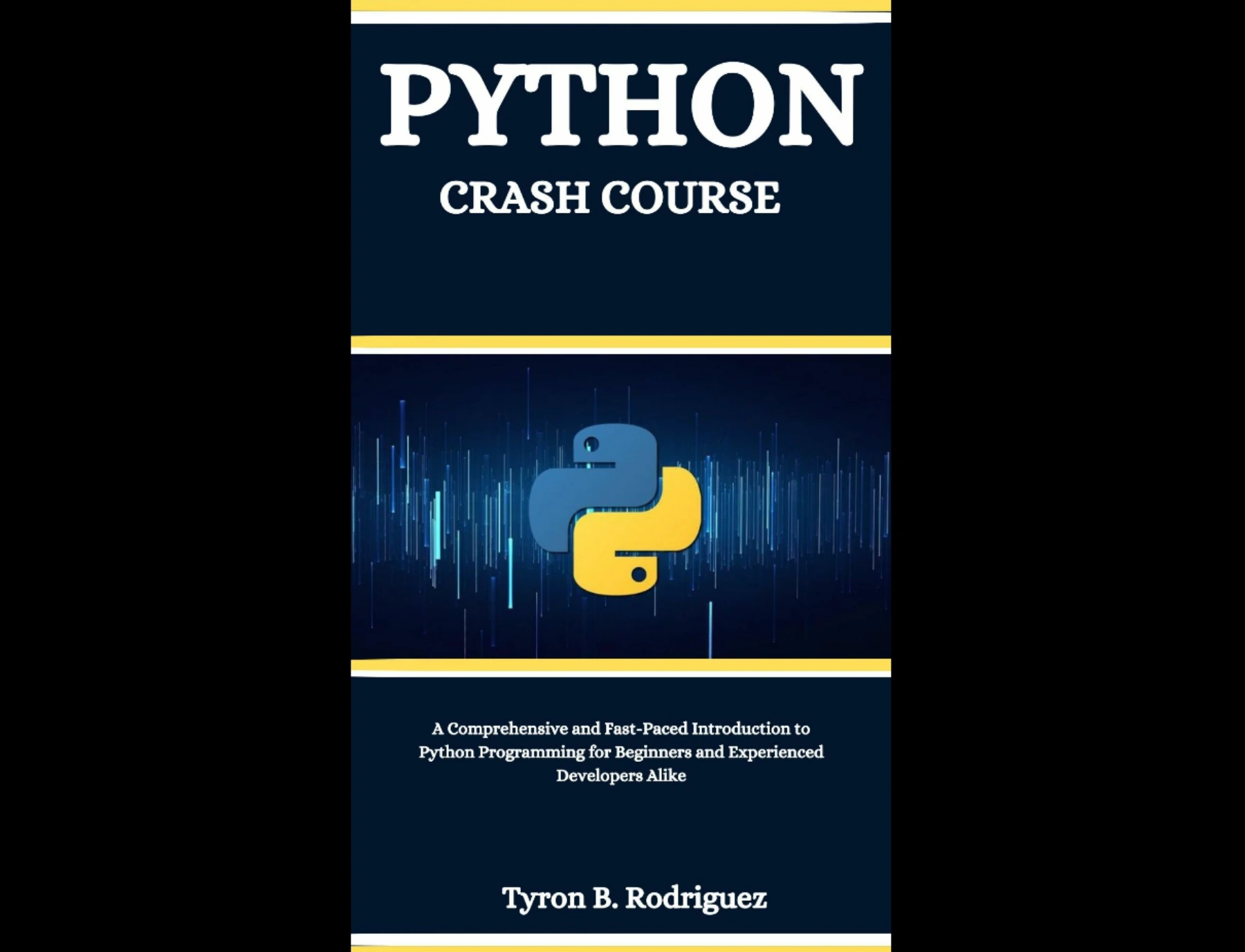
Beginners looking for a structured introduction with project chapters covering games, automation, task management, and data analysis.
Your next step
Pick one small idea, write down its minimum features, and make the first version run before expanding it. A finished, tested program gives you a concrete place to practise debugging and make improvements. If you would like to explore more learning material, browse the Python books and resources category at Digital Delights.