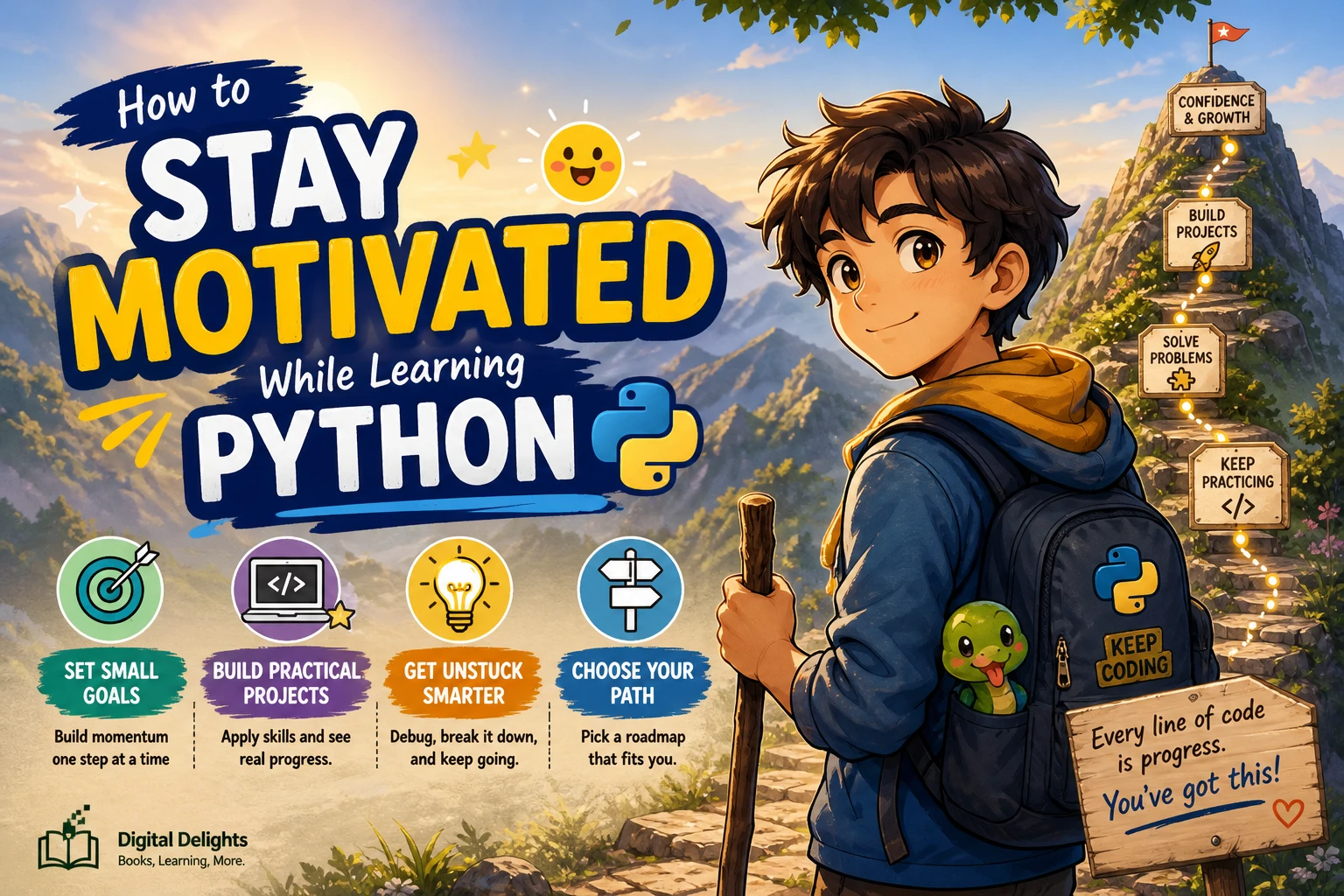
How to Stay Motivated While Learning Python
Learning Python can feel exciting at first, then unexpectedly slow. A confusing error, a concept that will not stick, or too many competing tutorials can make it hard to know what to do next. That does not mean you are failing; it may mean your learning plan needs a smaller next step.
To stay motivated while learning Python, make your progress manageable and visible: choose one learning path, practise a small concept or feature at a time, and adjust your approach when it stops helping. There is no single schedule or study method that works for everyone. The suggestions below are practical options, not proven formulas for motivation.
Why can motivation dip while learning Python?
Motivation may ebb for different reasons. You might be unsure which topic to study, find that a lesson makes sense until you try the code yourself, or feel that your long-term goal is too far away. Beginners can also get caught between following a tutorial closely and trying to build something without enough guidance.
These are common kinds of friction, not signs that you are unsuited to programming. Rather than waiting to feel inspired, look for the specific obstacle in front of you: Is the next task too large? Is a missing concept blocking you? Are you working through material that does not connect with what you want to do?
Choose a learning approach that fits your situation
Two reasonable starting points are a structured learning resource and a small project. You do not have to commit to just one forever. Choose the format that makes the next useful action easiest to identify.
Use a structured path when choosing feels overwhelming
A beginner course or book can give you an order for learning fundamentals such as variables, conditionals, loops, and functions. That structure can be useful if searching for tutorials has become a project of its own. Work through one section at a time, and run or adapt the examples instead of only reading them.
The official Python tutorial is a reference for learning language concepts, but its documentation describes it as an introduction rather than a complete guide to every feature. Treat it as one useful resource, not a requirement to master the whole language before making anything.
Try a small project when isolated exercises feel disconnected
A modest project gives individual concepts a purpose. If you want to keep track of tasks, for example, a basic task list can give you a reason to practise storing text, asking for input, and making choices with if statements. Keep the first version deliberately limited: add and display tasks, then decide whether anything else is needed.
Neither format is automatically more motivating. Structured lessons can provide direction; a project can connect practice to a personal goal. Try one, notice whether it helps you move forward, and change course if it does not.
Make your progress easier to see
Large goals such as “learn Python” are difficult to finish in a single sitting. Turn them into concrete checkpoints you can complete and recognize. For instance, instead of “build a game,” start with “print the instructions,” then “ask for a guess,” then “tell the player whether it is correct.”
- Pick one outcome: Name a small concept, exercise, or feature to work on.
- Define what finished means: For a first feature, that could mean it runs and handles one expected input.
- Record what changed: Keep a brief note of a concept you learned, an error you understood, or a working feature.
- Choose the next step afterward: Do not plan an entire career path before completing the task in front of you.
A short learning log need not be elaborate. A note such as “Today I used a loop to repeat the menu” makes progress easier to recall than a vague impression that you have not learned enough. This is a practical record-keeping suggestion, not a guarantee that progress tracking will improve motivation.
Build a practice routine you can sustain
Choose a study rhythm that fits your time and energy. Some learners prefer shorter sessions; others have room for longer blocks. There is no need to treat a daily streak as a condition for learning. If you miss a session or take a break, return with a small task rather than trying to make up for lost time all at once.
It can also help to finish each session with a clear note about where to resume: the last working version, the next question, or the line of code you want to investigate. When you return, you will have a starting point instead of needing to reconstruct the whole plan.
What should you do when you get stuck?
Getting stuck is part of writing code. Try to make the problem smaller before changing several things at once:
- Read the error message carefully. Look for the file, line, and kind of issue it points to. The message may not explain everything, but it can narrow the search.
- Reproduce the problem in a small example. Remove unrelated parts until you can see the smallest version that still behaves unexpectedly.
- Check the relevant concept. Revisit your lesson or consult the documentation for the feature you are using.
- Change one thing and run it again. A small test can tell you whether your explanation of the problem is right.
- Write down what you discover. A short note can help you recognize the same pattern later.
If a loop, function, or conditional still feels unclear, return to a simpler example. Revisiting a foundation is a normal way to make a problem more manageable, not evidence that you should already know everything.
For hands-on reference, Python’s official tutorial notes that an interpreter can be used to try examples as you work through them. Use a stable Python release and check that your learning materials are compatible with the version you install; Python’s official downloads page lists releases for macOS.
Pick a project with a clear finish line
A first project should be small enough to complete without needing to learn an entire ecosystem. Choose something you can describe in one sentence, then make a basic version before adding optional features.
- Number-guessing game: Pick a number, accept a guess, and report whether the guess is too high, too low, or correct.
- Personal task tracker: Let a user add a task and display the current list. Saving tasks between runs can come later.
- File-organizing script: Start by listing files in a folder or sorting a small, controlled set of sample files. Be careful to test on copies before automating changes to important files.
Decide on the first finish line before you begin. For example: “The game accepts a guess and responds.” Once that works, choose whether the next step is useful. A completed small project can be a better learning milestone than an ambitious project that keeps growing.
Python learning resources for different starting points
If you would rather follow a planned sequence, Getting Started with Python covers fundamentals including variables, conditions, loops, and functions, and includes exercises. Its described material also progresses into topics such as debugging, file handling, and databases, so it offers more than a first-session overview.
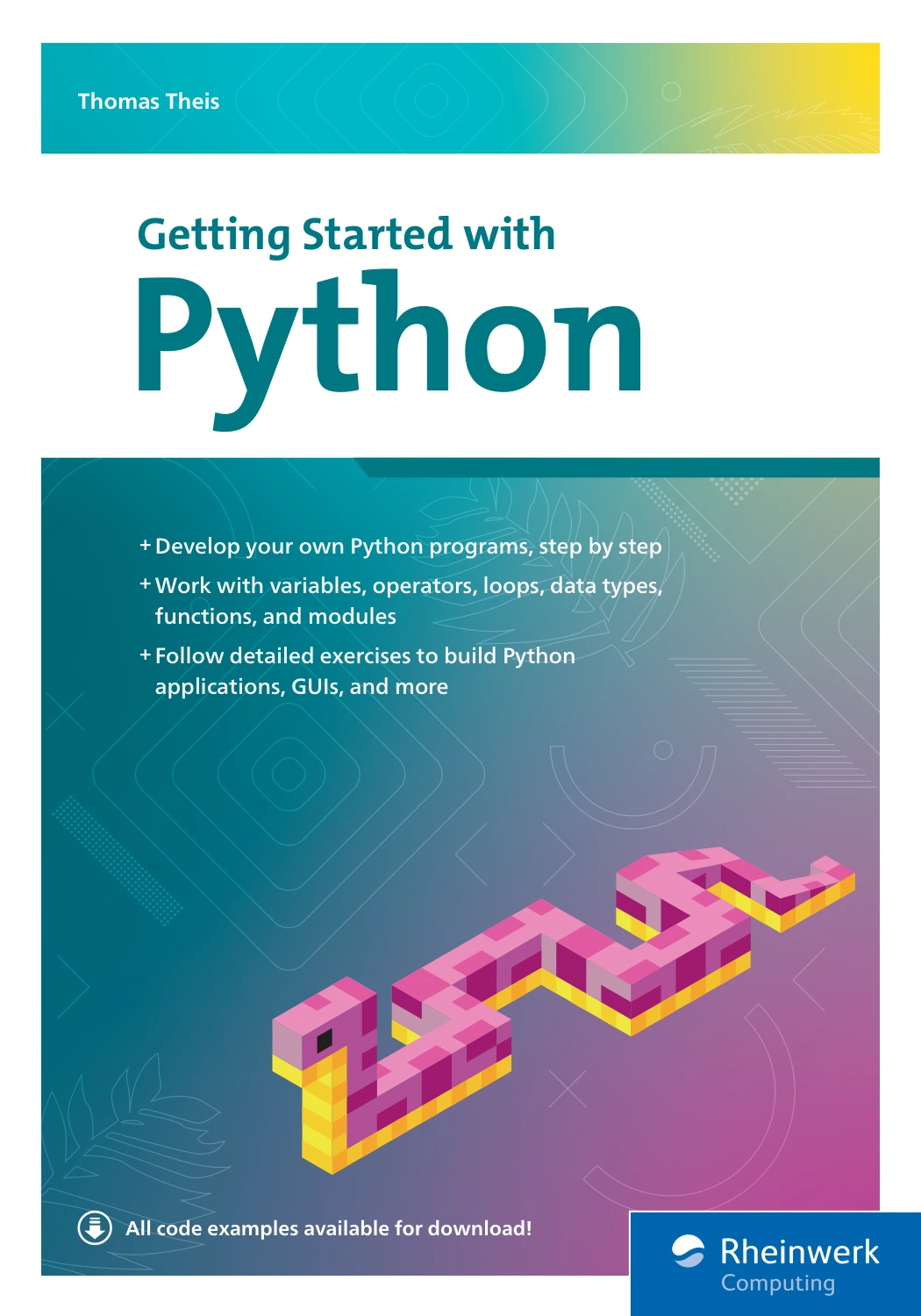
By Thomas Theis
Learners who want a planned sequence through Python basics and exercises.
If learning through a guided game project sounds more appealing, Let the Youth Lead the Future teaches Python through building a Tic-Tac-Toe game, introducing concepts as they are needed for the project. The catalog describes it as suitable for ages 12 and up and for readers with no prior Python experience. It may suit a younger learner or someone specifically looking for a game-based introduction; it is not evidence that project-led learning works better for everyone.
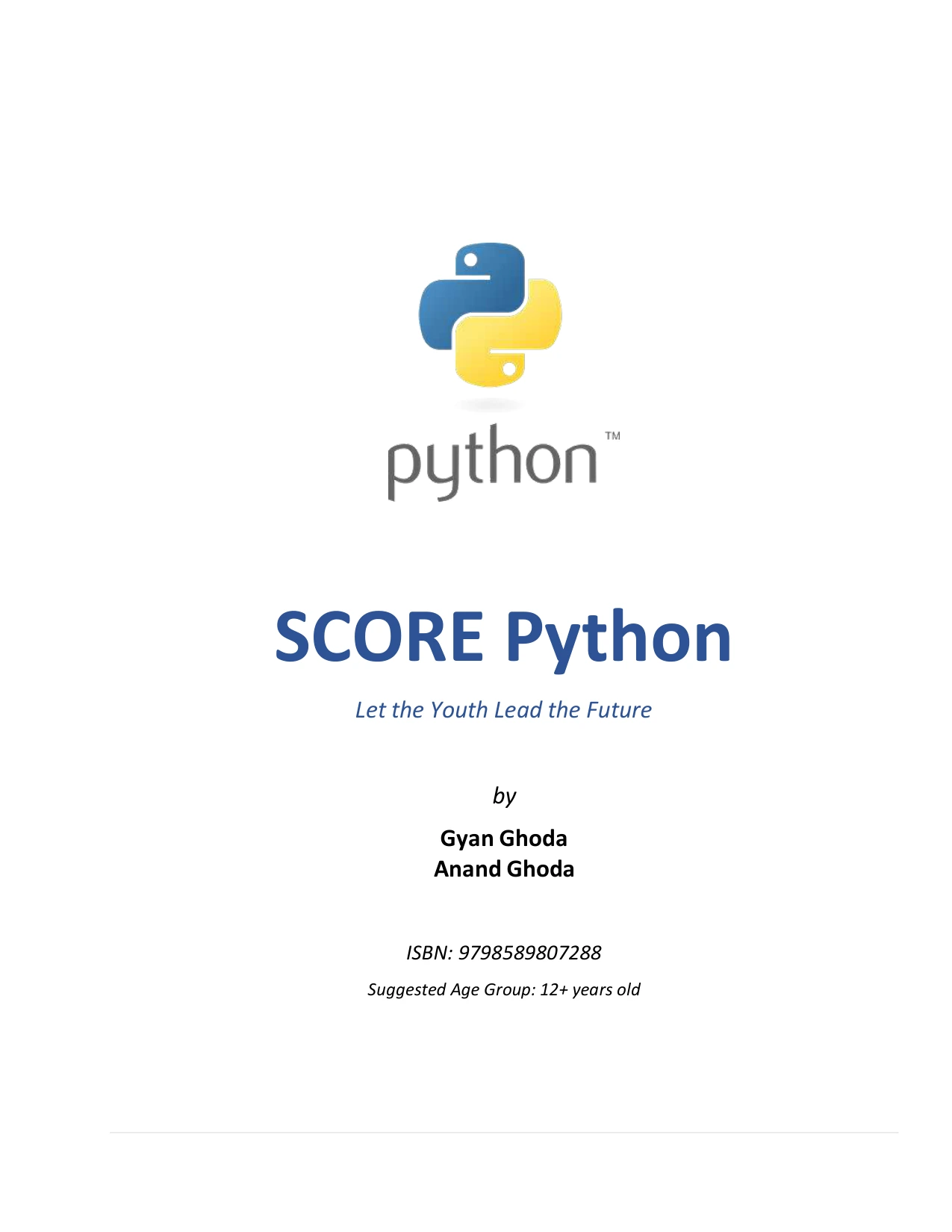
By Gyan Ghoda
Readers aged 12 and up, including beginners, who want to learn through a guided game project.
You can also browse the Python book collection if you want to compare other topics and formats. Whichever resource you choose, keep your immediate goal modest: use it to complete one exercise, understand one idea, or build one working feature.
Frequently asked questions
Do I need prior coding experience to learn Python?
No. You can begin with basic Python concepts without having learned another programming language. Start with simple examples, practise running them, and add new ideas gradually. If a lesson assumes knowledge you do not have, look for an explanation of that concept before moving on.
Should a beginner follow a course or build projects?
Either can be a useful starting point. Follow a structured resource if you need a sequence of topics; try a small project if you want to connect concepts to a concrete outcome. You can also alternate: learn one concept, then use it in a small feature. No supplied evidence establishes that one approach is best for everyone’s motivation.
What should I do when progress feels slow?
Reduce the size of the next task. Choose one concept or one working feature, revisit the relevant fundamentals, and note what you have figured out. If your current resource or project is making it difficult to find a next step, simplify it or try a more structured format.
Keep the next step small
Staying motivated while learning Python does not require a perfect schedule or a huge project. Choose one approach that feels workable now, set a finish line you can see, and use questions and errors as clues about what to practise next. If your approach stops being useful, adjust it. The next step can be as simple as running one example and understanding what it does.