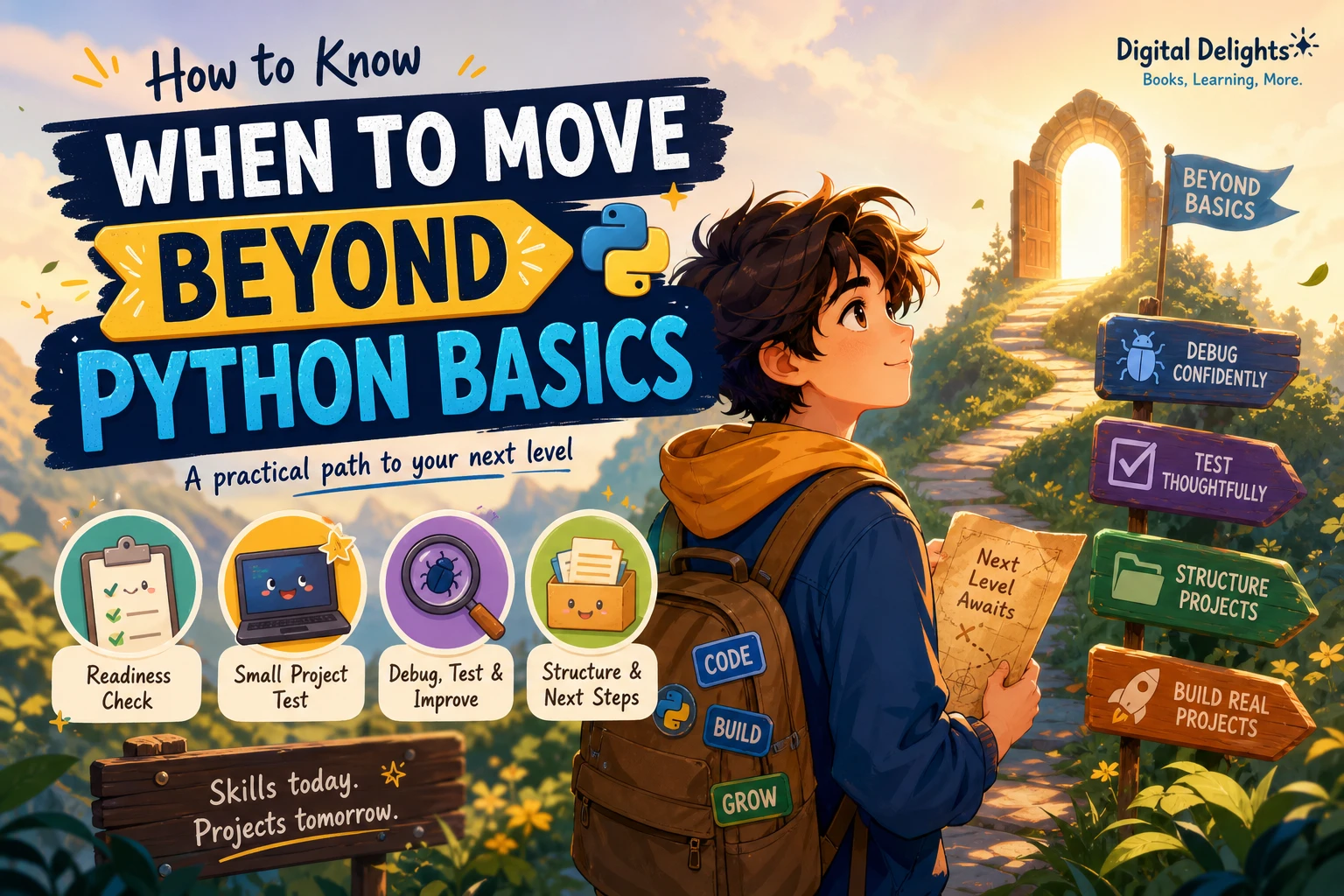
How to Know When You’re Ready to Move Beyond Python Basics
You do not need to memorize every Python feature before moving on. A better sign of readiness is that you can use the fundamentals to make a small program of your own, work through errors, and explain the choices you made—even if you still look things up.
There is no official Python checklist that declares a learner ready for the next stage. The practical self-check below can help you decide what to practise next without waiting for perfect confidence. It also separates useful next steps, such as debugging and organizing code, from advanced topics you may not need yet.
When to move beyond Python basics: a practical self-check
Try these questions against a small task you have not copied line by line from a tutorial. Treat them as reflection prompts, not a formal test.
- Can you plan a solution? Before coding, can you describe the input, the result you want, and a few steps that connect them?
- Can you use core tools together? Can you choose suitable lists, dictionaries, strings, loops, and functions for the task?
- Can you investigate a problem? When the program behaves unexpectedly, can you read the error, narrow down where it occurs, and try a deliberate fix?
- Can you explain your code? Could you describe what the main parts do without relying on “that is what the tutorial said”?
- Can you identify a next improvement? Can you name something to test, simplify, or make more useful?
You do not need a perfect yes to every question. If you can make a start and can tell what you do not understand, you are in a good position to learn through a project. The Python Tutorial itself is aimed at people who already have some programming experience and are new to Python; it does not set a universal threshold for beginners moving to the next stage. Read the Python Tutorial’s introduction.
Use a small project as your readiness test
Choose a simple problem that matters to you, rather than attempting to build something impressive. Examples include a quiz that tracks a score, a reading log that saves entries, a file organizer for a test folder, or a small program that summarizes information you enter.
Before you begin, write down what the program should do. Then build the smallest version that meets that goal. For a reading log, for example, you might first let a user enter a book title and pages read, then display the saved entries. Saving data permanently could be a later improvement.
Reflect after the first working version
- Which parts did you plan yourself, and where did you need a hint?
- Did you use functions or data structures to keep the code understandable?
- What error or unexpected result did you encounter, and how did you investigate it?
- What examples would you try to check that the program behaves as intended?
- What would you change if you added one more feature?
Looking up syntax, reading documentation, or asking for help does not invalidate the exercise. The useful distinction is whether you can apply what you find to your problem and understand the result, rather than paste instructions without knowing what they do.
What to learn after Python basics
Use your project as a guide: learn the skill that would make the next change easier. You do not have to study every topic in a fixed order before building something larger.
Debugging and testing
Practise reading tracebacks, checking values at key points, and changing one thing at a time as you investigate. When you are ready, try a debugger: Python’s pdb documentation describes features such as setting breakpoints, stepping through code, and inspecting execution. See the official pdb documentation.
Testing can begin simply. Think of a few ordinary inputs, an edge case, and an invalid input. Check whether the program’s output matches what you expected. Later, you can learn a testing framework if your project calls for it.
Functions, modules, and project structure
Functions help give repeated tasks a name and keep a program’s steps easier to follow. As a project grows, splitting related code into separate files or modules can make it easier to navigate. You do not need to reorganize a tiny script prematurely; let growing complexity create the reason.
Packages and virtual environments
When you start using third-party packages, learn how to install them for a particular project and keep that project’s setup distinct. These habits are useful when you revisit a project or share it with someone else. You can learn the details when a package or project makes them relevant; mastering environment tooling is not a prerequisite for making your next program.
Choose a direction through a project
Once you can build and improve small programs, choose a direction that interests you. Data analysis might involve working with tables; automation might mean handling files or repetitive tasks; web development might lead you toward a framework. A small project in the area you care about will help reveal which concepts you need next.
Common mistakes when deciding whether you’re ready
- Waiting for complete mastery. You can keep learning fundamentals while taking on a slightly more challenging project. Readiness is about attempting the next step, not finishing every topic in advance.
- Following tutorials without adapting them. A guided example is useful, but try changing the goal, input, or output afterward. That tests whether you understand the ideas well enough to reuse them.
- Jumping into advanced tools too early. A tool is worth learning when it solves a problem you actually have. You do not need to add complex tooling to a small script just because it is used in larger software projects.
- Treating confusion as proof you cannot progress. Getting stuck is part of building. Break the task into a smaller question, inspect what the program is doing, and seek a specific explanation when needed.
Choose a Python learning resource that fits your next gap
A useful resource should meet you at the problem you are trying to solve. If you want to practise through varied projects, need help writing clearer Python, or want a broader guide that moves from foundations toward applications, these catalog titles offer different approaches. No single book is necessary for every learner.
| Your current need | Resource to consider | Why it may fit |
|---|---|---|
| Build confidence by tackling varied programming challenges | Impractical Python Projects: Playful Programming Activities to Make You Smarter | The catalog describes project-based challenges involving topics such as puzzles, science, and probability, for readers building on Python foundations. |
| Improve code clarity and make better everyday Python choices | Python How-To: 63 Techniques to Improve Your Python Code | Its catalog description highlights focused techniques, examples, and challenges covering areas such as data structures, functions, and type hints. |
| Follow a wider path from fundamentals toward applications | Unlocking Python: A Comprehensive Guide for Beginners | The listed topics extend from core Python concepts to exceptions, modules, file handling, testing, and introductions to application areas. |
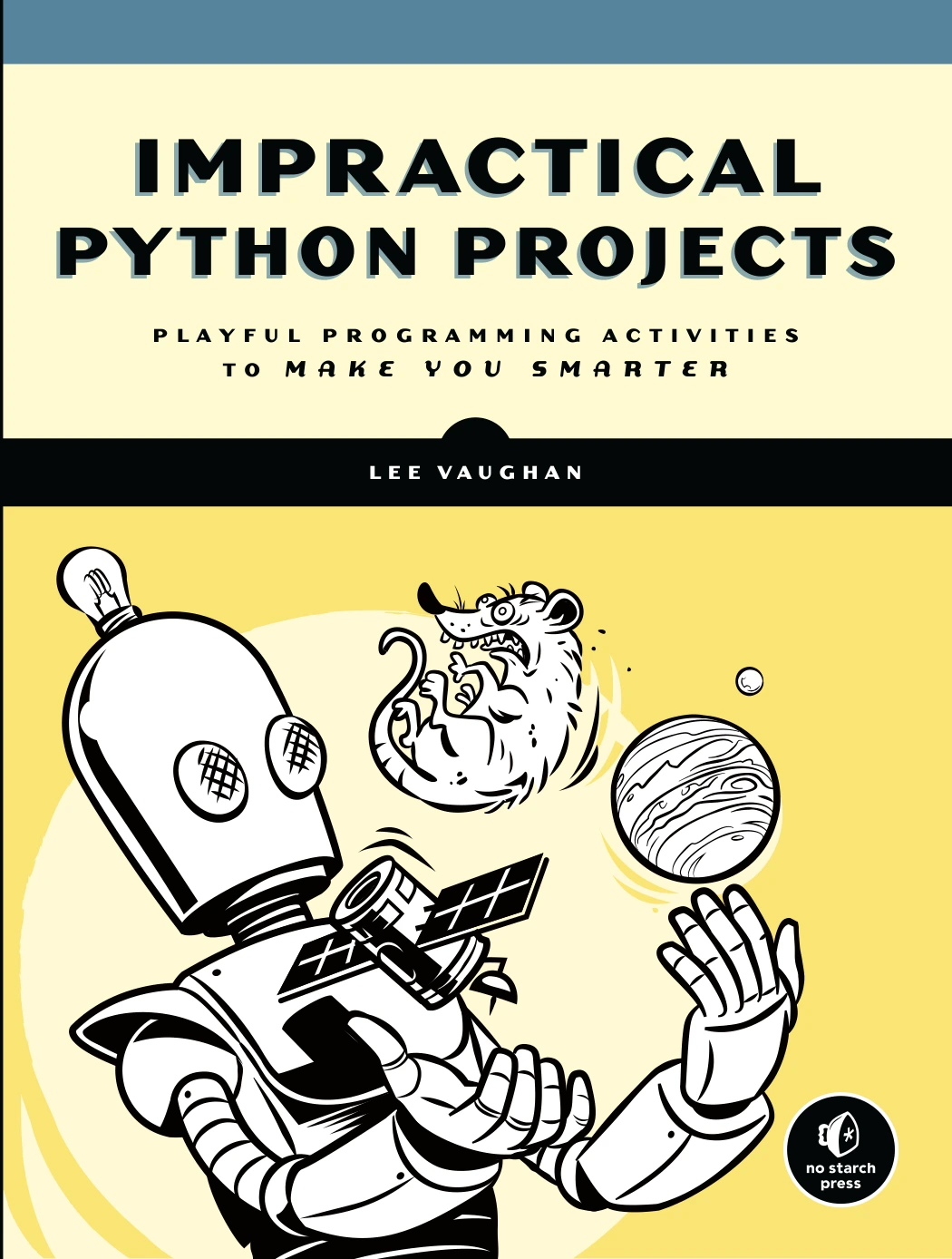
Impractical Python Projects: Playful Programming Activities to Make You Smarter
By Lee Vaughan
Learners looking for varied challenges involving puzzles, science, and probability.
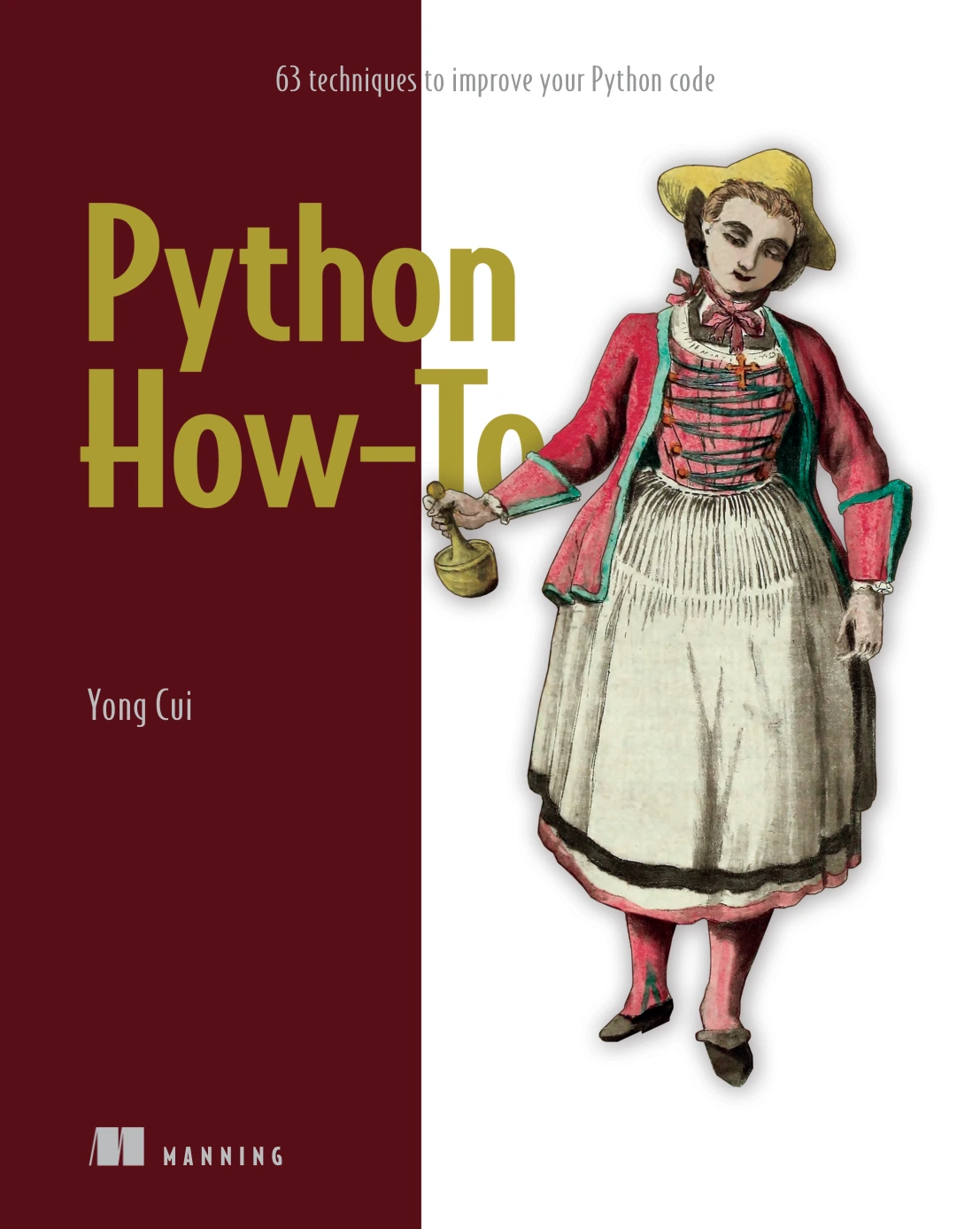
Python How-To: 63 Techniques to Improve Your Python Code
By Yong Cui
Learners ready to work on code clarity, data structures, functions, and related practices.
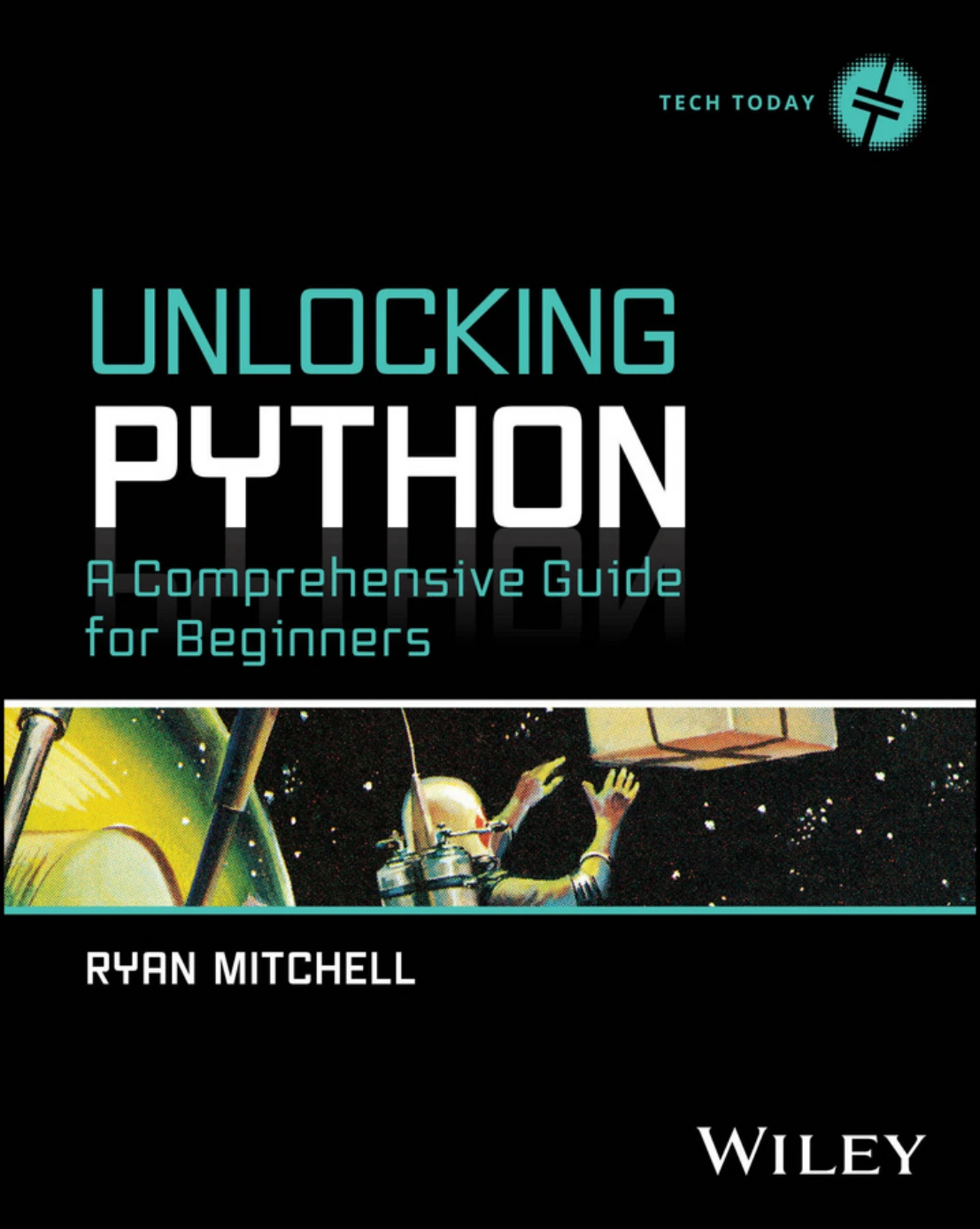
Unlocking Python: A Comprehensive Guide for Beginners
Readers seeking a structured guide spanning Python foundations, testing, modules, and application areas.
You can also browse Python books and resources to compare options by topic. Choose by the skill you want to practise next, not by how advanced a title sounds.
Frequently asked questions
Do I need to learn classes before building Python projects?
No universal rule says you must learn classes first. Start with a project that fits your current understanding, and learn classes when they help you represent related data and behavior or make a growing program easier to organize.
Is it normal to look things up while coding?
Yes. Looking up syntax or checking documentation is a normal part of programming. Focus on understanding what you find and adapting it to your situation, rather than copying a solution without being able to explain it.
What should I learn after Python basics?
Begin with the gap your project exposes. Debugging, testing, functions, modules, and package management are useful areas to explore; after that, a project can point you toward data work, automation, web development, or another interest.
Take the next step with a small project
You are ready to move beyond Python basics when you can use what you know with some independence—not when you have memorized the language. Pick a manageable project, build a first version, and note where you needed help and what you want to improve. Then learn those next skills in context. There is no single readiness signal, but making, examining, and refining your own program is a practical way to find your next step.