Best Ways to Practise Python: Exercises, Projects and Tips
The most useful way to practise Python is to write code yourself, change it to handle new cases, and work through the errors you encounter. Combine short exercises on one concept with small projects that give those concepts a purpose. Then review your solution and test it with different inputs.
This approach gives you a clear next step whether you are just starting out or can already write basic programs. Use a tutorial as a guide, but run and adapt its examples instead of only reading. As your programs grow, practise debugging and add tests. You do not need a complicated setup or a fixed daily timetable to begin.
Start with short exercises on one concept
Focused exercises help you concentrate on one Python idea at a time. Choose a topic you have just studied, write a small program using it, and then make the task slightly more challenging.
- Variables and input: ask for a name or number, then use the answer in a result.
- Conditionals: write a program that responds differently to several possible inputs.
- Loops: repeat a calculation or process a short list of values.
- Functions: turn a repeated calculation into a function that accepts an input and returns a result.
- Lists and dictionaries: store related information and retrieve or update it.
After the first version works, vary the inputs or add a constraint. For example, change a number-guessing exercise so it tells the player whether a guess is too high or too low. Then decide what should happen if the input is not a number. The variations reveal whether you understand the idea well enough to use it beyond the original example.
Practise with a tutorial and the Python interpreter
Read a small section of a guide, open a Python interpreter, and try the examples immediately. Change a value, remove a line, or predict what a statement will do before running it. If the result differs from your prediction, investigate why.
The official Python tutorial covers core topics such as data structures, modules, files, and exceptions. Its examples can serve as a starting point for hands-on exploration. Treat the tutorial as a reference and practice companion, not something to read through passively from beginning to end.
Build small projects with a clear purpose
Exercises teach individual concepts; a small project gives you a reason to combine them. Pick a problem with a manageable first version and add features only after that version works.
Beginner-sized project ideas include:
- Quiz: ask a few questions, check answers, and keep a score.
- Expense tracker: record a description and amount, then calculate a total.
- File-organising script: practise working with files by sorting items according to a simple rule.
- To-do list: add tasks, show them, and remove a completed task.
Break the project into steps. For a quiz, first display one question and check one answer. Next, add more questions, track the score, and handle unexpected input. This makes it easier to spot which part is causing trouble than attempting a large, feature-filled application all at once.
When you get stuck, write down what the program should do in plain language. Then turn that description into small actions. Avoid copying a complete solution before you have tried to solve the problem; if you consult an example, close it afterward and see whether you can reproduce the idea and explain how it works.
Debug, test and review your code
Errors are useful information about what Python could not do or what your program did differently from what you intended. Read the error message, note the line it points to, and check the nearby code. Change one thing at a time so you can see whether your fix addressed the problem.
Also test cases that are easy to overlook: an empty response, zero, a negative number, or a value outside the expected range. Ask yourself what the program should do in each situation, then run it with that input.
As a program becomes more complex, use repeatable checks. Python’s unittest framework can check expected results and expected exceptions; see the Python unittest documentation. For a small practice program, a few clear tests can help you check that a later change has not broken behavior that previously worked.
Use packages and virtual environments when you need them
Basic syntax practice does not require extra packages. Start with the Python interpreter and the standard features you are learning. When a project needs third-party libraries, a virtual environment can keep that project’s installed packages separate from other projects and your base Python installation.
The official venv documentation explains how Python virtual environments work. You can add one when you need it; setting one up is not a prerequisite for practising variables, loops, functions, or other fundamentals.
Follow a repeatable practice-session pattern
A simple session structure can help you begin without spending time deciding what to do next. Adjust it to fit your schedule; there is no need to treat it as a scientifically proven or universally optimal routine.
- Review one concept. Revisit a short section of a tutorial or your own notes.
- Solve a small problem. Write a program that uses that concept without copying a finished answer.
- Try variations. Use different inputs or add one new constraint.
- Debug and check. Read errors, test likely edge cases, and add repeatable tests if they would help.
- Record what remains unclear. Note a question to investigate or a small improvement to make next time.
The point is to finish with code you have written and a clearer idea of what to practise next—not simply a completed reading assignment.
Common Python practice mistakes
- Reading or watching without coding: pause often and try the idea in an interpreter or a short file.
- Starting with an oversized project: build a small working version first, then add one feature at a time.
- Copying solutions without understanding them: explain each important line in your own words and try rebuilding the solution without looking.
- Ignoring errors: read the message and use it to investigate instead of repeatedly changing unrelated code.
- Testing only the happy path: try unusual or invalid inputs and decide how the program should respond.
- Adding libraries too early: use built-in Python features for fundamentals, and bring in packages when the project calls for them.
Choose a learning resource that supports active practice
A useful beginner resource should give you a path through the fundamentals and opportunities to apply them. The catalog title Python Crash Course: A Comprehensive and Fast-Paced Introduction to Python Programming for Beginners and Experienced Developers Alike is described as covering core topics such as conditionals, loops, data structures, functions, and project work. It may suit readers who want a guided route from introductory concepts toward hands-on applications. Use it alongside your own coding rather than as a substitute for practice.
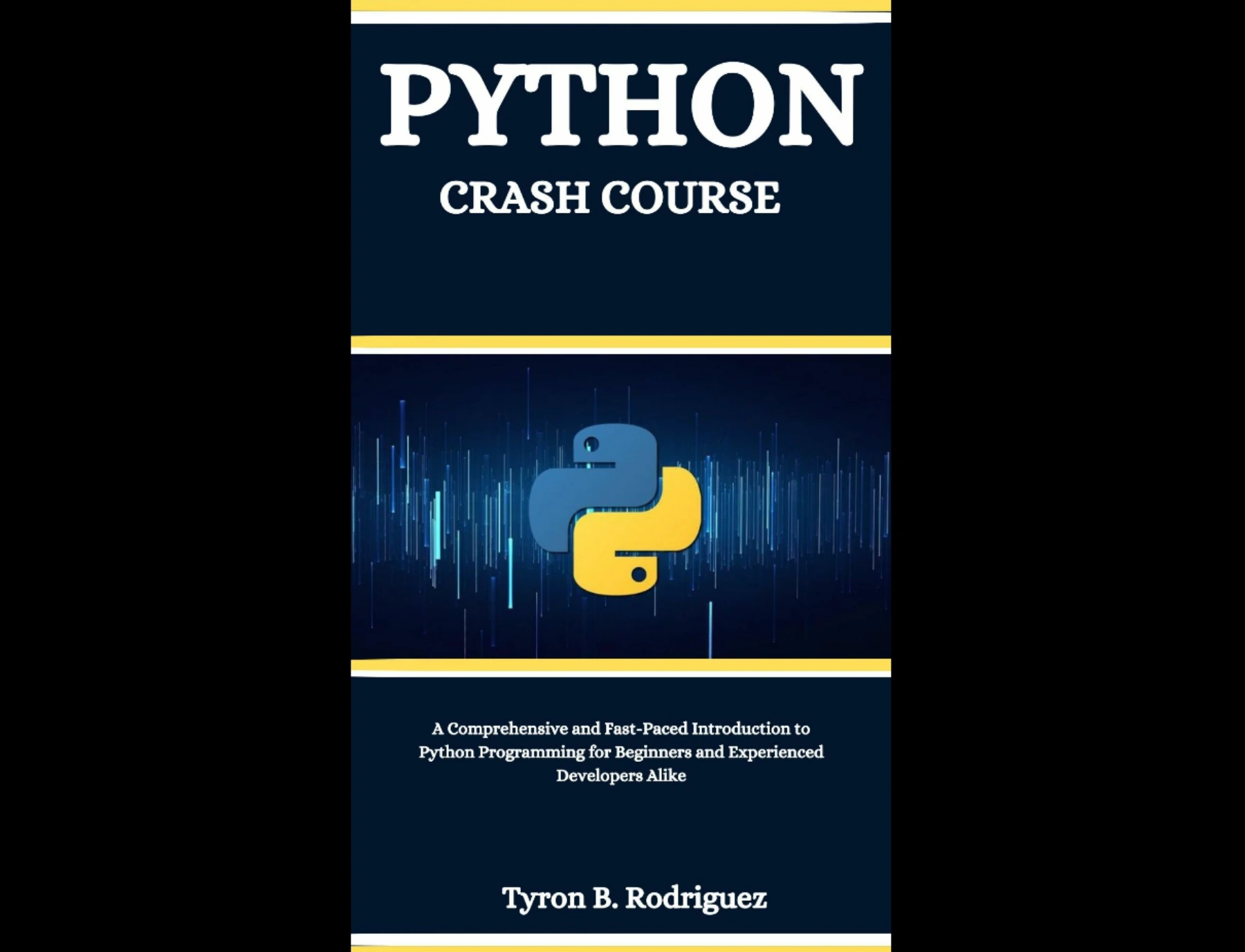
Learners who want a structured introduction to core Python concepts followed by project-oriented material.
You can also browse the Python resource category to explore related learning materials. Check a resource’s scope and any stated compatibility against your goals before following its examples.
Frequently asked questions
How often should I practise Python?
Choose a rhythm you can sustain and return to the code regularly. The supplied sources do not establish an optimal number of sessions or minutes per week. Focus on making each session active: write code, try variations, and review what you learned.
Should I do Python exercises or projects first?
Start with short exercises when you are learning a new concept, then use a small project to combine familiar ideas. You can move back and forth: project work often reveals a topic worth practising with a focused exercise.
Do I need to install packages to practise Python?
No. You can practise core Python concepts with the interpreter and standard language features. Use a virtual environment when a project needs third-party packages or you want to keep its dependencies separate.
What should I do when my Python code does not work?
Read the error message, inspect the line it identifies, and reduce the problem to the smallest case you can test. Change one thing at a time, then try the original input and a few edge cases.
Make practice active and manageable
Build your Python skills by moving from a focused exercise to variations, then to a small project that brings ideas together. Debug carefully, test expected behavior, and make a note of what to revisit. Keep the tasks small enough to finish and challenging enough to teach you something. That steady cycle is a practical way to turn reading about Python into writing programs of your own.