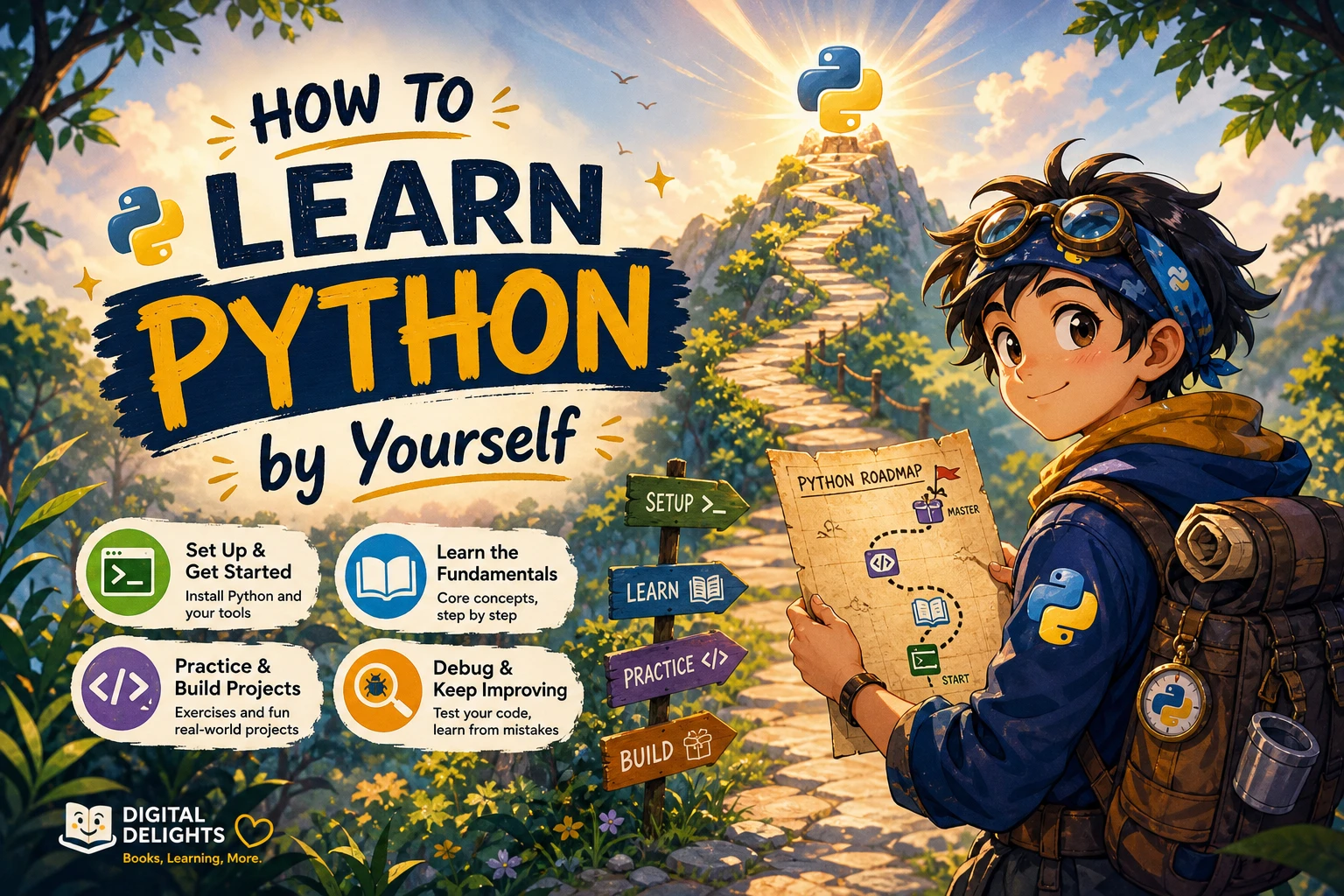
How to Learn Python by Yourself
You can follow a Python tutorial, understand every example, and still feel stuck when you open an empty file. The missing step is often not another explanation—it is practice deciding what a program should do and turning that decision into code.
To learn Python by yourself, choose one structured beginner resource, learn the core language, practise each concept, and build small projects with progressively less guidance. Measure progress by what you can write, debug, and explain, rather than how many lessons you finish.
This guide gives you a milestone-based route from your first saved script to independent beginner projects. You will also find exercises, a debugging routine, and a way to choose books without collecting more resources than you can use. There is no fixed deadline: move forward when you can complete the checkpoint for each stage.
How to learn Python by yourself: the roadmap
- Choose a small goal: a text-based game, a useful script, or a simple report.
- Set up Python: save, run, and change a short program.
- Learn the fundamentals: values, conditions, loops, collections, functions, and files.
- Practise independently: attempt unfamiliar problems before checking solutions.
- Build and test projects: start small, then add requirements one at a time.
- Choose a direction: automation, data analysis, web development, or machine learning.
You do not need to master the entire language before making something useful. But you should understand the basic code you are using before layering frameworks and specialist libraries on top.
1. Choose a goal and one main learning resource
Start with an outcome small enough to finish
“Learn Python” is too broad to guide your next study session. “Write a program that totals a list of expenses” gives you a concrete target.
Choose an initial project that can run in a terminal and does not require accounts, external services, or a complicated interface. For example:
- A quiz that checks answers and displays a score.
- A unit converter that accepts input and prints a result.
- A script that counts lines in a text file.
- A report that groups sample expenses by category.
Your first goal is a reason to learn the fundamentals, not a commitment to a career path. You can change direction after you have written a few programs.
Match the resource to your starting point
If you have never programmed, look for a guide that explains both Python syntax and the process of writing and running code. Python Coding for Beginners (19th Edition) covers setup, first scripts, variables, control flow, collections, functions, file handling, and troubleshooting. Its catalog description positions it as a step-by-step introduction for new programmers.
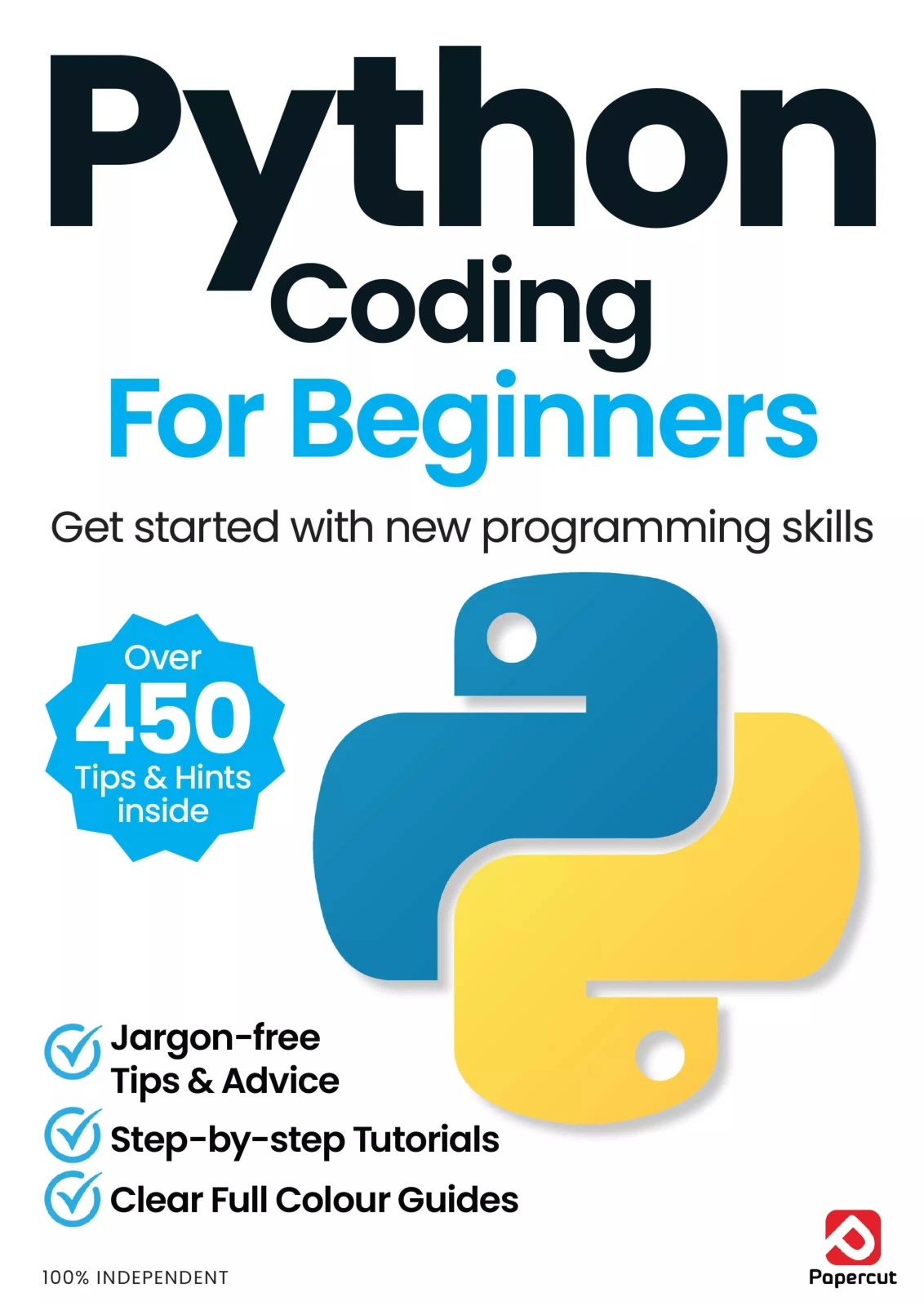
Python Coding for Beginners (19th Edition)
By Papercut
New programmers seeking setup guidance and step-by-step coverage of core Python concepts.
An alternative is Python Complete Manual – 26th Edition, 2025, which moves from installation and first programs through core language features and practical examples. Choose one as your main route; overlapping introductory guides are not a reason to study both at once.
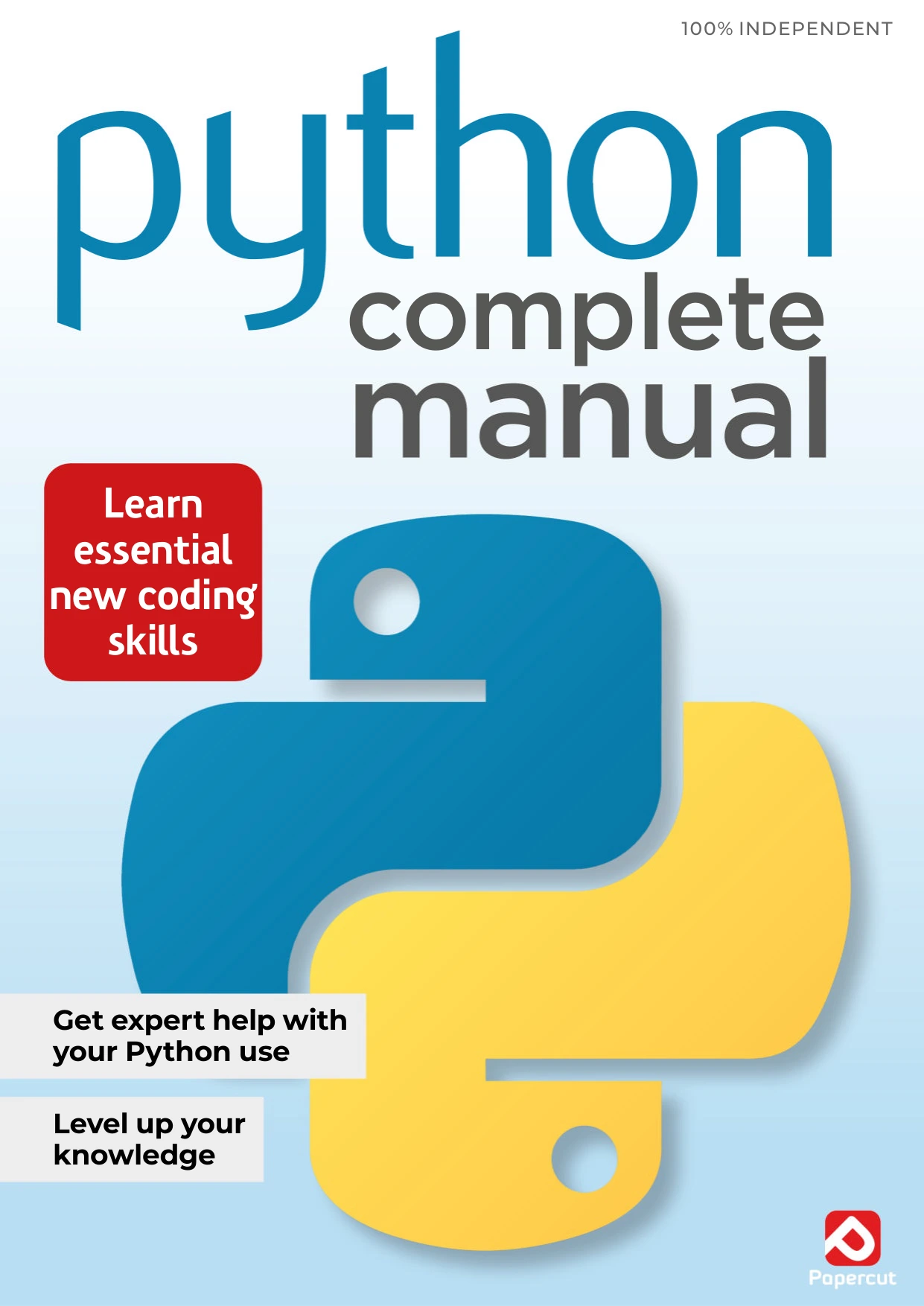
Python Complete Manual – 26th Edition, 2025
Readers wanting a manual that progresses from installation and first scripts to language fundamentals and small projects.
If you already know another programming language, the official Python tutorial may be a more direct starting point. It explicitly assumes basic programming knowledge, so complete newcomers should not interpret difficulty with it as evidence that they cannot learn Python.
Use books, documentation, and exercises for different jobs
- A main guide provides a sequence and explanations.
- Documentation answers specific questions about language behavior.
- Exercises reveal whether you can apply an idea without following an example.
Keep one main guide open and use the others when a particular need arises. Switching resources is reasonable when an explanation is unclear; restarting the entire beginner journey each time is not necessary.
2. Set up Python and run your first saved script
Understand the tools before adding more
These terms describe different parts of your workflow:
- Interpreter: the program that runs Python code.
- Editor: the tool where you write and save that code.
- Terminal: a place to enter commands, including commands that run scripts.
- Script: a saved text file containing Python code, usually with a
.pyextension.
Use the official Python downloads page to choose a supported stable Python 3 release appropriate for your computer. Follow its platform-specific setup guidance rather than relying on an old screenshot or installing a prerelease just because its version number is higher.
You do not need a paid editor or a complex development environment to begin. Choose an editor that can save plain-text Python files, and keep the setup simple enough that you understand how your script runs.
Save, run, and change a program
Create a file named hello.py:
name = input("What is your name? ")
print(f"Hello, {name}!")
Save it, then run it using your editor’s Python run command or a terminal opened in the folder containing the file. The interpreter command depends on your setup: it may be python, python3, or, on some Windows installations, py. For a setup where python selects the intended interpreter, the terminal command is:
python hello.pyNow change the greeting, save the file again, and rerun it. This small step distinguishes editing a saved program from entering commands in an interactive Python session.
Checkpoint: You can find your file, run it, change it, and explain where the displayed output comes from.
Add virtual environments when you need packages
Your first exercises can use Python’s built-in features. When a project requires third-party packages, introduce a virtual environment rather than installing everything into one shared environment.
The official guide to virtual environments and packages explains how environments separate project dependencies and how pip manages packages. With the appropriate interpreter command for your setup, environment creation follows this pattern:
python -m venv .venvActivation commands differ by operating system and shell, so follow the corresponding documentation. Also remember that an environment uses the interpreter that created it; creating one does not automatically select a different Python version.
3. Learn the fundamentals in a practical sequence
The following is a suggested study sequence, not a proven universal teaching order. Its purpose is to make each new topic useful in a small program.
| Concept | Small practice task | What to explain afterward |
|---|---|---|
| Variables, numbers, and strings | Calculate the cost of several items. | Which values are numbers and which are text? |
| Input and conversion | Ask for a quantity and calculate a total. | Why does numeric input need conversion? |
| Conditions | Classify a number as positive, negative, or zero. | Which branch runs for each input? |
| Loops | Repeat a quiz until the user chooses to stop. | What controls repetition and termination? |
| Lists and dictionaries | Store scores or count repeated words. | Why does the chosen collection fit the task? |
| Functions | Move a calculation into a reusable function. | What are its inputs and return value? |
| Modules and files | Read a text file and produce a summary. | Where does the data come from? |
| Exceptions | Handle invalid numeric input. | Which failure are you handling? |
| Introductory classes | Represent a quiz question with data and behavior. | What belongs to each instance? |
For each topic, write a tiny example yourself before combining it with others. If nested loops are confusing, return to one loop. If a function seems mysterious, use one that accepts a number and returns a number before introducing files or user input.
Separate calculation from interaction
A useful early habit is to keep the calculation separate from the code that asks questions or prints results. For example:
def average(values):
    if not values:
        return None
    return sum(values) / len(values)

scores = [12, 15, 18]
result = average(scores)

if result is None:
    print("No scores available.")
else:
    print(f"Average score: {result:.1f}")
This example combines a list, a function, a condition, and formatted output. The function expects a collection of numeric values. It returns None for an empty collection so the calling code can decide how to display that situation.
Before running it, predict the output. Then try a single score and an empty list. Finally, explain why the empty-list check happens before division.
Checkpoint: You can write a function that processes a collection, returns a result, and handles at least one edge case.
4. Practise until you can solve unfamiliar small problems
Use a repeatable practice loop
- Read: Study one concept or problem statement.
- Predict: Write down what you expect the example to do.
- Code: Type and run a solution.
- Modify: Change an input, condition, or requirement.
- Explain: Describe the result and your reasoning in plain language.
This is a practical study routine, not a guarantee of a particular learning speed. Its value is that it makes your understanding visible: you can check whether your prediction matched the result and whether your change did what you intended.
For question-based practice, Python Workbook for Absolute Beginners [Part 1] covers foundational topics such as variables, collections, operators, conditions, loops, and functions using questions with answers and explanations.
![cover of python workbook for absolute beginners [part 1]](https://cdn.digitaldelights.co/wp-media-folder-digital-delights/wp-content/uploads/2026/09/Python-Workbook-for-Absolute-Beginners-Part-1.webp "how to learn python by yourself")
Python Workbook for Absolute Beginners [Part 1]
Beginners who want focused practice with variables, collections, conditions, loops, and functions.
If you can follow lessons but struggle to start a solution, Python Programming Exercises, Gently Explained offers small programming problems with hints and explanations. Use the hints to unblock a specific step rather than immediately reading the complete answer.
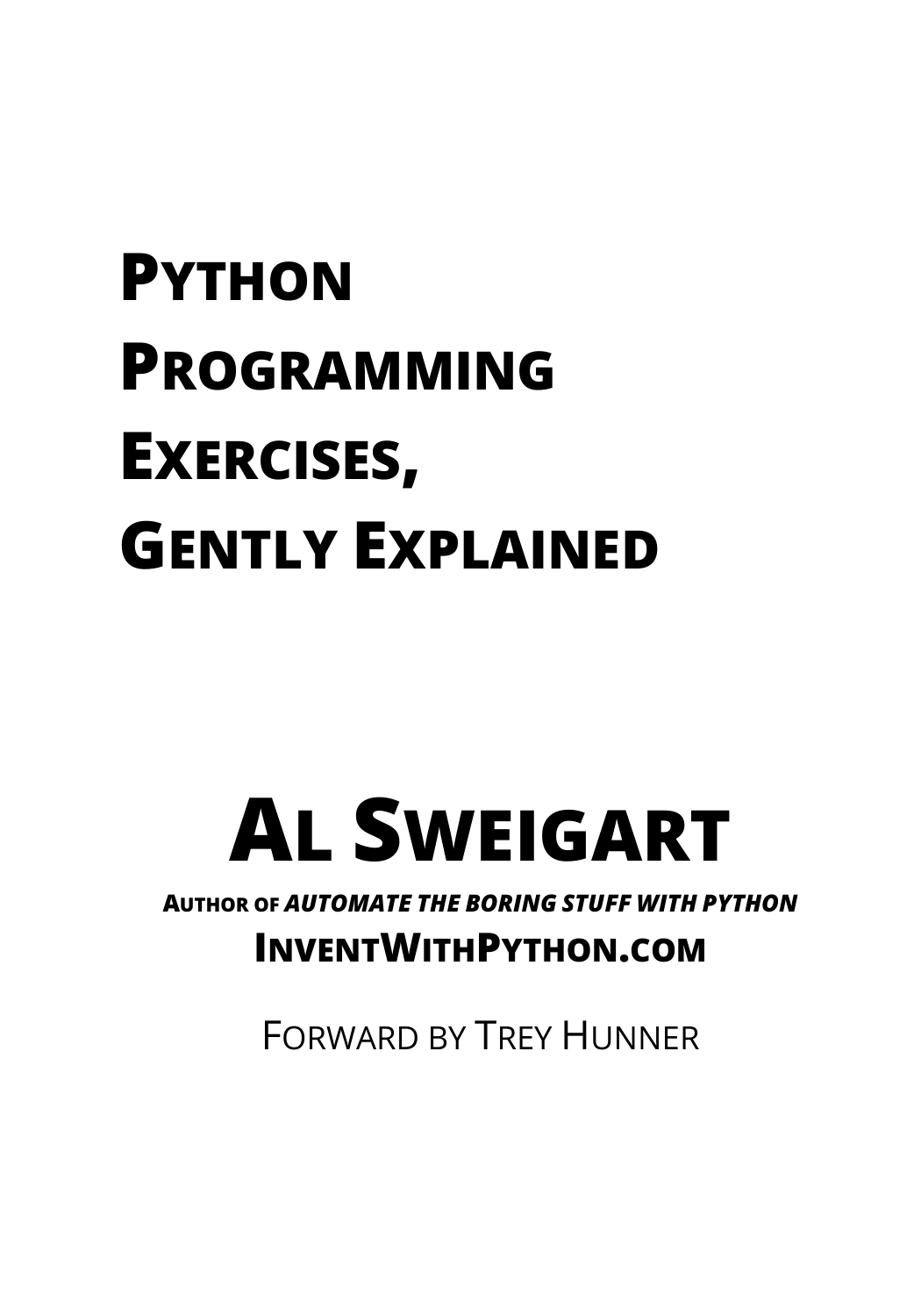
Python Programming Exercises, Gently Explained
By Al Sweigart
Learners familiar with basic syntax who need short problems, hints, and explanatory solutions.
Make an attempt before checking the solution
Write down the input, expected output, and a possible approach. Even an incomplete attempt gives you something concrete to compare with the explanation.
After reading a solution, close it and rebuild the program. Then change one requirement. For a word-counting exercise, you might ask the program to ignore capitalization or display results in alphabetical order.
Checkpoint: You can solve a new small problem using functions and collections, then explain why your approach works. Looking up syntax is fine; needing a complete solution for every step signals that you need more practice at that level.
5. Build projects with less guidance each time
Projects become more manageable when you define a small first version. Before coding, answer:
- What input will the program receive?
- What output should it produce?
- What is the smallest useful version?
- Which unusual or invalid inputs should it handle?
- How will you check that the result is correct?
Project one: a number-guessing game
Use a fixed secret number first. Accept guesses, say whether they are too high or too low, and stop after a correct guess. Once that version works, add random selection, invalid-input handling, or an attempt counter.
This lets you practise conditions and loops without introducing every feature at once.
Project two: a text-file summary
Read a sample text file and report its line count and word count. Define what “word” means for your first version—for example, a chunk separated by whitespace. Later, add a frequency table or accept the filename as an argument.
Test an empty file and a file with repeated blank lines. Use sample files that contain no private information.
Project three: a small CSV report
Create a sample CSV file with category and amount columns. Read the rows, calculate category totals, and print a summary. Decide how to handle a missing amount or an invalid numeric value before adding charts or a graphical interface.
For a guided project route, Tiny Python Projects focuses on small command-line programs and introduces testing with pytest. It is a relevant next step for learners who want to connect language fundamentals with explicit program requirements.
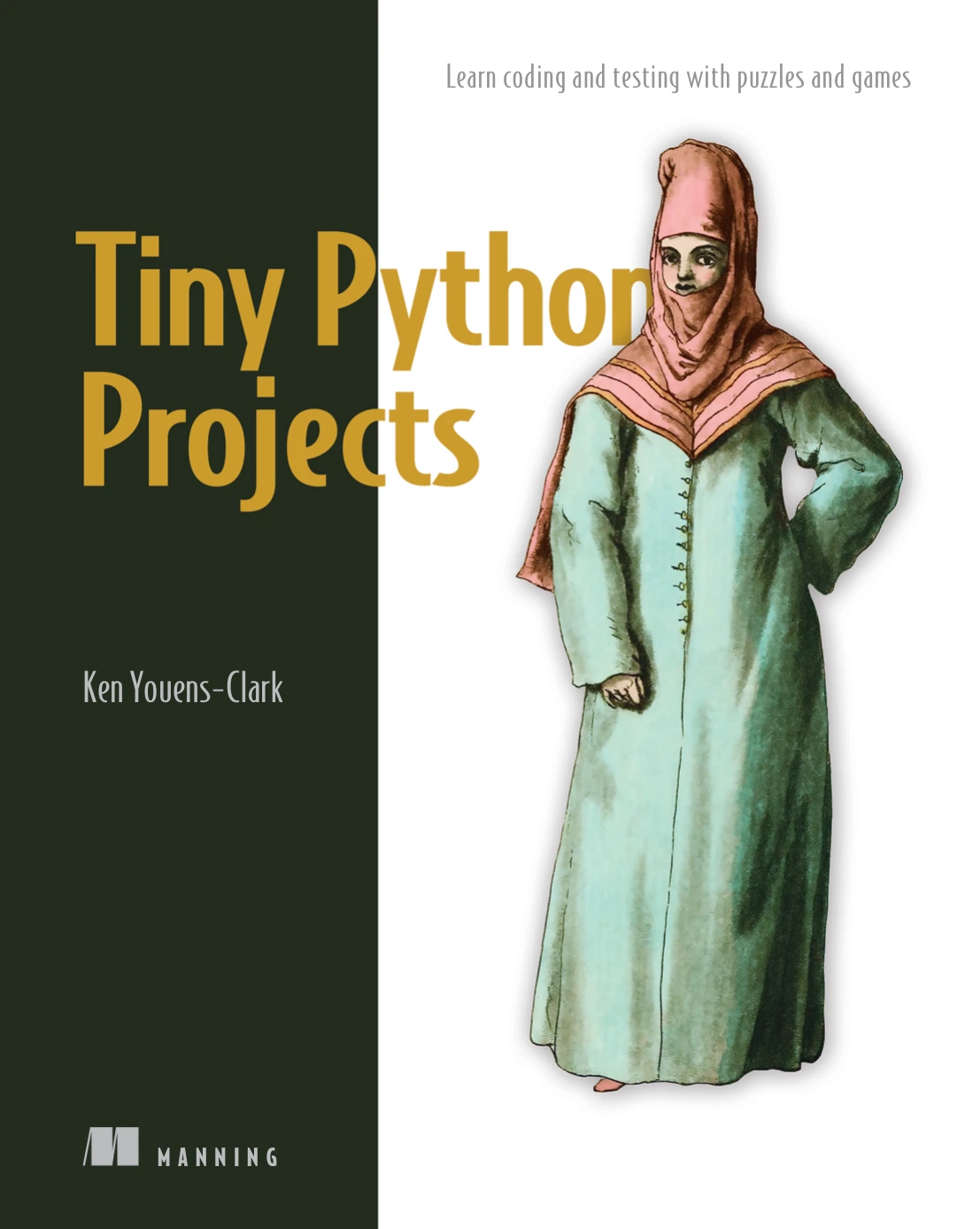
Practice-focused beginners and self-taught learners interested in project requirements and pytest-based testing.
Check behavior and document the project
Start with a few known inputs and expected results. For the earlier average function, simple checks could be:
assert average([12, 15, 18]) == 15
assert average([8]) == 8
assert average([]) is None
These are practice checks, not input validation or a complete testing strategy. As your projects grow, learn to organize tests and check failure cases systematically.
Add a short README explaining what the program does, how to run it, an example input and output, and any limitations. If those instructions are difficult to write, clarify the program’s requirements before adding features.
Checkpoint: You can complete a small project from your own written requirements, demonstrate its behavior, and explain a limitation.
6. Debug problems and avoid self-study traps
Use a debugging routine instead of random changes
- Read the error message. Note the exception type and description.
- Inspect the traceback. Locate the relevant line in your own code.
- Check the values. Inspect the variables involved and their types.
- Simplify the example. Remove unrelated code until the failure is easier to see.
- Change one thing. Rerun the same failing input and compare the result.
If the program runs but produces the wrong answer, work through a tiny input by hand. Compare your expected intermediate values with the program’s values. A successful run does not establish that the logic is correct.
When asking for help, include the smallest relevant example, the exact error, what you expected, and what actually happened. Remove passwords, tokens, personal information, and confidential data.
Avoid habits that hide gaps in understanding
- Resource hopping: finish a meaningful checkpoint before replacing your main guide.
- Only watching or reading: end a session with code you changed or wrote.
- Copying unexplained solutions: rebuild the solution and explain each important step.
- Starting oversized projects: prove the central calculation or workflow before adding interfaces.
- Ignoring version differences: compare older setup instructions with current documentation.
- Using AI as an answer dispenser: ask for hints or explanations, then inspect and check any suggested code.
Keep a simple progress log: task completed, problem encountered, explanation learned, and next action. “I fixed incorrect totals caused by text values” is more informative than “I watched another hour of tutorials.”
7. Choose your next direction
Once you can write and debug small programs, choose a direction based on the work you want to do.
- Automation: practise files, paths, command-line inputs, and error handling. Test on copies before changing real files.
- Data analysis: practise tabular data, missing values, summaries, and visualization. Check whether your results answer the original question.
- Web development: learn the request-and-response model, basic HTML, and how an application handles user input before attempting a large site.
- Machine learning: build familiarity with data preparation, basic statistics, and evaluation rather than jumping directly to complex models.
For the data route, Python for Data Science: A Hands-On Introduction covers Python data structures, libraries, and working with data from files, APIs, and databases. It is an optional next-stage resource, not a prerequisite for learning the language.
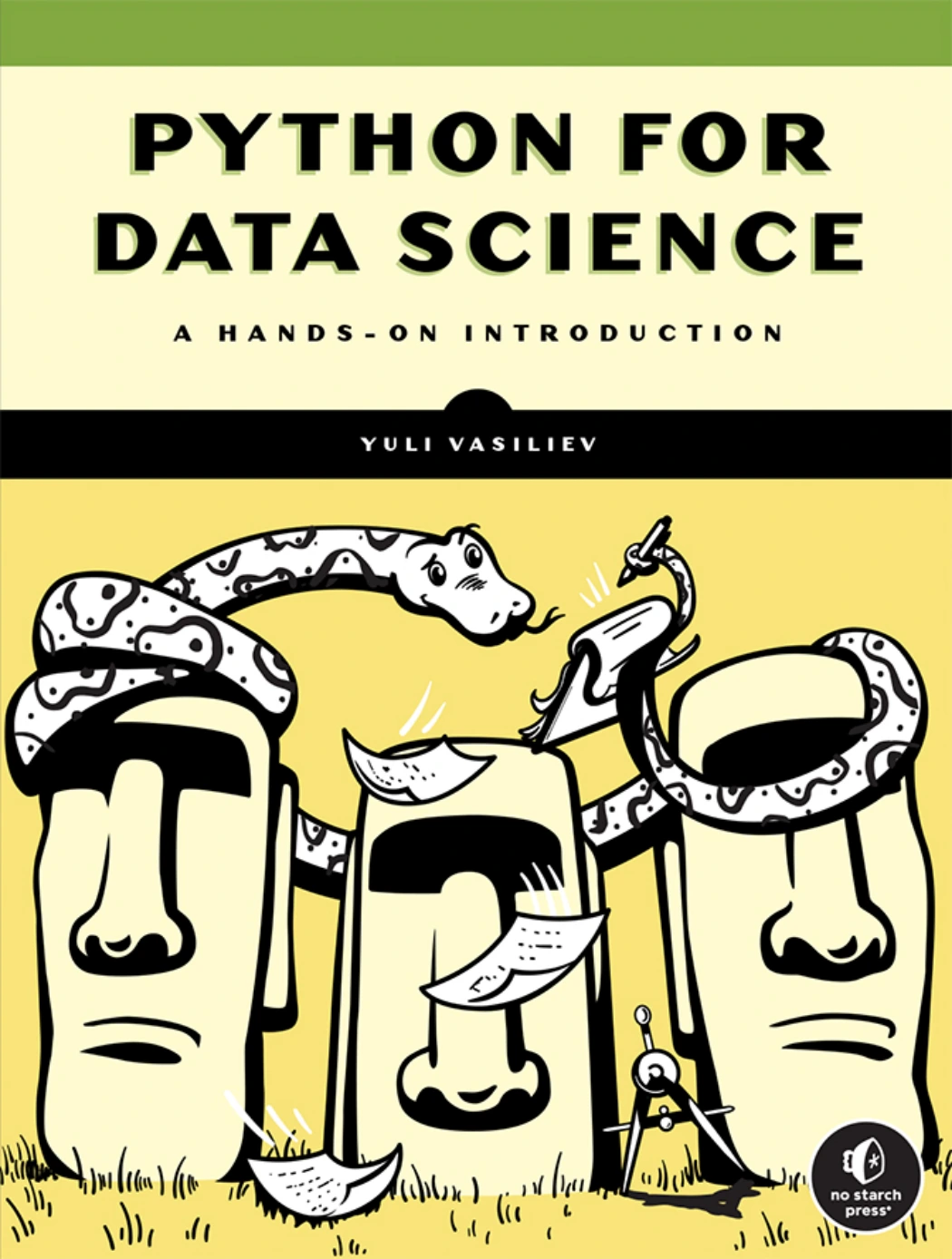
Python for Data Science: A Hands-On Introduction
Readers interested in Python data structures, libraries, and retrieving data from files, APIs, and databases.
Which Python resource fits your current stage?
Use this comparison to choose a resource for your immediate need—not to create a reading list you must complete.
| Your current need | Resource | Relevant catalog-described focus |
|---|---|---|
| A guided introduction to coding | Python Coding for Beginners (19th Edition) | Setup, language basics, troubleshooting, and practical examples. |
| An alternative introductory manual | Python Complete Manual – 26th Edition, 2025 | Installation, first scripts, core constructs, and small projects. |
| Checks on foundational concepts | Python Workbook for Absolute Beginners [Part 1] | Questions, answers, and explanations covering beginner topics. |
| Practice starting a solution | Python Programming Exercises, Gently Explained | Short programming problems with hints and explanations. |
| Small programs with testing | Tiny Python Projects | Command-line projects and test-driven development using pytest. |
| A move toward data work | Python for Data Science: A Hands-On Introduction | Data structures, libraries, and data access workflows. |
Catalog descriptions establish each resource’s scope, not guaranteed results or compatibility with every current software release. Check version-sensitive instructions when following a book. For further discovery, browse the Python books at Digital Delights with a specific learning goal in mind.
Frequently asked questions
Can I learn Python without programming experience?
Yes. Start with a resource designed for complete programming beginners and practise running saved scripts early. Learn the meaning of terms such as variable, loop, and function through small examples rather than trying to memorize a glossary first.
Can I start learning Python for free?
Yes. Python’s interpreter and standard library are freely available, as described in the official tutorial linked above. You can begin with free documentation and your own exercises. A paid book is an optional source of structure, not a requirement.
How long does it take to learn Python by yourself?
There is no universal timeline supported by the supplied evidence. Writing a few simple scripts, becoming comfortable with the language, and preparing for professional work are different goals. Use observable milestones and adjust your pace to your prior knowledge and opportunities to practise.
Do I need advanced mathematics to begin?
The beginner tasks in this roadmap use basic arithmetic and logical decisions. More specialized work may call for additional mathematics, particularly in statistics-heavy data analysis or machine learning. Learn what your chosen projects require rather than treating advanced mathematics as an entry requirement for every Python task.
Should I memorize Python syntax?
You should become familiar with common syntax, but looking up a method or function is normal. Prioritize knowing how to break down a problem, choose a data structure, and check the result. Repeated use gives you opportunities to become more comfortable with the syntax.
How do I know I am ready to move beyond beginner material?
You can take a small written requirement, build a working solution without a complete walkthrough, handle a few edge cases, and explain your decisions. You can also investigate an error rather than immediately replacing the entire program. Occasional documentation lookups do not disqualify you.
Your next step: write, change, and explain one program
You do not need a perfect learning plan before starting. Choose one beginner resource, run a short script, and make a deliberate change. Predict what will happen, then check the result.
Keep repeating that pattern as the tasks grow: understand the requirement, attempt the code, investigate the behavior, and explain the outcome. The goal is not to finish every tutorial. It is to become increasingly able to turn your own small ideas into programs you understand.