How to Learn Python at Home
To learn Python at home, start with a small goal, set up a working Python environment, and practise the fundamentals through programs you can explain. Then build something without following a tutorial line by line. You do not need to choose a specialization or buy extra hardware before writing your first script.
The difficult part of self-study is often deciding what to do next. A lesson can make sense while you watch it, yet leave you unsure how to start a blank file. This guide turns that gap into manageable steps: what to learn, how to practise, which projects to attempt, and how to choose resources that match your starting knowledge. Progress means being able to write, change, and debug a program—not simply finishing a course.
How to learn Python at home: the basic roadmap
- Choose one modest goal: a text quiz, an expense summary, or a simple game.
- Set up Python: install a supported stable release, choose an editor, and run a saved script.
- Learn the building blocks: values, conditions, loops, collections, and functions.
- Practise actively: write examples, predict their output, and change their behavior.
- Complete an independent project: work from a short description rather than a finished solution.
- Choose your next direction: automation, data work, web development, games, or hardware.
Use these as milestones rather than a fixed calendar. If functions still feel confusing, practise them before adding a framework or a large library.
1. Choose your starting point and learning goal
If you have never programmed before
Choose instruction that explains programming itself: what a variable stores, how a loop repeats work, and why a function has inputs and a result. A resource described as an introduction to Python may still assume that you already understand those ideas.
The official Python Tutorial explicitly assumes basic programming knowledge. It is a useful reference and topic guide, but it need not be a complete beginner’s main lesson sequence.
Start with a goal you can describe in a sentence: “Ask three questions and show the score.” That gives variables, conditions, and loops a purpose without requiring accounts, graphics, or network access.
If you already know another programming language
You can use the official tutorial more directly. Focus on Python’s syntax, collection types, iteration, functions, modules, and error handling. Rebuild a small program you already understand so that the problem itself does not compete with learning a new language.
Keep your first goal small enough to finish
“Build a personal assistant” hides many separate problems. “Read a text file and count its lines” has a clear input, action, and output.
- Automation interest: list the files in a practice folder before trying to organize them.
- Data interest: calculate totals from a short list before working with a large dataset.
- Game interest: build a text guessing game before adding graphics.
- Hardware interest: learn to run ordinary scripts before introducing sensors and wiring.
2. Set up a simple home coding environment
Your initial setup needs three things: access to a computer where you can write code, a Python interpreter to execute it, and an editor to save your programs. You do not need a Raspberry Pi or specialized electronics for the core learning path.
Install a supported stable Python release
Use the official Python downloads page to find current releases and platform guidance. Choose a supported stable Python 3 release rather than a pre-release, unless a specific learning project gives a reason otherwise. Check any package requirements in your chosen resource before installing its software stack.
Installation steps differ across Windows, macOS, and Linux. If you are using a school or work computer, check installation permissions first. A browser-based learning environment can be an alternative when local installation is not allowed, but review whether it supports saved files, interactive input, and any packages your lessons require.
Run a saved script before adding more tools
- Create a folder for your learning files.
- Open a Python-capable editor. If your installation includes IDLE, it can serve as a starting option.
- Create a file named
hello.py. - Save the following program and run it using the editor’s Python run command.
name = input("What is your name? ")
print(f"Hello, {name}!")
If you enter Sam, the greeting will be Hello, Sam!. Change the greeting and run the file again. This confirms that you can edit, save, and execute a program.
If you run scripts from a terminal, the interpreter command depends on your installation; it may be python, python3, or a Windows launcher command. Follow your platform’s setup guidance rather than assuming one command works everywhere.
Learn about packages when a project needs them
Installing Python and installing a package are different tasks. The interpreter runs Python code; third-party packages add capabilities beyond the standard library.
When you begin using external packages, create a virtual environment for the project. The built-in venv module provides isolated environments so projects can have separate package installations. Its documentation explains the platform-specific activation commands.
For example, if your interpreter command is python, the creation command is python -m venv .venv. If your setup uses another interpreter command, substitute that command. Keep the early exercises package-free so that installation problems do not obscure the programming concepts.
3. Learn Python fundamentals in a useful order
The following sequence is an editorial learning plan, not the only valid curriculum. Each stage includes a task that makes the concept observable.
| Stage | Topics | Practice task | Readiness check |
|---|---|---|---|
| Values and interaction | Variables, strings, numbers, input, output, conversions | Ask for a name and two numbers, then display a calculation. | Explain why text input needs conversion before arithmetic. |
| Decisions and repetition | Booleans, comparisons, conditions, loops | Keep asking a quiz question until the answer is correct. | Explain when the loop stops. |
| Collections | Lists and dictionaries | Store several quiz questions or expense records. | Explain why you chose a list or dictionary. |
| Reusable code | Functions, parameters, return values, modules | Move a repeated calculation into a function. | Call the function with different inputs. |
| Persistent data and errors | Files and exceptions | Read practice data from a file and handle an expected input error. | Explain what happens when the data is missing or invalid. |
This progression overlaps with topics covered in the official tutorial. Treat the readiness checks as practical questions, not formal certification benchmarks.
Use one concept in several small programs
After learning a loop, use it to print a sequence, total a list, and ask repeated questions. Different uses help you see the concept separately from the example in which you first encountered it.
Introduce classes when a project gives them a useful role—for example, representing several game objects with their own state and behavior. You do not need to master object-oriented design before writing a text quiz.
A small example to inspect and change
expenses = [12.50, 8.00, 19.25]

def total_expenses(amounts):
    total = 0
    for amount in amounts:
        total += amount
    return total

print(f"Total: {total_expenses(expenses):.2f}")
The displayed result is Total: 39.75. The list holds the amounts, the loop visits each amount, and the function returns their total. The final formatting displays two decimal places.
- Add another amount and predict the new total before running it.
- Pass an empty list to the function. What should it return?
- Change the program to count how many amounts exceed a chosen threshold.
- Explain the difference between returning a result and printing it.
This is a learning example, not a financial application. Accuracy requirements for real monetary calculations deserve separate attention.
4. Build a repeatable practice routine
A useful home-study session follows a short cycle: understand one idea, use it, change it, and record what happened.
- Read or watch one explanation. Stop before several unfamiliar concepts accumulate.
- Write a small program. Use the explanation as a reference, not a script to copy mechanically.
- Predict the output. Make a specific prediction before running the code.
- Change one thing. Alter an input, condition, or function call.
- Explain the result. Write a sentence about why it behaved that way.
- Save a next step. Leave a note about the smallest task to attempt next time.
A flexible sample schedule
If you have about half an hour available, you might spend a few minutes reviewing yesterday’s work, most of the session coding, and the final few minutes recording a problem or improvement. This is a suggested arrangement—not an evidence-backed optimal duration.
For a shorter session, modify one function or solve one error. For a longer session, complete one project feature rather than trying to absorb several chapters. Choose a routine that fits your household and responsibilities.
Learn to investigate errors
When a program fails, resist the urge to change several lines at once. Read the last line of the traceback for the exception type and message, then inspect the referenced part of your own code. Tracebacks and exception handling are explained in the official tutorial.
For example, int("hello") raises a ValueError: the text does not represent an integer. If the value came from a user, the program needs a plan for invalid input rather than an assumption that every entry will be numeric.
- Record the input: what exactly caused the failure?
- Inspect the relevant value: use a temporary print statement if needed.
- Reduce the example: remove unrelated code until the problem is easier to see.
- Change one cause: rerun the same input to check the effect.
- Keep a brief error log: note the symptom, cause, and correction.
If you ask a person or an AI tool for help, provide a small example, the exact error, and what you expected. Remove passwords, personal data, and other sensitive information first. Treat suggested fixes as proposals you still need to understand.
5. Progress from exercises to independent projects
A good beginner project combines familiar concepts with one new challenge. Write the minimum requirements before you start, and postpone optional features until that version works.
Project one: a number guessing game
- Minimum scope: store a secret number, accept a guess, and report whether the guess is too high, too low, or correct.
- Skills: input conversion, conditions, and a loop.
- Extension: count attempts or use the standard library to select the number.
- Check: does the program handle both boundary guesses and invalid text?
Project two: a text quiz
- Minimum scope: ask several questions, check answers, and show a score.
- Skills: collections, loops, and functions.
- Extension: accept answers with different capitalization or load questions from a file.
- Check: can you add a question without rewriting the quiz logic?
Project three: a file-based expense summary
- Minimum scope: read a small practice file containing one amount per line and display a total.
- Skills: file reading, conversion, functions, and error handling.
- Extension: group sample expenses by category or export a summary.
- Check: what happens with an empty file, a missing file, or a malformed entry?
Use fictional data. For any project that renames, moves, or deletes files, work on copies in a dedicated practice folder and display the proposed actions before applying them.
Check whether you understand the project
Before moving on, ask whether you can:
- Describe the program’s inputs and outputs.
- Explain its main decisions and data structures.
- Add a small feature without replacing the whole solution.
- Locate and correct a deliberate mistake.
- Rebuild a simpler version from your own requirements.
Looking up syntax is normal. The distinction is between using a reference to implement your plan and needing a tutorial to supply every decision.
6. Choose resources that match your needs
Choose one main learning resource and use other formats to solve specific problems. There is no need to decide that books, videos, documentation, or interactive exercises are universally superior.
- Books: useful when you want a coherent sequence and material you can revisit. Check assumed knowledge and exercises.
- Videos: useful for seeing a workflow. Pause to reproduce and modify the code.
- Interactive exercises: useful for focused practice. Also write saved programs outside the exercise interface.
- Documentation: useful for precise behavior and reference. Check whether it assumes programming experience.
Before committing to a resource, inspect a sample explanation. Does it explain why the code works? Does it ask you to write something independently? Do its package requirements fit your environment?
Optional Digital Delights resources by learning direction
The following catalog titles serve different purposes. They are not a ranking or a shopping list: choose a resource only when its subject matches the step you want to take.
| Learning need | Catalog resource | Relevant coverage | When to consider it |
|---|---|---|---|
| Young beginner learning at home | Coding for Kids: Python: Learn to Code with 50 Awesome Games and Activities | Introduces printing, numbers, strings, loops, Turtle graphics, reusable code, and debugging through activities. | When a young learner wants an activity-led introduction that assumes no coding experience. |
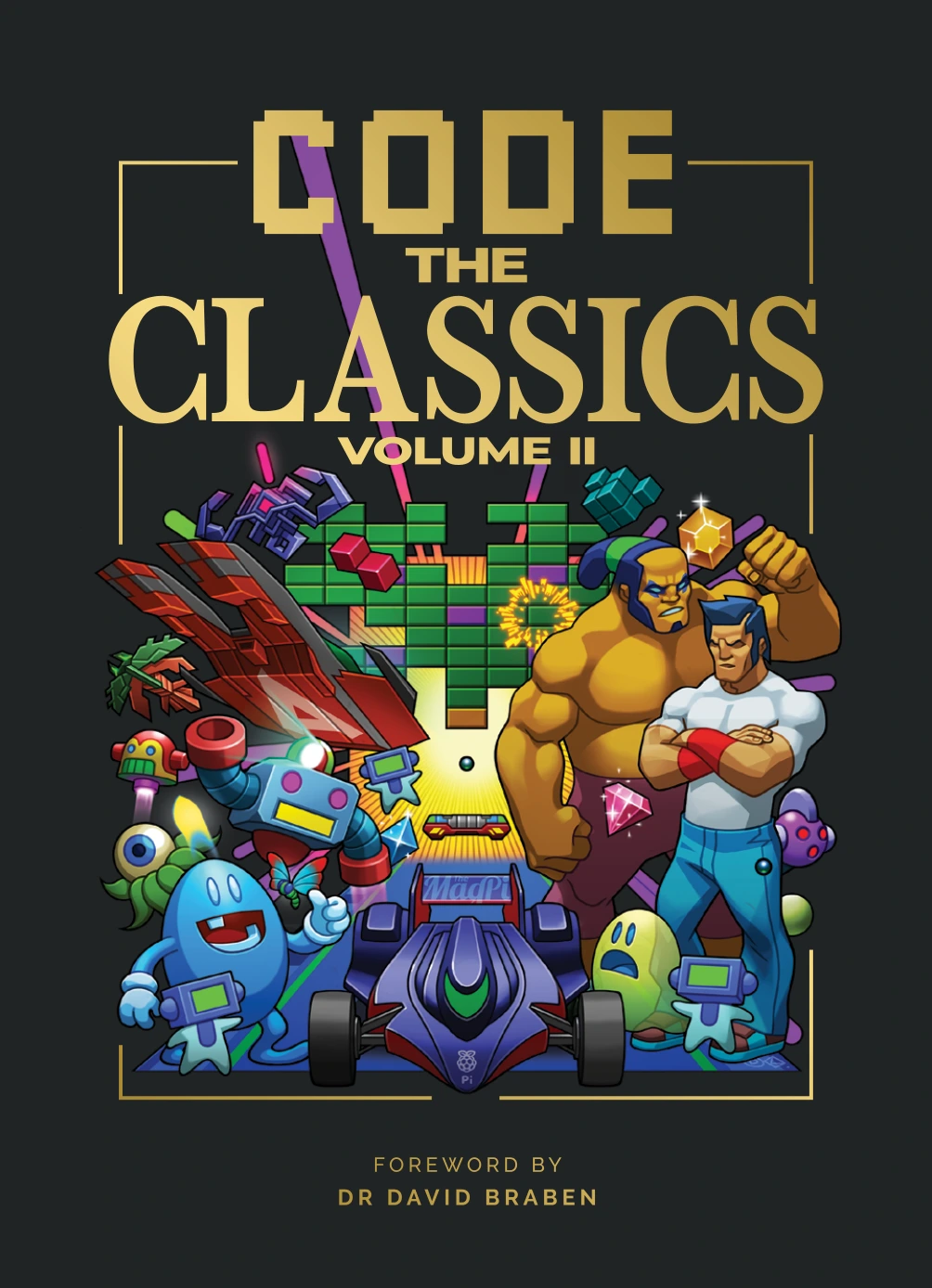
| Game-focused practice | Code the Classics Volume II | Explores retro-inspired game projects using Python and Pygame Zero, with explanations of game code. | After basic conditions, loops, and functions feel familiar, if games provide motivation. |
| A data-focused next step | Python for Data Science: A Hands-On Introduction | Connects data structures and libraries with data access from files, APIs, and databases. | When you want to move from small scripts toward working with data. |
| Programming combined with hardware | Learn Raspberry Pi Programming with Python: Learn to Program on the World’s Most Popular Tiny Computer (Second Edition) | Combines Raspberry Pi and Linux foundations with Python, electronics, and physical projects. | When you specifically want the additional hardware setup and making experience. |
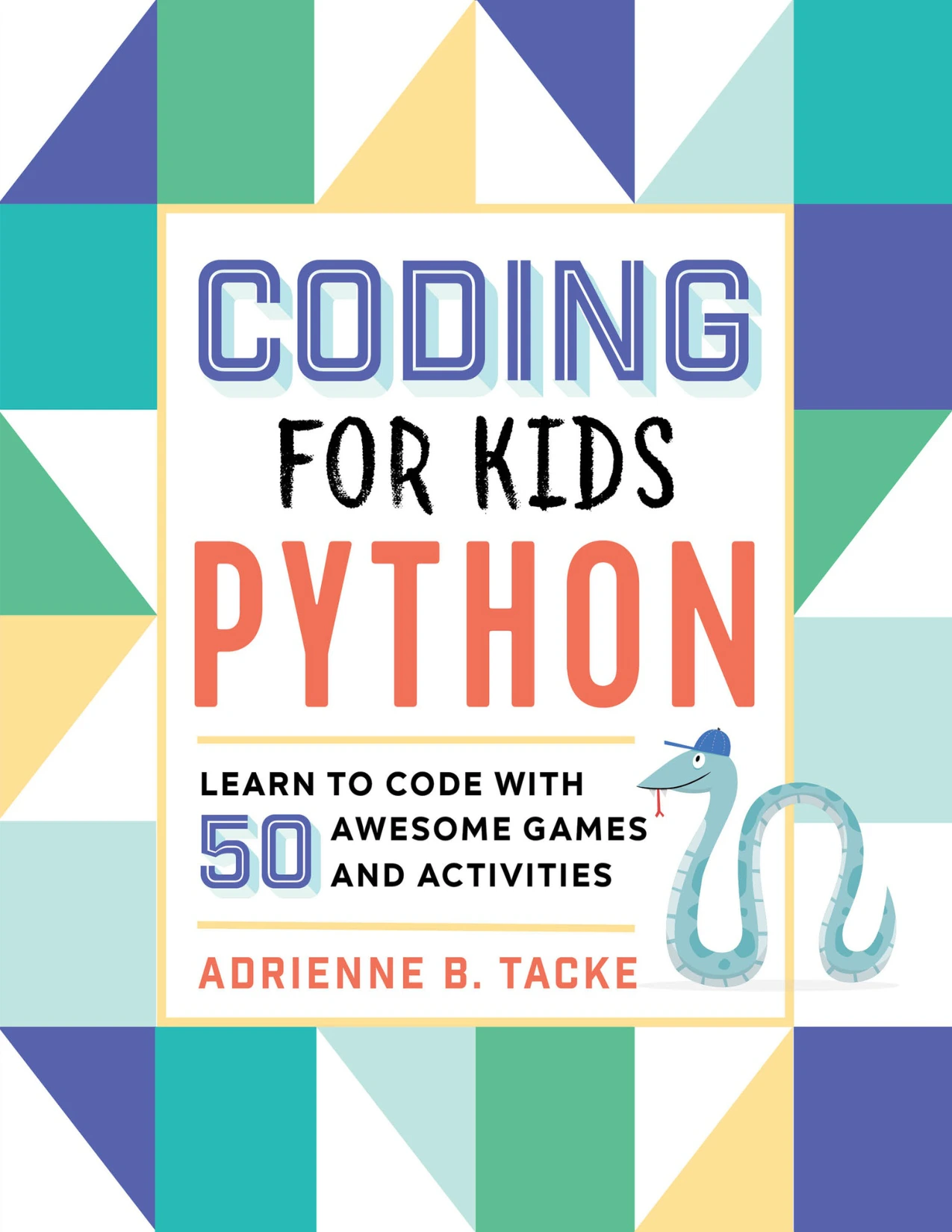
Coding for Kids: Python: Learn to Code with 50 Awesome Games and Activities
Young learners who want introductory Python explanations, games, activities, and debugging practice without assumed coding experience.
By Simon Brew
Learners motivated by retro-inspired games who want to examine Python and Pygame Zero projects after practising the basics.
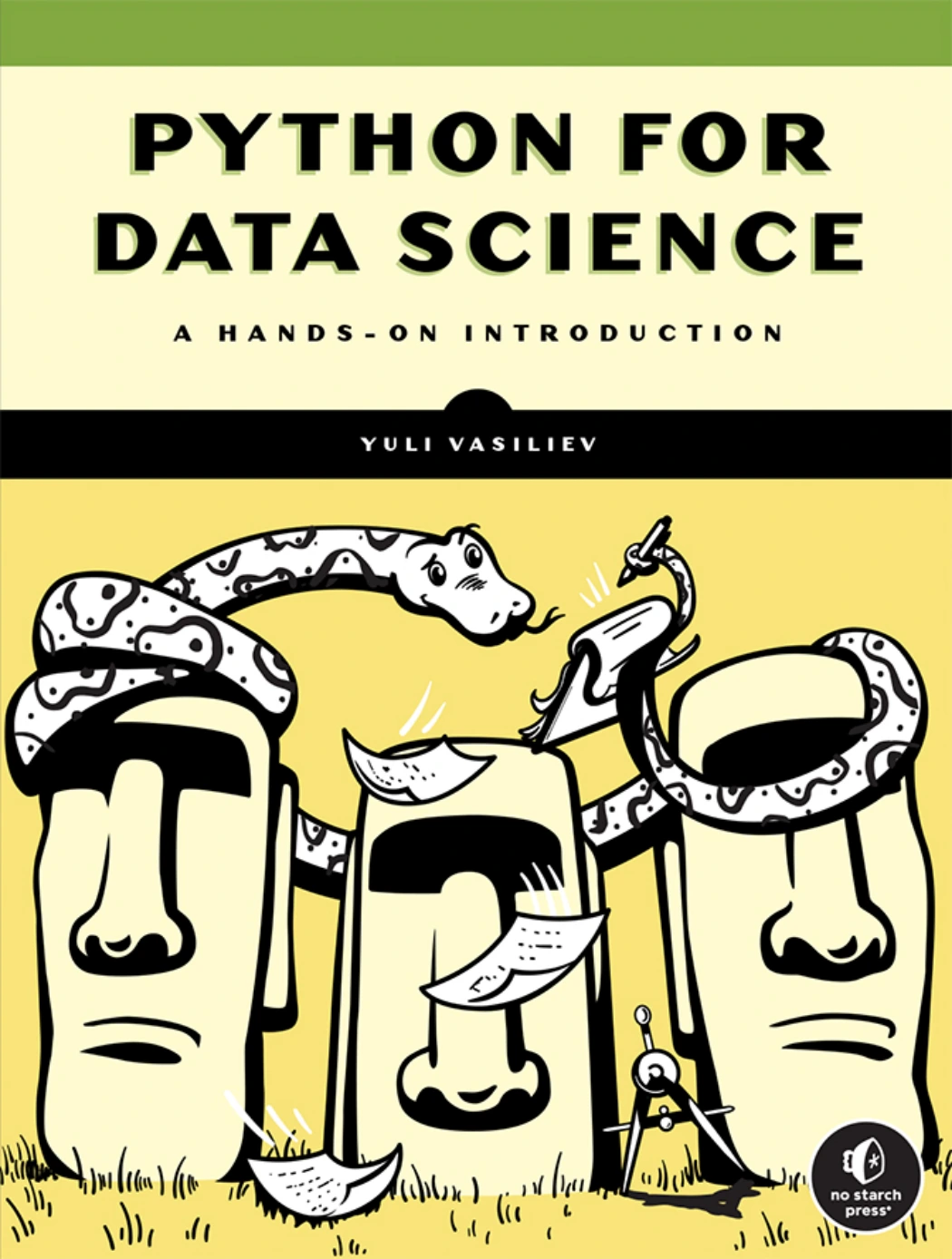
Python for Data Science: A Hands-On Introduction
Readers interested in applying Python data structures and libraries to files, APIs, databases, and analysis workflows.
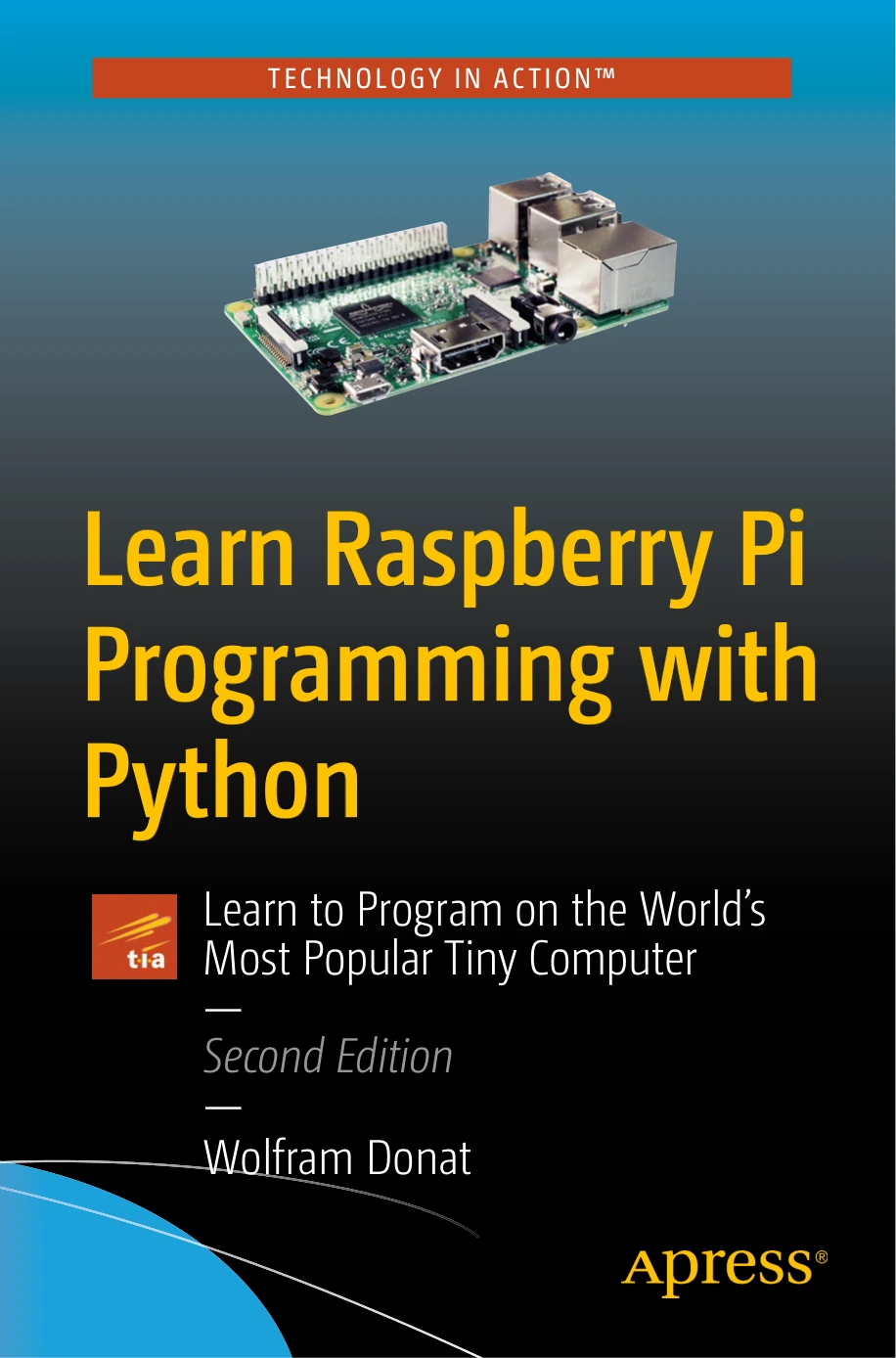
Hardware-curious learners who specifically want Raspberry Pi setup, Python, electronics, and making projects alongside their programming study.
For game and hardware resources, check the required software, components, and board compatibility before starting. Do not assume that every project in an older edition will run unchanged on your current setup.
You can also browse the Python books collection to compare further learning directions. Look for the right prerequisites and practice opportunities rather than collecting several overlapping introductions.
7. Avoid common self-study mistakes
- Switching resources whenever a lesson becomes difficult. Try a smaller exercise or another explanation of the same concept before restarting an entire course.
- Copying working code without examining it. Predict the output, rename variables thoughtfully, and change a requirement.
- Starting with an oversized project. Remove logins, graphics, external services, and deployment from the first version where possible.
- Confusing setup problems with programming problems. A missing package or unexpected interpreter is a different issue from an incorrect condition.
- Ignoring unusual inputs. Test empty values, unexpected text, and missing data where relevant.
- Accepting generated code you cannot explain. Ask for hints or explanations, then implement and inspect the change yourself.
- Using course completion as the only progress measure. Finish a small program from your own written requirements.
Frequently asked questions
Can I learn Python without programming experience?
Yes. Start with material that explicitly teaches programming fundamentals rather than assuming them. Practise input, variables, conditions, and loops in small programs before introducing larger projects or specialist libraries.
Is Python free?
Python’s interpreter and standard library are freely available for major platforms, as described in the official Python Tutorial. Books, courses, hosted services, and hardware may have separate costs, but paid resources are not required to begin.
Do I need advanced mathematics to learn Python?
Not for the starting tasks in this guide. Text quizzes, basic file processing, and simple automation focus on programming logic. Later goals such as statistical analysis or machine learning may require additional mathematics; learn that alongside the subject that needs it.
How long does learning Python take?
There is no single deadline that fits different goals, starting knowledge, and practice opportunities. Use milestones: run a script, write a loop, create a function, read a file, and complete a small independent project. Learning enough for one task is different from becoming comfortable with a whole specialization.
Can I learn Python using only a phone?
A phone may let you read lessons and use some browser-based exercises, depending on the service. For the file-based projects described here, access to a computer with a keyboard and a manageable coding environment is the more practical route.
What should I learn after the basics?
Choose the direction that matches a real task. For automation, deepen file handling and safe scripting. For data work, study data manipulation and visualization. For web development, learn web concepts alongside a framework. For games or hardware, add the tools your chosen project requires. Keep practising functions, debugging, and clear program structure in every path.
Your next step: run, change, and explain one script
Create the greeting program from this guide, run it, and change one part. Then write a short note describing what changed and why. If that is already easy, build a three-question quiz from a blank file.
The aim is not to understand all of Python before making anything. It is to finish a small task, notice what you still need to learn, and choose the next manageable challenge.
Sources and further reference
- The Python Tutorial: supports the distinction between Python newcomers and complete programming beginners, explains language fundamentals, and describes Python’s availability.
- Download Python: the official source for checking current releases and platform download guidance.
- venv — Creation of virtual environments: documents environment isolation, creation, and platform-specific activation.
These official sources are linked alongside the relevant guidance above. The learning sequence, practice routine, project scopes, and progress checks are editorial suggestions, not validated learning benchmarks. Book coverage is based on the supplied Digital Delights catalog records linked in the comparison table.