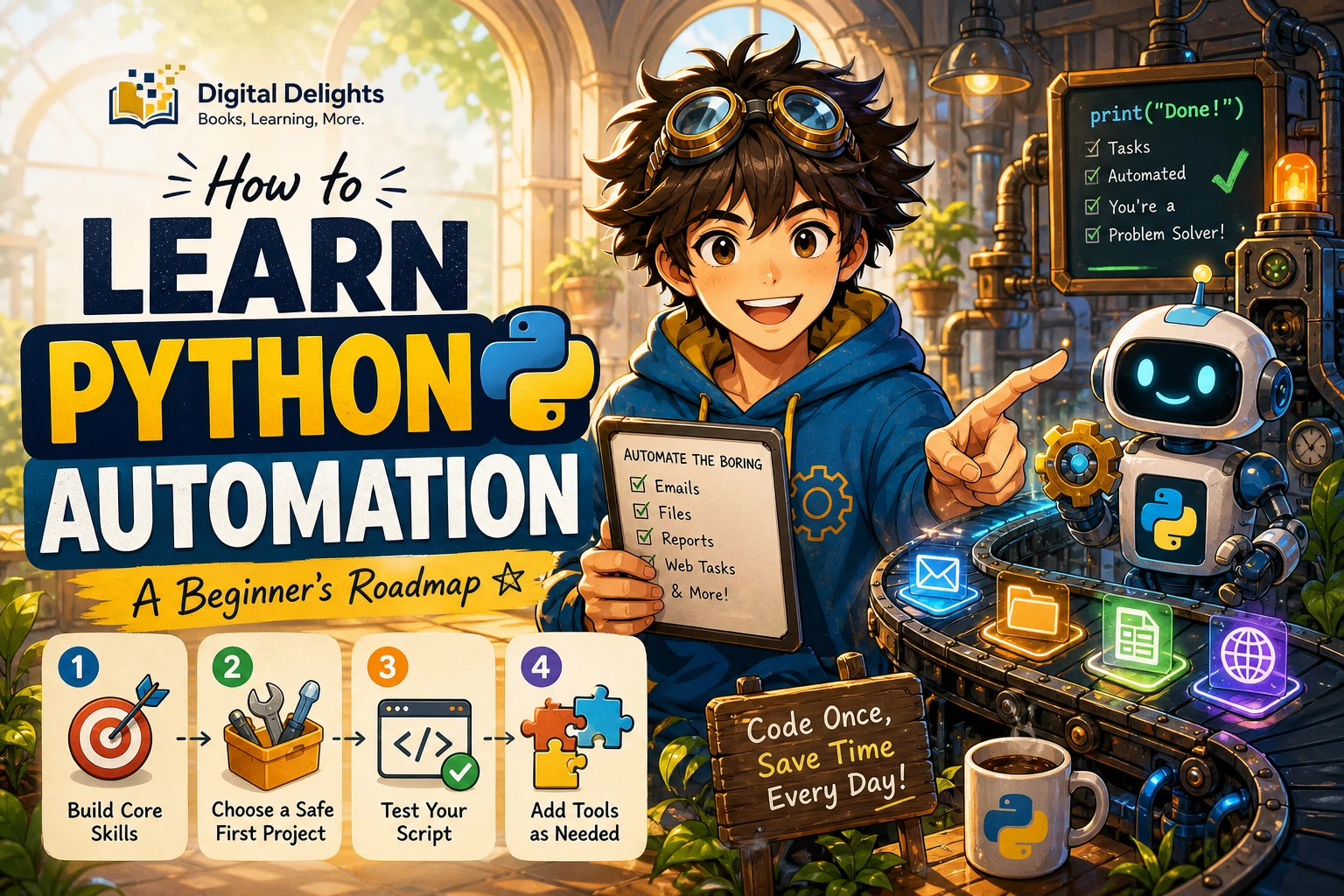
How to Learn Python Automation: A Beginner’s Roadmap
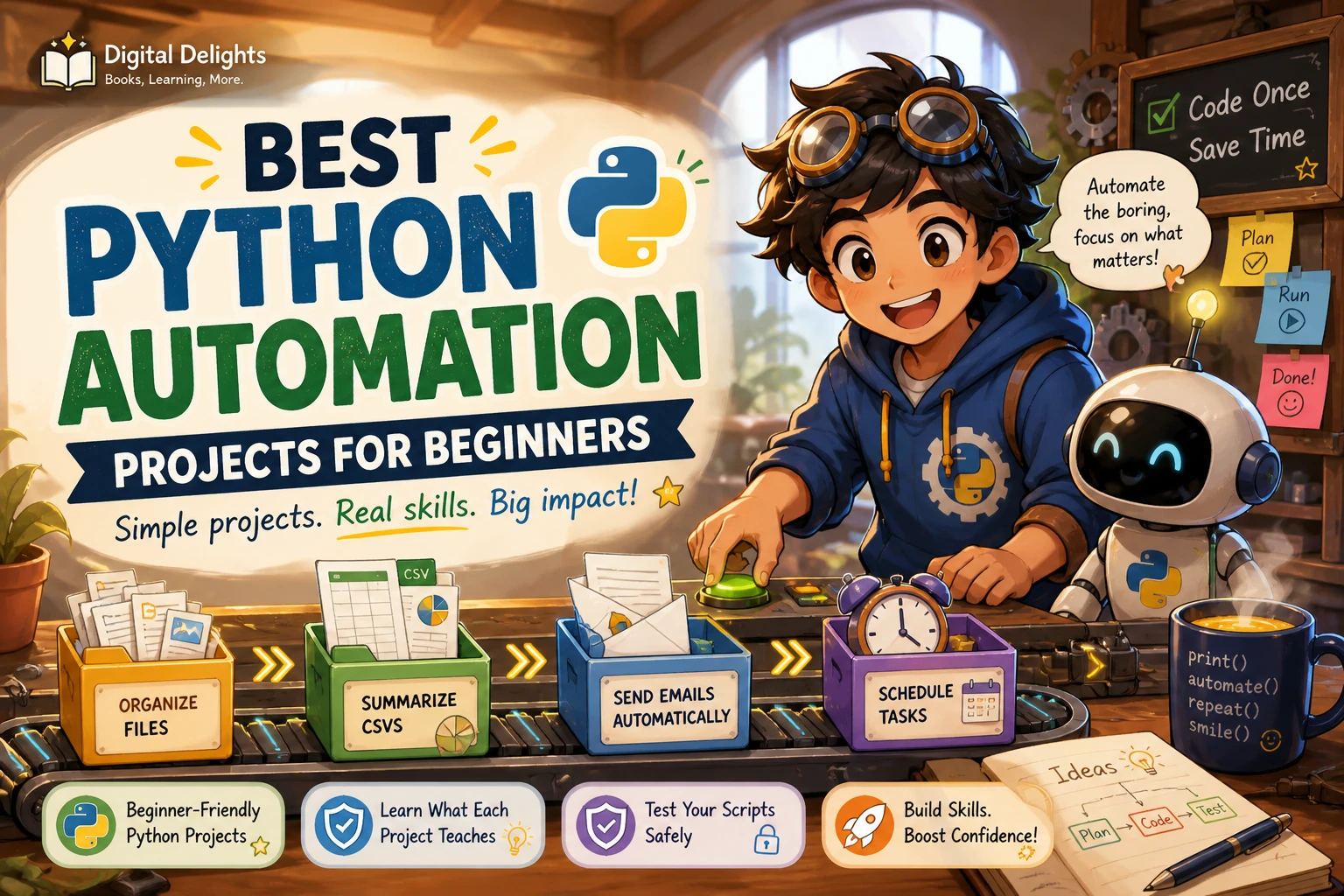
To learn Python automation, first get comfortable with a handful of Python basics, then use them to improve one small task you already repeat. You do not need to master every part of the language or install a long list of packages before you begin. A good first project might sort a copy of a folder, summarize a small CSV file, or prepare a reminder from sample data.
Keep the first attempt easy to inspect and undo. Learn the core ideas, write a script that shows what it plans to do, check the result, and only then consider letting it make changes. This roadmap covers the skills to learn, how to choose a suitable first project, and how to build safer, more reliable scripts.
Do you need programming experience to learn Python automation?
No. You can start as a beginner, although different learning materials assume different levels of prior knowledge. The official Python tutorial says it is intended for readers who are new to Python but have a basic understanding of programming. That is one teaching approach, not a rule that you must already know another language. The important thing is to choose a starting resource that explains the concepts at the level you need.
If programming is new to you, begin with short examples and practise changing them. If you already know another language, you can move more quickly through familiar ideas, while paying attention to Python’s syntax and standard library.
Learn the Python fundamentals you’ll use
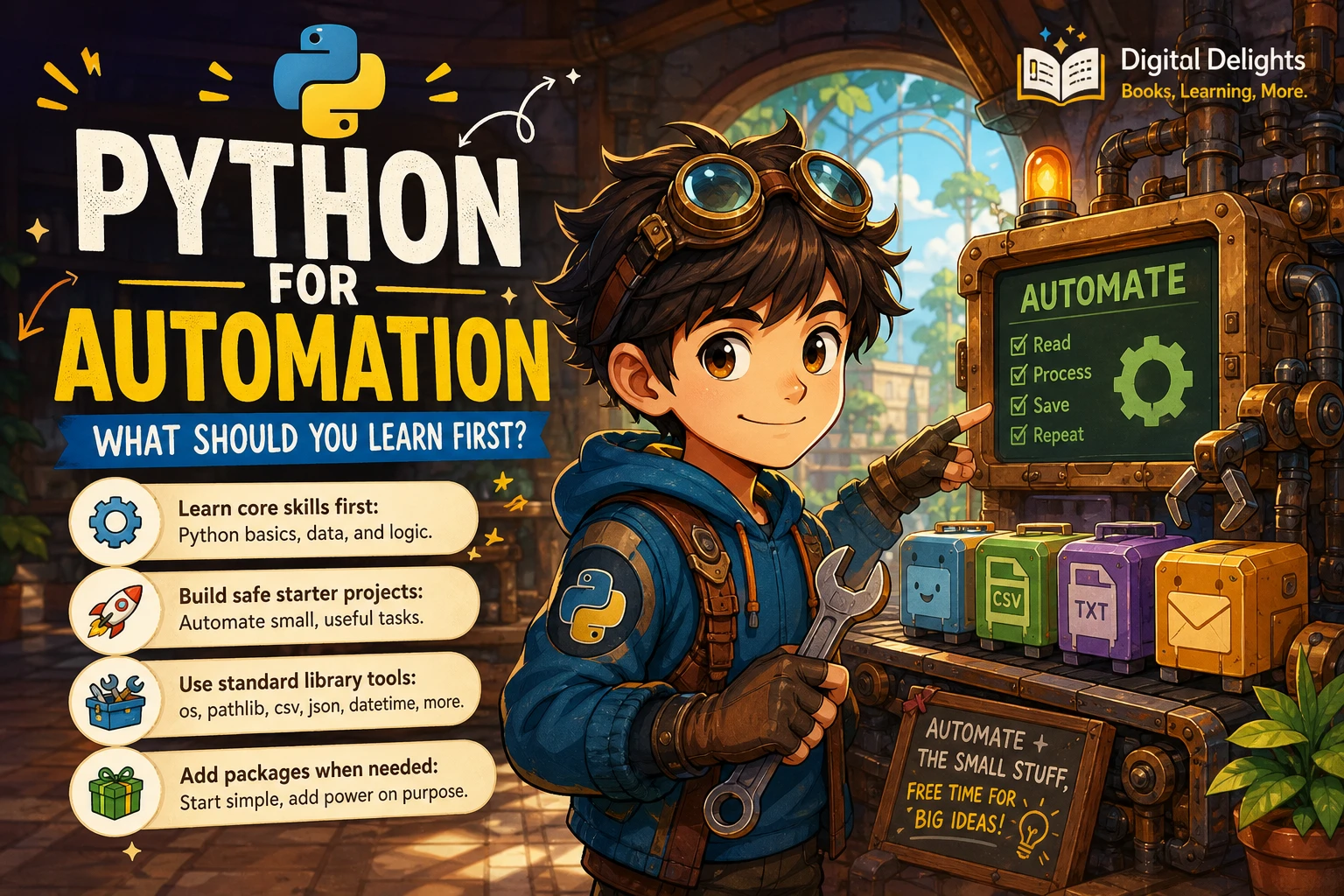
Automation scripts combine ordinary programming concepts to read information, make decisions, and perform repeatable steps. Learn these foundations before taking on a project with many moving parts:
- Variables and data types: Store text, numbers, and other values, and understand what kind of data your script is handling.
- Conditionals: Use
ifandelseto choose an action based on a value or situation. - Loops: Repeat an operation across a list of files or rows of data.
- Lists and dictionaries: Keep related items together and look up information by key.
- Functions: Give a task a name so you can reuse it and keep a script easier to follow.
- Errors and debugging: Read error messages, isolate a problem, and check what the program actually did.
Then practise working with files and folders. Python’s standard library includes pathlib for representing and working with filesystem paths. That gives you a useful starting point for inspecting folders without immediately adding an external package. See the official pathlib documentation for its capabilities and examples.
Understand project environments and packages
A virtual environment keeps a project’s installed packages separate from other Python projects. This becomes useful when projects need different package versions. Python’s documentation explains how to create and use these environments in its virtual environments and packages guide.
You do not have to learn every packaging detail on day one. Start by knowing what an environment is, how to activate it, and how to install a package into the project that needs it. Add third-party packages when a specific task calls for them, rather than installing tools speculatively.
Choose a first Python automation project
Look for a task that is repetitive, limited in scope, and simple to check. A useful first project has a clear input and a result you can verify. For example:
- List files in a test folder and group them by file extension.
- Read a small CSV and calculate a total or count.
- Find files that match a naming pattern and print a proposed new name.
- Create a reminder message from a short list of dates and tasks.
For a first file-management project, work with a copy of the data, not your only copy. Start with a script that reports the action it would take. Once you can check that plan against your expectations, you can decide whether to add the action itself.
A small folder-inspection example
This example examines the files in a sample folder and prints a category for each one. It does not move, rename, or delete anything, so you can inspect the output before building a script that changes files.
from pathlib import Path

folder = Path("sample_downloads")
categories = {
    ".pdf": "documents",
    ".jpg": "images",
    ".png": "images",
}

for path in folder.iterdir():
    if path.is_file():
        category = categories.get(path.suffix.lower(), "other")
        print(f"{path.name} -> {category}")
Try it on a small folder containing copies of a few files. Change the extensions in categories, then compare the printed plan with the files you see. This gives you practice with paths, loops, conditionals, dictionaries, and output without starting with a destructive operation.
Build and test your first script in small steps
A short plan is often more useful than trying to write the whole program at once. Before coding, write down what information goes in, what should happen to it, and how you will check the result.
- Describe the task plainly. For example: “Read these sample filenames and print a proposed category for each.”
- Break it into actions. Identify the folder, inspect each file, choose a category, and display the result.
- Use a small test set. Start with a few sample files or a copy of a small dataset.
- Run the script and inspect the output. Compare what it reports with what you expected.
- Try an unusual case. Check what happens with an unknown extension, an empty folder, or a filename with uppercase letters.
- Improve one thing at a time. Make a change, run the test again, and confirm that the result still makes sense.
Errors are part of this process. Read the final lines of an error message, identify the file and line it mentions, and reduce the problem to the smallest example you can reproduce. Keep notes about assumptions—for instance, whether the script expects files to be in a particular folder or uses a particular naming pattern.
Add tools only when the project needs them
Python automation is a broad area. You do not need to learn every branch before making a useful script. Choose a next step based on the task you actually want to automate:
- Files and folders: Practise paths, file reading, and reporting before adding operations that change files.
- Spreadsheets: Start with a small CSV file. If you later need to work with spreadsheet-specific features, investigate a package suited to that requirement.
- Web data: Learn how to make a request and interpret a response before moving on to page parsing or more involved scraping. Check the rules that apply to the specific site and use case.
- Browser testing: If your goal is to test a web interface, browser automation is a distinct path. A resource such as Python Testing with Selenium focuses on Python with Selenium WebDriver and testing techniques.
- Scheduling: First make the script work when run by hand. Explore scheduling only after you understand its inputs, outputs, and expected behaviour.
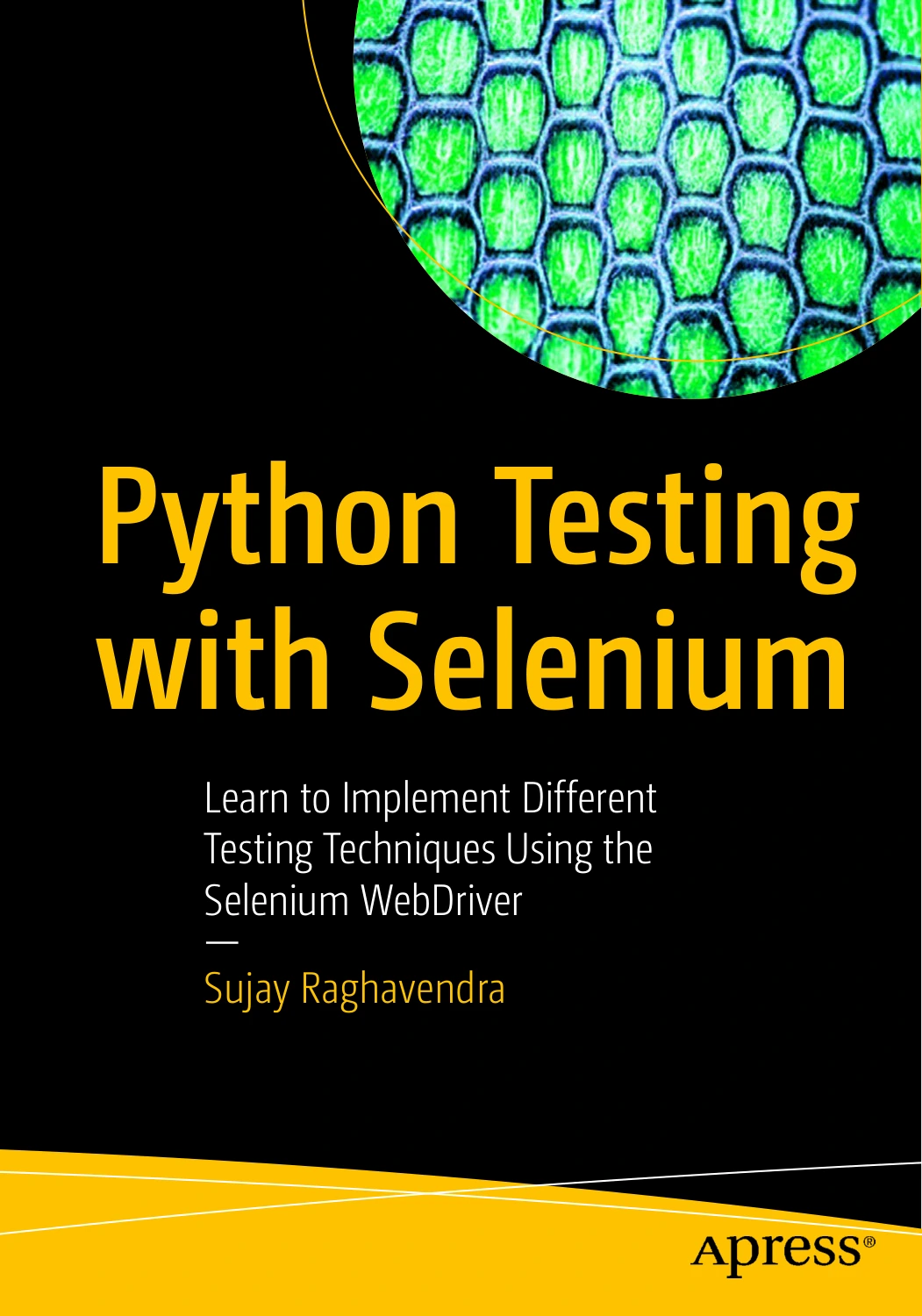
Learners whose goal is to automate browser-based software tests with Python and Selenium WebDriver.
The key decision is whether a new tool solves a real project requirement. A package adds its own setup and maintenance, so it is sensible to begin with Python’s built-in capabilities when they are enough.
Make scripts safer and more reliable
Automation can repeat a mistake just as easily as it can repeat a useful action. Build checks into your learning process before a script gets access to important files or data.
- Test with a copy or a small sample before using real working data.
- Print or save a proposed action list before making changes.
- Check paths and filenames carefully; do not assume the script is running in the folder you intended.
- Handle expected edge cases, such as an empty folder or an unfamiliar file type.
- Keep a simple record of what the script expects and what it changes.
- Check operating-system and package requirements when using a project on another computer.
- Use a separate virtual environment for a project that needs its own packages.
For scripts that alter data, keep a recoverable original and verify the output before relying on it. A short, carefully checked script is a better learning exercise than a complex workflow whose results you cannot explain.
A practical learning sequence and progress checklist
This sequence is a practical way to organize your study, not a proven ranking of teaching methods. You can adjust it depending on your experience and the kind of task you want to automate.
- Write and run basic Python: Practise variables, strings, numbers, and simple input and output.
- Control the flow: Use conditions and loops to handle different values and repeat actions.
- Organize code and data: Work with lists, dictionaries, and functions.
- Read and inspect files: Practise paths and small data files with sample inputs.
- Build one useful script: Choose a narrow task and make its result easy to check.
- Test unusual cases: Check what happens when information is missing or different from what you expected.
- Extend only as needed: Add a package, browser tool, or scheduler when the project has a clear reason for it.
You are making steady progress when you can explain what your script reads, what it changes or reports, and how you know the result is correct. You should also be able to make a small change and test it without starting over.
Common beginner mistakes
- Starting with an oversized project: Reduce it to one input and one result you can verify.
- Copying code without understanding it: Change a small part, predict what should happen, and then run it.
- Automating a task before defining its rules: Write down how files or records should be handled, including exceptions.
- Installing packages before they are needed: Begin with the standard library where practical, then choose additional tools to meet a specific need.
- Testing on important data first: Use sample data or copies while the script is still changing.
- Ignoring error messages: Treat them as clues about where the program stopped and what needs checking.
- Expecting a fixed timetable: Learning pace depends on prior experience, available practice time, and project scope. The available sources do not establish a universal time to proficiency.
Frequently asked questions
Can I learn Python automation without coding experience?
Yes. Start with beginner-level Python material and learn core ideas such as variables, conditions, loops, functions, and lists. Some references assume you already understand basic programming, so check the intended audience before choosing a resource.
What should I automate first?
Choose a small, repeated task with a clear result, such as listing files by type or summarizing a small CSV. Use test data, keep the first version limited, and make the output easy to compare with what you expect.
Do I need third-party packages to automate tasks with Python?
Not necessarily. Python’s standard library can handle many introductory tasks, including working with filesystem paths. Add a third-party package when a specific project needs capabilities that the built-in tools do not provide conveniently.
How do I keep a script from changing the wrong files?
Begin with a copy of the files, confirm the folder path, and have the script print a proposed plan before it makes changes. Test with a small set, check the output, and keep an original copy while you are developing the script.
Choose a resource that matches your next step
A learning resource is most useful when its scope fits the skill you are trying to build. For core Python foundations, Python 101 covers language basics alongside standard-library topics, debugging, testing, and packages. For a more automation-focused path, Python Automation Crash Course: 3 Books in 1 covers beginner foundations and automation projects, including file management, scheduling, email, web scraping, and APIs, according to its catalog description.
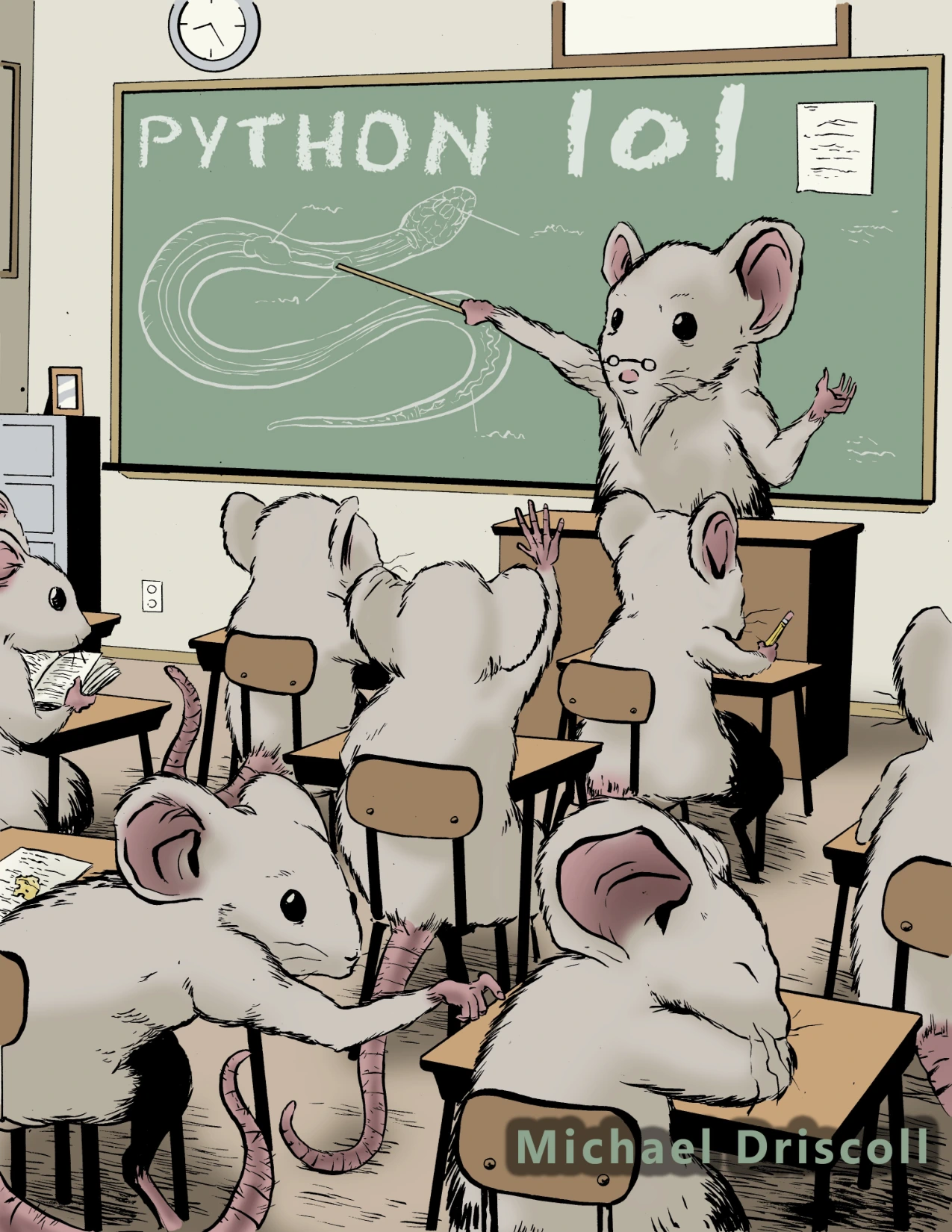
Learners who want broad Python basics alongside file handling, debugging, testing, and packages.
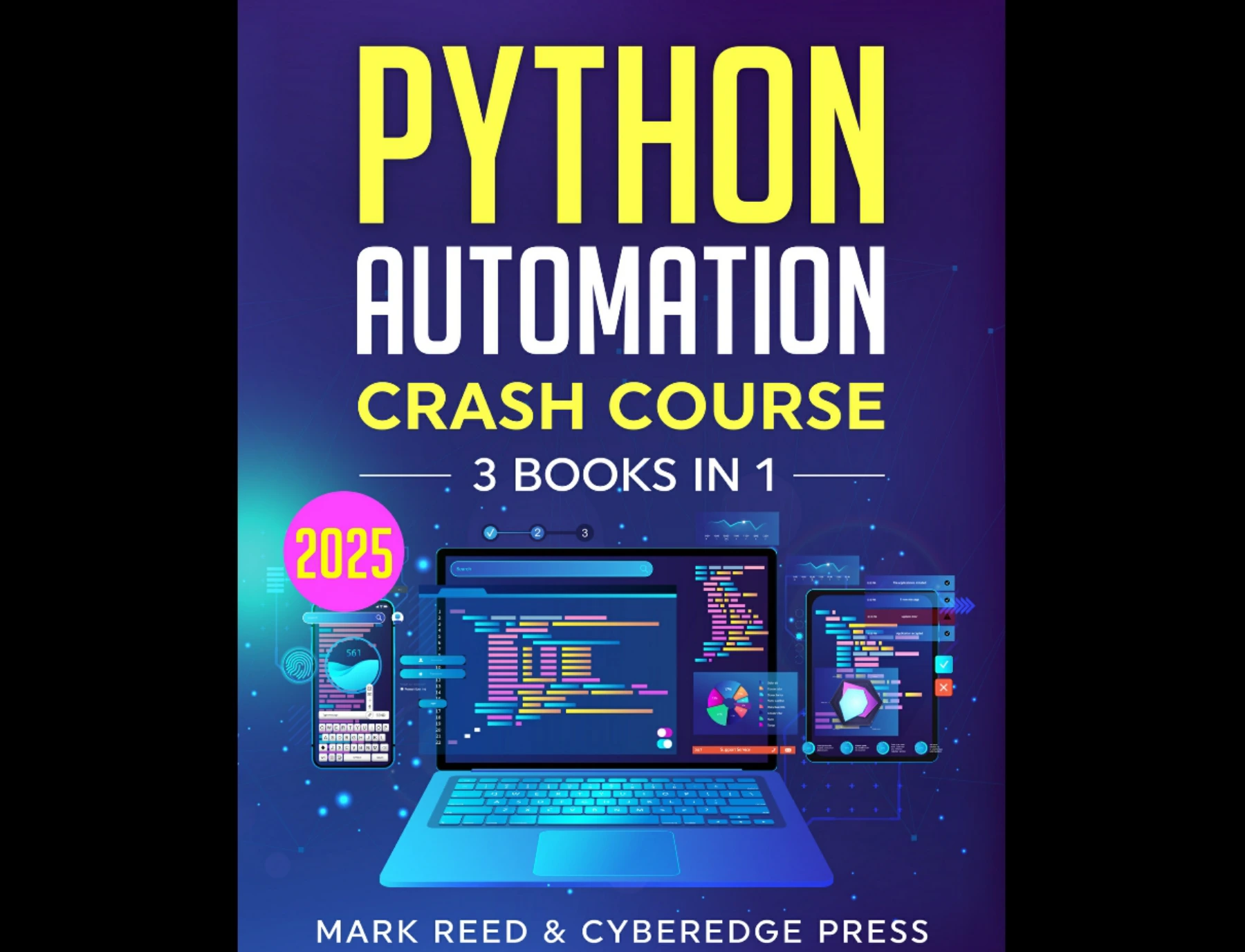
By Mark Reed
Readers looking for coverage of automation projects such as file management, scheduling, email, scraping, and APIs.
Use the first kind of resource if you want broader Python grounding; consider the automation-focused title if you are ready to connect the basics to practical scripts. Neither replaces experimenting with small projects and checking your own results.
Conclusion
The clearest way to learn Python automation is to connect basic programming skills with a real, manageable task. Learn enough Python to work with data, make decisions, repeat steps, and handle errors. Then practise on a small copy, inspect what the script proposes, and expand the project only when you understand the current version.
You do not need to learn every package or automation technique at once. A modest script that you can explain, test, and improve is a solid foundation for the next one.