

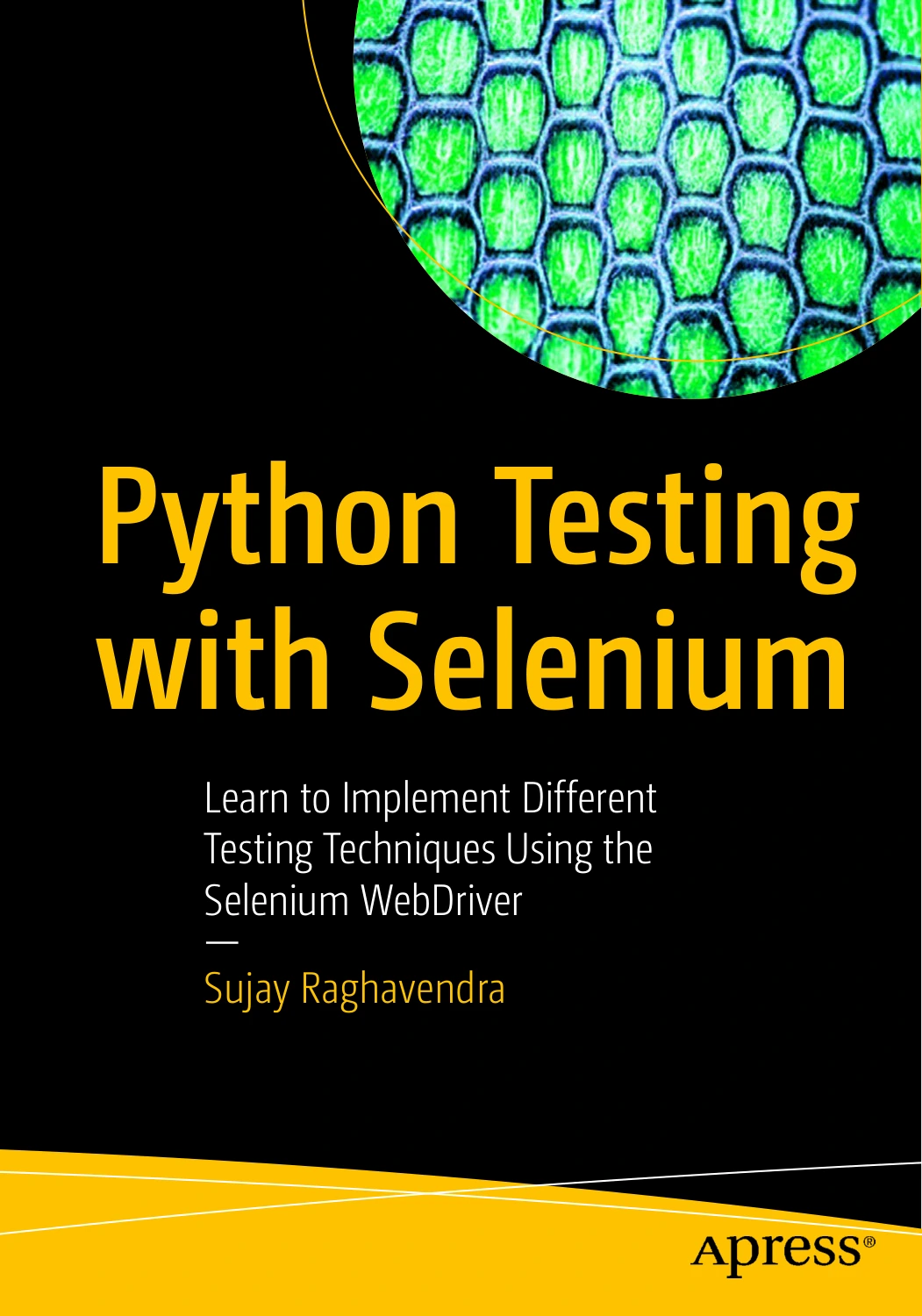
Python Testing with Selenium: Learn to Implement Different Testing Techniques Using the Selenium WebDriver
Original price was: $5.00.$2.50Current price is: $2.50.

Sujay Raghavendra
Product Specs:
- File Type: PDF
- File Size: 2.4 MB
- Book Language: English
- Total Page Count: 184
- Instant Download
Browser Automation, Written in Python 💻
Selenium is one of those tools that looks simple the first time you open a browser with it and gets complicated roughly ten minutes later, when a form field refuses to clear or your locator suddenly matches four elements instead of one. Python Testing with Selenium is Sujay Raghavendra’s Apress guide to closing that gap: it takes the WebDriver from architecture diagram to working test code, using Python throughout.
Across its chapters, the book stays close to the mechanics of testing rather than drifting into general software philosophy. You see how the WebDriver is structured, how Python talks to it, and then how that conversation turns into scripts that behave predictably.
What the Book Works Through
- Foundations: an introduction to Selenium followed by the WebDriver’s architecture and the practical steps for integrating Python with it.
- Getting started: the setup and first-script material that turns a blank editor into a running browser session.
- Controlling the browser window: setting browser position and size using coordinates, and reading the current position back.
- Mouse and keyboard actions: moving beyond simple clicks and text entry into the input behaviour real interfaces demand.
- Locating elements: finding single web elements and locating multiple web elements when a page returns more than one match.
- Checkboxes: asserting whether a box is checked, and clearing, unselecting, or deselecting one selected item or all selected items.
- Frames and textboxes: working inside frames, and retrieving values from textboxes and textareas.
The Details That Break Real Tests ⚙️
A lot of Selenium frustration lives in the unglamorous parts — the checkbox that needs unchecking rather than clearing, the frame that has to be entered before anything inside it can be found, the textarea whose value you need to read rather than set. This book devotes separate, focused attention to each of those cases, which makes it useful as a working reference as much as a linear read. Concepts are paired with implementation rather than left as theory, so the reasoning behind a technique and the code that performs it sit side by side.
Who Will Get the Most From It
The book opens with introductory material and builds outward, so readers taking their first serious steps into automation can follow it in sequence. Testers and developers who already write some Python but have not yet worked deeply with Selenium will find the element-location and form-control chapters particularly relevant, and anyone maintaining an existing browser test suite can dip into the frame, checkbox, and textbox sections when a specific problem appears.
Practical Selenium Skills 🧪
The techniques here map directly onto day-to-day web testing: you configure a browser session, you interact with a page the way a user would, you verify state, and you read values back out of the page. That loop is the core of browser automation, and the book covers each stage in enough detail to apply it beyond the examples given.
Available from Digital Delights as a digital edition — a focused, hands-on companion for anyone building test coverage for web applications in Python.
User Reviews
Be the first to review “Python Testing with Selenium: Learn to Implement Different Testing Techniques Using the Selenium WebDriver”
You must be logged in to post a review.
Original price was: $5.00.$2.50Current price is: $2.50.


There are no reviews yet.