How Long Does It Take to Learn Python for a Complete Beginner?
There is no reliable universal number of days or hours for learning Python. The answer depends on what you mean by “learn”: writing a short script, building a simple project mostly on your own, or applying Python to a particular field. Your available practice time, prior experience and willingness to work through errors also affect the path.
A useful way to plan is to aim for milestones rather than a deadline. First learn the core building blocks, then use them in small programs, and finally choose a direction such as automation, web development or data work. This guide explains what those milestones look like and how to make a realistic plan without treating a course runtime or marketing promise as a guarantee of proficiency.
How long does it take to learn Python?
There is no research-backed timeline that applies to every beginner. Official Python resources provide learning materials for newcomers but do not promise a set time to proficiency. Even the phrase “learn Python” can describe very different outcomes: understanding basic syntax is not the same as independently building a useful application or preparing for professional work.
Use the milestones below to define your own target. You can track progress by what you can do without copying a tutorial, rather than by how many lessons or hours you have completed.
| Milestone | What you can work toward | How to check your progress |
|---|---|---|
| Python basics | Read and write short programs using variables, conditions, loops and functions. | Explain what your code does and make a small change without following every line of a guide. |
| Small projects | Combine core concepts to make a modest program, such as a quiz, a text-based task list or a simple file-organising script. | Plan the steps, write a first version, find errors and improve the result with occasional help. |
| Goal-specific skills | Use Python in a chosen area, such as automating a repeated task, working with data or building a web application. | Complete a small project using the tools and concepts relevant to that area. |
These are learning checkpoints, not formal certifications. A finished beginner tutorial is a useful start, but it does not by itself show that you can solve unfamiliar problems. The official Python tutorial introduces core concepts and features while noting that it is not comprehensive.
What affects your Python learning pace?
How often you practise
Time spent actively writing and changing code gives you a different kind of practice from watching explanations. A consistent schedule can help you keep concepts in view, but there is no supplied evidence establishing one ideal number of study hours. Choose a routine you can sustain and include time to write code, review errors and revisit ideas.
Whether you have programmed before
If you have used another programming language, you may already recognise ideas such as variables, loops and functions. If Python is your first language, you will be learning both those general programming concepts and Python’s particular syntax. Python.org provides separate starting points for people who are new to programming and those who already know another language, but does not give either group a fixed learning timeline (Python for Beginners).
Setup and troubleshooting
Installing Python, choosing where to write code and finding project files can take attention away from the language at first. Give yourself time to get a working setup and learn basic file and folder habits. When something breaks, practise reading the error message and checking the relevant line rather than immediately replacing the whole program.
What you want to make
Python fundamentals overlap across many uses, but the next steps differ. Automating a personal task, analysing a dataset and building a website call for different libraries and project skills. You do not need to settle on a career path before starting; first learn enough of the core language to make an informed choice.
A practical learning path for a complete beginner
1. Set up Python and run a tiny program
Install a current Python 3 release and choose a beginner-friendly editor or development environment. Then run a short program that displays a message. The goal is simply to confirm that you can create, save and run a file. Python.org’s beginner starting point distinguishes first-time programmers from learners who already have programming experience.
2. Learn the core building blocks
Work through fundamentals in a sequence, making small examples as you go:
- Values and variables: store text and numbers, and give values useful names.
- Expressions and types: combine values and understand the difference between common data types.
- Conditions: use
ifand related branches to make a program respond to different inputs. - Loops: repeat actions without writing the same instruction over and over.
- Collections: organise related information in lists and dictionaries.
- Functions: group steps into reusable pieces of code.
- Errors and files: learn to interpret common errors and, when ready, read or write simple files.
Do not worry about memorising every detail. Aim to recognise the concepts, use them in short exercises and know how to look up a detail when you need it.
3. Practise with small exercises
After meeting a concept, change a code example or try a short exercise without looking at the answer first. You might calculate a total, check whether a number meets a condition, count items in a list or ask a user a question. If your first attempt fails, use the error message and the behaviour of the program to narrow down the issue.
4. Build a small project from a simple plan
Choose a project with a clear finish line. Write down what it should do in plain language, break that into steps, and build one step at a time. A text-based quiz, a basic number-guessing game or a script that renames a few test files can all give you practice combining concepts. Keep the first version small; adding more features is easier after the basic version works.
5. Pick a direction after learning the basics
Once you can make and modify small programs, explore the area that interests you. Data work may lead toward handling tables and visualising information; web development involves learning web frameworks and how applications work; automation focuses on scripts that handle repeatable tasks. Treat these as separate next steps, not as topics you must master before you can call yourself a beginner Python programmer.
How to estimate your own study schedule
Instead of asking for a guaranteed number of weeks, estimate how you will reach each milestone:
- Choose a specific outcome. For example, write a small script that organises sample files, rather than aiming vaguely to “know Python.”
- Decide when you can practise. Put realistic sessions on your calendar. The plan should fit your life rather than assume a particular daily commitment.
- Give each session an active task. Read or watch enough to understand one idea, then write or modify code that uses it.
- Review progress with a practical test. Can you explain your program, change one requirement and fix a simple error? If not, revisit the relevant concept.
- Adjust the plan. If setup or a new concept takes longer than expected, make the task smaller. If a milestone feels comfortable, move on or add a modest project feature.
This approach produces a personal estimate based on your progress. It avoids mistaking course duration for the time required to practise, troubleshoot and use what you have learned independently.
Common mistakes that can slow beginners down
- Watching lessons without typing code: pausing to predict an output or changing an example turns passive viewing into practice.
- Trying to learn every library immediately: first get comfortable with basic Python. Add tools when a project gives you a reason to use them.
- Copying a project without understanding it: after following a guide, close it and try to recreate or modify one small part.
- Expecting errors to disappear: debugging is part of programming. Read the message, inspect the relevant code and test one possible fix at a time.
- Using “advanced” as the first goal: a broad course label does not tell you how much independent practice you will need.
- Switching learning resources constantly: choose one main path and use another resource to clarify a specific sticking point, not to restart from the beginning each time.
Choosing a beginner Python resource
A useful beginner resource should match your starting point and help you practise, not just introduce terminology. Look for a clear progression through core concepts, runnable examples, exercises or projects, and setup guidance that fits your computer and Python version. Check whether the material assumes programming experience and whether its examples are appropriate for the Python version you plan to use.
For a gentle first step, Python for the Greenhorns Book-1 is described in the catalog as an introduction for readers new to coding, with Thonny setup, variables, constants and simple exercises. If you prefer a wider fundamentals-to-projects route, Python Crash Course: A Comprehensive and Fast-Paced Introduction to Python Programming for Beginners and Experienced Developers Alike covers core topics including data structures, functions and project work. Choose the scope that suits you; neither a book nor a course can set a universal completion time.
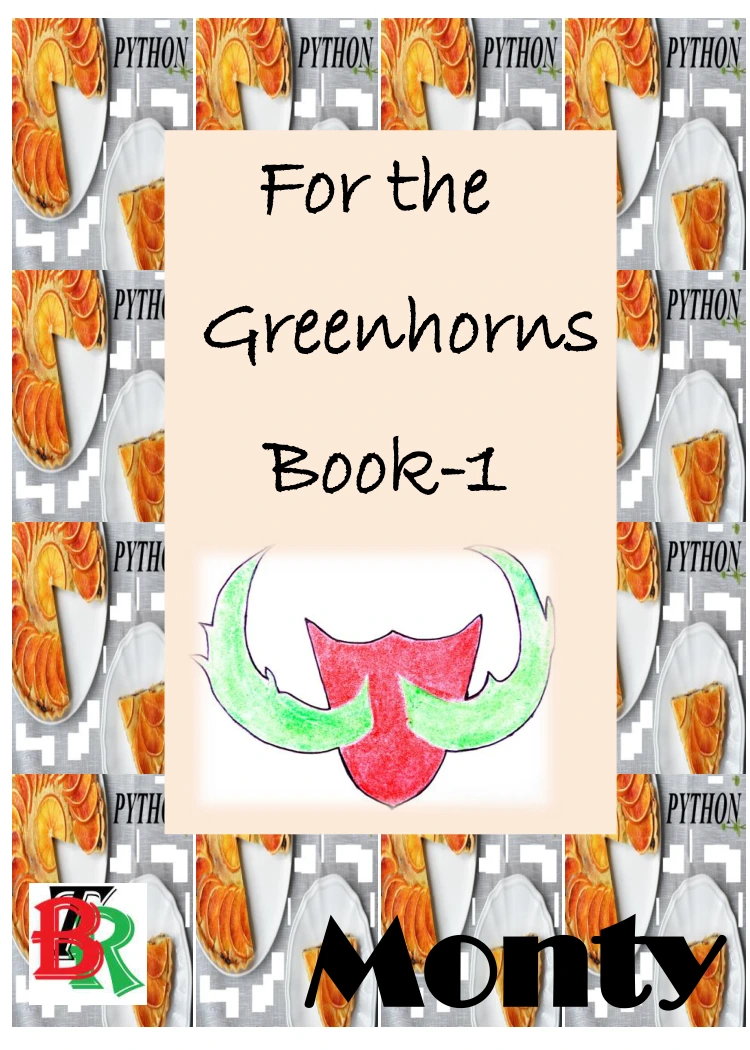
Python for the Greenhorns Book-1
By Monty
Beginners seeking a gentle introduction that includes Thonny setup, variables, constants and simple exercises.
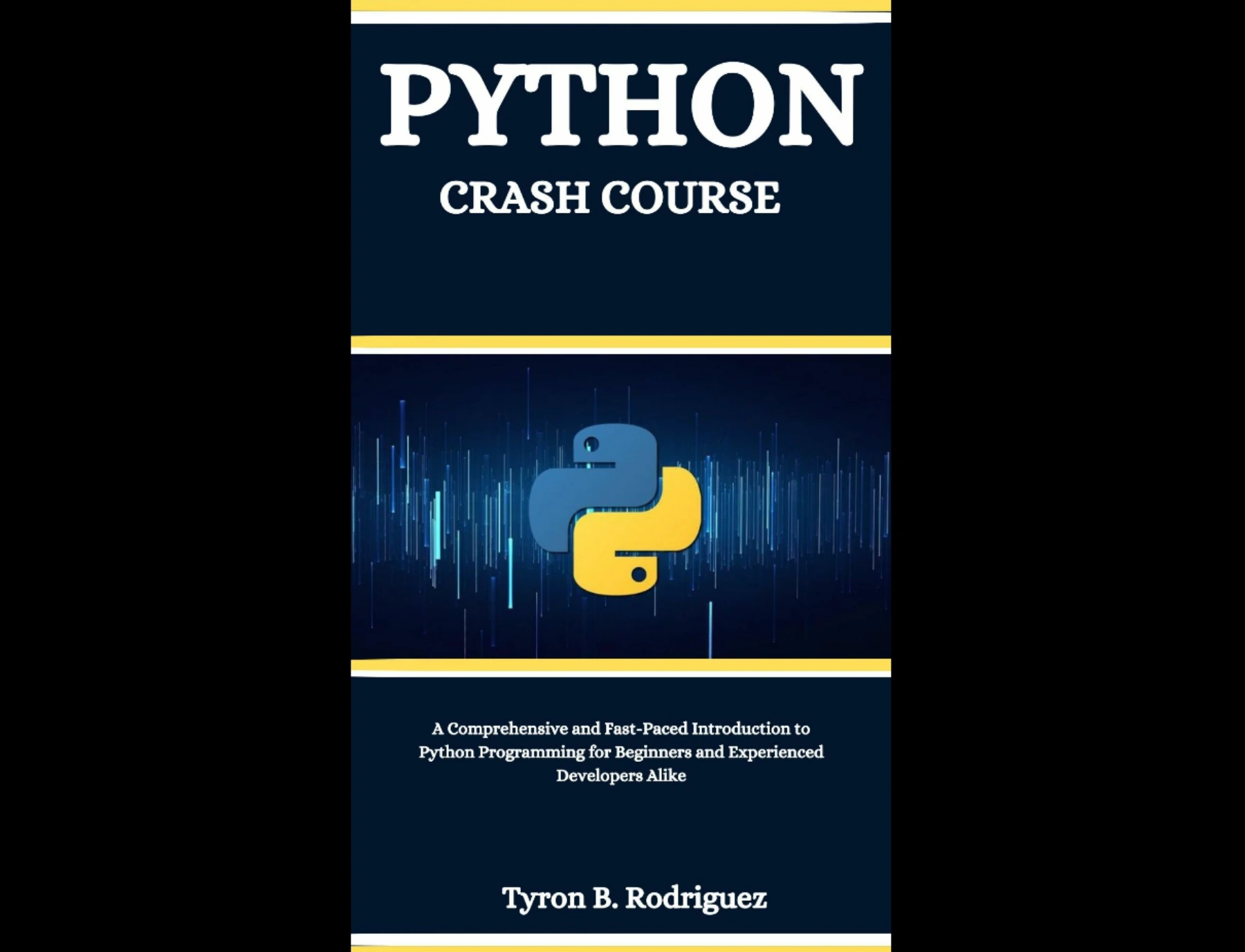
Learners who want coverage of core Python topics, data structures, functions and projects in one resource.
You can also browse the Python resources collection to compare learning materials by topic and focus.
Frequently asked questions
Do I need programming experience before learning Python?
No. Python.org offers a starting point specifically for people who are new to programming. You will still need to learn general ideas such as variables, conditions and loops, but you can begin without knowing another language.
What should I learn first in Python?
Start with running a simple program, then learn variables, basic data types, expressions, conditions, loops, collections and functions. Practise each idea in small examples before taking on a larger project.
Does finishing a Python course mean I have learned Python?
It means you have completed that course, not necessarily that you can build unfamiliar programs independently. The official Python tutorial describes itself as an introduction rather than a comprehensive treatment. Test your understanding by modifying examples and making a small project with less guidance.
How much should I practise each week?
The supplied research does not establish a single weekly amount that works for every learner. Pick a sustainable schedule and make sure some of that time is spent writing, testing and changing code. If your plan is difficult to maintain, reduce the session length or frequency and keep going consistently.
When should I move on to data science, web development or automation?
Move toward a specialization when you can use basic Python concepts in small programs and have a reason to explore a particular area. You do not need complete mastery of the language first; expect to keep learning core skills as you work with new tools.
Conclusion: measure progress by what you can build
For a complete beginner, learning Python is a sequence of practical milestones rather than a fixed countdown. First get comfortable with the fundamentals, then use them to make small programs, and choose a specialization when you have a project or interest to guide you. A steady plan that includes hands-on practice, review and troubleshooting is more useful than a promised number of days.
For the next step, pick one beginner resource, write a small program this week and note what you can do without copying each instruction. Let that evidence—not a course runtime—shape your personal timeline.
Sources and further reading
- Python For Beginners — Python.org
- The Python Tutorial — Python 3.12 documentation
- The Complete Python Programming Course: Beginner to Advanced — Manning. Its listed runtime describes course viewing time, not a measured time to proficiency.