How Long Does It Take to Learn Python?
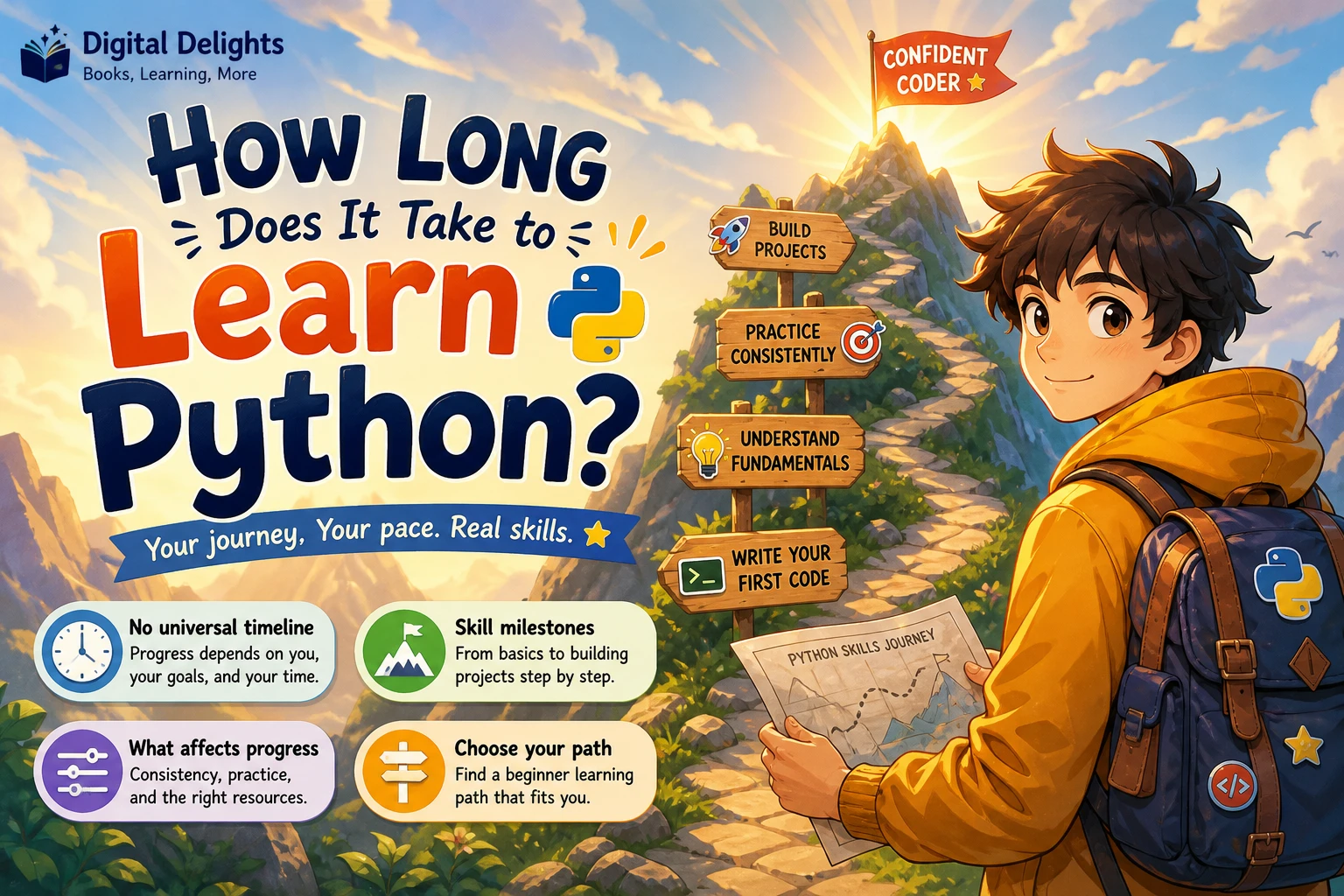
There is no reliable, universal number of days or hours it takes to learn Python. The answer depends on what you mean by “learn”: writing a short script, building and debugging your own small projects, or developing skills for a particular job or specialization. Your starting point and the time you spend actively practising also matter.
A more useful way to measure progress is by what you can do without following a solution line by line. This guide breaks Python learning into practical milestones, explains what can affect your progress, and suggests how to choose a beginner resource without treating any book or schedule as a guarantee.
How Long Does It Take to Learn Python? The Short Answer
It takes as long as it takes you to reach your specific goal. Someone who has programmed before may recognize concepts such as loops and functions, while a complete beginner may need to learn those ideas alongside Python syntax. And writing basic programs is a different achievement from building reliable applications or preparing for a specialized role.
There is no evidence-supported timeline here that applies to every learner. Instead of measuring progress by a promised number of weeks, choose a clear outcome—such as writing a program that organizes a folder—and track whether you can plan, write, test, and improve it independently.
First, Decide What “Learning Python” Means to You
People use the phrase “learn Python” to describe several different levels of ability. Defining your target makes the question more manageable and helps you avoid comparing your progress with someone pursuing a different goal.
Goal 1: Write basic scripts
At this stage, you can use Python to perform straightforward tasks and understand the code you write. You might take input, store values, make decisions, repeat actions, and work with lists or dictionaries. You can read a short error message and investigate what may have gone wrong.
This is a meaningful first milestone, but it does not mean you know every part of Python—or need to. A script that solves one small problem can be useful even while you are still learning.
Goal 2: Build and debug small projects
For this goal, you can combine concepts into a program with a clear purpose. You can break a problem into steps, write functions, work with files, handle likely errors, and change your approach when the first attempt fails. You may still consult documentation or examples, but you can explain and adapt what you use.
Projects might include a simple quiz, a personal expense tracker, a text-file search tool, or a program that renames files according to a pattern. The important measure is not how impressive the project looks; it is whether you understand its parts and can make a change without blindly copying a complete solution.
Goal 3: Prepare for a specialization or role
Python is used in many kinds of work, and each direction calls for additional skills. Data analysis, web development, automation, machine learning, and software engineering do not share one final checklist. Once your fundamentals are in place, choose a direction and learn the tools and practices that fit it.
Being comfortable with Python syntax alone does not establish job readiness. A role may also involve domain knowledge, collaboration, version control, testing, databases, or other technologies. Set a target based on the work you want to do, rather than assuming that finishing an introductory course is the same as being prepared for a job.
What Changes the Python Learning Curve?
- Previous programming experience: If you have used another language, ideas such as variables, conditions, loops, and functions may already be familiar. A complete beginner is learning both those concepts and how Python expresses them. Python’s beginner guidance and language tutorial serve different audiences: the tutorial expects some programming knowledge, while the beginner page is intended as a starting point for newcomers. Python’s getting-started guidance and the official Python tutorial make that distinction useful to keep in mind.
- Hands-on practice: Reading explanations can help you recognize concepts, but writing and changing code gives you opportunities to make decisions and find mistakes. Try to spend part of each learning session actively coding, not only watching or reading.
- How consistently you return to it: Regular opportunities to recall and use earlier ideas can make it easier to connect them to new topics. If you take a break, revisit a small program before moving on so you can see what you still remember.
- Your learning materials: A structured beginner guide can reduce the effort of deciding what to learn next. Exercises help you test understanding; projects help you combine concepts. No format removes the need to work through problems yourself.
- Your chosen destination: A small script has a narrower scope than an application or a data-science workflow. The more specialized the goal, the more relevant tools and concepts you will need to add.
A Skills-Based Roadmap for Learning Python
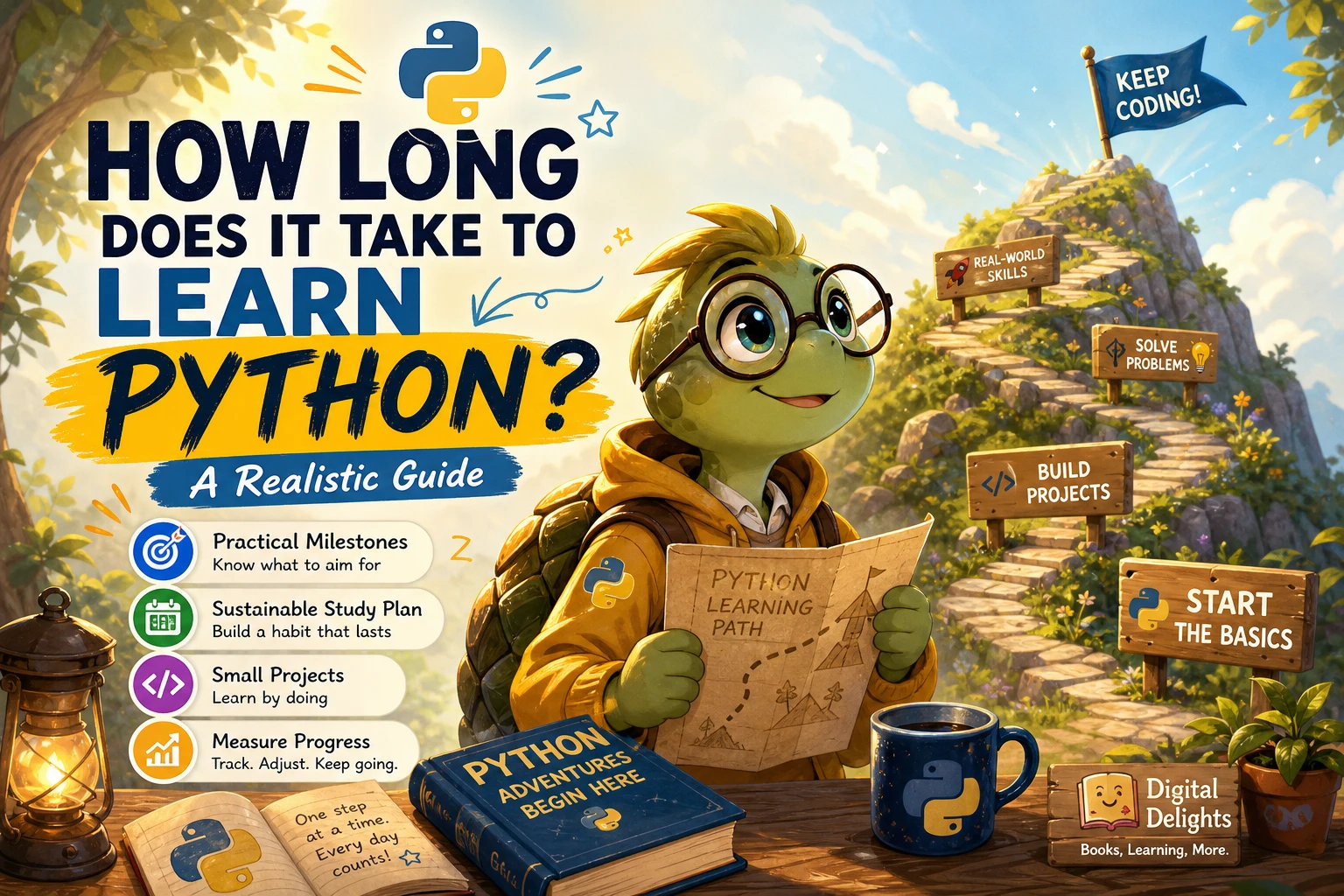
Use the stages below as a sequence, not a deadline. Move forward when you can use the current ideas in a small example and explain, in your own words, what the code is doing.
1. Learn the basic building blocks
Start with running a Python program, displaying output, receiving input, and working with values. Learn variables, common data types, comparisons, and simple expressions. Then practise conditional statements and loops, followed by strings and core collections such as lists and dictionaries.
For practice, write a short program that asks a question, checks the response, and gives an appropriate result. Change the inputs and test what happens rather than relying on a single successful run.
2. Organize code with functions
Functions let you give a task a name and reuse it. Practise passing information into a function and returning a result. If a program is becoming difficult to read, look for a repeated step or a self-contained task that could become a function.
At this point, also get used to reading error messages. Check the line identified, inspect the values involved, and test a small change. Debugging is part of programming, not evidence that you are doing it wrong.
3. Work with files, exceptions, and modules
Once short programs make sense, try reading from and writing to files. Learn how to handle situations your program should expect, such as a missing file or input in an unexpected format. Modules let you organize code and use functionality provided elsewhere.
A useful exercise is to read a small text file, count or summarize something in it, and save the result. This connects several fundamentals to a task with a clear outcome.
4. Build small projects and practise testing
Choose a project that is small enough to finish but useful enough to hold your attention. Write down what it should do before coding. Build one feature at a time, run it with different inputs, and fix problems as you find them.
- A quiz that checks answers and keeps score
- A simple list or tracker that saves information to a file
- A program that searches text for a word or phrase
- A basic calculator with input checks
- A folder-organizing script, tested on sample files first
Testing can start simply: try normal inputs, unusual inputs, and cases where information is missing. As projects grow, learn more formal testing practices that fit your needs.
5. Choose a direction and add the relevant tools
After you can make and explain small programs, choose what you want Python to help you do. A data-focused learner might explore working with datasets and analysis libraries. Someone interested in web applications will need web-development concepts. For automation, look for repetitive tasks that can be described as clear steps.
Do not treat a specialist library as a substitute for understanding basic code. You will get more from it when you can follow the examples, adapt them, and investigate errors.
How Can You Tell You’re Making Progress?
Use practical checks rather than a calendar. You are building useful independence when you can:
- Explain what a short program does without reading every line aloud.
- Change a program’s input or behaviour and predict what should happen.
- Break a small task into steps before you start coding.
- Use a function to make repeated or separate tasks easier to understand.
- Investigate an error by checking the relevant line, values, and assumptions.
- Use an example or reference as a guide, then adapt it to a different problem.
You do not need to stop using documentation to count as capable. Looking up syntax and checking reliable references are normal parts of programming. The key distinction is whether you can reason about the solution rather than paste code whose purpose you cannot explain.
Why Learning Python Can Take Longer Than Expected
- Only consuming lessons: Tutorials can make code look familiar without giving you practice making decisions. Pause regularly and write a variation without following the next step.
- Skipping exercises: A concept may seem clear until you need to apply it to a new input or slightly different problem. Short exercises reveal those gaps while they are still manageable.
- Changing resources constantly: Every guide may explain ideas in a different order. Choose one main path for the fundamentals and use other material to clarify a specific question or provide extra practice.
- Starting with a project that is too large: A broad app can involve many unfamiliar ideas at once. Reduce it to one small feature, get that working, then add another.
- Trying to master every topic before building anything: You do not need to learn all of Python before making a project. A small project can show you what to learn next.
- Moving to advanced topics too early: Machine learning or complex application design can be motivating, but those topics are easier to approach when the basic language concepts are familiar.
Choosing a Beginner Python Resource
Pick a resource according to the way you want to learn. A guided introduction can help if you want concepts in a deliberate order. An exercise-centered book may suit you if you already have explanations and need more practice. Look for clear prerequisites, examples you can run, and opportunities to apply ideas rather than a promise that you will become proficient by a certain date.
| Learning need | Catalog resource | Why it may fit |
|---|---|---|
| A gentle first introduction | Python for the Greenhorns Book-1 | Its catalog description says it is written for people new to coding and introduces Thonny, variables, constants, and exercises. |
| A broad beginner guide | Python Coding & Programming: The Complete Manual | The listed topics include setup, core language concepts, functions, loops, data structures, files, and debugging. |
| More learning by doing | Python and jQuery Coding Exercises: Coding for Beginners | Its Python section offers coding tasks and examples for practising fundamentals and problem-solving. |
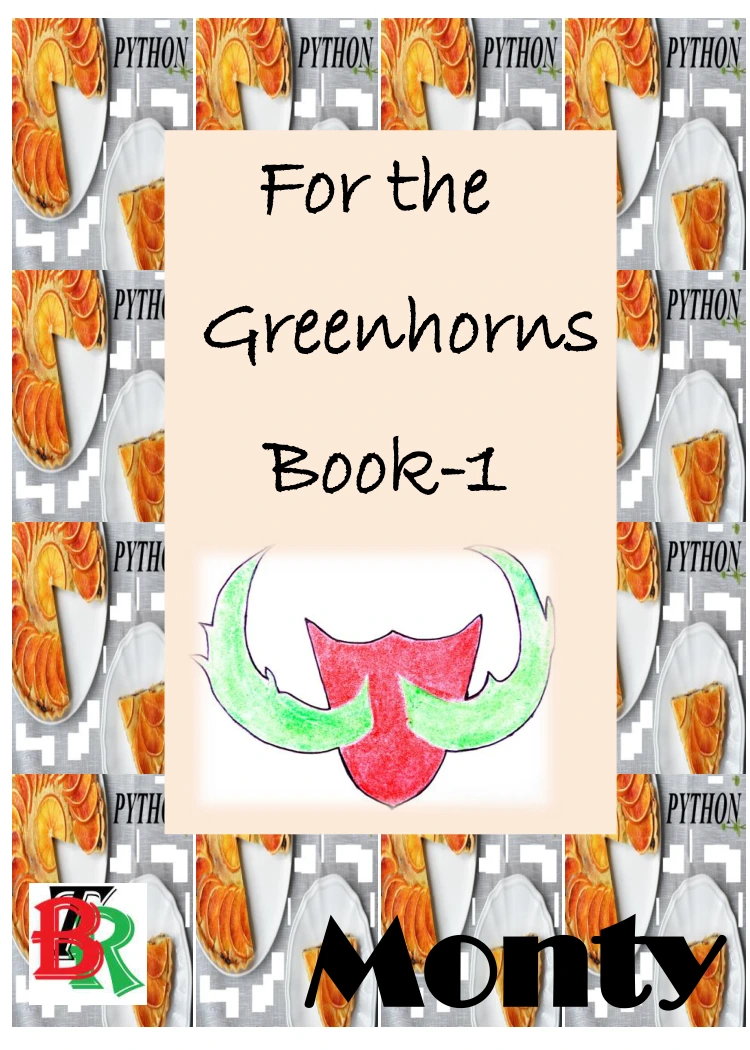
Python for the Greenhorns Book-1
By Monty
Learners new to coding who want a gentle introduction to Thonny, variables, constants, and exercises.
Python Coding & Programming: The Complete Manual
Readers looking for a broad introductory guide covering core Python concepts, files, and debugging.
Python and jQuery Coding Exercises: Coding for Beginners
By JJ Tam
Beginners who want Python coding tasks and examples to practise fundamentals.
These resources differ in approach, and none can set a personal completion date. Browse the Python book collection if you want to compare more learning materials. Before choosing, check that a resource’s level and coverage match the skills you want to practise.
Frequently Asked Questions
Is Python easy for beginners?
Python can be approachable for beginners, but learning to program still takes effort. You need to understand how to express a problem as instructions, test what you wrote, and work through errors. Resources also differ in their assumptions: Python’s official language tutorial expects prior programming knowledge, so a complete beginner may prefer materials explicitly designed for newcomers.
Does previous coding experience help you learn Python?
It can help because you may already understand programming ideas such as variables, loops, and functions. You will still need to learn Python’s syntax and conventions. If you have not programmed before, begin with materials that introduce both the language and the underlying concepts.
How much should I practise each day?
The supplied evidence does not establish a universal daily practice amount or a guaranteed schedule. Choose a routine that you can sustain, and make some of each session active: write code, solve a small exercise, or modify a project. The most useful measure is whether you can apply what you have studied, not simply how long a lesson was open.
When should I start building Python projects?
Start with a small project once you can use basic values, conditions, loops, and collections. You do not have to wait until you have finished an entire course. Keep the first project limited, then add functions, file handling, or other features as you learn them.
Can I become job-ready just by learning Python syntax?
Not necessarily. Job requirements vary by role, and syntax is only one part of working in a particular field. Identify the work you are aiming for, examine the skills it requires, and build relevant projects while developing the supporting knowledge and tools.
Conclusion: Measure Skills, Not Days
There is no dependable single answer to how long it takes to learn Python because learners start with different experience and aim for different outcomes. Set a practical target, follow a structured path through the fundamentals, and build small programs that help you test what you understand.
When you can explain, adapt, and debug your own code, you have evidence of progress that a countdown cannot provide. Keep practising toward the next skill your goal requires, and let your capabilities—not an arbitrary deadline—guide what you learn next.
Sources and Further Reading
- Python For Beginners | Python.org — introductory guidance for people starting with Python.
- The Python Tutorial — Python documentation — tutorial material intended for readers who already have some programming understanding.