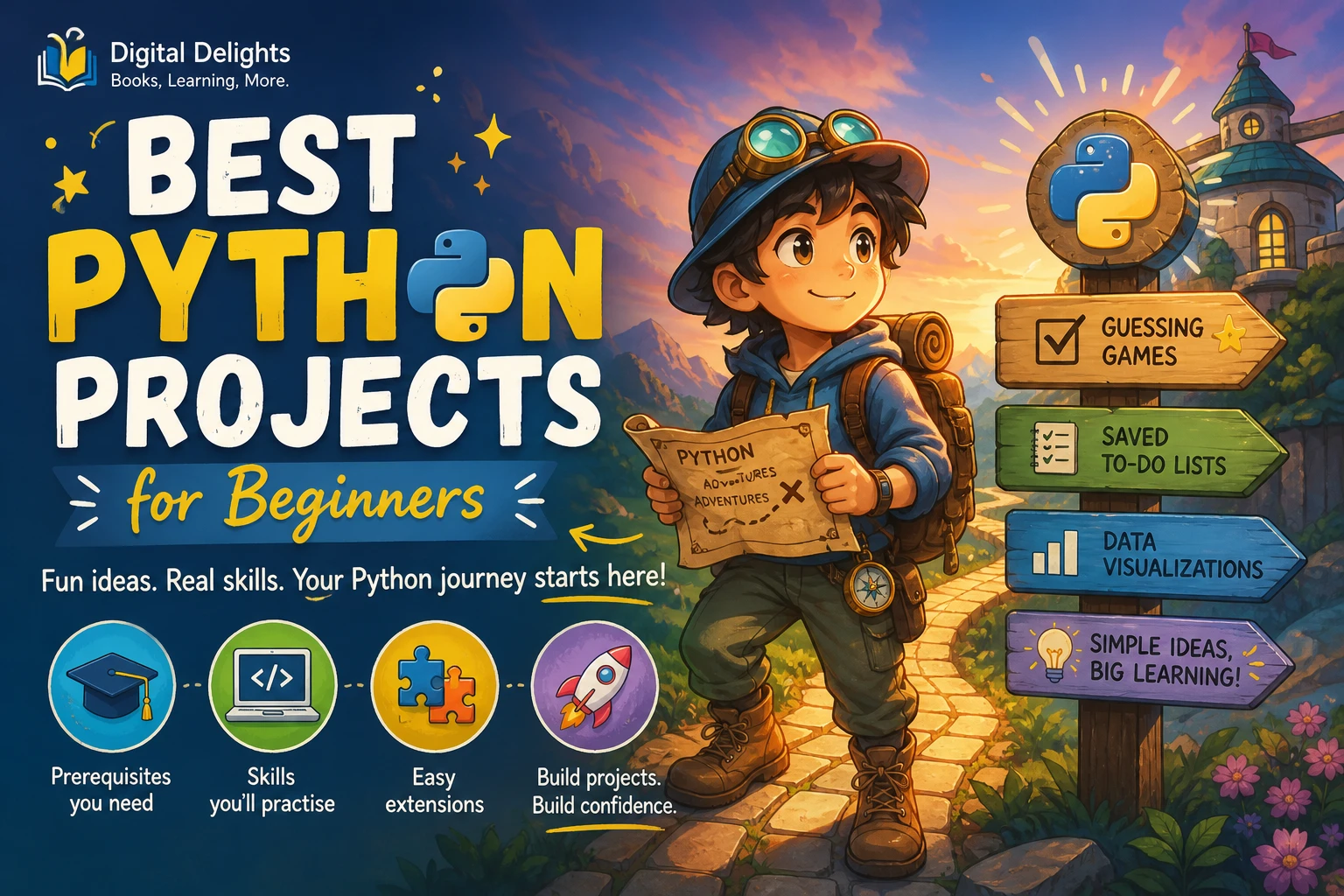
Best Python Projects for Beginners
The best first Python project is a small, interactive program you can finish using concepts you already know. A number-guessing game is a strong starting point: it needs only input, conditionals, and a loop, and you can improve it without rebuilding everything. After that, try a text generator, a to-do list, or a simple tracker that saves information.
“Beginner” can mean either new to programming or new specifically to Python. If you are learning your first programming language, begin with projects that use a few basic ideas at a time. If you already understand variables, conditions, and loops, you can move sooner to functions, saved data, and visualizations. The official Python tutorial is intended for readers who are new to Python but already have some general programming understanding, so it is useful to be clear about that distinction when choosing what to build.
Below is a practical progression of Python projects for beginners, with prerequisites, the skills each one exercises, and a manageable next step. It is a suggested learning sequence, not a measured ranking: the right project is one that interests you and fits what you know now.
How to choose your first Python project
A good starter project gives you a clear goal and lets you see the result of your code. Before you begin, consider four things:
- Concepts: Can you build the first version with ideas you have already studied, such as variables, input, conditions, and loops?
- Setup: Can you begin with Python’s built-in features instead of installing packages or configuring external services?
- Feedback: Will the program respond visibly to what you enter or change?
- Room to grow: Can you add one feature later, such as a score, saved data, or another user choice?
When practical, start with the standard library—the modules included with Python—rather than adding third-party packages immediately. That keeps setup simpler while you focus on programming. If a later project needs extra packages, use a virtual environment to keep its dependencies separate from other Python projects; the Python documentation explains virtual environments.
7 beginner Python project ideas
1. Number-guessing game or quiz
Best for: A first project, including for many people new to programming.
Prerequisites: Basic input and output, variables, comparisons, conditionals, and a loop. A quiz can begin with a fixed set of questions; a number game can choose a secret number using Python’s random module.
Practise: Reading user input, checking answers, repeating a turn, and giving clear feedback. You can also practise handling an invalid response instead of letting the program behave unexpectedly.
Start small: Ask the player to guess a number, tell them whether the guess is too high or too low, and stop when they succeed. For a quiz, ask one question at a time and keep a score.
One extension: Add a limited number of attempts or show the final score. Avoid adding several difficulty modes and menus before the basic game works.
2. Mad Libs or a simple text generator
Best for: Practising strings and user input while making something playful.
Prerequisites: Variables, strings, input, and basic output. A small generator can be built without extra packages.
Practise: Collecting several words, combining text, and making a reusable function. You will also learn to think about prompts: the program should make it clear what kind of word the user should enter.
Start small: Ask for a name, place, and action, then insert those answers into a short template.
One extension: Offer a choice between two story templates. Keep the story text separate from the code that gathers answers so that changing the wording does not require rewriting the whole program.
3. To-do list in the terminal
Best for: Moving from short scripts toward a program with a few related actions.
Prerequisites: Lists, loops, conditionals, and ideally basic functions. You can make the first version entirely in the terminal.
Practise: Storing several items, displaying them, adding an item, and removing or marking one complete. This project encourages you to break a larger task into smaller operations.
Start small: Keep tasks in a list while the program is running. Present a short menu with options to view, add, or remove tasks.
One extension: Add a completion status, such as a Boolean value for each task. First make sure the menu works with a short list before adding more features.
4. To-do list that saves its data
Best for: Learners who have built the in-memory list and want it to retain information between runs.
Prerequisites: The previous to-do list, basic file handling, and familiarity with lists or dictionaries. Saving structured data as JSON is a useful next step.
Practise: Reading from a file when the program starts and writing updated tasks when they change. Python’s documentation covers file input and output, including JSON.
Start small: Save a plain-text list first, or use JSON if you want to store each task with more than one property. Handle the case where the save file does not exist yet.
One extension: Add a due date or a category. Test what happens if the file is empty or contains data in an unexpected format; do not assume every saved file will always be valid.
5. Expense or habit tracker
Best for: Turning data structures and simple calculations into a useful personal tool.
Prerequisites: Lists or dictionaries, loops, functions, basic arithmetic, and—if you want the information to persist—file handling.
Practise: Representing each record consistently, calculating totals or counts, and summarizing entries. An expense tracker might store an amount and category; a habit tracker might record a date and whether the habit was completed.
Start small: Let the user add a record and display a summary for the current session. Decide what information each entry needs before writing the menu.
One extension: Save records to JSON and add a simple filter, such as showing entries for one category. Keep the first version modest: importing bank transactions or building a full budgeting system adds complexity that is not needed to practise the basics.
6. Text adventure
Best for: Learners who want to practise functions and manage several possible outcomes.
Prerequisites: Input, conditions, loops, and functions. Lists or dictionaries can help represent rooms, choices, or inventory as the game grows.
Practise: Organizing connected scenes, responding to player choices, and keeping track of game state—for example, which items the player has collected.
Start small: Write three connected scenes with two choices at each turning point. Make sure every choice leads somewhere understandable and that the game has a clear ending.
One extension: Add an inventory item that changes a later choice. This gives the player’s earlier actions a consequence without requiring a large map or complicated combat system.
7. Small data visualization
Best for: Learners who are comfortable with Python basics and want to explore data.
Prerequisites: Variables, lists or other collections, loops, and basic data handling. A charting library is usually an additional dependency, so this project involves more setup than the terminal projects above.
Practise: Turning a small dataset into a visual summary and explaining what the chart does—and does not—show. You could use a small set of public or personally recorded values, such as daily reading minutes or weekly spending totals.
Start small: Use a short, clean dataset and make one chart with a clear title and labels. Check the chosen library’s installation guidance and compatibility before installing it.
One extension: Compare two categories or show the same data in a different chart form. Keep the data source and charting code understandable rather than adding a large dataset as the first challenge.
A sensible progression from first script to larger project
- Build the smallest working version. Write the core interaction first. A guessing game only needs to accept a guess and respond; it does not need a polished menu.
- Try ordinary and unexpected inputs. Test a correct answer, an incorrect answer, a blank response, and an input of the wrong type where relevant. Decide what the program should do in each case.
- Add one feature at a time. Make a working version before adding scores, saved data, extra menus, or customization options. Small changes are easier to understand when something breaks.
- Use functions when they clarify the program. If the same operation appears in several places, or a block has one clear job, consider putting it in a function. Do not split a tiny script into many functions just to make it look advanced.
- Save or organize data when the project calls for it. Move from temporary lists to files when keeping information between runs is part of the goal. The Python tutorial introduces data structures, modules, and input/output as distinct building blocks for programs.
- Write down how to run it. A short README can explain the project’s purpose, how to start it, what it expects as input, and any setup required.
For a simple progression through Python concepts, the official Python tutorial provides reference material on topics including data structures and modules. Treat it as documentation to consult alongside your own small experiments, and remember that it assumes some prior understanding of programming.
Common beginner project mistakes
- Starting with too many unfamiliar concepts. A game with a graphical interface, online accounts, a database, and network features can turn one learning goal into several setup and design problems. Make a smaller version first.
- Installing packages before they are needed. If a built-in feature can do the job, use it for the first version. Add a dependency only when it supports a specific project requirement.
- Copying code without changing or tracing it. If you use a tutorial or reference example, make sure you can explain what its main parts do. Then change a rule, input, or output and observe what changes.
- Trying to make version one portfolio-ready. A first project is a place to practise. You can improve naming, error handling, documentation, and presentation after the core behavior works.
- Adding features without testing earlier behavior. After each change, try the main paths again. A new option should not silently break adding a task or finishing a quiz.
Where to keep learning
If you want a guided introduction that connects Python basics with practical projects, Python Crash Course: A Comprehensive and Fast-Paced Introduction to Python Programming for Beginners and Experienced Developers Alike is a catalog resource whose listed coverage includes fundamentals and project areas such as games, automation, task management, and data analysis. It may suit a learner who wants a structured path from core concepts toward applied examples.
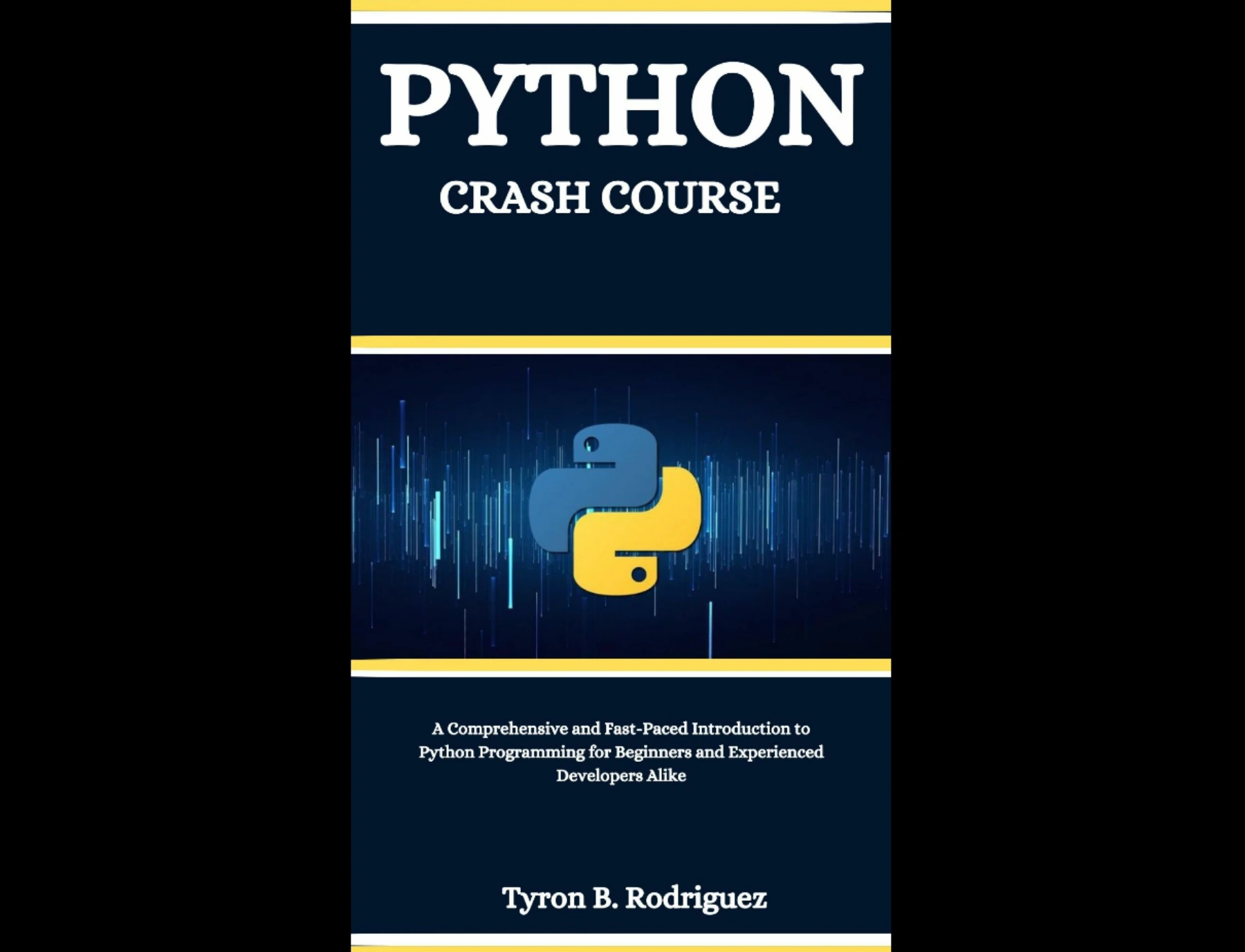
Learners who want a guided introduction covering Python fundamentals and project areas including games, automation, task management, and data analysis.
You can also browse the Python book collection for other learning resources. Choose based on the next skill you want to practise, rather than collecting several books before writing your first program.
Frequently asked questions
Which Python project should a complete beginner try first?
A number-guessing game or short quiz is a manageable first choice. It can practise input, conditionals, and loops without requiring a separate package. If you have not programmed before, build the simplest version first and add input checks only after the main interaction works.
Can I build Python projects without installing extra packages?
Yes. The number game, text generator, terminal to-do list, text adventure, and basic file-saving projects can be built with Python’s built-in features. A data visualization commonly uses an additional library, so check its installation and compatibility instructions before starting that project.
How can I make a beginner project more challenging?
Add one feature that builds on the project you already understand: a score to a quiz, saved tasks to a to-do list, or an inventory item to a text adventure. A useful next step should give you practice with one new idea without replacing the working project with a completely different one.
When is a project ready to share in a portfolio?
It is ready to share when someone else can understand its purpose and how to run it, and when its main behavior works for typical inputs. Include a short README, note any required setup, and be honest about limitations. A small, clearly explained project is more useful to present than a larger one you cannot describe.
Conclusion
Start with a project that is small enough to finish and interesting enough to customize. A guessing game can lead to a text generator, then a to-do list, saved data, and eventually a tracker or visualization. Build a working minimum version, test it, and add features gradually. The goal is not to produce the most impressive first project; it is to practise turning an idea into code you can explain and improve.