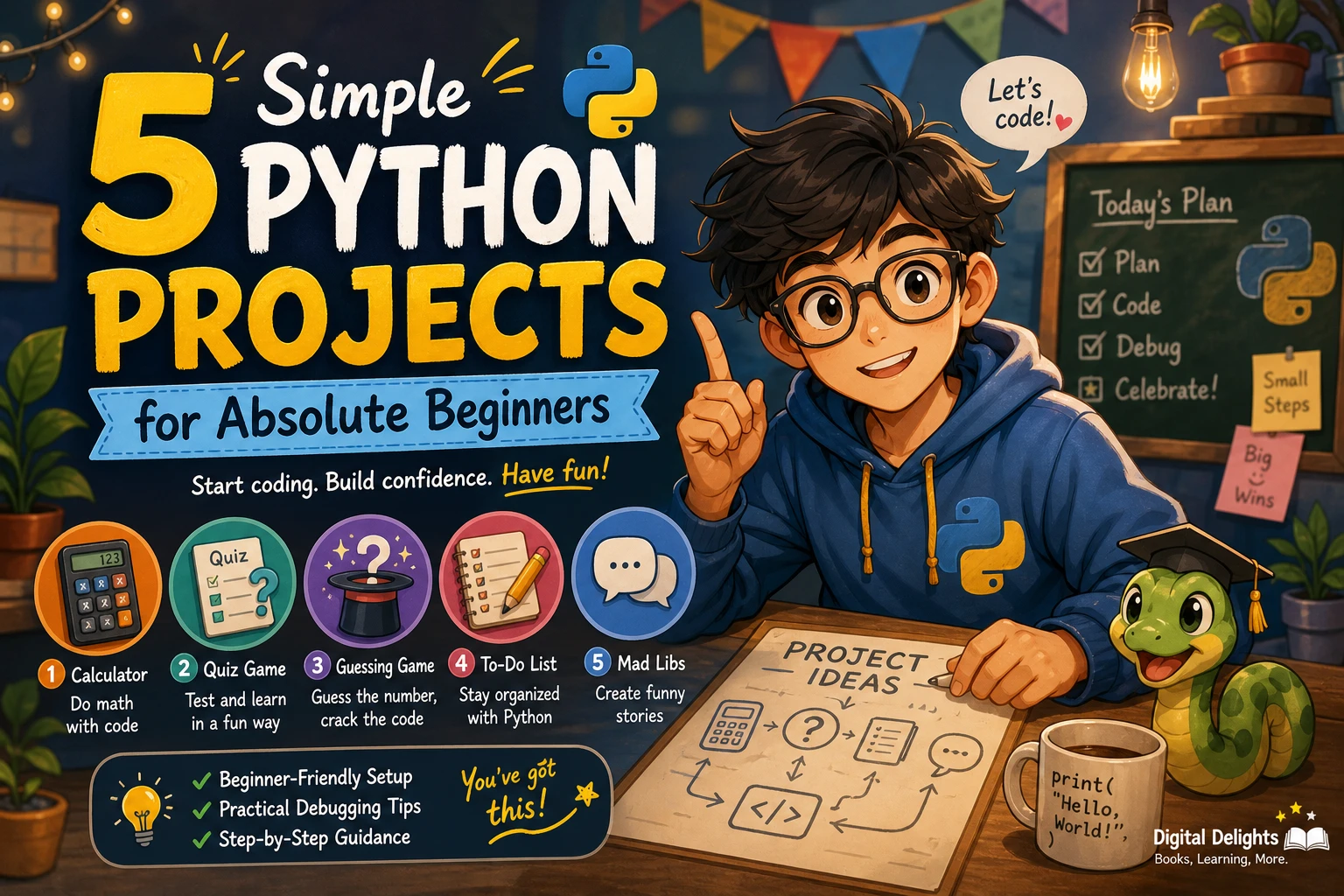
5 Simple Python Projects for Absolute Beginners
Your first Python project does not need graphics, a website, or a long list of features. A small program that asks a question, makes a calculation, or stores a few tasks is enough to practise turning instructions into working code. These simple Python projects for beginners are designed for people who are new to programming as well as learners who know a little Python but have not built anything on their own.
Start with a minimal version, run it, and add one improvement at a time. The five ideas below use Python’s standard library, so you can focus on the basics without installing extra packages. For each project, you will find what it does, which concepts it practises, and a manageable way to build it.
What to Know Before Starting a Python Project
There is no universal checklist of skills you must master before writing your first project. As a practical starting point, it helps to know how to open Python, run a .py file, display text, collect input, and use variables. You will also meet conditionals and loops in several of the examples.
If those ideas are unfamiliar, learn each one just before you need it. The official Python tutorial introduces the language, but it says it is intended for people new to Python who already have a basic understanding of programming. That means it may not be a complete first lesson for someone who has never coded. Read the Python tutorial’s introduction to check whether its starting point suits you.
- Input and output: use
input()to receive text andprint()to show a result. - Variables: give a value a name so you can use it again.
- Conditionals: use
ifandelseto choose between actions. - Loops: repeat an instruction while a task is unfinished.
- Functions: group instructions under a name when you are ready to organize a longer program.
These are useful starting points, not prerequisites you need to perfect in advance. If you would like a structured introduction alongside your practice, Python Crash Course: A Comprehensive and Fast-Paced Introduction to Python Programming for Beginners and Experienced Developers Alike covers foundational Python topics and includes project chapters. Its catalog description mentions games, automation, task management, and data analysis projects.
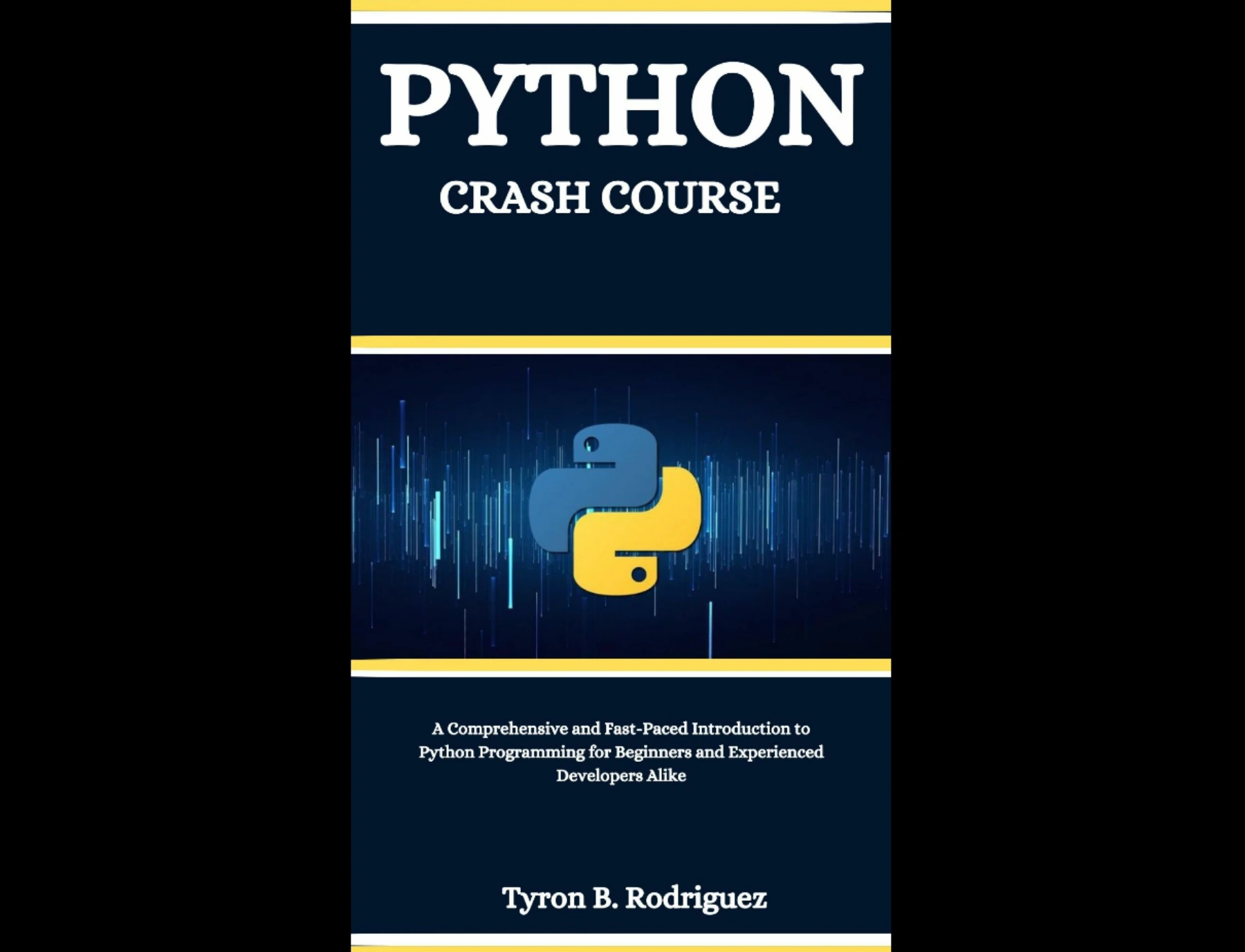
Readers who want guided Python fundamentals alongside practice projects.
5 Simple Python Projects for Beginners
Choose one idea that sounds interesting, make its smallest useful version, then add an optional feature if the core program works. The code below is deliberately short: read it, run it, and change one part to see what happens.
1. Simple Calculator
Goal: ask for two numbers and an operation, then display the result. This is a good first project for practising numeric input, converting text to numbers, and using conditionals.
Build it in steps:
- Ask the user for two values.
- Convert each response to a number with
float(). - Ask whether to add, subtract, multiply, or divide.
- Use
ifandelifto select the calculation, and show the answer.
first = float(input("First number: "))
operation = input("Choose +, -, *, or /: ")
second = float(input("Second number: "))

if operation == "+":
    result = first + second
elif operation == "-":
    result = first - second
elif operation == "*":
    result = first * second
elif operation == "/":
    if second == 0:
        result = "Cannot divide by zero."
    else:
        result = first / second
else:
    result = "Unknown operation."

print("Result:", result)
Optional extension: let the user perform another calculation without restarting the program. Add this only after the single-calculation version works.
2. Number-Guessing Game
Goal: the program chooses a number, and the player keeps guessing until they find it. You will practise importing a standard-library module, comparisons, input conversion, and loops.
Build it in steps:
- Import
randomand choose a number within a small range. - Ask the player for a guess and convert it to an integer.
- Tell the player whether the guess is too low or too high.
- Repeat until the guess matches the target.
import random

target = random.randint(1, 20)
guess = None

while guess != target:
    guess = int(input("Guess a number from 1 to 20: "))

    if guess < target:
        print("Too low.")
    elif guess > target:
        print("Too high.")
    else:
        print("You got it!")
Optional extension: count the guesses and show the total when the player wins. Later, you could let the player choose the number range.
3. Short Multiple-Choice Quiz
Goal: ask a few questions, check the answers, and report a score. This project gives you practice with strings, conditionals, and keeping track of a value as the program runs.
Build it in steps:
- Set a score variable to zero.
- Ask one question and compare the response with the correct answer.
- Add one point for a correct response.
- Repeat for a small set of questions, then display the score.
questions = [
    ("What keyword starts a function in Python? ", "def"),
    ("Which function displays text? ", "print"),
    ("Which type represents whole numbers? ", "int"),
]

score = 0

for question, answer in questions:
    response = input(question).strip().lower()
    if response == answer:
        print("Correct!")
        score += 1
    else:
        print("The answer is", answer)

print("Your score:", score, "out of", len(questions))
Optional extension: show a different message depending on the final score, or let the user add questions to the list in the code.
4. Terminal To-Do List
Goal: let a user add tasks, view them, and quit. This introduces lists and a menu loop—two useful ideas for programs that need to hold several pieces of information.
Build it in steps:
- Create an empty list to hold task descriptions.
- Display a menu with options to add a task, view tasks, or quit.
- Use a loop so the menu returns after each action.
- Handle an unfamiliar menu choice with a helpful message.
tasks = []

while True:
    print("\n1. Add task  2. View tasks  3. Quit")
    choice = input("Choose an option: ").strip()

    if choice == "1":
        task = input("Task: ").strip()
        if task:
            tasks.append(task)
    elif choice == "2":
        if tasks:
            for number, task in enumerate(tasks, start=1):
                print(number, task)
        else:
            print("Your list is empty.")
    elif choice == "3":
        break
    else:
        print("Choose 1, 2, or 3.")
Optional extension: add a menu choice to remove a task. A later version could save tasks to a file, but get the in-memory version working first.
5. Random Password Generator (Practice Version)
Goal: create a string of characters chosen from a set. This project practises loops, string values, and importing a module. Treat the example as a coding exercise rather than a password-management tool.
Build it in steps:
- Choose the characters the program can use.
- Ask how many characters to include.
- Use a loop to select characters and assemble the result.
- Print the finished string.
import secrets
import string

characters = string.ascii_letters + string.digits + string.punctuation
length = int(input("How many characters? "))

if length < 1:
    print("Enter a length greater than zero.")
else:
    password = "".join(secrets.choice(characters) for _ in range(length))
    print("Practice output:", password)
Optional extension: offer separate choices for including digits or punctuation. Avoid adding a feature until you can explain how the existing loop builds the output.
How to Build a Project Without Getting Overwhelmed
A project can feel difficult when you try to plan every feature before writing the first line. Instead, make the program do one small thing from start to finish, then improve it in short steps.
- Write down the core task. For a quiz, the first version might ask one question and say whether the answer is correct.
- Build the smallest working version. Leave menus, saved data, and decorative output for later.
- Run it after each change. Small tests make it easier to identify which edit caused an unexpected result.
- Try ordinary and awkward inputs. Test a correct answer, a wrong answer, and an empty response where it makes sense.
- Add one feature at a time. Make sure the existing version still works before moving on.
- Explain the code in your own words. If a line is unclear, pause and investigate it before adding more.
When a program fails, read the last line of the error message first, then inspect the nearby line of code. Check spelling, brackets, quotation marks, and indentation. Make one correction and run the program again rather than changing several things at once.
Python Setup and Tools for These Projects
Use the current installation guidance for your operating system rather than relying on an old version number or setup tutorial. Python releases and installation instructions can change. Mac users can check Python.org’s macOS releases page; Windows users can consult the official Python documentation for Windows.
For the five examples above, you do not need to install third-party packages. A code editor is helpful, but the main requirements are a working Python installation and a way to run a saved .py file. If a later project needs an outside package, Python’s documentation explains tools such as pip and virtual environments. On Windows, the documentation recommends using a separate virtual environment for each project.
Project collections can have different starting assumptions. For example, the publisher description for The Big Book of Small Python Projects describes projects for readers who have mastered basic Python syntax. If you are starting with no programming experience, begin with small guided exercises like the ones here and check a resource’s stated prerequisites before choosing a larger project.
Common Beginner Problems and How to Handle Them
- Syntax errors: Python expects exact punctuation and spelling. Compare the line mentioned in the error with the lines around it; the actual typo may be just before the reported location.
- Indentation mistakes: the indented lines under an
if, loop, or function form part of that block. Keep indentation consistent. - Too much scope: a to-do app with accounts, reminders, and cloud storage is a different-sized task from a terminal list. Finish the small version first.
- Copying without understanding: copied code may run, but it is harder to fix or adapt. Change one value or instruction, predict what should happen, and test your prediction.
- Unexpected input: beginners often assume a user will enter exactly the expected value. Test edge cases and add a clear message when input is missing or invalid.
What to Build After Your First Python Project
Once one project works, choose an extension that teaches one new idea. Add a replay option to the guessing game, remove completed tasks from the list, or let the quiz ask questions from a longer collection. You can also rebuild the same idea with functions to make the code easier to organize.
If practical, everyday programs appeal to you, Automate the Boring Stuff with Python, 3rd Edition is a catalog-listed resource for beginners focused on useful automation and hands-on projects. The catalog description says it covers tasks such as organizing files and handling data. For a broader starting path that includes project chapters, see the previously mentioned Python Crash Course. You can also browse the site’s Python learning resources to compare relevant titles.
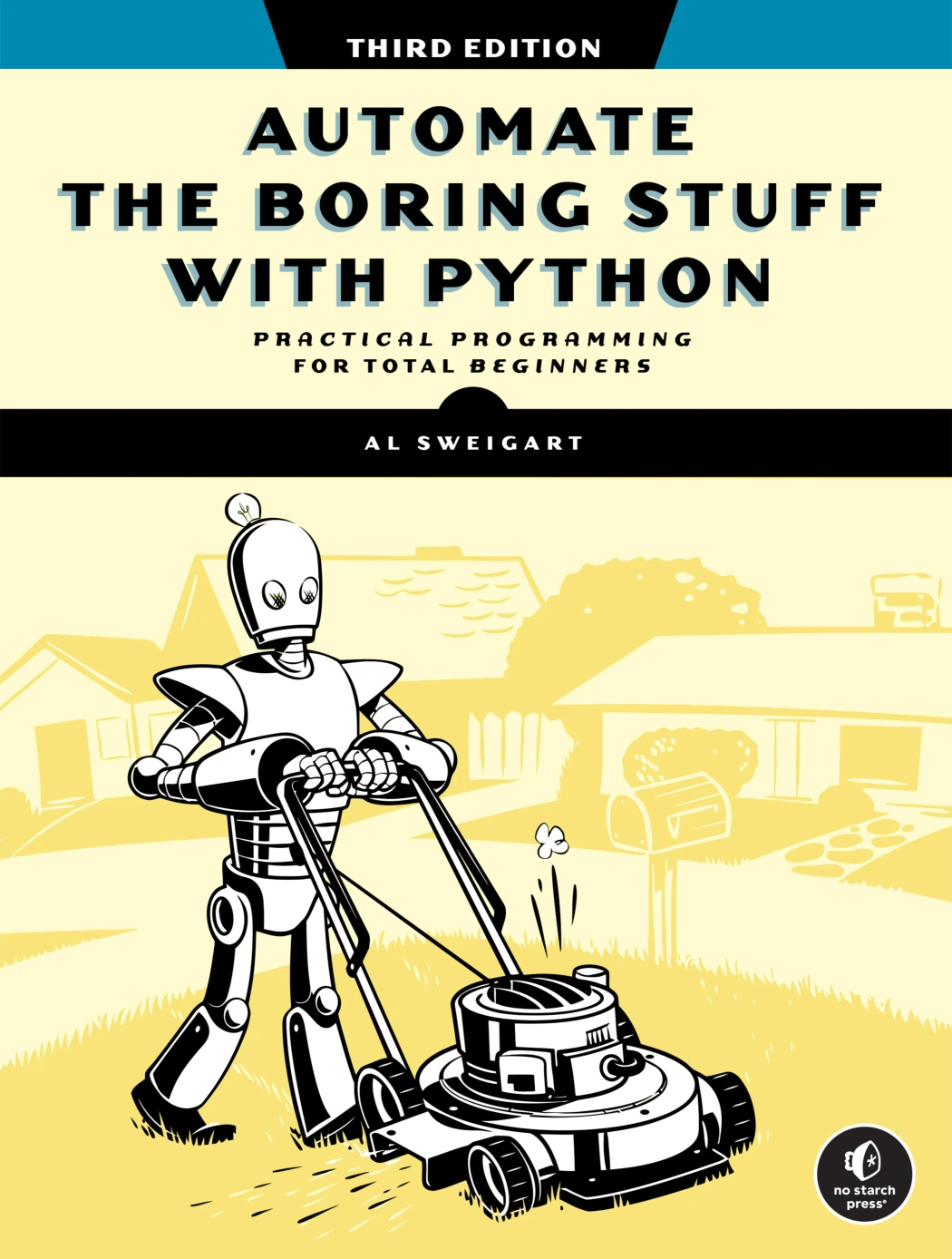
Automate the Boring Stuff with Python, 3rd Edition
By Al Sweigart
Learners interested in useful automation tasks such as organizing files and handling data.
Pick the next project based on what you want to make—not on how complicated it looks. A small program you understand and can improve is a stronger next step than a large project you can only copy.
Frequently Asked Questions
What should I learn first before starting a Python project?
Start with displaying text, collecting input, using variables, and making a decision with if. Loops are helpful for games and menus. You do not have to master every concept before beginning; learn what the current project needs as you build it.
Do I need to install extra software for these beginner Python projects?
No extra Python packages are needed for the examples in this article. You do need a working Python installation and a way to edit and run a .py file. Check the official setup guidance for your operating system, since installation steps may vary.
Which Python project should I try first?
Try the calculator if you want a direct introduction to input, number conversion, and conditionals. Choose the number-guessing game if you want to practise a loop. The best first choice is the one whose basic steps you can explain and test in small pieces.
How long does it take to finish a first Python project?
There is no reliable universal completion time: it depends on your starting point, the project’s scope, and how much time you spend understanding and testing the code. Keep the first version small and focus on getting it to work, not on finishing by a particular deadline.
Sources and Further Reading
- The Python Tutorial — Python 3 documentation, including its note about the programming knowledge it expects.
- Using Python on Windows — Python documentation, for Windows installation guidance and virtual environments.
- Installing Python modules — Python documentation, for information about installing packages.
- The Big Book of Small Python Projects — No Starch Press, publisher information about project formats and assumed Python basics.