Best Python Books with Exercises and Projects
The best Python books with exercises and projects should give you something to do with each new concept—not just more code to read. But different kinds of practice solve different problems. Short exercises help you work on loops, functions, and data structures. Connected projects ask you to combine those skills, make decisions, and debug a program with several moving parts.
For a structured beginner path, Python Bookcamp: Exercises and Projects is a relevant starting option. For additional drills and self-checking, consider Automate the Boring Stuff with Python Workbook. If you already understand the basics and want unusual challenges, Impractical Python Projects is a better match. The right choice depends on your starting point and what you want to build.
This guide compares catalog-listed resources by learning goal, explains their limits, and shows how to turn guided practice into independent work.
Quick picks: Which Python book fits your goal?
These are content-fit recommendations, not a ranking of proven learning outcomes. The comparisons use supplied catalog descriptions; unconfirmed solutions, downloads, and compatibility details are marked rather than assumed.
Python exercise and project books compared by reader needs
| Book | Suitable starting point | Practice emphasis | Covered examples or topics | Answer support |
|---|---|---|---|---|
| Python Bookcamp: Exercises and Projects | New or returning Python learners | Fundamentals, exercises, and recurring case studies | Collections, functions, exceptions, and files | Not confirmed in supplied details |
| Python Bootcamp: A Rapid Crash Course Featuring Q&A Sessions, Exercises, and Projects | Beginners wanting a brisk introduction | Explanations, Q&A, exercises, and projects | Python 3 setup, interpreter use, and runnable examples | Q&A confirmed; exercise-solution coverage not confirmed |
| Automate the Boring Stuff with Python Workbook | Beginners using an explanatory resource alongside practice | Questions, targeted exercises, and mini-projects | Loops, functions, regular expressions, files, and spreadsheets | Solutions at the back, according to the catalog |
| Python Automation Crash Course: 3 Books in 1 | Beginners interested in practical scripts | Foundations followed by automation projects | File organizer, email reminders, and news scraping | Not confirmed in supplied details |
| Impractical Python Projects | Readers who already know Python fundamentals | Creative, project-led challenges | Ciphers, wordplay, probability, and simulations | Not confirmed in supplied details |
| Data Visualization with Python for Beginners | Learners interested in charts and data | Plotting exercises and data-handling practice | Pandas, Matplotlib, Seaborn, and CSV plotting | Not confirmed in supplied details |
| Coding for Kids: Python | Young learners with no coding experience | Games, activities, and extra challenges | Strings, loops, Turtle graphics, and reusable code | Answer key confirmed in the catalog |
A simple decision: choose a fundamentals book if you cannot yet write a small function unaided; choose a workbook if you understand explanations but struggle to solve exercises; choose a project book if you can write small programs and need practice connecting the pieces.
How to choose a hands-on Python book
Match the prerequisites to what you can do
“Beginner” can mean new to programming or merely new to a particular library. Before choosing a project-focused resource, ask whether you can use a loop, write a function, work with a list or dictionary, and interpret a basic error message. If those tasks are unfamiliar, prioritize a book that teaches them before introducing larger applications.
Separate exercises from projects
An exercise might ask you to count matching words in a list. A project might ask you to load a text file, count words, handle missing files, and save a report. Both are useful, but the second adds decisions about inputs, program structure, and failure cases.
Look for a practice format that addresses your current difficulty:
- You forget syntax: use small, focused exercises and revisit them without looking at the example.
- You understand code but cannot start: choose case studies that explain how a problem becomes a program.
- You can solve isolated tasks: move toward connected projects with several requirements.
- You lose motivation: choose a subject you genuinely want to explore, such as games, automation, or charts.
Check how feedback works
A solution is most useful when you can compare its reasoning with your own attempt. Check whether the book offers answers, explanations, sample output, or tests. Do not assume that a title containing “exercises” includes a complete answer key.
Check setup and dependency requirements
Basic language exercises and library-heavy projects have different setup demands. Before beginning, identify the interpreter version, required packages, operating-system assumptions, and any external accounts or datasets. A current edition is not a guarantee that every example will run unchanged in your environment.
The recommendations below are based on documented content, not personal testing. Where the supplied material does not establish compatibility or solution coverage, check those details before choosing.
Best Python books with exercises and projects by learning goal
For a structured first course: Python Bookcamp: Exercises and Projects
Vaskaran Sarcar’s Python Bookcamp: Exercises and Projects covers setup, variables, operators, control flow, collections, functions, modules, exceptions, and file handling. Its catalog description emphasizes recurring case studies that bring individual concepts together into small programs.

Python Bookcamp: Exercises and Projects
New and returning learners seeking a structured path through core Python concepts.
That structure is relevant if you want to see how a program develops rather than encounter syntax only as separate definitions. When studying a case study, pause before the next addition and predict what must change: the inputs, the stored data, or the function responsible for the behavior.
- Good fit: new Python learners and returning programmers who want fundamentals connected to working examples.
- Less suitable if: your immediate goal is a specialized framework or an exercise collection with confirmed solution coverage.
The supplied catalog uses the title above, while its metadata records slightly different title-page wording. It is also listed separately from Sarcar’s Python Bootcamp; do not assume the two are interchangeable.
For a brisk, question-led introduction: Python Bootcamp
Python Bootcamp: A Rapid Crash Course Featuring Q&A Sessions, Exercises, and Projects, also by Vaskaran Sarcar, combines introductory explanations with questions and hands-on work. The supplied description specifically documents Windows installation guidance, version checks, the command prompt, IDLE, and questions about the Python shell.
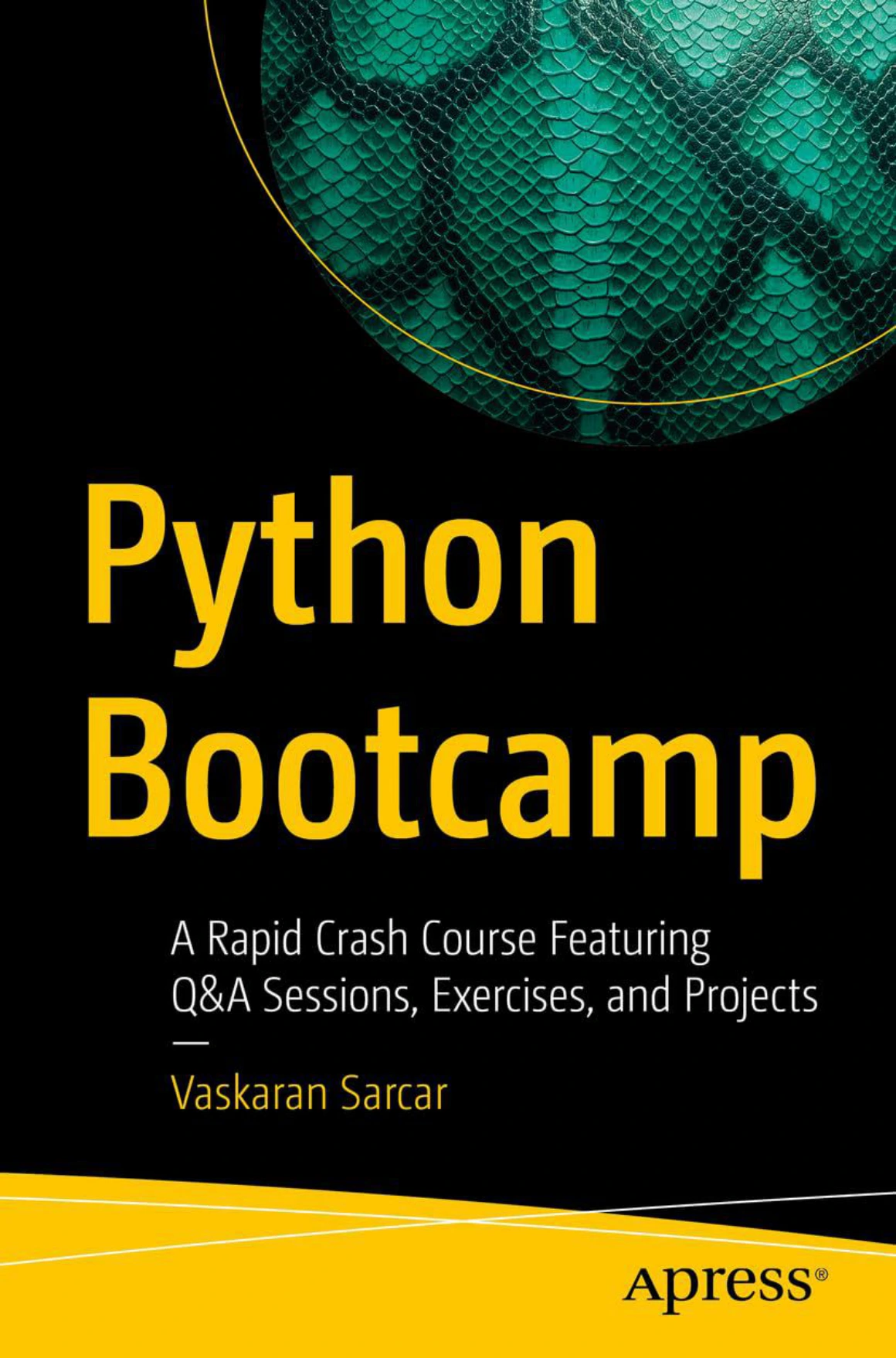
Python Bootcamp: A Rapid Crash Course Featuring Q&A Sessions, Exercises, and Projects
Beginners who prefer a brisk introduction with setup guidance and Q&A pauses.
The Q&A format may suit readers who want regular pauses to clarify unfamiliar terms. However, the available description is incomplete, so it does not justify a detailed comparison of every project against Python Bookcamp.
- Good fit: beginners who prefer a brisk introduction with questions woven into the learning sequence.
- Less suitable if: you need confirmed operating-system-specific instructions beyond the documented Windows material.
Choose one of these introductory paths first rather than buying both simply because their titles sound similar.
For structured practice with solutions: Automate the Boring Stuff with Python Workbook
Al Sweigart’s Automate the Boring Stuff with Python Workbook is a practice companion, not the main instructional book. The catalog describes fill-in-the-blank questions, short answers, targeted coding exercises, mini-projects, and solutions at the back.
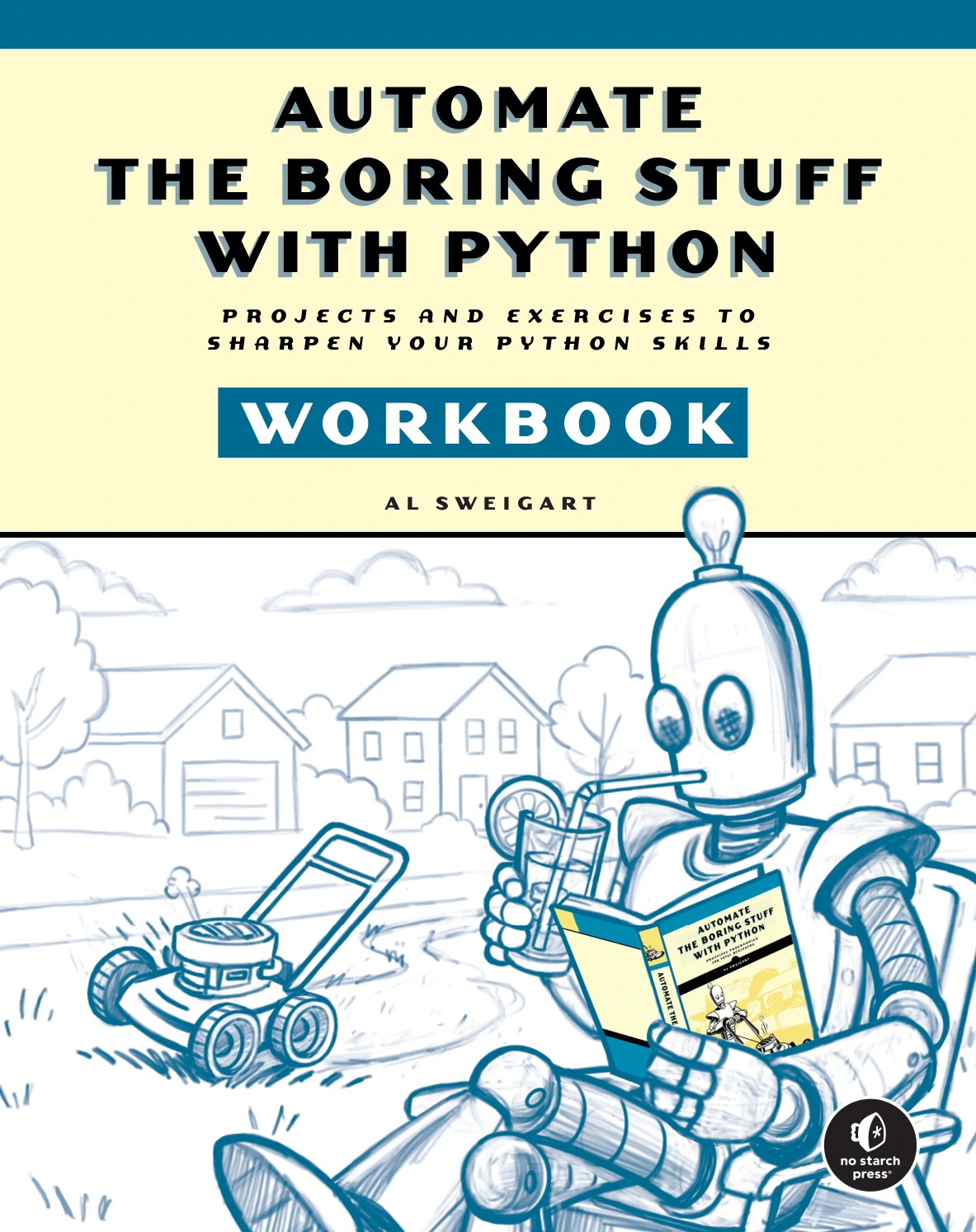
Automate the Boring Stuff with Python Workbook
By Al Sweigart
Learners who want additional practice and self-checking alongside an explanatory resource.
Its documented topics include variables, loops, functions, regular expressions, file handling, web scraping, spreadsheets, and databases. This makes it a relevant choice when you want to check whether you can apply a concept after reading an explanation.
The separate main guide focuses on practical automation, as described by its publisher’s third-edition overview. That distinction matters: a workbook supplies practice, while an instructional guide supplies the teaching sequence. The supplied workbook details do not establish alignment with a particular main-book edition.
- Good fit: beginners and returning learners who want structured exercises with self-checking.
- Less suitable if: you need one fully explanatory resource to teach every concept from scratch.
For useful scripts: Python Automation Crash Course
Mark Reed’s Python Automation Crash Course: 3 Books in 1 – The Ultimate Guide to Mastering Python Automation from Beginner to Advanced. Learn it Well & Fast moves from introductory concepts into task-oriented scripting.
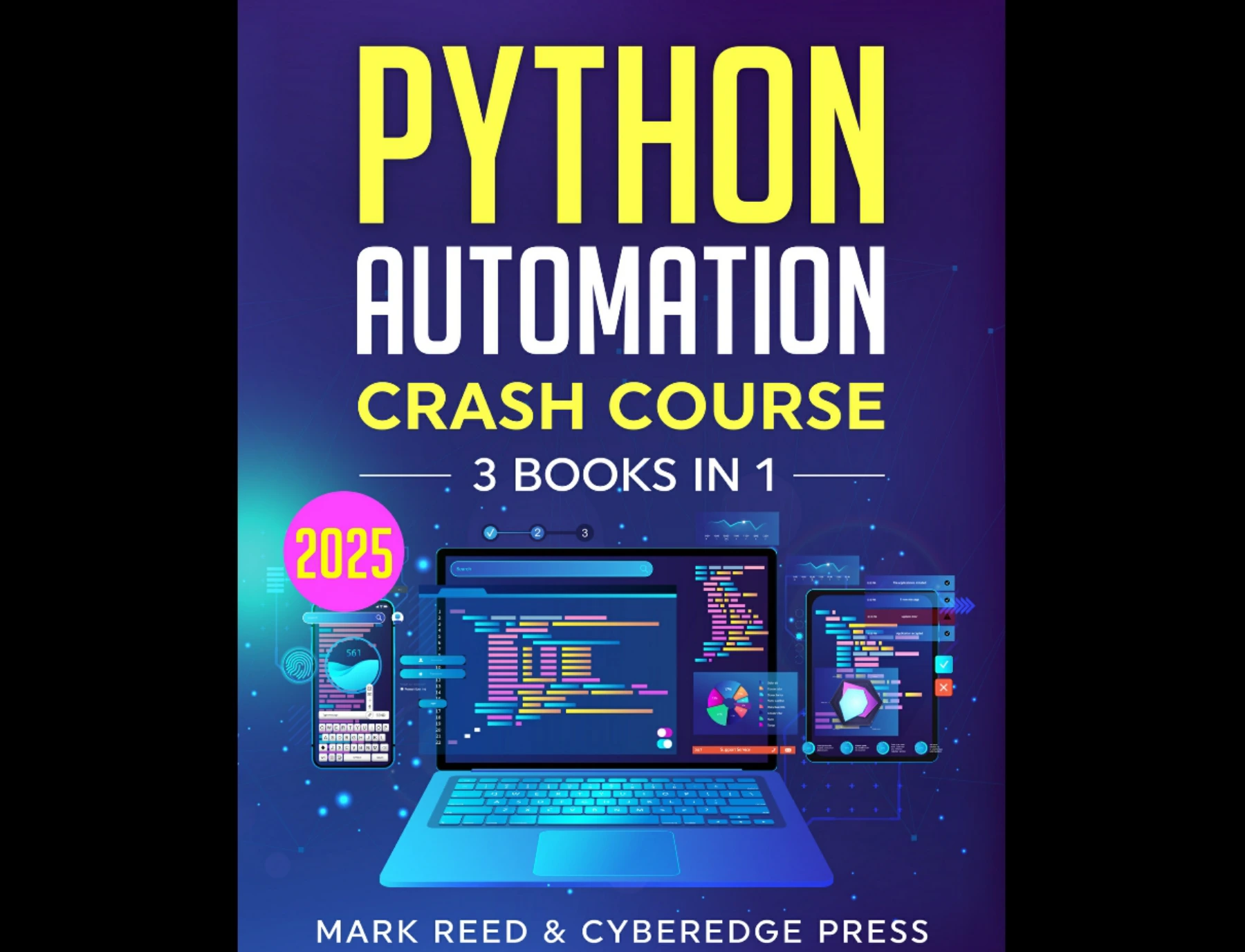
By Mark Reed
Beginners motivated by practical scripts and willing to work through external-tool setup.
The catalog identifies an automatic file organizer, an email reminder system, and a simple news scraper. It also describes file management, REST APIs, web scraping, and task scheduling. Those examples make this a relevant route for learners motivated by repetitive computer tasks.
For file-management practice, work on disposable copies in a dedicated test folder. Before allowing a script to move or rename anything, have it display the changes it intends to make. That is an editorial practice suggestion, not a confirmed feature of the book.
- Good fit: learners who want their Python practice to produce practical scripts.
- Less suitable if: you prefer projects that avoid network services, credentials, or scheduling configuration.
For creative challenges after the basics: Impractical Python Projects
Lee Vaughan’s Impractical Python Projects: Playful Programming Activities to Make You Smarter builds practice around unusual questions involving language, puzzles, science, and probability.
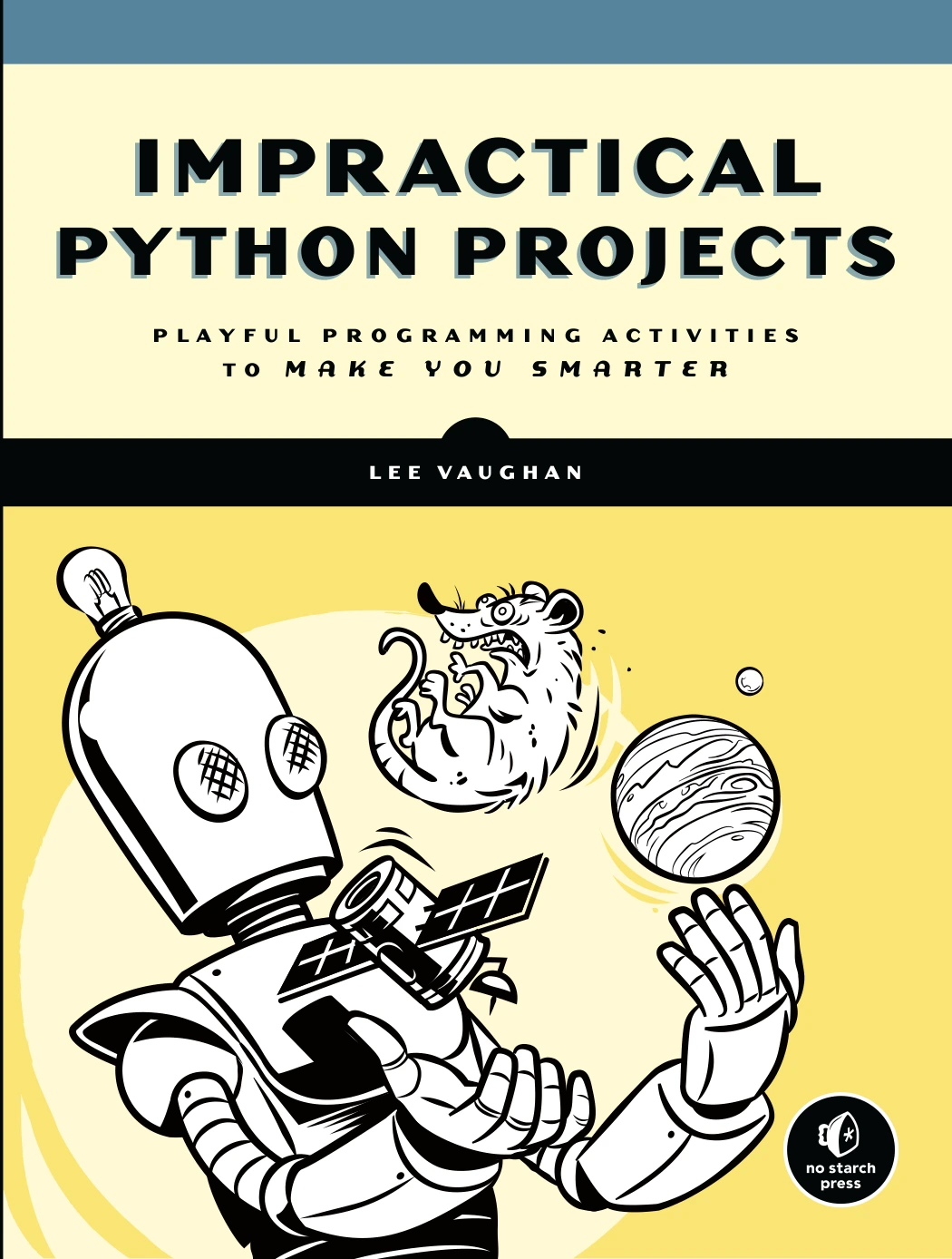
Impractical Python Projects: Playful Programming Activities to Make You Smarter
By Lee Vaughan
Readers with foundational skills who enjoy puzzles, language, probability, and simulations.
The supplied description includes ciphers and cryptanalysis, wordplay, the Monty Hall problem, genetic algorithms, Monte Carlo simulation, and volcano modeling. It also names libraries such as Matplotlib, Pygame, Pillow, and Tkinter.
This is a different learning experience from a first course: the problem provides the reason to use Python. Choose a project whose underlying question interests you, then separate the domain explanation from the programming steps so you can understand both.
- Good fit: self-directed learners who already know the fundamentals and want varied project ideas.
- Less suitable if: variables, loops, functions, and collections are still unfamiliar.
For chart-focused practice: Data Visualization with Python for Beginners
Data Visualization with Python for Beginners: Visualize Your Data Using Pandas, Matplotlib and Seaborn introduces Python basics before moving into plotting and data preparation.
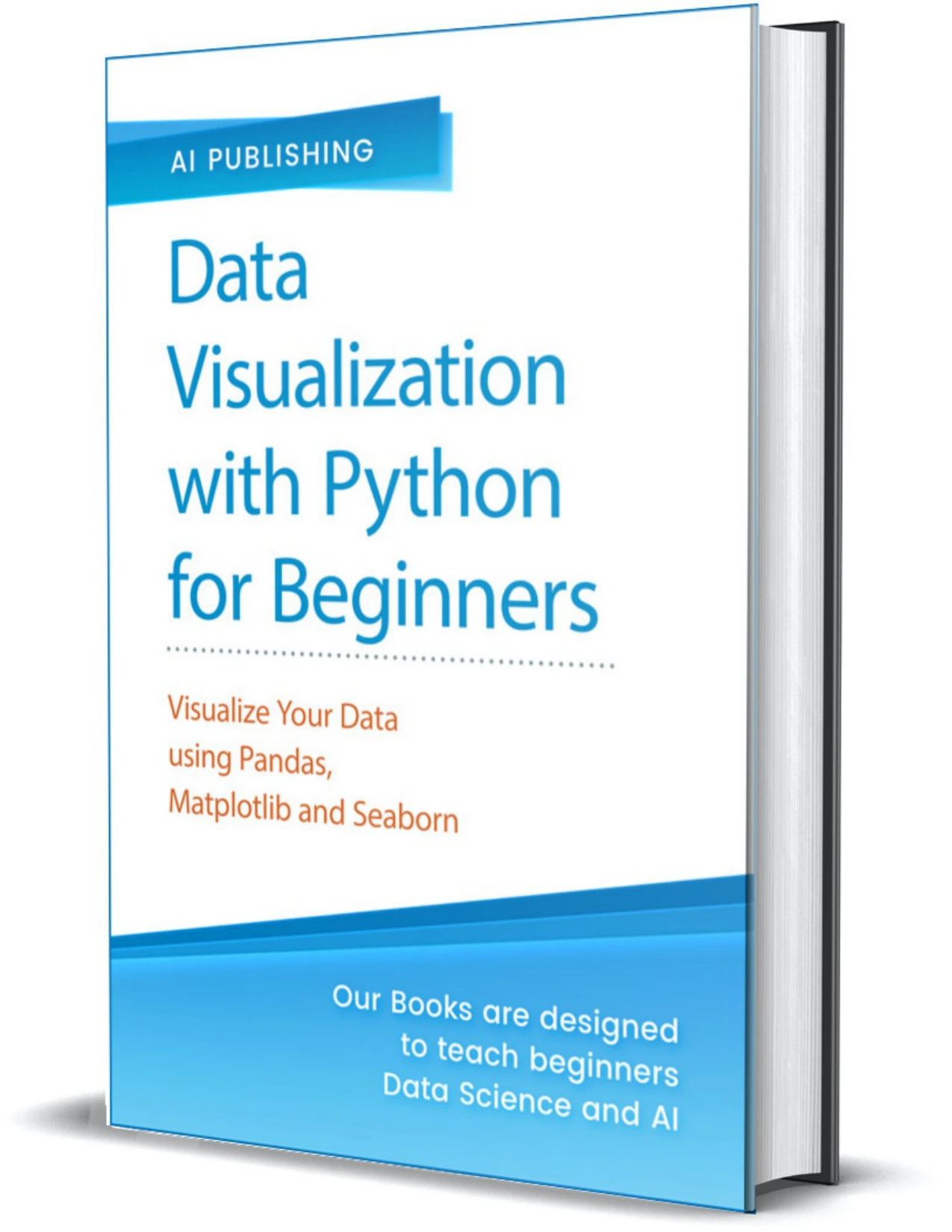
Learners interested in charts and the Pandas, Matplotlib, and Seaborn workflow.
Its catalog description includes exercises, Matplotlib chart types, labels and legends, plotting from CSV or TSV files, subplots, Seaborn visualizations, and Pandas operations such as filtering and sorting.
For this learning goal, evaluate more than whether a chart appears. Ask what question it answers, whether the labels are clear, and whether your data preparation changed the meaning of the result.
- Good fit: learners who want to practise Python through charts and data-handling tasks.
- Less suitable if: your main interest is games, automation, or general application development.
For young beginners: Coding for Kids: Python
Adrienne B. Tacke’s Coding for Kids: Python: Learn to Code with 50 Awesome Games and Activities assumes no coding experience and introduces concepts through activities and games.
The catalog documents printing, numbers, strings, loops, Turtle graphics, reusable code, chapter-end exercises, additional challenges, and an answer key. That combination gives young learners ways to try a concept and check their understanding.
- Good fit: young beginners who enjoy activity-led learning and visible results.
- Less suitable if: you want an adult-oriented professional project path or deeper coverage of external frameworks.
How to turn book exercises into independent projects
Finishing a guided example and building without guidance are different tasks. Use this sequence to make the transition deliberate.
- Attempt the exercise first. Write down the input, expected output, and steps you think are needed before consulting a solution.
- Explain your code. Describe what each function does and why each collection is needed. If a line is mysterious, investigate it rather than treating it as a magic ingredient.
- Test boundary cases. Try empty inputs, repeated values, missing files, or invalid user entries where relevant.
- Change one requirement. Add a new output format, accept another input source, or handle an additional failure case.
- Build a related program from a blank file. Keep the concept, but change the problem enough that copying the original is no longer sufficient.
An example progression
Suppose an exercise asks you to total a list of expenses. After solving it, write a function that totals expenses by category. Then build a small program that reads your own sample CSV file and produces a summary.
These are original project extensions, not claims about any recommended book’s contents. A useful completion checklist is:
- The program meets a written set of requirements.
- You can explain its main decisions.
- You have tested at least one normal case and relevant failure cases.
- A short README explains how to run it.
- You can make a small change without rebuilding everything.
Common mistakes when learning from Python books
- Collecting overlapping beginner books: choose one main teaching path and add another resource only for a clear gap.
- Reading solutions too early: compare them after making a genuine attempt, not before deciding how to begin.
- Typing without predicting: pause and predict output before running an example.
- Choosing an oversized first project: begin with one complete behavior, then expand it.
- Ignoring errors in setup: record interpreter and package versions so you can distinguish environment problems from mistakes in your code.
- Equating completion with independence: revisit a task without the example and see what you can reconstruct.
Frequently asked questions
Can a complete beginner start with a Python project book?
Yes, if it teaches the required concepts before using them. Python Bookcamp and the beginner sections of Python Automation Crash Course are described as covering fundamentals. Impractical Python Projects is positioned beyond a first introduction, so it is better approached after learning basic Python.
Which of these Python books provide answers or solutions?
The supplied catalog explicitly identifies solutions at the back of Automate the Boring Stuff with Python Workbook and an answer key in Coding for Kids: Python. It does not confirm equivalent support for every other title in this guide. Q&A sections should not be treated as proof of complete exercise solutions.
Is the workbook a substitute for the main book?
Not automatically. The workbook is described as a chapter-by-chapter companion. If you are learning from scratch, use it alongside an explanatory resource rather than assuming the questions themselves provide all the instruction you need. Check edition alignment before pairing it with the main guide.
Should I choose exercises or projects?
Choose exercises when individual concepts still require deliberate thought. Choose projects when you need to practise combining concepts and organizing a program. You can use both: a main course or project book, plus targeted exercises for topics that cause difficulty.
How should I handle outdated package instructions?
First check the exact error and compare your environment with the book’s requirements. Look for available corrections or companion notes, then consult the package’s current documentation. Record any changes you make. Do not downgrade your entire setup blindly or assume that every failure means the book’s underlying explanation is wrong.
How many Python books do I need?
Start with one. Add a workbook if you need more repetition, or a specialized project resource once you know your direction. The useful next step is usually another attempted program, not another overlapping introduction.
Choose one resource and start coding
For a general beginner path, start with a fundamentals-focused title such as Python Bookcamp. For practice with confirmed solutions, the Automate the Boring Stuff with Python Workbook is a relevant companion. For practical scripts, consider the automation collection; for creative challenges after the basics, consider Impractical Python Projects.
The Digital Delights resources linked above offer different routes into hands-on learning. Choose the route that matches your current ability, attempt the first task, and then change one requirement. A useful measure of progress is not how many pages you have read, but whether you can make a program behave differently for a reason you understand.