Can I Learn Python on My Phone?
Yes—you can begin learning Python on a phone. A mobile device can be enough to read lessons, practise basic syntax, and run short examples, provided you have an app or other coding environment that supports it. The catch is that the setup and capabilities vary: using Python on a phone is not always like using it on a computer.
For a beginner, the most useful test is simple: can your chosen setup let you write, run, and revisit a small program? If so, you can start with the fundamentals. As your work grows, typing, managing files, or using tools your phone environment does not support may make a computer or external keyboard more convenient.
What can you learn with Python on a phone?
You can practise many beginner concepts in short sessions, as long as your coding environment supports running Python. Start with small ideas that are easy to type and check:
- Printing text and working with numbers
- Storing values in variables
- Using strings and basic data structures
- Making decisions with
ifstatements - Repeating actions with loops
- Writing simple functions
- Reading error messages and correcting mistakes
For example, a short program can introduce variables and output:
name = "Sam"
print("Hello, " + name)
The important part is not the size of the program. It is the practice of making a change, running the code, noticing what happens, and working out why. Phone-based learning tends to suit short, focused exercises better than long sessions involving several files or a complicated setup.
Android and iPhone do not necessarily use the same setup
Do not assume that a set of Android instructions will also work on an iPhone, or that every coding app provides the same Python features. Each app or environment can differ in how it runs code, stores files, and supports additional tools.
Python’s official Android documentation explains that Android does not provide a system-wide Python installation or an ordinary Python console by default. It mentions Termux as one tool that may provide a more accessible route to using Python on Android. That is useful context, but it is not a step-by-step recommendation or a guarantee that every Android device and workflow will behave alike.
For iPhone, look for instructions specific to the app or environment you choose. Before settling on one, check whether it can run simple Python code, keep your work, and support the kind of practice you want to do. The available research does not establish a current, comprehensive comparison of iPhone and Android learning apps, so it would be misleading to name a universally best option.
A practical phone-first routine for learning Python
A phone can be a useful place to build a regular practice habit. Keep each session small enough to complete and review:
- Choose one concept. For example, practise variables, a condition, or a loop rather than trying to learn several topics at once.
- Read a short explanation. Focus on what the code is meant to do, not just what each line looks like.
- Type and run a small example. Change one value or line at a time and observe the result.
- Make a deliberate mistake. If the environment gives you an error, read it and try to identify what needs fixing.
- Save or revisit your work. Confirm how your chosen tool keeps code so you can continue later or review earlier examples.
- Write one note. Record what you learned or what you want to try in the next session.
To add a structured explanation alongside your practice, Python Programming for Beginners: Learn Python in a Step by Step Approach, Complete Practical Crash Course to Learn Python Coding covers beginner topics including variables, control flow, data structures, functions, and file handling, according to its catalog description. Treat it as a learning resource to pair with coding practice; phone compatibility for the ebook and its exercises has not been verified.
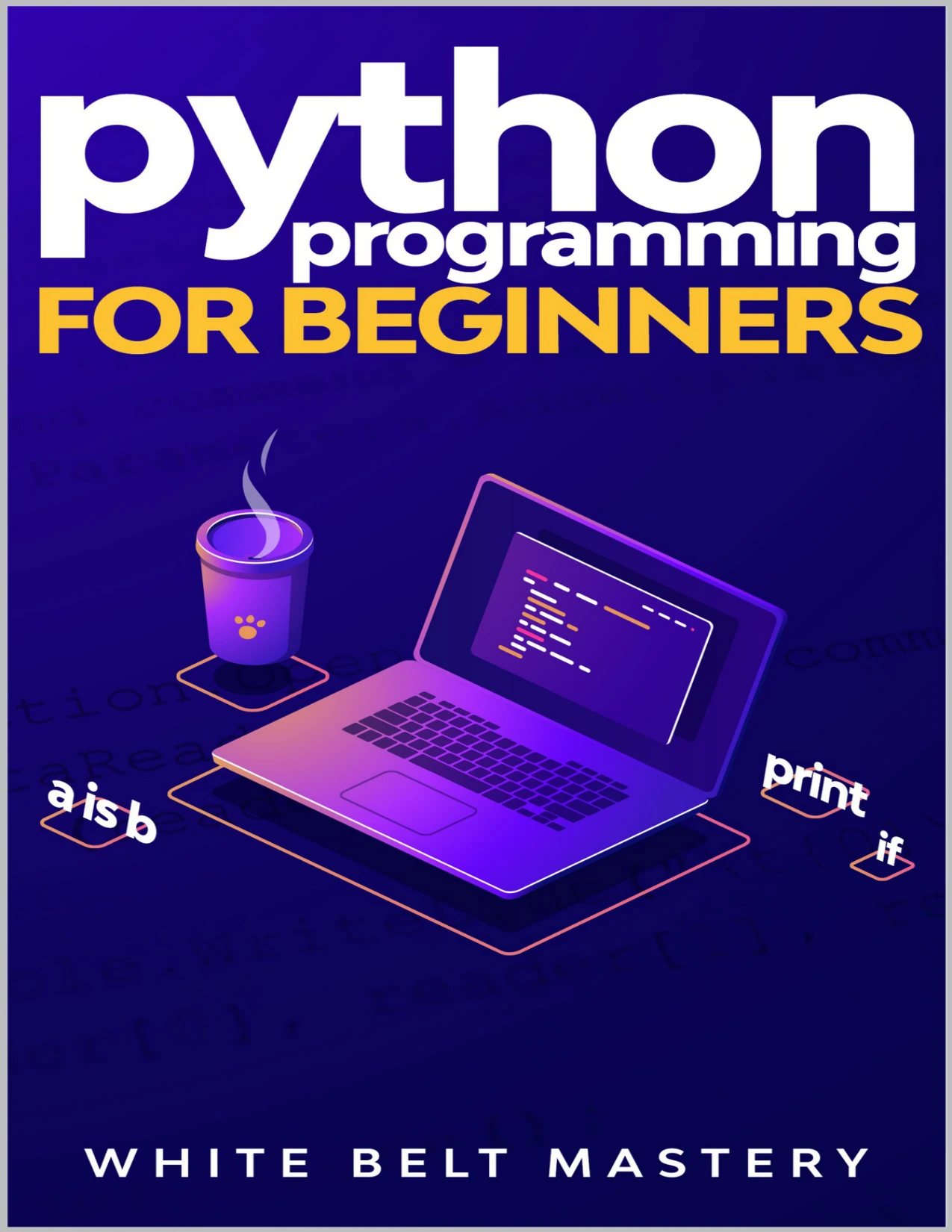
New learners who want coverage of variables, control flow, data structures, functions, and file handling; mobile compatibility has not been verified.
Where phone-based Python learning can get awkward
Whether these issues matter depends on your device and coding environment, but they are worth checking before a project becomes more involved:
- Typing: Entering code on a small touchscreen can be slower, especially when you need indentation, brackets, or punctuation.
- Files: Some exercises involve creating, saving, and finding files. Check how your environment handles those tasks.
- Packages and tools: A mobile environment may not support every package or use the same installation process as desktop Python. Do not assume a package will work until you have checked the environment’s documentation.
- Larger projects: Keeping track of multiple files, comparing code, or switching between a lesson and an editor can become cumbersome on a small screen.
- Following setup instructions: Tutorials written for a desktop computer may show menus, terminals, or file locations that do not match your phone.
These are potential friction points, not proof that a phone cannot be used to code. If your current setup handles your exercise comfortably, keep practising. If not, try a different supported environment or move that part of your learning to a computer.
When should you add a computer or keyboard?
You do not need to wait until you have mastered Python. Consider adding a keyboard or computer when it would remove a specific obstacle, such as:
- You spend more time correcting touchscreen typing than thinking through the program.
- You need to organise several files or follow desktop-specific setup instructions.
- A library, project, or tool you want to use is not supported in your current phone environment.
- You want a larger workspace for reading instructions while editing code.
An external keyboard may make typing easier, but it will not automatically add software features that a mobile environment lacks. A computer is helpful when the work calls for tools or file access your phone does not provide. You can still use your phone to read, review notes, or practise small examples.
Frequently asked questions
Can I write and run Python code on my phone?
Yes, if you use an app or environment that supports writing and running Python. Features vary, so check that your chosen setup can execute a small program and save or revisit your code.
Are Android and iPhone Python options the same?
No single setup should be assumed to work on both. Follow instructions for your specific device and check which features its coding environment supports. Python’s official Android guide describes Android-specific limitations and tools, but it is not a comparison of current options for both platforms.
Can I build bigger Python projects on a phone?
Possibly, depending on the environment and the project. Larger projects may involve multiple files, packages, or tools that are awkward or unavailable on a particular phone setup. Check those requirements before committing to that workflow.
Do I need a computer to start learning Python?
No. If your phone can run small examples, you can begin with fundamentals and practise them there. Add a computer or keyboard when your learning goals or your current setup make one useful.
Start small, then choose the tools that fit
You can learn Python on your phone, especially at the beginning, as long as your chosen environment supports the practice you want to do. Try a short program, confirm you can run and revisit it, and see whether the screen and tools suit your routine. If they do, keep going. If your projects outgrow the setup, bring in a keyboard or computer when it solves a real problem.
For more learning materials, explore the Python collection at Digital Delights.
Sources
- Using Python on Android — Python documentation. Consult the live documentation for current platform details.