

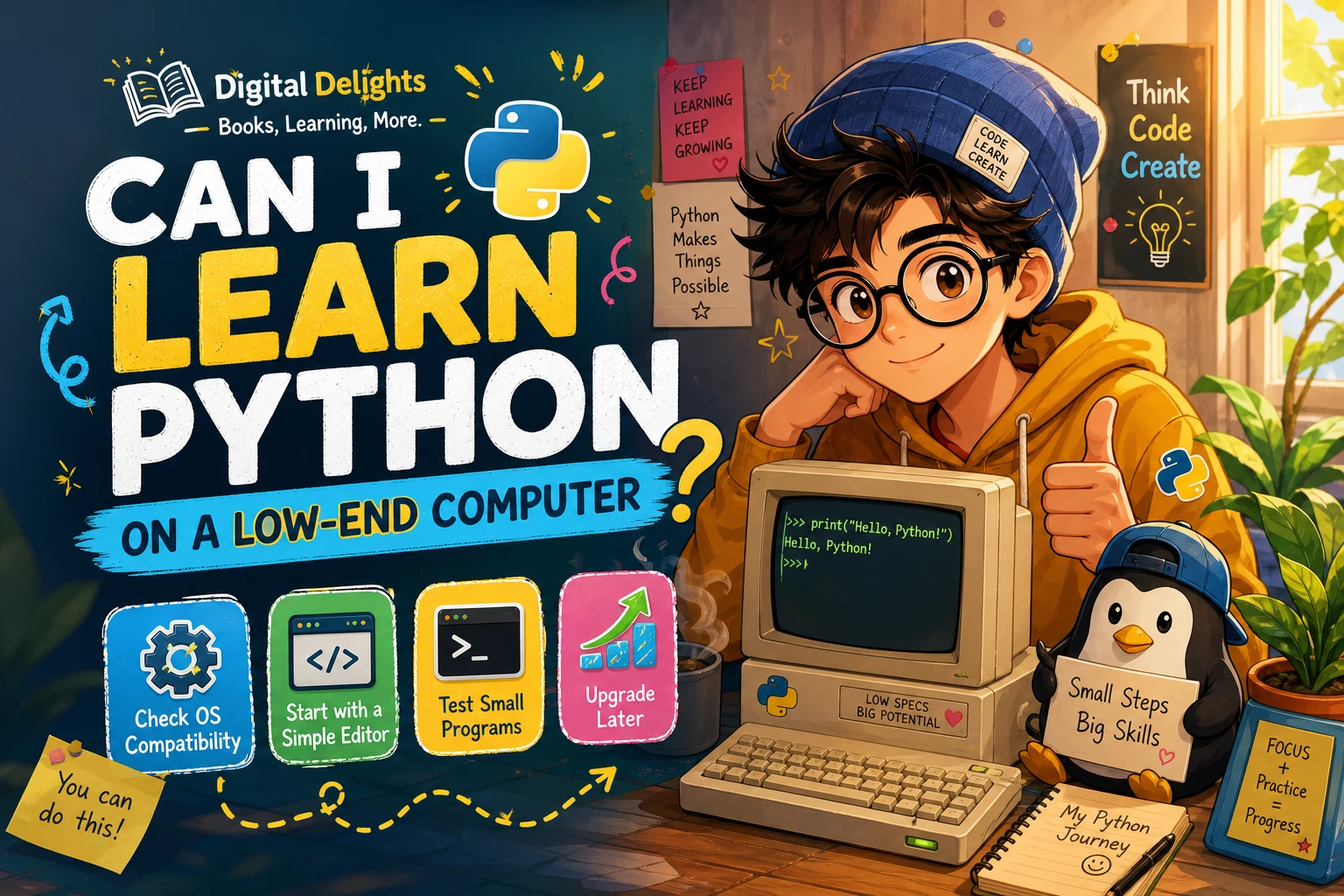
Can I Learn Python on a Low-End Computer?
Yes, in many cases. If you want to learn Python fundamentals and run small programs, you can often begin on a modest computer without upgrading first. The key questions are whether your operating system supports a suitable Python version and whether the tools you choose run comfortably on your machine.
Basic exercises—such as practising variables, conditions, loops, and functions—are a different kind of workload from projects involving large datasets or demanding software. Start with a simple setup, try a short program, and decide based on how your own computer performs. This guide explains how to check compatibility and when hardware may become a genuine obstacle.
What Counts as a Low-End Computer?
“Low-end” can describe several different situations: an older processor, limited memory or storage, a machine that feels slow with modern applications, or an operating system that no longer supports current software. These factors do not all affect Python learning in the same way.
For a beginner, operating-system compatibility can be more important than the computer’s age by itself. Python’s Windows documentation, for example, says Python 3.14 supports Windows 10 and newer. If a computer cannot run a supported operating system, you may need to investigate an older Python version and check that it matches the instructions in your course or book. See the official Python documentation for Windows.
Your intended work matters too. Reading lessons and running short scripts is not the same as training a large machine-learning model. A computer that is perfectly usable for introductory exercises may feel constrained when a project calls for heavier tools or much larger amounts of data.
What Can You Learn on Modest Hardware?
A modest computer can be a practical starting point for learning the core ideas of Python. You can work through small examples involving:
- Variables, values, and basic data types
- Strings and simple collections such as lists and dictionaries
ifstatements and other conditional logicforandwhileloops- Functions and reusable pieces of code
- Simple scripts that read or write small files
- Debugging errors and improving a program step by step
These are useful skills to practise before choosing a specialization. You can write a calculator, a quiz, a number-guessing game, or a small script that organizes text files. Keep early projects small and run them regularly; you do not need an ambitious application to learn how code works.
If you prefer a book to organize your first steps, Python Essentials For Dummies covers setup, Python basics, control flow, functions, files, and JSON. For a more practice-focused route, Python Bookcamp: Exercises and Projects covers fundamentals through exercises and case studies. Neither resource changes what your computer can run, but a structured sequence can help you focus on manageable beginner work.
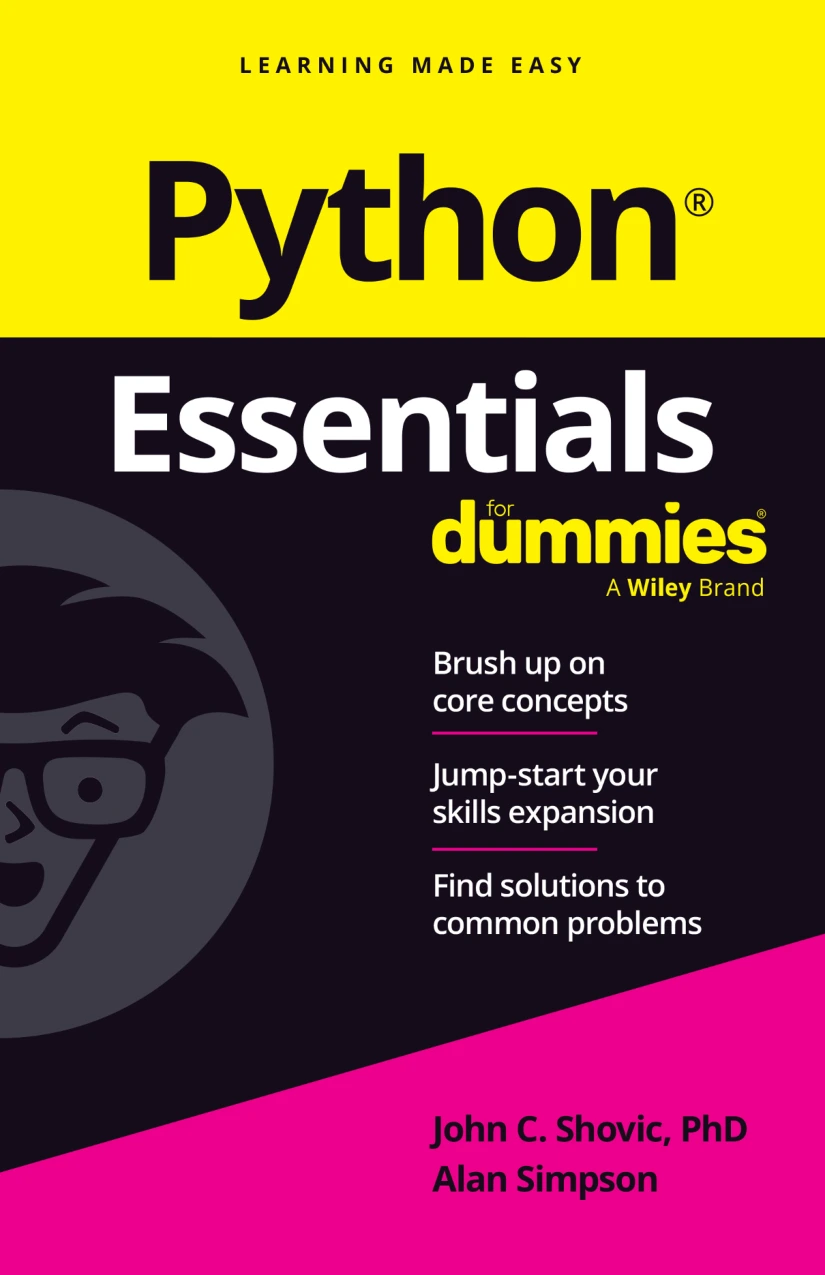
Beginners who want coverage spanning setup, core language concepts, functions, files, and JSON.

Python Bookcamp: Exercises and Projects
Learners who want to work through Python fundamentals using exercises and case studies.
A Simple Way to Get Started
Test your existing computer before buying hardware or installing a large set of development tools. A short trial will show whether the combination of your operating system, Python version, and editor is workable for the learning materials you plan to use.
1. Check the course’s Python version and operating-system requirements
Look at the software instructions for the course or book you intend to follow. Check that the Python version it uses can be installed on your operating system. Avoid assuming that every older computer can run the newest release—or that you must use the newest release to learn basic programming. When compatibility is unclear, consult the official documentation for your operating system and Python version.
2. Begin with a basic editor and interpreter
You do not need to begin with a complex development environment. IDLE provides a Python shell and editor, giving you a way to type and run code. The Python documentation describes IDLE and its interactive shell; availability and installation steps depend on your platform and Python installation. On Linux, Python may be available through the distribution’s package manager, while IDLE might require a separate package. Check the instructions for your system in the Python IDLE documentation.
If your course specifies another editor, follow its installation guidance and consider whether your computer can run it comfortably. The goal at this stage is to get a working place to write code, not to assemble a perfect developer setup.
3. Run one small program
Try a short script, such as this:
name = input("What is your name? ")
print(f"Hello, {name}!")
Save and run it using the method your editor or course recommends. Then try changing the message or adding a simple decision with an if statement. Notice whether the program starts promptly, whether the editor remains responsive, and whether your computer can handle a browser or lesson alongside it.
4. Keep the first setup small
For introductory work, start with the tools your course actually needs. Installing multiple editors, extensions, libraries, and services at once can make it harder to identify what is causing trouble. Add tools when a lesson or project calls for them, and keep notes on any setup changes that work.
When Might Your Computer Become a Limitation?
Hardware may matter more as your projects grow or depend on resource-intensive tools. Large datasets, demanding graphical applications, or machine-learning workloads can involve requirements beyond those of a short beginner script. The available sources do not establish a universal hardware threshold for these activities, so there is no reliable one-size-fits-all RAM or processor figure to give here.
Look for a specific sign of a bottleneck rather than judging by the computer’s age alone. For example, your chosen editor might be sluggish, a project may take an impractically long time to run, or a tool may not support your operating system. If a particular project has published requirements, compare those with your computer before deciding what to change. Some learning materials may also offer a different way to run examples, but check the course instructions and privacy considerations before relying on an online service.
Common Mistakes to Avoid
- Assuming an old computer cannot run Python. Test a compatible, basic setup first; age alone does not tell you whether your specific learning tasks will work.
- Assuming every old computer supports the latest Python. Verify operating-system support and follow the version requirements for your learning resource.
- Installing more tools than you need. Begin with an interpreter and editor that fit your course, then add software only when required.
- Upgrading before trying a beginner exercise. Run a small program and see how the setup behaves before spending money on a new machine.
- Starting with a demanding project. Learn the fundamentals with small scripts first. If you later move to heavier work, assess that project’s actual software and hardware needs.
Frequently Asked Questions
Do I need a powerful laptop to learn Python?
Not necessarily. A basic setup is often enough to learn Python fundamentals and run small programs. The answer depends on your operating system, chosen tools, and the kind of projects you want to build. Try a beginner exercise before considering an upgrade.
Can I use an older computer to learn Python?
Often, yes, provided you can install a Python version and editor that work with its operating system. Test a short program and check that the setup remains comfortable for practice. An older computer may be less suitable for some later projects, but that does not automatically prevent you from learning the basics.
Does the operating system affect which Python version I can install?
Yes. Python versions have platform-specific support. For example, the Python 3.14 Windows documentation lists Windows 10 and newer as supported. Check the official documentation for your operating system and the exact version required by your course before installing.
Conclusion: Test Before You Upgrade
You can often learn Python on a low-end computer if you begin with fundamentals and small programs. Check operating-system compatibility, choose a simple editor and interpreter, and run a short exercise. If that setup works well enough to practise, keep going. Consider an upgrade only when a specific tool or project—not uncertainty about the computer’s age—shows that you need one.

