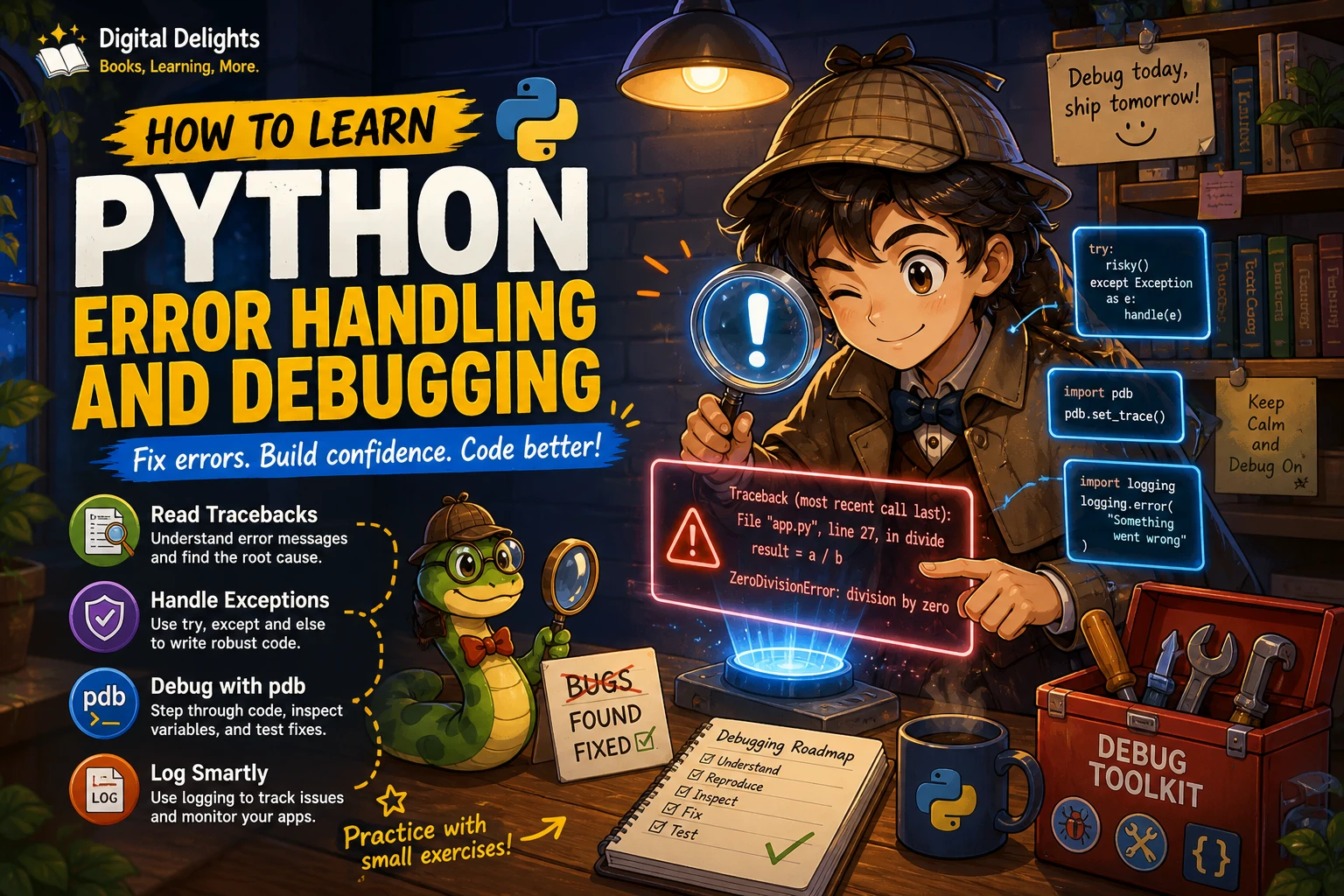
How to Learn Python Error Handling and Debugging
A traceback can look intimidating when you are new to Python, but it is a set of clues: it shows where a problem surfaced and the calls that led there. A practical way to learn Python error handling and debugging is to start by reading tracebacks, then practise recognising syntax errors, runtime exceptions, and logic bugs. Next, learn to handle expected exceptions deliberately, and use inspection, a debugger, or logging when the cause is not obvious.
You do not need to master every tool at once. Begin with small programs and a repeatable routine: reproduce the problem, inspect the relevant values, change one thing, and run the code again. This guide walks through that process, with examples and exercises you can adapt to your own scripts.
What should you know before learning Python debugging?
You can start with basic Python. Be comfortable running a script and recognising variables, conditionals, loops, and functions. You do not need advanced object-oriented programming to investigate ordinary errors. A basic understanding of classes becomes useful later if you define your own exception types.
If these building blocks still feel unfamiliar, work through a beginner resource before taking on more complex failures. The catalog description for Python for Absolute Beginners: A Step by Step Guide to Learn Python Programming from Scratch, with Practical Coding Examples and Exercises | Python for Absolute Beginners covers core topics including data types, functions, debugging, and common error types.
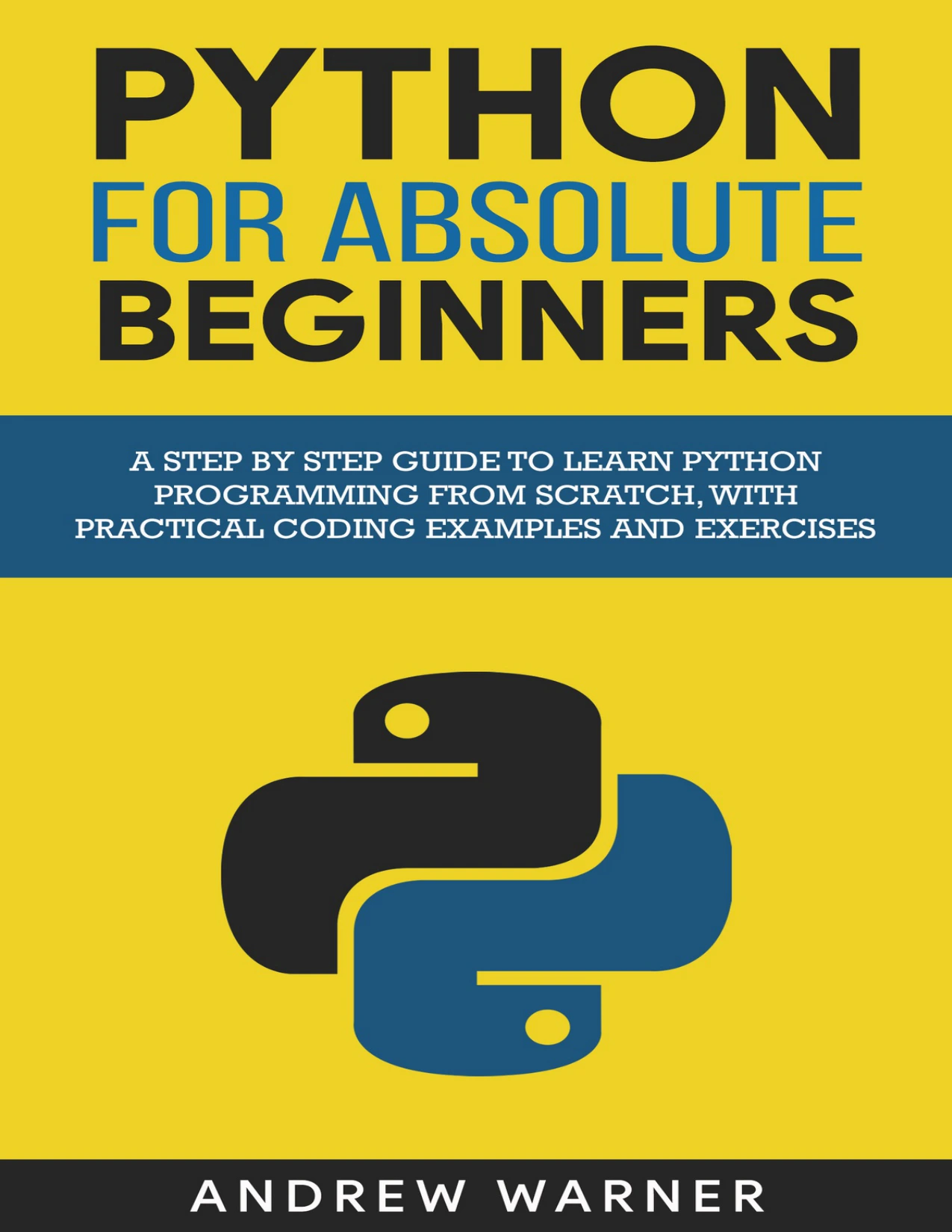
Readers who need a starting point covering Python basics, debugging, and common errors.
Learn to recognise three kinds of Python bugs
“Error” is often used as a general word for something going wrong, but separating the types helps you choose what to do next.
Syntax errors
A syntax error means Python cannot parse the code as written. A missing colon, unmatched bracket, or misspelled keyword can prevent a program from starting. Read the message and inspect the indicated line, but also check the line just before it: the actual omission may be earlier than the place Python flags.
Runtime exceptions
An exception happens while Python is running the program. Examples include converting non-numeric text to an integer, looking up a missing dictionary key, or dividing by zero. If an exception is not handled, Python reports it with a traceback.
Logic bugs
A logic bug occurs when a program runs but produces an incorrect result. Python may raise no exception at all. For example, a condition might use < when the intended comparison is <=. To find this type of bug, compare the result with what you expected and inspect the inputs and intermediate values.
How do you read a Python traceback?
Start at the bottom of the traceback. The final line usually names the exception and gives its message. Then look upward through the listed frames to find the relevant file and line in your code. A traceback gives the sequence of calls that led to an unhandled exception; the most useful place to investigate is often the last frame belonging to your program.
For example, this code raises a ValueError when the text cannot be converted to an integer:
raw_count = "three"
count = int(raw_count)
The final exception line identifies the conversion problem. The nearby traceback frame points to the call to int(). From there, ask what value reached that line and whether it should be validated, transformed, or handled as an expected input problem.
Do not treat the reported line as proof that the line itself is wrong. A bad value may have been created or passed through a different function earlier. Follow the frames and inspect the data flow.
The Python tutorial on errors and exceptions explains tracebacks and the distinction between syntax errors and exceptions.
Practise Python exception handling deliberately
Use exception handling when you can anticipate a failure and have a sensible response. The goal is not to make every error disappear; it is to decide which failures your code can recover from and which should remain visible to the code that called it.
Use try and a targeted except block
Put the operation that may fail inside try, then catch the specific exception you know how to handle. For example, a small input function might reject text that cannot be converted:
def parse_quantity(text):
    try:
        quantity = int(text)
    except ValueError:
        return None
    else:
        return quantity
Here, ValueError is handled with a clear result. In a real program, returning None is only appropriate if the rest of the program understands what that means; another design might ask the user to try again or show a helpful message.
Keep the try block focused. If it wraps many unrelated operations, an exception from any of them may be caught by the same handler, making the real source harder to identify.
Use else for the success path
The else block runs when the try block completes without raising an exception. It can keep success-only work separate from the operation being checked, as in the conversion example above.
Use finally for cleanup
A finally block is for work that should happen whether an exception occurred or not, such as cleanup. For files, prefer a context manager when possible; it handles closing the file when the block ends:
with open("notes.txt", encoding="utf-8") as file:
    contents = file.read()
Use finally when a particular cleanup action is needed and a context manager does not already express it more clearly.
Let exceptions propagate when you cannot resolve them
If the current function cannot handle an exception meaningfully, it can be better to let it travel to a caller that has the context to respond. You can also catch an exception to add useful context and then raise it again. Avoid swallowing it with an empty or overly broad handler:
try:
    process_record(record)
except Exception:
    pass
This pattern can hide failed work and leave a program appearing successful when it is not. Catch broad exceptions only when there is a deliberate reason, and make sure the failure is handled or reported.
Define a custom exception when it clarifies your code
A custom exception can name a failure specific to your application, particularly when callers need to respond differently to it. Keep the exception design simple at first. The Python tutorial covers user-defined exceptions and raising exceptions in more detail.
Build a repeatable Python debugging routine
A consistent process is more useful than making guesses or changing several lines at once. Try this sequence whenever a program behaves unexpectedly:
- Reproduce the problem. Write down the input and steps that make it happen. A failure you can repeat is easier to investigate.
- Read the complete error message. Note the exception type, message, and traceback frames. If there is no exception, describe the incorrect output precisely.
- Find the smallest relevant section. Trace the value or condition involved through the functions that handle it.
- Inspect inputs and state. Check types, values, collection lengths, and assumptions at the point where the result goes wrong.
- Form one explanation. Make a specific guess about the cause rather than editing unrelated code.
- Test one change. Run the same case again and see whether the result supports your explanation.
- Check nearby cases. Try a normal input and relevant edge cases so the fix does not solve only one example.
This routine works for both exceptions and logic bugs. If the problem is intermittent or involves many functions, use a debugger or add logging rather than scattering temporary print statements throughout the program.
Choose the right tool: print, pdb, tracebacks, or logging
| Tool | Useful when | What it helps you see |
|---|---|---|
print() |
You are checking a small, local value in a short script. | The value or type at a particular point in the run. |
breakpoint() or pdb |
You need to pause execution and inspect how the program reached a line. | Program state, stack frames, and step-by-step execution. |
traceback |
You need to display, format, or retrieve exception details in code. | Traceback information, including useful context for reporting or investigation. |
logging |
You need records of events and failures across a longer-running program. |
Use print-based inspection sparingly
A temporary print() can quickly answer a focused question: “What is the value of this variable here?” Remove or replace debugging prints when they are no longer useful, and avoid printing sensitive data.
Step through code with pdb
Python’s pdb debugger lets you pause at breakpoints, step through source, inspect stack frames, and investigate after an exception. Calling breakpoint() can enter the debugger at a chosen point in your program. Commands and available features may vary by Python version, so use the documentation that matches the interpreter you run.
For example, place breakpoint() just before a line that produces a suspicious result, then inspect the relevant variables and step through the next statements. The official pdb documentation describes the debugger and its features.
Use traceback tools for structured exception information
The traceback module can help format or print exception details from within a program. It is useful when you need to record or present traceback information as part of an error-reporting workflow; it is not a substitute for understanding what the exception means.
See the traceback module documentation for its functions and details.
Use logging for a record of what happened
Logging is more suitable than ad hoc prints when you need messages to persist across program runs or to be managed in a consistent way. Add messages at useful points, such as when an operation starts, when an expected condition occurs, or when an exception needs to be reported. Avoid filling logs with repetitive messages that do not help explain the program’s state.
The Python Logging HOWTO explains loggers, handlers, filters, and formatters.
Practise Python errors with small exercises
Short, controlled exercises help you connect an error message to the code that caused it. Start by saving a working version of each script so you can compare your changes.
- Trigger a type-conversion exception: pass non-numeric text to
int(). Read the traceback, identify the failing line, and decide how your program should respond to that input. - Handle invalid input: write a function that converts a string to a number. Catch only the expected conversion exception and return or display a clear response.
- Find a logic bug: make a loop stop one step too early. Compare the expected and actual results, then inspect the boundary condition.
- Use a breakpoint: pause just before a suspicious calculation and inspect the values used in it.
- Add a useful log message: record enough context to understand a failed operation without exposing private information.
After each exercise, explain in a sentence what caused the problem and why the change fixed it. That explanation checks whether you understood the cause rather than merely making the error disappear.
For more structured practice, the catalog describes Python Bookcamp: Exercises and Projects as covering Python fundamentals, exception handling, debugging, and case studies. The catalog description for The Python Apprentice also includes exceptions, unit testing, and PDB. These are possible study resources, not a substitute for running and investigating code yourself.

Python Bookcamp: Exercises and Projects
Learners who want exercises and projects to apply Python fundamentals.
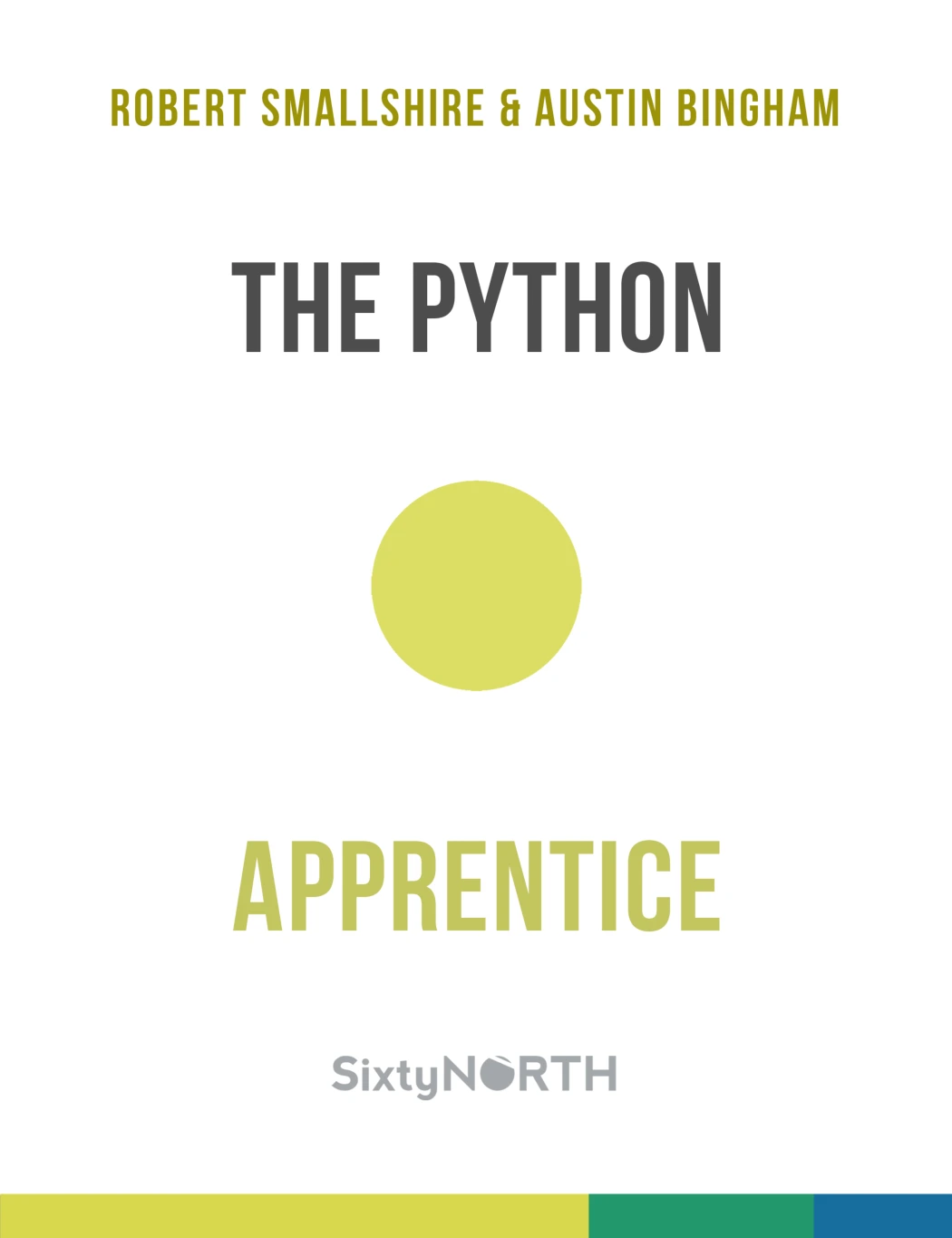
Beginners or returning learners who want a structured Python resource with debugging topics.
Common beginner mistakes to avoid
- Guessing before reading the traceback: read the exception name and the relevant frames first.
- Changing multiple things at once: make one focused change so you can tell what affected the result.
- Catching every exception silently: this can hide failures instead of resolving them. Catch a specific exception when you know how to respond.
- Assuming every bug raises an exception: logic bugs can produce incorrect results without any error message.
- Using a tool without a question: decide what you need to inspect, such as a value, a call path, or a record of events.
- Ignoring the project’s Python version: follow the interpreter used by the project and check version-specific debugger features in the matching documentation.
Which learning resource fits your next step?
Choose a resource based on what you need to practise, rather than trying to study every Python topic at once. The comparison below reflects the supplied catalog descriptions; it is not a ranking of book quality.
| Your current need | Catalog resource | Why it may fit |
|---|---|---|
| You need to review beginner foundations and error types. | Python for Absolute Beginners | The catalog description includes core Python concepts, debugging, and common error types. |
| You want exercises and small projects. | Python Bookcamp: Exercises and Projects | The catalog description lists exercises, case studies, exception handling, and debugging. |
| You want to study debugging alongside broader Python 3 topics. | The Python Apprentice | The catalog description includes PDB, exceptions, and unit testing as part of its Python coverage. |
| You work with administrative scripts and want more specialised material. | Mastering Python Scripting for System Administrators | The catalog description covers debugging, exception handling, profiling, and unit testing in a system-administration context. |
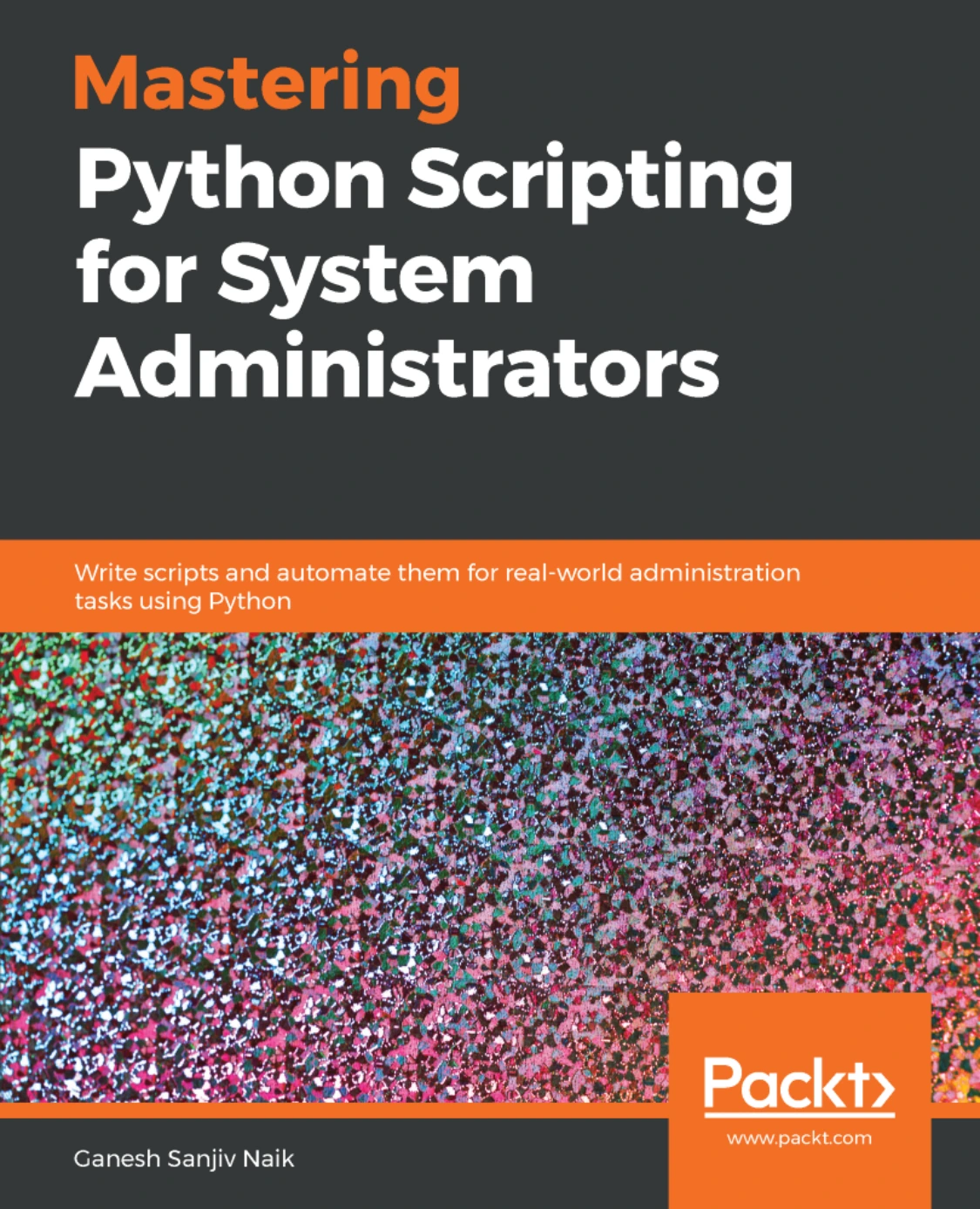
Mastering Python Scripting for System Administrators
Readers applying Python to system-administration scripts and automation.
Digital Delights also has a Python book and resource category for browsing related titles. For a focused path through this topic, start with the foundations you need, practise with a small program, and consult the official documentation when a specific tool or behavior is unclear.
Frequently asked questions
Do I need a debugger to learn Python debugging?
No. You can learn to read tracebacks and inspect simple values without an interactive debugger. A tool such as pdb becomes useful when you need to pause execution, follow a call path, or inspect several values as the program runs.
When should I use try and except in Python?
Use try and except when an operation may fail in a way your code can handle meaningfully, such as rejecting invalid user input. Catch the specific exception you expect, and avoid hiding failures that you cannot resolve.
Should I catch every Python exception?
Usually not. A broad handler can catch problems your code was not designed to handle and make them harder to diagnose. Prefer a targeted exception handler. If an exception needs to be handled by a caller, let it propagate or raise it again with useful context.
What is the difference between an exception and a logic bug?
An exception is reported when an operation fails while the program runs. A logic bug may not raise any exception; the program simply produces a result that does not match what you intended. Use tracebacks for exceptions and compare expected results with actual values to investigate logic bugs.
How should I keep practising error handling and debugging?
Write small programs, introduce one controlled problem at a time, and practise explaining the cause before applying a fix. Check the same input again after the change, then test a normal case and a relevant edge case.
Conclusion: make errors part of the learning process
Learning Python error handling and debugging is a gradual process. First, distinguish syntax errors, exceptions, and logic bugs. Then practise reading tracebacks, handling expected failures with specific exceptions, and using a repeatable debugging routine. Add pdb, traceback tools, or logging when they answer a concrete question.
When an error appears, pause before editing. Read the message, locate the relevant code, inspect the values, and test one explanation at a time. With that habit, errors become useful information about how your program behaves.