Best Python Books for Learning at Home
Choosing a Python book for home study means choosing some of the structure a teacher would normally provide. You need explanations that match your starting point, exercises you can attempt independently, and a way to investigate problems when an example does not work.
The best Python books for beginners are not necessarily the ones that cover the most subjects. A focused introduction you actively practise with can be a better starting point than a broad guide you only read. From the catalog titles considered here, Python Bootcamp is a practical starting option for learners who want questions, exercises, and projects; Unlocking Python suits readers who want fundamentals followed by a wider view of applications. Young learners have a different option in Coding for Kids: Python.
This guide compares those choices, explains their limitations, and gives you a routine for turning reading into working code.
Quick picks: Which Python book fits your starting point?
These are fit-based editorial selections from the supplied Digital Delights catalog, not a tested ranking. The descriptions establish subject coverage and intended audiences; they do not establish which book produces better learning outcomes.
| Book | Best fit | Learning focus and practice | Main consideration |
|---|---|---|---|
| Python Bootcamp | Beginners who want a practice-led introduction | Python 3, Q&A sessions, exercises, and projects | The catalog describes Windows setup; check guidance for your operating system |
| Unlocking Python | Beginners interested in several possible applications | Fundamentals followed by testing, files, databases, and application frameworks | Broad coverage is not evidence of equal depth in every subject |
| Coding in Python | Readers who want a focused route through core concepts | Variables, collections, decisions, loops, functions, classes, and a sample calculator | The catalog does not confirm a separate solutions guide or errata resource |
| Coding for Kids: Python | Young beginners and families learning together | Games, activities, Turtle graphics, debugging, challenges, and an answer key | Its child-focused presentation may not suit every adult learner |
| Raspberry Pi Cookbook, Fourth Edition | Learners motivated by electronics and physical projects | Task-based recipes spanning setup, Linux, Python, and hardware | Hardware projects require more than an ordinary computer setup |
If you are undecided: choose one general beginner book first. Add a hardware or specialist resource only when you have a project that gives it a clear purpose.
How to choose a Python book for self-study
Check what “beginner” actually means
A person learning their first programming language needs a different explanation from a developer moving to Python. Before choosing a book, look for an explicit statement about prerequisites. Early chapters should explain how to run code and what variables, conditions, loops, and functions do—not simply list their syntax.
This distinction also matters when using free references. The official Python tutorial assumes a basic understanding of programming. It can supplement your learning, but a complete beginner may need a more gradual introduction.
Look for a workable feedback loop
At home, it is easy to mistake recognition for understanding: an example looks clear until you try to write something similar yourself. Exercises help reveal that gap, while answers or explanations can help you locate the misunderstanding.
- Exercises: Are there tasks to attempt without copying an example?
- Solutions: Can you check your reasoning after making a genuine attempt?
- Supporting code: Are files available when projects depend on assets or longer examples?
- Corrections: Is there an errata page for known mistakes?
- Setup guidance: Does the book explain the tools and operating system you will use?
Do not assume all these resources exist because a book mentions projects. Where the catalog does not confirm them, inspect the publisher information or a sample before making them part of your buying decision.
Choose projects you will actually attempt
A game, a household expense summary, and a sensor project can all provide reasons to practise. The useful question is not which sounds most impressive, but which you would willingly work on when the first attempt fails.
Also distinguish a reading resource from its execution requirements. A downloadable book does not remove the need for a suitable coding environment, project files, packages, or hardware.
Best Python books for beginners, by learning goal
For a practice-led start: Python Bootcamp
Python Bootcamp: A Rapid Crash Course Featuring Q&A Sessions, Exercises, and Projects by Vaskaran Sarcar is a suitable starting candidate if you want explanations followed by things to do.
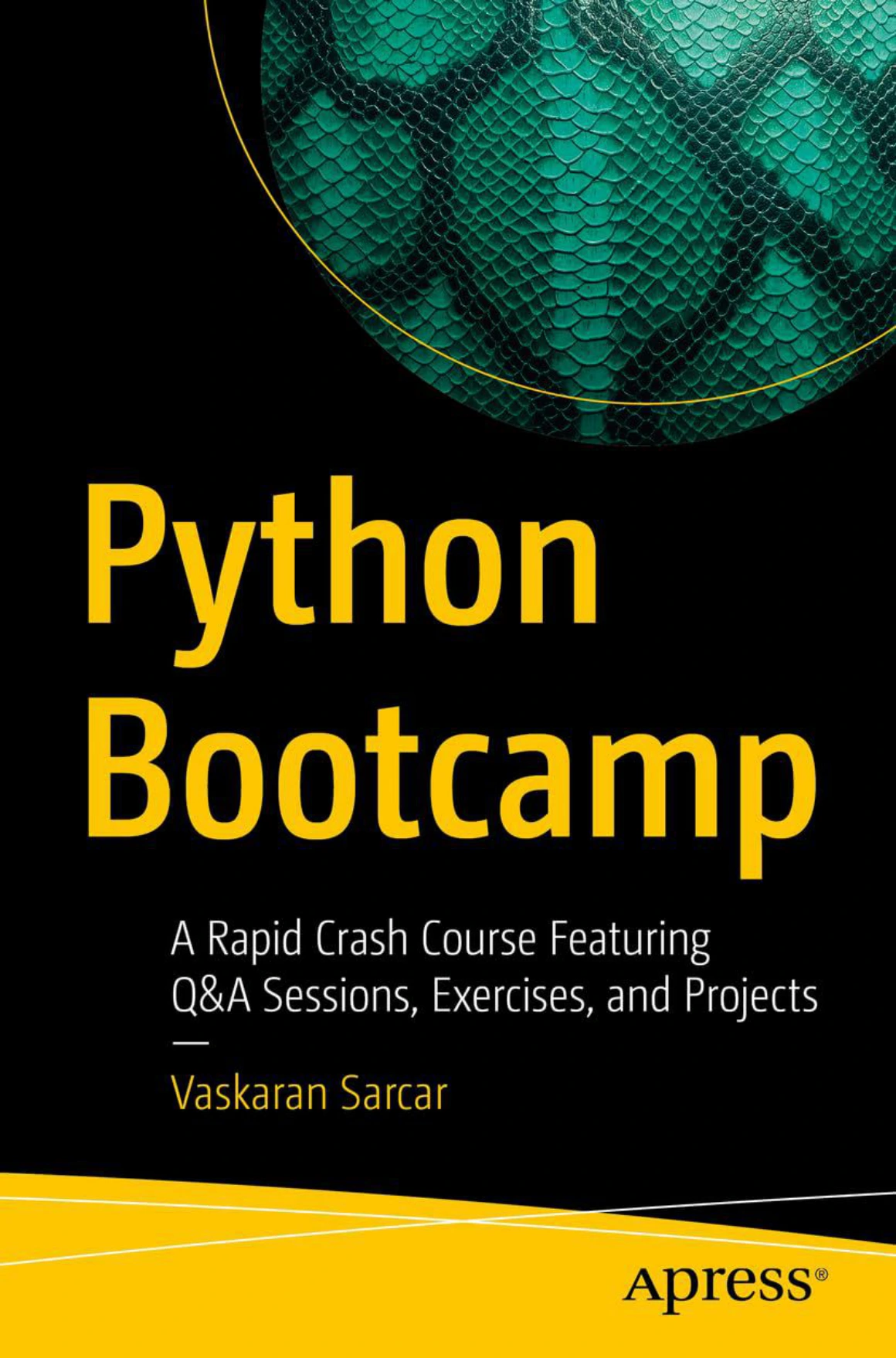
Python Bootcamp: A Rapid Crash Course Featuring Q&A Sessions, Exercises, and Projects
New programmers who want Python 3 explanations supported by questions, exercises, and projects.
The catalog describes an introduction to Python 3 with installation guidance, first commands, Q&A sections, exercises, and projects. It specifically discusses working from the Windows command prompt or IDLE. The corresponding Apress publisher page provides a source for checking the title and edition.
- Starting point: New programmers looking for a structured introduction.
- Why consider it: The question-and-practice format gives you natural places to pause and check understanding.
- Limitation: The supplied information does not confirm a complete answer key, code repository, or errata page. Windows-focused setup may also require supplementary guidance on another operating system.
For home study, use the questions as stopping points. Before reading an explanation, write down your own answer or predict what a short example will do.
For foundations followed by broader applications: Unlocking Python
Unlocking Python: A Comprehensive Guide for Beginners by Ryan Mitchell begins with installation and core language concepts, then extends into subjects such as exceptions, packages, file handling, logging, databases, and unit testing.
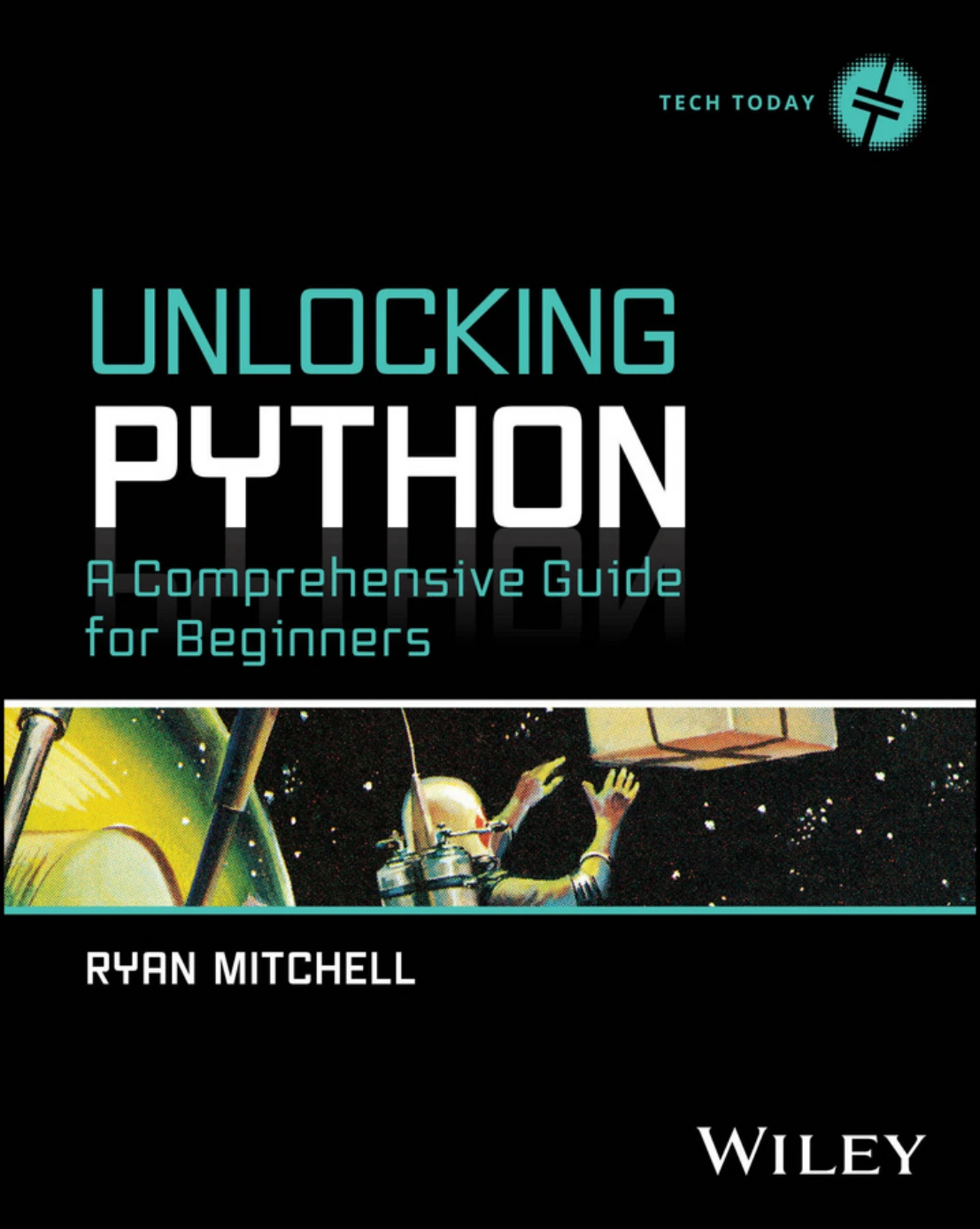
Unlocking Python: A Comprehensive Guide for Beginners
Beginners interested in progressing from core concepts toward testing, databases, web tools, and data libraries.
The catalog also describes coverage of Flask, Django, Scrapy, NumPy, Pandas, and Scikit-Learn. That range makes it relevant to a learner who wants to understand several directions Python study can take after the basics.
- Starting point: Readers new to programming who want a broad learning path.
- Why consider it: It connects introductory programming with later application areas.
- Limitation: A broad contents list does not establish specialist depth. Separate solutions and correction resources are not confirmed in the supplied material.
A sensible approach is to complete the foundations, then choose one application area. You do not need to learn web development, scraping, data analysis, and machine learning simultaneously.
For a focused introduction to core concepts: Coding in Python
Coding in Python: Tips and Tricks to Coding with Python Using the Principles and Theories of Python Programming by Robert C. Matthews offers another beginner-oriented route.
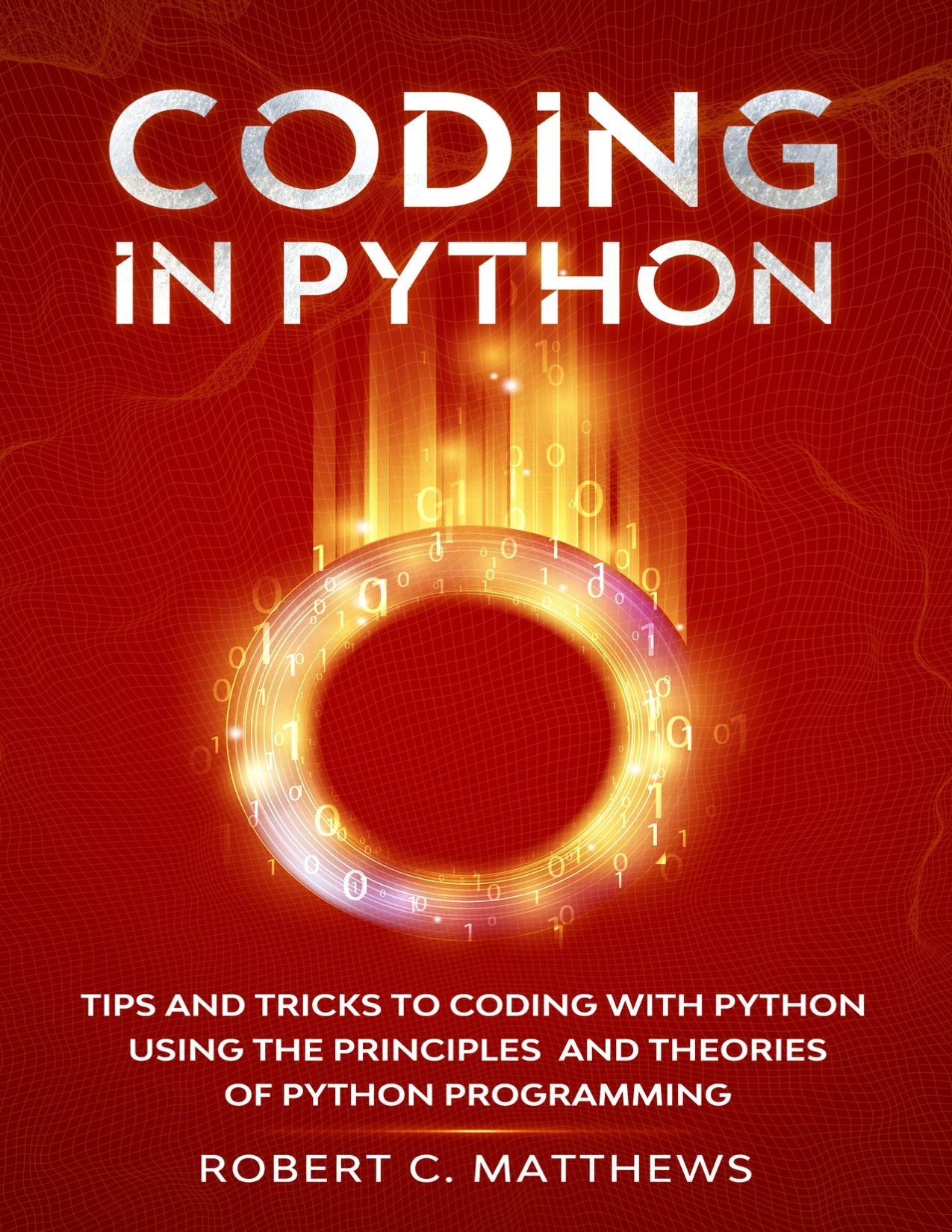
Readers starting without a programming background who want variables, collections, loops, functions, and classes.
Its catalog description moves from variables and data types through lists, tuples, conditionals, dictionaries, loops, functions, and classes. A sample calculator gives these concepts an application without requiring you to begin with a large framework.
- Starting point: Readers without a programming background who want to concentrate on language basics.
- Why consider it: Its described scope supports practising the concepts that recur in small programs.
- Limitation: Do not interpret “tips and tricks” as an advanced reference. The supplied information also does not confirm an independent exercise-solutions resource.
This overlaps with other introductory books in the guide. Treat it as an alternative starting text, rather than something you automatically need alongside them.
For young learners and family activities: Coding for Kids: Python
Coding for Kids: Python: Learn to Code with 50 Awesome Games and Activities by Adrienne B. Tacke is aimed at beginning coders without assumed coding experience.
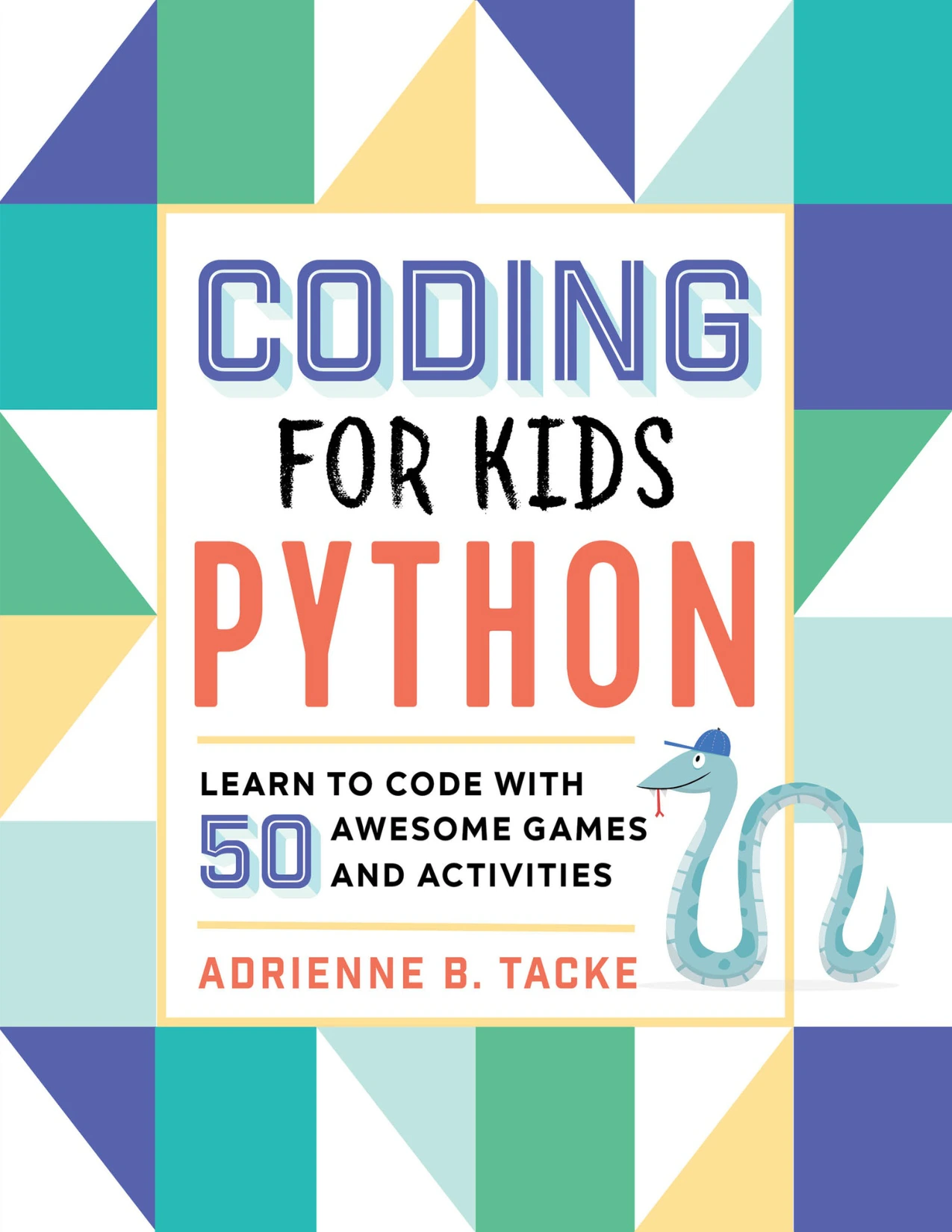
Coding for Kids: Python: Learn to Code with 50 Awesome Games and Activities
Young beginning coders and families who want games, challenges, debugging practice, and an answer key.
The catalog describes a progression through printing text, numbers, strings, loops, Turtle graphics, and reusable code. It also identifies chapter-end exercises, additional challenges, an answer key, and a glossary—useful support when learning away from a classroom.
- Starting point: Young beginners, including families sharing a learning activity.
- Why consider it: Activities offer concrete reasons to write, run, change, and debug code.
- Limitation: Its presentation is designed for children. Adults may prefer a general programming introduction.
When helping a child, ask them to predict a result or explain a change before taking over the keyboard. The aim is to make their thinking visible, not to finish every activity quickly.
For learning through electronics: Raspberry Pi Cookbook
Raspberry Pi Cookbook: Software and Hardware Problems and Solutions, Fourth Edition by Simon Monk is a different kind of resource: a problem-and-solution guide rather than a default first Python textbook.
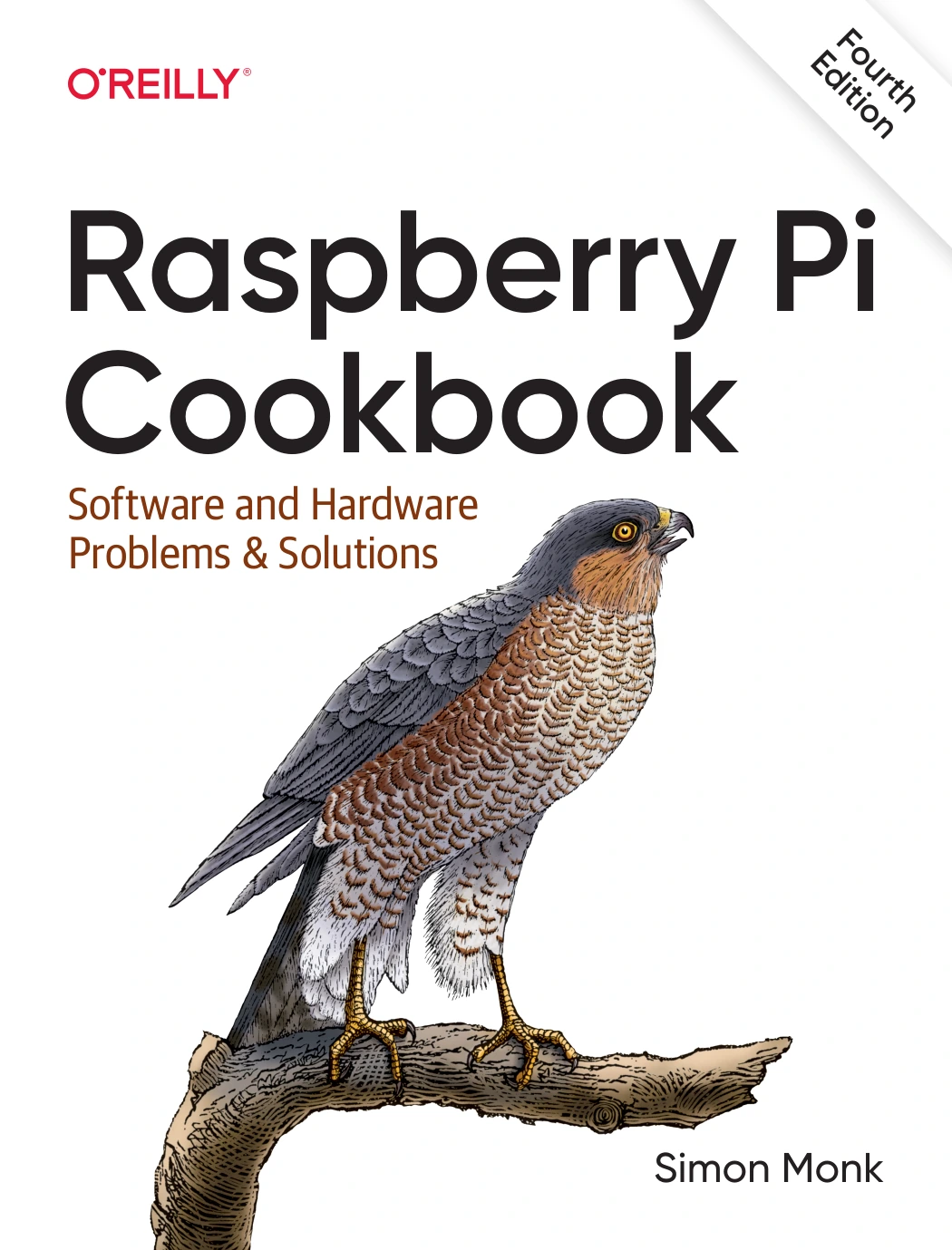
Raspberry Pi Cookbook: Software and Hardware Problems and Solutions, Fourth Edition
By Simon Monk
Learners who want to connect Python with Raspberry Pi setup, sensors, motors, and other physical components.
Its described coverage connects Raspberry Pi setup, networking, Linux, Python, and hardware such as sensors, motors, and displays. The supplied catalog and O’Reilly edition listing identify the resource.
- Starting point: Learners interested in making software interact with physical components.
- Why consider it: Task-based recipes let a specific project guide your reading.
- Limitation: Hardware-based activities bring additional equipment and setup requirements. A cookbook is not necessarily the most straightforward sequence for learning programming from scratch.
Choose this route because you want to build something physical—not because you think a Raspberry Pi is required to learn Python.
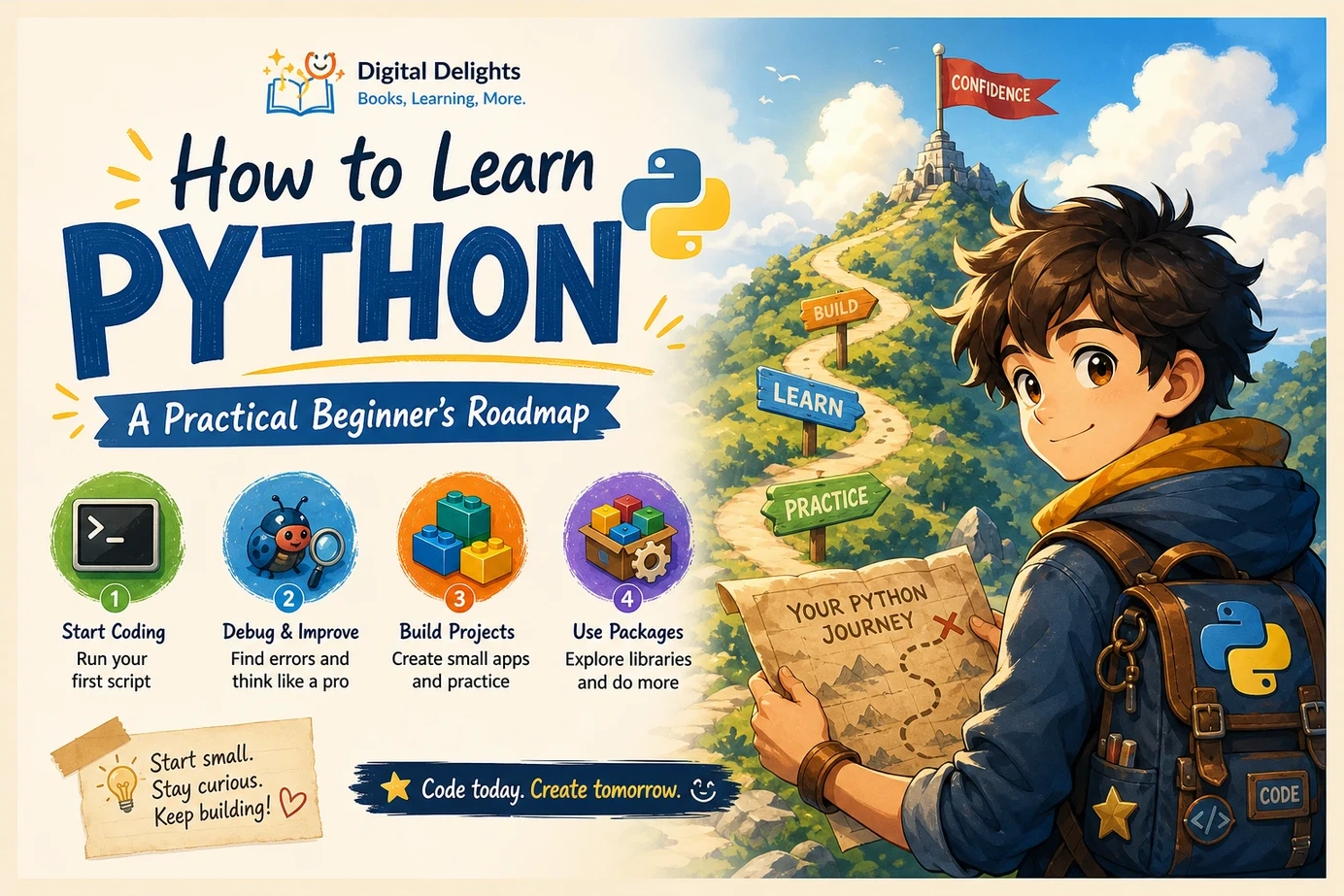
A practical routine for learning Python at home
A book provides an order of study, but you still need a way to use it actively. Try the following cycle for each manageable section.
- Read for one idea. Focus on a concept such as a loop or a function, rather than trying to finish a chapter at any cost.
- Predict the example. Write down what you expect it to do before running it.
- Run it. Compare the actual result with your prediction.
- Change it. Alter an input, a condition, or the data being processed.
- Attempt an exercise independently. Close the worked example when possible.
- Explain the result. Describe why your code works, or identify the part you still do not understand.
- Save a small variation. Keep a working program that uses the idea in a slightly different setting.
Small projects to connect the chapters
These are editorial practice ideas, not claims about projects included in the recommended books.
- A text quiz: Store questions and answers, check responses, and keep a score. Begin with one question before adding a collection.
- An expense summary: Start with a short list of invented amounts, calculate a total, and group entries by category. Add file input only after the basic version works.
- A text-file organizer: First list the files that would be moved without changing anything. If you later add file operations, practise on disposable copies in a separate folder.
The useful measure of progress is whether you can make and explain a change without reproducing the book line for line.
Keep a troubleshooting notebook
When something fails, record the example, the error message, what you expected, and the smallest change that resolved it. Also note whether the issue involved syntax, your working folder, a missing file, or a package requirement.
Follow the edition’s setup instructions and check any available corrections before changing several tools at once. For projects using external packages, record the versions you installed. Compatibility should be checked for the particular example; it should not be assumed from the book’s title.
Common mistakes to avoid
- Reading without coding: Understanding a page is not the same as writing a program. Pair reading with a small task.
- Collecting overlapping introductions: Several beginner books may repeat the same foundations. Add a second only when it solves a specific problem.
- Checking answers immediately: Make an attempt first, then compare the reasoning rather than just the final code.
- Changing too many things while debugging: Investigate one plausible cause at a time.
- Starting with advanced AI material: If functions, collections, files, and errors are still unfamiliar, strengthen those foundations before adding specialist tools.
- Judging progress by pages completed: A short section you can apply is more useful than a long section you cannot explain.
Frequently asked questions
Can I learn Python from a book alone?
A book can be your main curriculum, but learning programming also requires writing and running code. Documentation, correction pages, and help with specific errors can supplement the text. Choose a beginner-first explanation if this is your first programming language.
Should I start with one Python book or several?
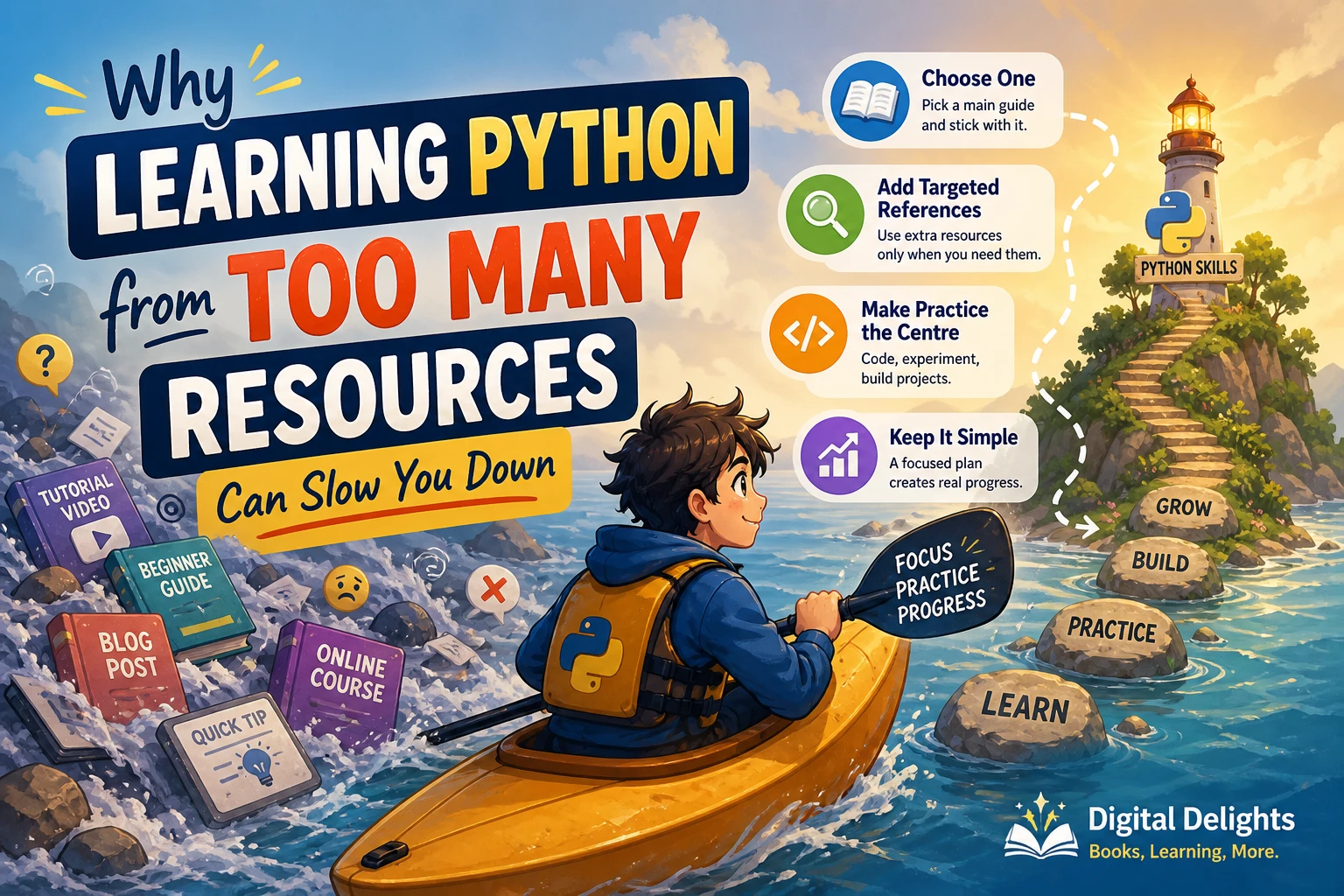
Start with one main book and keep your practice aligned with it. Use another resource for a particular explanation or project, rather than switching between several complete courses whenever a topic becomes difficult.
How do I handle examples that no longer run?
First check your transcription, indentation, file locations, and setup against the book. Then look for edition-specific corrections and package requirements. Keep the full error message and reduce the example to the smallest part that reproduces the problem.
Do I need a Raspberry Pi to learn Python?
No. Choose a Raspberry Pi resource if electronics and physical projects are part of your goal. General Python study does not require that hardware, and it adds setup decisions that a software-only beginner can avoid.
Which book should I choose if I already know another language?
Inspect the sample and contents for material that addresses your gaps rather than repeating concepts you already understand. Among the catalog selections here, the later application topics in Unlocking Python may be relevant, but its beginner foundations may feel familiar. The supplied evidence does not establish a dedicated transition book in this shortlist.
Choose a starting book, then give it a job
For practice-led general study, consider Python Bootcamp. For a wider route from foundations into applications, consider Unlocking Python. Coding in Python offers another core-language option, while Coding for Kids: Python serves young beginners. Keep Raspberry Pi Cookbook for a learning path genuinely motivated by hardware.
The Digital Delights links above provide the relevant catalog listings. Before choosing, check the sample, setup requirements, and available learning support. Then pick one small project and use the book to move it forward. The next useful step is not another reading list—it is a program you can run, change, and explain.
Sources and selection basis
Book descriptions and audience judgments draw on the supplied Digital Delights catalog, with product listings linked beside each recommendation. The linked Apress and O’Reilly pages identify the corresponding editions. The official Python tutorial supports the distinction between learning Python and learning programming from scratch. These sources establish scope and prerequisites, not comparative effectiveness; no firsthand testing or proficiency timeline is claimed.