How to Learn Python: A Practical Beginner’s Roadmap
The hardest part of learning Python is often deciding what to do next. Installing another editor, bookmarking another course, or copying a longer example can feel productive without helping you write a program independently.
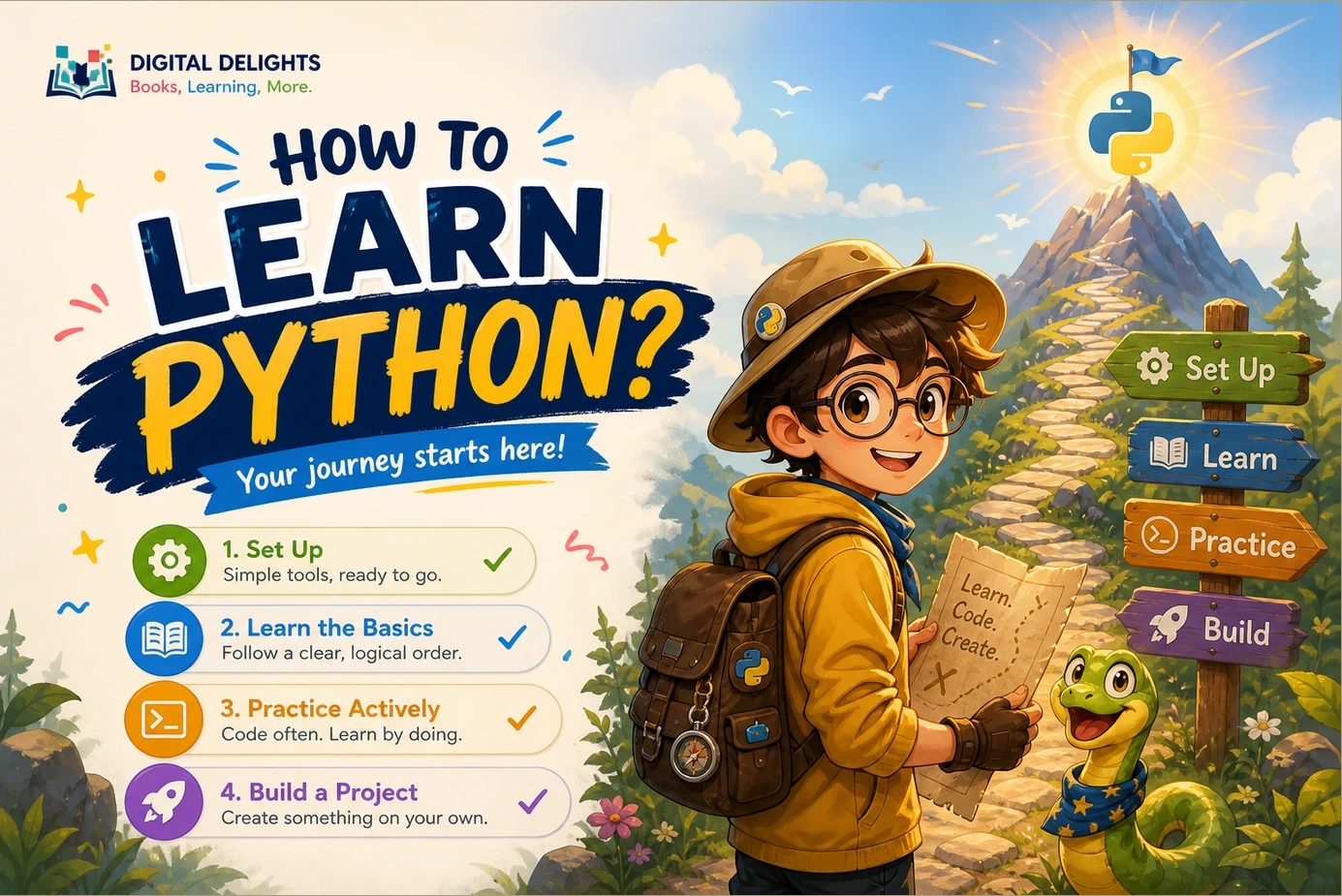
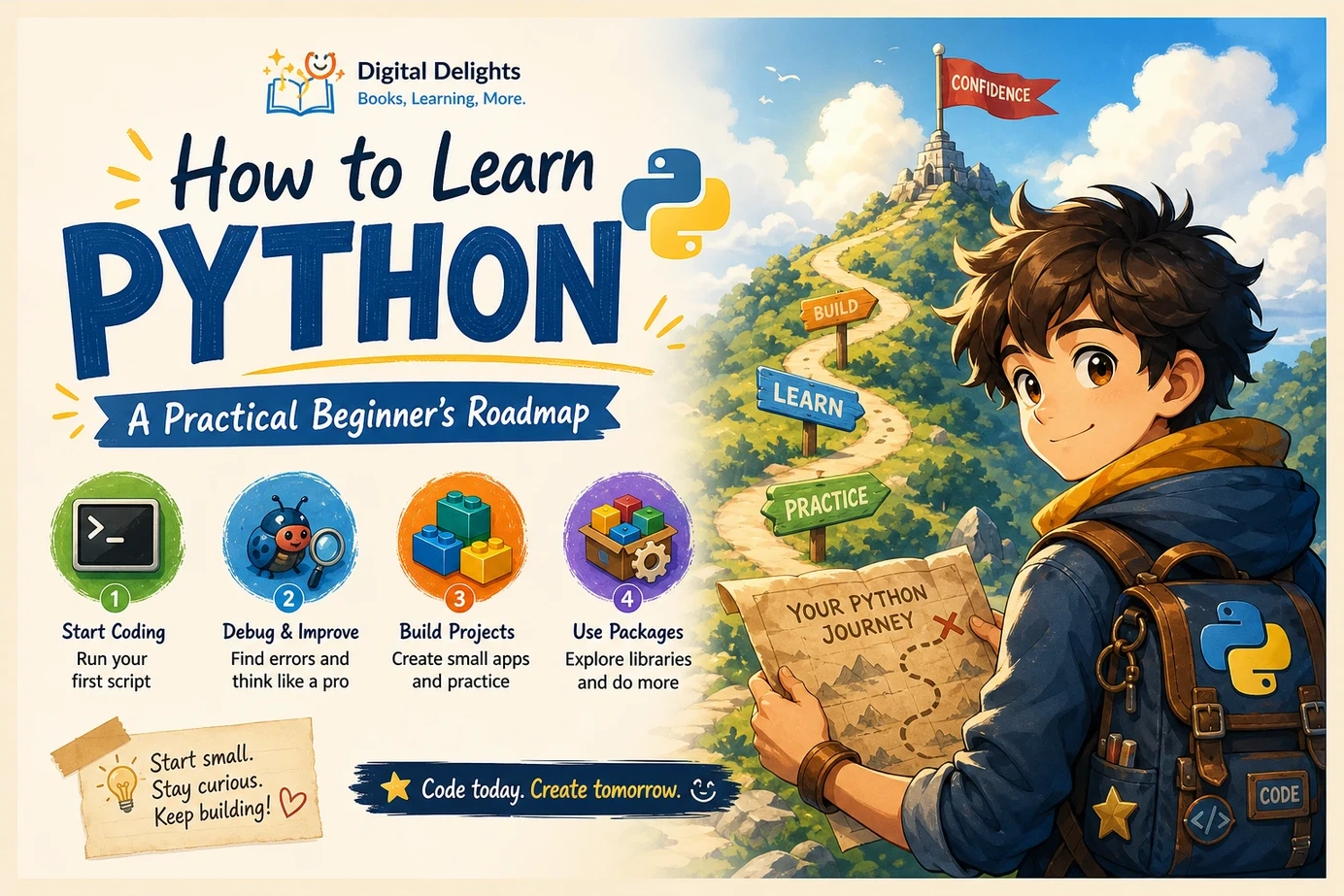
Here is the practical roadmap: set up Python, learn its core building blocks, practise debugging, build one small project, then add packages and choose a direction. You do not need to tackle machine learning or build a website before you can make something useful.
This guide explains what to learn at each stage, suggests exercises and beginner Python projects, and gives you checkpoints for deciding when to move forward. Treat the sequence as a flexible learning plan, not a promise to master programming by a particular date. Your first meaningful goal is simple: write a small program, explain how it works, and change it without needing a complete solution.
Choose your starting point and learning goal
If you have never programmed before, you are learning two things together: Python syntax and the process of turning a problem into instructions. Choose material that explains both. A resource that introduces loops quickly may work well for an experienced programmer but leave a complete beginner wondering why a loop is needed.
If you already know another language, you can move faster through familiar concepts and focus on Python’s collections, functions, modules, and conventions. The official Python Tutorial explicitly assumes a basic understanding of programming; it is not designed as a first introduction to programming itself.
For a more gradual foundation, Tony Gaddis’s Starting Out with Python, 6th Edition is a catalog-supported option for complete beginners. Its described coverage includes input and output, decisions, repetition, functions, files, data structures, examples, and exercises.
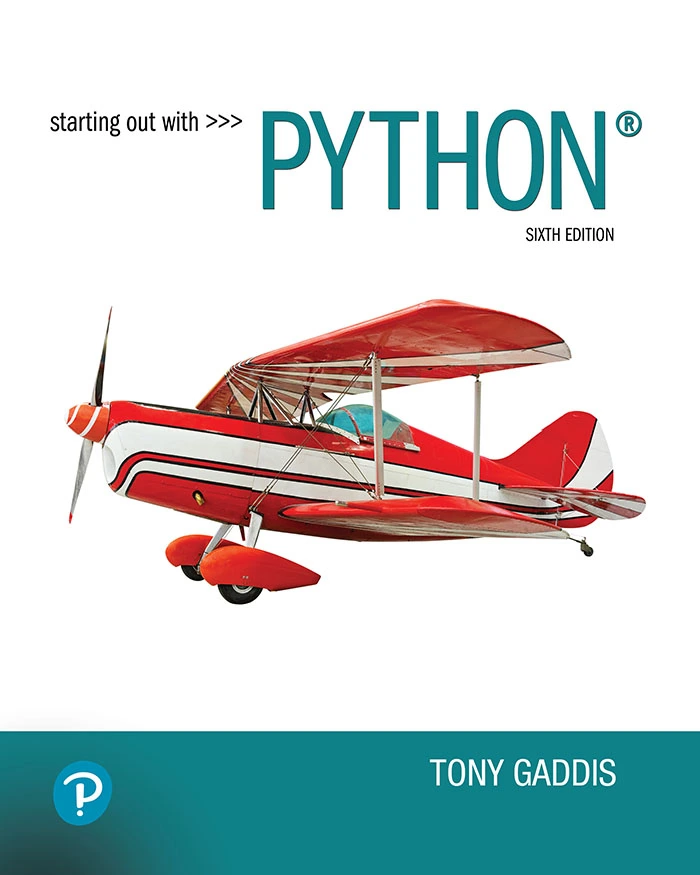
Starting Out with Python, 6th Edition
By Tony Gaddis
Readers who want fundamental concepts explained through examples, checkpoints, and exercises.
Pick a goal small enough to finish
Replace “learn everything about Python” with a concrete task:
- Ask three quiz questions and calculate a score.
- Record expenses and show a total.
- Read a small file and summarize its contents.
Write down what information goes in, what the program should do, and what should come out. For an expense tracker, that might be: enter an amount, store it, and show the running total. This specification gives your learning a purpose without requiring a large application.
Set up Python and run your first script
Start with Python 3 and one editor. Use the official Python downloads page to choose a stable release for your operating system. Installation details differ by platform and change over time; Windows users can consult the official Windows setup documentation rather than assuming an older book’s installer screenshots still match.
You need to understand three separate pieces:
- Interpreter: the software that executes Python code.
- Editor: the tool in which you write and save that code.
- Script: a saved file of Python instructions, usually with a
.pyextension.
The interactive interpreter is useful for trying a short expression immediately. A saved script is better for a program you want to rerun and improve.
Your first setup checkpoint
Create a file named hello.py and enter:
name = input("What is your name? ")
print(f"Hello, {name}!")
Run it using your editor’s Python run command or the terminal command appropriate to your installation. Enter a name, check the greeting, then change the message and run it again.
You are ready to continue when: you can find your saved file, run it again, and see the effect of an edit. If execution fails, first check which interpreter your editor is using and whether you are running the correct file. Avoid installing several more tools before understanding the original problem.
How to learn Python fundamentals in a practical order
The official tutorial covers expressions, control flow, functions, data structures, modules, input and output, exceptions, and classes. The order below is an editorial learning sequence built around those foundations, not a scientifically established best method.
1. Variables, types, input, and expressions
Begin by storing and transforming simple values. Learn strings, integers, floating-point numbers, and booleans. Practise assigning variables, performing calculations, comparing values, and displaying results.
An important early distinction is that input() returns text. A program must convert that text before using it as a number. For example, int("12") produces an integer, while int("twelve") raises an error. Try both deliberately so that conversion stops feeling mysterious.
Exercise: ask for a number of minutes and display the equivalent hours and remaining minutes. First make it work with a valid whole number. Later, add a response for invalid input.
Checkpoint: explain the difference between "5" and 5, and predict the result of a short calculation before running it.
2. Conditions, loops, and collections
Conditions let a program make decisions. Loops repeat work. Collections organize several values so you can process them together.
- Conditions: practise
if,elif, andelse. - Loops: use
forto process items andwhileto repeat while a condition remains true. - Lists: store a sequence of items, such as expenses or questions.
- Dictionaries: associate keys with values, such as a category with its total.
- Sets and tuples: learn their purposes after lists and dictionaries feel familiar.
Exercise: store several temperatures in a list, print only those above a chosen threshold, and count how many meet that condition.
Then change the task: count temperatures at or above the threshold. This tiny change makes you reason about > versus >=, rather than merely repeating syntax.
Checkpoint: write a loop from a plain-language instruction and explain when it stops.
3. Functions, modules, files, and exceptions
Functions let you name a task and reuse it. Practise parameters, returned values, and local variables. Distinguish a function that prints a result from one that returns a result for another part of the program to use.
Next, learn to import a module, read and write a small text file, and handle an expected error with try and except. Start with specific errors, such as invalid numeric input or a missing file, rather than hiding every failure behind a broad exception handler.
Exercise: write a function that accepts a list of numbers and returns their total. Call it with different lists, including an empty one. Then save a result to a file and read it back.
Introduce classes once you can organize a simple program with functions and collections. They belong in your learning path, but your first quiz does not need an elaborate object-oriented design.
Checkpoint: given a short specification, create a working program without copying an entire example. Looking up individual syntax details is fine.
Practise without depending on complete solutions
Recognizing code is not the same as being able to produce it. Use a repeatable practice loop:
- Describe: write down the required input and output.
- Attempt: build the smallest part you understand.
- Inspect: compare actual results with expected results.
- Revise: change one relevant thing at a time.
- Explain: describe why the revised version works.
If you need a solution, read enough to identify the missing idea. Then close it and attempt the exercise again. Change the input or add a requirement to check whether you understand the approach.
For learners who already know the basics, Reuven M. Lerner’s Python Workout: 50 Essential Exercises (MEAP Version 3) offers exercise-focused practice involving topics such as numbers, strings, collections, files, and functions. Note the edition: the supplied catalog identifies this as an early-access version, not a final-edition listing.
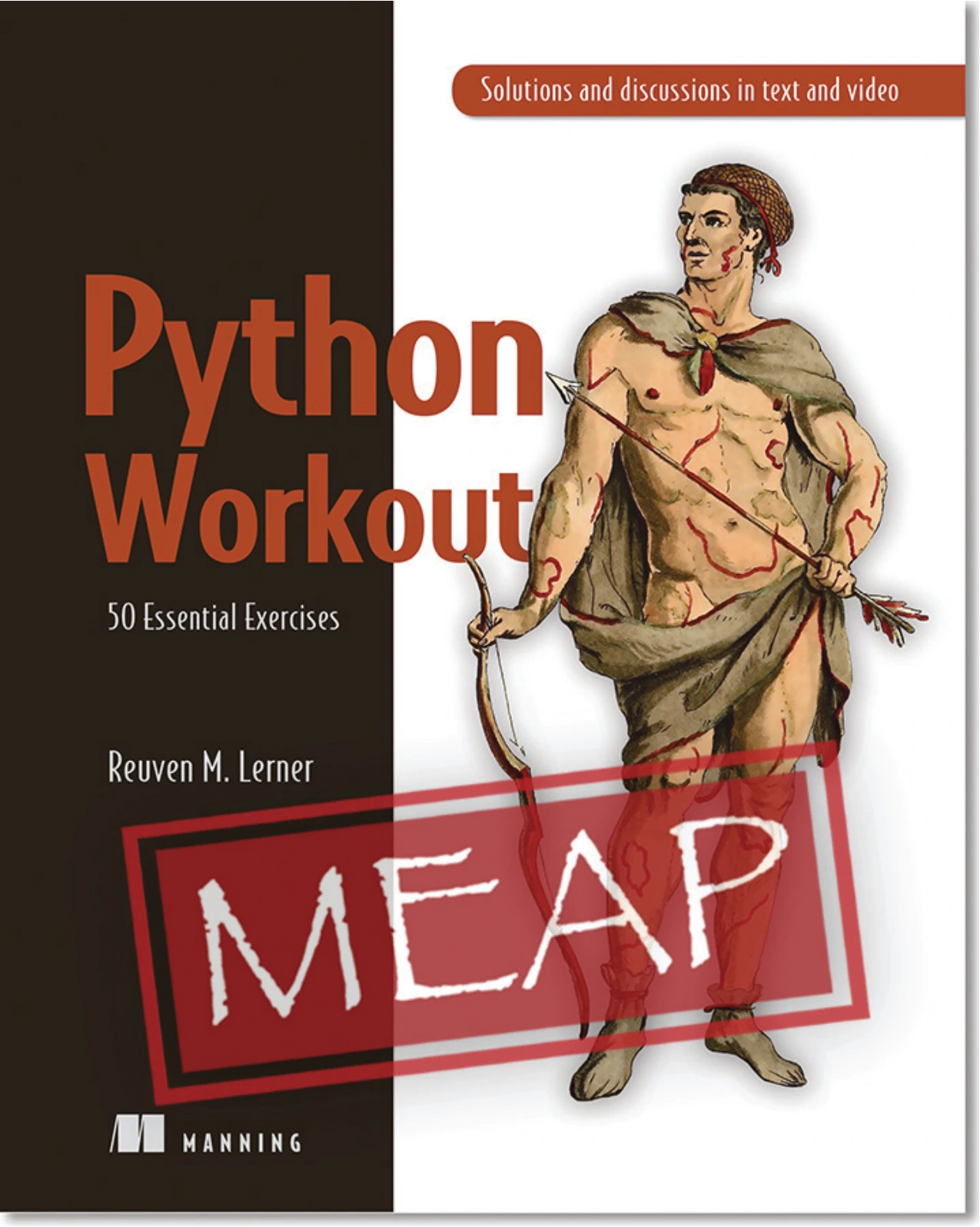
Python Workout: 50 Essential Exercises (MEAP Version 3)
Learners who know the basics and want exercises involving strings, collections, files, and functions.
Read errors as clues
When a program raises an exception, start with the error type and message at the bottom of the traceback, then locate the relevant line in your own code. Ask what value was present and what operation the program attempted.
NameError: check whether the name exists and whether it is spelled correctly.TypeError: check whether an operation received the kind of value it expects.ValueError: check whether a value is acceptable for the attempted conversion or operation.FileNotFoundError: check the path and the folder from which the program is running.
These language topics are documented in the official tutorial linked above. Temporary print statements can help you inspect values while debugging. Remove them when they no longer serve a purpose.
Avoid three common learning traps
- Watching without writing: follow a lesson with a variation you create yourself.
- Copying unexplained code: identify what every important block does before adding more.
- Constantly switching resources: use one main learning sequence and consult other material for specific gaps.
For a practice-led introductory sequence, Vaskaran Sarcar’s Python Bootcamp: A Rapid Crash Course Featuring Q&A Sessions, Exercises, and Projects is another relevant catalog option. Its description emphasizes Python 3, explanations, questions, exercises, and projects, with Windows setup coverage.
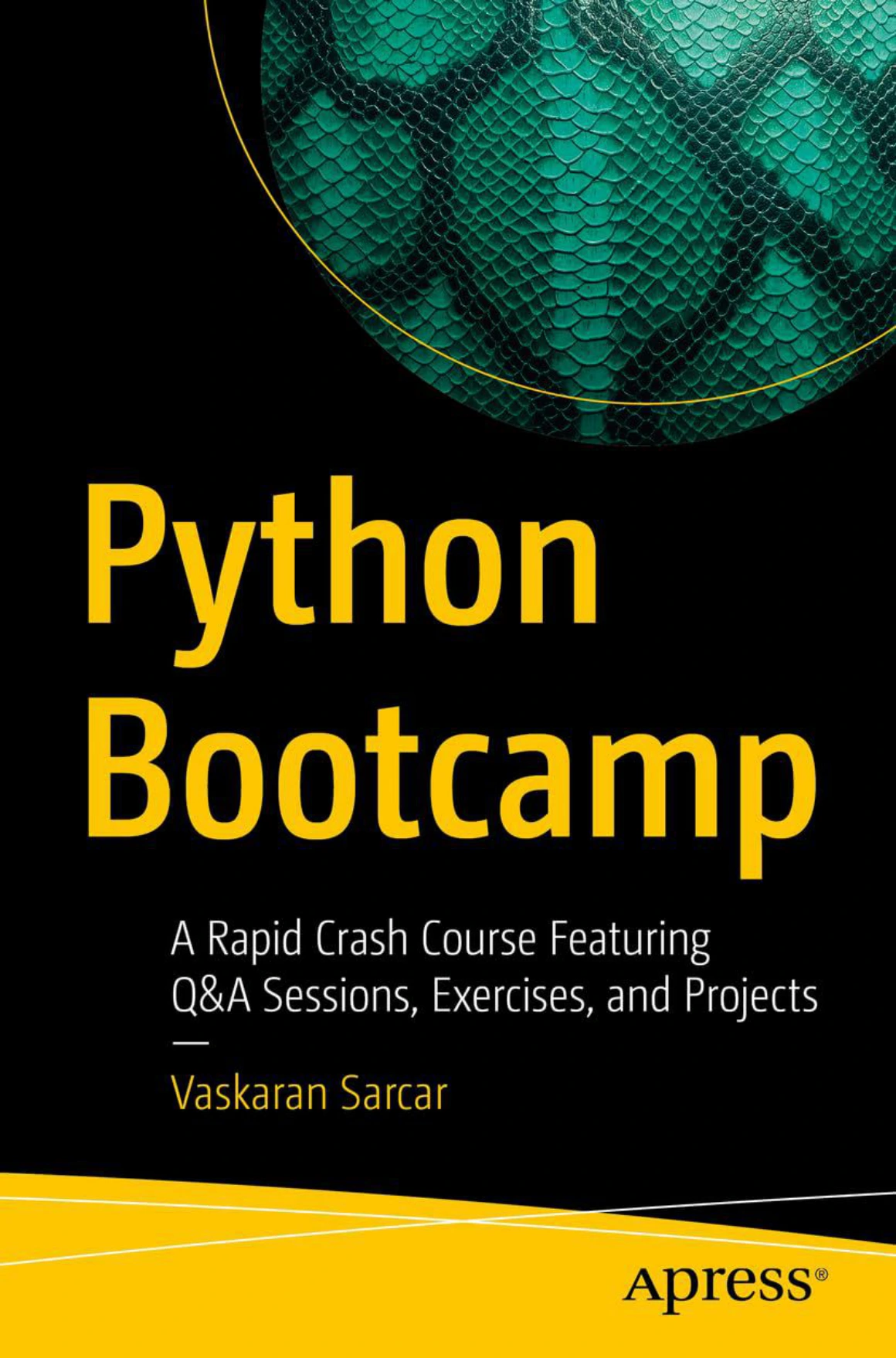
Python Bootcamp: A Rapid Crash Course Featuring Q&A Sessions, Exercises, and Projects
New learners who prefer explanations paired with questions, exercises, and projects; the described setup covers Windows.
Build and improve your first useful project
Choose one project below. You do not have to complete all three. Define a minimum working version before considering extensions.
| Project | Prerequisites | Minimum working version | One extension |
|---|---|---|---|
| Quiz | Input, conditions, loops, lists | Ask fixed questions and report a score | Accept answers regardless of capitalization |
| Expense tracker | Numeric conversion, collections, functions, exceptions | Accept amounts and display a total | Save and reload entries |
| CSV summary tool | Files, loops, dictionaries, modules | Read a known CSV file and total one column | Report malformed rows separately |
A small expense-total example
This starting program accepts whole-number amounts, rejects negative amounts, and stops when the user enters done. Using whole numbers keeps the example focused; it is not a full financial application.
def read_amount(text):
    amount = int(text)
    if amount < 0:
        raise ValueError("Amount must not be negative")
    return amount

expenses = []

while True:
    text = input("Enter a whole-number amount, or done: ").strip()
    if text.lower() == "done":
        break

    try:
        amount = read_amount(text)
    except ValueError:
        print("Please enter a non-negative whole number.")
        continue

    expenses.append(amount)

print(f"Total: {sum(expenses)}")
Entering 12, 8, and done should display Total: 20. Entering hello or -3 should produce the validation message without adding an expense. Entering done immediately should display a total of zero.
Before extending it, explain why the program uses a list, why conversion happens inside the try block, and why continue is useful. Then try adding a count of recorded expenses.
Project checkpoint: you can demonstrate normal input, invalid input, and an empty case; explain the main decisions; and add one feature without replacing the whole program.
Add packages, then choose a direction
You can write your first programs using Python’s built-in features and standard library. Introduce third-party packages when a task needs them, rather than collecting tools before you have a use for them.
pip installs packages. A virtual environment gives a project an isolated place for its installed packages, helping separate projects that need different versions. The official virtual-environment and package guide explains venv, activation, and package management.
Learn which interpreter your environment uses, how to activate it, and how to record your dependencies. Follow the documentation for your platform rather than mixing commands from unrelated setup guides.
Choose a direction by the work you want to do
- Automation: start with a repetitive task involving text or files. Practise on copies and preview changes before renaming or overwriting anything.
- Data analysis: begin with a small table and a clear question. Learn to inspect missing values, check assumptions, and explain what a summary means.
- Web development: make a simple page and understand requests and responses before tackling accounts, payments, or a large application.
- Machine learning: consider it later if prediction or pattern recognition interests you. It is an optional specialization, not a requirement for learning Python.
For the data path, Roy Jafari’s Hands-On Data Preprocessing in Python: Learn how to effectively prepare data for successful data analytics is a later-stage resource to consider. The catalog describes work with Jupyter Notebook, NumPy, pandas, Matplotlib, data cleaning, integration, and transformation, supported by examples and case studies. Choose it when your goal is preparing data, rather than as a substitute for your first programming lessons.
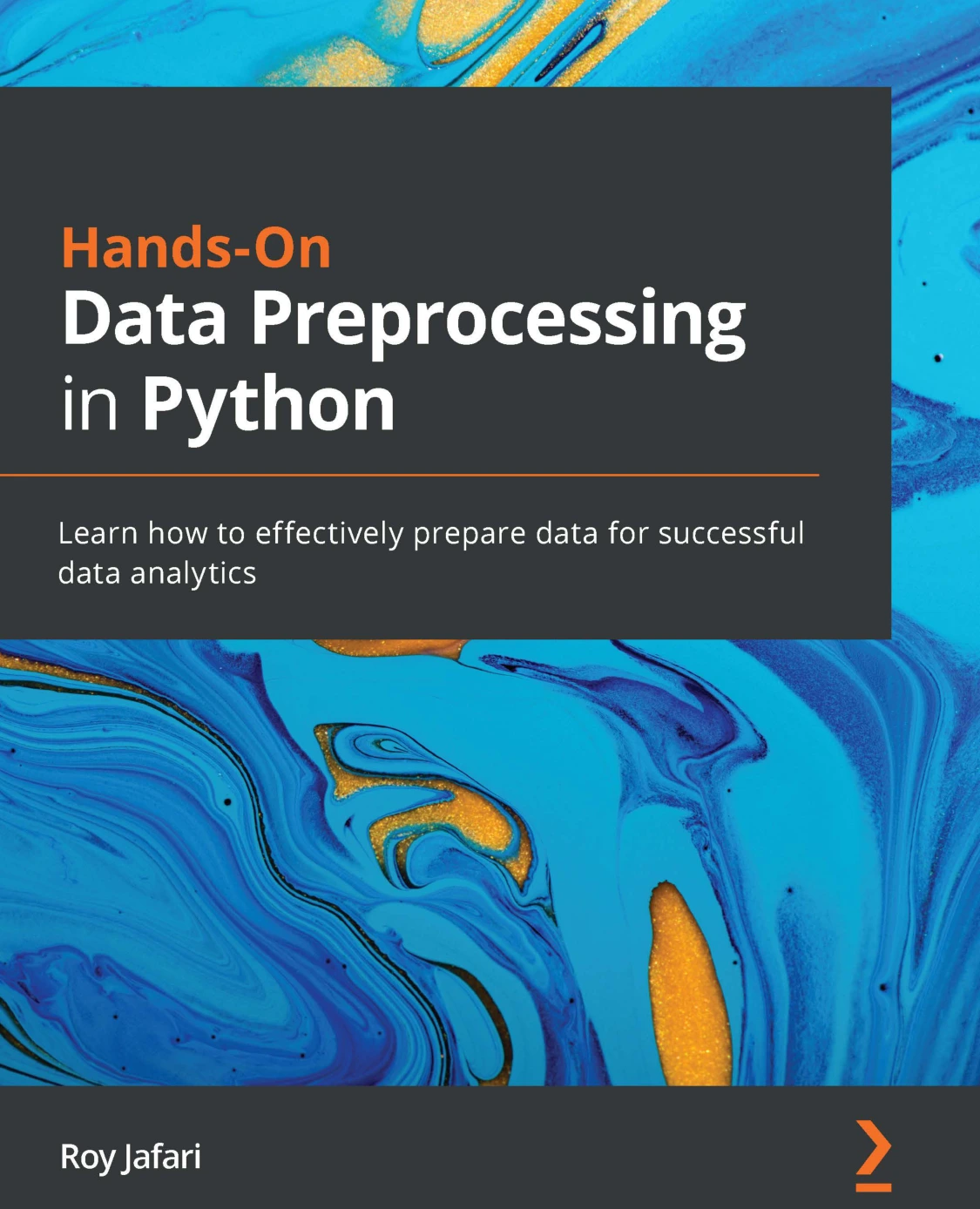
By Roy Jafari
Readers moving toward data cleaning and transformation using tools such as pandas, NumPy, and Jupyter Notebook.
Choose resources that match your stage
A useful resource fills your current gap. You do not need several introductory books simply because their titles all mention beginners.
| Your current need | Resource | Why consider it? | Important distinction |
|---|---|---|---|
| A gradual first introduction | Starting Out with Python, 6th Edition — Tony Gaddis | Explains fundamentals with examples, checkpoints, and exercises | Suited to readers new to programming |
| Introduction with frequent practice | Python Bootcamp: A Rapid Crash Course Featuring Q&A Sessions, Exercises, and Projects — Vaskaran Sarcar | Combines explanations, questions, exercises, and projects | Its setup description focuses on Windows |
| Exercises after the basics | Python Workout: 50 Essential Exercises (MEAP Version 3) — Reuven M. Lerner | Targets active practice across core language topics | Retain the early-access edition distinction |
| A later data-preparation focus | Hands-On Data Preprocessing in Python — Roy Jafari | Connects Python tools with cleaning and transforming data | A specialization choice, not the first step for every beginner |
This comparison reflects supplied catalog descriptions, not comparative testing or a ranking of learning outcomes. Check the edition, scope, and available samples before choosing. Installation instructions and library examples in books may need to be reconciled with current documentation.
Beginner FAQs
Can I learn Python without prior programming experience?
Yes—start with a resource that explicitly teaches programming from the beginning. Give yourself time to understand variables, decisions, and repetition rather than treating them as vocabulary to memorize. Use the official tutorial as a companion when its explanations become accessible.
How long does learning Python take?
There is no reliable universal deadline. Prior knowledge, the tasks you choose, and the time you spend writing code all affect progress. Track capabilities instead: running scripts, solving small exercises, debugging errors, completing a project, and changing it independently.
Do I need advanced mathematics?
The starter exercises here use basic arithmetic, comparisons, and counting—not calculus or linear algebra. Later requirements depend on your chosen field. Evaluate mathematics needs for a particular data or machine-learning topic rather than treating them as a prerequisite for every Python program.
When am I ready to build projects?
Start small once you can combine input, conditions, and a loop. You do not need to finish the whole language first. If a project requires many unfamiliar tools at once, reduce its scope until you can identify the next manageable step.
Can I learn Python with free resources?
Yes. Official documentation supplies language explanations and examples, and your own small projects provide practice. The challenge is matching the material to your starting level. A paid book can offer a sequence, but purchasing one does not replace writing and revising code.
Should I use AI to help me learn?
Use it for a hint, an explanation of an error, or suggestions for test cases. Avoid delegating the whole exercise before attempting it yourself. Run suggested code, inspect what it does, and check unfamiliar technical claims against documentation.
Your next step: finish one small program
Choose one goal, make sure you can run a saved script, and build the smallest version that works. Test an ordinary case, an invalid case, and an empty case. Then explain the program aloud and add one modest improvement.
If a structured book would help, use the stage-based comparison above or browse the Python learning resources at Digital Delights. Select a resource for the next skill you need—not for a promise to learn everything at once.
Sources and scope
The technical foundation draws on the official Python Tutorial, Python.org downloads guidance, Windows documentation, and the virtual-environment guide linked alongside the relevant sections. Resource descriptions come from the supplied Digital Delights catalog. The learning sequence, exercises, and checkpoints are editorial suggestions; the cited material does not establish an optimal schedule or guaranteed outcome.