What Are the Best Books for Learning Python from Scratch?
The best Python books for beginners help you do three things: get your coding environment working, understand the language in manageable steps, and practise without simply copying examples. A book that matches your interests is more useful than an impressive-looking bundle you never work through.
Among the supplied Digital Delights titles, Python for Beginners by Daniel O’Reilly is a suitable starting option for setup and core language topics. Python Programming by Thomas Jackson offers another fundamentals-focused route. For visual, step-by-step instruction, consider Python Coding for Beginners (19th Edition); for an introduction that includes a sample calculator, consider Robert C. Matthews’s Coding in Python.
These are recommendations by learning fit, based on catalog descriptions—not a tested ranking. Below, you will find the differences that matter, a checklist for choosing one book, and a practical way to turn reading into independent programming.
Best Python books for beginners: compare your options
This comparison covers relevant ebooks in the supplied Digital Delights catalog. It is not an exhaustive survey of every beginner Python book, and no single title is established as objectively superior.
| Book and author | Suitable reader | Approach and coverage | Selection caveat |
|---|---|---|---|
| Python for Beginners: A Complete Beginner’s Guide to Learning Python Quickly — Daniel O’Reilly | A first-time programmer seeking an introduction to setup and everyday language concepts | Installation, variables, data types, strings, conditions, loops, functions, classes, dictionaries, and files | The title’s promise of learning quickly is not evidence of a guaranteed learning time. |
| Python Programming: The Fundamental Beginner’s Guide to Learning Python — Thomas Jackson | A beginner who wants setup guidance followed by a conventional fundamentals sequence | First programs, editor setup, input, operators, conditionals, loops, data structures, and functions | Check that the editor and installation instructions match your current environment. |
| Python Coding for Beginners (19th Edition) — Papercut | A reader who prefers visual, step-by-step tutorials | Setup, running scripts, core syntax, collections, files, errors, graphics, and gaming topics | Its broad coverage does not by itself establish how much practice each topic receives. |
| Coding in Python: Tips and Tricks to Coding with Python Using the Principles and Theories of Python Programming — Robert C. Matthews | A beginner interested in worked examples and a sample calculator | Variables, collections, conditionals, loops, functions, classes, and calculator code | Use the worked examples as a starting point, then attempt your own variations. |
Choose one main book rather than treating this table as a shopping list. Much of the foundational coverage overlaps; the useful distinction is how you want to approach it.
Relevant beginner ebooks at Digital Delights
For setup and core concepts: Daniel O’Reilly’s beginner guide
Python for Beginners: A Complete Beginner’s Guide to Learning Python Quickly is described in the catalog as an introduction for readers without a technical background. It begins with practical setup and then introduces variables, data types, operators, strings, conditions, and loops.
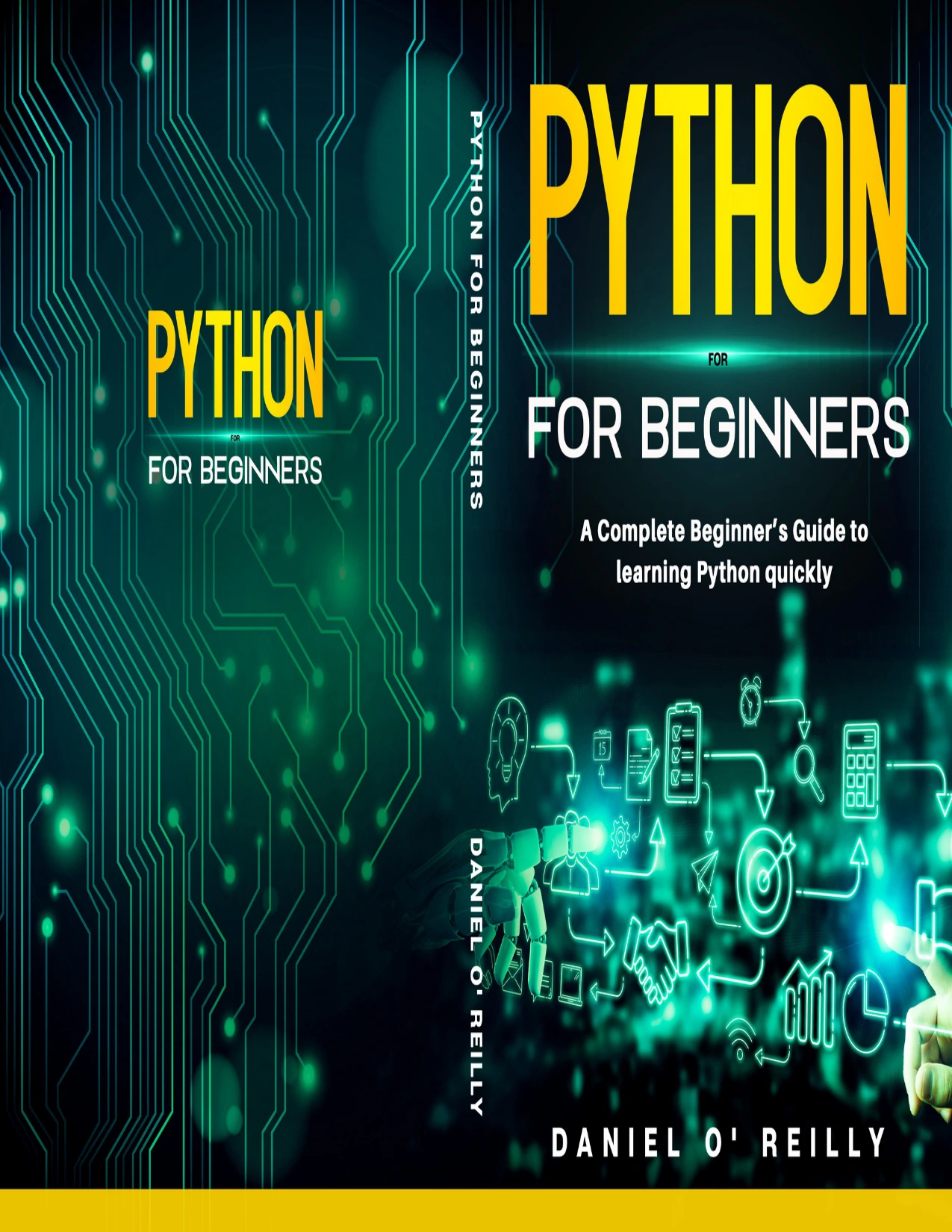
Python for Beginners: A Complete Beginner’s Guide to Learning Python Quickly
A first-time programmer seeking setup guidance followed by variables, loops, functions, and files.
Its later coverage includes functions, classes, dictionaries, and working with files. That makes it a relevant option if you want an initial overview of the language before deciding what to build with it.
Choose it if: your immediate problem is understanding where to begin and how to run small programs. Treat the word “quickly” in the title as positioning, not a prediction about your progress.
For a fundamentals-first sequence: Thomas Jackson’s guide
Python Programming: The Fundamental Beginner’s Guide to Learning Python starts with downloading Python, choosing an editor, installing PyCharm, and running a first program, according to its catalog description.
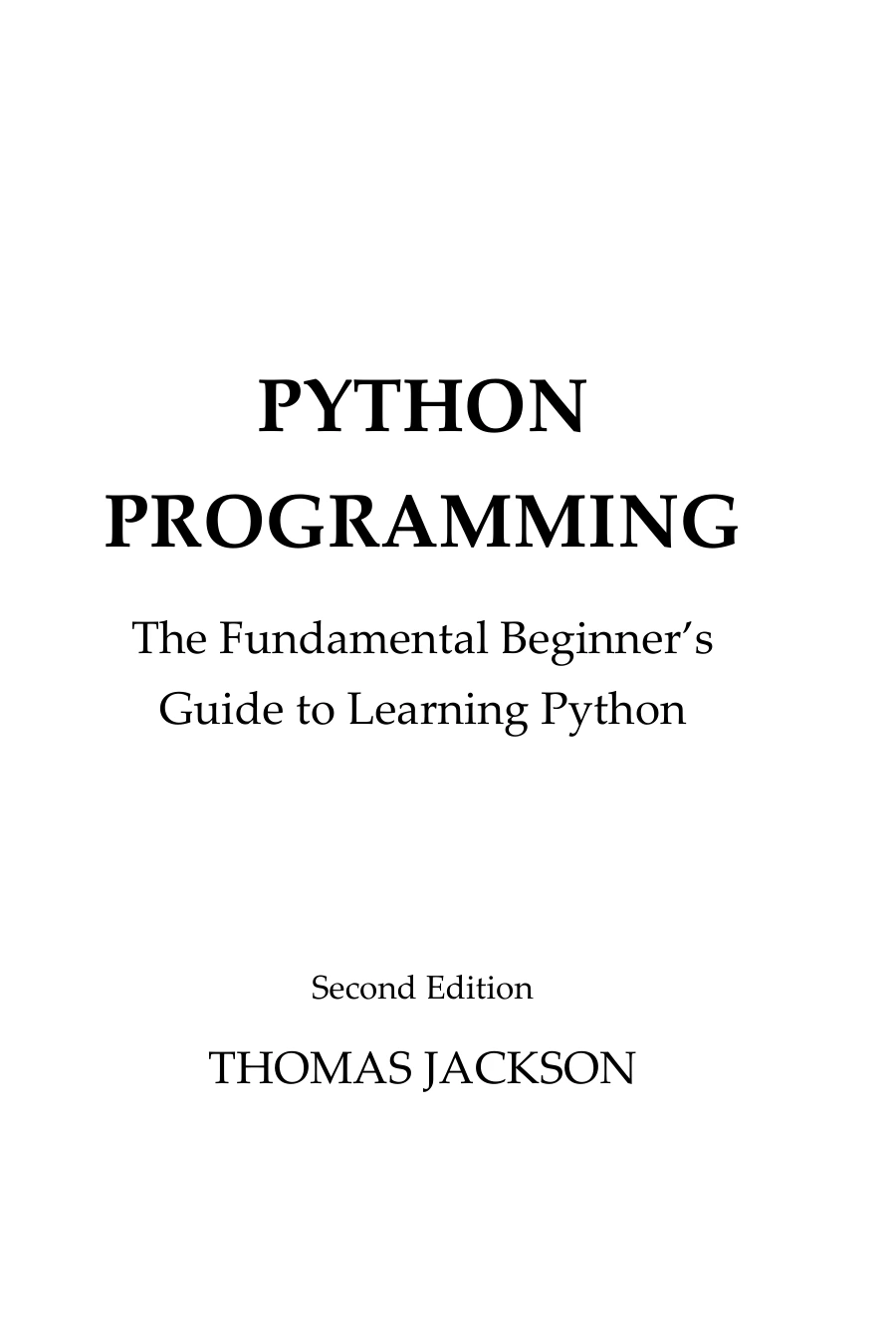
Python Programming: The Fundamental Beginner’s Guide to Learning Python
A beginner who wants a conventional progression through input, control flow, data structures, and functions.
The language coverage moves into variables, data types, user input, operators, conditions, and loops, followed by data structures and functions. These are useful building blocks for programs that collect information, make decisions, and repeat tasks.
Choose it if: you want a traditional introduction to programming fundamentals rather than a resource organized primarily around a specialist application. You do not need to master every operator category before writing a useful small script.
For visual, step-by-step instruction: Papercut’s beginner title
Python Coding for Beginners (19th Edition) is presented in the catalog as a visual introduction with plain-language explanations and step-by-step tutorials.
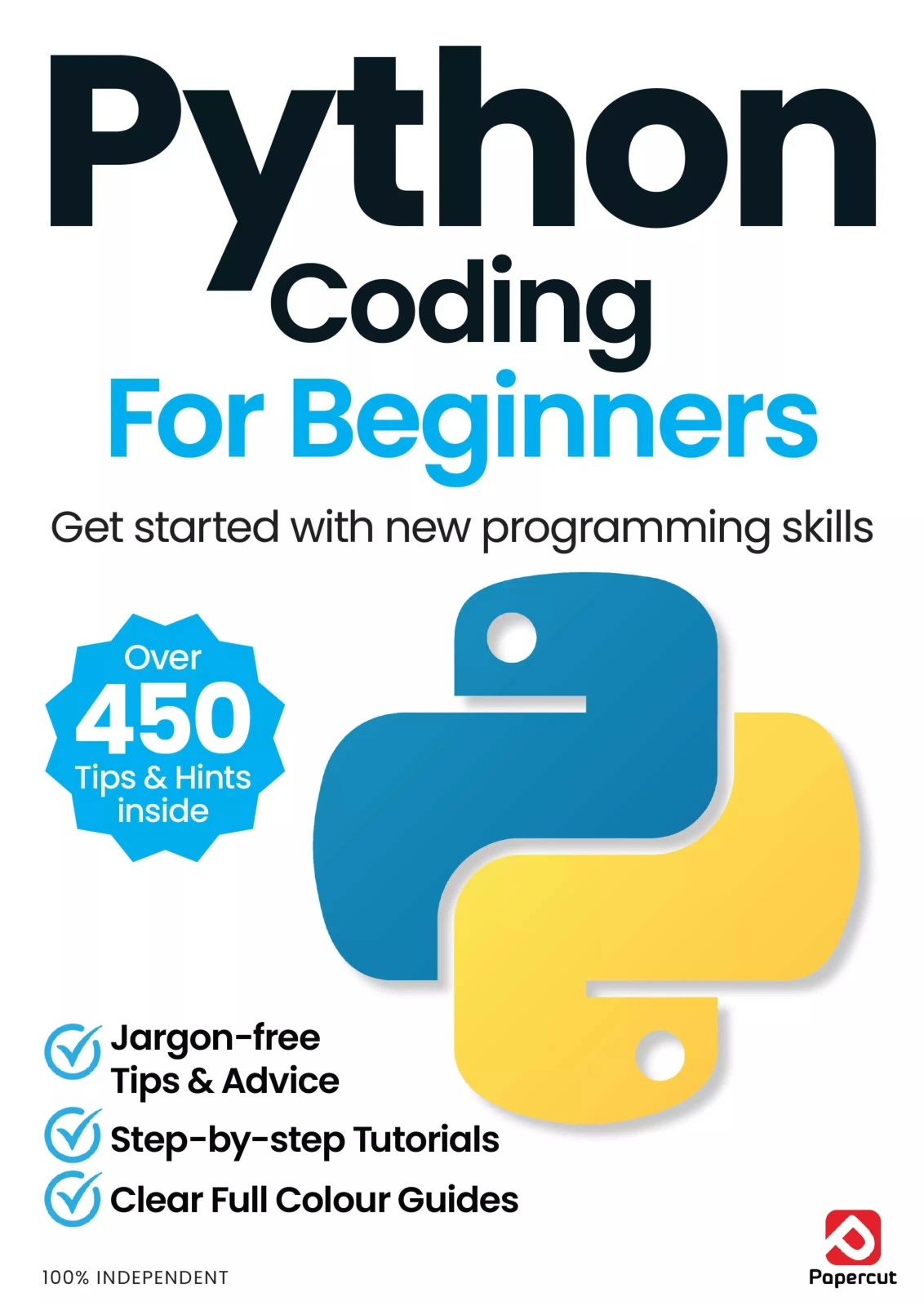
Python Coding for Beginners (19th Edition)
By Papercut
A learner drawn to step-by-step instruction covering scripts, core syntax, troubleshooting, and graphics.
Its listed topics include installing Python, saving and executing code, running scripts from the command line, functions, conditions, loops, collections, files, exceptions, and troubleshooting. Graphics and gaming topics offer additional contexts for using the language.
Choose it if: illustrated instructions and a tutorial format appeal to you. Before committing, inspect a sample if one is available: visual presentation is a preference, not a guarantee that a particular explanation will work for you.
For examples you can extend: Robert C. Matthews’s introduction
Coding in Python: Tips and Tricks to Coding with Python Using the Principles and Theories of Python Programming introduces fundamentals through examples and includes a sample calculator, according to the catalog.
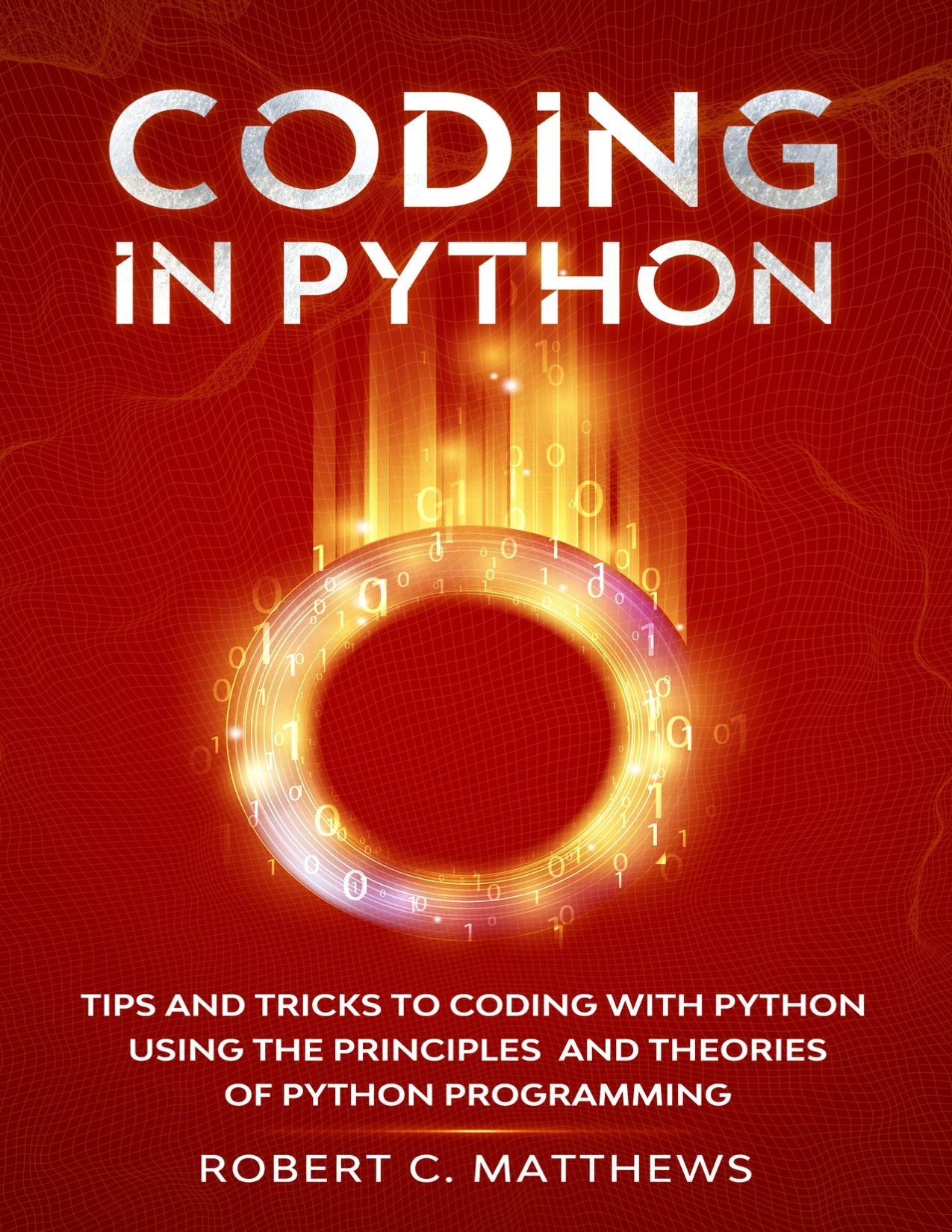
A beginner interested in modifying examples while learning collections, decisions, loops, and functions.
Coverage progresses from variables and data types to lists, tuples, conditions, dictionaries, loops, functions, and classes. A calculator is a useful practice context because you can start with a single operation and gradually introduce input, decisions, and reusable functions.
Choose it if: you want an introductory resource with examples you can modify. The most valuable next step is not reproducing the calculator exactly; it is adding a feature and explaining why your code works.
How to choose your first Python book
Decide what “from scratch” means for you
If you have never programmed, you need explanations of concepts such as variables, decisions, repetition, and functions—not just a tour of Python syntax. Look for a book that explicitly welcomes readers with no coding experience.
If you already know another programming language, you may need less introductory explanation and more help with Python’s conventions, collections, and tools. The official Python Tutorial explicitly assumes basic programming knowledge, making it a more appropriate companion for this second group than a complete replacement for a first programming textbook.
Check the features that support independent learning
- Setup guidance: does it show how to install Python, save a script, and run it?
- Understandable explanations: does a sample explain why the code behaves as it does?
- Practice: are there questions, exercises, or projects that ask you to make decisions yourself?
- Support resources: are code downloads, corrections, or exercise answers available for the exact edition?
- Relevant projects: would you actually want to complete the examples?
- Suitable equipment: can you follow the material with the computer and operating system you have?
- Readable format: are code indentation and illustrations clear on your screen?
The supplied catalog descriptions establish topic coverage, but they do not establish the quality of every exercise or the availability of complete answer sets. Where these features matter to your decision, check the contents and available samples rather than assuming.
Match the book to a small, realistic goal
A useful first goal is “write a quiz that checks answers,” not “master Python.” For everyday automation, you might eventually want to organize files or summarize a spreadsheet. For creative programming, you might prefer a text adventure or a simple graphic.
You can start with the same fundamentals in either case. Let your goal guide your practice projects without skipping the concepts that make those projects understandable.
Turn reading into programming practice
Use a short learning cycle for each section. It gives you a way to check understanding before moving on.
- Read a manageable section. Identify the main idea and what problem it solves.
- Predict the result. Before running an example, write down what you expect it to do.
- Run the code. Compare the actual result with your prediction.
- Change something meaningful. Add an item, change a condition, or try an unexpected input.
- Rebuild a smaller version without copying. Consult your notes when needed, but make the decisions yourself.
For example, this original snippet calculates a total from a list of expenses:
expenses = [12.50, 8.00, 3.75]
total = 0

for expense in expenses:
    total += expense

print(f"Total: {total:.2f}")
Before running it, predict the total. Then add another expense and predict the new result. Next, turn the calculation into a function that accepts a list. Finally, consider how you would handle an empty list.
The point is not to memorize these lines. It is to connect a collection, a loop, and an accumulating value to a task you understand.
A small project progression
- Calculator: start with fixed numbers, then accept input, then support several operations. Later, handle invalid input and division by zero.
- Quiz: begin with one question, then store several questions in a collection and track a score.
- File-based tracker: record reading sessions or expenses, save them to a local file, and read them back.
These are suggested practice projects, not claims about projects included in every recommended book. Build each one in stages using concepts you have already encountered.
Use a readiness check before advancing
Before moving from fundamentals to a larger project, ask whether you can:
- Run a saved script without following installation instructions again.
- Explain a variable and choose an appropriate basic data type.
- Use a condition and a loop in a small program.
- Write a function that takes input and returns a result.
- Read an error message and identify the relevant line.
- Make a small change without rewriting the whole program.
If one item is difficult, revisit that topic with a focused exercise. You do not need to restart the entire book.
Editions, Python versions, and mistakes to avoid
Check the environment, not just the publication date
Older explanations of programming fundamentals may still be useful, while installation screenshots and third-party library instructions may need updating. A newer edition is worth considering when it changes the projects, dependencies, or support resources you plan to use.
Consult the official Python downloads page for release and maintenance information. Choose a supported, stable release that is compatible with your chosen resource and its dependencies; do not assume a prerelease or the highest version number is automatically the best beginner choice.
Current compatibility has not been verified for every example in the recommended catalog titles. Check edition-specific instructions and corrections before treating an installation problem as a failure to understand programming.
Avoid collecting overlapping introductions
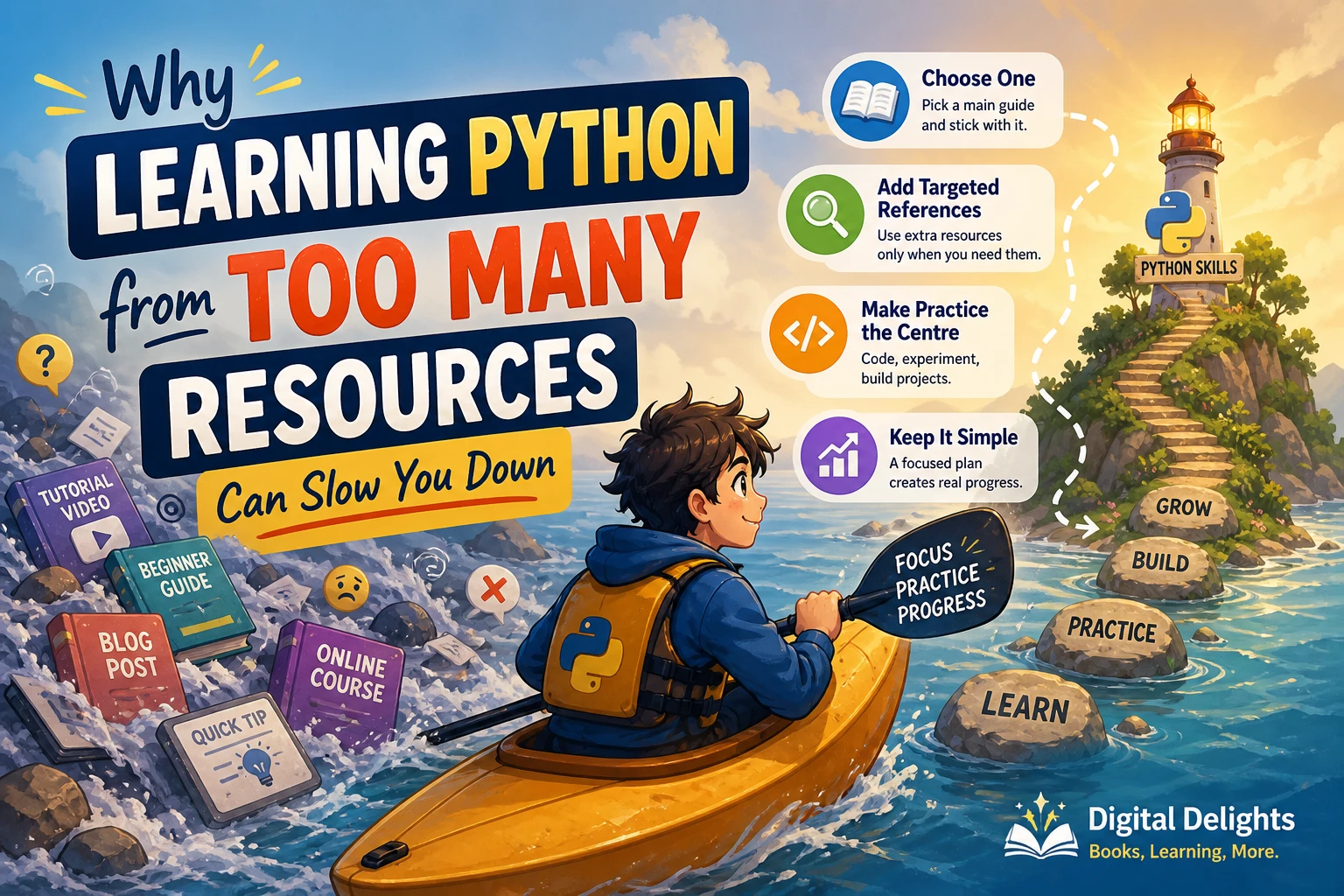
Owning several books that explain variables and loops does not give you several times the practice. Use one main resource, and consult another explanation only when a particular concept remains unclear.
Do not mistake successful copying for understanding
A copied program can run even when you cannot explain it. Test your understanding by changing a requirement: reverse the quiz’s question order, add a calculator operation, or save an additional field in your tracker.
Keep specialization separate from the first steps
Machine learning and hardware projects can provide motivating long-term goals, but they also introduce additional tools and concepts. Establish a working grasp of functions, collections, files, and debugging before making a complex framework your main learning environment.
A Raspberry Pi is not necessary for the software-only practice projects above. Choose a hardware-focused resource when physical computing is part of your goal, rather than because it happens to contain some Python chapters.
Frequently asked questions
Which Python book should I choose with no coding experience?
Within this catalog selection, Daniel O’Reilly’s guide and Thomas Jackson’s guide are relevant fundamentals-first options. Papercut’s title is an alternative if you prefer visual tutorials. Choose the explanation style you can follow, and check that setup instructions fit your computer.
Can I learn Python using books alone?
A book can provide your main curriculum, but reading alone is not the same as programming. Run examples, attempt exercises, and build small programs independently. Documentation and corrections can help when the book’s instructions do not match your environment.
Do I need the newest edition?
Not automatically. Compare the editions’ contents, Python requirements, project dependencies, and support resources. Updated setup instructions may be useful, but an edition number by itself does not establish teaching quality.
Can the official Python Tutorial replace a beginner book?
It may suit someone who already understands programming. Its stated prerequisites make it less suitable as the only resource for a complete newcomer. Use it as a reference alongside a book that explains programming from the beginning.
Should I choose a bundle that includes machine learning?
Only if that broader scope matches your goal. A bundle is not automatically a better first resource than a focused introduction. Start with its programming fundamentals, and delay specialist material until you can write and troubleshoot small programs independently.
How long does learning Python from scratch take?
There is no supported universal timetable in the supplied evidence. Your starting knowledge, practice routine, and goals matter. Track progress by what you can build and explain, rather than by a book’s promise of speed.
Choose one book and start with one working program
The best first Python book is a suitable starting structure—not a substitute for practice. Choose a fundamentals-focused guide, a visual tutorial resource, or an example-led introduction based on how you want to learn.
Your next step is simple: get one example running, explain what each part does, and change one requirement. Repeat that process until you can build a small program without copying. That is a more useful measure of progress than the number of chapters you have read.
Sources and selection basis
Book coverage and intended-audience descriptions are drawn from the supplied Digital Delights catalog entries linked above. The recommendations are editorial fit judgments; no firsthand evaluation or comparative learning-outcome study is claimed.
- The Python Tutorial — supports the distinction between a complete programming beginner and someone already familiar with programming.
- Download Python — provides official release and maintenance information for environment checks.