What Should a Python Beginner Learn First?
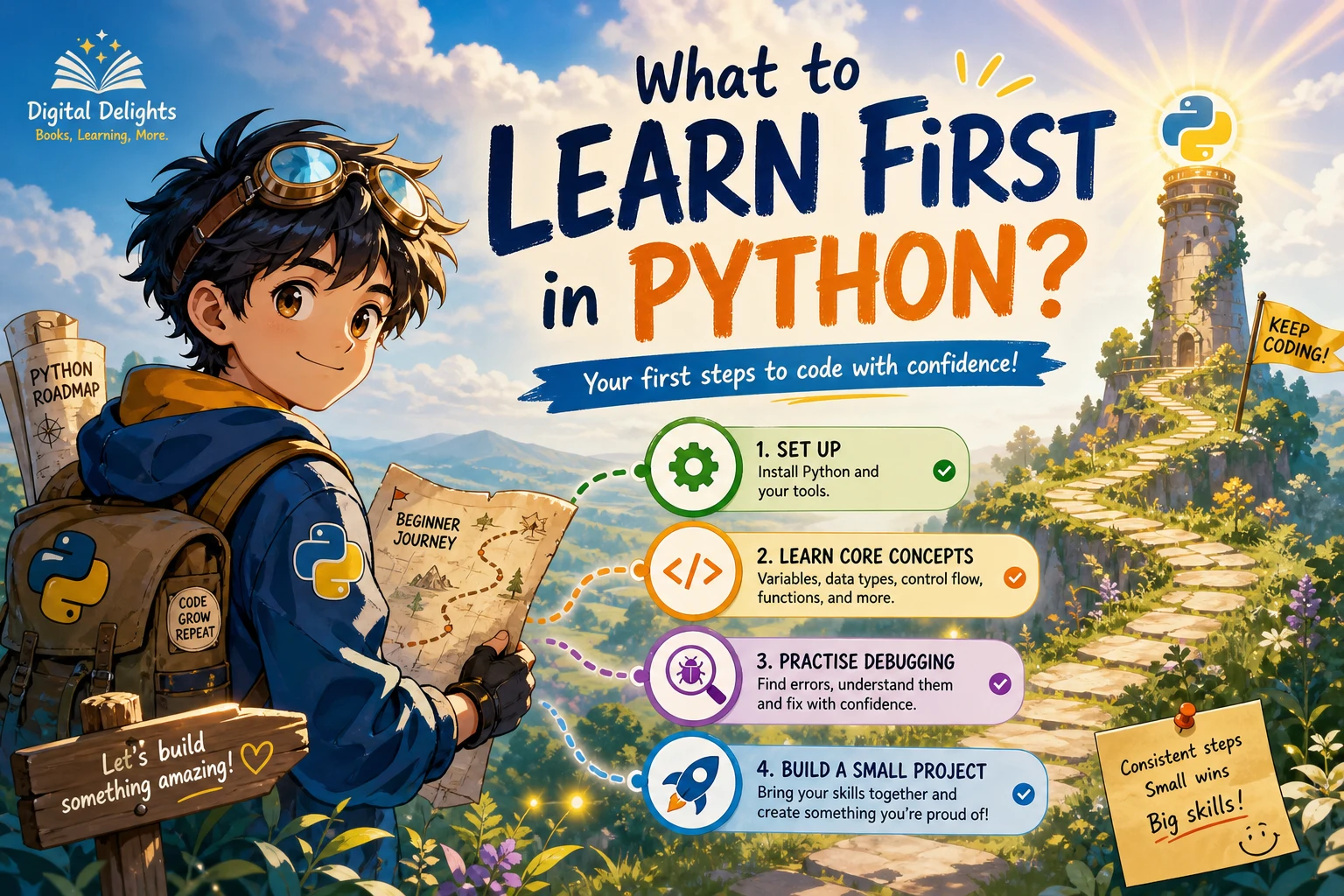
Starting Python can feel confusing when tutorials introduce different tools and topics in different orders. A useful first path is straightforward: learn how to run Python, work with values and variables, make decisions with conditions, repeat actions with loops, organize information in lists and dictionaries, and group reusable code into functions. Practise reading errors as you go.
You do not need to begin with machine learning, advanced mathematics, or object-oriented design. First aim to write a small program, run it, fix a mistake, and explain what each part does. This guide lays out that beginner-friendly sequence, offers practice ideas, and explains which topics can wait.
What to learn first in Python: the short answer
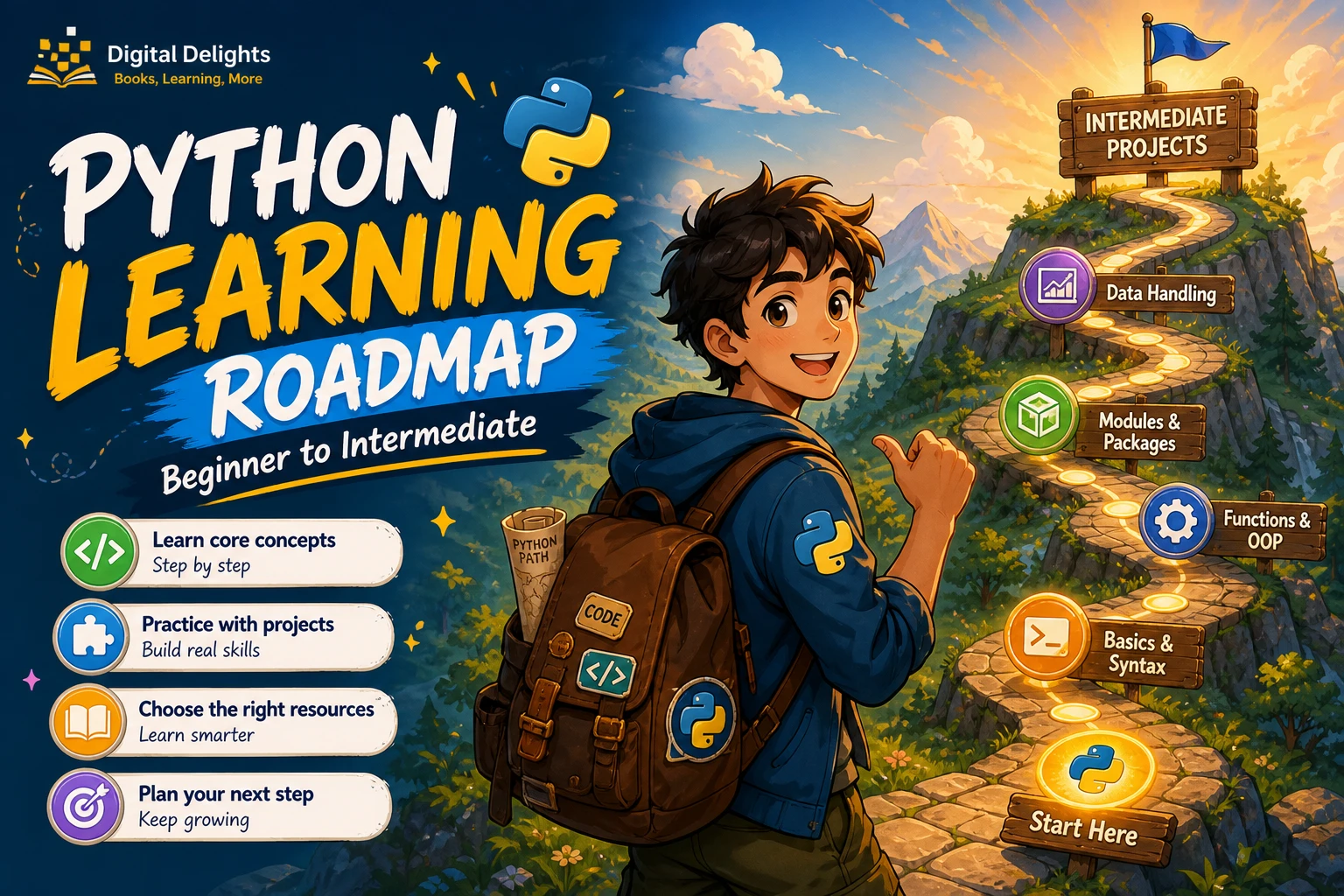
For most people who are new to programming, learn these ideas in roughly this order:
- Run a Python command and save a small program in a
.pyfile. - Use variables, numbers, strings, Boolean values, and basic input and output.
- Make choices with
if,elif, andelse. - Repeat work with
forandwhileloops. - Store and look up information with lists and dictionaries.
- Write functions to give reusable tasks a name.
- Read error messages, make a small change, and run the program again.
This is a practical route, not a rule that every learner must follow exactly. The official Python tutorial covers many of these same foundations, including control flow, data structures, functions, modules, errors, and classes. Your goals or a course’s instructions may call for a different order.
1. Set up Python and learn how to run code
Choose an installation that matches the instructions for your course, project, or workplace. If you are following a book or tutorial, check which Python version it expects before installing anything. You can check available releases on Python.org’s downloads page; the newest release is not automatically the right choice if your learning materials specify another version.
At the beginning, get comfortable with two ways to run code:
- The interactive interpreter: enter a short expression and see the result immediately. It is useful for trying a calculation or checking how a small piece of code behaves.
- A saved
.pyfile: write several lines, save them, and run the file. This is a better fit as your programs grow beyond a quick experiment.
Use whichever code editor or development environment your learning material supports. You do not need to compare a long list of editors before writing your first program. Start small, and learn the basic workflow: edit, save, run, read the result.
2. Learn Python fundamentals in a useful order
Variables, values, and basic input and output
A variable gives a value a name so your program can use it again. Begin with integers and decimal numbers, strings for text, and Boolean values such as True and False. Practise displaying results with print(), and learn how to receive simple input from a user.
name = input("What is your name? ")
print("Hello, " + name)
As you practise, notice what kind of value each variable holds. A string containing digits is still text until you convert it to a number. That distinction helps make sense of common beginner errors.
Conditions and loops
Conditions let a program choose what to do. Learn how comparisons work and how to combine them with if, elif, and else. Then use loops when an action needs to happen repeatedly: a for loop is useful for going through items, while a while loop repeats as long as a condition remains true.
Practise with small examples: decide whether a number is positive, print a short count, or ask for input until the user enters a chosen word. Pay attention to indentation; in Python, it marks which instructions belong inside a condition or loop.
Lists and dictionaries
A list holds an ordered sequence of items. A dictionary stores values under keys, which is handy when you want to retrieve something by a descriptive name. Start by creating each kind, reading an item, changing a value, and looping through the contents.
For example, a list could hold several task names, while a dictionary could associate a person’s name with their preferred language. These structures give you ways to manage more than one piece of information without creating a separate variable for every item.
Functions
A function gives a group of instructions a name. Learn how to define one, pass in information through parameters, and return a result. Functions help separate a program into understandable tasks and reduce repeated code.
def greeting(name):
    return "Hello, " + name

message = greeting("Sam")
print(message)
When you write a function, try to give it one clear purpose and a name that describes that purpose. You can practise by turning a repeated calculation or piece of output into a function.
Errors and basic debugging
Errors are part of writing programs, not a sign that you are unsuited to programming. Learn to read the final lines of an error message, find the file and line it points to, and inspect the relevant code. The Python tutorial distinguishes syntax errors from exceptions and introduces tracebacks as a way to locate where a problem occurred (official tutorial).
- Read the error message before changing several things at once.
- Check the indicated line and nearby lines for spelling, punctuation, and indentation.
- Try to reproduce the problem with the smallest relevant example.
- Change one thing, run the program again, and note what happened.
3. Practise by writing small programs
Reading an example can help you understand an idea, but make time to write and change code yourself. Start with programs small enough that you can describe their purpose in one sentence.
- Tip calculator: take a bill amount and a tip percentage, then display the tip and total.
- Word counter: ask for a sentence and count its words.
- Simple quiz: ask a few questions, check answers with conditions, and keep a score.
- To-do list: store task names in a list and let the user add or view tasks.
For each exercise, first write down what the program should do. Try a solution before looking at one, then compare approaches if you use a reference. Change an example—for instance, add another condition or handle an empty response—and explain the result in your own words. That way, practice is about understanding and adapting code, not only reproducing it.
If you prefer a structured introduction, Python Programming Cookbook for Absolute Beginners is catalogued as a beginner Python 3 guide covering setup and fundamentals such as data types, conditionals, loops, functions, lists, sets, and classes. If you already understand the basics and want a separate source of practice problems, Python Programming Exercises, Gently Explained is described in the catalog as a collection of 42 short exercises with explanations. These are different resource types; choose according to whether you need an introduction or additional exercises.
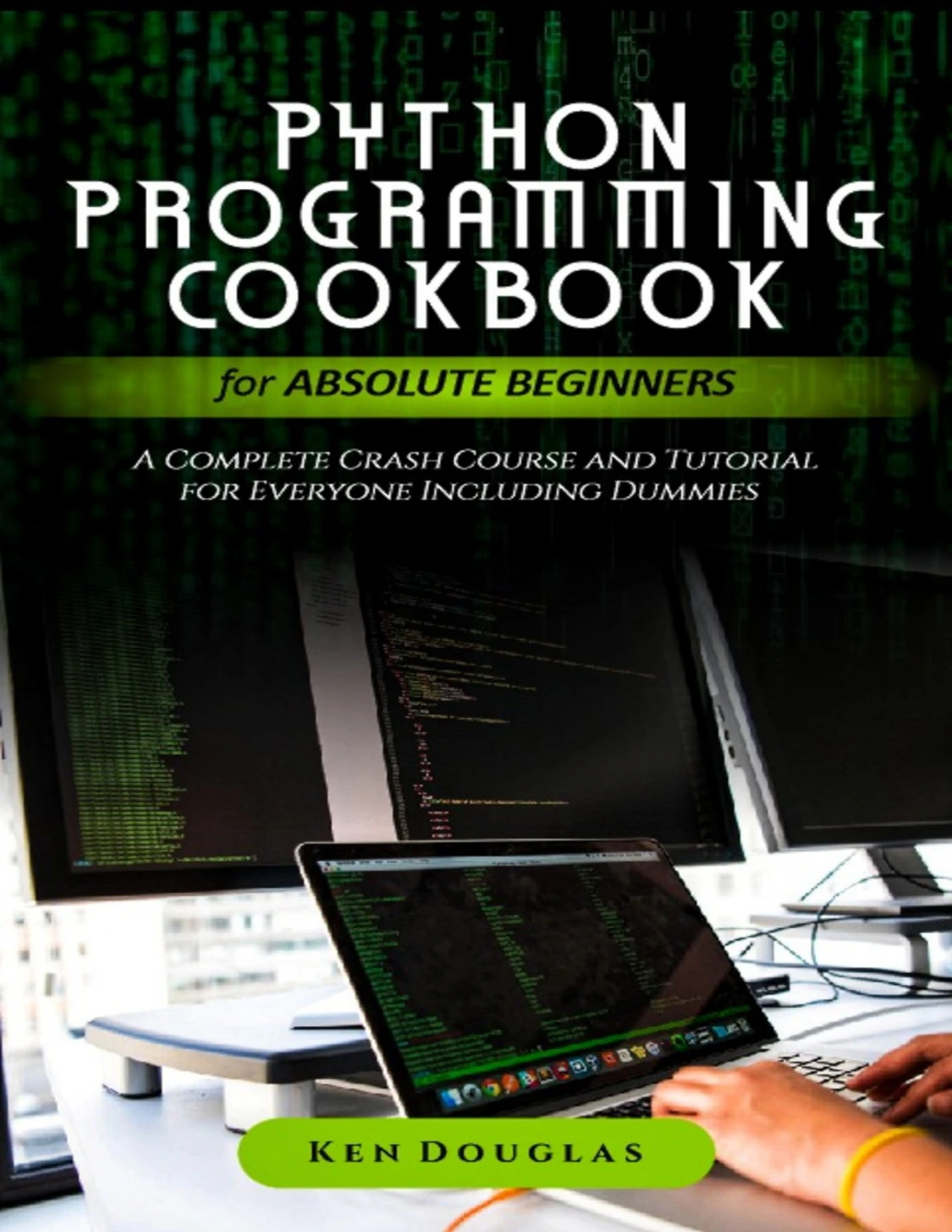
By Ken Douglas
Beginners looking for a Python 3 guide covering setup and core topics including data types, loops, and functions.
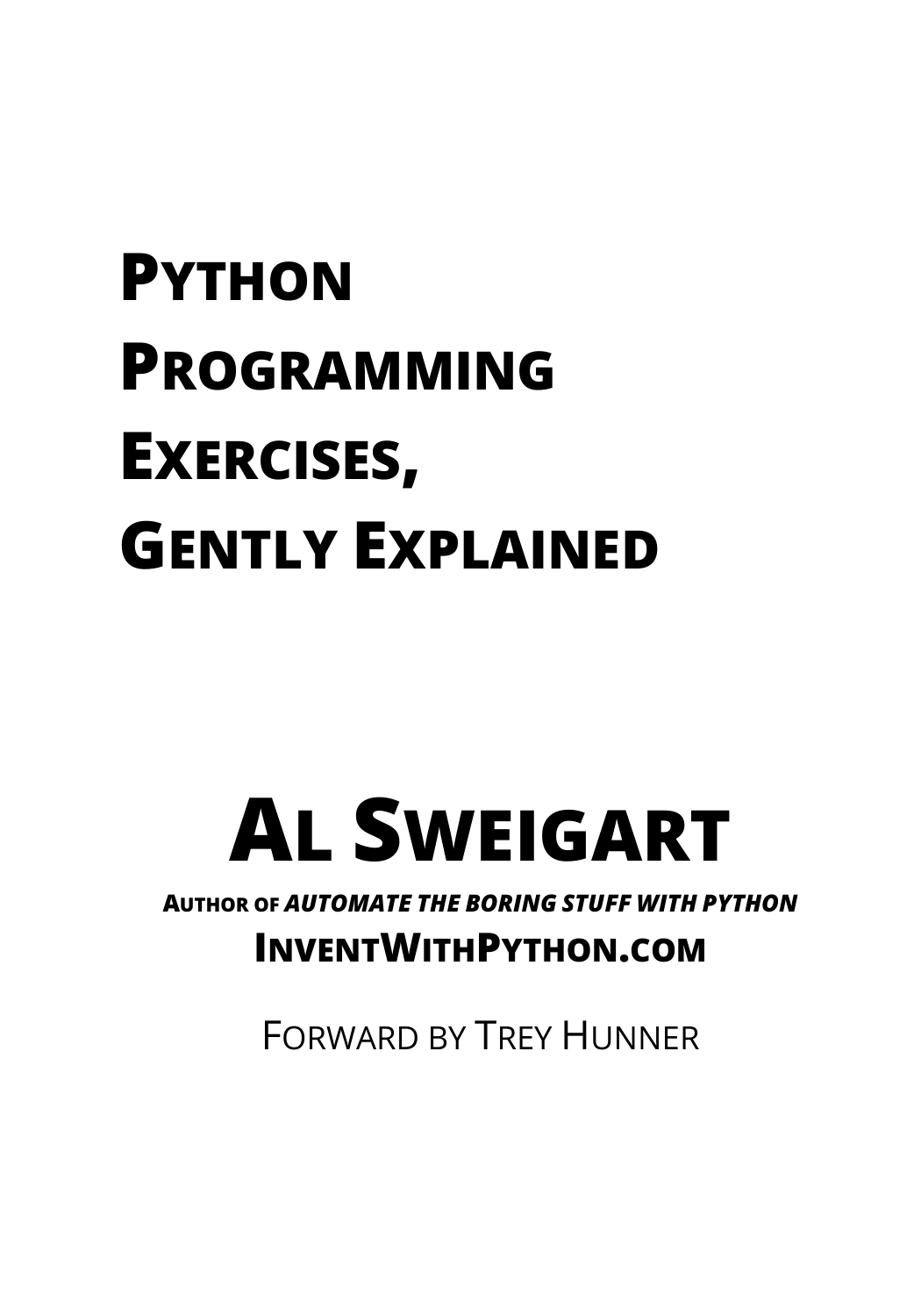
Python Programming Exercises, Gently Explained
By Al Sweigart
Learners who understand some Python basics and want to work through short exercises with explanations.
4. What can wait until later?
Some Python topics are useful, but they do not have to be your first milestones. Add them when a project or learning goal gives them a clear purpose.
- Classes and object-oriented design: first learn to write small programs using basic values, collections, loops, and functions. Classes make more sense when you have a concrete reason to model related data and behaviour.
- Third-party libraries: begin with the language’s basic features. Install external packages when you need functionality for a project, rather than trying to learn many libraries at once.
- Virtual environments: learn what they do when you start installing packages or working on projects with separate dependencies. The Python documentation on virtual environments explains their role in keeping project requirements separate.
- Specialized fields: data analysis, web development, automation, and machine learning each introduce their own tools. You can choose a direction after you have a basic grasp of writing and running Python code.
There is no need to master every core feature before trying a project. A small project can show you which topic to learn next; return to the fundamentals whenever you need to fill a gap.
5. Choose a next step that fits your goal
Once you can use variables, conditions, loops, collections, and functions in a small program, pick a simple project that interests you. A text-based quiz, file renamer, personal expense tracker, or basic data summary can give new concepts a reason to matter. Keep the first version narrow, then add one improvement at a time.
If you are comparing learning materials, Digital Delights’ Python collection offers a place to browse related resources. Check each title’s stated topics and intended reader, and select one that fits your current stage rather than collecting several overlapping introductions.
Frequently asked questions
Do I need to know another programming language before learning Python?
No prior Python knowledge is needed to begin. If you have programmed before, you may recognize ideas such as variables and loops, but you can still start with the topics that are unfamiliar to you. Basic comfort with files, folders, and typing commands can make setup easier.
Should I start Python in an editor or the interactive interpreter?
Use both. The interpreter is convenient for quick experiments; saved .py files are useful for programs you want to run and revise. Begin with whichever method your course explains, then try the other as you become comfortable.
When should I start building projects?
You can start with tiny projects while learning the fundamentals. A short program that uses input, a condition, or a loop is already practice. Make larger projects gradually, adding concepts when the project calls for them.
Should I learn classes before functions?
For a first introduction, functions are a practical way to organize reusable tasks. Classes can come later, once you can see a reason to group data and behaviour. If a course or project introduces classes earlier, follow its sequence and learn the concepts as needed.
When do I need a virtual environment?
It becomes useful when you install packages or work on projects that need different package versions. You can first learn how to run basic Python programs, then study virtual environments when your project reaches that point.
A simple first milestone
Your first goal is not to memorize all of Python. Aim to write a small program that uses a few basic values, makes a decision, repeats an action or handles a collection, and gives a clear result. Run it, read any errors, revise it, and explain how it works. That foundation will make the next topic easier to choose.