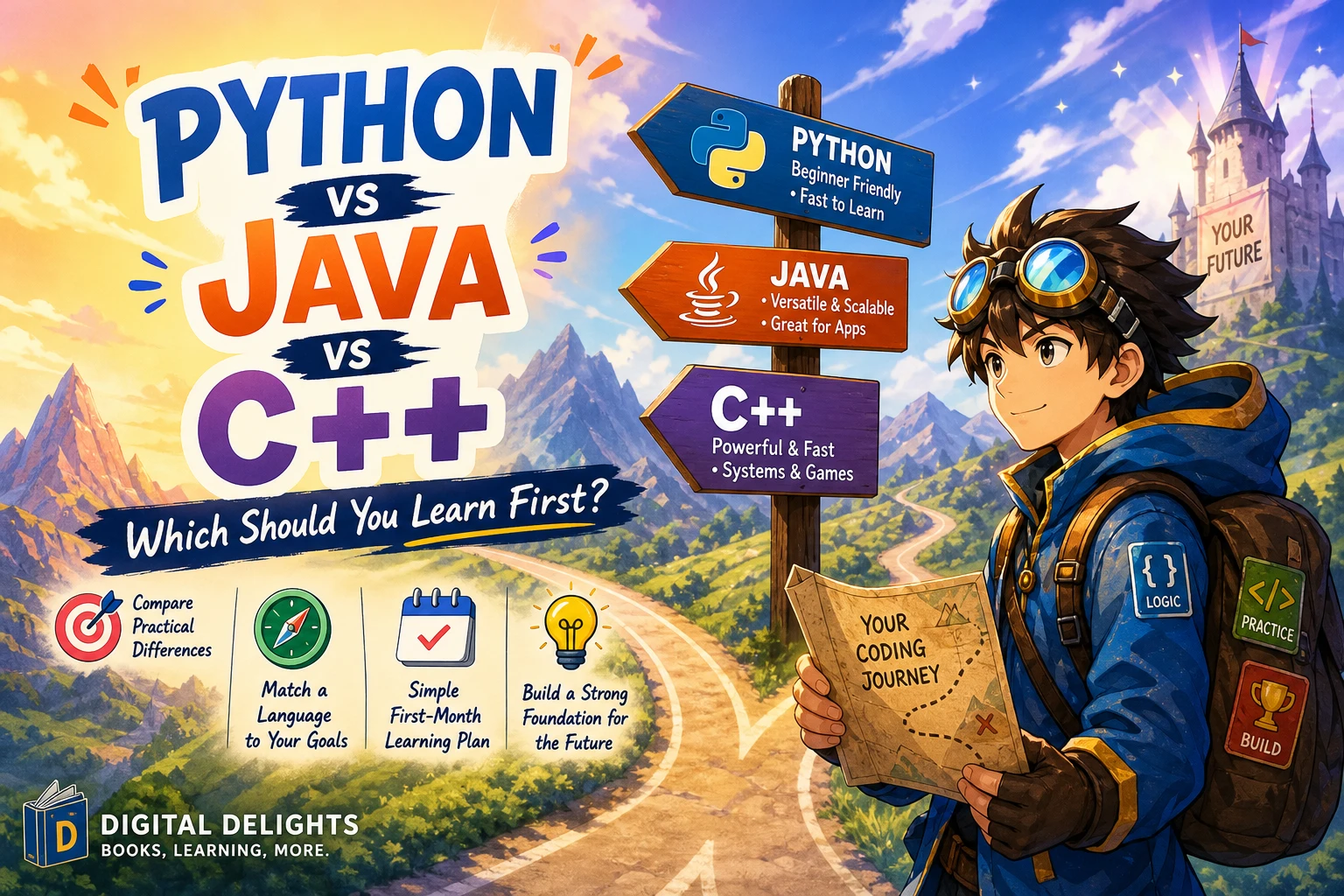
Python vs Java vs C++: Which Should You Learn First?
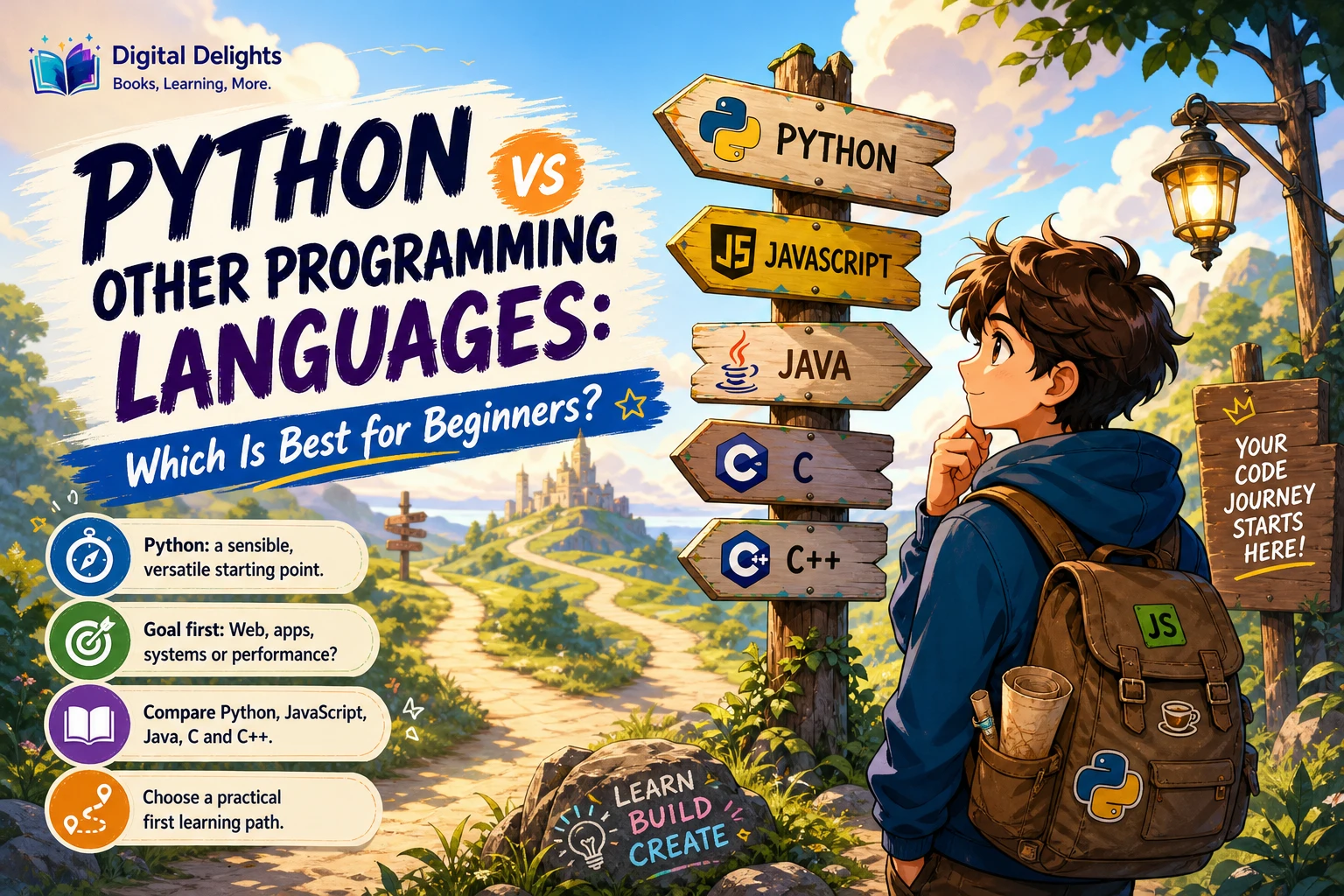
If you are choosing your first programming language, Python is a sensible default when you have no course or project requirement pointing elsewhere. Its syntax and interactive, dynamically typed approach can make it easier to start experimenting with small programs. That does not mean it is the easiest choice for every learner, or that Java and C++ are poor first languages.
The practical rule is to choose for your goal: follow the language required by a class, project, or learning path; otherwise, pick one that lets you build something you care about and practise consistently. This guide compares Python, Java, and C++ without treating one as a universal winner, then offers a simple way to begin.
Python vs Java vs C++ at a glance
All three languages can help you learn core programming ideas such as variables, conditions, loops, and functions. The differences that matter most at the beginning are how code is written, what you are expected to learn, and whether a specific requirement points you toward one language.
| Language | What a beginner may notice | Consider it when | Keep in mind |
|---|---|---|---|
| Python | Python uses indentation to mark code blocks and is dynamically typed. The official tutorial describes it as interpreted and includes a broad standard library. | You want a general-purpose starting point and have no language requirement, or your first project is a small script or program. | Readable syntax does not remove the need to learn logic, debugging, and program structure. Tutorials can target different Python versions. |
| Java | Java uses braces for code blocks, unlike Python’s indentation-based blocks. | A course, project brief, or learning plan specifically calls for Java. | Check the materials and setup instructions for your course or project; this article does not compare current Java tools or releases. |
| C++ | C++ also uses braces for code blocks. Its syntax and concepts differ from Python’s, so moving between them means learning language-specific conventions. | Your course or defined project specifically requires C++. | Choose a compatible learning resource and tool setup for your particular course or project rather than assuming all guides use the same environment. |
The syntax contrast between Python’s indentation-based blocks and the braces used in Java and C++ is one concrete distinction, not a measure of overall difficulty. A 2026 education study notes that empirical comparisons of learning trajectories across programming paradigms remain limited. There is not enough evidence here to declare a definitive easiest-to-hardest ranking.
When Python may be a good first choice
Python is a practical starting point if you want to try programming without first committing to a course-specific language. Its official tutorial describes Python as dynamically typed and interpreted, and notes its broad standard library. Those characteristics help explain why learners can begin experimenting quickly, but they do not prove that every person will find it easiest.
For a first project, keep the scope small. You could write a number-guessing game, a simple quiz, a text-based to-do list, or a script that renames files in a practice folder. The point is not to build something impressive immediately. It is to use variables, decisions, repetition, and functions to make a program do a complete, understandable task.
How to choose a Python learning resource
Start with a guide that matches your current experience. For a structured introduction to fundamentals, Python for Beginners: A Crash Course Guide to Learn Coding and Programming With Python in 7 Days covers topics including data types, control flow, functions, modules, files, classes, and exceptions. The catalog describes it as a compact beginner-oriented introduction.
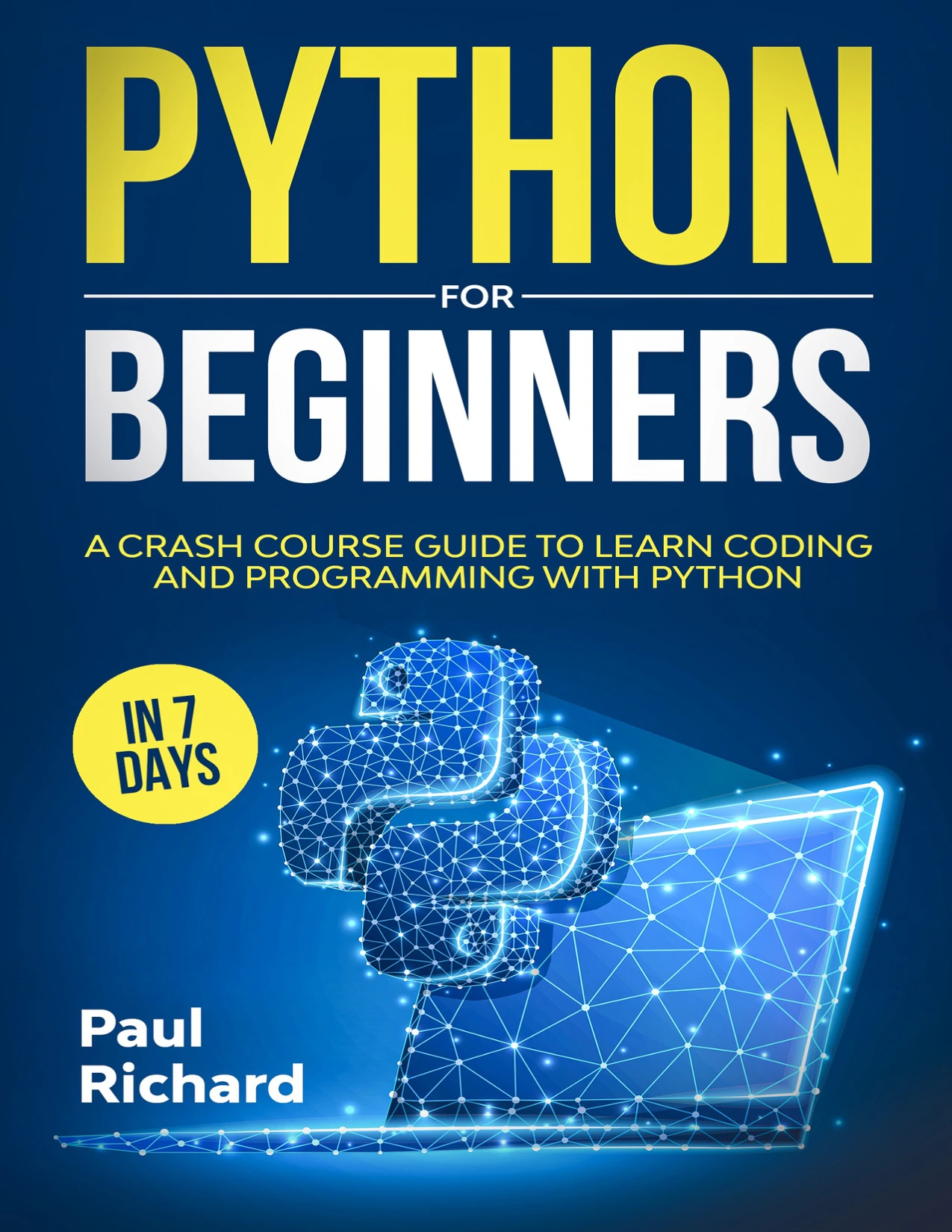
Python for Beginners: A Crash Course Guide to Learn Coding and Programming With Python in 7 Days
By Paul Richard
Learners who want a compact overview covering data types, control flow, functions, modules, files, classes, and exceptions.
After learning the basics, practise writing code without copying a tutorial line by line. Python Programming Exercises, Gently Explained offers 42 short problems with explanations. It may suit learners who want guided practice retrieving and applying concepts they have already encountered.
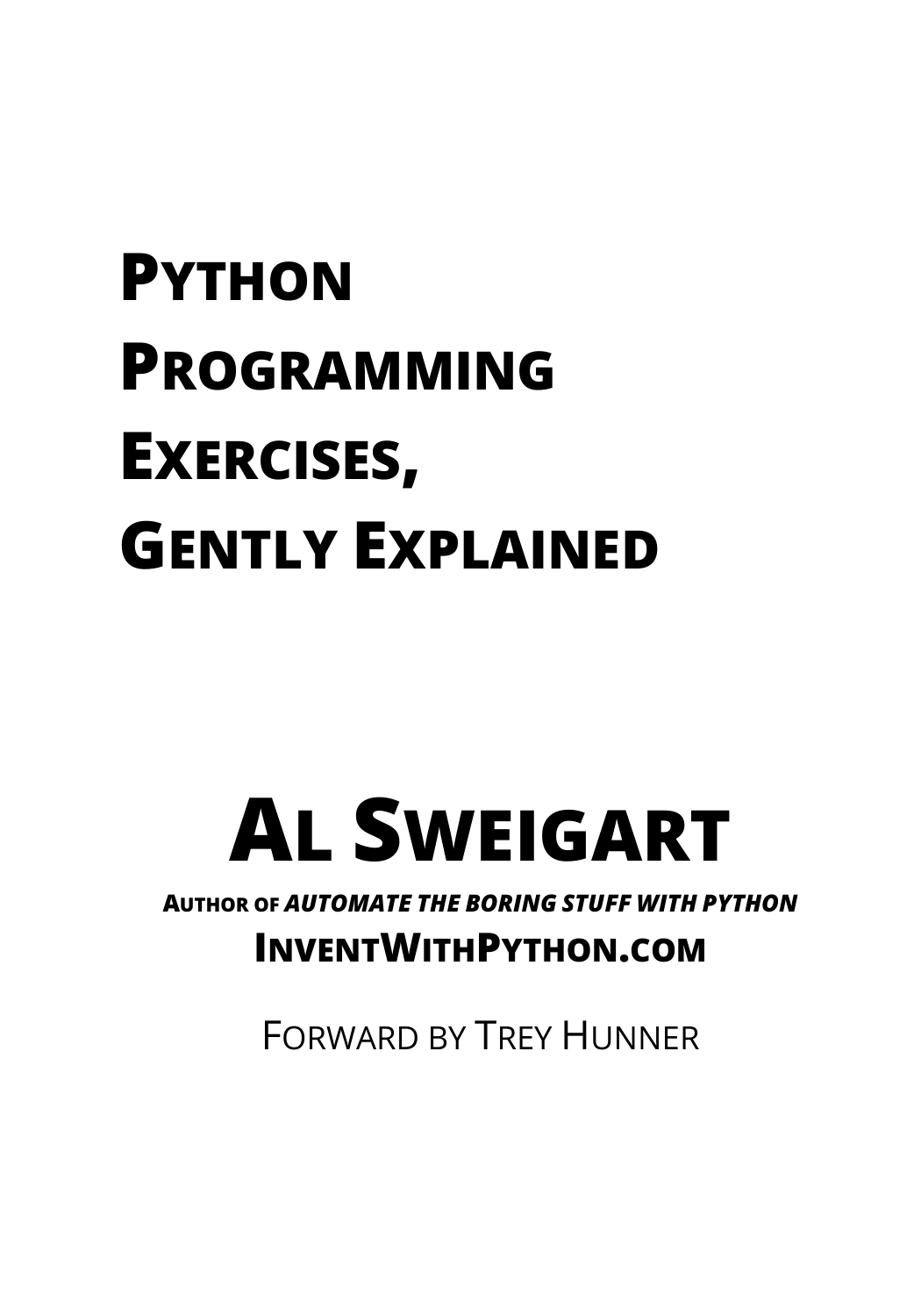
Python Programming Exercises, Gently Explained
By Al Sweigart
Learners seeking short coding problems and explanations to practise applying concepts.
If you prefer a step-by-step route that also connects foundations to practical projects, Learn Python: Step-By-Step Guide to Master Python Quickly With Clear Exercises and 3 Hands-On Projects covers core topics such as variables, loops, functions, and file handling, along with development tools and language comparisons.
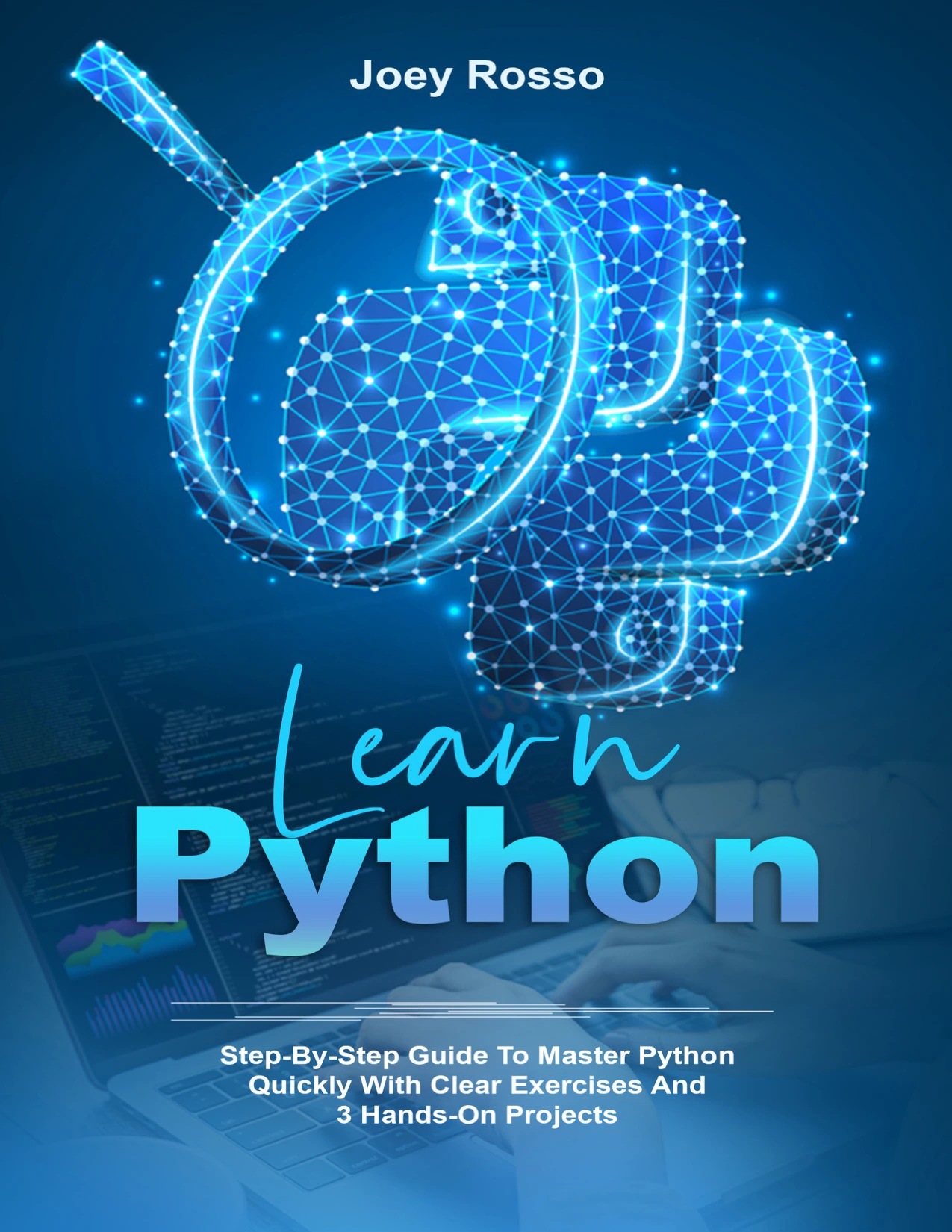
By Joey Rosso
Beginners looking for coverage of core concepts, tools, and project-oriented learning.
When Java may make more sense
Choose Java first when an actual requirement calls for it. That might be a class, a guided curriculum, a team project, or a specific learning plan. Starting with the required language can save you from learning one language now and then having to translate every lesson into another later.
Java’s use of braces to mark code blocks differs from Python’s indentation-based blocks. That is a visible syntax difference, but it does not tell you whether Java is the right fit or how difficult you will find it. This comparison does not have current authoritative evidence for Java release details, setup requirements, career outcomes, or beginner learning curves. Check the documentation and environment instructions attached to your chosen course before installing tools.
When C++ may make more sense
C++ is a reasonable first choice if your course, assignment, or defined project specifically requires it. In that situation, learning the language you need from the start keeps your practice aligned with the work you will actually do.
Like Java, C++ uses braces for code blocks, unlike Python’s indentation-based blocks. That syntax comparison is useful when reading examples, but it should not be stretched into a ranking of difficulty, performance, or suitability. The supplied evidence does not support a current, balanced comparison of C++ setup, releases, job prospects, or beginner outcomes. Follow the instructions for your chosen course or project and use materials that match them.
A goal-first guide to choosing
Answer these questions before you install anything:
- Does a course or project require a language? If yes, begin there. Matching the required language and learning materials is usually the most direct route.
- What do you want to make first? Name a small, specific project. If there is no language requirement, choose a language with a beginner resource that helps you build that project.
- Do you want a quick first program or a structured course path? Consider how you prefer to learn, but do not choose only by promises that a language is effortless.
- Do your learning materials agree on the setup and version? Check this before following a tutorial. The Python documentation, for example, is version-specific; use the version required by your course or project when it specifies one.
- Can you stick with one language long enough to practise? Learn the fundamentals and finish a small project before deciding whether to switch.
If you have no constraints, Python is a reasonable default—not a guaranteed best choice. If a concrete requirement points to Java or C++, choose that instead. Your consistency and practice matter more than trying to pick a supposedly perfect language in advance.
A simple first-month learning plan
This plan works as a starting framework for any of the three languages. Adjust the pace to your schedule and follow the tool and version guidance for your chosen learning materials.
Week 1: Get a program running and learn the basics
- Install or open the environment recommended by your course or resource.
- Write a small program that displays a message and accepts simple input.
- Practise variables, basic values, and expressions.
- Change one thing at a time and observe what happens.
Week 2: Add decisions and repetition
- Use conditions to make a program respond differently to different inputs.
- Practise loops with a small quiz or number-guessing game.
- Read error messages carefully and try to explain what caused each problem.
Week 3: Organize code and solve small problems
- Learn how functions or the corresponding structure in your course language help organize repeated tasks.
- Complete short exercises without immediately looking at a solution.
- After checking an answer, close it and try to recreate the solution yourself.
Week 4: Finish one small project
- Choose a project with a clear finish line, such as a quiz, a basic calculator, or a text-based task list.
- Break it into small steps before writing the whole program.
- Test normal inputs and a few unexpected ones.
- Write down what you learned and one improvement you would make next.
The aim is not to master a language in a month. It is to build a repeatable habit: read a concept, write code, encounter an error, investigate it, and try again.
Common mistakes when choosing a first language
- Switching before you have practised the fundamentals: New syntax can feel like progress, but moving between languages too quickly may keep you from finishing even one small program. Stay with your choice long enough to learn the basics.
- Choosing based only on a claim that one language is easiest: Learning depends on your goal, materials, and preferences. Available evidence does not establish a universal difficulty ranking.
- Starting with an oversized project: A small finished program teaches more useful lessons than an ambitious project that never gets past setup.
- Using a tutorial that does not match your course: Versions, tools, and instructions can differ. Check compatibility when your class or project specifies a particular environment.
- Reading without writing code: Follow explanations by typing, modifying, and testing examples. Include exercises in your study routine.
Frequently asked questions
Is Python the easiest language for beginners?
There is no universal answer supported by the supplied evidence. Python’s syntax and language characteristics may make it a comfortable starting point for some learners, but comfort depends on the person and the learning context. Choose based on your goal and the materials available to you.
Can I learn Java or C++ first?
Yes. If a course, project, or learning plan requires Java or C++, beginning with that language is a sensible choice. Use learning materials and setup instructions that match the requirement.
Should I learn more than one language at once?
Most beginners will benefit from concentrating on one language until they can use basic concepts in a small project. Once you understand variables, conditions, loops, functions, and debugging, comparing another language can help you see which ideas are shared and which are language-specific.
Will learning one language make the next one easy?
Some programming concepts carry over, but syntax and conventions differ. Previous practice can give you useful conceptual grounding; it does not remove the need to learn the next language’s rules and tools.
Conclusion: choose for the work you want to do
For someone without a course or project constraint, Python is a sensible place to start because its characteristics support quick experimentation. Choose Java or C++ instead when a concrete requirement points you there. In every case, commit to one language long enough to practise its fundamentals and finish a small program. A clear goal and steady practice are a better decision guide than trying to find one language that is best for everyone.
Sources and further reading
- The Python Tutorial — Python 3.12.14 documentation, for Python’s general characteristics and tutorial scope.
- Software Building Blocks: From Python to Version Control, for the syntax contrast between indentation-based Python blocks and braces in Java and C++.
- Learning curves and programming paradigm acquisition in developer education, for the limitations of empirical comparisons of learning trajectories.