Python Problem Solving: A Beginner’s Guide
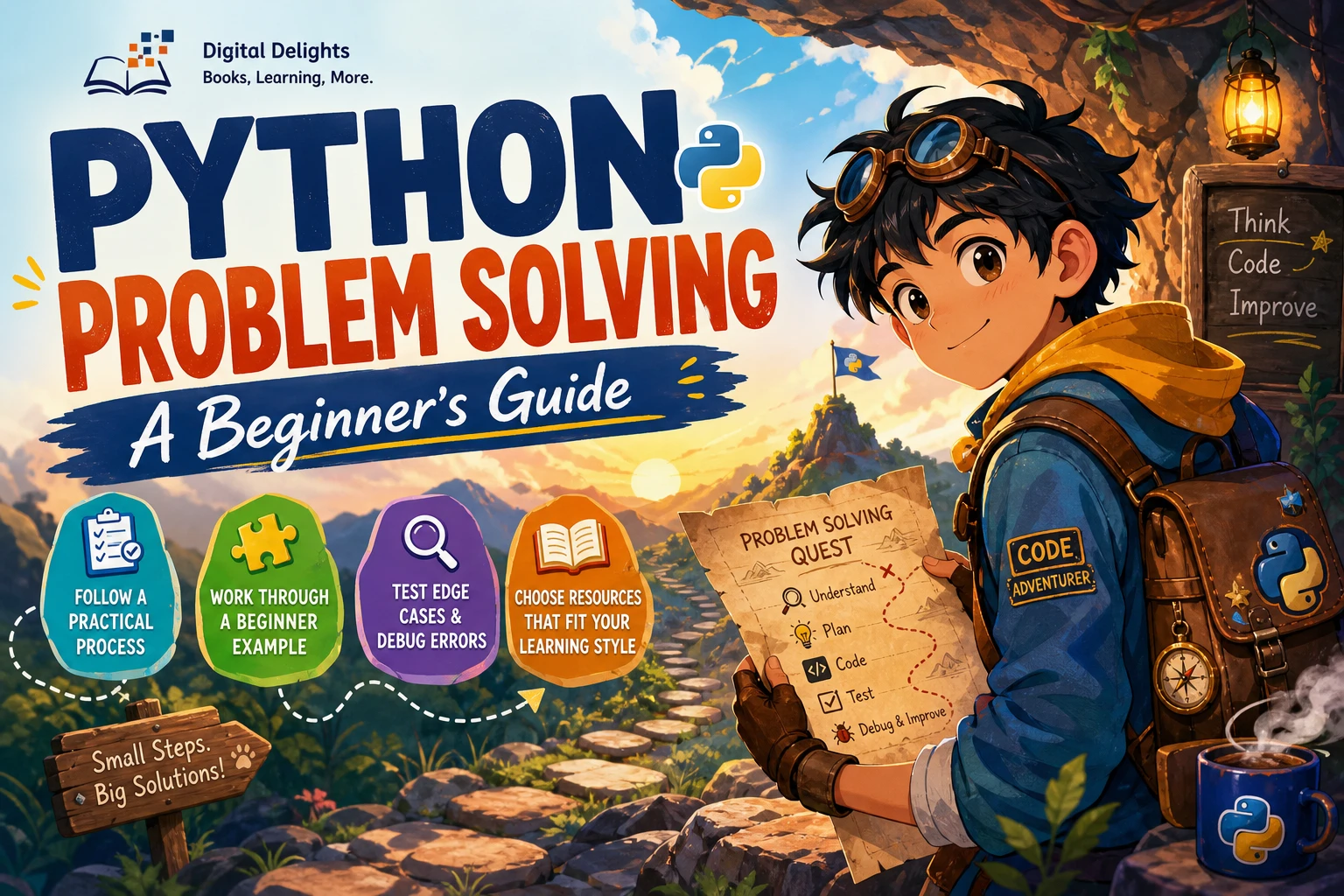
When a Python exercise seems difficult, the obstacle is often not a missing command. It is figuring out what the problem is asking, choosing a clear sequence of steps, and checking whether the code handles more than one convenient example. Python problem solving is a process: understand the task, plan a solution, write it, test it, and revise it when needed.
This guide offers a repeatable approach for beginner coding problems, walks through a complete example, and explains which Python basics to practise along the way. You do not need to know every feature of the language before you start; you do need to slow down enough to make the problem precise.
A repeatable process for Python problem solving
There is no single workflow that suits every programming task, but the following sequence is a practical starting point. It helps separate the reasoning from the syntax, making it easier to spot where a solution needs attention.
- Restate the task. Explain in your own words what the program must do. If you cannot say what a correct result looks like, reread the prompt before coding.
- Identify inputs and outputs. Write down what information the program receives and what it should return, display, or save.
- Note constraints and special cases. Check whether the input can be empty, contain negative numbers, include repeated values, or arrive in an unexpected format.
- Work through a small example by hand. Use a short input and track what should happen at each step.
- Describe the steps before writing Python. A numbered list or a few lines of pseudocode can make the logic easier to inspect.
- Implement one piece at a time. Start with the simplest version that meets the task. Add complexity only when the requirements call for it.
- Test, inspect, and revise. Try ordinary and unusual inputs. If the result is wrong, find the step where your expectation and the program’s behavior diverge.
This method is practical guidance, not a guaranteed formula. The official Python tutorial introduces language concepts such as data types, control flow, functions, and data structures in an organized sequence. You can use that structure to learn the tools while practising the problem-solving steps above.
Worked example: find the largest number in a list
Suppose the task is: given a non-empty list of numbers, return the largest number. Before reaching for Python syntax, clarify the input, the output, and what should happen as you inspect each value.
Plan the logic
- Input: a non-empty list of numbers.
- Output: the greatest number in the list.
- Plan: treat the first number as the current largest; compare each remaining number with it; replace the current largest whenever a greater number appears.
For the list [4, 9, 2, 7], start with 4. The next value, 9, is larger, so it becomes the current largest. Neither 2 nor 7 changes that result. The answer is 9.
def largest_number(numbers):
    if not numbers:
        raise ValueError("numbers must not be empty")

    largest = numbers[0]

    for number in numbers[1:]:
        if number > largest:
            largest = number

    return largest

print(largest_number([4, 9, 2, 7]))  # 9
The function checks for an empty list because there is no largest item to return in that case. It also starts with the first list value rather than zero. That matters when all the values are negative: zero is not part of the input and should not accidentally become the answer.
Try more than one test case
[4, 9, 2, 7]should return9.[-8, -3, -11]should return-3.[5]should return5.[]should raise the documentedValueError.
These checks cover a typical list, negative values, a single-item list, and the empty-list boundary. Testing them makes the function’s behavior clearer than checking only the first example.
Python fundamentals to learn alongside practice
You can learn problem solving and Python syntax together. Begin with the language features needed to express simple steps, then add tools as your programs need them.
- Variables and basic values: store information and work with numbers, strings, and Boolean values.
- Conditionals: use
if,elif, andelseto make decisions. - Loops: repeat an operation over a sequence or until a condition changes.
- Lists and other collections: keep related values together and choose the right way to access or organize them.
- Functions: give a useful piece of logic a name, accept inputs, and return a result.
- Basic input and output: read information and show or save results when the task requires it.
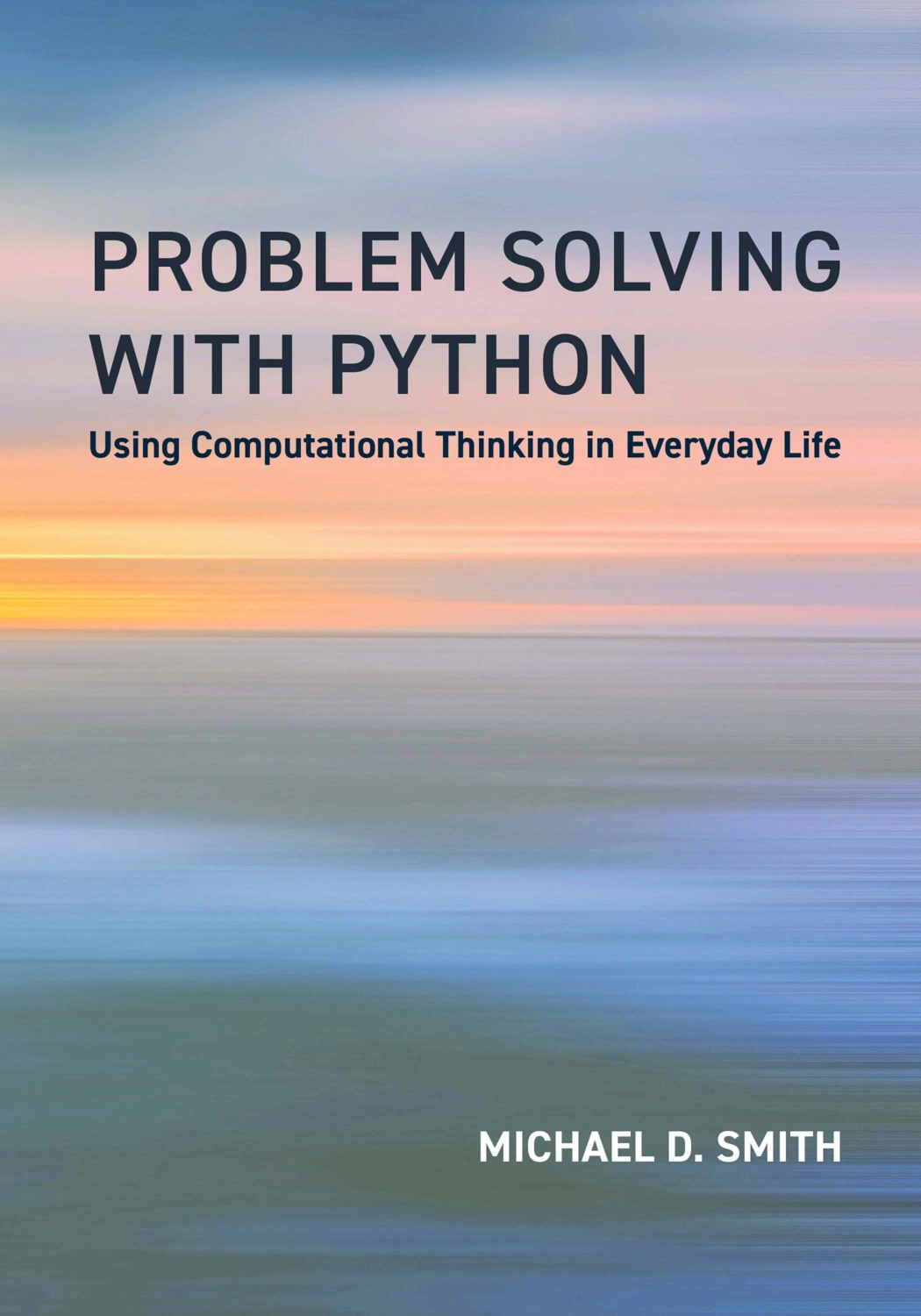
For a fundamentals-first route, Python Coding & Programming: The Complete Manual covers topics including variables, functions, conditions, loops, debugging, data structures, and files. If you would rather connect programming ideas to everyday problems, Problem Solving with Python: Using Computational Thinking in Everyday Life is organized around practical problem-solving and computational-thinking examples.
Python Coding & Programming: The Complete Manual
Beginners who want step-by-step coverage of variables, functions, conditions, loops, debugging, and data structures.
Learners interested in working through everyday problem scenarios with code.
Testing, edge cases, and debugging
A program can produce the expected answer for one example and still fail on other inputs. Testing is how you check whether your reasoning holds across different cases.
Choose useful test cases
For each problem, try to include a typical example, a small or minimal input, and an edge case suggested by the task. For a list problem, that could mean a single item, repeated values, negative numbers, or an empty list if the requirements allow one. You do not need to invent every imaginable input; focus on cases that could change the logic.
Read errors as clues
When Python reports an error, read the message and note the line it points to. A traceback can help locate where execution stopped, but the underlying cause may be earlier—for example, a value may not have the type your code expects. Check the relevant variable and the steps that produced it before changing several parts of the program.
Change one thing at a time
If a test fails, compare the actual result with the result you expected. Then make one focused change and run the test again. Changing multiple unrelated lines at once can make it harder to tell which change fixed the issue—or introduced a new one.
Code examples and setup steps can become dated as Python changes. For installation, consult the current Python downloads page, and check that any learning resource’s instructions match the version you are using.
How to practise Python problem solving
Short, varied exercises are a useful way to practise turning a prompt into working code. Choose tasks that make you use a concept you have recently learned, and try to explain the steps before looking at a worked answer.
- Pick one small problem, such as counting a value in a list or checking whether a word contains a particular letter.
- Write down the input, expected output, and one or two cases to test.
- Describe a solution in plain language or pseudocode.
- Write and run your code, then compare the result with your expectation.
- If you consult an example, close it and recreate the solution from your own plan.
- Make a brief note of the mistake or idea you want to remember for the next problem.
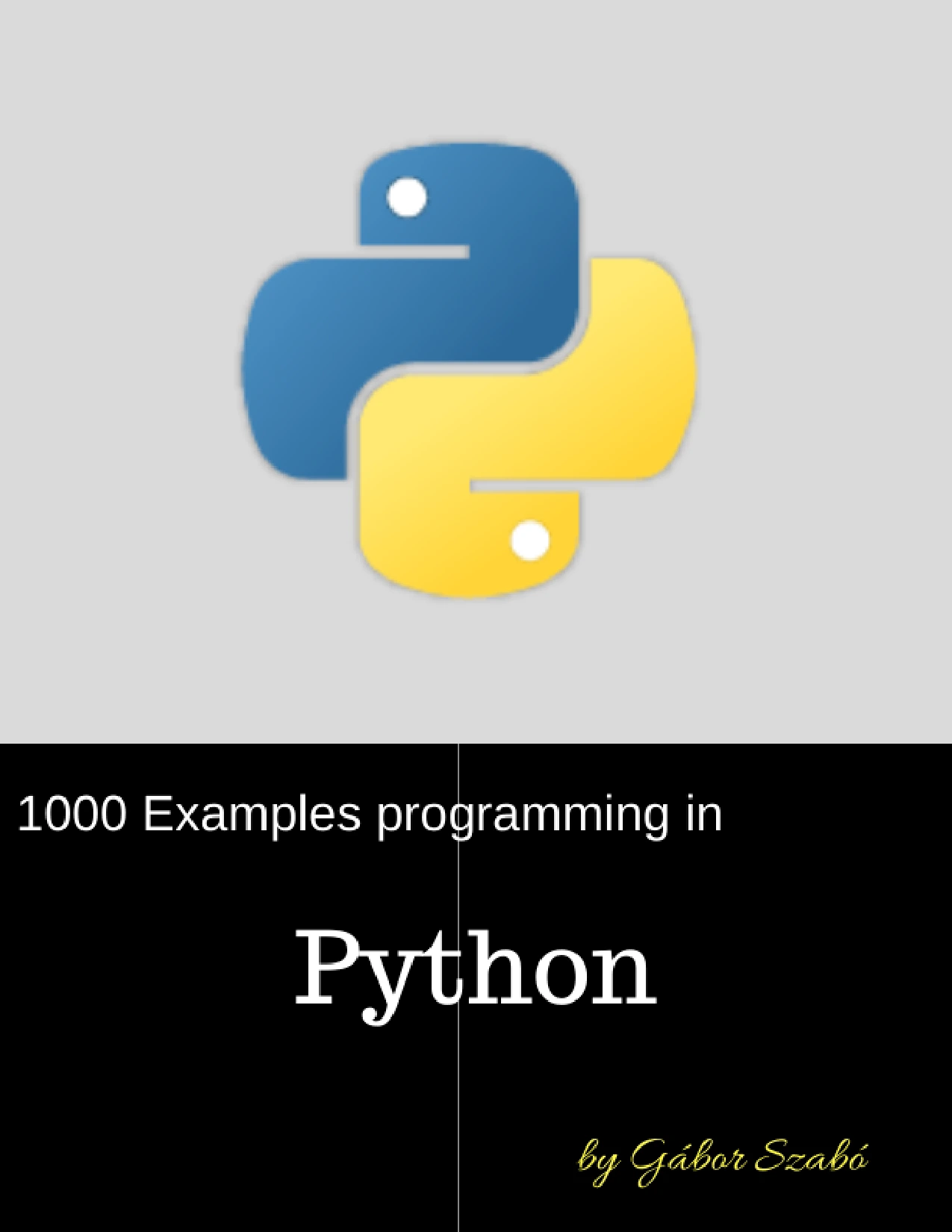
For a practice-led resource, Python Bookcamp: Exercises and Projects covers Python fundamentals through lessons, exercises, projects, and case studies. 1000 Python Examples is structured around examples, exercises, and solutions, which can be useful when you want to compare your approach with worked code. Try to use examples to understand a pattern, not as a substitute for attempting the problem yourself.

Python Bookcamp: Exercises and Projects
Beginners who want to apply Python concepts through hands-on activities.
By Gábor Szabó
Learners who want to study worked examples alongside exercises and solutions.
Common beginner pitfalls
- Starting to code before understanding the prompt: first decide what counts as a correct answer and clarify any ambiguous requirements.
- Testing only one input: add cases that exercise different parts of your logic, including relevant edge cases.
- Using a convenient starting value without checking it: initializing the largest value to zero, for example, fails when every input value is negative.
- Adding complexity too early: solve the stated problem with the clearest approach you understand before optimizing or introducing unfamiliar tools.
- Copying a solution without reconstructing the reasoning: after reading an explanation, try to write the code again from your own step-by-step plan.
- Treating an error as a dead end: use the message, the line it identifies, and the relevant variable values to narrow down what happened.
Choosing a Python learning resource
Different resources support different study habits. A fundamentals-first book can help you follow concepts in a planned sequence; a problem-led or exercise-focused book can give you more occasions to apply them. The available research documents both approaches but does not establish that one teaching sequence produces better learning outcomes for every beginner.
| Resource | Emphasis in the catalog description | May suit learners who want |
|---|---|---|
| Python Coding & Programming: The Complete Manual | Step-by-step fundamentals, including loops, functions, debugging, and data structures | A structured introduction to core Python topics |
| Problem Solving with Python: Using Computational Thinking in Everyday Life | Everyday problem scenarios, computational thinking, and Python | Connecting problem breakdown and code in practical examples |
| Python Bookcamp: Exercises and Projects | Lessons, exercises, case studies, and projects | Applying Python basics through hands-on work |
| 1000 Python Examples | Examples, exercises, and solutions across a broad range of Python topics | Reviewing worked examples while practising |
Choose based on what you need next, rather than on a promise that one book is best for everyone. Browse the Python learning resources to explore more options. When comparing books, check the topics covered, the amount of practice, and whether setup instructions fit the Python version you plan to use.
Frequently asked questions
Do I need programming experience to start solving Python problems?
No prior programming experience is required for simple beginner exercises. Start with basic values, variables, conditionals, and loops, and choose tasks that use only the concepts you have met so far. If a prompt relies on an unfamiliar idea, learn that idea separately or choose a simpler exercise.
What should I do when I get stuck on a Python problem?
Restate the goal, write down a small example, and trace the steps you think a solution should take. Then reduce the problem to a smaller version or test one part of your code in isolation. If you look at a hint or worked example, return to the problem afterward and recreate the reasoning without copying line by line.
Should I learn Python syntax before practising problems?
You need enough syntax to express a solution, but you do not have to master the whole language first. Learn basic concepts in a manageable order and use small problems to practise them. The official tutorial provides a language-focused sequence, while problem-led resources introduce concepts through challenges; the supplied research does not show that one route is universally more effective.
What should I learn after basic Python exercises?
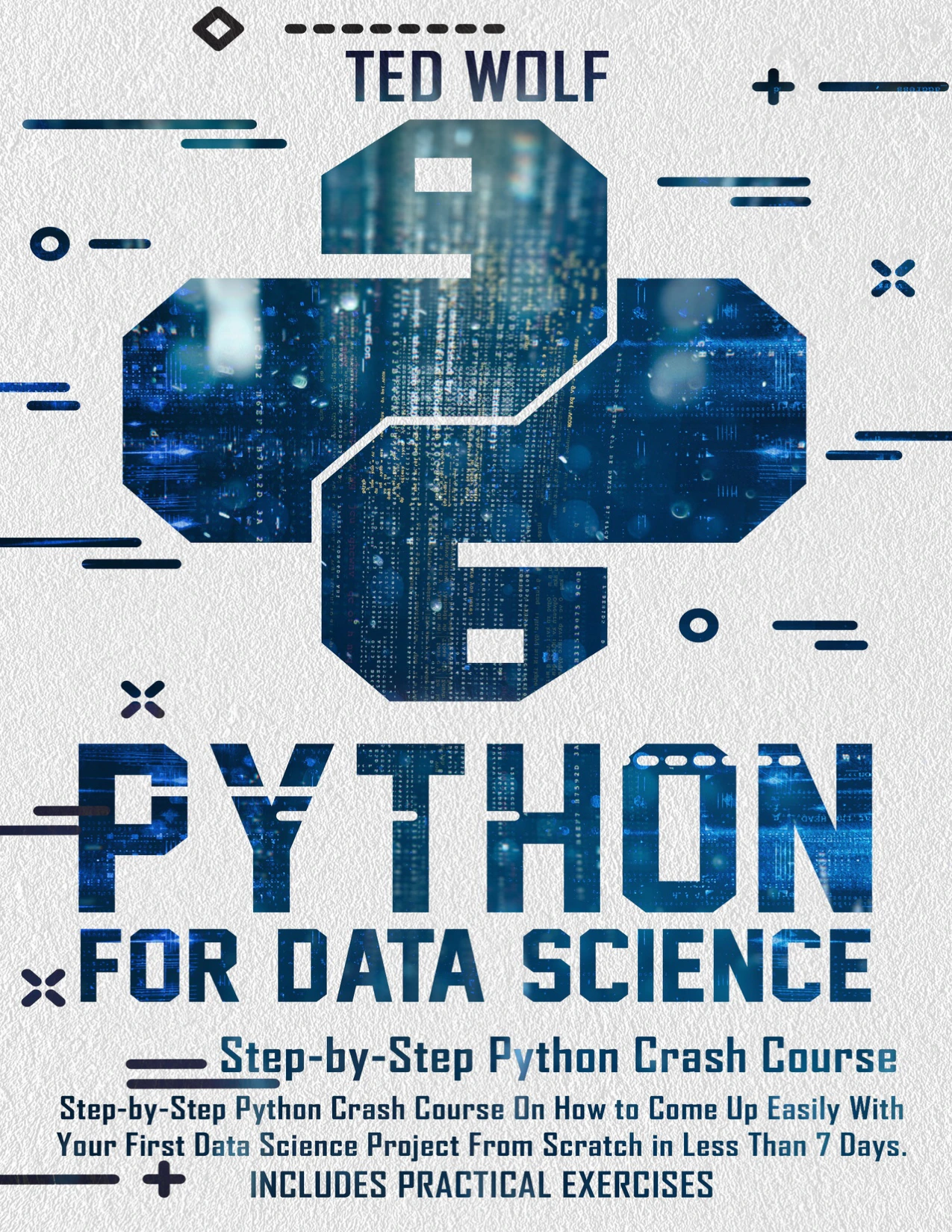
Build on the kinds of problems you enjoy. You might learn more about files and collections, create a small project, or explore an area such as data science or automation. For example, the catalog’s Python for Data Science: Step-by-Step Crash Course covers Python foundations alongside data-science topics and practical exercises. Treat specialization as a next step after you can comfortably work with basic code, rather than a prerequisite for starting.
By Ted Wolf
Learners with basic coding familiarity who want to explore data science topics and practical exercises.
Conclusion: make the reasoning visible
Better Python problem solving starts before the first line of code. Define the task, identify what goes in and what should come out, plan the steps, and check your solution with more than one useful test. When something fails, use the result or error message to find the next question to investigate.
Keep the exercises small enough to finish, but varied enough to make you think. Over time, practising the cycle of planning, coding, testing, and revising helps you use Python fundamentals to solve problems—not just recognize syntax on a page.
Sources and further reading
- The Python Tutorial — Python 3.14.8 documentation
- Download Python — Python.org
- Learn to Code by Solving Problems — No Starch Press
- Learn to Code by Solving Problems — publisher errata
The official tutorial and publisher materials illustrate different ways to sequence learning and practice; they do not establish that one approach is superior for all learners.