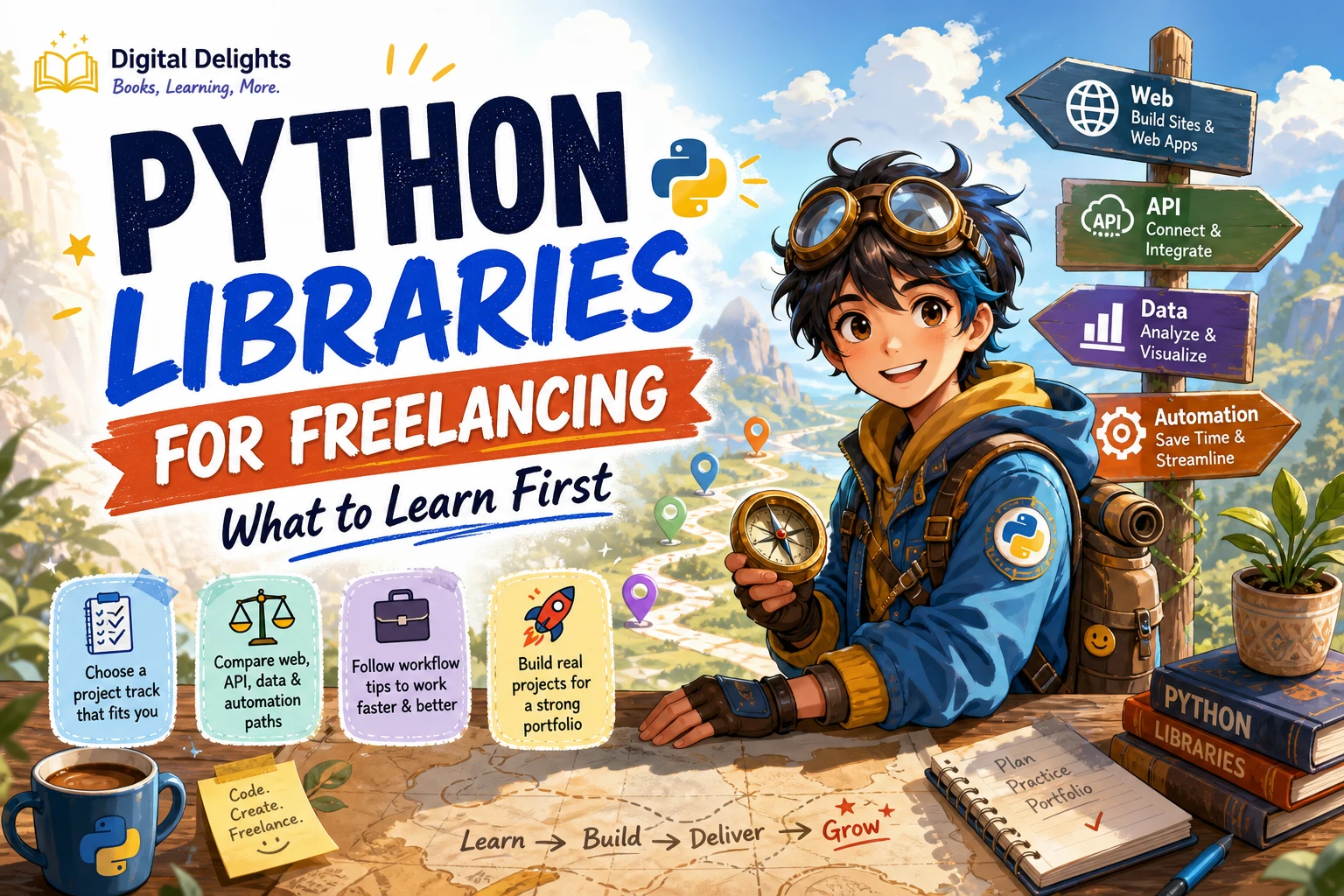
Python Libraries for Freelancing: What to Learn First
There is no single set of Python libraries that every freelancer needs. The useful question is: what can you deliver for a client? A small web application, an API, a data-cleaning report and an automated file-processing task call for different tools. Choose a type of work first, then learn the smallest toolkit that can produce a complete, maintainable result.
A practical starting point is Python’s standard library, followed by one specialization: web development, APIs, data work or automation. Along the way, learn how to manage dependencies and check project requirements. This guide explains the options, suggests portfolio projects and offers a learning sequence without treating any tool as a proven route to freelance work.
Start with Python’s standard library
Before adding third-party packages, get comfortable with the tools included with Python. The standard library includes modules for common tasks such as working with CSV and JSON data, logging, URLs and SQLite. For a straightforward script or small utility, these built-in tools may be enough. The official Python Standard Library documentation is the reference for what is available and how to use it.
These skills also help you understand the work a dependency is doing. For example, a basic script that reads a CSV file, validates values and writes a JSON report may not need a large framework. Use an external package when it provides a clear benefit for the deliverable, not simply because it appears on a popular list.
- CSV and JSON: Read and write common data formats.
- Logging: Record useful information about a script’s progress or errors.
- URL tools: Work with URL-related tasks using built-in modules.
- SQLite: Use a lightweight database for appropriate small-project needs.
Choose a Python freelancing track
Think of these as different learning paths, not a ranking of freelance opportunities. The available evidence does not establish which path has the most client demand, the highest pay or the easiest entry point. Choose based on the kind of project you want to build and the skills you want to practise.
| Track | Tools to explore | Portfolio project idea |
|---|---|---|
| Web applications | Django or Flask | A small application with forms and stored records |
| APIs | FastAPI | An API that accepts, validates and returns structured data |
| Data work | pandas and NumPy | A data-cleaning workflow with a concise report |
| Automation | Python standard library first; add packages as needed | A script that processes a repeatable set of files |
Web applications: Django or Flask
If you want to build complete web applications, compare Django and Flask as possible starting points. Django is a full web framework; a publisher’s book listing for a Django 6 resource describes coverage including models, forms, authentication, APIs, testing and deployment. That shows the scope of one learning resource, not that Django is better than Flask or more sought after by clients. Flask is another route to investigate when your learning goal is a smaller Python web application.
Make your choice by sketching the project first. If you want to practise a more fully featured application, explore Django. If you want to learn by assembling a compact web project, look into Flask. These are editorial learning suggestions; check each project’s current documentation and requirements before adopting a framework for client work.
For a guided introduction to Flask, A Quick step by step guide to learning web development with Python and Flask covers web basics, routes, templates, forms and a practical lab. It may suit a learner looking for a focused first Flask project after learning Python fundamentals.
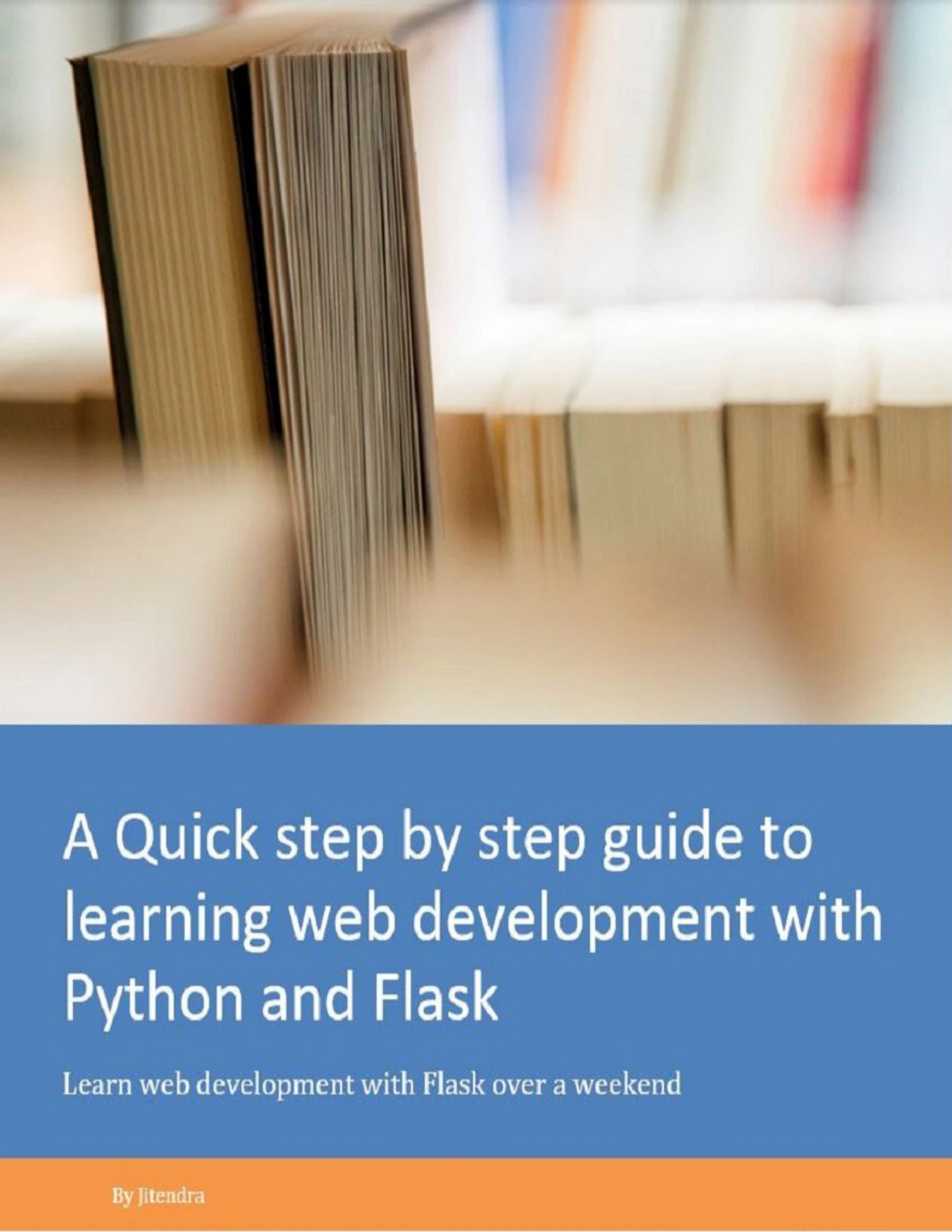
Learners seeking a focused introduction to web basics, Flask routes, templates and forms.
APIs: explore FastAPI for an API-focused project
If your intended project is specifically an API, FastAPI is an option to explore. Start by defining what the API should accept and return, then practise validating inputs and handling expected errors. Keep the project small enough that you can explain its purpose, setup and limitations clearly. The supplied research does not compare FastAPI with other frameworks or show which one clients request most often, so treat it as a possible specialization rather than a market ranking.
Data work: pandas and NumPy
For projects involving tabular data, pandas is a library to investigate; NumPy is another candidate when your work involves numerical arrays and calculations. Their usefulness depends on the task and the data. Begin with one contained example—such as cleaning a dataset, summarizing it and saving an output—rather than trying to learn an entire data-science stack at once.
Python for Excel Users: A Beginner’s Guide is aimed at readers who know spreadsheet workflows and want to explore Python for data work; its catalog description covers tasks including cleaning, aggregation, visualization and joining tables. Pandas in Action: MEAP V04 focuses on pandas and data analysis. Note that this catalog listing identifies it as an early-access edition, not a final published version.
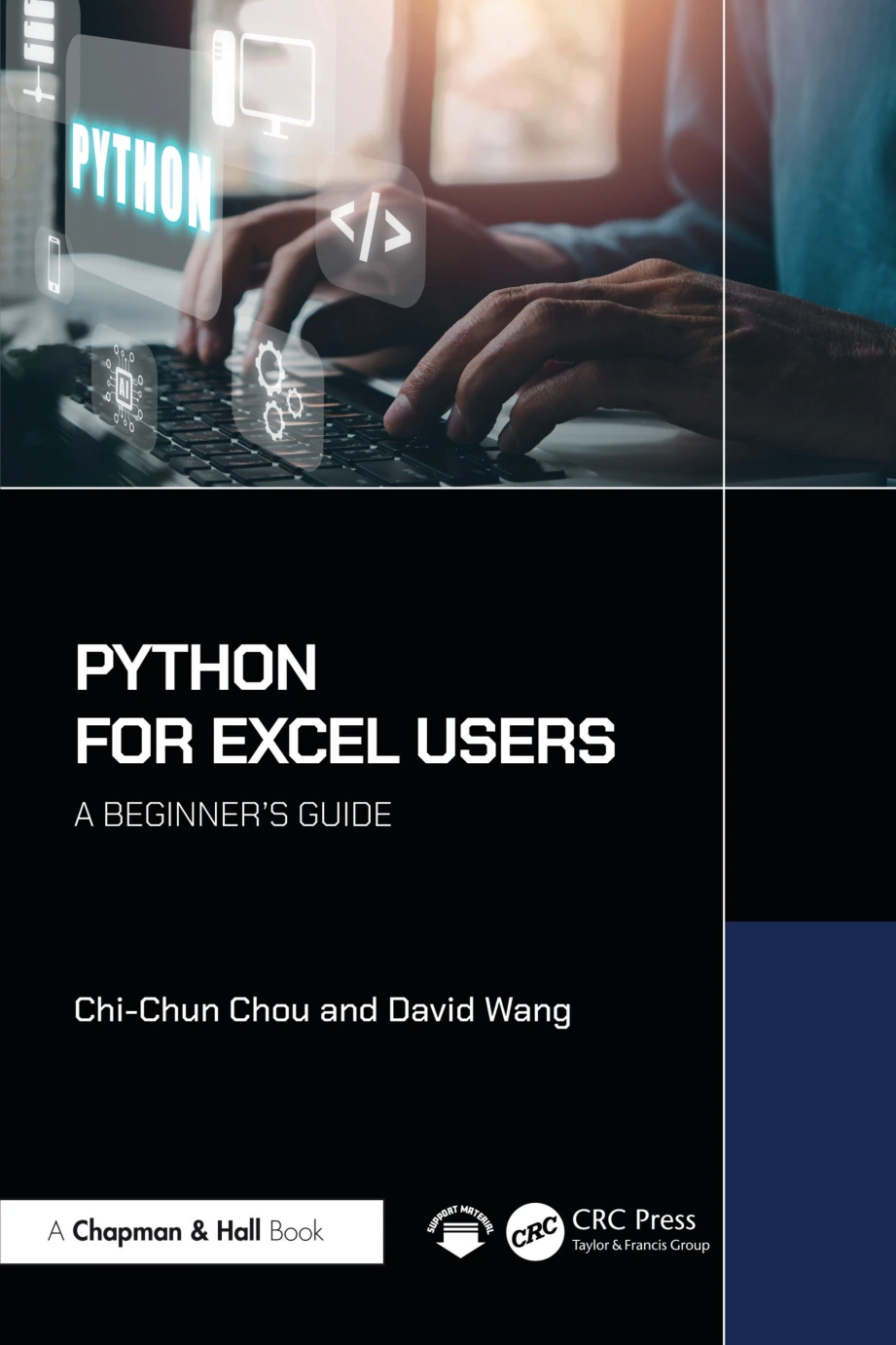
Python for Excel Users: A Beginner’s Guide
Readers familiar with Excel who want to explore Python workflows for cleaning and analyzing data.
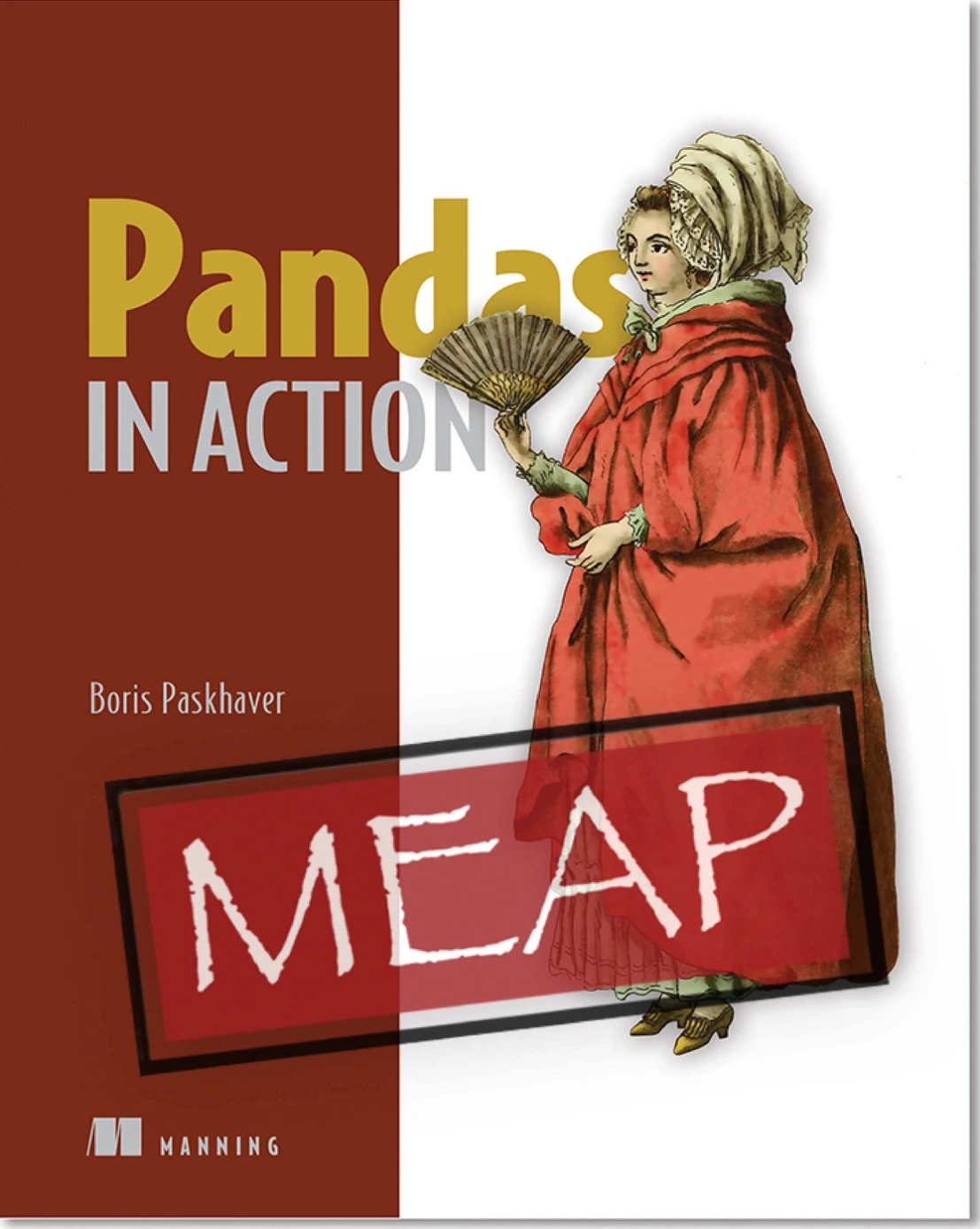
Learners exploring pandas who understand this catalog edition is an early-access release.
Automation: start with the job, not a package list
Automation can mean many things: organizing files, transforming data, preparing repeatable reports or connecting steps in a workflow. Begin with the exact repetitive task you want your script to handle. Try the standard library first, then add a third-party package only if the project needs capabilities that the built-in tools do not provide conveniently.
A useful practice project might read a folder of consistently formatted files, check for missing or malformed values, and write a summary. Make the script safe to run again, report errors clearly and document what input it expects. Those details matter to someone who needs to maintain or hand off the work.
Learn project workflow alongside libraries
Knowing a library’s functions is only part of working in a client’s existing codebase. Check the project’s Python version and dependencies before installing or upgrading anything. A new version that works in your personal project may not suit a client’s environment.
Use a virtual environment to keep a project’s installed packages separate from other Python projects. Python’s venv documentation explains how to create one and notes the value of recording dependencies so an environment can be recreated. Follow the client’s existing setup if one is provided; otherwise, document your own setup and dependency-install steps.
- Inspect first: Read the project instructions and identify its Python and package requirements.
- Isolate dependencies: Use the project’s established virtual-environment approach, or set one up if appropriate.
- Preserve compatibility: Avoid unnecessary version changes; test any required change against the project.
- Record setup steps: Provide a clear way for another person to install dependencies and run the work.
- Test the deliverable: Check normal inputs and likely failure cases, not just the example that worked once.
For more practice with fundamentals before selecting a specialization, Python Programming Exercises, Gently Explained offers short problems with explanations. It can be a useful companion for learners who understand introductory ideas but want more practice writing code independently.
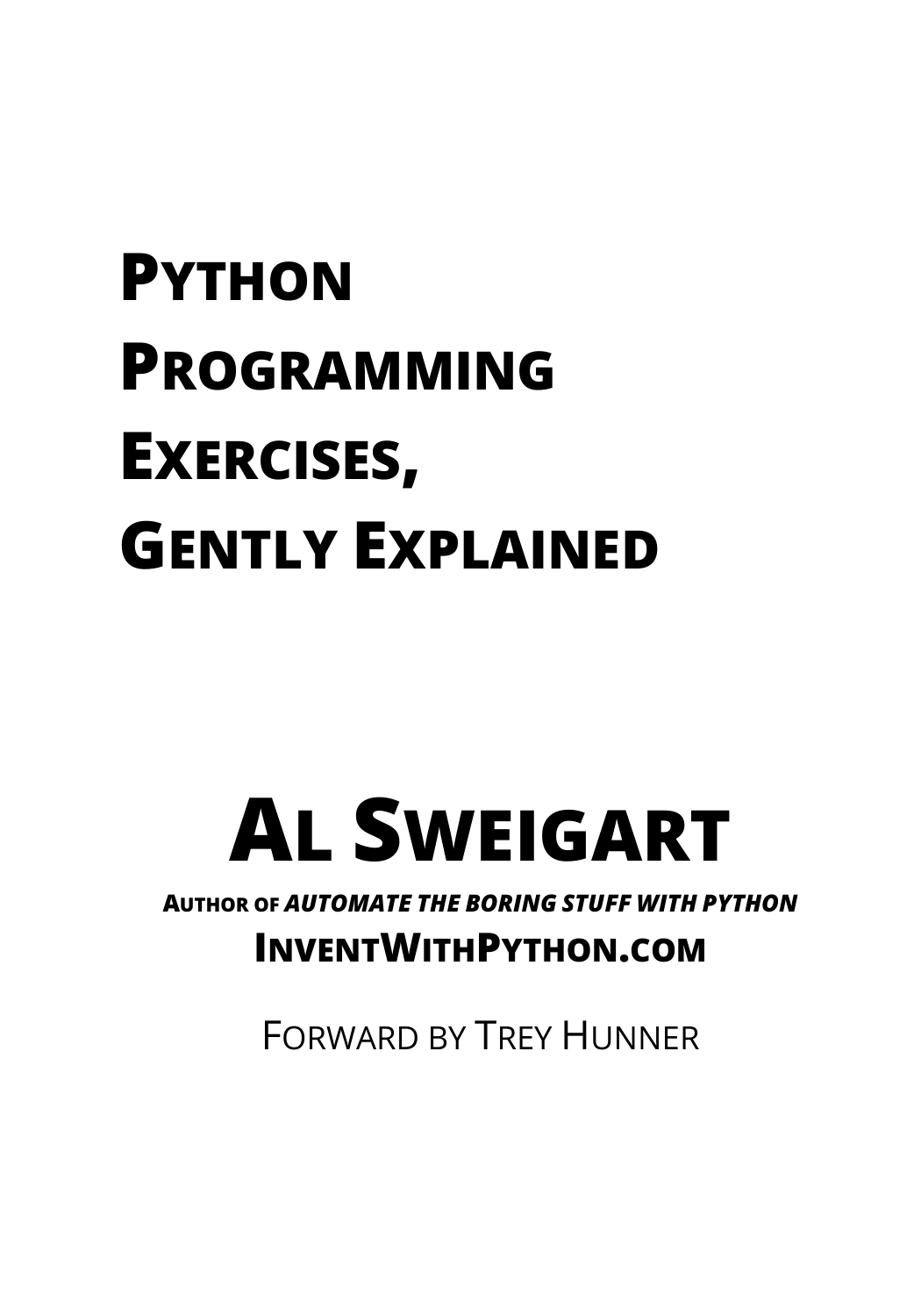
Python Programming Exercises, Gently Explained
By Al Sweigart
Learners who know introductory Python concepts and want short programming exercises.
Build a portfolio project that shows the whole process
A project is more informative when it shows how you approached a small, clear problem—not just which library you installed. Pick one project aligned with your chosen track and make it straightforward for someone else to understand.
- Web application: Build a small record-keeping app. Explain its intended user, the data it stores and how to run it.
- API: Create a small API around a defined dataset. Include sample requests and responses, input checks and useful error messages.
- Data workflow: Clean a dataset, describe the transformations and save a readable summary of the result.
- Automation script: Process a repeatable set of files, document expected inputs and show what happens when a file is missing or malformed.
For each project, include a concise README, setup instructions, a sample input and output, and a note about limitations. Do not present a practice project as paid client work. The aim is to make your decisions and working process visible.
A simple learning order
- Learn Python fundamentals: Practise data types, conditions, loops, functions, files and basic error handling.
- Use the standard library: Work with common formats and simple project tasks before adding dependencies.
- Learn project setup: Practise virtual environments, dependency records and reading an existing project’s instructions.
- Choose one track: Select web applications, APIs, data work or automation based on the project you want to make.
- Build and explain one project: Finish a small working example and document how someone else can run it.
- Expand in response to real requirements: Learn additional tools when a project calls for them, rather than trying to master every library in advance.
If you are still building your foundation, Python for Beginners: A Complete Beginner’s Guide to Learning Python Quickly covers introductory topics such as variables, conditions, loops, functions and files. Browse the Python books and learning resources for other titles that match your next step.
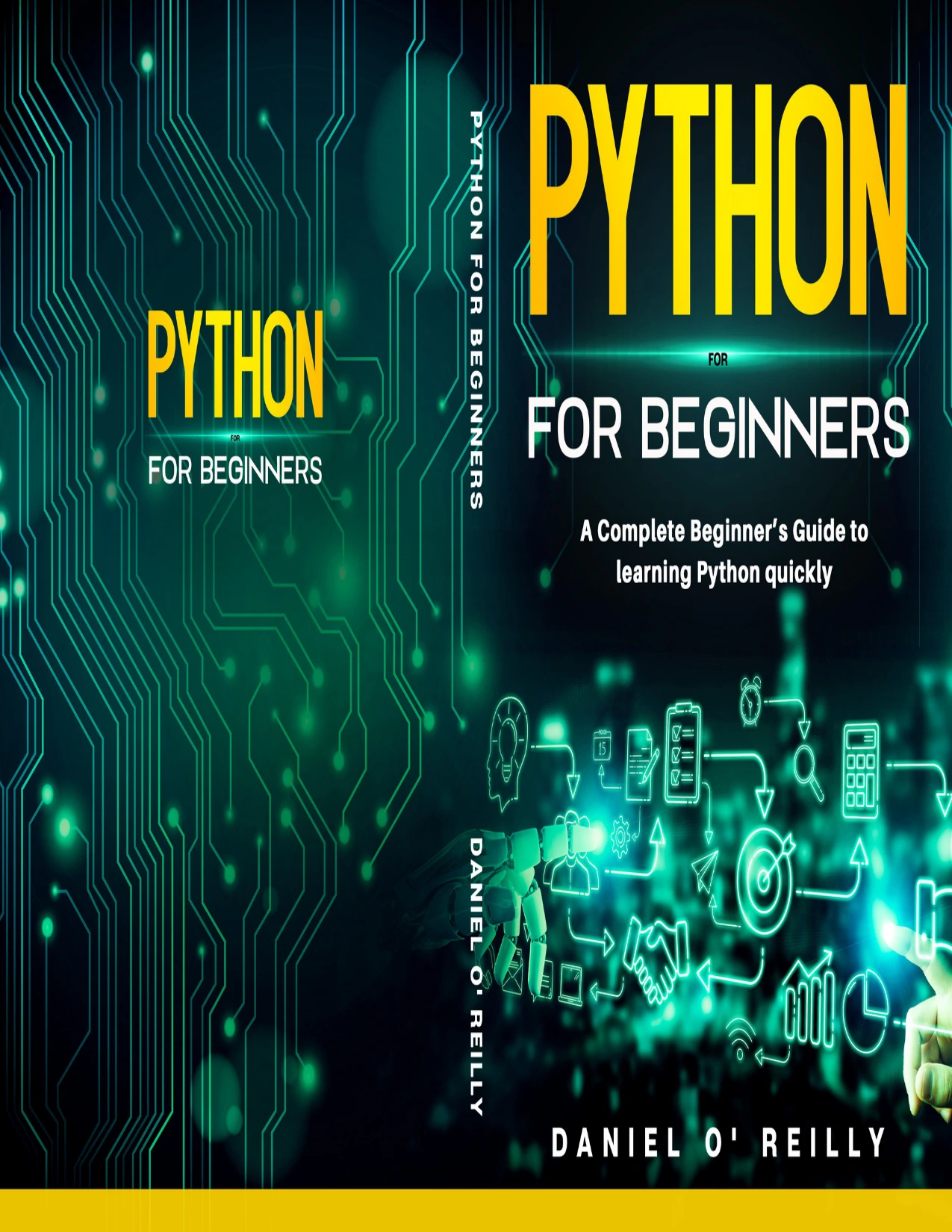
Python for Beginners: A Complete Beginner’s Guide to Learning Python Quickly
New learners looking for introductory coverage of variables, loops, functions and files.
Common mistakes to avoid
- Collecting libraries without a project: A list of package names is not a learning plan. Choose a deliverable and learn the tools it requires.
- Assuming one stack fits every client: Existing projects have their own frameworks, dependencies and compatibility constraints.
- Adding dependencies by default: Keep a project’s toolkit appropriate to its needs and explain why each dependency is used.
- Testing only the happy path: Check invalid inputs, missing files and other likely problems for your particular project.
- Confusing a portfolio project with market proof: A finished example can demonstrate your process, but it does not establish client demand or guarantee work.
Frequently asked questions
Which Python libraries should I learn first for freelancing?
Start with Python fundamentals and the standard library, then choose one specialization based on a project you want to build. The right next tool differs for web applications, APIs, data work and automation.
Should I learn Django, Flask or FastAPI?
Choose according to the kind of project you want to practise: Django for a fuller web-framework path, Flask as another option for web applications, or FastAPI to explore API-focused work. These are learning suggestions, not a ranking of freelance demand. Check current documentation and project compatibility.
Do I need pandas and NumPy for every Python freelance project?
No. They are options for data-oriented work, not requirements for every Python project. If your work does not involve the tasks they help you address, start with the tools your project actually needs.
Should I always install the newest Python version?
No. Check the version required by the client’s project and the compatibility of its dependencies before changing the environment. The official Python documentation provides version-specific references; use documentation that matches the project you are working on.
Can a portfolio project guarantee freelance clients?
No. A portfolio project can show how you approach and document a technical task, but it cannot guarantee clients or paid work. Keep claims about your experience accurate and make the project easy to review.
Conclusion
The most useful Python libraries for freelancing depend on the service you want to offer. Learn the language and its standard library, understand project environments, and then go deep enough in one track to complete a small, well-documented project. That gives you a clearer foundation for evaluating client requirements—and a more focused way to decide what to learn next.
Sources and further reading
- The Python Standard Library — Python 3.14.7 documentation
- venv — Creation of virtual environments
- Python 3.14 documentation
- Web Development with Django 6 — Third Edition (publisher listing; cited for the topics its listing covers, not freelance-market demand)