

ICDL Excel: A step-by-step guide to spreadsheets using Microsoft Excel
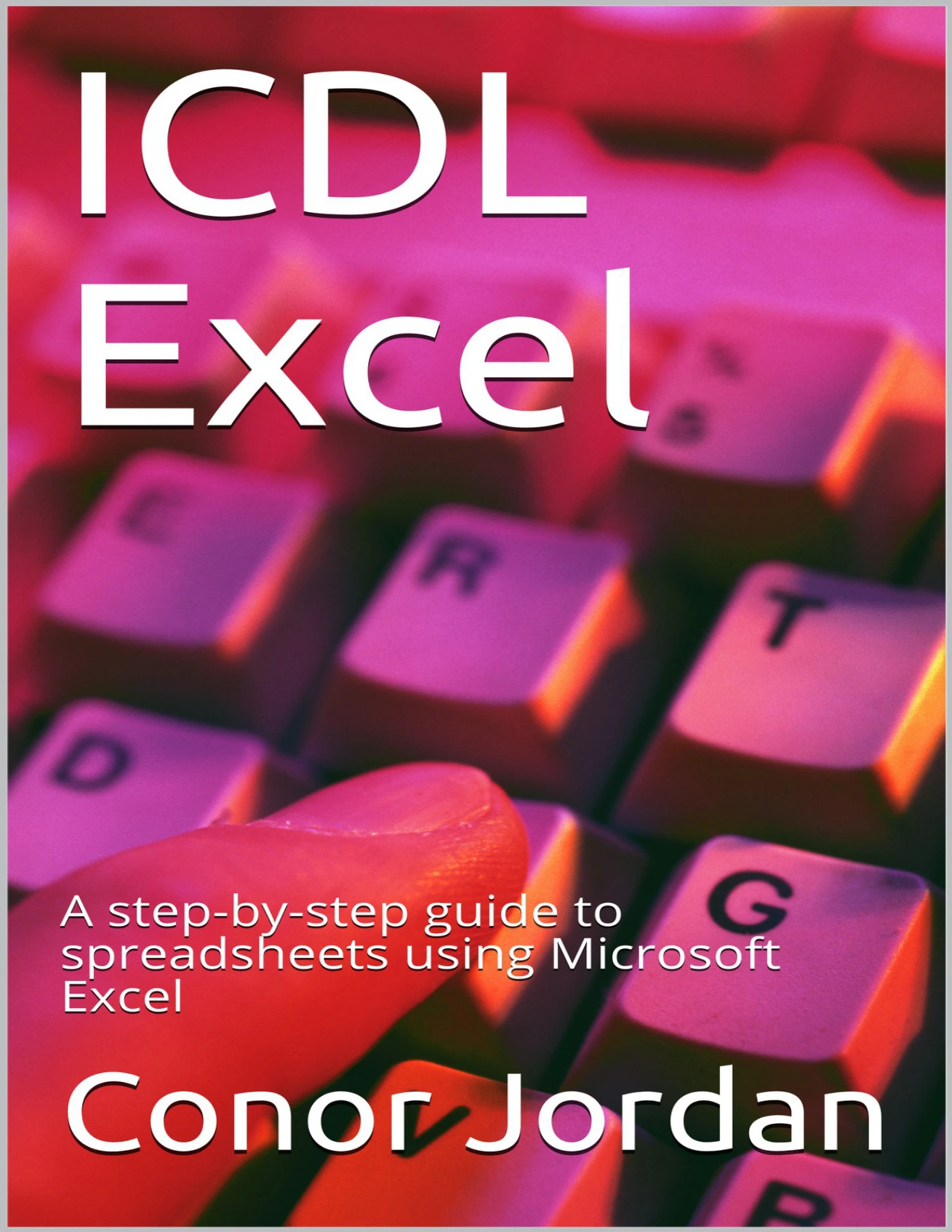
Original price was: $5.00.$2.50Current price is: $2.50.

Conor Jordan
Product Specs:
- File Type: PDF
- File Size: 3.6 MB
- Book Language: English
- Total Page Count: 86
- Instant Download
Spreadsheets become much easier to work with once the rows, columns, cells and tools start to make sense. Conor Jordan’s ICDL Excel guide takes a step-by-step approach to the fundamentals of Microsoft Excel, with its coverage aligned to the ICDL/ECDL Spreadsheets syllabus, Version 6.0.
From finding your way around the interface to organizing information and preparing a worksheet for print, the focus is on practical skills learners can use as they build confidence with spreadsheets.
Start with the spreadsheet essentials
The guide introduces Excel’s basic functions and interface, then moves into everyday tasks: entering and formatting data, editing rows and columns, and using worksheets effectively. Clear familiarity with these building blocks helps make larger spreadsheets less daunting and routine work more manageable.
Make numbers work for you
Calculations and functions are a central part of spreadsheet use. The material covers a range of them, alongside formatting tables and creating charts to represent data visually. Together, these skills help readers both work with figures and present information in a more readable form.
From workbook to finished output
Readers also encounter saving spreadsheets in different formats, using help facilities, shortcuts and the Go To tool, and preparing worksheets for printing. The sequence connects working within Excel to the practical tasks of saving and presenting spreadsheet work.
Practice with a syllabus in view
Written for students and teachers, this guide is organized around the skills associated with ICDL certification. It includes revision sections for practice; the publication notes that these are not official ICDL tests. Referenced work files offer additional material for practicing the techniques described.
A practical starting point for learners who want a guided introduction to Excel’s core spreadsheet tools and functions.
User Reviews
Be the first to review “ICDL Excel: A step-by-step guide to spreadsheets using Microsoft Excel”
You must be logged in to post a review.
ICDL/ECDL Advanced Word Processing Using Microsoft Word
Sold by Conor Jordan
Advanced ICDL®/ECDL® Creating Presentations Using Microsoft® PowerPoint
Sold by Conor Jordan
ICDL Word: A step-by-step guide to Word Processing using Microsoft Word
Sold by Conor Jordan
ICDL®/ECDL® Advanced Databases Using Microsoft® Access
Sold by Conor Jordan
ICDL Access: A step-by-step guide to Databases using Microsoft Access
Sold by Conor Jordan Original price was: $5.00.$2.50Current price is: $2.50.

There are no reviews yet.