

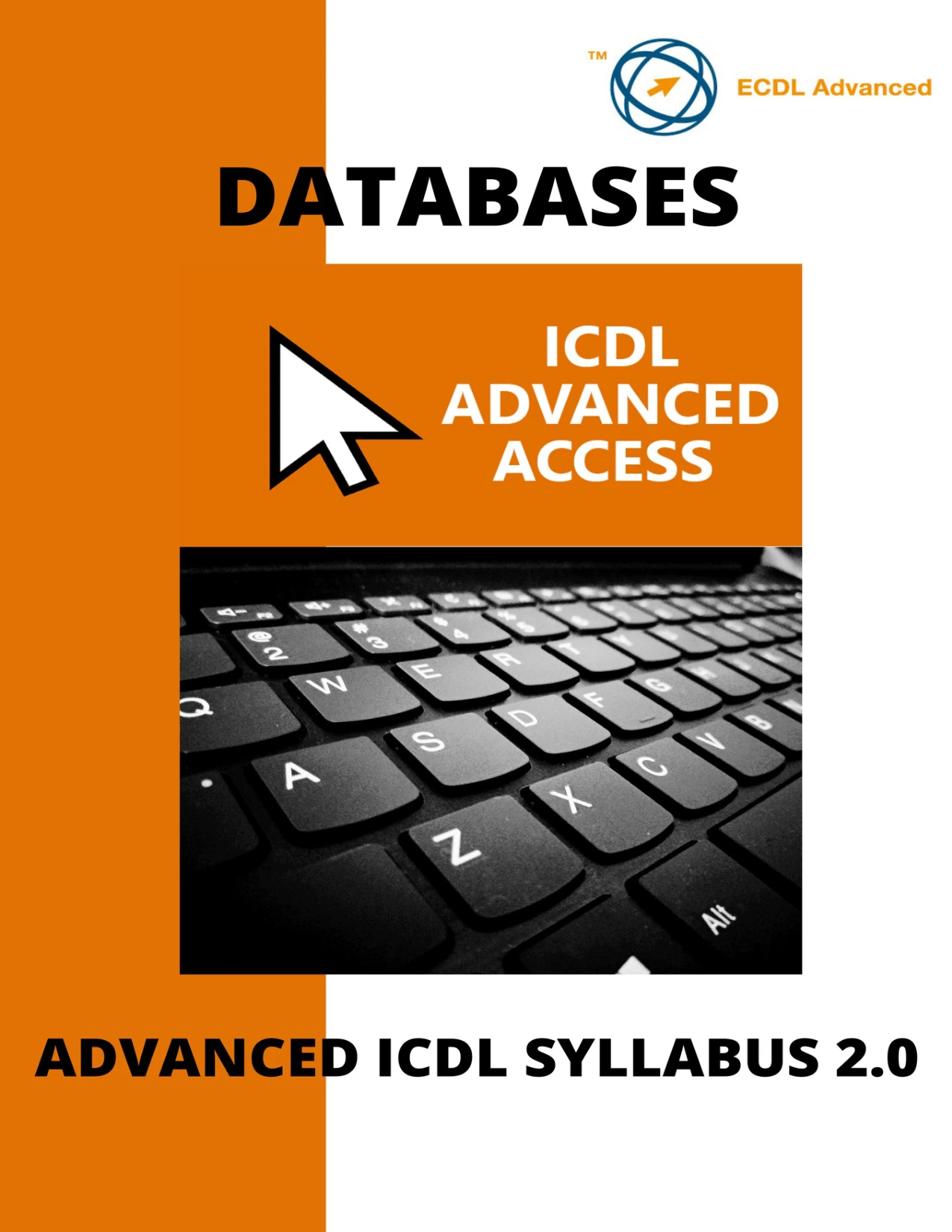
ICDL®/ECDL® Advanced Databases Using Microsoft® Access
Original price was: $5.00.$2.50Current price is: $2.50.

Conor Jordan
Product Specs:
- File Type: PDF
- File Size: 2.5 MB
- Book Language: English
- Total Page Count: 87
- Instant Download
Advanced Access work is about more than storing records: it means shaping tables, relationships, queries, forms, and reports so that information can be entered, refined, and retrieved effectively. This ICDL/ECDL Advanced Databases guide takes learners through those connected parts of Microsoft Access with clear, step-by-step tasks and section-by-section revision practice.
Organized around syllabus version 2.0, the manual begins with database concepts before moving into the Access features used to build and work with more capable databases. Its practical focus makes it a useful study companion for learners developing their Access skills and for teachers supporting advanced database study.
Start with sound database foundations
The opening section introduces database models, the stages of database development, common applications, and Structured Query Language. It provides context for the practical work ahead: how database design, data entry, maintenance, and information retrieval fit together.
Build stronger tables and relationships
Work through field lookups, input masks, data-entry settings, table relationships, many-to-many relationships, referential integrity, automatic field updates, and inner and outer joins. These topics help learners understand how database structure affects the quality and usefulness of the information it holds.
Make queries do more
The query section covers update, append, delete, make-table, and crosstab queries, along with duplicate and unmatched records. It also explores variable parameters, wildcards, maximum and minimum values, calculated fields, and sum, count, and average functions—tools for selecting, changing, and summarizing data.
Give databases practical interfaces
Learn about text boxes, combo boxes, list boxes, check boxes, option groups, form tabs, and subforms. The guide then turns to reports, including calculated controls, running sums, joined text fields, headers and footers, sorting, page breaks, and subreports.
Connect data and automate tasks
The final section introduces linking external data, importing spreadsheets and text files, and creating macros. It also explains how macros can be attached to controls, database objects, and buttons.
A structured companion for study and practice
Six main sections, each followed by revision material, provide a clear route through the subject. The manual describes companion work files for practising its techniques; those files are separate from the guide itself. For anyone studying advanced Microsoft Access, the emphasis is on understanding how database elements work together—not just where to find individual commands.
User Reviews
Be the first to review “ICDL®/ECDL® Advanced Databases Using Microsoft® Access”
You must be logged in to post a review.
ICDL Access: A step-by-step guide to Databases using Microsoft Access
Sold by Conor Jordan
ICDL Excel: A step-by-step guide to spreadsheets using Microsoft Excel
Sold by Conor Jordan
Advanced ICDL®/ECDL® Creating Presentations Using Microsoft® PowerPoint
Sold by Conor Jordan
ICDL Word: A step-by-step guide to Word Processing using Microsoft Word
Sold by Conor Jordan
ICDL/ECDL Advanced Word Processing Using Microsoft Word
Sold by Conor Jordan Original price was: $5.00.$2.50Current price is: $2.50.






There are no reviews yet.