

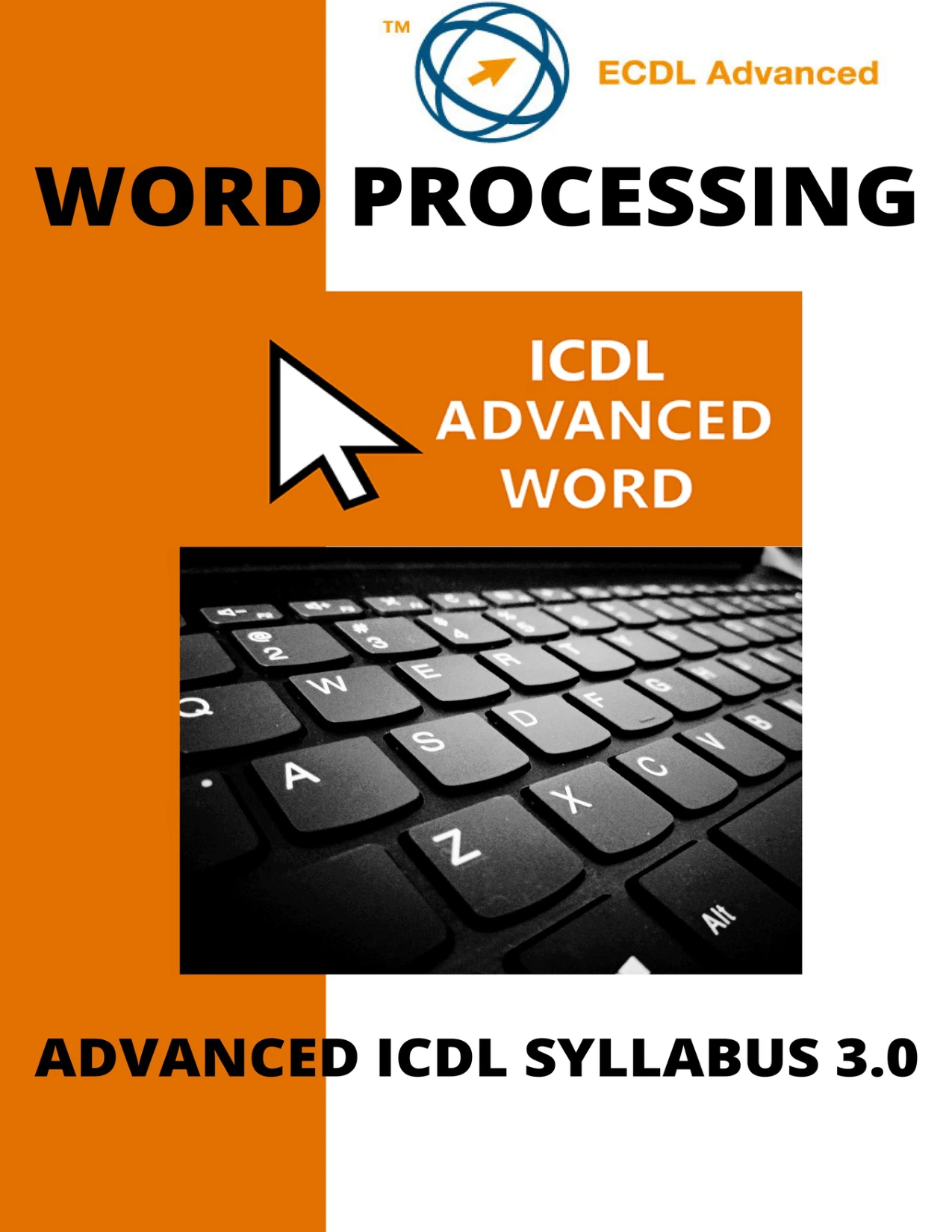
ICDL/ECDL Advanced Word Processing Using Microsoft Word
Original price was: $5.00.$2.50Current price is: $2.50.

Conor Jordan
Product Specs:
- File Type: PDF
- File Size: 3.3 MB
- Book Language: English
- Total Page Count: 100
- Instant Download
Advanced Microsoft Word work is less about typing faster and more about shaping documents with control: organizing long files, handling references, automating repetitive tasks, and preparing documents for review or distribution. Conor Jordan’s ICDL/ECDL Advanced Word Processing Using Microsoft Word takes these skills one task at a time, with a focus on the advanced syllabus.
Its seven-section structure makes the book useful both as a guided course and as a reference to revisit when a particular Word feature is needed. The manual is aimed at students and teachers, and includes practice-oriented revision sections alongside its tutorials.
Seven areas of advanced Word practice
The lessons move from formatting and tables into referencing, mail merge, linking, automation, and editing. Rather than treating a document as plain text, the guide explores the tools that help make complex files more consistent, navigable, and manageable.
- Formatting and tables: work with styles, columns, spacing, pagination, table layout, sorting, and object positioning.
- References and structure: use captions, footnotes, endnotes, citations, tables of contents and figures, indexes, bookmarks, fields, and cross-references.
- Forms and reusable files: create and protect forms, and save or modify templates.
- Mail merge and data: build and edit data sources, use merge fields, and carry out merges.
- Links and automation: link or embed data, use AutoCorrect and AutoText, and create or run macros.
- Editing and document control: track changes, compare and combine documents, use password protection, and manage sections, headers, footers, and watermarks.
A practical, step-by-step approach
Individual tutorials use numbered instructions to guide learners through actions in Word. For example, the opening formatting material demonstrates text wrapping and object placement, while later sections address more involved document tools. This task-led approach can help readers connect a feature’s purpose with the sequence of steps needed to use it.
For learners building beyond the basics
The book is intended for students and teachers studying advanced Word features in an ICDL context. Its scope also makes it relevant to readers who already use Word and want to practise features such as mail merge, document referencing, macros, and collaborative review. Companion work files are identified in the manual for exercises, and the revision sections are explicitly described as practice rather than official certification tests.
For a structured tour through the less familiar corners of Word, this guide keeps the emphasis on doing: choose a skill, follow the steps, and put the feature to work in a document of your own.
User Reviews
Be the first to review “ICDL/ECDL Advanced Word Processing Using Microsoft Word”
You must be logged in to post a review.
ICDL Excel: A step-by-step guide to spreadsheets using Microsoft Excel
Sold by Conor Jordan
ICDL®/ECDL® Advanced Databases Using Microsoft® Access
Sold by Conor Jordan
ICDL Access: A step-by-step guide to Databases using Microsoft Access
Sold by Conor Jordan
ICDL Word: A step-by-step guide to Word Processing using Microsoft Word
Sold by Conor Jordan
Advanced ICDL®/ECDL® Creating Presentations Using Microsoft® PowerPoint
Sold by Conor Jordan Original price was: $5.00.$2.50Current price is: $2.50.



There are no reviews yet.