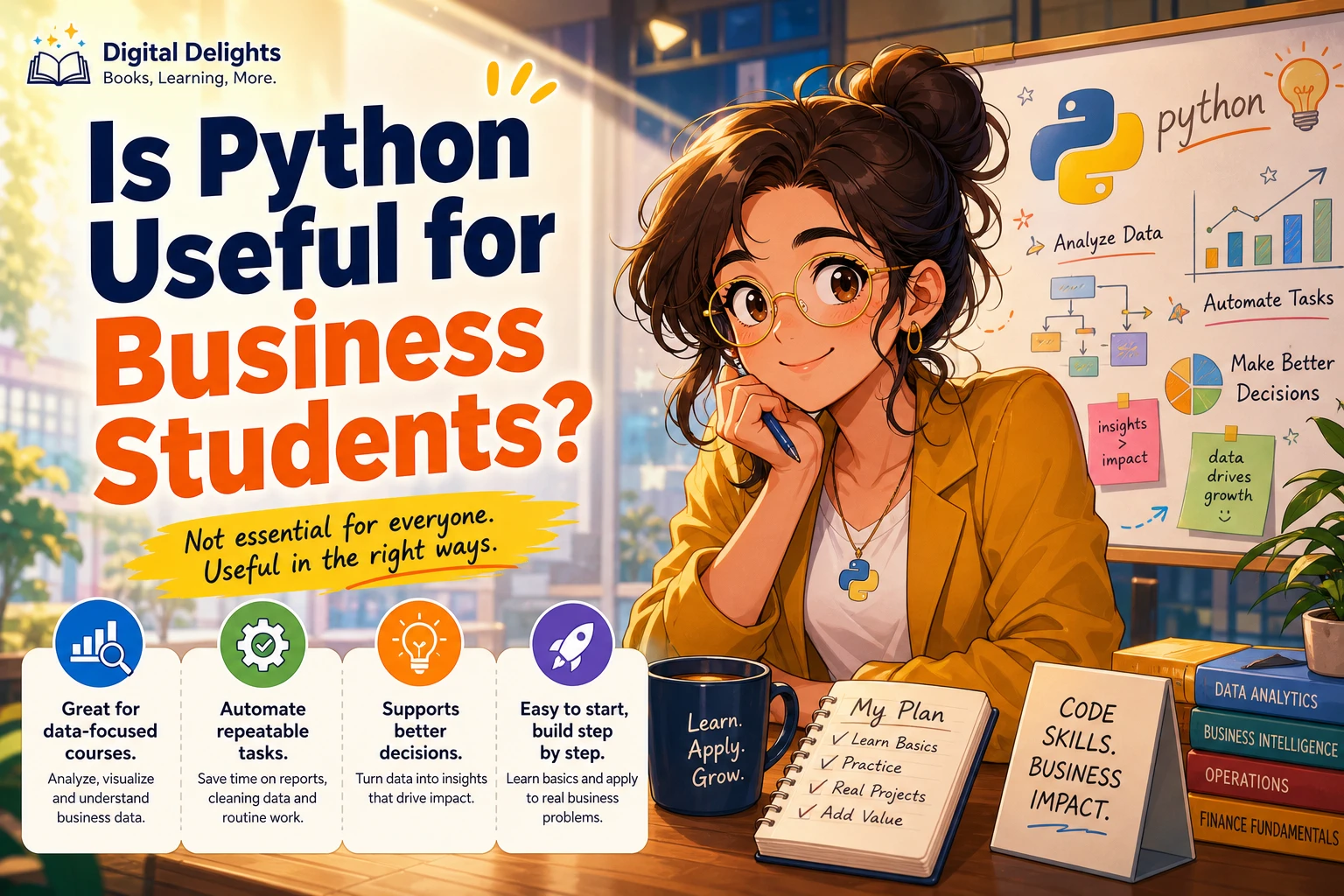
Is Python Useful for Business Students?
Yes—Python can be useful for business students whose coursework or interests involve recurring data tasks, analysis, or collaboration with analytics teams. It can help with practical work such as preparing exported data and repeating an analysis workflow. Python is also used in areas that include data analysis, modeling, ERP, and e-commerce, according to Python.org’s overview of Python applications.
But Python is not essential for every business student, and it is not a universal substitute for Excel or other tools. Whether it is worth learning depends on your course requirements, the kind of work you want to do, and whether coding would help with a task you actually face. This guide explains where Python may fit, how it compares with spreadsheets, and how to begin without losing the skills you already have.
Where can Python help in business studies?
Python is most relevant when you need to handle data or repeat a process. For example, it can read and write CSV files—a common format for moving tabular data between spreadsheet and database software—using its standard-library csv module. That makes a CSV export a straightforward place to practise basic data preparation. See the official Python documentation for CSV reading and writing.
- Preparing data: Work through a file to identify missing or inconsistent entries, standardize labels, or arrange columns for analysis.
- Repeating a workflow: Turn a sequence of data-preparation steps into code that can be reviewed and run again when a similar file arrives.
- Exploring business questions: Use Python as one possible tool for data analysis or modeling, depending on the task and course.
- Understanding technical business contexts: Python’s application areas include ERP and e-commerce, as well as data analysis and modeling.
These are possible uses, not a promise that Python will make every task faster or produce a better result. A small, one-off calculation may be simpler to do in a spreadsheet. The case for Python becomes more compelling when the process is repetitive, data-focused, or part of a class that uses code.
A simple example: preparing a sales export
Imagine a class project that asks you to summarize monthly sales from a CSV export. A sensible beginner workflow might be:
- Open the file in a spreadsheet first and learn what each column represents.
- Write down the steps needed to prepare it—for instance, checking date and product fields and deciding how to handle incomplete rows.
- Use a short Python script to read the CSV and apply the same preparation rules consistently.
- Compare the resulting data with the original and check a few rows before using it in an analysis.
This is an illustrative exercise, not a claim about a measured time saving. The learning value is seeing how a data task can be described as repeatable steps, while retaining the spreadsheet as a way to inspect and verify the results.
Python versus spreadsheets: which should you learn?
There is no single best tool for every business task. Spreadsheets can be a suitable choice for a course or assignment built around Excel. Python may be worth adding when a task calls for a repeatable code-based workflow or when your coursework requires it. Other tools may also be part of a program’s approach; the available evidence here does not establish a universal ranking of Python, Excel, SQL, or R.
| Situation | A reasonable starting point | Why |
|---|---|---|
| Your class specifies a tool | Use the required tool first | Course instructions and compatibility matter for completing the work. |
| You are learning basic spreadsheet analysis | Keep building spreadsheet skills | Python is not necessary just because it is available. |
| You want to practise a recurring data workflow | Try Python alongside your existing process | A script can express steps for reading and handling data; check the output carefully. |
| You are unsure whether coding fits your goals | Start with a small, relevant task | A short trial can help you judge whether the tool is useful for your coursework or interests. |
Python is not required in every business analytics course. For example, Pearson describes its Business Analytics, 3rd edition, as relying solely on Excel in its revised edition. That is an example of a course resource using a spreadsheet-centered approach—not proof that Excel is always preferable or that other programs take the same approach. See Pearson’s listing for Business Analytics, 3rd edition.
Which business students are most likely to benefit?
Python may be a useful addition if you are interested in analytics, finance, operations, or another area where working with data is part of your studies. It may also be relevant if you expect to collaborate with analytics teams or if a course asks you to analyse data with code. These are reasons to consider learning it, not guarantees of a particular academic or career outcome.
You may have less reason to prioritize Python immediately if your current courses do not involve coding or data work, or if your program specifies another tool. You can revisit the decision when a project or elective gives you a practical reason to use it.
How should a business student start learning Python?
- Check course requirements. Ask whether your instructor specifies a Python version, installation method, or particular packages. Match the class setup rather than choosing tools at random.
- Learn the basics first. Practise variables, simple data types, lists and dictionaries, conditions, loops, and functions. You do not need to begin with machine learning or advanced statistics.
- Connect it to a familiar task. Use a small, non-sensitive dataset or a practice file and try a clear task, such as reading a CSV and checking its contents.
- Keep using spreadsheets where useful. Existing spreadsheet knowledge can help you understand tables and check results. Learning Python does not require abandoning Excel.
- Check your work. Compare outputs against a small manual check, keep the original file unchanged, and make sure your preparation choices make sense for the question.
For a business-oriented introduction, Python for Non-Pythonians is described in the catalog as aimed at business-oriented readers and professionals with little or no coding experience. If you already think in spreadsheet terms, Python for Excel Users: A Beginner’s Guide pairs Python ideas with comparable Excel tasks and includes data exploration, cleaning, aggregation, visualization, and related topics. Choose based on the learning approach you prefer; neither is a substitute for checking your course’s requirements.
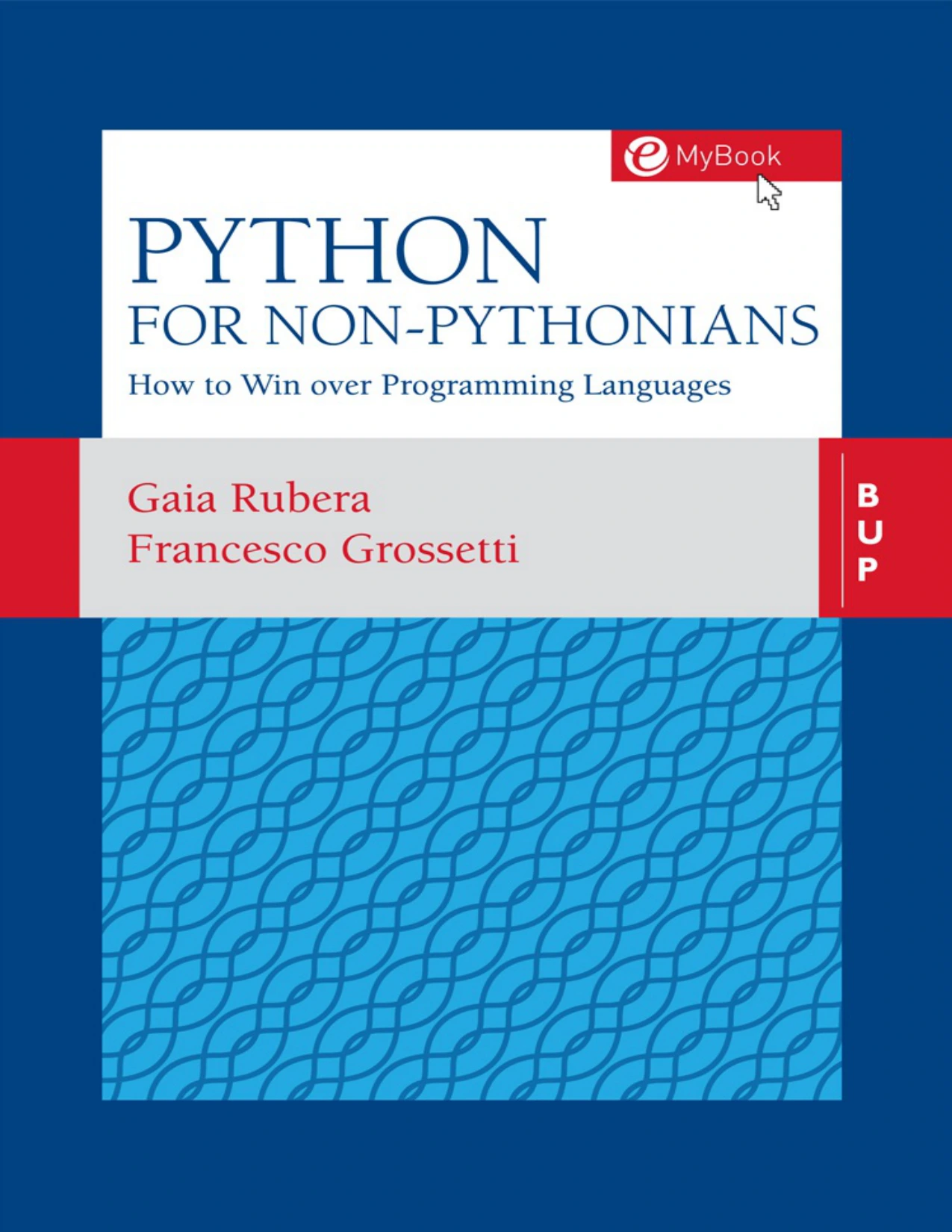
Business-oriented readers and professionals with little or no coding experience, based on the catalog description.
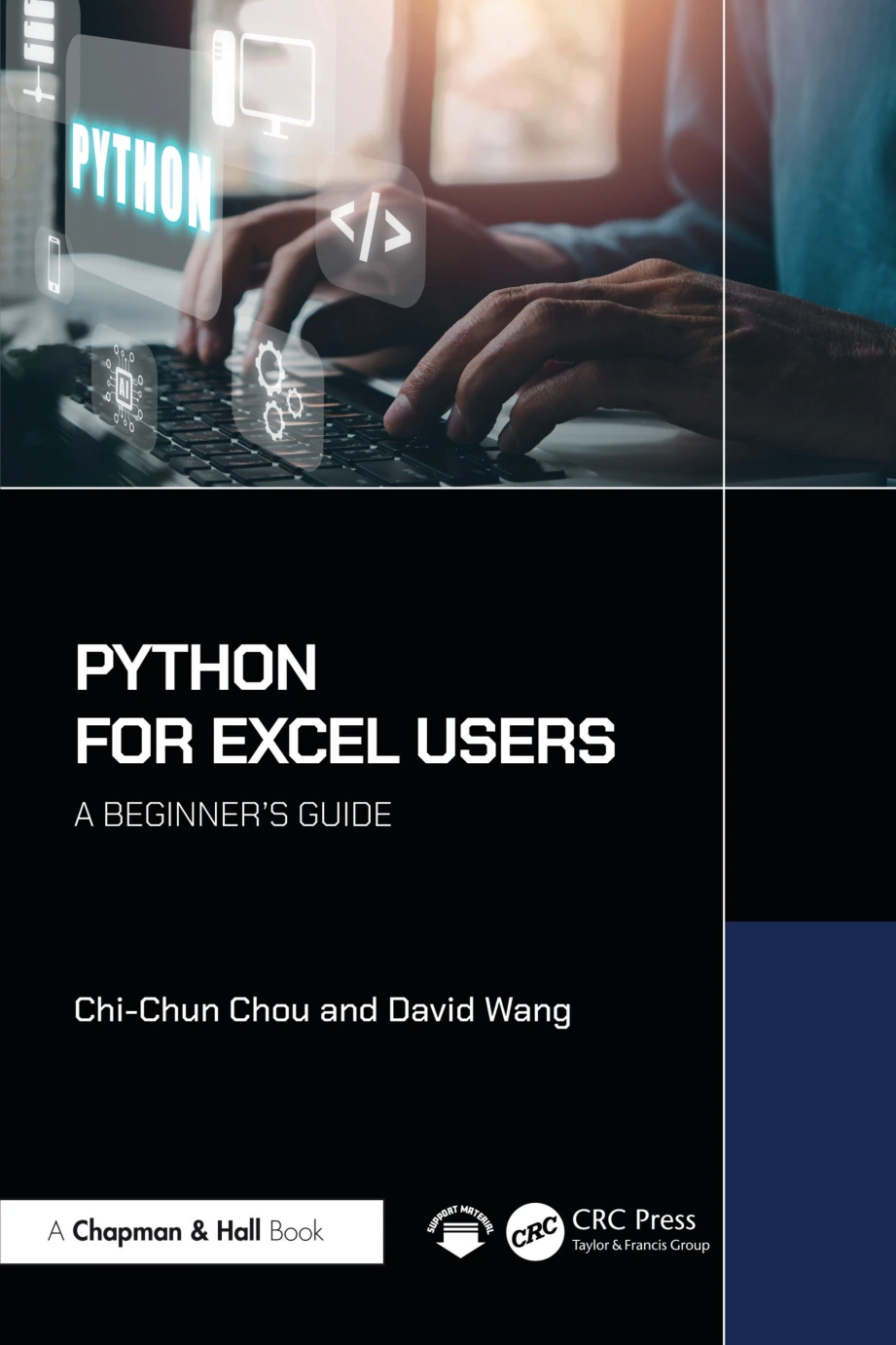
Python for Excel Users: A Beginner’s Guide
Learners comfortable with Excel who want to explore Python through comparable tasks such as data cleaning, aggregation, and visualization.
Common misconceptions about Python for business students
“Every business student needs Python.”
Not necessarily. Some courses use Excel, and students’ learning needs vary. Start from your curriculum and goals instead of assuming every business degree requires programming.
“Learning Python guarantees a career advantage.”
The sources reviewed establish possible uses and learning options, not that Python improves grades, hiring prospects, salaries, or business outcomes. Treat career claims as unproven unless supported by separate evidence relevant to the role or program you are considering.
“The official tutorial is designed for someone who has never programmed.”
Do not assume that. The official Python tutorial says it is for readers new to Python but already familiar with programming. A complete beginner may prefer a more introductory learning resource before using it as a main guide.
“Python automatically makes analysis more accurate.”
Code can repeat the steps you give it, but that does not ensure the steps or assumptions are correct. Check the input data, document decisions, and verify outputs—whether you work in Python, Excel, or another tool.
Frequently asked questions
Do business students need to learn Python?
No single answer applies to every program. Python is worth considering if your courses, projects, or interests involve data analysis or repeated data tasks. Follow course requirements first; some business analytics resources use Excel instead.
Is Python better than Excel for business students?
Not in every situation. The more useful question is which tool fits the assignment and workflow. Excel may be enough for a spreadsheet-centered course or task; Python may be useful when you want to practise a repeatable, code-based data process. The available sources do not provide a broad comparative test proving one tool is best.
Do you need programming experience to start learning Python?
Not every beginner resource has the same prerequisites. The official Python tutorial assumes familiarity with programming, so a student with no coding experience may want a guide designed for beginners before tackling it.
What business tasks can Python support?
Python’s listed application areas include data analysis and modeling, ERP, and e-commerce. At a beginner level, working with a CSV file is one practical way to explore data handling. The right task depends on your class or project.
So, is Python useful for business students?
Python can be useful when it connects to a real need: a data-focused course, an analysis project, a recurring workflow, or an interest in analytics, finance, or operations. It is not a requirement for every business student, and it does not replace good judgment about which tool a task calls for.
Check your course instructions, keep building the spreadsheet skills you already use, and try Python on a small, relevant exercise if you have a reason to. That approach lets you decide whether it belongs in your learning plan without treating it as a universal prerequisite.