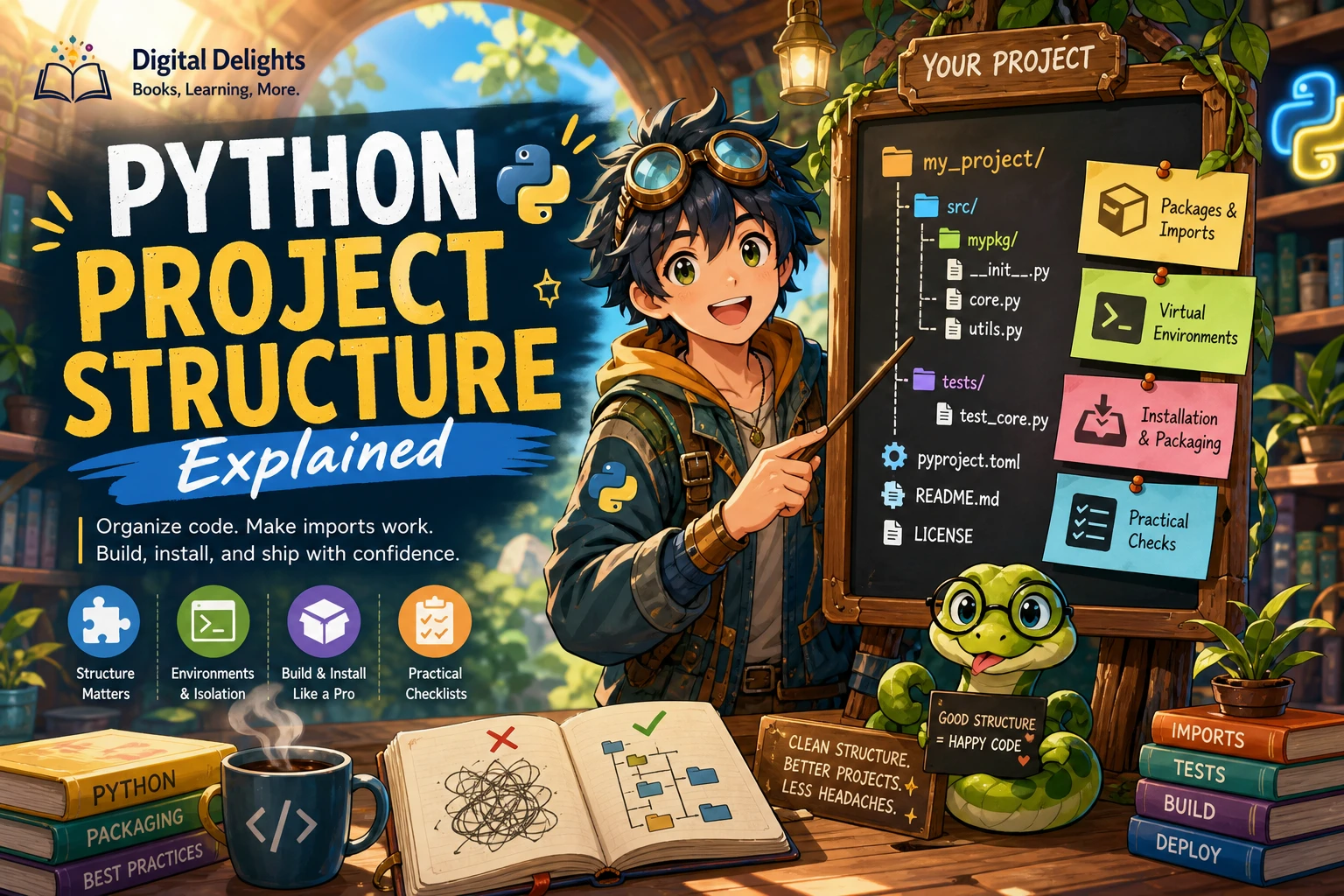
A Python script that works on your laptop is a useful start, but it is not automatically ready for other people or systems to rely on. Production-ready code should be understandable, repeatable to set up, checked against expected behavior, and prepared to reveal useful information when something goes wrong. It should also treat external data and security-sensitive operations with care.
There is no single official checklist that makes every Python project production-ready. The right standard depends on what the software does and where it runs. This practical framework takes you from a working script to code that is easier to maintain, test, and operate.
What does production-ready Python code mean?
Production-ready describes a project’s ability to do its intended job reliably in its actual operating context—not a special Python feature or a universal certification. A small internal command-line tool and a public web service have different risks and requirements.
In general, aim for code that is:
- Understandable: responsibilities and interfaces are clear enough for someone to change the code safely.
- Reproducible: the supported Python version and required packages are documented and can be installed consistently.
- Testable: important behavior, edge cases, and expected failures can be checked without relying on one manual run.
- Observable: useful operational events and failures can be investigated without exposing sensitive information.
- Security-conscious: untrusted inputs and sensitive operations are handled deliberately.
Think of the steps below as an editorial framework to adapt—not an official Python standard. Decide what “ready” means for your project before you choose tools or set numerical targets.
1. Declare your Python and dependency baseline
Start by stating which Python versions your project supports. Do not assume the newest release is automatically appropriate: your deployment platform, dependencies, and users may require a different range. As of October 9, 2026, the supplied Python.org release information identifies Python 3.14.8 as a maintenance release in the 3.14 series. Check current release information and confirm compatibility before publishing or deploying: Python 3.14.8 release information.
Next, isolate project packages in a virtual environment. Python’s venv creates an environment with its own installed packages. The documentation describes environments as disposable: do not commit the environment directory to version control or rely on moving it between machines. Instead, record the project’s dependencies in the format appropriate to your package-management workflow and recreate the environment from that record. See the official venv documentation.
A basic setup might look like this:
python -m venv .venv
# Activate the environment using the command for your operating system.
# Install the project's declared dependencies using its chosen workflow.
Keep setup instructions close to the code. A new contributor should be able to identify the supported interpreter, create an environment, install dependencies, and run the checks without guessing.
2. Organize code so it can change safely
Scripts often begin as one file. As responsibilities grow, separate the parts that change for different reasons: input and output, core logic, configuration, and integration with external services. Avoid splitting code into many tiny modules without a clear purpose; the goal is to make responsibilities easier to understand, not to maximize file count.
Keep functions focused and make their inputs and outputs clear. Prefer configuration supplied through an appropriate project or deployment mechanism over values scattered through the code. Avoid embedding credentials or environment-specific settings in source files.
Use type hints as communication, not runtime protection
Type annotations can clarify how functions are intended to be used and help editors and external type-checking tools identify inconsistencies. But Python does not enforce annotations at runtime. They do not validate a file, request, database result, or other untrusted input by themselves. The official typing documentation explains the role of annotations and supporting tools.
For example, a function annotated to accept an integer still needs to validate data that arrives as text from a user or external system. Treat hints as a design aid; validate at the boundary where data enters the program.
3. Test behavior, edge cases, and failures
Tests help reveal whether changes preserve behavior. Begin with the paths that matter most: normal inputs, boundary conditions, invalid input, and failures from dependencies or external systems. A test should make clear what behavior it protects, rather than merely exercise code for the sake of a coverage number.
- Test representative successful cases.
- Test empty, malformed, or out-of-range inputs where relevant.
- Check that errors are handled or reported as intended.
- Test important interactions with files, databases, APIs, or other dependencies at an appropriate level.
- Run the project’s checks using the supported Python versions that matter for its users and deployment.
Formatting, linting, and type checking can catch inconsistencies and make review easier. They are useful options, but there is no single universally required toolset. Choose tools that suit the project, document how to run them, and apply the checks consistently. Likewise, do not treat one coverage percentage as a universal measure of readiness: coverage does not by itself show whether tests check meaningful behavior.
4. Handle errors deliberately and make behavior observable
Use exceptions to represent failures that the current code cannot reasonably resolve. Catch an exception when you can take a useful action, add relevant context, or present a clear message at an application boundary. Avoid broad exception handling that hides defects or lets a program continue in an unknown state.
Logging serves a different purpose from error handling: it records operational events that may help explain what happened. Python’s logging guidance recommends module-named loggers and advises library code not to configure application handlers or use the root logger directly. Configure logging at the application entry point, and use module loggers where events arise. Read the Python Logging HOWTO.
Logs should be useful and proportionate. Include context that helps diagnose a problem, but do not write passwords, access tokens, personal data, or other secrets into logs. Decide which failures should be logged and where; logging and raising an exception are not interchangeable actions.
5. Review security boundaries
Identify where your program receives data from users, files, networks, or third-party systems. Validate that data against the expectations of the operation, and avoid assuming that a value is safe simply because it has a type hint or came from a familiar source.
Pay particular attention to APIs that are unsafe in specific circumstances. Python’s security considerations warn against loading untrusted data with pickle, because deserialization can execute code. They also caution that http.server is not suitable as a production server. These are targeted warnings, not a claim that every standard-library module is unsafe. Review the Python security considerations when selecting APIs and handling untrusted data.
Security needs vary by application. This article does not establish a complete security review, secret-management plan, or deployment threat model. For software exposed to users or networks, identify the risks that apply to its actual environment and seek relevant project-specific guidance.
6. Improve a small script in stages
Suppose a script receives a quantity as text and uses it in a calculation. A production-minded version should validate the input, isolate the calculation, and give the caller a predictable failure to handle:
def parse_positive_quantity(value: str) -> int:
    """Convert text to a positive whole-number quantity."""
    try:
        quantity = int(value)
    except ValueError as exc:
        raise ValueError("Quantity must be a whole number") from exc

    if quantity <= 0:
        raise ValueError("Quantity must be greater than zero")

    return quantity


def calculate_total(quantity: int, unit_price: float) -> float:
    if quantity <= 0:
        raise ValueError("Quantity must be greater than zero")
    if unit_price < 0:
        raise ValueError("Unit price cannot be negative")

    return quantity * unit_price
This example illustrates a few habits, not a complete checkout system: validation happens where raw text enters, responsibilities are separated, and invalid values produce specific errors. A real application would also consider how money is represented, how input is collected, what failures should be shown to users, and what should be logged. Add tests for valid input, non-numeric text, zero, and negative values before relying on the functions.
7. Use a practical release checklist
Before a release, walk through the checks relevant to your project:
- Compatibility: Is the supported Python range stated, and has the project been checked against it?
- Setup: Can a fresh environment be recreated from the documented dependency information?
- Structure: Are responsibilities, configuration, and public interfaces clear?
- Quality checks: Do the tests cover important behavior and failures? Are selected formatting, linting, or typing checks documented?
- Errors and logs: Are failures handled intentionally, and can operators find useful diagnostic context without sensitive data?
- Security: Are external inputs validated, and have risky APIs been reviewed for the way they are used?
- Deployment fit: Have environment-specific settings and operational requirements been checked for the actual target?
This list is a starting point, not a guarantee. Production readiness depends on the consequence of failure, the users affected, and the environment in which the code runs.
Common mistakes when preparing Python code for production
- Assuming one successful local run is enough. Reproducible setup and tests help expose problems that a manual run may miss.
- Treating type hints as input validation. Annotations support tools and communication; validate external data explicitly.
- Logging an error instead of handling it. Decide whether to recover, report, or stop, and log only where the record will be useful.
- Choosing the newest Python release without checking compatibility. State and test the interpreter range your project actually supports.
- Chasing a coverage target as proof of quality. Focus on tests that protect meaningful behavior and failure paths.
- Adding abstractions before they solve a problem. Keep the structure as simple as possible while making responsibilities and changes manageable.
Frequently asked questions
How much test coverage is enough for production-ready Python code?
There is no universal coverage percentage that proves a project is ready. Coverage can show which code has been exercised, but it cannot tell you whether the tests assert useful outcomes. Prioritize important user-visible behavior, edge cases, and failure paths, then set any coverage target in the context of the project.
Which formatter, linter, type checker, or test runner should I use?
Choose tools that fit your team, project size, and supported Python versions. The supplied Python documentation supports the use of typing and logging features but does not prescribe one universal development-tool stack. Make the chosen commands easy to find and repeat.
Are type hints enough to validate data from an API or file?
No. Python does not enforce type annotations at runtime. Check external data explicitly at the boundary where it enters your application, and handle invalid values according to the needs of the program.
Should I always target the latest Python version?
Not necessarily. Select a supported range that fits your deployment environment, dependencies, and users. Check release information before setting that range, then test the versions you claim to support.
Build production habits one step at a time
Moving from a script to production-ready Python is a process of making assumptions explicit: which interpreter is supported, how dependencies are recreated, what inputs are valid, which behavior is tested, and how failures will be understood. Apply the level of structure and checking your project needs, and revisit it as the software changes.
For readers ready to explore maintainable design and software structure in more depth, Practices of the Python Pro focuses on Python design, separation of concerns, testing, and keeping larger systems flexible. It is a design-focused learning resource, not a substitute for project-specific deployment or security guidance.
By Dane Hillard
Python programmers ready to explore separation of concerns, testing, and design choices for larger systems.