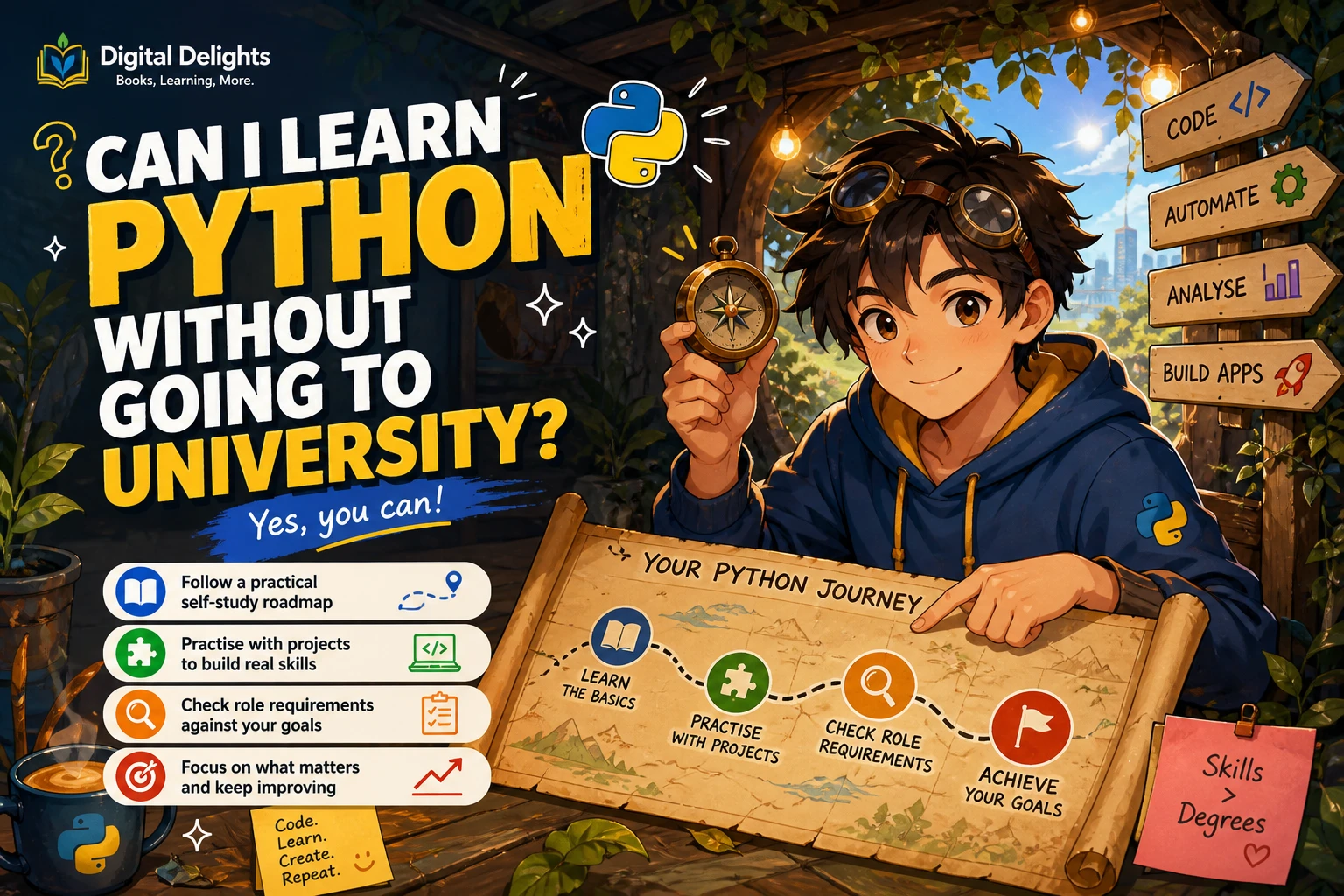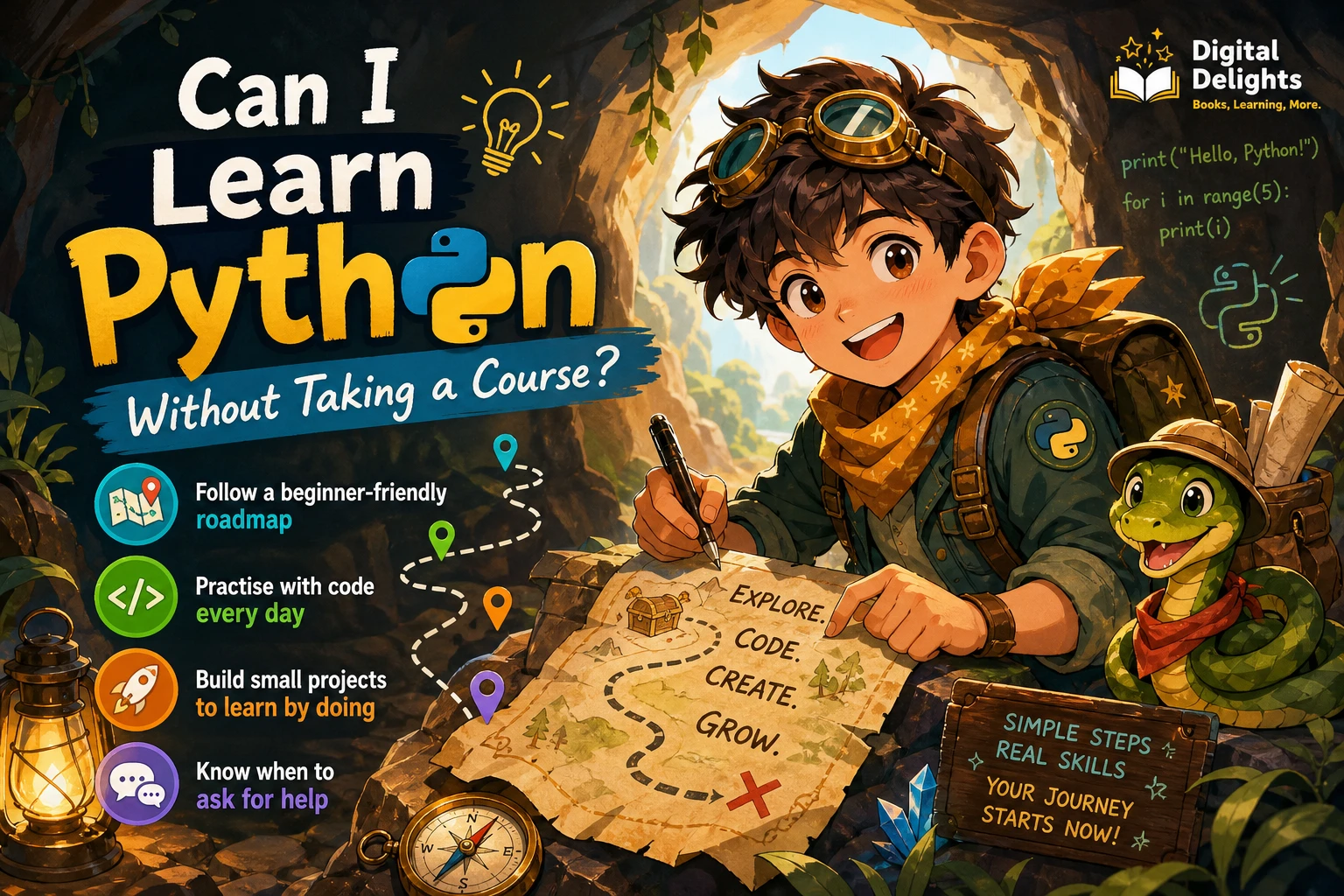
Yes, you can learn Python without taking a course. A course is one way to get a sequence of lessons and feedback, but it is not the only way to organize your learning. With beginner-appropriate material, regular coding practice, small projects, and a plan for getting help, you can study independently.
The key is to avoid treating self-study as passive reading. Python skills develop as you write code, change it, make mistakes, and work out what happened. This guide lays out a practical path, explains how to choose a starting resource, and offers ways to judge your progress without relying on a course or a fixed timetable.
Can you learn Python without taking a course?
Yes. You can combine documentation, a book or other beginner resource, coding exercises, and personal projects into a self-directed learning plan. You do not need previous programming experience to begin: Python.org directs newcomers to beginner resources. Its official Python Tutorial, however, says it is intended for people who already have a basic understanding of programming, so it may not be the right first stop for someone starting from zero.
Self-study does not mean learning without structure. A course typically supplies a sequence and may offer a teacher, deadlines, or feedback. When studying alone, you need to supply enough of that structure yourself: decide what to learn next, make time to practise, and find a reliable way to resolve questions.
The available guidance does not establish that independent study works equally well for every learner or produces the same outcomes as a course. Think of the approach below as a practical plan to try and adjust—not a guarantee or a race to finish by a particular date.
What a course provides—and how to replace it
Before starting, identify what you want a course to do for you. Then build a simple alternative for each need.
| A course may provide | A self-study substitute |
|---|---|
| A planned order of topics | Follow one beginner resource from fundamentals to practice instead of hopping between unrelated tutorials. |
| Deadlines and momentum | Set a modest, repeatable study routine and choose a small goal for each session. |
| Exercises | Write code from examples, alter the examples, and solve small problems without looking at a solution first. |
| Feedback and answers | Use documentation and trustworthy help channels; when asking a question, include the code, the error, and what you expected to happen. |
| A final assignment | Build a small program that uses several concepts you have practised. |
This is a planning framework, not a claim that each substitute provides the same experience as a teacher or class. If you repeatedly get stuck or prefer regular guidance, a course, study group, or instructor may be a useful addition.
A self-study roadmap for Python beginners
Work through the following stages in order. You can spend more time on one stage and revisit earlier topics whenever a project exposes a gap.
1. Set up Python and choose one starting resource
Install Python using the current instructions on the official Python downloads page, and choose an editor or other environment you can use consistently. The setup process may vary by operating system, so follow instructions that match your device. Check the download page when you install rather than relying on an old tutorial’s version number.
Pick one beginner-oriented book or guide and use it as your main route through the basics. Supplement it when you need clarification, but avoid starting several full tutorials at once. Python.org’s beginner guidance distinguishes resources for people new to programming from material aimed at readers with prior experience.
2. Learn the core building blocks
Start with concepts that appear in many small programs. A useful order is:
- Values and variables: numbers, text, Boolean values, and names that refer to stored information.
- Collections: lists and dictionaries for keeping related values together.
- Conditions:
if,elif, andelsefor choosing what a program should do. - Loops:
forandwhilefor repeating actions. - Functions: reusable blocks of code that can take inputs and return results.
- Errors and files: reading error messages, handling common exceptions, and working with simple files.
Do not aim to memorize every detail on the first pass. Focus on understanding what each feature is for and being able to recognize it in a short example.
3. Practise by typing and changing examples
Keep a Python interpreter available as you learn. The official Python Tutorial recommends hands-on use, although it expects readers to have some basic programming knowledge. For a complete beginner, use it as a reference when appropriate rather than assuming it must be your first resource.
For each new example, type the code instead of only reading it. Run it, then make a small change: alter a value, add a condition, change the input, or try an edge case. Before running the modified version, predict what you think it will do. Comparing your prediction with the output helps you notice what you understand and what needs another look.
4. Build small projects that solve a clear problem
Once you know a few fundamentals, make small programs that use them together. Keep the first version narrow enough to finish and improve in steps. Possible starting ideas include:
- A number-guessing game using input, conditions, and a loop.
- A simple quiz that counts correct answers.
- A to-do list that stores and displays tasks.
- A basic expense total that adds values entered by the user.
- A text-based program that asks questions and responds differently to different answers.
These are practice ideas, not promises of a particular skill level. If a project feels too large, reduce its scope. A working small program is more useful for practice than a long list of features you have not started.
5. Review what went wrong and revisit weak spots
Errors are part of writing code. Read the full error message, locate the line it points to, and check the surrounding code before changing several things at once. Try to make one focused change, run the program again, and note what changed.
When a project exposes a gap—perhaps you are unsure how a loop works or how a function returns a value—return to the relevant explanation and make a tiny example of your own. Keep a short record of errors you have solved and the reason for each fix. That record can make similar problems easier to investigate later.
How to choose a resource for learning Python on your own
Choose material that matches your starting point and gives you chances to use the language. The catalog descriptions for the following Digital Delights books offer different self-study formats; they do not establish that one format is more effective for everyone.
| Resource | What the catalog says it covers | May suit readers who want |
|---|---|---|
| Python Essentials For Dummies | A beginner introduction covering setup, syntax, control flow, collections, functions, errors, files, JSON, and web basics. | A guided introduction through a range of Python fundamentals. |
| Python Bookcamp: Exercises and Projects | A practice-oriented progression through fundamentals, case studies, exercises, and projects. | More emphasis on applying concepts through coding practice and projects. |
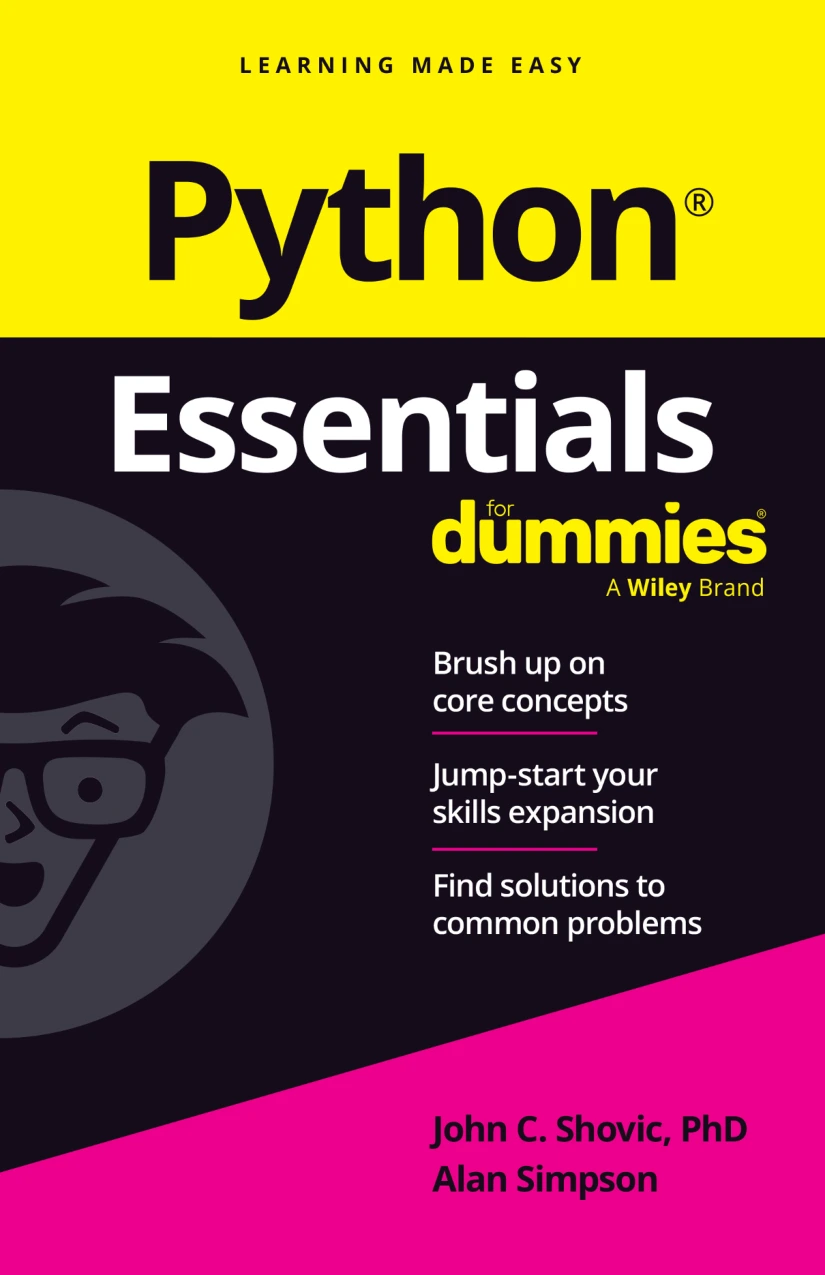
Readers seeking an introduction covering setup, core syntax, functions, files, and related fundamentals.

Python Bookcamp: Exercises and Projects
Learners who want to practise Python concepts by working through exercises and projects.
If you want to compare more titles, browse the Python books and resources collection. Whichever resource you choose, check that its opening material matches your experience level and that it gives you opportunities to write code, not just read explanations.
How to practise and get unstuck
When learning without an instructor, create a repeatable way to investigate problems instead of immediately searching for a complete solution.
- Describe the problem. Write down what you expected and what actually happened.
- Read the error carefully. Check the line number and the surrounding code; the reported location can point near the cause rather than explain it fully.
- Reduce the example. Remove unrelated code until you have a small version that still shows the problem.
- Check a suitable reference. Use beginner material for explanations and official documentation when you need details about Python features.
- Ask a focused question if needed. Share a minimal code example, the exact error, and what you already tried. Avoid posting private information or credentials.
- Explain the fix to yourself. After solving it, write a sentence about what caused the problem and why the change works.
The point is not to struggle alone indefinitely. Independent learning can include asking questions and using other people’s explanations. The useful habit is to investigate enough that the help you receive makes sense, rather than copying a fix without understanding it.
Common self-study pitfalls to avoid
- Reading without coding: Understanding an example while looking at it is different from creating or changing one. Make time to run code yourself.
- Jumping between too many tutorials: Different materials may introduce topics in different orders. Choose a main resource and use other references to answer specific questions.
- Copying solutions too soon: First try to describe the problem in plain language and write a small attempt. If you look at a solution, close it and recreate the idea independently.
- Starting with material that assumes prior knowledge: Check the resource’s audience. The official Python Tutorial, for example, expects a basic understanding of programming, while Python.org points newcomers toward beginner resources.
- Choosing an oversized first project: Reduce it to one useful feature, get that working, and expand gradually.
- Expecting a fixed timeline: The supplied sources do not establish a typical time to learn Python or a schedule that guarantees fluency. Let your progress and available time guide the pace.
How can you tell whether you are making progress?
Use practical checks instead of measuring progress only by how many chapters you have read. You are building a useful foundation when you can increasingly:
- Explain what a variable, condition, loop, and function does in a small example.
- Write a short program that takes input, makes a decision, and produces output.
- Change an example without losing track of how the change affects its behavior.
- Read an error message and form a reasonable next step for investigating it.
- Build a small project by combining concepts, even if you still consult notes or documentation.
You do not need to stop using references before you can make something independently. Programmers look up details; the important shift is becoming better able to decide what to try and understand the code you use.
Frequently asked questions
Do I need programming experience to learn Python on my own?
No prior programming experience is required to begin. Choose a resource designed for newcomers: Python.org provides beginner guidance, while the official Python Tutorial expects readers to have basic programming knowledge.
Can a book replace a Python course?
A book can provide explanations and a sequence of topics, and some books include exercises or projects. It will not necessarily provide the same feedback or support as a course. Pair reading with regular coding and seek help when you need it.
How long does it take to learn Python without a course?
There is no reliable timeline established by the supplied sources. The time depends on your goals, available study time, prior experience, and what you mean by “learn.” Set small milestones and judge progress by what you can explain and build, rather than a promised number of days.
Should I start with the official Python Tutorial?
It depends on your background. The tutorial says it expects basic programming knowledge, so a complete beginner may prefer a resource specifically aimed at first-time programmers. It can still be useful as a reference when you are ready for it.
When might taking a course be useful?
A course may help if you want a preplanned sequence, regular deadlines, instructor feedback, or a group to learn with. Self-study and courses are not mutually exclusive: you can study independently and add a course or instructor if your needs change.
Conclusion: build structure into your self-study
You can learn Python without taking a course, but make the process active and organized. Start with beginner-appropriate material, work through the fundamentals in a sensible order, type and modify examples, and build small programs. When you get stuck, investigate the error and ask focused questions rather than giving up or copying a fix blindly.
There is no single resource or timetable that fits every learner. Choose a starting point you can follow, adjust it as you discover what you need, and use practical projects to see how your understanding is developing.
Sources
- Python For Beginners | Python.org — beginner guidance and resource selection.
- The Python Tutorial — Python documentation — intended audience and hands-on use.
- Download Python | Python.org — check the current download instructions when installing.