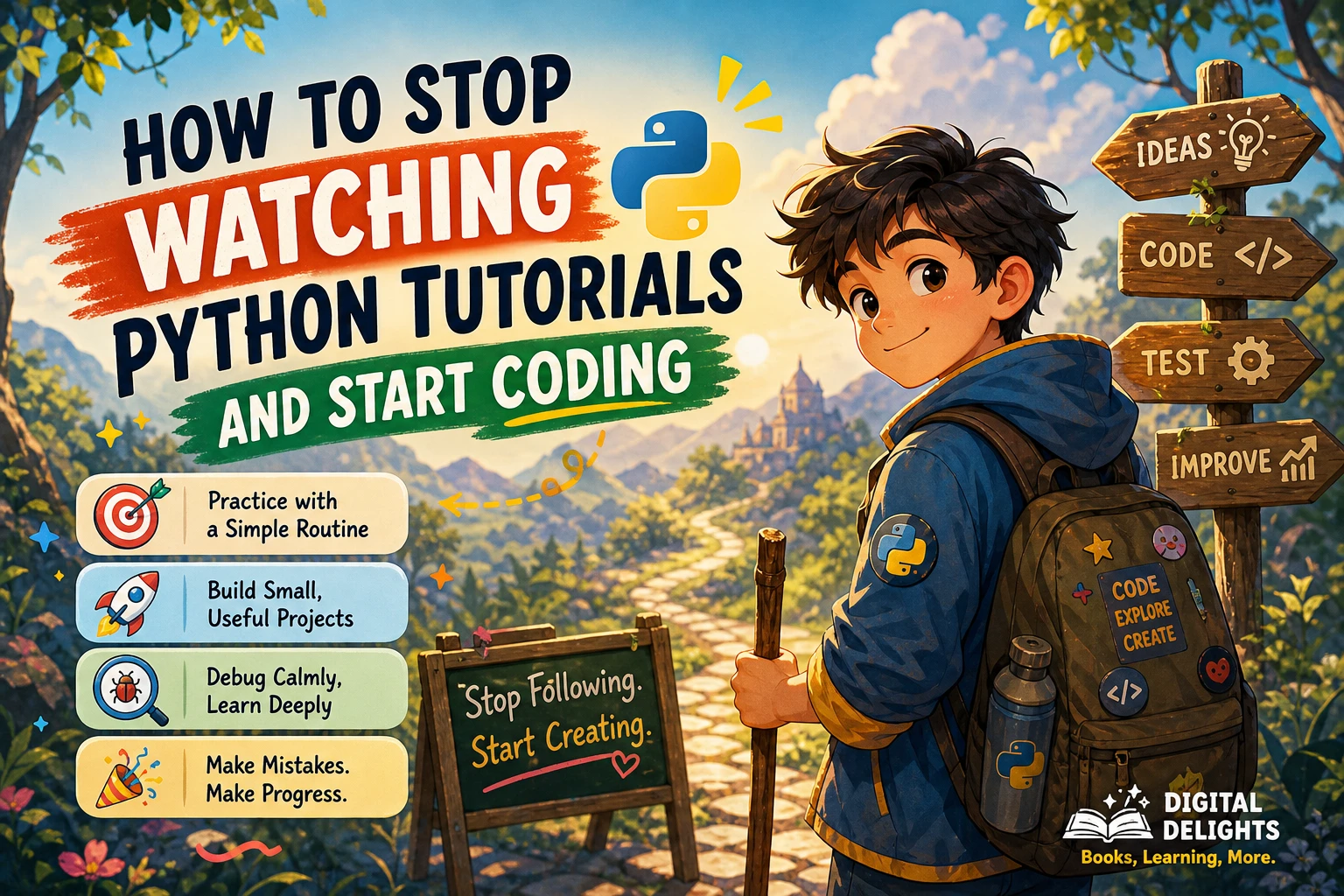
How to Stop Watching Python Tutorials and Start Coding
If you can follow a Python tutorial while the instructor writes the code but struggle to begin alone, you are not necessarily missing another course. You may simply need more chances to make small decisions without the instructor doing them for you. Tutorials can explain unfamiliar ideas, but your own practice is where you try those ideas, see what happens, and work out what to change.
A useful transition is simple: choose a tiny task, learn only what you need to attempt it, then close the lesson and write your own version. You do not need to master Python before making a small program. Below is a practical routine, project ideas, a debugging approach, and guidance on when to return to tutorials.
Why tutorials can feel easier than coding alone
When someone else writes code, you can recognize what each line is doing as it appears. That recognition is useful, but it is different from deciding what to write, recalling the syntax, and combining ideas to meet a goal. A tutorial can make code look familiar without giving you much practice making those choices yourself.
This does not mean tutorials are bad or that you should stop using them. The issue is relying on them as your only form of practice. Treat a lesson as a source of explanations, not as a substitute for trying to solve a small problem independently.
How to practice Python: learn a little, then write
Try this repeatable cycle whenever you encounter a new concept:
- Choose one small outcome. For example, ask for a name and print a greeting, or calculate the total of a few prices.
- Study only the relevant idea. If the task needs user input, review input and strings. Avoid starting a broad new course just because one detail is unfamiliar.
- Close the lesson and make a first attempt. Write what you remember, even if it is incomplete. The aim is to find the exact part you do not yet understand.
- Check a reference when you need one. Look up a specific syntax question or error rather than replaying an entire series by default.
- Change one requirement. Add a condition, handle a different input, or improve the output. A small change helps you test whether you can adapt the idea.
- Explain the result in plain language. If you can describe what each important line does and why it is there, you have something more useful than a code sample you merely copied.
For example, after following a lesson that prints a greeting, close it and write your own version. Then change the program so it asks for the user’s name and gives a different response if the answer is blank. This is an editorial practice suggestion, not a guaranteed learning formula; adjust the task to your current comfort level.
Choose a manageable first project
A good first project is small enough that you can describe what it should do in a few sentences. It should give you a reason to use the Python concepts you are currently learning, without requiring a complicated setup or a long list of libraries.
- Quiz: Ask a question, check an answer, and report whether it matches.
- Text-based tracker: Let a user add a task or item, then display the current list.
- Simple file organizer: Start by listing filenames or sorting a small set of example names. Add actual file-moving behavior only after you understand what the script will change.
- Number guessing game: Combine input, comparisons, and a loop to let the player make repeated guesses.
- Personal calculator: Ask for a few numbers and calculate a total, average, or other simple result.
These are options, not a ranking of the best projects. Pick the one that interests you, then make its first version deliberately modest. A quiz that asks one question and prints a result is a complete first milestone; a graphical quiz with scores, saved profiles, and menus can wait.
Write the project requirements before the code
Describe the program as a short checklist. For a basic quiz, that might be:
- Show one question.
- Read the user’s answer.
- Compare it with the expected answer.
- Print a result.
That checklist becomes a guide when you are unsure what to write next. If a requirement feels too large, split it into smaller actions. You can get a single question working before adding multiple questions or keeping score.
Get from an idea to running Python code
You can begin with short experiments in Python’s interactive interpreter, where you enter an expression and see its result. This is handy for checking a small idea without creating a full program. Python also supports running saved script files from the command line, so you can move an experiment into a small .py file when you want to build a repeatable program. See the official documentation on Python command-line use.
For instance, try a simple expression in the interpreter:
price = 12
quantity = 3
print(price * quantity)
Then save a small script that asks for input:
name = input("What is your name? ").strip()

if name:
    print(f"Hello, {name}!")
else:
    print("Hello!")
Run it, try different answers, and change one part. What happens if you remove .strip()? What happens if you change the message? These small experiments make code less mysterious because you can connect a change to an observable result.
You do not need to learn every development tool before trying a no-dependency exercise. Python’s venv module is for creating isolated environments for project packages. It becomes useful when a project depends on third-party packages, but it need not be a barrier to your first short script. Details are in the official venv documentation.
Use a debugging routine instead of guessing
Code that fails is not automatically a sign that you chose the wrong project. An error gives you information about what Python could not do, although understanding it may take investigation. Try a deliberate sequence rather than changing several lines at once:
- Read the complete error message. Note the error type and the line Python points to. The reported line is a useful starting point, even if the underlying cause began earlier.
- Reproduce the problem. Run the same program with the same input so you know what you are trying to fix.
- Inspect the smallest relevant section. Check spelling, punctuation, indentation, data types, and the value being passed into the failing operation.
- Test one change. Make a single adjustment, run the program again, and observe whether the result changed.
- Reduce the example if needed. Temporarily remove unrelated parts until you can test the failing behavior in a smaller piece of code.
- Record what you learned. Write a short note about the cause and fix in your own words. That can help you recognize a similar issue later.
For example, if a calculation raises an error, check what values the program received before rewriting the whole program. A value collected with input() is text; if you intend to do arithmetic, consider whether you need to convert it to a number. Test that one idea first.
When you ask for help, share the smallest code sample that still shows the problem, the full error message, what you expected, and what happened instead. This gives someone else a clearer starting point than “my program does not work.”
When should you return to tutorials?
Return to a tutorial when you can name the question you need answered: “How does a for loop visit each item?” is more actionable than “I should watch more Python.” Watch or read enough to understand that point, then put the explanation to work in your own program.
If you are completely new to programming, make sure the learning material explains foundational ideas as well as Python syntax. The official Python Tutorial says it is intended for people new to Python who already have a basic understanding of programming; it may therefore be a better reference for some learners than a first introduction to programming. Read its audience and tutorial overview before using it as your only starting point.
If a structured introduction would help, Python Coding for Beginners (19th Edition) is catalog-described as covering setup, core concepts such as variables, functions, conditions, and loops, along with data structures, files, and practical examples. Use a book or tutorial as a guide; the important next step is still to write and adapt code yourself. You can also browse the Digital Delights Python resource category for other learning materials.
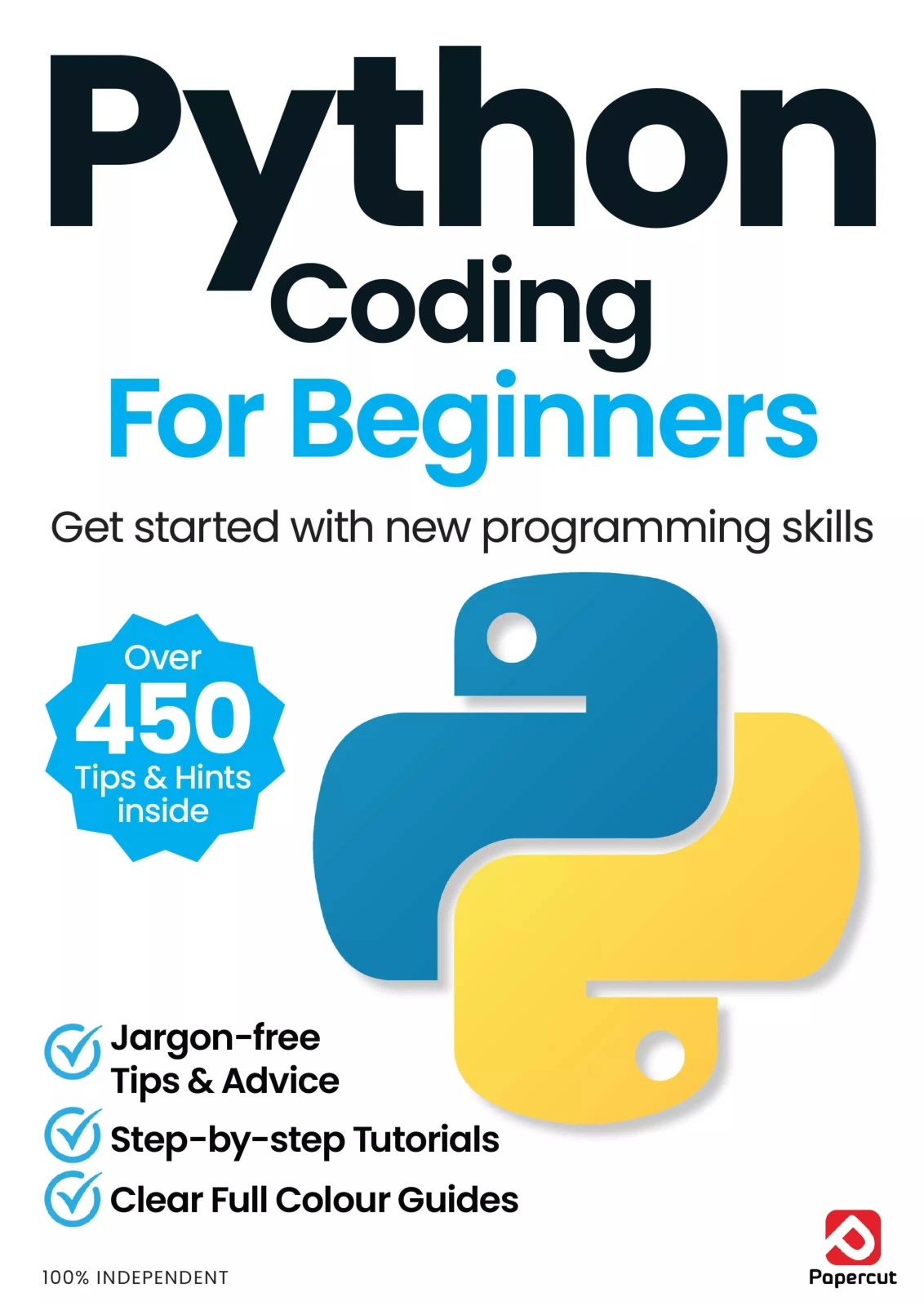
Python Coding for Beginners (19th Edition)
By Papercut
Learners who want a guided introduction covering setup, Python fundamentals, data structures, files, and examples.
Common traps that keep learners watching
- Switching courses whenever something gets difficult. Choose one main learning path for now. Consult another explanation when it answers a specific question, rather than restarting from the beginning.
- Copying code without changing it. After a worked example, close it and recreate the idea. Then change one behavior so you have to make a decision.
- Waiting until you feel fully prepared. You can start with a task that uses only a few basics. Expect to look things up as you go.
- Making the first project too ambitious. Break the goal into tiny requirements. A working first feature is more manageable than trying to build the finished version all at once.
- Changing many things while debugging. If you alter several lines at once, it becomes harder to know which change mattered. Test one adjustment at a time.
- Measuring progress only by lessons completed. Keep a list of programs you have attempted, changes you made, and errors you now understand. That records practice more directly than a playlist’s progress bar.
Frequently asked questions
How much Python should I learn before starting a project?
Learn enough to attempt a small task, not an entire language in advance. For a simple quiz, you might need input, strings, comparisons, and a conditional. Look up unfamiliar details as they arise, then expand the project when the first version works.
What should I build if I have no project idea?
Choose a small program connected to something familiar: a one-question quiz, a basic task list, a number guessing game, or a calculator. Define a few requirements first and build the simplest version that meets them. None is a universally best first project; choose one that feels understandable and interesting.
What should I do when my Python code fails?
Read the full error, identify the reported line, reproduce the issue, and test one possible fix at a time. If you remain stuck, reduce the code to a smaller example and seek help with the code, error message, expected behavior, and actual behavior included.
Do I need to learn the command line before I start coding?
No. You can begin with small interactive experiments or an editor that runs Python for you. Learning to run a saved script from the command line is useful as you progress, but it does not have to come before your first basic exercise.
Do I need a virtual environment for every beginner project?
No. A virtual environment is useful for isolating project packages, especially when you use third-party libraries. For a small exercise that uses only Python’s built-in features, setting one up is not a prerequisite.
Should I stop watching Python tutorials completely?
No. Use tutorials when they explain a concept you need, then pause and apply it to your own task. The aim is not to avoid instruction; it is to make sure instruction leads to independent attempts and useful experimentation.
Make the next step small enough to begin
Choose one modest idea today and write down what its first version must do. Review only the Python concept you need, close the lesson, and make an attempt. When it runs, change one requirement; when it fails, investigate one clue at a time. You do not need to feel ready for every future project before you start coding this one.
Sources and further reading
- The Python Tutorial — Python documentation, including its intended audience.
- Command line and environment — Python documentation, for interactive use and running Python scripts.
venv— Python documentation, for isolated project environments.