How to Learn Python Variables, Conditions and Loops
Variables, conditions and loops are the building blocks behind many small Python programs. Variables hold information, conditions let a program choose what to do, and loops repeat an action. Learning them together helps you move from reading Python syntax to writing programs that respond to data.
A practical way to begin is to assign a few values, make a decision with if, then repeat an action with a loop. The examples below build those skills in sequence and finish with a small program you can adapt.
Start with Python variables
A variable is a name that refers to a value. Use the assignment operator, =, to give a name a value:
name = "Mina"
age = 20
You can update a variable by assigning it a new value. For example, age = age + 1 calculates a new value from the current one and assigns the result back to age.
score = 4
score = score + 3
print(score)  # 7
Python evaluates the right side of the assignment first, then binds the result to the name on the left. If you try to use a name before assigning it, Python raises a NameError. See the official Python tutorial’s introduction to names and assignment.
Choose clear variable names
Names such as total, temperature and item_count make code easier to understand than vague names such as x or thing. In Python, names are case-sensitive: score and Score are different names. A name can include letters, digits and underscores, but should not start with a digit.
Use conditions to make decisions
A condition lets your program select an action based on whether a test is true or false. Use if for the first test, elif for another test if needed, and else for the fallback case.
temperature = 18

if temperature > 25:
    print("Warm day")
elif temperature >= 15:
    print("Mild day")
else:
    print("Cool day")
Python checks the branches from top to bottom and runs the first matching branch. The indented lines belong to their preceding condition. Consistent indentation is part of Python’s syntax, so keep the statements in each branch aligned.
Use == to test whether two values are equal; a single = assigns a value. Other common comparisons include != (not equal), < (less than), > (greater than), <= and >=.
What are truthy and falsy values?
Conditions do not always have to be written as comparisons. Python treats some values as false in a condition, including False, None, zero and empty containers such as an empty list. Many other values are treated as true. For a first program, explicit comparisons can be easier to read; learn truthiness as you encounter it. The Python control-flow tutorial explains conditionals and truth-value testing.
Repeat tasks with loops
Loops run a block of code repeatedly. A for loop goes through items in an iterable, such as a list or a range of numbers. A while loop continues as long as its condition remains true. Choose based on the task: use for when you are processing a collection or known sequence, and while when repetition depends on a condition changing.
Use a for loop to process items
colors = ["blue", "green", "gold"]

for color in colors:
    print(color)
This loop assigns each item in colors to color in turn, then runs the indented statement. To repeat a task a set number of times, range() can provide a sequence of numbers:
for number in range(1, 4):
    print(number)
This prints 1, 2 and 3. The ending value in range(1, 4) is not included. A for loop is not limited to counting; it is often used to work through items one by one.
Use a while loop when a condition controls repetition
remaining = 3

while remaining > 0:
    print(remaining)
    remaining = remaining - 1

print("Done")
Each pass reduces remaining. Once it reaches zero, the condition is false and the loop ends. A while loop needs a condition that can eventually become false; otherwise, it may keep running indefinitely.
Control loop behaviour with break and continue
break exits the innermost loop immediately. continue skips the rest of the current pass and moves to the next iteration.
for number in range(1, 6):
    if number == 2:
        continue
    if number == 5:
        break
    print(number)
The program skips 2, prints 1, 3 and 4, then exits when it reaches 5. These statements are useful when a loop needs an exception to its usual flow, but clear loop conditions are often easier for beginners to follow.
Combine variables, conditions and loops
Here is a small program that uses all three ideas. It stores a passing threshold, checks each score against it, and prints the result. Before running the code, predict which scores will be labelled as passing.
scores = [62, 48, 91]
passing_score = 50

for score in scores:
    if score >= passing_score:
        print(f"{score}: pass")
    else:
        print(f"{score}: try again")
The list and threshold are stored in variables. The for loop visits each score. The condition chooses one of two messages for each item. Because the threshold is a variable too, you can change passing_score and see how the program responds without rewriting the decision.
Common beginner mistakes to watch for
- Using a name before assigning it: assign a value before referencing the variable.
- Using
=instead of==in a comparison: use=for assignment and==to test equality. - Misaligning indentation: keep the statements in each
ifbranch or loop body consistently indented. - Writing a loop that cannot finish: check that a
whileloop changes something used by its condition, or include a clear exit condition. - Assuming a loop ran when its condition was false: check the starting values and the condition before the first iteration.
When a program behaves unexpectedly, read the error message, inspect the relevant variable values, and test a smaller version of the code. Predicting the next line before running it can also make the program’s flow easier to follow.
A short practice plan
- Change a variable: update
passing_scorein the example and predict the new output. - Add another condition: print a different message for scores of 80 or higher using
elif. - Build a running total: start with
total = 0, loop through a list of numbers, and add each number to the total. - Try a while loop: make a countdown that stops at zero, then explain which update causes the condition to become false.
- Test edge cases: try an empty list, a score equal to the threshold, and a score below it.
Write each example yourself, run it, and change one thing at a time. If a structured reference would help, Python Programming for Beginners covers variables, conditions, loops and other Python fundamentals in a step-by-step format. You can also browse the Python learning resources category.
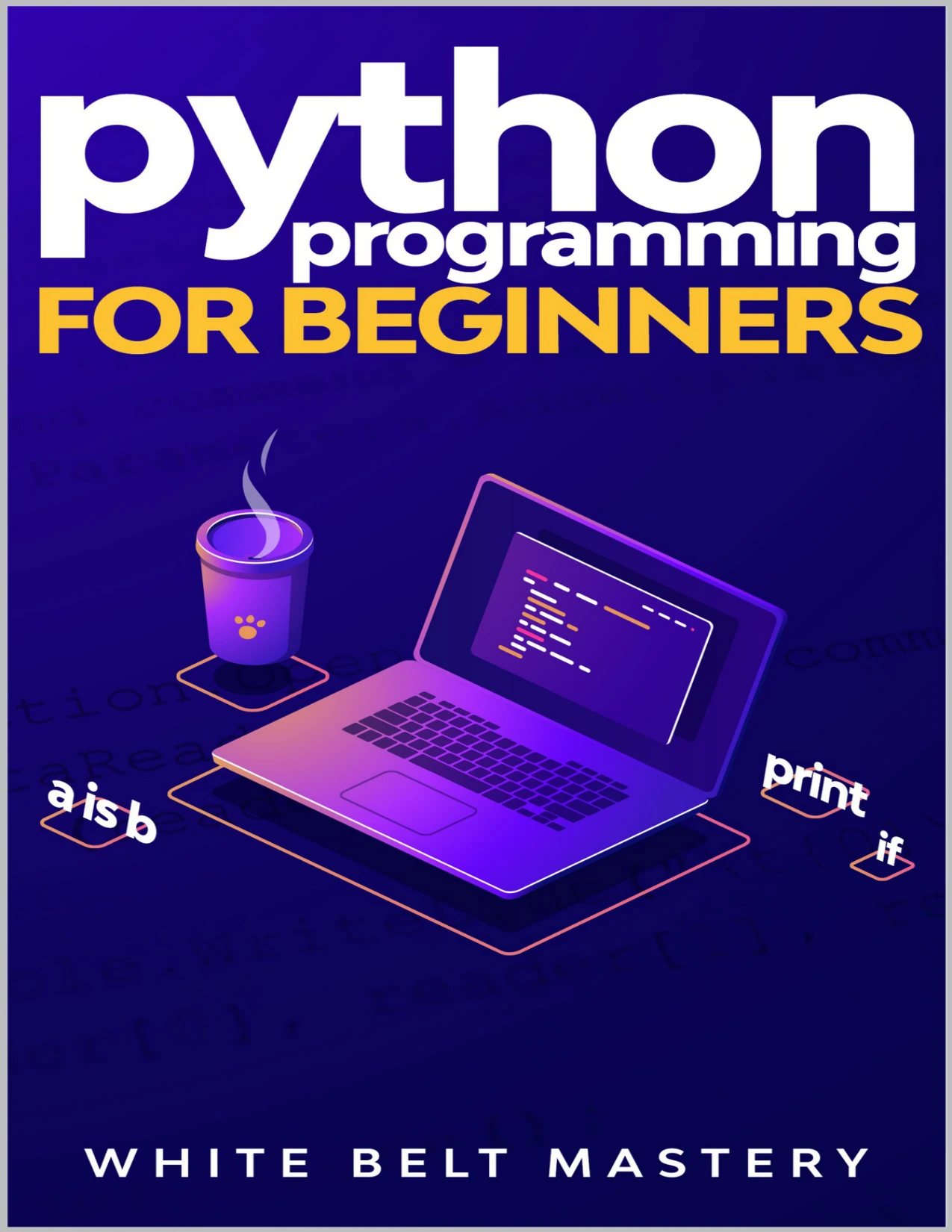
Beginners who want a step-by-step guide covering variables, conditions, loops and other Python fundamentals.
Frequently asked questions
What should I learn first: variables, conditions or loops?
Start with assigning values to variables, then practise comparisons and if statements. Once you can follow how a condition chooses a branch, use loops to repeat that decision across several values. You will understand more by combining the concepts in small examples than by memorizing their definitions alone.
When should I use for or while in Python?
Use for to visit items in a sequence or iterable, such as the values in a list. Use while when you want to continue until a condition changes, such as a countdown reaching zero. Python’s documentation describes for as iterating over items and while as repeating while its condition is true.
What do break and continue do?
break ends the innermost loop. continue skips the remaining statements in the current iteration and starts the next one. In either case, check the loop’s structure so the result is clear and predictable.
Keep building from the basics
Variables give your program values to work with, conditions let it respond to those values, and loops make it possible to repeat useful work. Practise each idea on its own, then combine them in small programs. When you can explain why each line runs—and what would change if you edited a value—you are developing a solid foundation for the next Python topic.