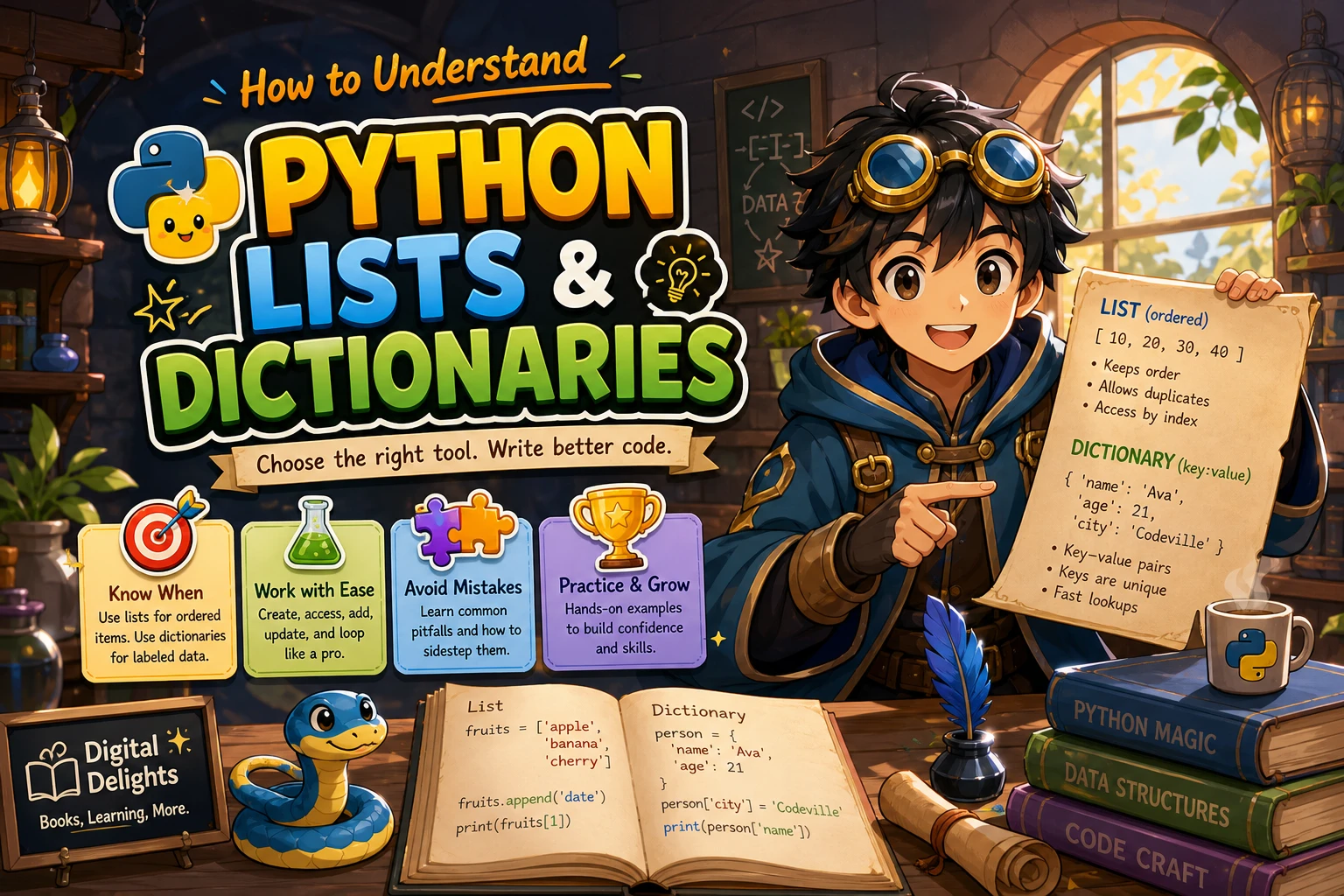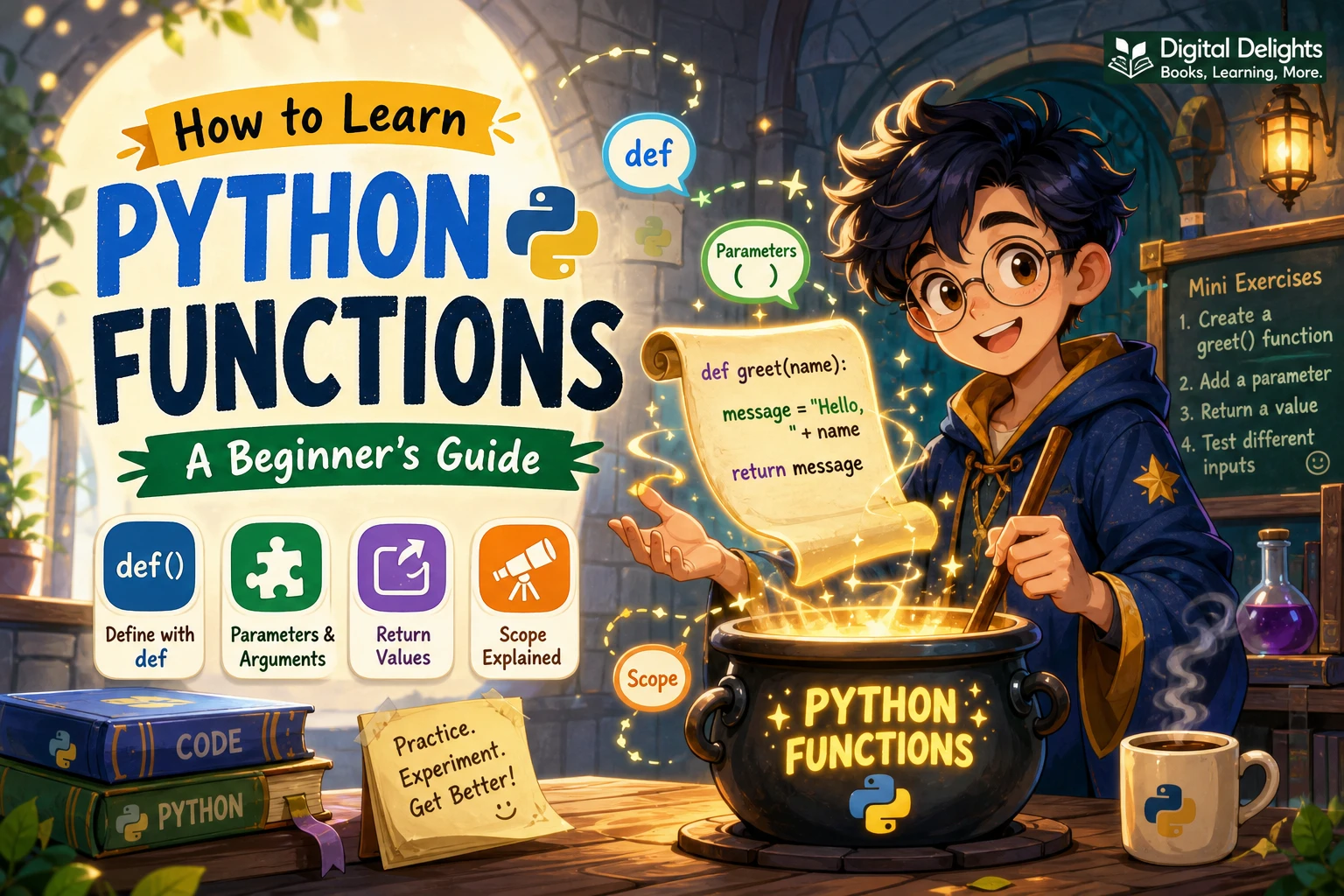
How to Learn Python Functions: A Beginner’s Guide
Functions help turn repeated instructions into reusable pieces of code. They also make a program easier to read: instead of working through every detail at once, you can give a task a clear name, pass it the information it needs, and use the result elsewhere.
To learn Python functions, start with a simple function and practise defining, calling, and changing it. Then work through parameters, arguments, return values, and scope. You do not need to begin with advanced features such as *args or recursion. The examples and exercises below build from the basics to small functions you can write on your own.
What Is a Python Function?
A function is a named block of code that you can run when you call it. Functions are useful when you want to perform a task more than once, or when you want to give a program’s smaller tasks clear names.
In Python, you define a function with def, followed by its name, parentheses, and an indented body:
def say_hello():
    print("Hello!")
This definition creates the function; it does not run the body yet. To run it, call it by name with parentheses:
say_hello()Keeping the distinction between defining and calling a function in mind will help you make sense of the examples that follow. Python’s official tutorial on functions and control flow introduces the same basic structure.
Learn the Essential Parts of a Function
Function names, parameters, and arguments
A function name should give a useful clue about its job. In def double(number):, number is a parameter: a name the function uses for an input. When you call double(6), the value 6 is an argument passed to the function.
def double(number):
    return number * 2

answer = double(6)
print(answer)  # 12
The function receives the argument, uses it in its body, and returns a result. You can call it again with another value, without rewriting the calculation.
Return values versus print()
print() displays information. return sends a value back from the function so the rest of the program can use it. This difference matters when you want to calculate something and then store, compare, or combine the result.
def add_tax(price, rate):
    return price * (1 + rate)

total = add_tax(20, 0.10)
print(total)
Here, add_tax() returns a number and the caller stores it in total. If a function only prints a result, you can see it on screen, but you cannot use that printed output as the function’s returned value.
A function that reaches the end without an explicit return returns None. If you need a result to use elsewhere, return it deliberately.
Calling functions with positional and keyword arguments
With positional arguments, Python matches values to parameters by their order. Keyword arguments name the parameter, which can make a call easier to understand:
def describe_pet(name, animal):
    return f"{name} is a {animal}."

print(describe_pet("Milo", "cat"))
print(describe_pet(animal="dog", name="Rex"))
Keyword arguments are particularly helpful when a function has several inputs and their purpose is not obvious from the values alone.
Using default values
A parameter can have a default value. The caller can leave that argument out to use the default, or provide a different value:
def greet(name, greeting="Hello"):
    return f"{greeting}, {name}!"

print(greet("Asha"))
print(greet("Asha", greeting="Welcome"))
Be careful when a default value is mutable, such as a list or dictionary. Python evaluates default values when the function is defined, so a mutable default can be shared across calls. Use None as the default and create a new collection inside the function instead:
def add_item(item, items=None):
    if items is None:
        items = []
    items.append(item)
    return items
Practise Python Functions Step by Step
The following sequence is a practical way to build familiarity. Treat it as a set of small coding tasks, not a test of how quickly you can finish. Run each example, change it, and check what happens.
- Define and call a function with no inputs. Write a function that prints a short message, then call it. Notice that a definition alone does not execute the function.
- Add one parameter. Change the function so it accepts a name or another value. Call it with several different arguments.
- Return a result. Make a function that calculates or transforms a value. Assign the returned value to a variable, then use that variable in another expression.
- Add a second parameter. For example, write a function that converts a measurement using an amount and a conversion factor.
- Try keyword arguments and a default. Give one parameter a sensible default, then call the function both with and without that argument.
- Write a similar function from a blank file. Use a new task rather than copying the earlier example line by line.
When something does not work, read the error message and check the function call against the definition: do the number of arguments and their names match the parameters?
Understand Scope and Avoid Common Mistakes
Scope describes where a name can be used. A variable assigned inside a function is generally local to that function. A parameter is also a local name: it refers to the value passed in for that particular call. The function’s local names are not automatically available outside it.
def make_message():
    message = "Ready to practise"
    return message

result = make_message()
print(result)  # Works
# print(message)  # NameError: message is local to the function
As you practise, watch for these common beginner errors:
- Defining a function but never calling it: writing
def task():creates the function. Usetask()to run it. - Passing the wrong number of arguments: compare the call with the parameters in the definition.
- Confusing output with a result: use
returnwhen another part of your program needs the value. - Using a local variable outside its function: return the value and assign the result to a name where you call the function.
- Using a mutable default by accident: prefer a
Nonedefault when a function needs to create a fresh list or dictionary.
Beginner Exercises for Python Functions
Try these exercises without looking for a complete solution first. For each one, decide what information the function needs and whether it should return a value or simply perform an action.
- Convert units: write a function that takes a number of minutes and returns the equivalent number of seconds.
- Calculate a total: write a function that accepts a price and a tax rate, then returns the total.
- Classify a number: write a function that returns a label such as
"positive","negative", or"zero". - Check a value: write a function that returns
Trueif a number is even andFalseotherwise.
Test more than one case for each exercise. For a number classifier, for example, try a positive number, a negative number, and zero. Add checks for inputs that your function should not accept only after the main logic works.
If you learn best by working through varied examples, Python Bookcamp: Exercises and Projects is a relevant practice-oriented resource. Its catalog description includes functions, arguments, case studies, and programming exercises. For a broader first introduction that also covers function parameters and return values, see Python Programming for Beginners.

Python Bookcamp: Exercises and Projects
Learners who want additional Python exercises, case studies, and practice with functions and arguments.
New programmers looking for step-by-step coverage that includes function parameters and return values.
What to Learn After the Basics
Once you can define and call simple functions, return results, and follow what happens to local names, extend your skills gradually:
- Docstrings: add a short description as the first string inside a function body so its purpose is clear.
- Modules: place related functions in a separate Python file and import them where needed.
- Type annotations: add optional hints to make expected input and output types easier to see. They do not replace understanding the code.
*argsand**kwargs: learn these when you have a reason to accept a variable number of arguments.- Recursion and lambda expressions: explore these after ordinary functions feel comfortable; neither is required to write useful beginner programs.
There is no need to master every parameter form before writing practical code. Start with the tools your current task needs, then add complexity when it solves a real problem.
Python Function Learning Resources
The official Python tutorial is a useful reference for function definitions, arguments, default values, and related control-flow topics. Use it alongside short coding attempts: read one concept, try a small example, and then change the example so you can see how its behavior changes.
You can also browse the Python books and learning resources collection for other materials. Choose a resource based on what you need next—an introductory explanation, more exercises, or a broader programming path—rather than trying to study several books at once.
Frequently Asked Questions
What should I know before learning Python functions?
It helps to be comfortable with variables, expressions, indentation, and basic if statements and loops. These are useful foundations, not formal prerequisites. If a function example uses unfamiliar syntax, review that smaller concept and return to the function.
What is the difference between a parameter and an argument?
A parameter is a name in the function definition, such as number in def double(number):. An argument is the value supplied when calling the function, such as 6 in double(6).
When should I use return instead of print()?
Use return when the function should give a value back for the program to store or use. Use print() when you want to display information to the screen. A function can do both, but printing alone does not return the displayed value.
How can I practise writing functions?
Choose small tasks with clear inputs and outputs, write a function, and test it with several values. Try converting units, calculating totals, or classifying numbers. Then change the requirements slightly and update your function without copying a finished solution.
Conclusion
Learning Python functions starts with a few core ideas: define a function with def, call it when you need it, pass inputs through parameters, and return values that other code can use. Practise those fundamentals with small exercises before moving on to advanced argument forms. With each function you write and test, you will get more comfortable breaking a larger task into manageable steps.