How to Learn Python Step by Step: A Practical Roadmap
Learning Python is not a matter of memorizing every feature before you write a program. A more useful route is to understand a small set of fundamentals, practise them in short exercises, and then apply them to projects you can explain and change yourself. That process builds working fluency; deeper expertise comes later as you focus on the kinds of problems you want to solve.
This roadmap takes you from your first program through core Python concepts, small projects, and a choice of specializations. You do not need previous programming experience, though learning programming logic as well as Python syntax may mean taking more time with the early steps. There is no single timeline that guarantees mastery.
What does “mastering Python” mean?
Python mastery is not a single finish line. For one learner, it means being able to write small scripts without following a tutorial line by line. For another, it means building web applications, analysing data, or maintaining a larger codebase.
It helps to think in stages. First, aim to read and write simple programs. Next, learn to organize code, handle errors, and test your work. Then develop depth in an area that interests you. You do not need to know every library or advanced language feature before you can build something useful.
Step 1 — Set up Python and run a first program
Start with a stable Python release and an editor or development environment that lets you write and run a short script. Installation and launch commands differ across Windows, macOS, and Linux, so follow instructions for your operating system and confirm that the interpreter runs before moving on. The official Python tutorial is a useful reference, but it says it is intended for readers who already have a basic understanding of programming; an absolute beginner may prefer a course or book that explains those concepts from the ground up (The Python Tutorial).
Your first goal is modest: run a line of code and see what it does. For example:
print("Hello, Python!")Then change the message, run it again, and notice how saving and executing a script works. At this stage, the aim is to get comfortable with the basic edit-run-observe cycle—not to install a long list of tools.
Python’s release page listed Python 3.14.8 as a stable release on October 9, 2026. Release information changes, so check the official page for the current stable version when you install (Python 3.14.8 release information).
Step 2 — Learn the programming basics
Before tackling larger programs, learn how Python represents information and makes decisions. Work through these concepts in small examples:
- Values and variables: store information such as names, numbers, and whether a condition is true.
- Types and operators: work with text, numbers, comparisons, and basic arithmetic.
- Input and output: receive simple input and display a useful result.
- Conditions: use
if,elif, andelseto choose what a program should do. - Loops: repeat an action with
fororwhilewhen appropriate.
For each concept, write a tiny program, predict its result, run it, and then change one part. For example, make a temperature converter or a program that checks whether a number is above a chosen threshold. These exercises make you practise translating a simple idea into instructions.
Learn to read errors instead of avoiding them
Errors are part of programming. When a program fails, read the last lines of the traceback, check the line it identifies, and compare what the code expects with what it received. Fix one issue at a time. A typo, a misspelled variable, or a value of an unexpected type can be a useful clue about how the program runs.
Step 3 — Work with collections and functions
Programs become more useful when they can manage groups of information and reuse logic. Learn strings for working with text, lists for ordered collections, and dictionaries for associating keys with values. Sets and tuples are also worth learning as you encounter situations where their properties fit the task.
Next, practise writing functions. A function gives a task a name, accepts inputs when needed, and can return a result. Break a problem into smaller pieces rather than writing one long block of instructions. For example, a simple expense tracker could have separate functions to read an amount, calculate a total, and format a summary.
As you practise, ask yourself whether a function does one clear job and whether its name describes that job. This is a practical habit for keeping code easier to read and revise.
Step 4 — Practise files, errors, and modules
Once the fundamentals feel familiar, explore how programs work with information beyond a single run. Learn to read and write files, import built-in modules, and handle expected problems with exceptions. For example, a file-based reading list could save entries so they are available the next time the program starts.
When a project needs third-party packages, learn how to create a virtual environment. It keeps project dependencies separate, which helps avoid mixing packages between unrelated projects. The Python documentation describes creating one with python -m venv; use the activation instructions for your operating system (Python documentation: venv).
You do not need to make environment setup the first hurdle. Start with the interpreter and basic exercises, then add project tools when your work actually needs them.
Step 5 — Build small projects
Projects connect separate concepts and show you what you still need to learn. Begin with a clear, limited goal. Try one of these:
- Quiz: ask questions, check answers, and keep a score.
- File organiser: sort files into folders according to a simple rule. Practise on test files or a copied folder so you do not accidentally move important data.
- Data summary: read a small text or CSV file and calculate totals or counts.
- Reading list: add, display, and save items in a file.
Build a first version with only the features you need. Then add one improvement at a time, such as input validation or saving results. When following a tutorial, pause before each step and try to predict what the next piece of code should do. Afterward, change a requirement or rebuild one feature without looking. That is a useful way to move from copying an example toward making your own decisions.
Step 6 — Choose a direction
After learning the shared foundations, choose a path based on the problems you want to solve. You do not need to study every Python specialty.
- Automation: explore scripts for repetitive file or data tasks, along with the tools used in your own workflow.
- Data analysis: learn how to inspect, clean, summarize, and communicate information in datasets.
- Web development: study how web applications handle requests, data, and user-facing features with an appropriate framework.
- Machine learning: build on programming and data foundations before exploring model concepts and relevant libraries.
Choose one small project in your chosen area and identify the next skill it requires. This keeps learning connected to a concrete purpose instead of turning into an endless list of topics.
Common Python learning mistakes
- Reading without writing code: explanation is useful, but you also need to run and change examples yourself.
- Copying without checking understanding: explain what each section does, then modify it or recreate it from memory.
- Treating every error as a dead end: use tracebacks and small experiments to locate the problem.
- Starting too many resources at once: choose one main learning path and use other references to answer specific questions.
- Jumping into advanced libraries too early: build enough comfort with variables, collections, functions, and debugging to understand what a library is doing for you.
- Waiting for perfect confidence before building: make small, imperfect projects and improve them as you learn.
How to choose a Python learning resource
Look for a resource that matches both your experience and the way you learn. A complete beginner may benefit from structured explanations of programming basics, while someone who already knows another language may want a quicker route into Python syntax and idioms. If you learn by doing, check whether the resource includes exercises or projects, not just topic coverage.
These Digital Delights catalog titles offer different starting points. The catalog descriptions indicate their topics, but do not establish that any resource guarantees a particular learning outcome.
| Resource | What the catalog says it covers | May suit |
|---|---|---|
| Basics of Python Programming – 2nd Edition | Python fundamentals, examples, exercises, file handling, object-oriented programming, and introductory NumPy and Tkinter topics. | Learners who want a structured introduction with practice questions and broad foundational coverage. |
| Learn Python: Step-By-Step Guide to Master Python Quickly With Clear Exercises and 3 Hands-On Projects | Core concepts including variables, data types, operators, loops, functions, files, modules, and exceptions; the title also identifies exercises and three hands-on projects. | Readers looking for a step-by-step route that connects fundamentals with project practice. |
| Programming with Python | Python fundamentals, collections, functions, files, object-oriented programming, modules, and topics such as iterators, generators, and decorators. | Learners seeking a more detailed reference that extends from basics into advanced language features. |

Basics of Python Programming – 2nd Edition
Learners who want foundational Python topics alongside examples and exercises.
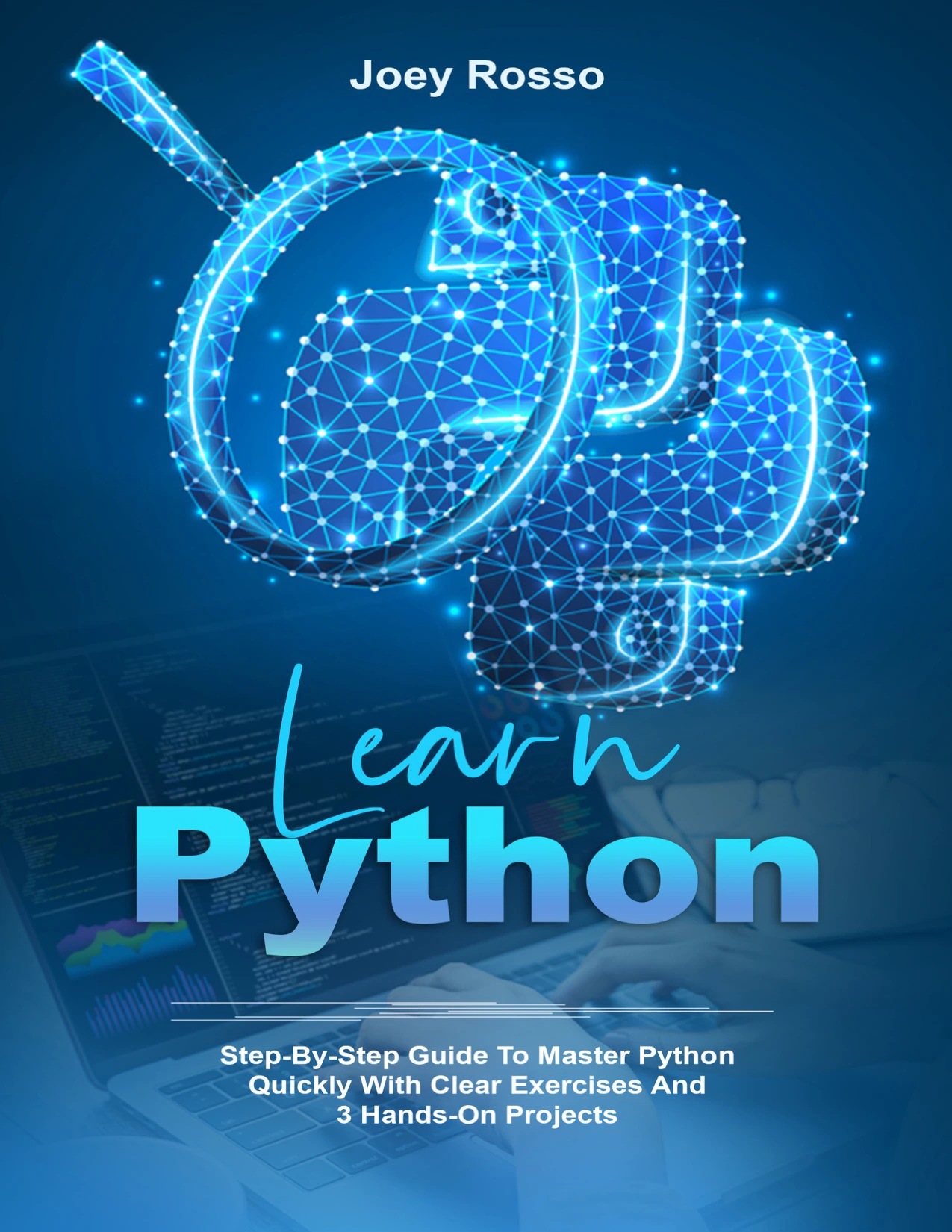
By Joey Rosso
Readers looking for core concepts paired with exercises and hands-on projects.
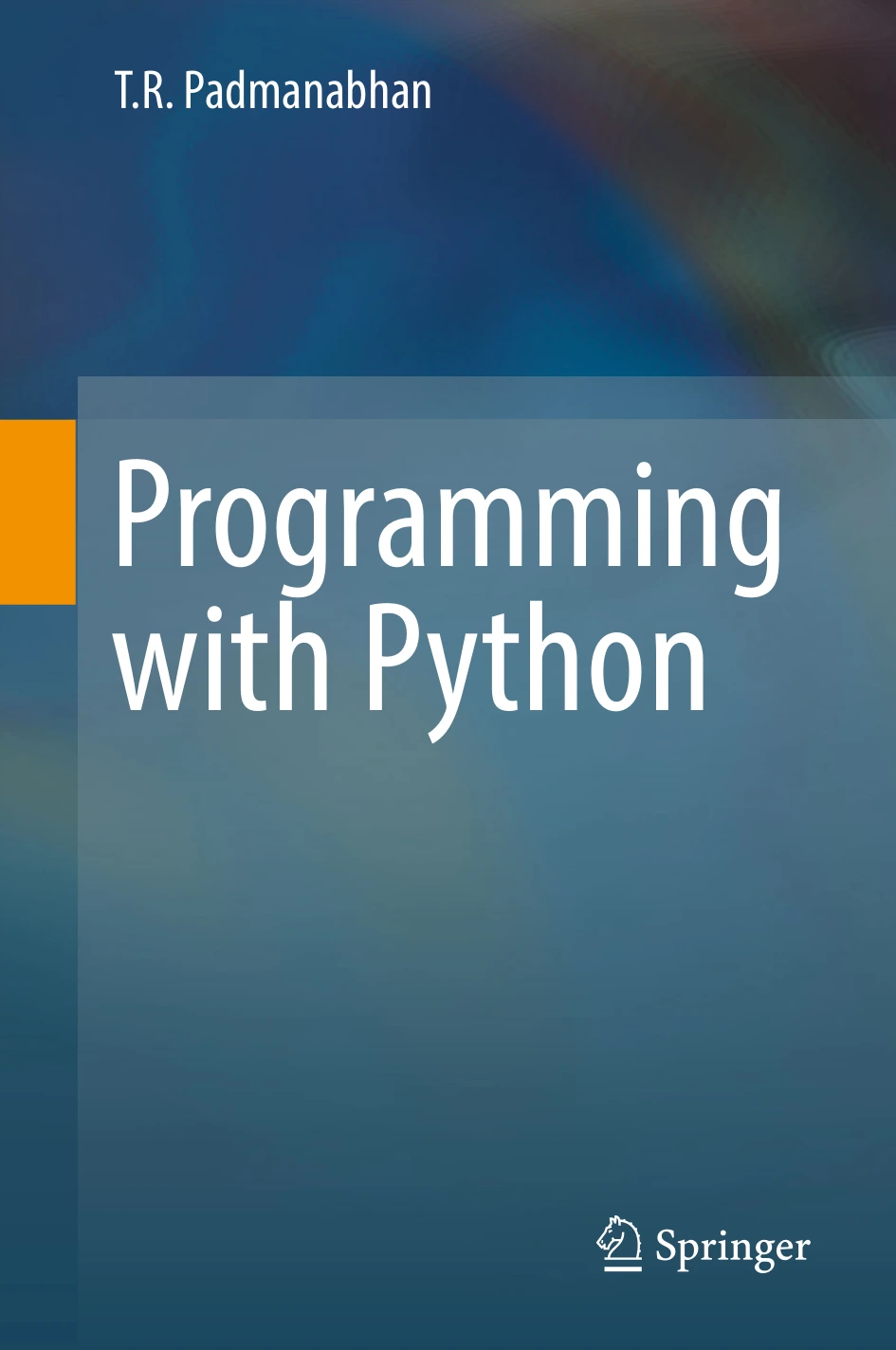
Learners who want coverage from Python fundamentals through topics such as generators and decorators.
Use the table to compare scope, not to treat one book as universally best. Read the product descriptions and choose the approach that fits your current level and next goal.
Frequently asked questions
Can I learn Python with no programming experience?
Yes. Start with programming ideas such as values, variables, conditions, loops, and debugging alongside Python syntax. The official Python tutorial assumes some programming familiarity, so a beginner-oriented course or book may be a more comfortable first resource if you are starting from scratch.
What should I learn first in Python?
Begin with running a program, values and variables, basic types, operators, input and output, conditions, and loops. Then move to collections and functions before taking on files, exceptions, and larger projects.
When should I start building projects?
Start with small projects as soon as you can combine a few basic ideas, such as input, conditions, and variables. Keep the first version narrow, then add features as you learn more.
When should I use a virtual environment?
Use one when a project needs installed packages or its own set of dependencies. It is useful project setup, but usually does not need to delay your first programs and exercises.
How do I know what to learn next?
Choose a small project related to your interests, note what is stopping you, and learn the next concept or tool that addresses that gap. Once the fundamentals are steady, focus on one direction—such as automation, data analysis, web development, or machine learning—rather than trying to master them all at once.
Conclusion: build fluency one program at a time
A practical way to learn Python is to move from setup and core concepts to functions, files, small projects, and then a specialization. Keep writing code, use errors as clues, and make projects gradually more independent from tutorials. “Mastery” is better treated as ongoing growth in the kind of programming you want to do, not a fixed number of lessons or a deadline.
Sources and further reading
- The Python Tutorial — Python documentation (including its note about intended audience).
- Python 3.14.8 release information.
- venv — Creation of virtual environments — Python documentation.