How to Learn Python from Beginner to Advanced
To learn Python, start with its basic building blocks, practise them in small programs, then add the tools and concepts needed for projects you care about. You do not need previous coding experience—but you will progress faster if you write and revise code regularly instead of only watching tutorials or reading about syntax.
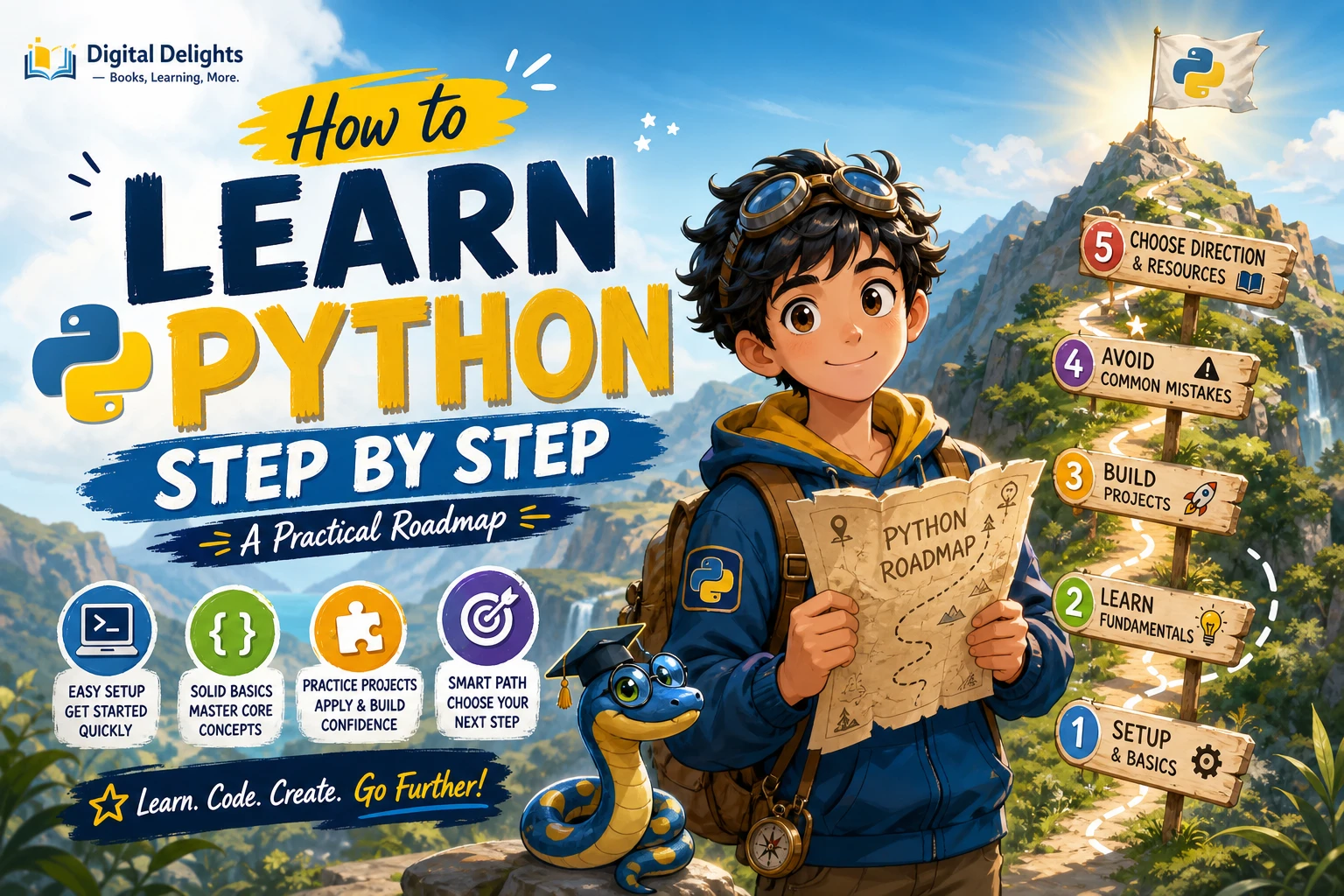
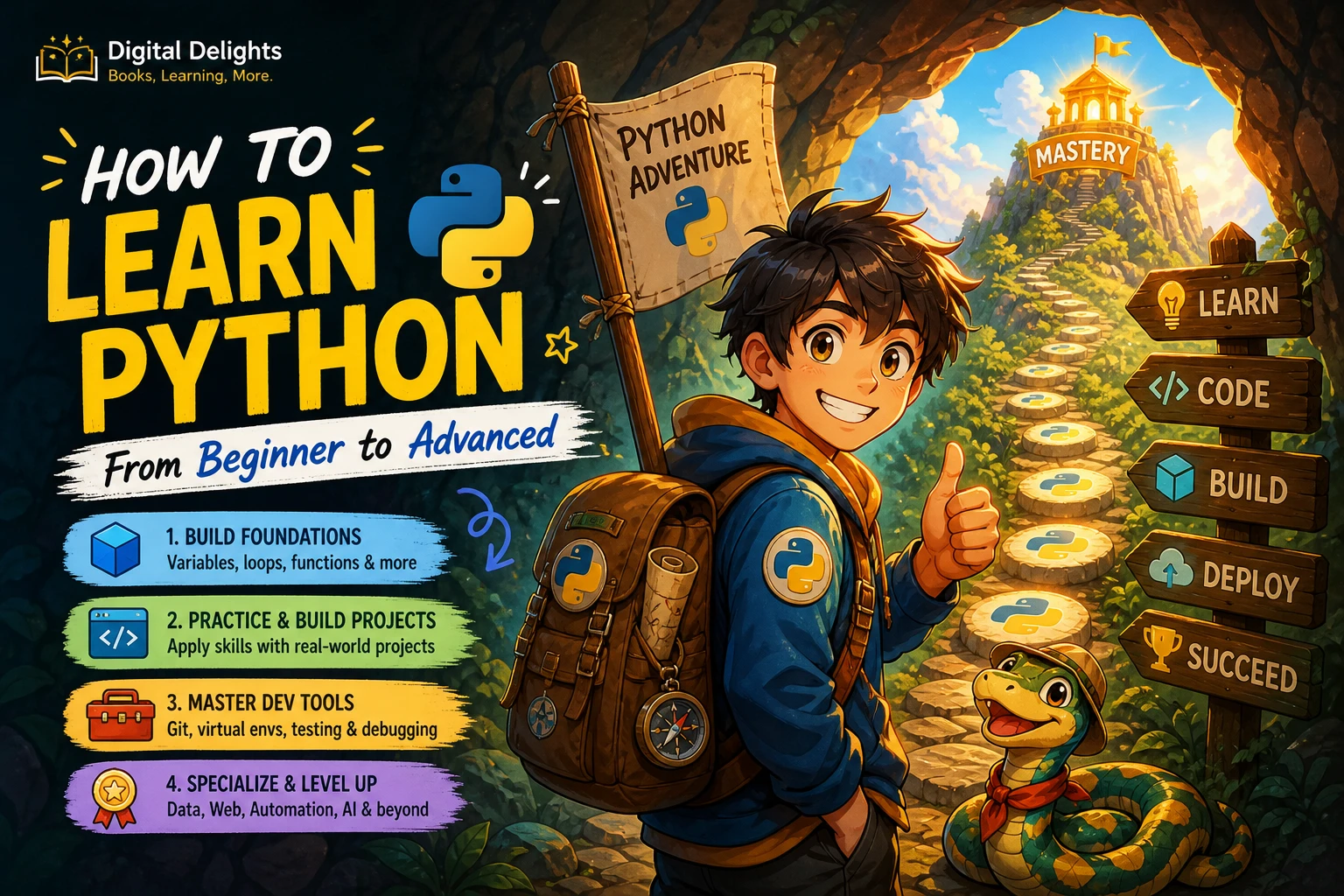
Here is the short roadmap: learn variables, data types, conditions, loops, functions and collections; use those skills to build small programs; then practise files, errors, modules, classes and developer tools. Once you can build and explain modest projects, choose a direction such as data work, web development or automation. “Advanced” is not a single finish line: it depends on what you want to make and how well you can design, test and maintain it.
Can you learn Python with no programming experience?
Yes. Begin with general programming ideas as well as Python syntax: a program follows instructions, stores values, makes decisions and repeats work. Learning what those ideas mean will help you understand code instead of memorizing examples.
One useful distinction: the official Python tutorial is intended for readers who already have a basic understanding of programming, so it may feel abrupt as a first-ever introduction. Its scope includes core language features, classes and the standard library. A beginner-oriented guide or course can introduce programming concepts first; use the official tutorial as a reference as your foundations grow.
Set up Python and start writing code
Download Python from Python.org, and follow the installation steps for your operating system. As of October 9, 2026, Python.org lists Python 3.14.8 as the latest stable Python 3 release and identifies 3.15 as a pre-release. Choose a stable release unless a course or project specifically calls for another version; check the download page again when installing because releases change.
Use an editor or beginner-friendly development environment where you can write a file, run it and read the output. Start with one small script and learn how to run it before adding extra tools. When a course gives setup instructions, follow them consistently to avoid spending your early practice time troubleshooting mismatched environments.
When should you use a virtual environment?
When you start a project that installs third-party packages, create a virtual environment for it. A virtual environment keeps that project’s dependencies separate from other projects, which helps prevent package conflicts. Python’s documentation identifies venv as the standard tool for creating these environments. You do not need to master packaging on day one, but learning the basic workflow early is useful once projects need external libraries.
Follow a Python learning roadmap
Move on when you can use a concept in a small program and explain what it is doing. You do not need to memorize every detail before continuing; returning to concepts in different projects is part of learning them.
1. Learn the fundamentals
Start with the ideas that appear in almost every program:
- Values and variables: numbers, strings, booleans and assigning names to values.
- Collections: lists and dictionaries first, then tuples and sets as you encounter situations that call for them.
- Decisions and repetition:
ifstatements andforandwhileloops. - Functions: parameters, return values and breaking a larger task into reusable steps.
- Debugging: reading error messages, checking assumptions and testing a change rather than guessing.
For example, a short temperature converter can practise input, number conversion, arithmetic and output formatting. A guessing game can add conditions and loops. Keep the first versions simple enough that you can trace how each value changes.
2. Build small programs
After the basics, learn how to organize programs that do more than one task. Practise importing modules, reading and writing files, handling exceptions and creating introductory classes. Classes are useful when a program needs to represent related data and behaviour, but they are not a requirement for every small script. Learn what they solve rather than using them automatically.
Choose projects with a clear, manageable result: a command-line to-do list that saves entries to a file, a quiz that tracks a score, or a script that organizes sample files into folders. Start with a minimal working version. Then add one improvement, such as input validation or a clearer error message.
3. Develop practical workflow skills
Knowing Python syntax is only part of working on a real project. Build familiarity with the command line, version control, tests, virtual environments, package installation and documentation. These skills help you run a project reliably, track changes and catch mistakes.
Learn them in context rather than trying to study every tool in isolation. For example, use a virtual environment when a project needs a package, write a few tests for functions whose behaviour matters, and use version control to record meaningful changes. The official Python documentation provides language references and topic guides for looking up details as your needs become more specific.
4. Choose an advanced direction
Once you can create and improve small programs, pick a goal. You can change direction later; a specialization gives your practice a useful focus.
- Data work: learn how to load, inspect, clean and explain data, then explore libraries that fit your tasks.
- Web development: study how web requests and applications work, then choose a framework and build a small application.
- Automation: identify a repetitive task, understand its inputs and risks, and write a script that handles expected errors safely.
- Systems or hardware projects: build on command-line and file skills, then explore the operating system or device your project uses.
Advanced work may involve design choices, testing, performance, concurrency or deployment, depending on the project. You do not need every advanced topic for every path. Python’s documentation is a useful reference, but it is not a universal curriculum or a measure of mastery.
Practise with projects and deliberate review
Projects turn separate concepts into working code and reveal what you do not yet understand. Keep them small enough to finish, but revisit them after the first version. A practical cycle looks like this:
- Write down what the program should do and what information it needs.
- Break the work into small steps or functions.
- Build the simplest working version and run it with a few inputs.
- Read errors carefully; change one thing at a time while investigating a problem.
- Refactor confusing code, add a test or two, and write down what you learned.
For practice ideas, adapt a calculator, quiz, file organizer or simple text-based game. Later, add features that introduce new skills: save data between runs, handle invalid input, or separate the program into modules. If you follow a tutorial, pause before each new section and predict what the next code will do. Then try to rebuild the idea without copying.
Choose learning resources that fit your stage
A good resource should match what you need now. Check who it is written for, whether it teaches concepts in an order you can follow, and whether it includes exercises or projects that make you write code. Also check which Python version and tools it uses. Documentation is valuable for precise answers, but a beginner who is new to programming may want an introductory explanation before using reference material extensively.
These catalog titles offer different entry points and practice emphases; the descriptions are not independent assessments of their teaching quality:
| Resource | Best fit | Catalog-described focus |
|---|---|---|
| Python Programming for Beginners: Learn Python in a Step by Step Approach, Complete Practical Crash Course to Learn Python Coding | Readers who want a broad, stepwise introduction | Fundamentals, control flow, data structures, functions, classes, files and exceptions. |
| Python 101 | Learners looking beyond first syntax lessons | Core language topics plus standard-library use, debugging, testing and packaging. |
| Python Coding Tricks & Tips – 19th Edition 2024 | Learners who want examples and small projects to explore | Modules and a collection of compact programs, with graphics and GUI topics also described. |
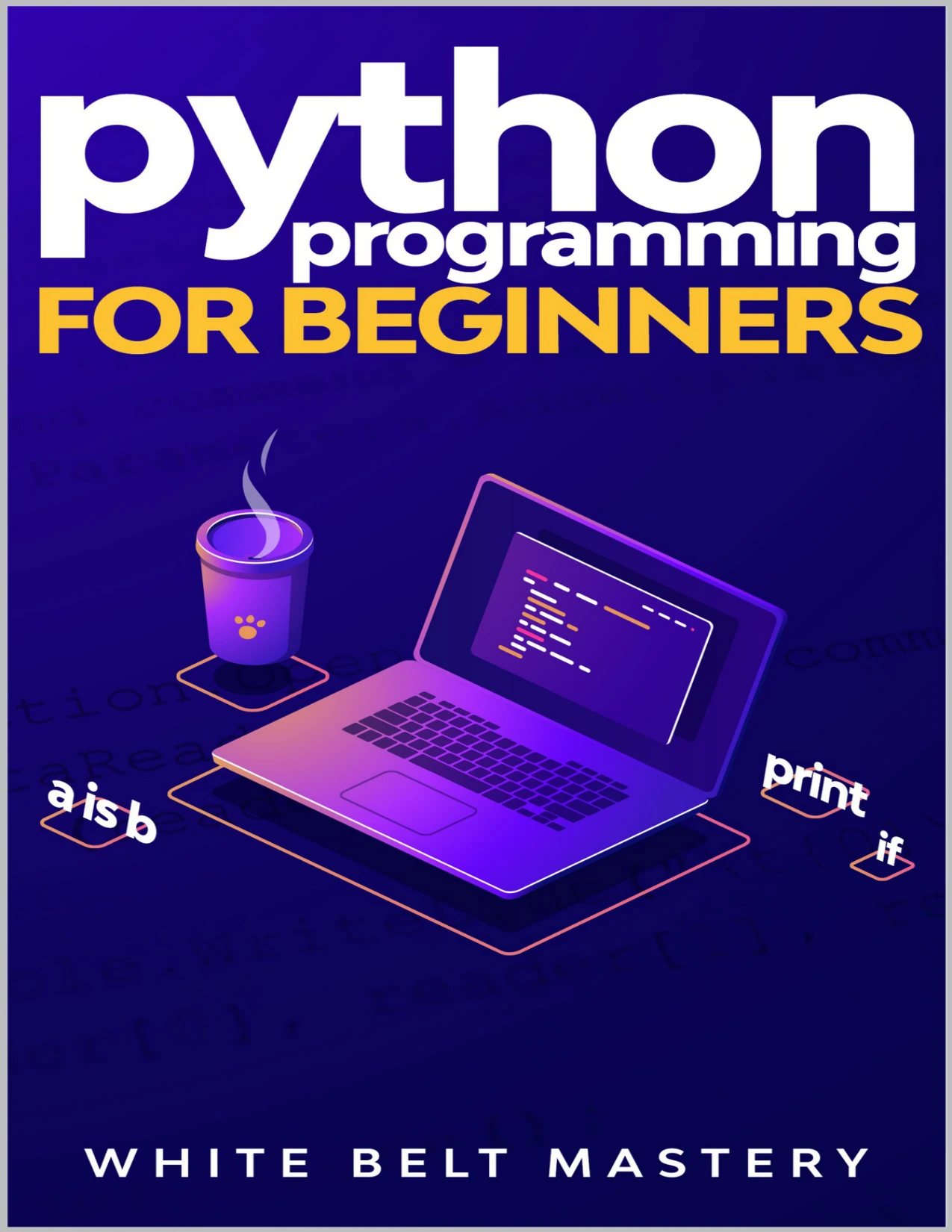
Learners seeking an ordered introduction covering fundamentals through files and exceptions.
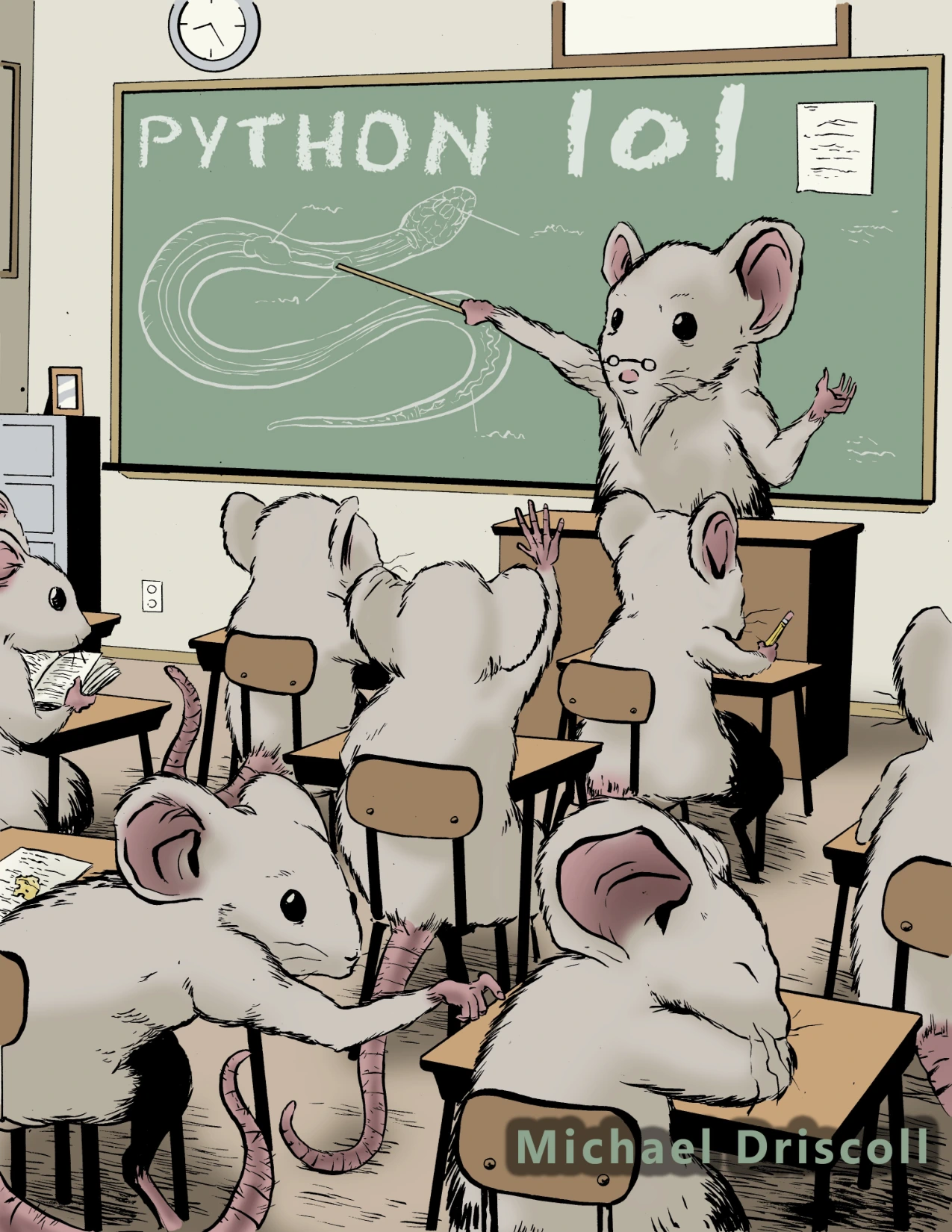
Learners ready to explore the standard library, debugging, testing and packaging alongside core Python.
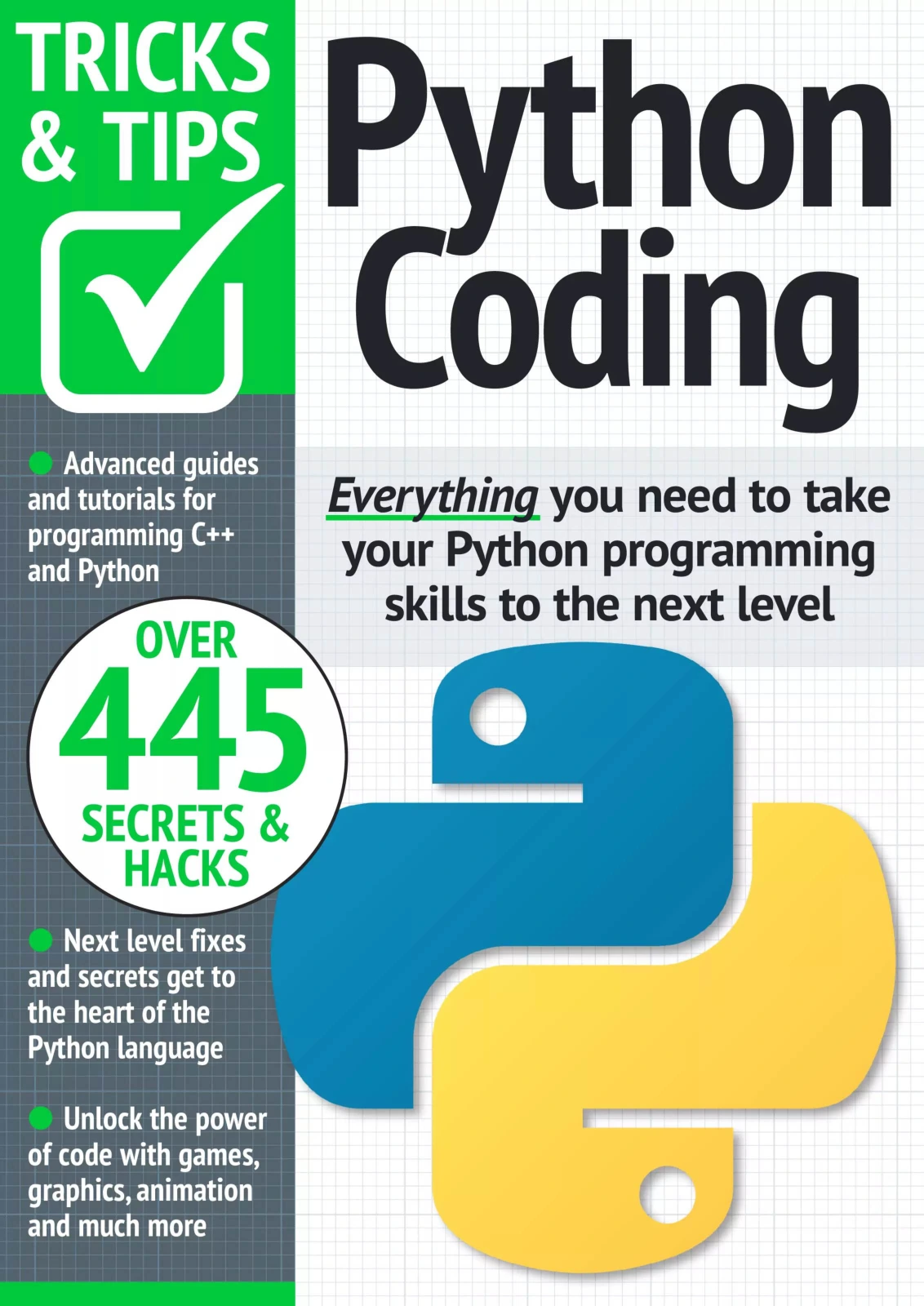
Python Coding Tricks & Tips – 19th Edition 2024
Learners who want examples and small programs to explore after starting the basics.
Choose one main learning path rather than collecting several introductions at once. You can browse Python learning resources if you want to compare more titles, but let your current learning goal—not the size of a reading list—guide your choice.
Common learning pitfalls
- Jumping between tutorials: choose one structured resource and use other material to answer specific questions.
- Copying without understanding: change the example, predict the result and explain each important line in your own words.
- Skipping practice: make small programs regularly, even when they are less polished than tutorial examples.
- Trying to memorize everything: learn how to look up unfamiliar details and apply them correctly.
- Equating syntax coverage with advanced skill: build, test and improve projects in a chosen area rather than treating a long list of topics as a finish line.
Frequently asked questions
Do I need prior experience to learn Python?
No. Start with basic programming concepts alongside Python syntax. Keep in mind that the official Python tutorial assumes some programming knowledge, so a true beginner may benefit from a gentler introduction first.
How should I practise Python?
Write small programs that use the ideas you are learning, then modify them without following instructions line by line. Test different inputs, investigate errors and improve one part at a time.
When should I choose a Python specialization?
Choose a direction once you can build small programs using core concepts and have a sense of what you want to make. You can specialize earlier if you have a clear goal, but keep strengthening the fundamentals as you learn domain-specific tools.
How long does it take to learn Python?
There is no reliable single timetable for everyone. Progress depends on your starting point, practice and what you mean by “learn.” Set milestones you can demonstrate—such as writing a program that reads a file, handles errors and solves a real task—instead of relying on a promised number of days or hours.
What does “advanced Python” mean?
It depends on the work. For one learner, it may mean building a dependable web application; for another, it may mean data analysis, automation or systems programming. A useful measure is whether you can choose suitable tools, explain your design, test your code and maintain it for your intended purpose.
Conclusion
The clearest way to learn Python is to progress from fundamentals to small programs, then build the workflow and specialized knowledge your projects require. Keep a resource matched to your current stage, practise by writing code, and treat errors as questions to investigate. You do not have to master every part of Python to move forward: choose a useful next project and learn what it needs.
Sources and further reading
- The Python Tutorial — explains its intended audience and the scope of the tutorial.
- Download Python — current releases and installation downloads.
- Installing Python modules — guidance on installing packages and using virtual environments.
- Python 3.14 documentation — language reference and topic-specific documentation.
Release information in this article was checked on October 9, 2026. Python versions and documentation change over time.