How Should I Start Learning Python?
Start learning Python by getting one small program running, choosing one beginner-appropriate guide, and practising the fundamentals before adding frameworks or specialist libraries. Your first goal is not to memorize the language. It is to write a short program, understand what it does, and change it without copying a complete solution.
The right starting point depends on your background. Someone who already writes JavaScript needs a different introduction from someone who has never used a loop. A spreadsheet user may find data tasks more meaningful than a game. This guide explains how to learn Python through a manageable sequence: set up your tools, practise small concepts, build an independent project, and then choose a direction. Treat it as a flexible roadmap—not a promise that you will become proficient on a fixed schedule.
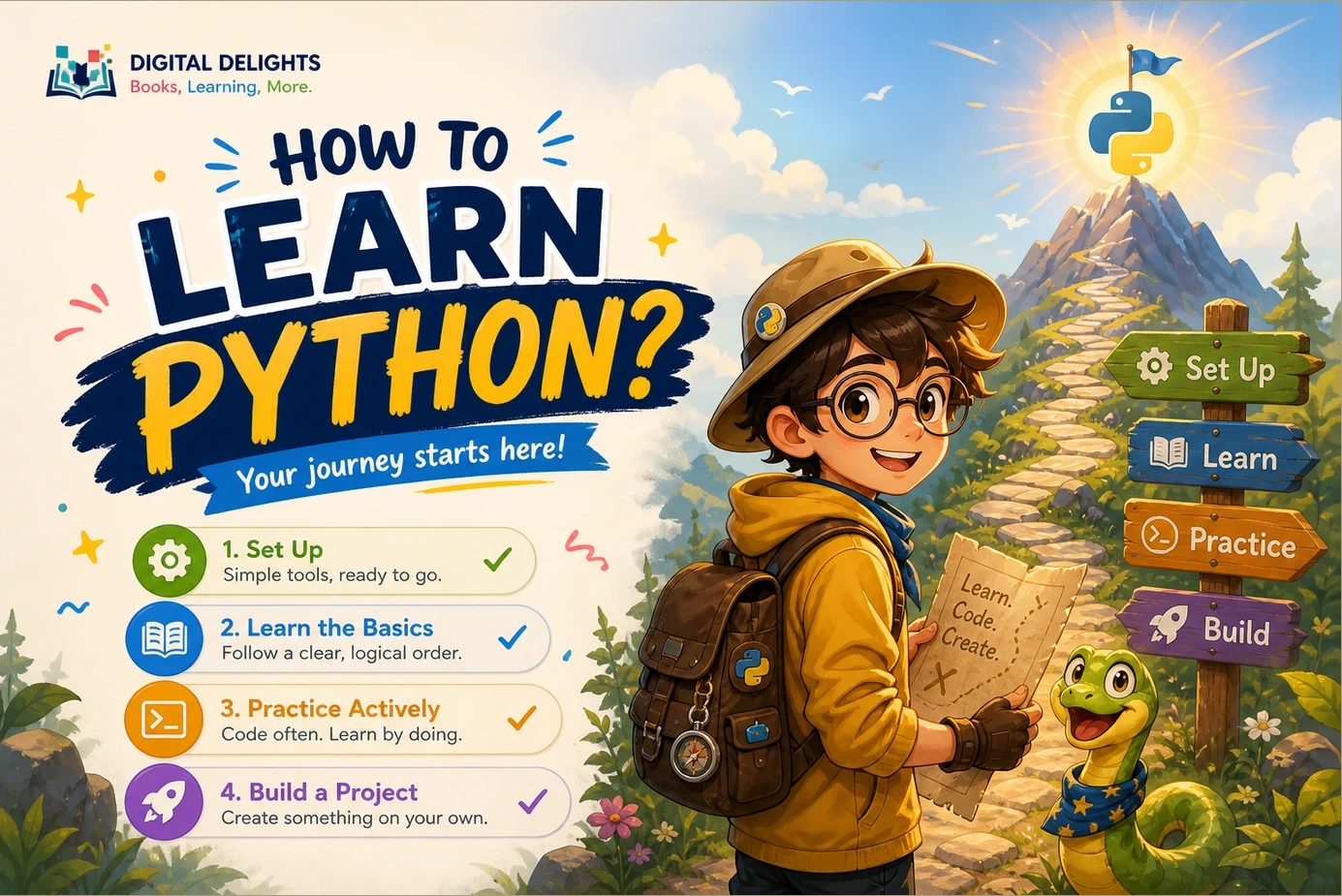
How to learn Python: the short roadmap
- Choose a small goal: a text-based game, an expense summary, or a simple data-processing script.
- Get Python 3 running: understand how to enter commands and run a saved file.
- Learn the core building blocks: values, variables, conditions, loops, collections, and functions.
- Practise without a complete solution: write small exercises and check their results.
- Finish one modest project: add file handling and sensible error messages when needed.
- Choose your next direction: automation, data analysis, web development, or deeper language study.
You do not need to choose a career specialization before writing your first script. Pick something useful or interesting enough to make the next exercise worth doing.
1. Choose a starting point that matches your experience
If you are completely new to programming
Look for material that explains both Python syntax and programming ideas. You need to understand what a variable represents, why a loop repeats, and how a function separates a task into a reusable piece.
Do not assume that an official resource is automatically the easiest introduction. The official Python Tutorial explicitly expects a basic understanding of programming. It can become a useful reference, but it is not designed to teach every programming concept from zero.
If you already know another programming language
You can use the official tutorial to focus on Python’s syntax and conventions. Pay particular attention to indentation, collection types, iteration, exceptions, modules, and how objects and references behave. Avoid treating Python as your previous language with different punctuation.
If your background is spreadsheets
Begin with familiar questions: how could you total a column of values, identify missing information, or produce a repeatable report? Those goals give variables, conditions, and loops a practical purpose.
A relevant starting resource is Python for Excel Users: Know Excel? You Can Learn Python. The supplied catalog describes an introduction for non-programmers that connects Python fundamentals with spreadsheet-oriented examples, automation, and data handling. Choose it if that context makes programming easier to relate to—not because every beginner needs to learn Excel automation.
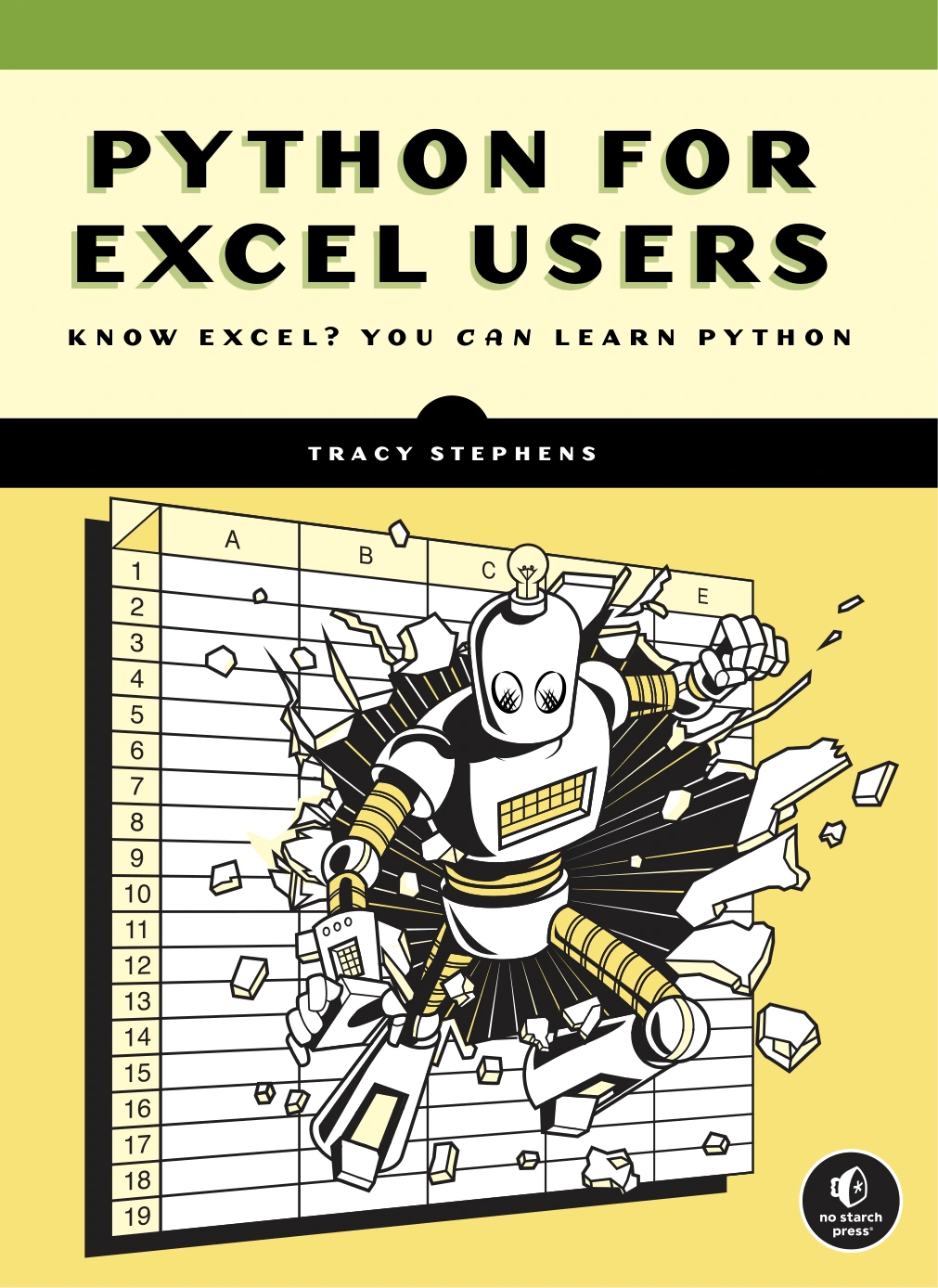
Python for Excel Users: Know Excel? You Can Learn Python
Spreadsheet users who want Python fundamentals explained through familiar data and automation tasks.
2. Get your first Python program running
Keep the initial setup small. Understand three separate pieces:
- The interpreter: the software that executes Python code.
- The editor: the tool in which you write and save that code.
- The script: a saved text file, usually ending in
.py, containing instructions.
Use the official Python downloads page to choose a supported stable Python 3 release and follow the instructions for your operating system. Avoid preview releases for your first learning environment. When a course or book requires particular packages, check its compatibility guidance rather than assuming the newest interpreter supports every example unchanged.
For your first session, you need an editor and a way to run code. You do not need a web framework, a database server, or a collection of machine-learning libraries.
Start with a saved script
Create a file called hello.py containing:
name = "Sam"
print(f"Hello, {name}!")
This example displays Hello, Sam!. Change the name and run it again. Then add a second print() statement describing something you want to build.
You can run the file through your editor’s Python run command. From a terminal opened in the same folder, the command is commonly python hello.py or python3 hello.py, depending on your installation. Use the command your setup instructions specify.
If you use the interactive interpreter, you may see a >>> prompt. That prompt is not part of the program; do not copy it into your saved file. The interactive interpreter is useful for quick experiments, while a saved script lets you rerun a sequence of instructions.
First milestone: you can save a file, run it, change its contents, and explain which output changed.
3. Learn Python fundamentals in a manageable order
The following sequence is an editorial roadmap, not the only valid curriculum. Its purpose is to keep each new concept connected to something you can build.
| Stage | What to learn | Small practice task |
|---|---|---|
| Values and interaction | Variables, numbers, strings, booleans, input, and output | Ask for a name and print a personalized message. |
| Decisions and repetition | Conditions, comparisons, for loops, and while loops |
Classify a number, then process several numbers. |
| Collections | Lists, dictionaries, indexing, and iteration | Store expenses and calculate a total by category. |
| Reusable code | Functions, parameters, return values, and imports | Turn one calculation into a function and reuse it. |
| Persistent programs | Files, exceptions, and basic tests | Save a result, reload it, and handle invalid input. |
Learn concepts together rather than in isolation
A variable becomes easier to understand when you use it in a calculation. A loop becomes meaningful when you have several items to process. A function becomes useful when you want to repeat a task without repeating its implementation.
For example, this program combines a list, a loop, and a condition:
expenses = [12.50, 8.00, 24.00]
total = 0

for expense in expenses:
    total += expense

if total > 40:
    print("Check your spending.")

print(f"Total: {total:.2f}")
The total is 44.50, so the program prints the spending message and then Total: 44.50. Before running it, work through the value of total after each loop iteration.
Next, change the threshold or add an expense. Then try an empty list: what should the total be? The example is for practising arithmetic and control flow, not a production financial application.
What can wait?
You can postpone decorators, asynchronous programming, complex class hierarchies, and framework-specific patterns until a project gives you a reason to learn them. You do not need to master all of Python before building something small.
For a structured main guide, The Python Apprentice is a relevant catalog option. Its description progresses from Python 3 fundamentals into functions, modules, collections, files, exceptions, testing, and debugging. Use that progression as support for your own exercises rather than treating chapter completion as proof of independent skill.
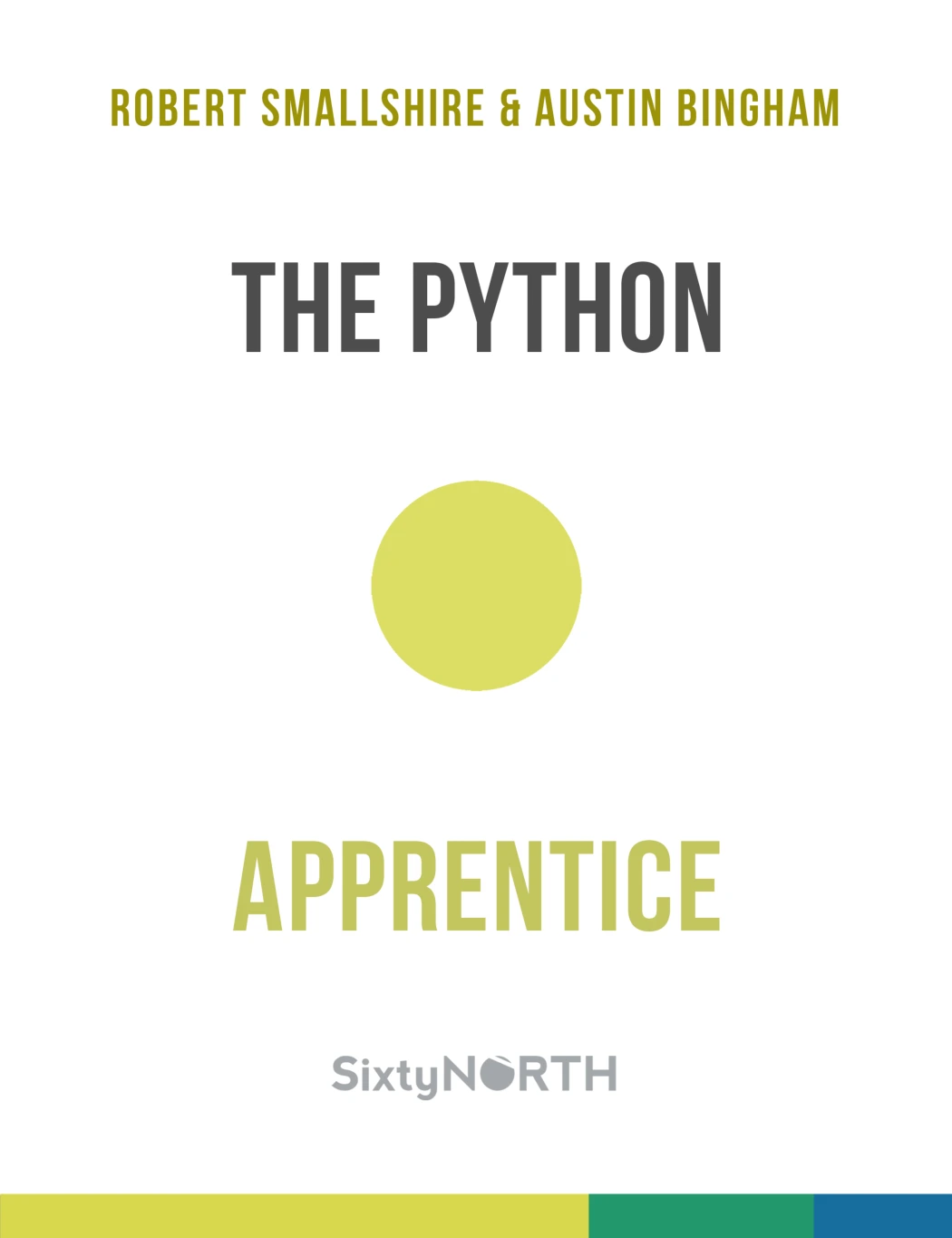
New Python learners seeking a progression through core concepts, files, testing, and debugging.
4. Practise actively instead of only following tutorials
Following an explanation and producing code independently are different tasks. Make room for both in your study routine.
Use a repeatable practice loop
- Predict: write down what you expect a short example to produce.
- Run: compare the actual output with your prediction.
- Change: alter an input, condition, or collection.
- Explain: describe why the result changed.
- Rebuild: close the example and create a similar solution yourself.
If rebuilding feels impossible, reduce the task. Write only the input step, then one calculation, then the output. Looking up a method name is fine; copying an entire solution skips the decision-making you are trying to practise.
Tiny Python Projects offers a practice-focused companion. The catalog describes small command-line programs involving strings, collections, files, and other core skills, with tests and pytest. It suits learners who want concrete tasks and are willing to learn some command-line and testing tools alongside Python.
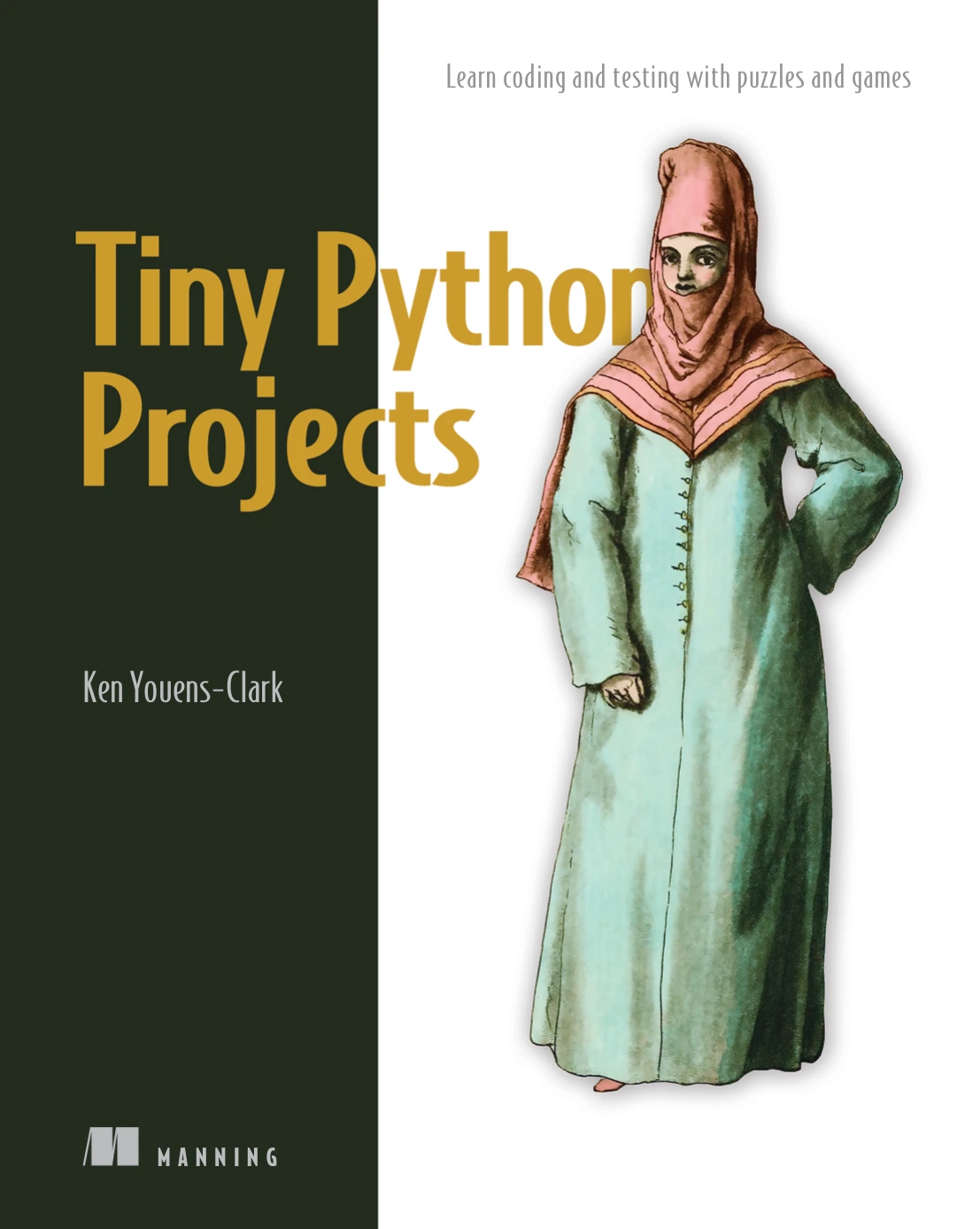
Practice-focused learners interested in command-line tasks and a test-driven introduction.
Learn to investigate errors
When a program fails, resist changing several lines at once. Use a short debugging checklist:
- Read the final line of the traceback for the exception type and message.
- Find the relevant line in your own file.
- Check the values and types involved in that operation.
- Reduce the problem to the smallest example that still fails.
- Make one change and rerun the same case.
For instance, input() returns text. If you ask for a number, you generally need to convert that text before doing arithmetic. Later, add exception handling for input that cannot be converted. The aim is to understand the failure, not merely make the message disappear.
5. Build one small project independently
Choose a project you can describe in a few sentences. Write its requirements before its code. A useful first specification might be: “The program asks for expenses, stores their categories, and displays the total. Invalid amounts should produce a helpful message.”
Three beginner Python projects to consider
- Number-guessing game: practise conditions, loops, input conversion, and a standard-library import. Add a guess counter after the basic game works.
- Text-based expense tracker: practise lists or dictionaries and functions. Begin with fixed example data before adding interactive entry.
- CSV summary: read a small file and calculate totals or counts. Start with a sample you created yourself so you know the expected result.
These are alternatives, not a compulsory sequence. Pick one and finish its smallest useful version before adding menus, charts, or a graphical interface.
Define progress through observable abilities
Your project is a useful learning milestone when you can:
- Explain what each major part does.
- Change a requirement without starting over.
- Check normal, empty, and invalid inputs where relevant.
- Identify a bug and describe its cause.
- Run the program again from its saved files.
These abilities show growing independence. They do not, by themselves, establish professional readiness or guarantee a job.
6. Choose resources by need, not by quantity
One main guide and an optional practice companion are enough to begin. Buying several overlapping introductions can leave you repeatedly studying the opening chapters instead of writing code.
The following comparison summarizes relevant Digital Delights catalog options. It is a fit guide, not a quality ranking.
| Your situation | Resource | Why it fits | How to use it |
|---|---|---|---|
| You want a structured Python introduction | The Python Apprentice | Covers fundamentals and continues into testing and debugging. | Use it as a main guide, with an independent exercise after each topic. |
| You already understand spreadsheets | Python for Excel Users: Know Excel? You Can Learn Python | Connects programming concepts with spreadsheet and data tasks. | Choose familiar work examples while learning the language. |
| You want small, concrete programming challenges | Tiny Python Projects | Uses command-line projects and a test-driven approach. | Add it when you want to turn concepts into working programs. |
Before choosing a resource, check its assumed experience, edition, setup instructions, and any required packages. A useful book does not have to be your only reference, but it should give your learning some continuity.
You can browse the Python book collection at Digital Delights when you have identified a specific gap. “I need practice with functions” is a more useful selection criterion than “I need another Python book.”
7. Decide what to learn after the basics
Once you can write functions, work with collections, read files, and investigate errors, choose a direction based on what you want to make.
- Automation: build repeatable file, text, or reporting tasks. Use copies of important files while developing scripts.
- Data analysis: begin with loading, cleaning, summarizing, and checking data before moving toward predictive models.
- Web development: learn how requests, responses, routes, templates, and forms fit together before attempting a large application.
- Better everyday Python: improve how you organize functions, choose collections, and express operations clearly.
For the last direction, Python How-To: 63 Techniques to Improve Your Python Code is a later-stage option. The catalog describes focused techniques, examples, and challenges aimed at clearer, more maintainable code. It is a sensible follow-up to working fundamentals, rather than something you must complete before your first project.
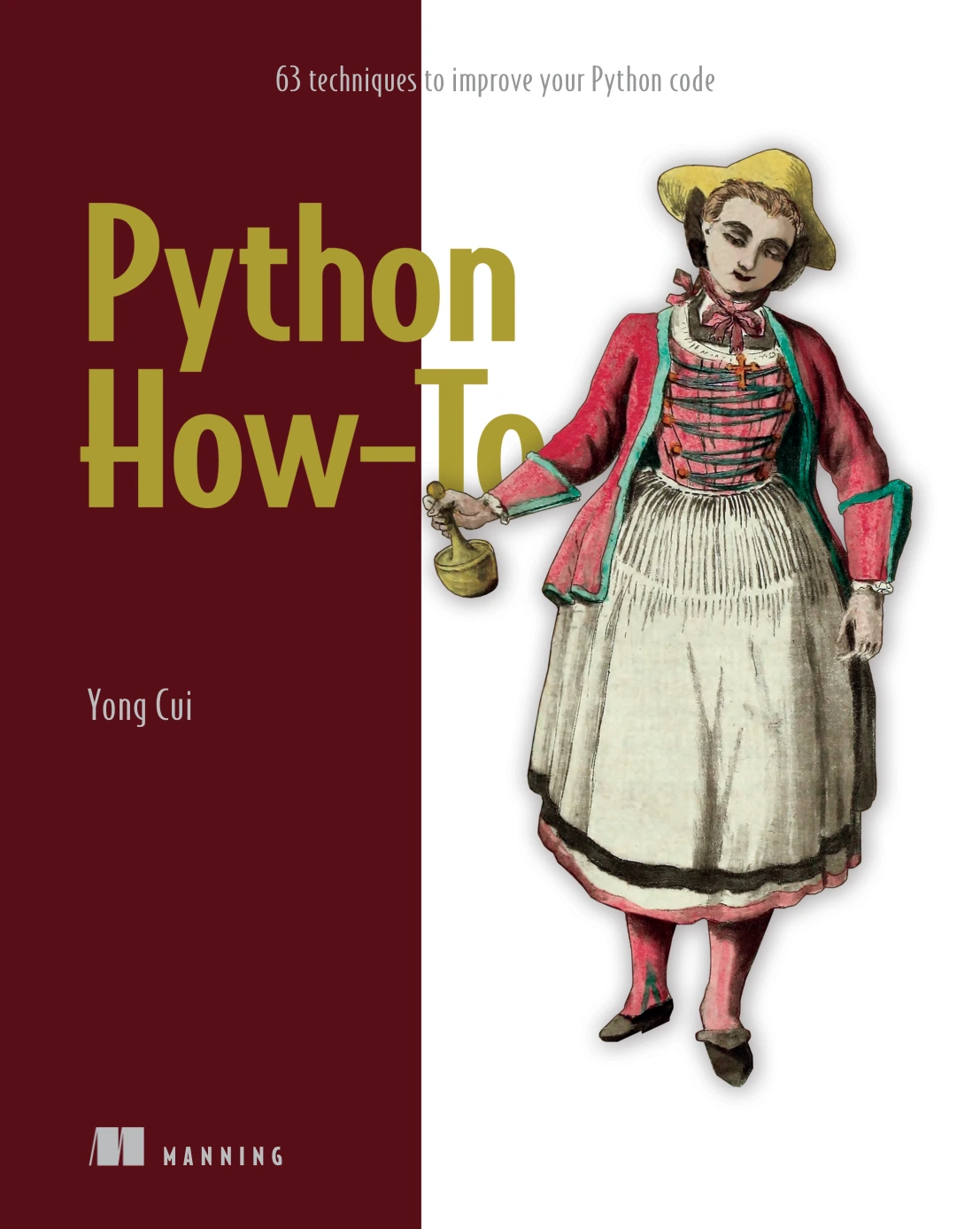
Python How-To: 63 Techniques to Improve Your Python Code
By Yong Cui
Learners ready to improve everyday code readability and maintainability through focused techniques.
Introduce virtual environments when dependencies appear
A virtual environment gives a project an isolated place for its Python installation and packages. The official guide to virtual environments and packages explains why this matters: different applications may need incompatible package versions.
Learn this when you begin installing third-party dependencies. Follow the resource’s environment instructions, note the package versions it requires, and keep unrelated projects separate. Your first script using only built-in features does not need to become an environment-management exercise.
8. Common mistakes that make the start harder
- Resource hopping: stay with one main path long enough to apply its concepts.
- Copying without understanding: change examples and explain their output before moving on.
- Oversized projects: build one feature first, not an entire platform.
- Ignoring version differences: compare your setup with the resource’s requirements when examples fail.
- Treating errors as a verdict: investigate them as information about the program.
- Using AI to skip the problem: ask for a hint or an explanation, then write and check the solution yourself. Do not paste private data into a tool to get debugging help.
Frequently asked questions
Can I learn Python for free?
Yes. Python’s interpreter and standard library are freely available, and the official documentation provides extensive learning and reference material. A paid guide is optional; its value is the structure, explanations, and practice format it offers for your particular needs.
Do I need previous coding experience?
No, but choose a resource that explicitly teaches beginners. Some introductions—including the official Python Tutorial—assume you already understand basic programming. If terms such as loops and functions are unfamiliar, start with material that explains them rather than only demonstrating Python syntax.
Do I need advanced mathematics to start?
The starter exercises in this roadmap use basic arithmetic, comparisons, and logical decisions. You can begin with those. More specialized subjects, such as machine learning, may introduce additional mathematical requirements; assess those when you choose that direction.
How long will it take to learn Python?
There is no reliable universal timeline in the supplied evidence. Your background, goals, practice, and definition of “learn” all matter. Track what you can do independently rather than expecting a particular number of days to produce proficiency.
Which editor should I use?
Use one that your learning resource explains and that lets you save and run Python files without excessive setup. There is no need to settle an editor debate before starting. Change tools later if you encounter a specific limitation.
Your next step: run, change, and explain one script
Start with the greeting example. Save it, run it, change the name, and add another line. Then choose one main guide and one small task involving a concept you have just learned.
That is a practical beginning: not collecting every resource, but repeatedly turning a little knowledge into code you can explain and improve.
Sources and resource notes
- The Python Tutorial: intended audience, language topics, and availability of Python and its standard library.
- Python.org downloads: official starting point for choosing and installing Python.
- Virtual Environments and Packages: environment isolation and package-version requirements.
Book coverage and audience descriptions are based on the supplied Digital Delights catalog entries linked above. The learning sequence and selection guidance are editorial synthesis, not evidence that one resource or schedule produces superior results.