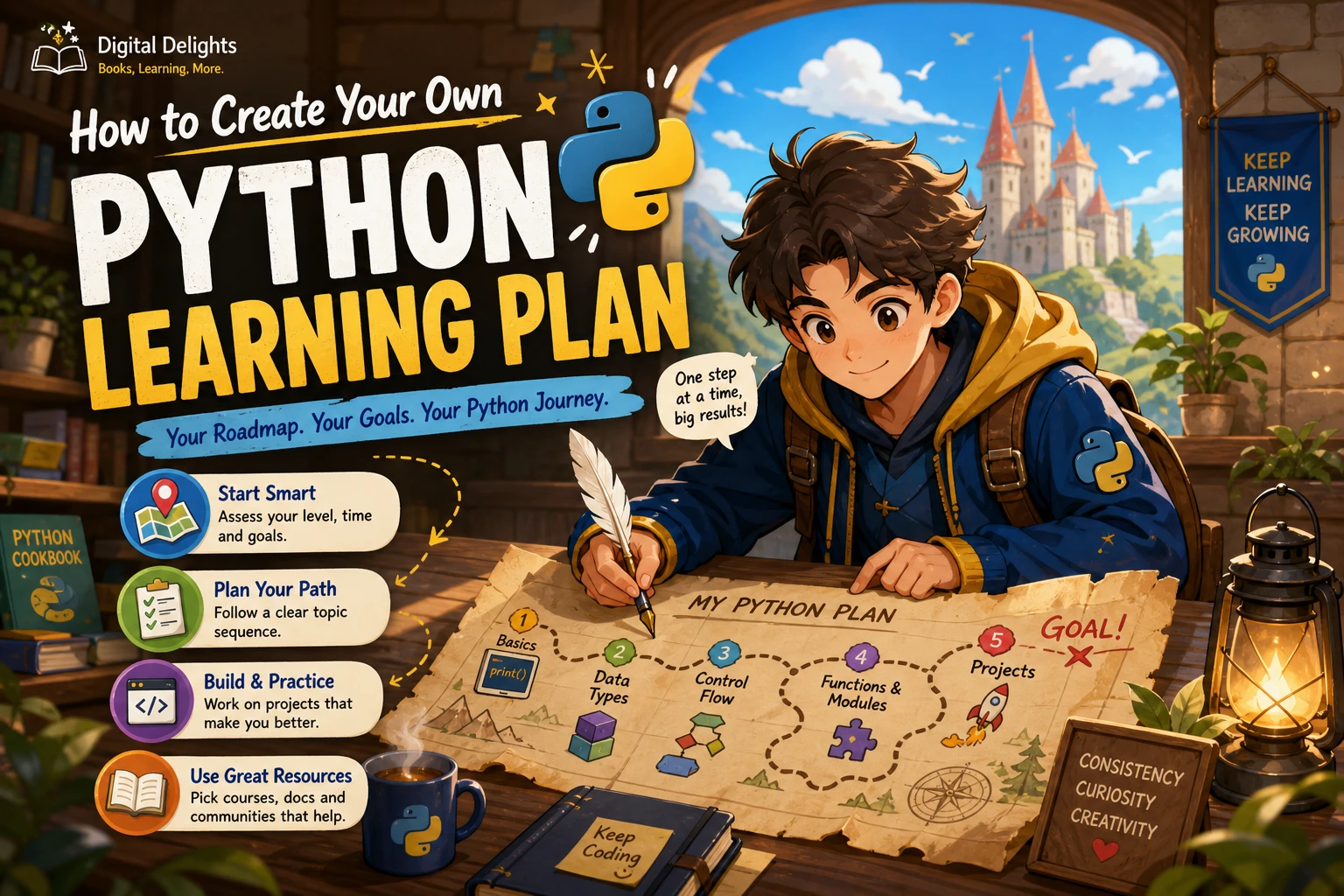
How to Create Your Own Python Learning Plan
A useful Python learning plan is not a list of every topic, library, and framework you might study someday. It is a route from your current skills to something you want to build. Start by identifying whether you are new to programming, choose a practical goal, then learn core Python through short exercises and a small project.
That approach helps you avoid two common traps: studying topics without knowing why they matter, and trying to learn several specialties before you can write a straightforward program. Use the roadmap below as a starting point, adjust it to your available time, and judge progress by what you can do without following every step of an example.
1. Assess your starting point and choose a goal
Your previous experience affects where your plan should begin. If you have never programmed, allow time to understand basic ideas such as instructions, variables, decisions, repetition, and debugging. If you already know another language, you may recognize those ideas and focus more on Python syntax, its built-in data structures, and the way Python programs are organized.
This distinction matters when choosing learning material. The official Python tutorial says it is intended for people who are new to Python but already understand programming. That makes it a useful reference for some learners, but not necessarily the gentlest first resource for someone new to coding altogether.
Next, name one practical outcome. Keep it specific enough to guide your choices, but small enough to begin with. For example:
- Automation: organize files, process text, or automate a repetitive task.
- Data work: load a small dataset, summarize it, and explain what you found.
- Games: make a simple text-based game or a small interactive program.
- Web development: understand Python fundamentals first, then explore a web framework and how web applications are structured.
- Curiosity or general programming: write small programs that solve problems you encounter in everyday life.
You do not need to commit to a career specialty before learning the basics. A goal simply gives your practice a direction.
2. Fit the plan to your real schedule
Choose a study routine you can repeat rather than an ambitious timetable that depends on perfect weeks. Estimate the time you can usually protect, decide what a study session will include, and leave room for review or missed days. There is no evidence here for one ideal weekly schedule or a guaranteed time to proficiency, so treat any calendar as a personal experiment—not a universal formula.
For instance, a flexible session might include a short review, one new idea, a few small coding exercises, and a note about what to revisit. If you have less time, reduce the number of topics in a session rather than skipping the hands-on work. If you have more time, use it to extend a project or investigate an error you encountered.
Set checkpoints based on ability, not pages completed. A checkpoint might be: “I can write a loop that processes a list and explain what happens when the list is empty.” That is more informative than simply recording that you finished a chapter.
3. Learn Python in a practical sequence
A sensible learning plan introduces building blocks before relying on larger libraries. The sequence below is a flexible framework, not a proven best order for every learner. It is consistent with the progression from core language concepts toward modules, errors, classes, and package management in the official tutorial, while leaving room to adapt practice to your goal.
Stage 1: Set up and run small programs
Get a Python environment working, learn how to run a file, and become comfortable reading the output. Follow setup instructions from a current, trustworthy resource for your operating system and the material you are using. Books and tutorials can target different Python versions, so check that their instructions fit your setup.
Begin with tiny programs that display text, accept input, and perform simple calculations. The aim is not to memorize commands; it is to understand how a program takes instructions and produces a result.
Stage 2: Learn syntax, values, and decisions
Study variables, common data types, expressions, comparisons, and strings. Then practise conditional statements so a program can choose what to do based on a condition. Write small examples and change their inputs: for example, have a program classify a number as positive, negative, or zero.
Stage 3: Use loops and collections
Learn how loops repeat work, then practise with lists and dictionaries to store and process related information. Add tuples and sets when you understand what problem they solve. Useful exercises include counting items, finding a largest value, removing duplicates, or looking up information by a key.
Stage 4: Write functions and organize code
Functions let you give a task a name, accept inputs, and return a result. Practise dividing a longer script into small functions with clear jobs. Once you can read and write functions, explore imports and modules so you can reuse code and keep a project organized.
Stage 5: Work with files, errors, and tests
Practise reading and writing files, and learn to interpret common error messages. Add basic exception handling when a program needs to respond sensibly to expected problems, such as a missing file or invalid input. Testing can begin simply: check a function with several normal and unusual inputs and compare the results with what you expect.
The official tutorial also covers errors and exceptions, classes, and then virtual environments and packages. You can use its contents as a reference when deciding what to explore after the first fundamentals: Python tutorial topics and progression.
4. Pair each new skill with practice
Reading an explanation can help you recognize a concept, but writing code shows whether you can use it. After learning a topic, close the example and try a related task from memory. If you get stuck, look up the relevant idea, then return to the code and complete the task yourself.
A useful practice cycle is:
- Study one concept, such as conditionals or functions.
- Write a few short exercises that use it in different ways.
- Change the inputs or requirements and predict what should happen.
- Debug any unexpected result and note what you learned.
- Use the concept in a small project connected to your goal.
For example, after learning loops and lists, write a program that totals expenses from a short list. Then add a function, handle an empty list, and save or load the data if file handling is already part of your plan. Each addition gives you a reason to revisit a skill in a new context.
5. Build a small project early enough to learn from it
You do not have to wait until you feel like an expert. Choose a project with a clear finish line and only a few moving parts. A project should be challenging enough to reveal gaps, but small enough that you can make progress with the concepts you have learned so far.
- Automation idea: make a script that sorts a sample folder of files by type.
- Data idea: summarize a small table of information and print a few useful findings.
- Game idea: create a number-guessing game with a limited number of attempts.
- General-purpose idea: build a command-line to-do list that can add, display, and remove items.
Break the project into tasks. For a to-do list, that could mean displaying a menu, storing items, adding a new item, removing one, and saving the list. When a task depends on a topic you have not studied, learn just enough of that topic to continue, then return to the project.
When a project exposes a gap, treat it as useful feedback. If you struggle to divide code into functions, practise functions with a smaller example. If errors are hard to interpret, spend time reading tracebacks and testing one change at a time. Revise the plan instead of abandoning the project.
6. Choose a direction after the fundamentals
Once you can write and debug small programs, choose one next area based on your goal. You do not need to study every Python specialty.
- Automation: build on file handling, modules, and command-line scripts. Pick a repetitive task and make a modest version of it safer and easier to repeat.
- Data analysis: move toward working with datasets, summarizing information, and creating visualizations. Add specialist libraries when you have a question that calls for them.
- Web development: learn how requests, routes, application logic, and data storage fit together, then choose a framework that matches your project.
- Games or creative coding: explore graphics or game libraries after you are comfortable with loops, functions, and basic program structure.
- AI and machine learning: strengthen Python fundamentals first, then plan for the additional concepts and tools required for the particular area you want to explore.
Keep a small “later” list for interesting topics you encounter. This lets you stay focused without pretending those topics are unimportant.
7. Choose resources that match your experience
Before committing to a book or tutorial, check its stated audience, prerequisites, topic coverage, exercises, and projects. A resource for people who already program may move too quickly for a complete beginner. A beginner introduction may provide helpful scaffolding but not the depth you want for a particular project.
| Resource | Best fit in a plan | What the catalog describes |
|---|---|---|
| Python for Beginners 2020: A Step By Step Guide | Readers who want an introductory, step-by-step route | Setup, Python basics, error handling, and other introductory topics |
| Python Crash Course: A Comprehensive and Fast-Paced Introduction to Python Programming for Beginners and Experienced Developers Alike | Learners looking for fundamentals connected to projects | Core concepts, functions and modules, followed by projects including games, automation, and data analysis |
| Python and jQuery Coding Exercises: Coding for Beginners | Beginners who want additional task-based practice | Python exercises covering fundamentals and problem-solving, alongside jQuery material |
| Real-World Python: A Hacker’s Guide to Solving Problems with Code | Learners who already know Python basics and want project-based challenges | Projects using tools and libraries for subjects such as data work, visualization, and computer vision |
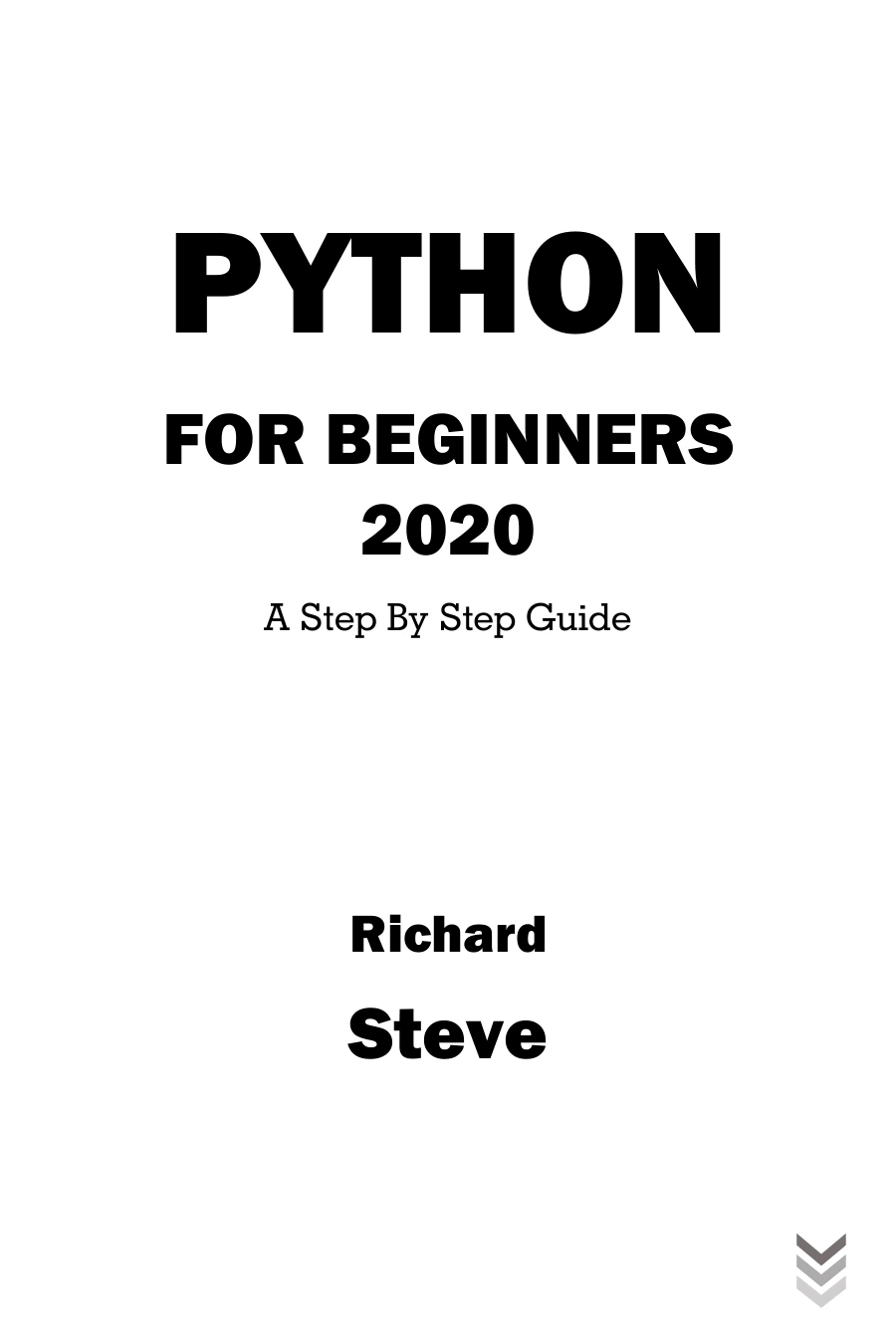
Python for Beginners 2020: A Step By Step Guide
Learners seeking a step-by-step introduction with setup, fundamentals, and error-handling topics.
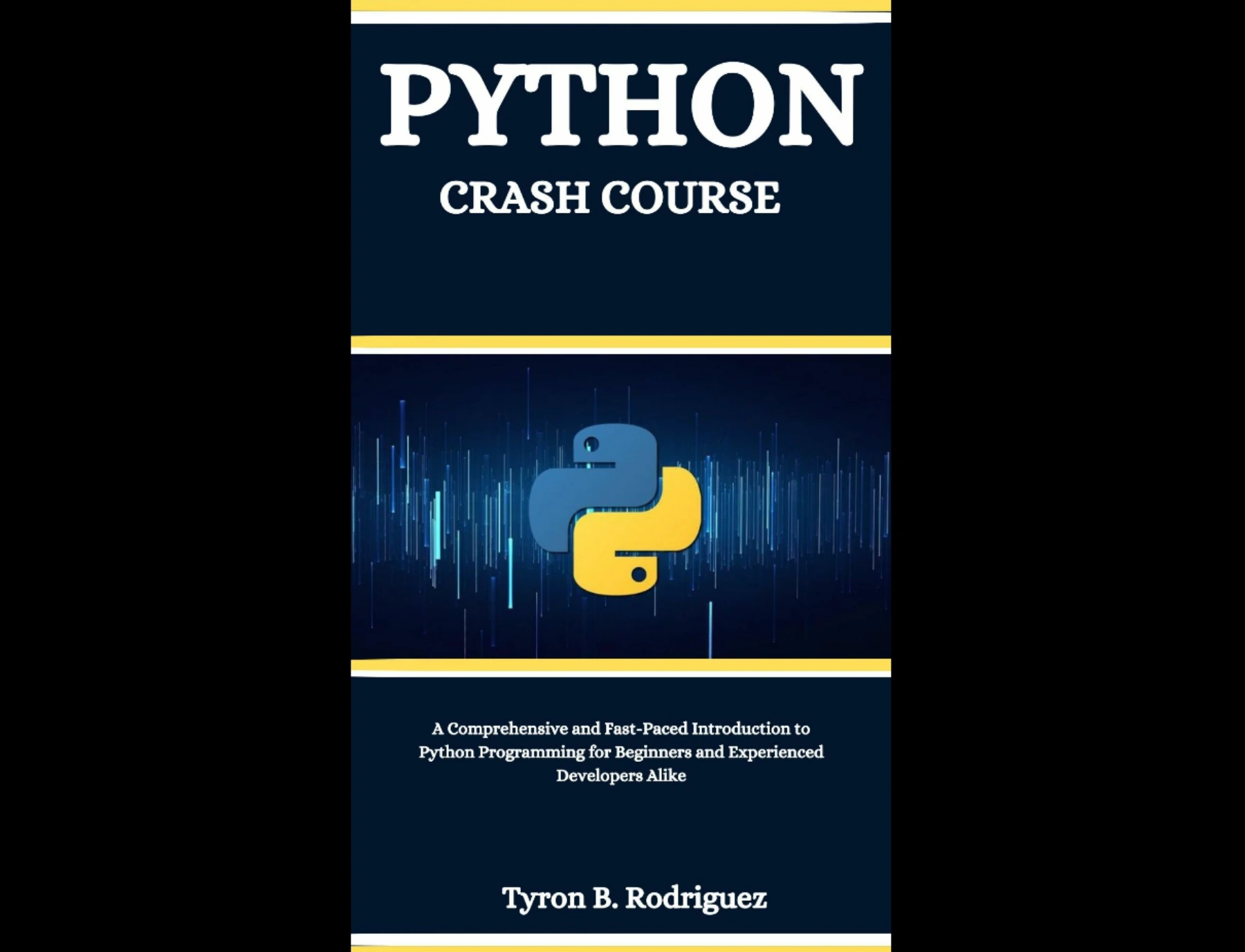
Learners who want core Python topics followed by projects in areas including games, automation, and data analysis.
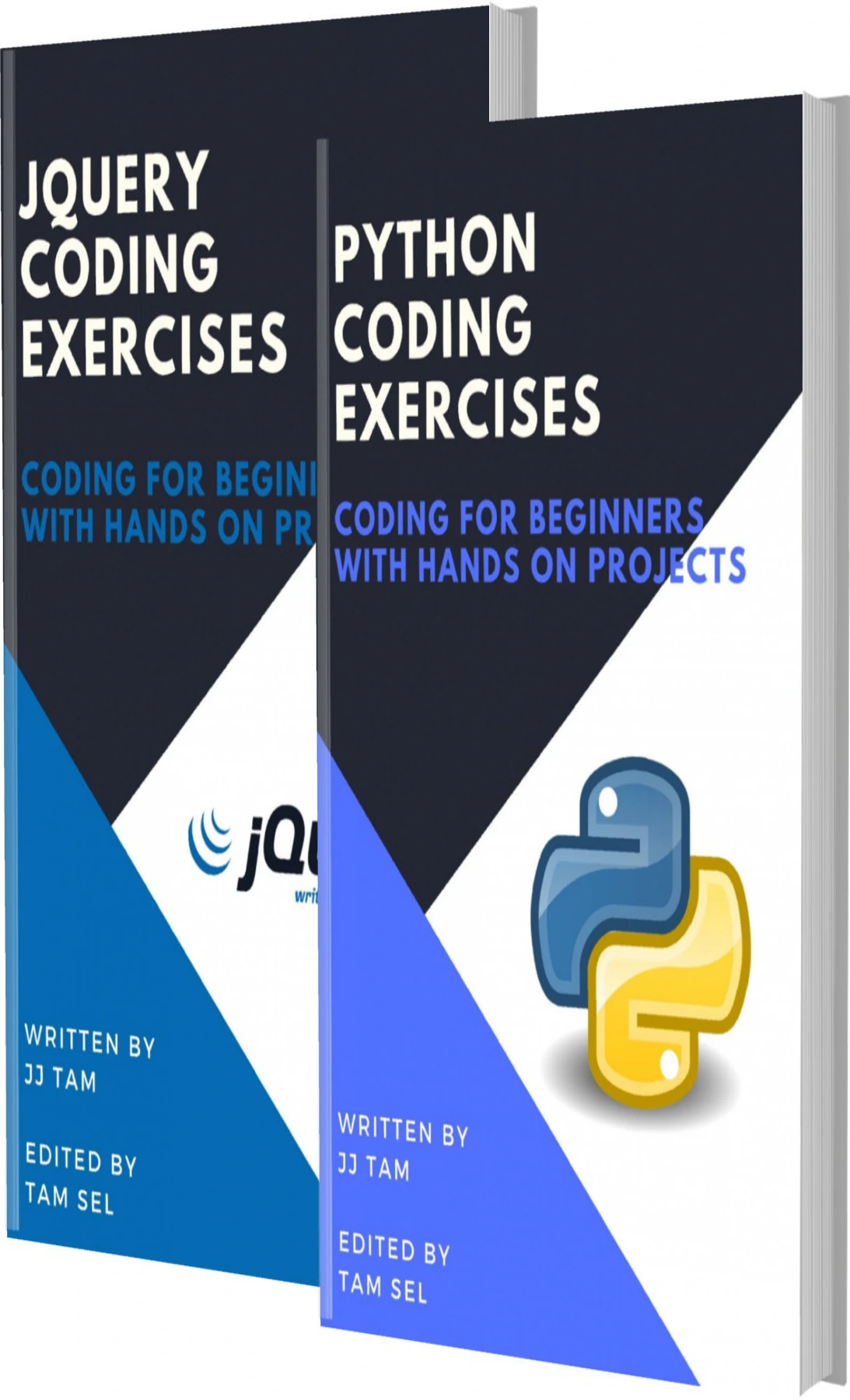
Python and jQuery Coding Exercises: Coding for Beginners
By JJ Tam
Beginners looking for additional Python exercises to practise fundamentals and problem-solving.
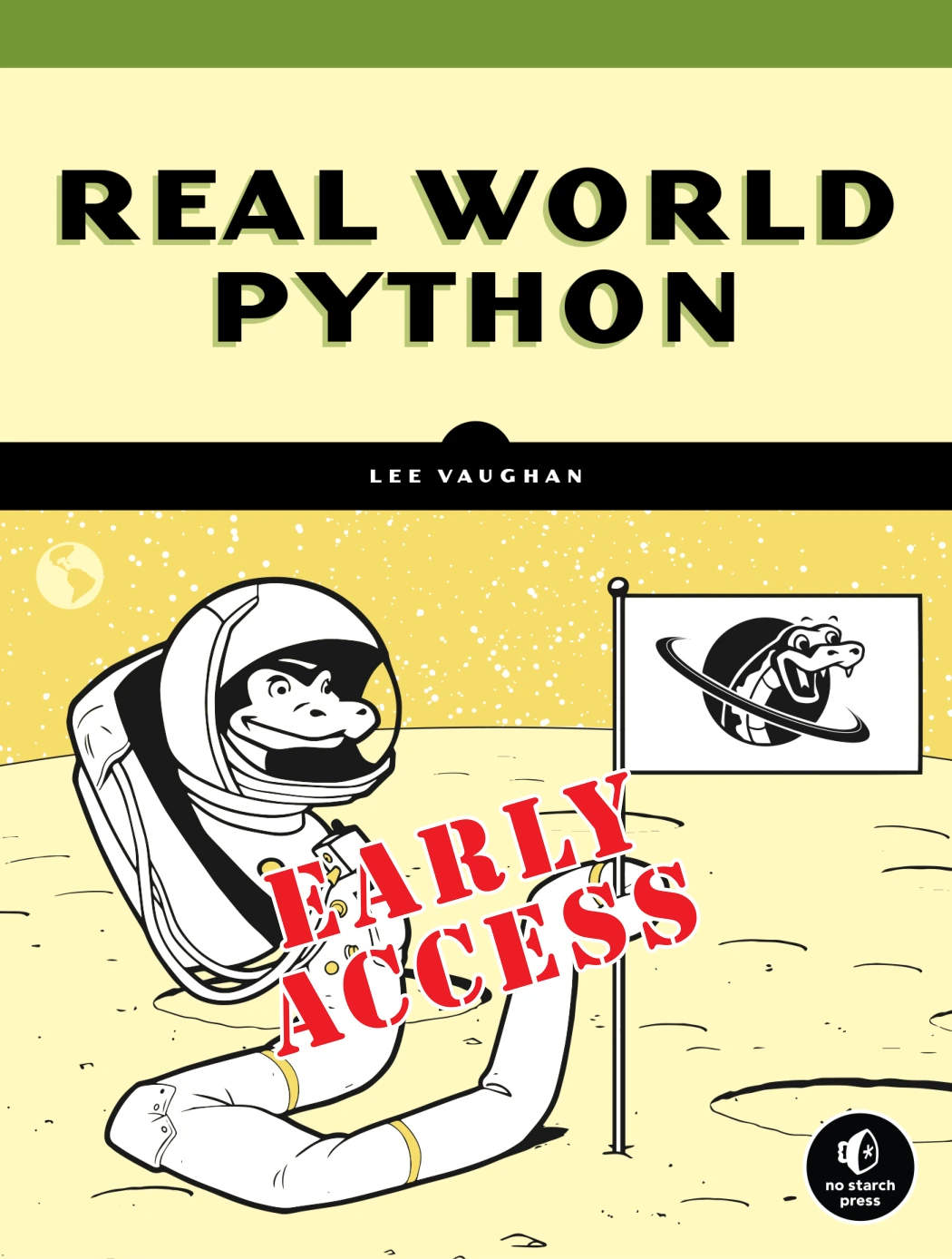
Real-World Python: A Hacker’s Guide to Solving Problems with Code
By Lee Vaughan
Learners with Python fundamentals who want project challenges involving data work, visualization, or computer vision.
These are options to compare, not a ranking. The catalog identifies different audiences and subject coverage; it does not establish that one resource is best for everyone. In particular, check the publication date and version assumptions of any older material before using its installation or code examples with your environment.
You can also browse the Python resources category to compare other available titles. Choose one main learning resource and use references or extra exercises to fill specific gaps, rather than switching books whenever a topic feels difficult.
8. Common Python learning plan mistakes
- Planning for an ideal week: Build around the time you can usually study. A smaller repeatable plan is easier to adjust than an overloaded calendar.
- Reading without writing code: Put each new idea into a short program. Practice reveals misunderstandings that passive reading can leave hidden.
- Changing resources too often: Give a suitable resource enough time to build on its own explanations. Switch only when you have a clear reason, such as a mismatch in prerequisites or goals.
- Trying to learn every specialty at once: Pick one next direction after the fundamentals and leave other subjects for later.
- Moving to libraries before understanding the basics: Learn enough about variables, collections, loops, and functions to understand what library code is doing.
- Measuring progress only by time spent: Use small tasks and projects to check whether you can apply ideas independently.
Frequently asked questions
Do I need programming experience before learning Python?
No. You can start as a complete beginner, but choose material designed for people new to programming. The official Python tutorial assumes readers already have a basic understanding of programming, so it may be better as a reference or next step for some learners than as their first introduction.
How many hours a week should I study Python?
There is no single evidence-based weekly target in the sources used for this article. Choose a routine that fits your life and supports regular practice. Adjust it if you repeatedly miss sessions or find that you have too little time to write and review code.
When should I start a Python project?
Start a small one when you can use a few basic concepts, such as input, conditionals, loops, and collections. Keep the first project modest, and add features as you learn. You can begin with a simple program and improve it rather than waiting for a perfect idea or complete knowledge.
Should I learn Python libraries before the fundamentals?
Usually, learn enough core Python to understand variables, collections, loops, and functions first. Then choose a library because it helps with a goal, such as data analysis or a web application. You do not need to master every built-in feature before trying a focused tool.
How do I know when to move to the next topic?
Move on when you can explain the main idea and use it in a small task without copying every line. You do not need perfect recall. Keep revisiting earlier skills in exercises and projects so they become more familiar over time.
Build a plan you can revise
A practical Python learning plan begins with your experience and a goal, then makes room for core concepts, coding practice, and a small project. Set checkpoints around what you can build and explain, not just what you have read. As your interests become clearer, adjust the plan and choose a single next area to explore.
For a reference point, the official Python tutorial lays out the language topics it covers, while a beginner-oriented book or exercise collection can offer a different starting point. The best resource for your plan is the one whose assumptions, practice, and examples fit your current level and next project.
Sources
- The Python Tutorial — Python documentation: intended audience and topic coverage.
- The Python Tutorial — Python documentation: tutorial progression, including errors, classes, virtual environments, and packages.
- Python Releases for macOS — Python.org: check current release information and platform instructions.