The most useful Python web development resource depends on what you need next: a stronger grasp of Python, a framework-specific guide, or practice building a complete project. Starting with a framework before you can read basic Python code can make every example feel harder than it needs to be. But studying Python fundamentals indefinitely without making a web application can leave you unsure how the pieces fit together.
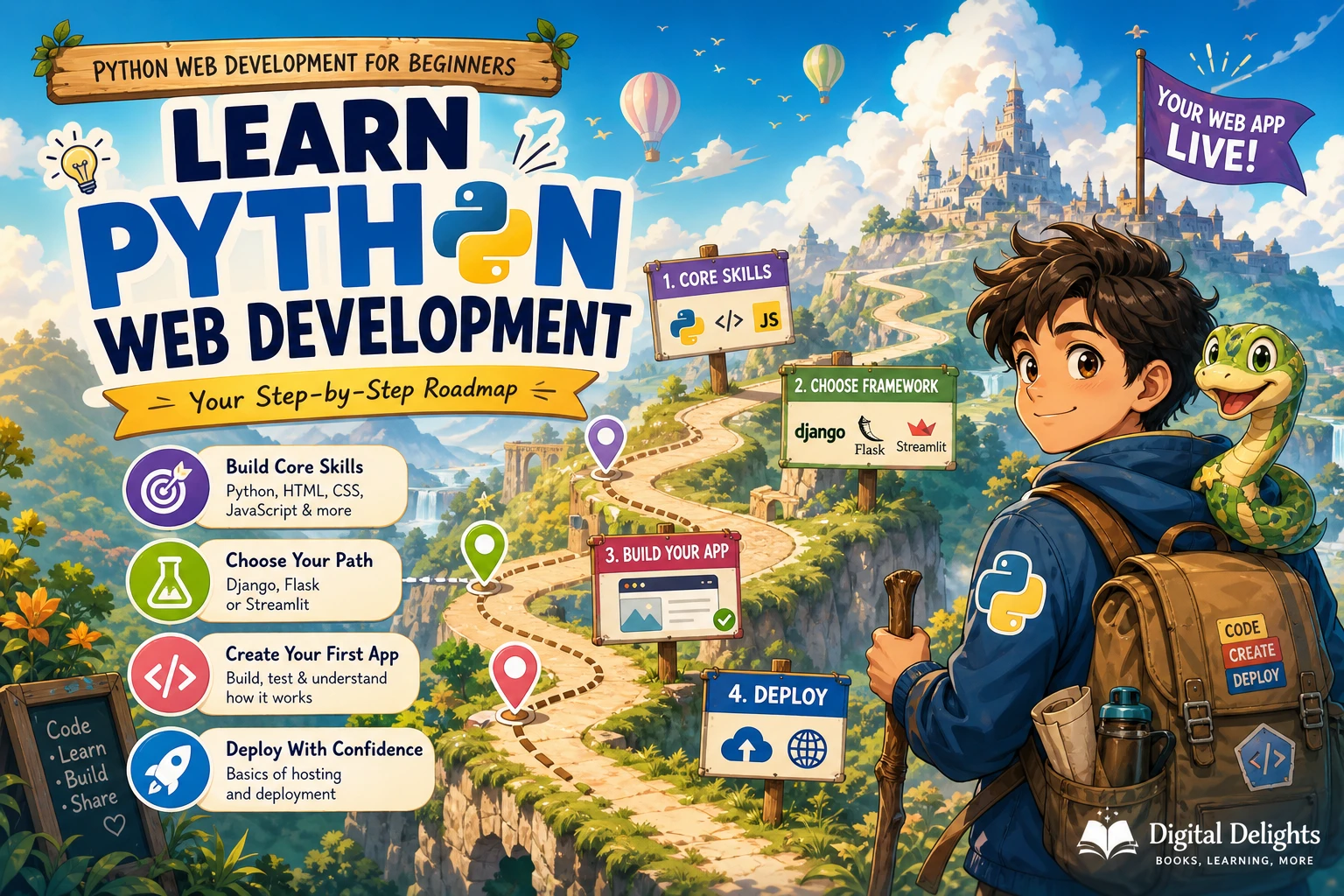
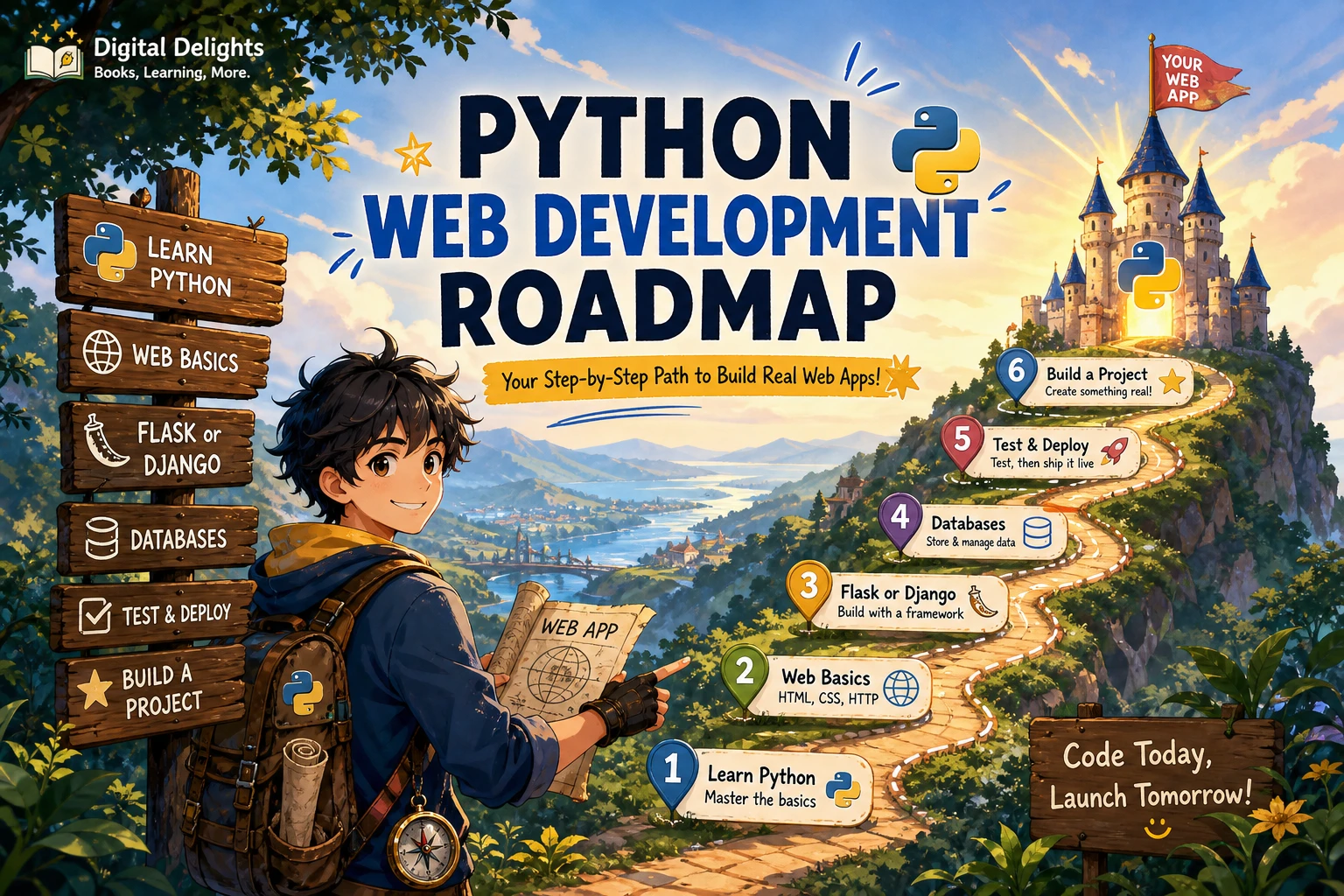
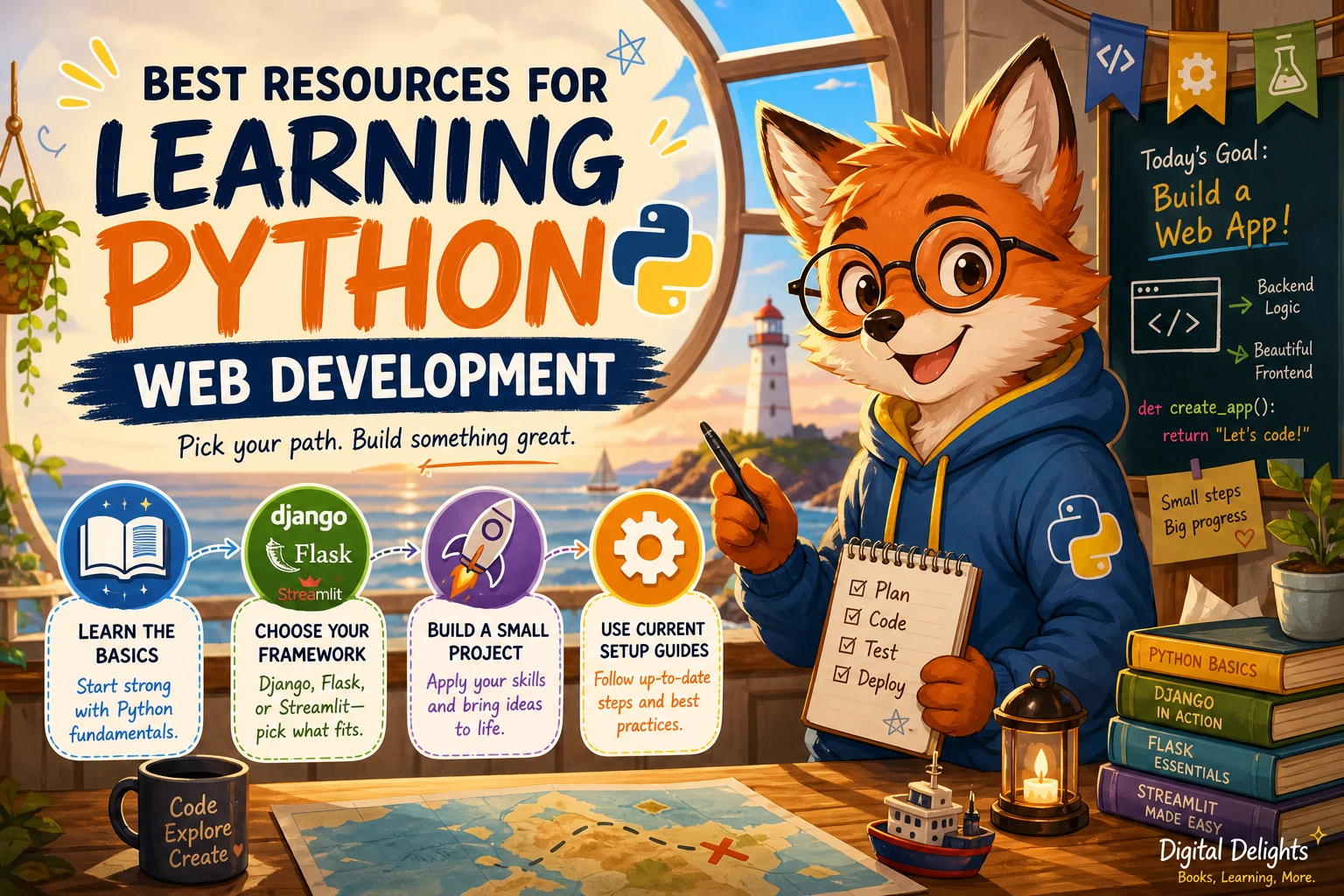
A practical route is to learn core Python, choose one web development path, and build a small application from start to finish. For a traditional site, Django offers a structured framework path; Flask is another option to explore; and Streamlit is geared toward interactive data applications. The resources below can help you choose a starting point, with an important caveat: check a book’s framework and setup instructions against current documentation before following them.
A sensible learning sequence
- Learn enough Python to work independently. Get comfortable with variables, data types, conditionals, loops, functions, collections, modules, exceptions, and reading error messages. Command-line basics are useful for running applications and managing project environments.
- Choose one kind of web project. Pick a framework or tool based on what you want to build. Django, Flask, and Streamlit are not interchangeable routes to the same experience.
- Build a small working application. Include the pieces your chosen project needs, such as templates, forms, data storage, tests, or an API.
- Review setup instructions before using them. Python and framework versions change. Verify installation and compatibility details in current official documentation rather than assuming an older book’s commands still apply.
This sequence keeps resource selection tied to a real learning goal: first the language, then a project type, then the framework-specific skills required to finish it.
Start with Python foundations
You do not need to master every corner of Python before touching web development. You should, however, be able to follow a function call, work with common data structures, import a module, and investigate a basic error. If those ideas are still unfamiliar, a beginner-focused Python guide can make framework tutorials easier to follow.
Unlocking Python: A Comprehensive Guide for Beginners covers Python fundamentals and goes on to topics such as exceptions, modules, databases, testing, and introductory web work with Flask and Django. That range makes it relevant to learners who want a broad foundation before choosing a framework. It is not a substitute for a focused, current guide to building a complete application with one framework.
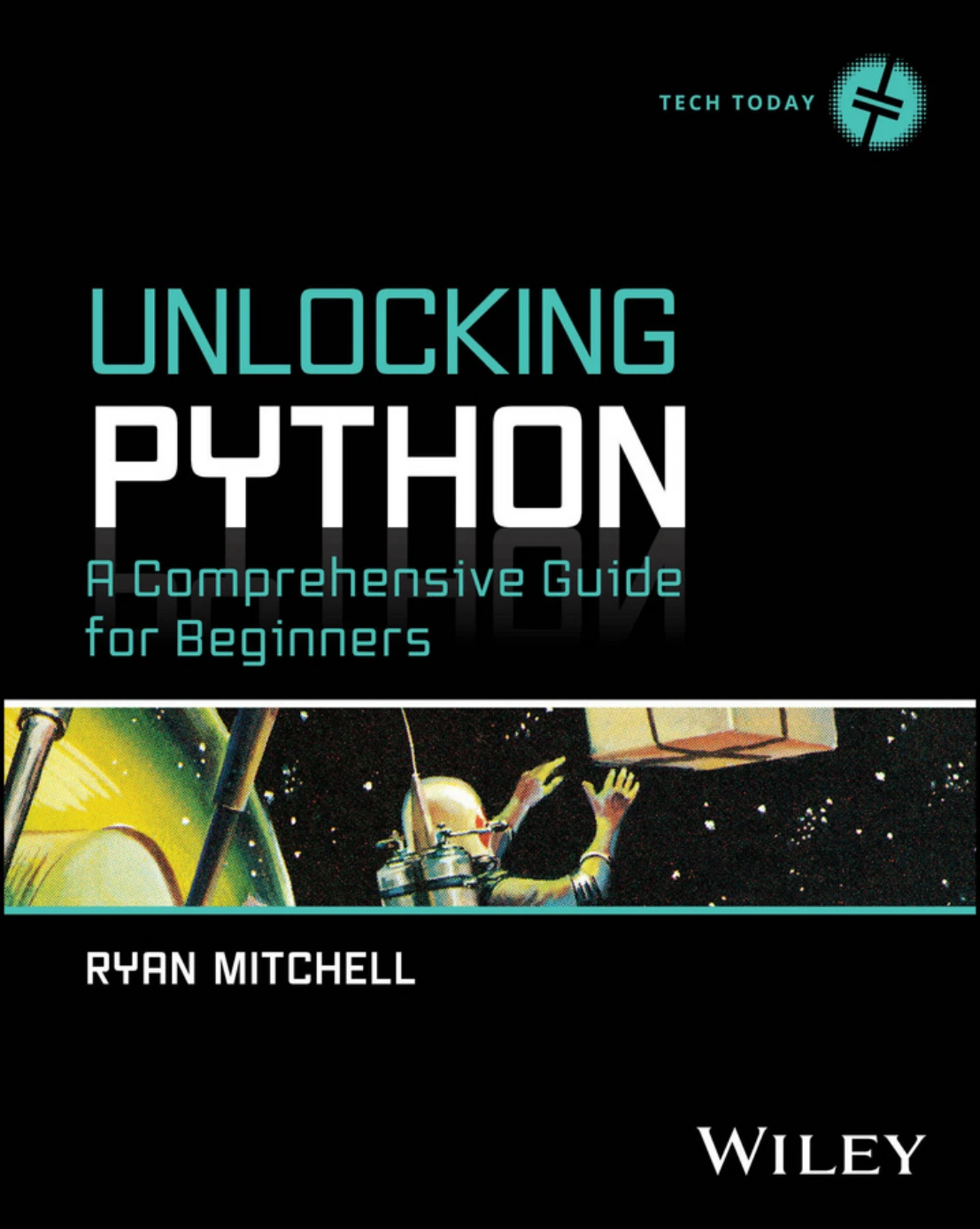
Unlocking Python: A Comprehensive Guide for Beginners
New learners who want a broad introduction before choosing a web framework.
For more focused practice on core language features and code quality, Python How-To: 63 Techniques to Improve Your Python Code is a possible next step once you can already read and write basic Python. Its catalog description emphasizes practical techniques for writing clearer, more maintainable code rather than teaching web development from the beginning.
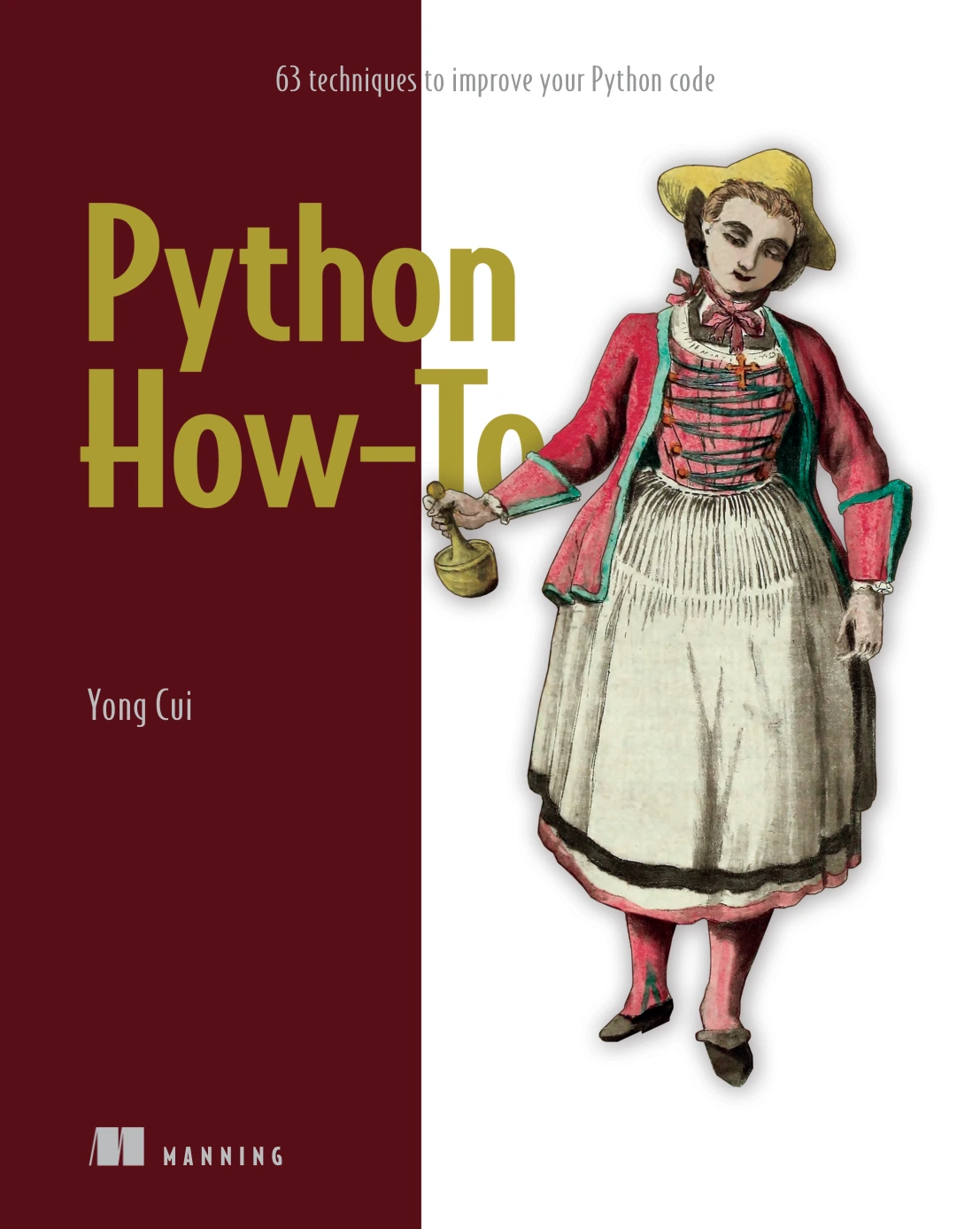
Python How-To: 63 Techniques to Improve Your Python Code
By Yong Cui
Learners who already know basic Python and want to improve how they write it.
The official Python tutorial is another foundation resource. Python’s documentation describes it as an introduction to the language, so plan to move on to framework-specific learning for web application work. See “What Now?” in the Python tutorial for the documentation’s guidance on next steps.
Choose a Python web development path
After learning the basics, choose a path based on the application you want to make. The best resource for a full-featured website may not be the best fit for a quick data dashboard. Think about the type of project, the amount of structure you want, and whether the book teaches the complete workflow—not only the framework’s syntax.
| Path | Consider it for | Resource to explore | Important distinction |
|---|---|---|---|
| Django | A structured route through building a conventional web application | Django – The Easy Way (3rd Edition) | Check the book’s setup and framework instructions against current Django documentation. |
| Flask | Learning through a focused project or exploring a smaller framework workflow | Raspberry Pi Full Stack: A Comprehensive Course | This is a Raspberry Pi project course, not a general-purpose Flask textbook. |
| Streamlit | Creating interactive data applications using Python | Web App Development Made Simple with Streamlit | Streamlit is a focused option for data apps, not an equivalent replacement for learning general-purpose web development. |
Django – The Easy Way (3rd Edition): How to build and deploy web applications with Python and Django
By Samuli Natri
Learners who want to follow a structured Django project and verify version-specific setup details.
Raspberry Pi Full Stack: A Comprehensive Course
Learners interested in Raspberry Pi projects that connect sensors to a web interface.
Web App Development Made Simple with Streamlit
Python learners aiming to build dashboards or interactive data-focused apps.
Django: a structured framework route
Django – The Easy Way (3rd Edition) follows a blogging-platform project through tasks such as setting up a project, working with URLs and views, using templates and models, and adding features including authentication, forms, APIs, testing, and deployment. That project-led scope can help you see how framework concepts contribute to a working site.
Before using an older or edition-specific resource, check its publication and framework details. The catalog identifies this title as a third edition and supplies a publisher link, but it does not specify the exact Django version used in its examples. Treat its concepts as a learning guide and verify version-sensitive setup instructions against current framework documentation.
Flask: learn through a focused application
Flask may suit learners who want to explore web application components through a smaller project. The catalog’s Raspberry Pi Full Stack course brings together Python, Flask, a database, and a browser-based interface in an environmental monitoring project. Its central context is Raspberry Pi hardware and sensor data, so it is best understood as a project-specific example rather than a broad Flask reference.
Unlocking Python also includes introductory coverage of Flask, alongside Python fundamentals and other topics. It can help orient a beginner, but learners who decide to build a Flask application should look for a dedicated resource that covers the current framework workflow and their chosen project’s needs.
Streamlit: a focused route for data apps
If your goal is an interactive dashboard or data-facing tool, Web App Development Made Simple with Streamlit focuses on building apps with Python. Its described topics include interface widgets, data displays, plots, text analysis, and deployment. That scope makes it a better match for someone who wants to present data through an interactive application than for someone whose main goal is to study conventional multi-page site development.
Learn by building one small application
Reading about frameworks becomes more useful when you apply ideas to a project with a clear, limited purpose. Avoid starting with a large social network or online marketplace. A modest project gives you room to practise the development cycle without turning setup and feature planning into the whole assignment.
Choose one of these starting points:
- A simple blog: add posts, display a list and detail page, and consider a form for creating or editing content.
- A small API-backed application: retrieve data from an API, display it clearly, and handle an unsuccessful response.
- A data dashboard: load a small dataset, present a chart or summary, and let a visitor adjust one or two inputs.
As you choose a book or tutorial, check whether it addresses the parts of the project you actually intend to complete:
- Page structure and presentation: templates or another approach to organizing what appears in the browser.
- User input: forms or controls, plus validation and clear handling of invalid input.
- Data: how the application reads, stores, or updates information.
- Testing and troubleshooting: ways to check behaviour and investigate errors.
- Deployment: how the application moves beyond your local development environment, if publishing it is part of your goal.
A resource need not cover every item to be useful. The important thing is to know what it teaches, what it leaves out, and what you will need to learn elsewhere.
How to assess a Python web development resource
Check the publication and framework details
Look for the publication date, edition, Python version, and framework version when those details are available. The catalog does not provide exact version coverage for every listed title. If a resource omits version details, or its examples are older, use it cautiously for concepts and check current documentation for installation, configuration, and changed APIs.
Look for a complete, understandable project
A sequence of isolated examples can teach individual features, but a coherent project shows how they connect. Look for a resource that explains how it moves from initial setup to useful application behaviour. A project does not need to be large; it should simply demonstrate the parts relevant to your goal.
Match the prerequisites to your current skills
Check whether the resource assumes prior Python experience, command-line familiarity, or knowledge of HTML and CSS. If its starting point is too advanced, strengthen the missing basics first. If it spends most of its time on concepts you already know, choose a more focused framework guide.
Use environment isolation for projects
Python’s venv module provides isolated project environments for installing packages. Using a separate environment helps keep a project’s dependencies apart from other Python work. The official Python documentation covers the language and its tools; follow the instructions that match the Python version you are using.
Common learning pitfalls
- Starting with framework syntax before basic Python feels familiar. Pause to practise functions, collections, modules, and error handling if examples are difficult to read.
- Collecting resources instead of finishing a project. Choose one primary guide for your current goal and use additional references only when you meet a specific gap.
- Copying old setup commands without checking them. Installation steps and framework details can change. Confirm them against current documentation.
- Treating every Python web tool as the same kind of learning. Django, Flask, and Streamlit serve different learning and project purposes; choose based on the application you want to build.
- Skipping the browser-facing basics. Python runs application logic, but understanding how pages are structured and styled helps when building websites. You can learn the relevant HTML and CSS alongside a small project.
Frequently asked questions
Do I need to learn HTML and CSS before Python web development?
You do not need to master HTML and CSS before beginning, but basic familiarity helps you understand how a page is structured and styled. Learn enough to read the templates or frontend code used in your chosen project, then deepen those skills as needed.
Should I learn Django or Flask first?
Choose based on your project and the resource you can follow. The supplied catalog supports a Django project-based book and a Raspberry Pi course that uses Flask, but it does not provide comparative evidence showing that one framework is easier or better for every beginner. Pick one route, complete a small application, and reassess after you understand its workflow.
Can I build web apps using only Python?
Python can handle much of an application’s server-side logic, and tools such as Streamlit let Python developers create interactive data apps. Traditional web projects also involve browser-facing content and may use HTML, CSS, JavaScript, databases, or other services. The exact mix depends on the application and tool you choose.
What is a good first project for learning Python web development?
Choose something small enough to finish, such as a basic blog, a simple API-backed page, or a data dashboard. Define a few essential features first, then add forms, storage, tests, or deployment only when they support your learning goal.
Conclusion: choose a path and finish a project
The best Python web development resources are the ones that match your next learning need. Start with enough Python to understand the code, choose Django, Flask, or Streamlit based on your intended project, and use one focused resource to build something small and complete. Check framework and setup instructions against current documentation, especially when a book does not identify its software versions. A finished project will give you a clearer sense of what to study next than a growing stack of unfinished tutorials.
Sources and further reading
- Python 3.13 tutorial: “What Now?” — official guidance on moving beyond the introductory tutorial.
- Python 3.14 documentation — official Python documentation, including information about project environments and tools.
- Django – The Easy Way — publisher information for the catalog-listed Django resource.