Python Web Development Projects for Beginners
Your first Python website does not need user accounts, payments, or a complicated database. A better way to learn is to start with a small page and add one new capability at a time: first routes and templates, then forms, saved data, and search. This guide lays out five project ideas in that order, explains how to think about Flask and Django without declaring a universal winner, and shares practical habits for building and testing a beginner web app.
You can begin once you are comfortable with basic Python programming and using a command line. If you are entirely new to programming, learn the fundamentals first: the official Python tutorial notes that it assumes some basic programming knowledge. Read the Python tutorial’s guidance before treating it as a first-ever introduction to coding.
What to know before starting a Python web project
You do not need to master Python before making a small website. You should, however, be able to read and write simple functions, work with strings and lists or dictionaries, use conditional logic, and understand how to run a program. Being able to navigate folders and run commands in a terminal will also make setup easier.
- Useful Python foundations: variables, functions, conditionals, loops, collections, and basic error messages.
- Helpful web basics: a little HTML helps you understand page structure, and CSS helps with presentation. Treat these as useful preparation, not a universal prerequisite.
- A project folder: keep each experiment’s code and notes together so it is easier to find files and understand how the app fits together.
- A separate virtual environment: use one for each project to keep that project’s Python packages separate from other work. Python’s
venvmodule is designed to create isolated environments for project-specific packages. See the official venv documentation.
For example, you can create an environment from a project folder with python -m venv .venv. The command used to activate it differs by operating system and shell, so check the instructions for your setup before installing a framework.
Flask or Django: how should a beginner choose?
There is no evidence in the sources reviewed here that establishes Flask or Django as the universally better beginner framework. Both can be part of a learning path: a Flask example from O’Reilly builds a web app, while the Digital Delights catalog describes a Python project-based resource that introduces Django web development. Those examples illustrate possible approaches, not a measured comparison of difficulty or outcomes.
| Consideration | Questions to ask |
|---|---|
| Project size | Are you starting with a few pages and one simple feature, or do you want a guided path toward a more fully featured site? |
| Learning style | Would you rather assemble the pieces as you go, or follow a more structured set of conventions and steps? |
| Learning materials | Can you find a current tutorial that matches your project, framework version, and operating system? |
| Next project | Which framework will help you continue building the kind of site you want to make? |
Pick one framework for your first project rather than trying to learn both at once. Keep the initial result small, and check that the learning material you choose matches the framework’s current documentation and package compatibility.
Five Python web development projects for beginners
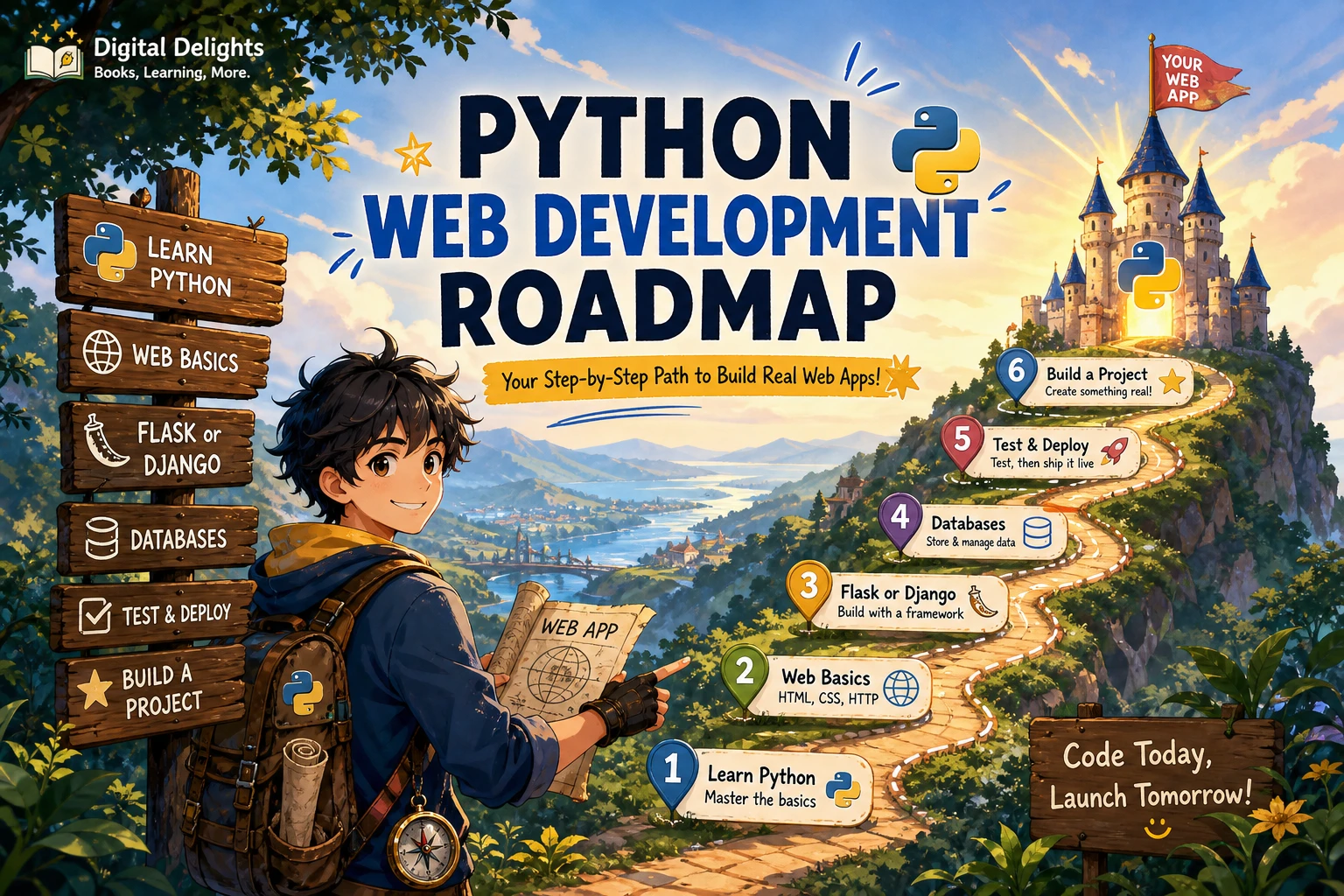
These ideas form a suggested progression, not a ranking of which project is easiest or most effective. Each adds a feature you can practise after the previous version works.
1. A personal portfolio page
Start with a page that introduces you and displays a few projects or interests. Your first version can be one route that returns a simple page. Then separate the page layout into a template and add a small stylesheet or other static files.
- Practise: routes, templates, and static files.
- First version: a home page with a short introduction and a list of two or three items.
- One extension: add a project detail page or a contact page.
Focus on making the page render reliably before spending time on visual polish. A portfolio is a useful starting point because it gives you something visible to improve without requiring a database or user input at the outset.
2. A guestbook or suggestion box
Next, let a visitor submit a short message. Display a form, accept its input, and show a confirmation or the submitted entry. This introduces a key shift: a site is now receiving data, so it needs to handle empty or unexpected submissions sensibly.
- Practise: forms, request handling, and input validation.
- First version: accept one text field and display a clear response.
- One extension: reject blank messages and set a reasonable length limit.
Do not assume that data submitted by a visitor is complete or suitable. Validate input on the server and give the visitor a clear explanation when a submission needs changing.
3. A reading list or recipe tracker
Build a small app that lets you add entries and display them later. A reading list might store a title, author, and whether you have finished a book; a recipe tracker could store a name and a short note. Start with the smallest set of fields that makes the project useful.
- Practise: organizing records, creating and displaying entries, and working with persistent data.
- First version: add an entry and show the current list.
- One extension: edit an entry or mark it complete.
Keep the data model simple while learning. Once the basic add-and-display flow works, you can decide whether the next useful feature is editing, deleting, or sorting.
4. A searchable directory
Turn a small collection of records into a directory that visitors can search or filter. For example, the entries could be books, recipes, local places, or study resources. Start with a short list and one search field; add more filters only after you can explain what each one helps a visitor find.
- Practise: organizing entries, filtering results, and showing useful empty states.
- First version: display all entries and filter them using one straightforward field.
- One extension: add a category filter or a way to sort results.
Test searches that match an entry, searches that match nothing, and searches with unusual spacing or capitalization. Those cases help you notice whether your results and messages make sense.
5. A stretch project: add accounts, tests, or deployment
Once one of the earlier projects works, choose a single stretch goal. You could explore user accounts, write tests for important behaviour, or learn how deployment differs from running the app on your own computer. Avoid adding all three at once; each introduces its own decisions and potential problems.
- Accounts: consider what information you actually need to protect and how the framework’s current guidance handles authentication.
- Tests: check important routes and expected responses as you change the project.
- Deployment: learn the hosting provider’s current instructions and how to configure the app for a public environment.
A local development server is for development, not a shortcut to public hosting. Python’s built-in http.server documentation says it is not recommended for production and describes only basic security checks. Read the official http.server documentation and follow the deployment guidance for your chosen framework and host.
A practical way to build each project
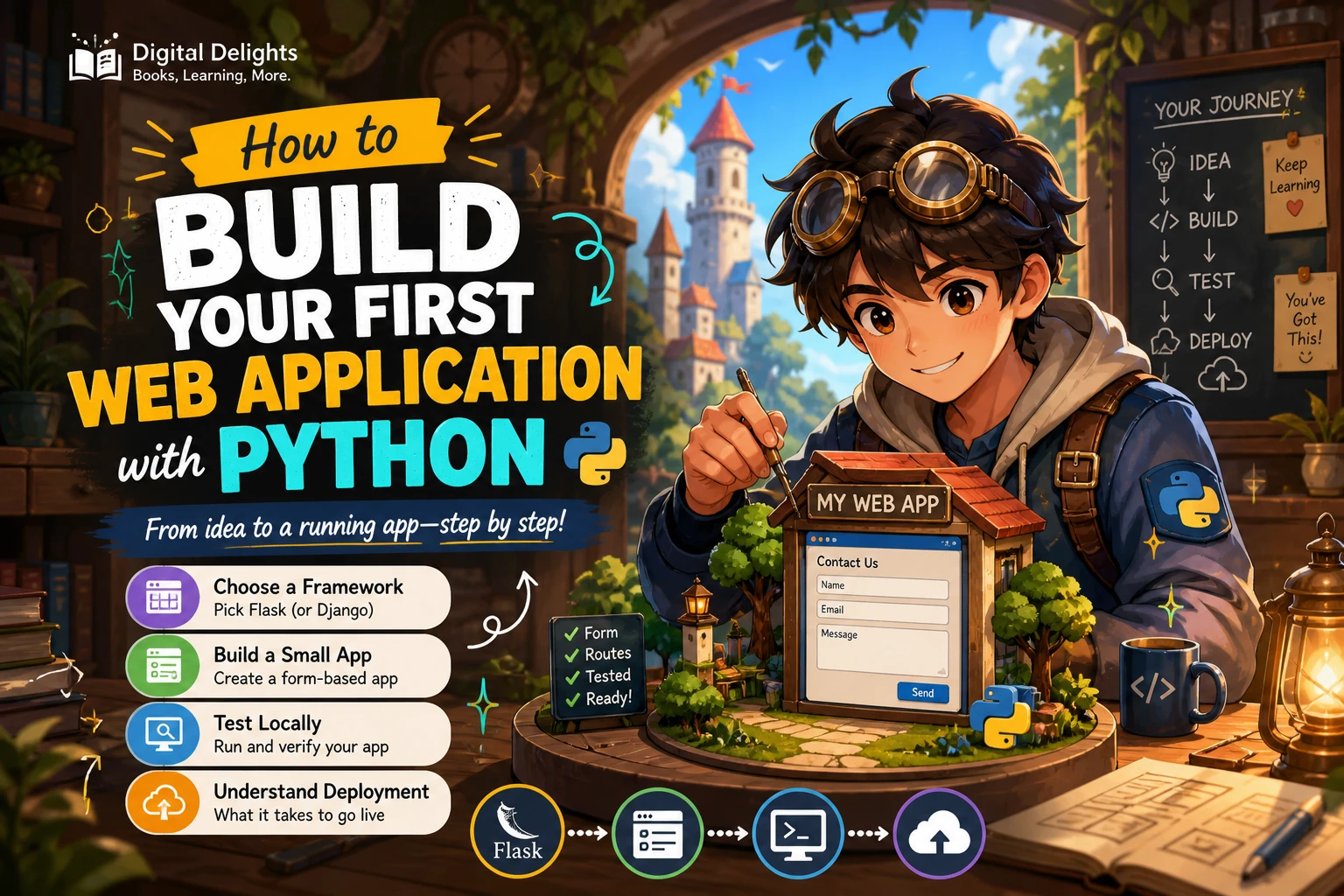
- Write down the smallest useful version. Describe the single thing a visitor should be able to do. Keep optional features off the first checklist.
- Sketch the pages and data. List the routes you expect to need and the information each page should display or collect.
- Set up the project environment. Create a project-specific virtual environment and install only the packages that the project requires. The Python venv documentation explains isolated environments.
- Build one working feature at a time. Get a page to render before adding a form; get the form working before adding saved records.
- Test ordinary and awkward cases. Try missing input, unexpected values, and searches with no results, not just the ideal path.
- Keep brief notes. Record how to run the app, what you changed, and what you would improve next. Notes make it easier to return after a break and help you explain the project to someone else.
If you want a catalog resource that connects Python fundamentals with a later web-development example, Python Crash Course: A Complete Beginner’s Guide for Python Coding and Data Visualization is described as a hands-on introduction whose later material includes Django web development. It is not presented here as a dedicated web-development manual; use it as a possible broader Python learning resource, and check that its material fits your chosen framework and current setup.
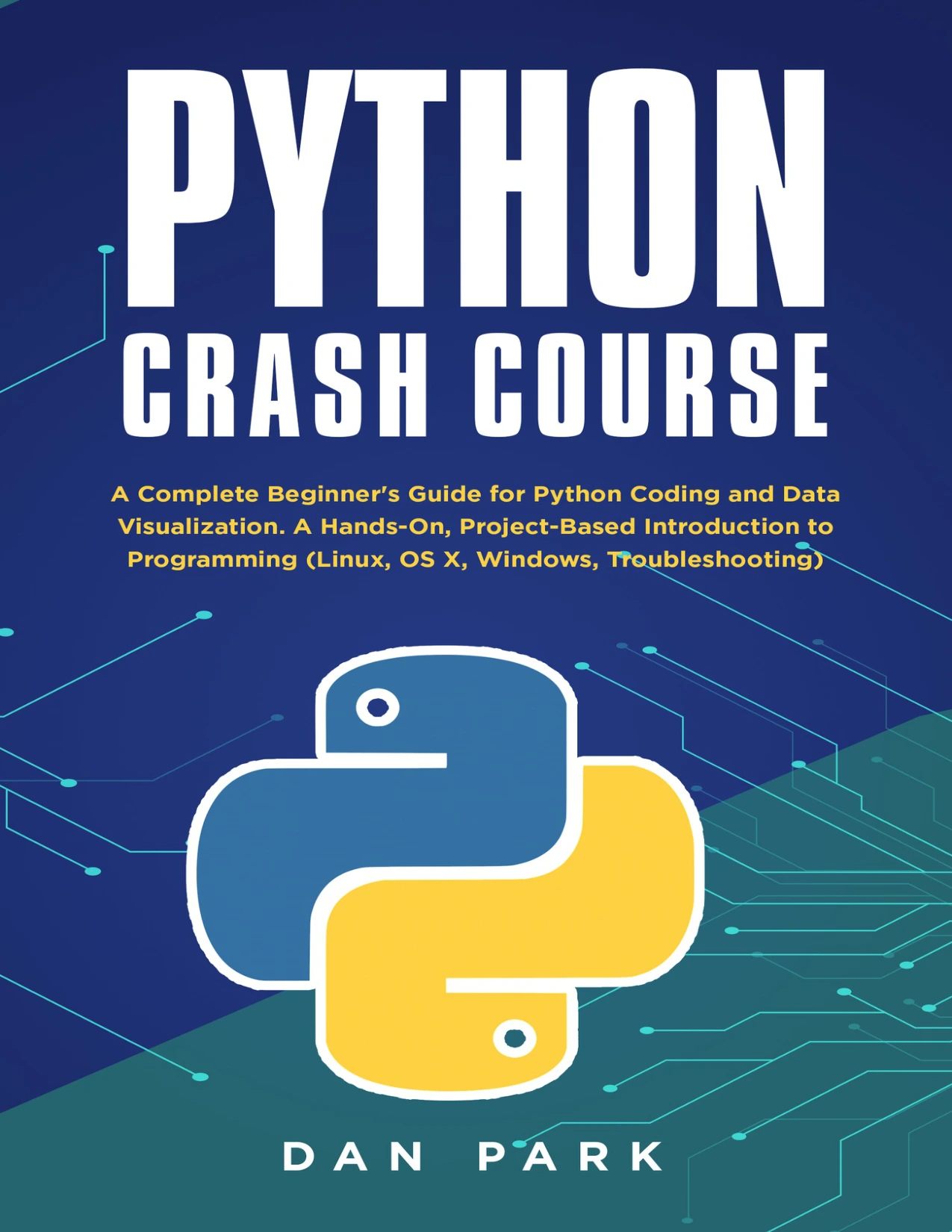
By Dan Park
Beginners seeking a broader, project-based Python introduction whose described later topics include Django web development; it is not a dedicated web-development guide.
Common beginner pitfalls to avoid
- Starting with a large app: reduce the scope until you can describe a working first version in one sentence.
- Adding features before the basics work: complete and test a small route or form before adding accounts, multiple filters, or extra pages.
- Skipping input validation: check submitted data rather than assuming visitors will always enter what you expect.
- Installing every package globally: use a project-specific virtual environment to keep dependencies separate.
- Confusing local development with production: a development server helps you work locally; it is not automatically appropriate for a public deployment.
- Following version-mismatched instructions: check the current Python and framework documentation when a tutorial’s commands or packages do not match your environment.
Frequently asked questions
What Python should I know before building a web app?
Be comfortable with basic programming concepts such as variables, functions, conditionals, loops, and common data structures, and know how to run a program from a command line. The official Python tutorial says it assumes basic programming knowledge, so complete beginners may benefit from learning those fundamentals first.
Should I choose Flask or Django for my first project?
Choose based on the size of your project, the structure you want to learn, and the quality and currency of the learning material available to you. The sources reviewed do not establish a universal beginner winner. Pick one, make a small working app, and avoid switching frameworks just because the first steps feel unfamiliar.
Can I build a Python website without knowing HTML or CSS?
You can begin learning the Python side with a simple page, but HTML is useful for understanding page structure and CSS for changing presentation. Treat both as skills to pick up alongside the project rather than as a requirement to master before you start.
Is a local Python development server safe to publish online?
Do not assume that it is. Python’s documentation explicitly says its built-in http.server is not recommended for production and provides only basic security checks. Use your framework and hosting provider’s current deployment guidance instead.
Finish a small working app, then expand it
The most useful first project is one you can finish in manageable steps. Begin with a page, add input, save a few records, or make those records searchable. Test each change, keep dependencies isolated, and treat public deployment as a separate task from running the app locally. Once the small version works, you will have a clearer basis for deciding what to build next.