Following a Python example can help you learn what the syntax looks like. But if you can only make a program work by copying each line, a small change to the task may leave you stuck. The next step is not to avoid examples; it is to use them as references while you practise making decisions yourself.
Start with a clear, small goal. Describe the steps in ordinary language, write one piece of code at a time, and run it to see what happens. When you consult a tutorial or example, look for an answer to a specific question. Then change the input or requirement and adapt the program. This guide walks through that process, including a short example and ways to get unstuck.
How to Tell Whether You Understand the Code
Recognizing familiar lines is not quite the same as understanding what a program does. Try these checks before you move on from an example:
- Explain it: Can you describe the purpose of each important line or block in your own words?
- Predict it: Before running the program, can you say what output it should produce for a particular input?
- Change it: Can you adjust an input or requirement and identify what needs to change in the code?
- Rebuild the idea: After studying the example, can you close it and write a small version from memory, checking a reference when you need to?
You do not need to memorize every method or syntax detail. The useful test is whether you can follow the program’s logic and make a deliberate change. If you cannot, pause and trace one part at a time rather than copying more lines.
A Practical Method for Writing Python on Your Own
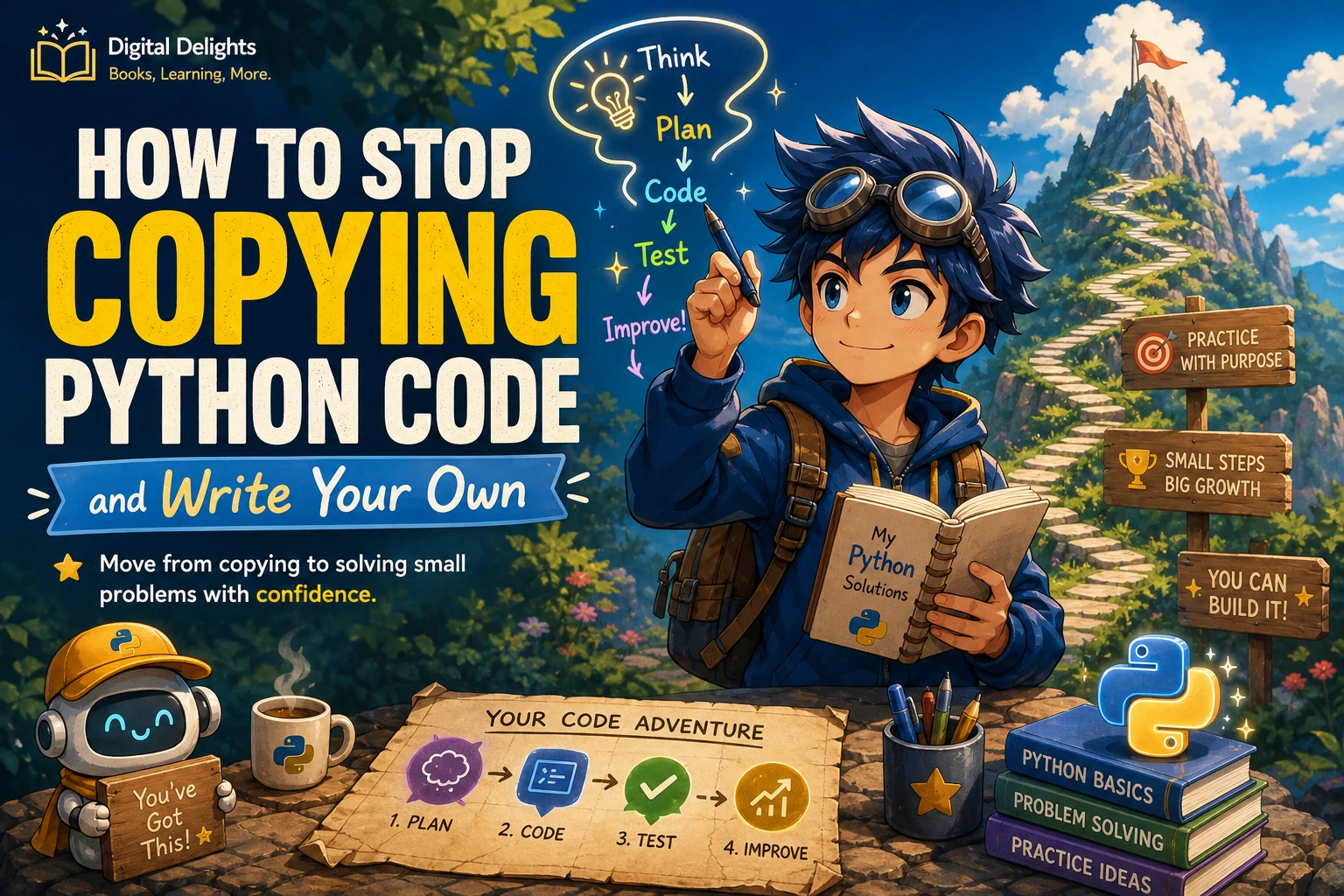
Use this sequence for small exercises and beginner projects. It is a practical workflow, not a claim that one routine works best for every learner.
- Define the result. Write one sentence describing what the program should do. Include a small example input and the result you expect.
- Break the task into steps. Describe the process in plain language before choosing Python syntax.
- Implement one step. Write a small piece of code, run it, and inspect its result before adding the next piece.
- Ask a focused question when you need help. Look up the particular feature or error you do not understand instead of searching immediately for a complete solution.
- Change the requirements. Try another input, add a condition, or change the output. Notice which parts of your solution need to adapt.
- Review the result. Explain how the program works and consider whether a clearer name or simpler step would make it easier to follow.
The official Python tutorial introduces core language concepts and is intended to be used with an available Python interpreter. Python’s documentation also covers tools such as control flow and functions, which help express decisions, repetition, and reusable steps in a program. Use documentation to clarify a feature; your own small experiments can show how it behaves in your task.
Worked Example: Adapt a List-Counting Program
Suppose the task is to count how many times a chosen word appears in a list. Before writing code, make the goal concrete:
- Input: a list of words and one word to look for.
- Output: the number of matching items.
- Example: in
["tea", "coffee", "tea"], the word"tea"appears twice.
Now describe the steps: start a counter at zero, look at each item, increase the counter when the item matches the chosen word, then display the total. A direct Python version is:
words = ["tea", "coffee", "tea"]
target = "tea"
count = 0

for word in words:
    if word == target:
        count += 1

print(count)
Do not stop at reproducing the example. Predict the output, run it, and then change the list or target. For instance, ask what should happen if matching should ignore uppercase and lowercase letters. One way to explore that requirement is to compare lowercase versions:
words = ["Tea", "coffee", "tea"]
target = "TEA"
count = 0

for word in words:
    if word.lower() == target.lower():
        count += 1

print(count)
The important part is not that this is the only possible solution. It is that the changed requirement leads you to examine the comparison, choose an adjustment, and test it with a useful example.
What to Do When You Get Stuck
Getting an unexpected result is a prompt to investigate, not proof that you cannot write code. Reduce the uncertainty by checking one thing at a time.
Make the test case smaller
Replace a long list or complicated input with two or three values whose expected result you can work out by hand. A small case makes it easier to see where the program’s behavior diverges from your expectation.
Read the error and inspect values
Look at the final line of an error message first, then check the line it identifies and the values involved. If the program runs but gives the wrong answer, print a temporary value inside the relevant loop or function. Remove debugging output when you no longer need it.
Look up the feature, not the whole assignment
If you are unsure how a loop, condition, or string method works, search for that specific concept in the documentation or a trusted example. Then return to your own code and apply what you learned. The Python documentation’s sections on control flow can help when your question concerns conditions, loops, or functions.
Compare examples after making an attempt
Trying a first version gives you a concrete question to investigate. Once you compare it with an example, focus on why the approaches differ. If you use a complete example to get started, trace it, close it, and make a meaningful change before treating the task as finished.
Habits That Can Keep You Dependent on Examples
- Pasting without tracing: A program may run while its logic remains unclear. Walk through the values and predict the output.
- Taking on too much at once: A large project combines many unknowns. Start with a small feature that can be tested on its own.
- Treating errors as failure: An error points to something to inspect, such as a value, spelling, or assumption. Use it to narrow the problem.
- Avoiding examples completely: References are useful. The goal is to consult them with a question in mind, then return to your own attempt.
- Changing several things at once: If the result changes, it may be hard to tell why. Make one adjustment and run the program again.
Build a Manageable Python Practice Routine
Choose familiar concepts and vary one detail at a time. For example, if you can total a list of numbers, try calculating the average, counting values above a chosen amount, or handling an empty list. The new condition gives you a reason to reason through the code rather than repeat it unchanged.
Small project prompts can also give your practice a purpose:
- Quiz: Ask a question, check the answer, and keep a score.
- Expense total: Add a short list of amounts and display the sum.
- Text menu: Offer a few numbered choices and respond to the selection.
- Word counter: Count a chosen word in a short sentence or list.
Keep brief notes as you work: the task, your planned steps, what failed, and what you changed. These notes make it easier to see how you solved a problem and to revisit a useful idea later. Keep each project small enough that you can explain what its main parts do.
When a Python Book or Tutorial Can Help
A structured resource can supply explanations, examples, and exercises when you are unsure what to practise next. It does not replace making your own attempt: use a lesson to understand a concept, then change its inputs or requirements so you have to apply it.
Python Bookcamp: Exercises and Projects covers Python fundamentals through exercises, case studies, and projects. It may suit learners who want prompts to work through and examples to adapt. For readers ready to focus on code clarity and maintainability, Python How-To: 63 Techniques to Improve Your Python Code presents techniques through explanations, examples, and challenges. Choose based on the practice you need; neither resource should be treated as a substitute for experimenting with the code yourself.

Python Bookcamp: Exercises and Projects
Learners who want guided practice material to work through and adapt.
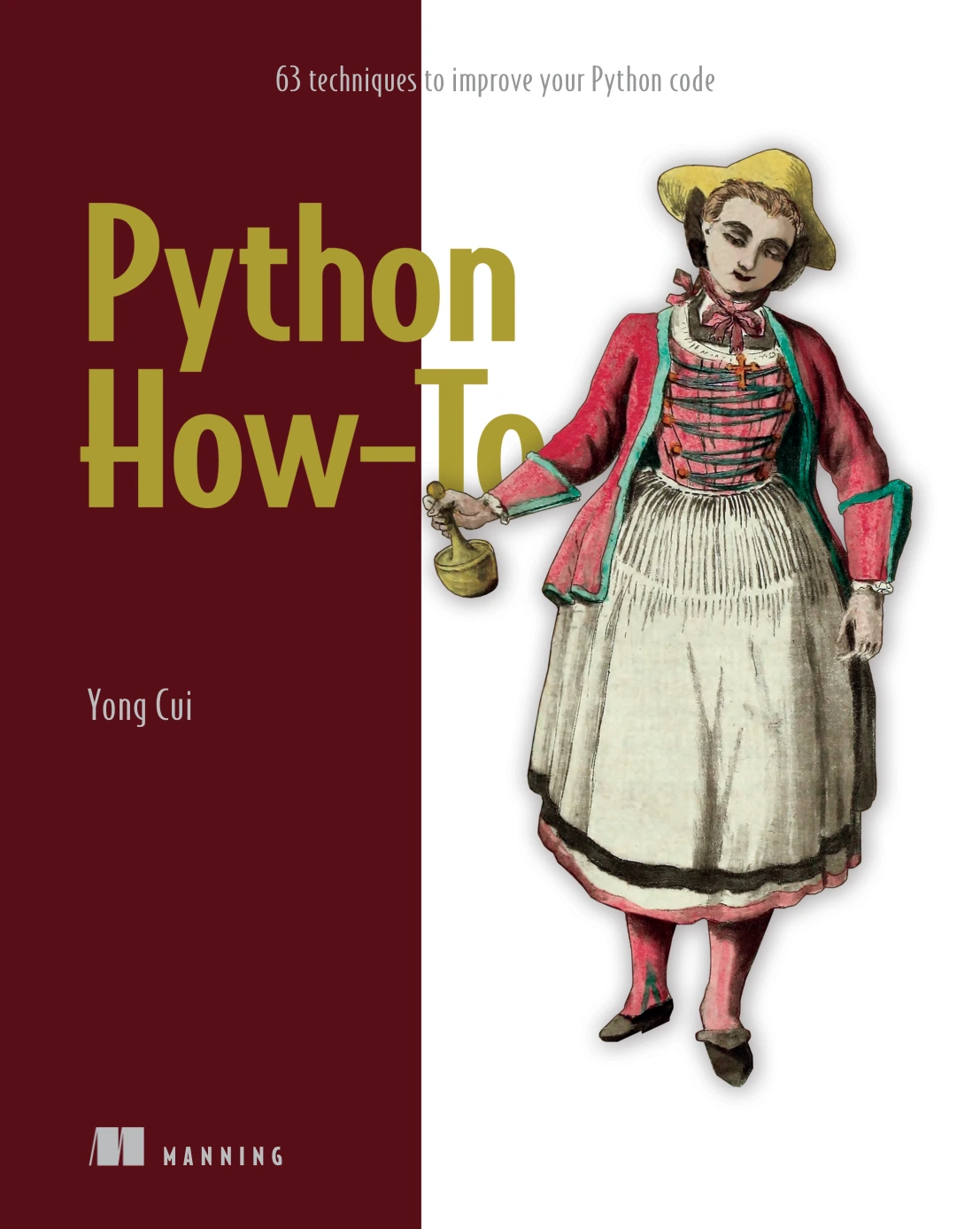
Python How-To: 63 Techniques to Improve Your Python Code
By Yong Cui
Learners ready to work on clarity and maintainability through examples and challenges.
Frequently Asked Questions
How much Python should I know before starting a project?
You can begin with a very small project once you can read basic statements and have access to an interpreter. Choose a task that uses concepts you have encountered, such as variables, conditions, or loops. If a new feature becomes necessary, learn that piece as you go.
Is it wrong to copy code while learning?
No. Examples can show how a feature is used. The risk is relying on transcription without understanding. Trace the example, predict its output, and change something about the input or requirement so you practise adapting it.
How long should I try before looking up a solution?
There is no universal time limit supported by the sources here. Try to define the goal, break it into steps, and make a small attempt. When you have a specific question, consult documentation or an example for that question rather than waiting for an arbitrary amount of time.
What should I build as a beginner?
Pick a small program with a result you can check: a quiz, a total for a short list of expenses, a text menu, or a word counter. Add one new requirement only after the basic version works.
Keep Moving from Following to Creating
Writing Python independently does not mean working without help. It means understanding the goal, making a small plan, testing your own implementation, and using references to resolve specific questions. Once the first version works, change a requirement and explain how your code responds. That repeated shift—from example to experiment to adaptation—is a practical way to build confidence in writing code of your own.