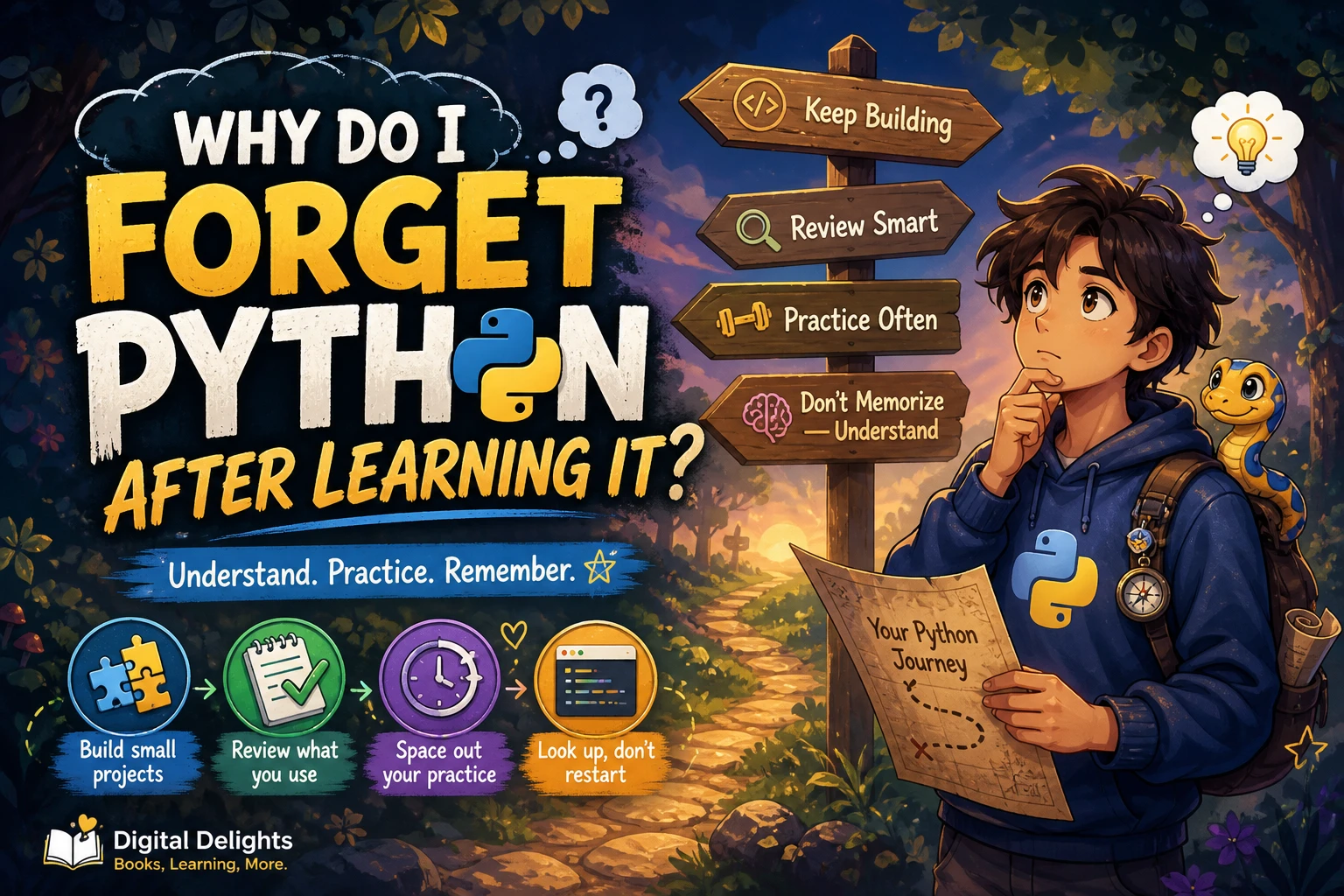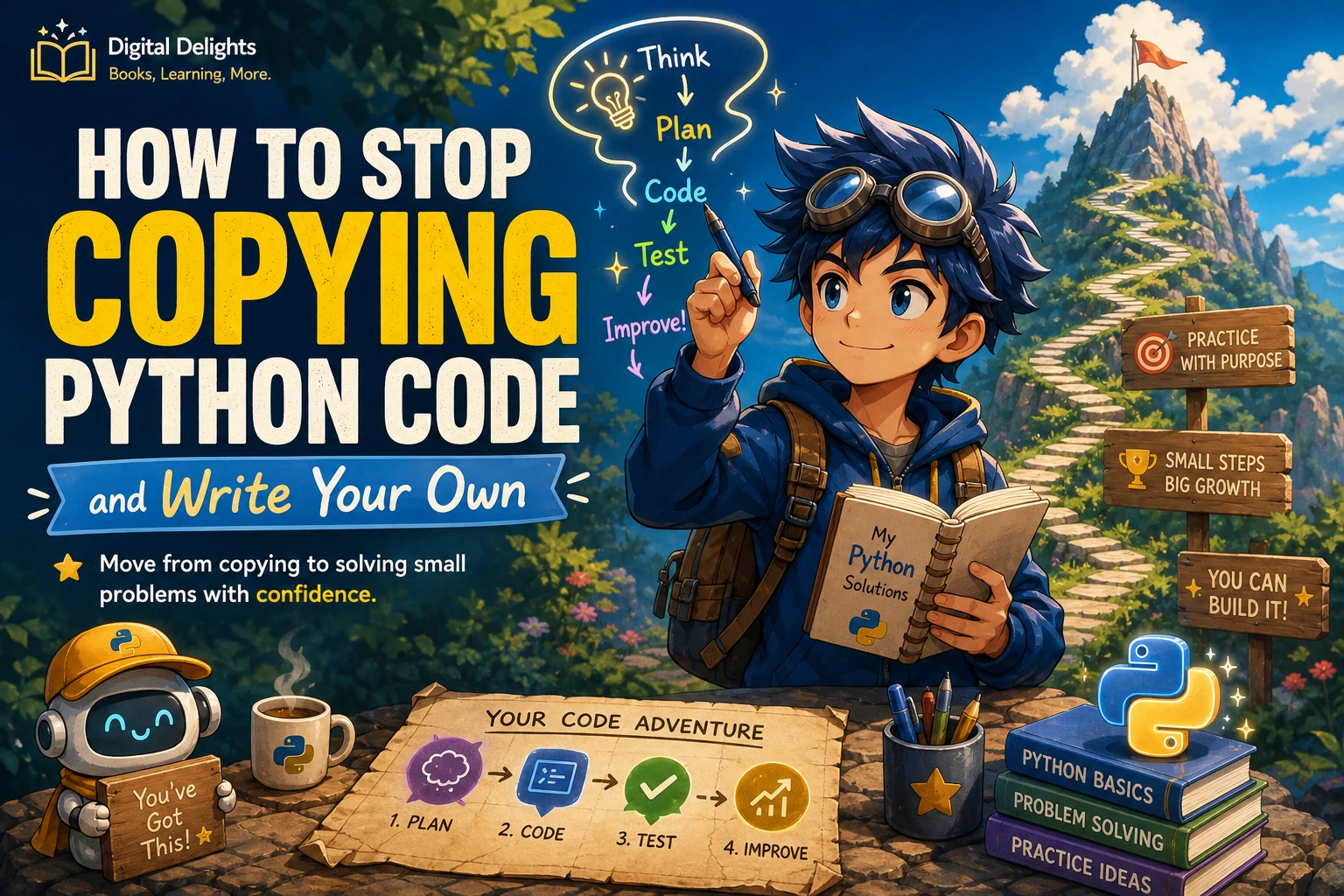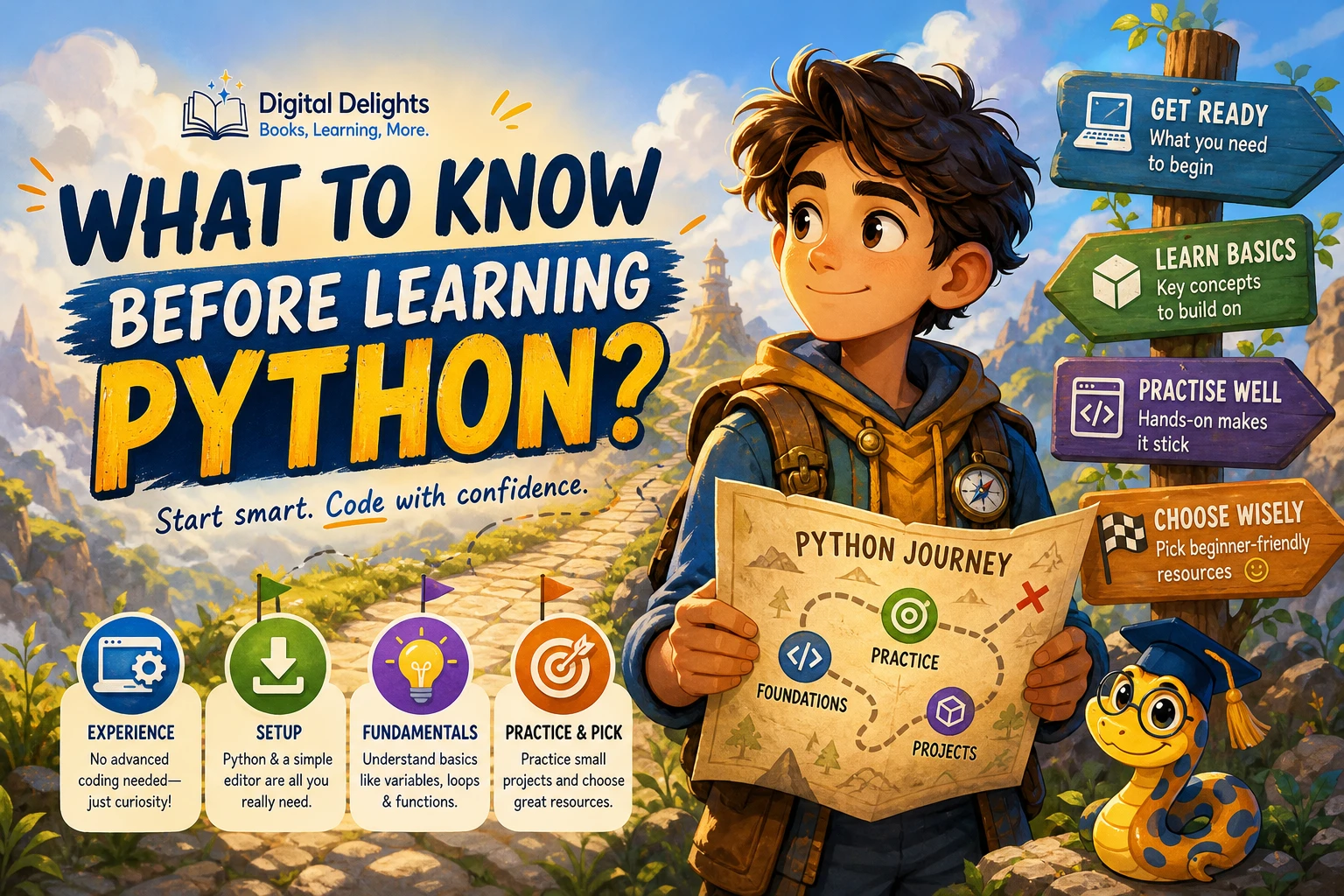
What to Do When You Get Stuck Learning Python
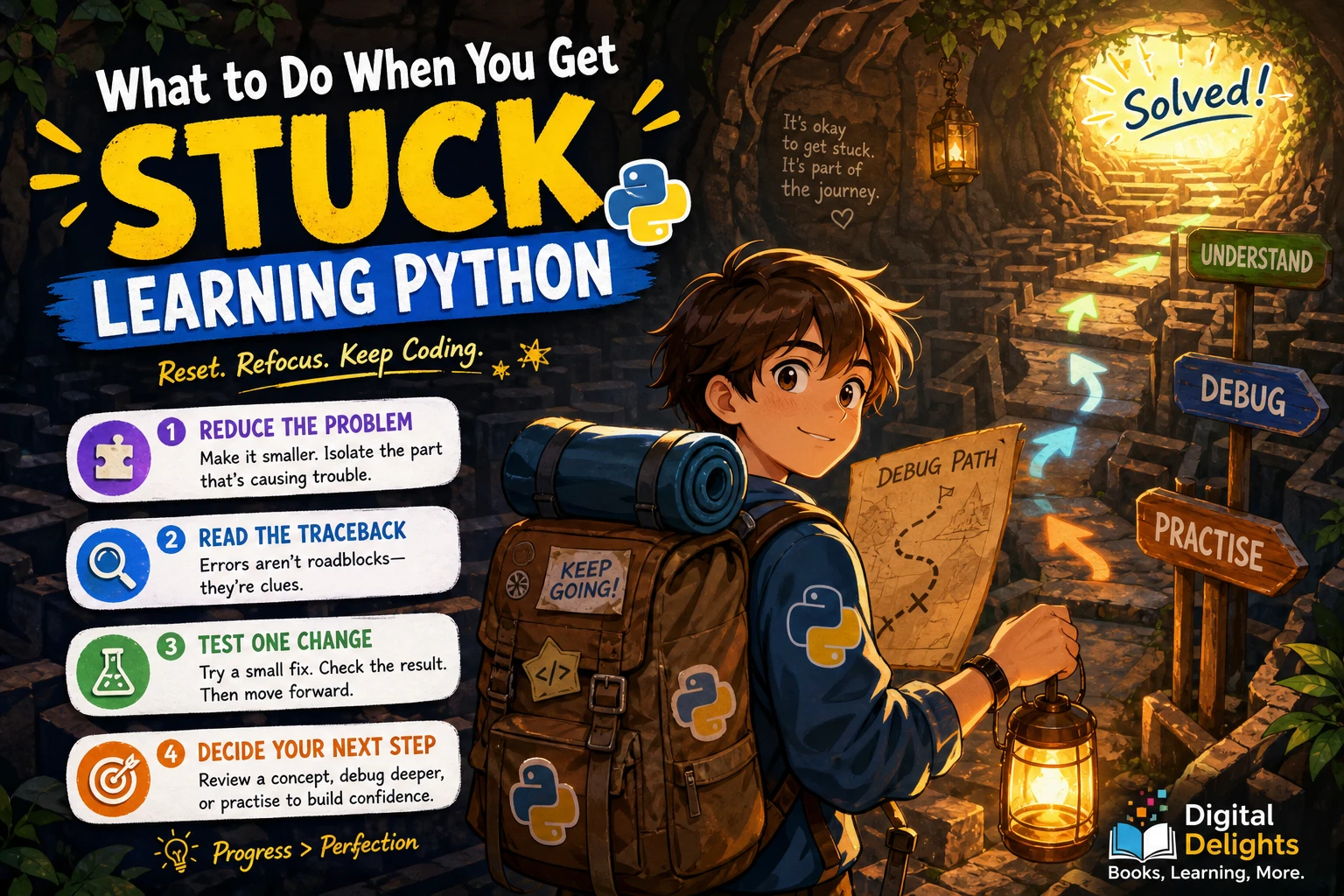
Getting stuck while learning Python does not automatically mean you chose the wrong language or need another course. Often, the next useful step is to make the problem smaller: identify whether you are confused by a concept, facing a specific error, or trying to build too much at once.
Start by reproducing the issue with the smallest code example you can run. Then read the error carefully, check the relevant values and types, and change one thing at a time. This guide shows how to use that process, when to return to a lesson, and how to practise without endlessly switching resources.
First, identify what kind of stuck you are
“I don’t understand Python” is too broad to act on. Name the obstacle as specifically as you can. The right response depends on what is actually stopping you.
- An error appears: Your code runs into a syntax error or an exception. You have a concrete problem to investigate.
- A concept feels unclear: You can follow an example, but cannot explain why it works or adapt it to a new situation.
- Your project feels too big: You are unsure what to write next because the goal includes several features or steps.
- Your environment behaves differently: Python, an editor, a package, or a course’s setup instructions may not match your current setup.
Write down one sentence describing the obstacle. For example: “I expected this function to return a number, but it returns None.” A precise description gives you a place to begin.
How to get unstuck learning Python, step by step
1. Reproduce the problem in a tiny example
Temporarily remove anything that is not needed to see the issue. Keep the smallest input, function, or few lines that still produce the unexpected result. A compact example is easier to inspect than a whole project, and it can show whether the problem comes from your code or from something around it.
Python’s official tutorial recommends having an interpreter available for hands-on work. Try running an example, changing one part, and observing what changes rather than only reading the code. (The Python Tutorial)
2. Read the whole error, especially its last line
When Python prints a traceback, the earlier lines help show the path the program took. The final line names the exception and gives a short explanation. Syntax errors are reported differently from exceptions that occur while a program is running; understanding which kind you have helps narrow down what to inspect. (Python’s guide to errors and exceptions)
For instance, this expression tries to combine a string with an integer:
age = "10"
print("Next year: " + age + 1)
A simplified version of the final error message might say that Python cannot concatenate a string and an integer. Check the values involved: age is text, while 1 is a number. If you intend to do arithmetic, convert the text first:
age = "10"
next_age = int(age) + 1
print(f"Next year: {next_age}")
Do not treat an error message as a verdict on your ability. Treat it as a clue about what Python encountered.
3. Check the values and types at the point of failure
Many beginner bugs come from a value being different from what you expected: a string where you expected a number, an empty list, a misspelled variable, or a function that did not return the result you thought it did.
For a quick check, print the value and its type just before the relevant line:
print("value:", age)
print("type:", type(age))
Then compare what you see with what the code needs. If a variable is supposed to contain a list, check whether it is actually a list at that point. If a function should return a result, check that it uses return rather than only displaying the result with print().
4. Change one thing at a time
When you alter several lines at once, it becomes difficult to tell which change helped—or introduced a new problem. Make one small change, run the example again, and note what happened. If it did not help, undo it or test another explanation.
This is not about finding the cleverest fix immediately. It is about replacing guesses with small, observable tests.
5. Step through the code if simple checks are not enough
Print statements are often enough to locate a beginner-level problem. If you need more detail, Python’s built-in pdb debugger can pause execution at breakpoints, step through source lines, and inspect the program’s state. You do not need to learn it before you can write useful Python; consider it when you need to see what happens between two points in a program. (Python’s pdb documentation)
Should you review the lesson or keep debugging?
Use the kind of difficulty you identified to choose your next move:
- Review the lesson if you repeatedly cannot explain a concept, such as what a loop does or how a function receives an argument. Work through one example again, then try a small variation without looking at the solution.
- Debug the program if you understand the idea but one particular input or line produces an unexpected result. Reduce the example, read the traceback, and inspect the values.
- Check your setup if an instruction or command does not match what you see. Confirm which Python version your course or project expects, and use a stable release unless its instructions require another version. Python’s downloads page is the place to check current releases: Python downloads.
You may need both review and debugging. For example, a traceback can reveal that a variable has the wrong type; if you are unsure why it has that type, revisit the lesson on assignment, input, or conversion after isolating the line that caused the problem.
If your Python project feels overwhelming, make it smaller
A project can feel impossible when you are trying to plan every feature at once. Set aside the full version temporarily and define one small result you can make work.
For a simple guessing game, a sensible sequence might be:
- Print a welcome message.
- Ask for one guess.
- Convert the input into a number and handle invalid input.
- Compare the guess with a fixed answer.
- Add a loop so the player can try again.
Run the program after each step. If a new step breaks something, you have a smaller set of recent changes to check. You can use the same approach for a script that renames files, a small data task, or any beginner project: build one working behaviour at a time.
Common reactions that can keep you stuck
- Guessing at fixes: Changing several things without checking the error or the relevant values can make the original problem harder to find.
- Copying a complete solution: A working answer may help you compare approaches, but copying it without tracing what each part does leaves the same question unresolved. Try to explain the key lines, then recreate the solution in a smaller form.
- Switching tutorials immediately: Another explanation can help, but first identify the exact point where the current one stopped making sense. That makes it easier to choose a resource that addresses the gap rather than starting over by habit.
- Trying to build too much in one go: Reduce the feature list until you can test one behaviour at a time.
- Continuing while frustrated: If you are going in circles, save the smallest example and take a pause. Return to it with a specific question, such as “What type is this value here?” A break is a practical option, not a guaranteed fix.
Use focused practice and resources
When you know the gap, practise that gap rather than restarting Python from the beginning. If loops are confusing, write a few short loops. If you can follow examples but struggle to write code yourself, solve exercises before reading their solutions.
For learners who want a structured reference through Python fundamentals, Python Complete Manual – 26th Edition, 2025 covers topics including variables, functions, conditions, loops, modules, and common errors. If the basics make sense but you want more problem-solving practice, Python Workout, Second Edition (MEAP V03) is organized around exercises. The catalog identifies it as a MEAP early-access version, so check that edition detail when deciding whether it suits your needs.
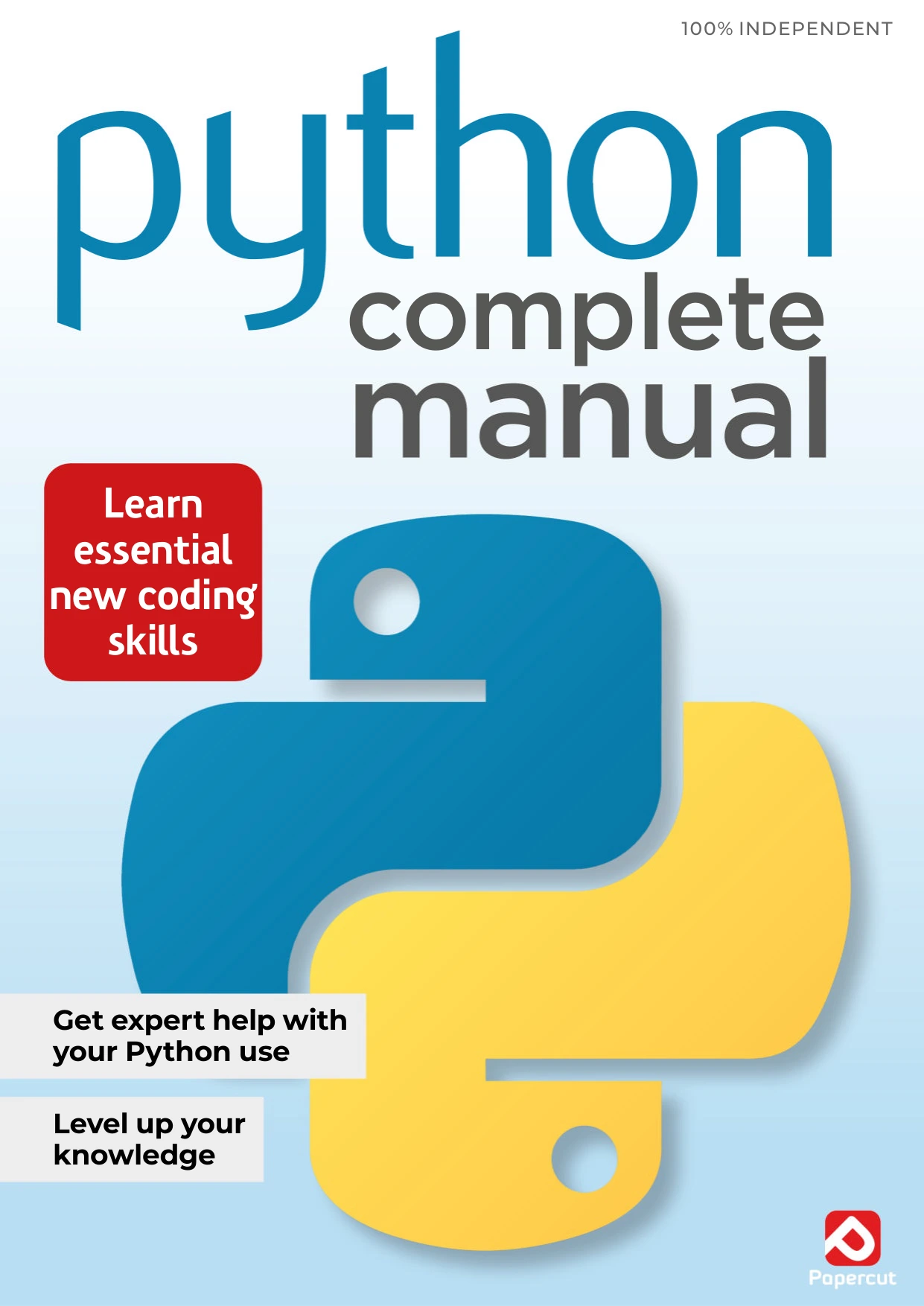
Python Complete Manual – 26th Edition, 2025
Learners who want a guided review of variables, functions, conditions, loops, modules, and errors.
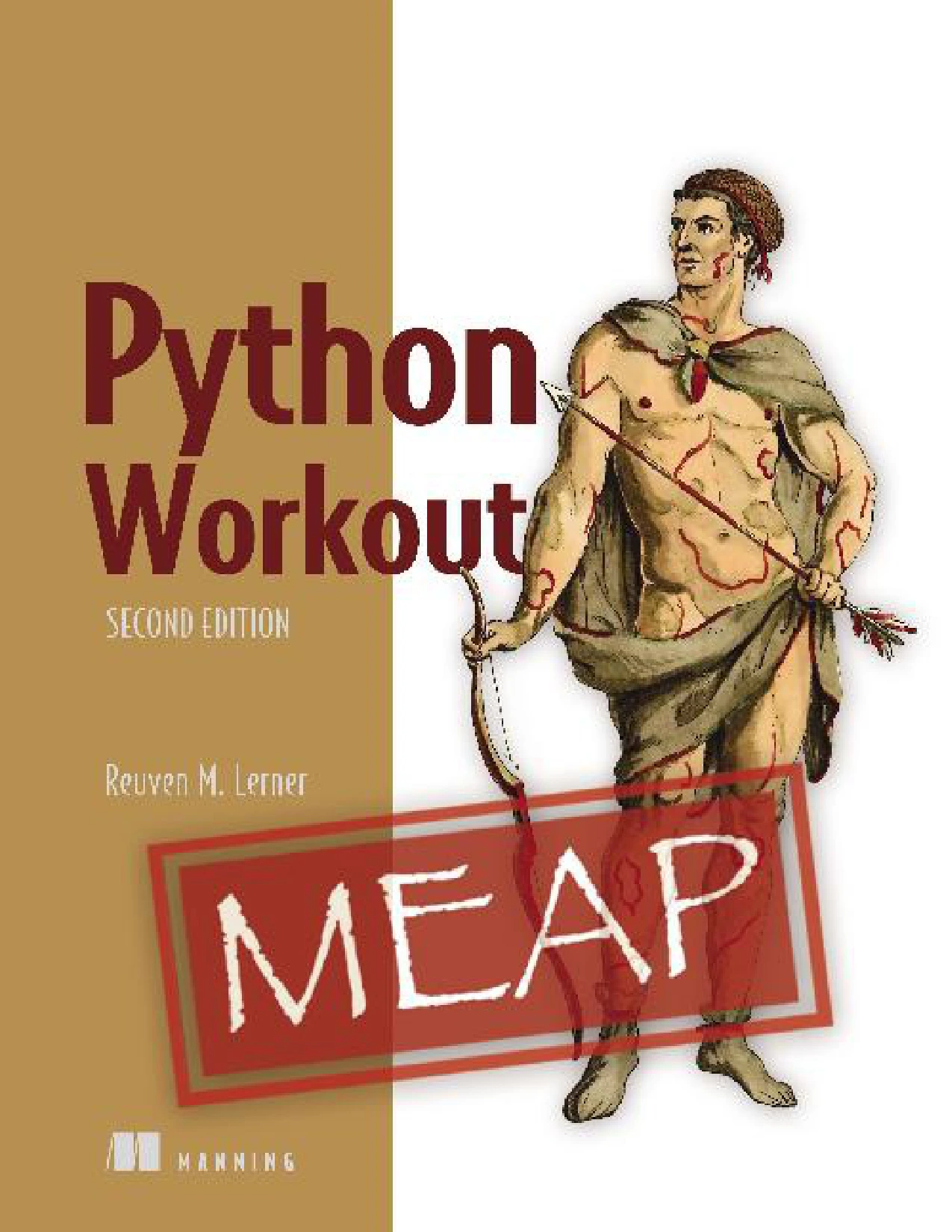
Python Workout, Second Edition (MEAP V03)
Learners who understand basic Python concepts but want to practise applying them through problems; catalog identifies this as a MEAP early-access version.
Neither resource can diagnose a particular bug for you. Use a book or tutorial to clarify the relevant idea, then return to your own small example and test what you learned. You can also browse Python learning resources if you are looking for a different format or topic.
Frequently asked questions
Is getting stuck a sign that Python is too difficult for me?
No. A stuck moment by itself does not tell you whether Python is a good fit. First identify whether you are facing an error, a concept you have not understood yet, a project that needs to be divided into smaller steps, or a setup mismatch. Each calls for a different next action.
Should I reread the lesson or debug my code?
Reread or revisit an example if the underlying concept remains unclear. Debug systematically if you understand the concept but your specific program behaves unexpectedly. If both are true, isolate the code problem first, then review the concept that explains it.
When should a beginner use a Python debugger?
Begin with the traceback and simple checks, such as printing a value and its type. If you still cannot see where the program’s state changes, try a debugger such as Python’s pdb to pause and step through the code. It is an optional tool, not a prerequisite for learning Python.
Could my Python version or setup be the problem?
It could be, particularly when you are following instructions written for a specific version or environment. Check the course or project requirements and confirm the version you are running. Prefer a stable Python release for general learning unless the instructions specify otherwise.
A practical next step
When you get stuck learning Python, do not begin by replacing your course or abandoning your project. Write down the specific obstacle, reduce it to a small example, inspect the error and values, and test one change at a time. If the issue is conceptual, review the relevant lesson; if the project is too large, build one small feature first. That gives you a concrete next step—and a clearer way to recognize what you have learned.
Sources
- The Python Tutorial — interactive practice and examples.
- Errors and Exceptions — tracebacks, syntax errors, and exceptions.
- Python Debugger documentation — breakpoints and stepping through code.
- Python downloads — checking current releases.