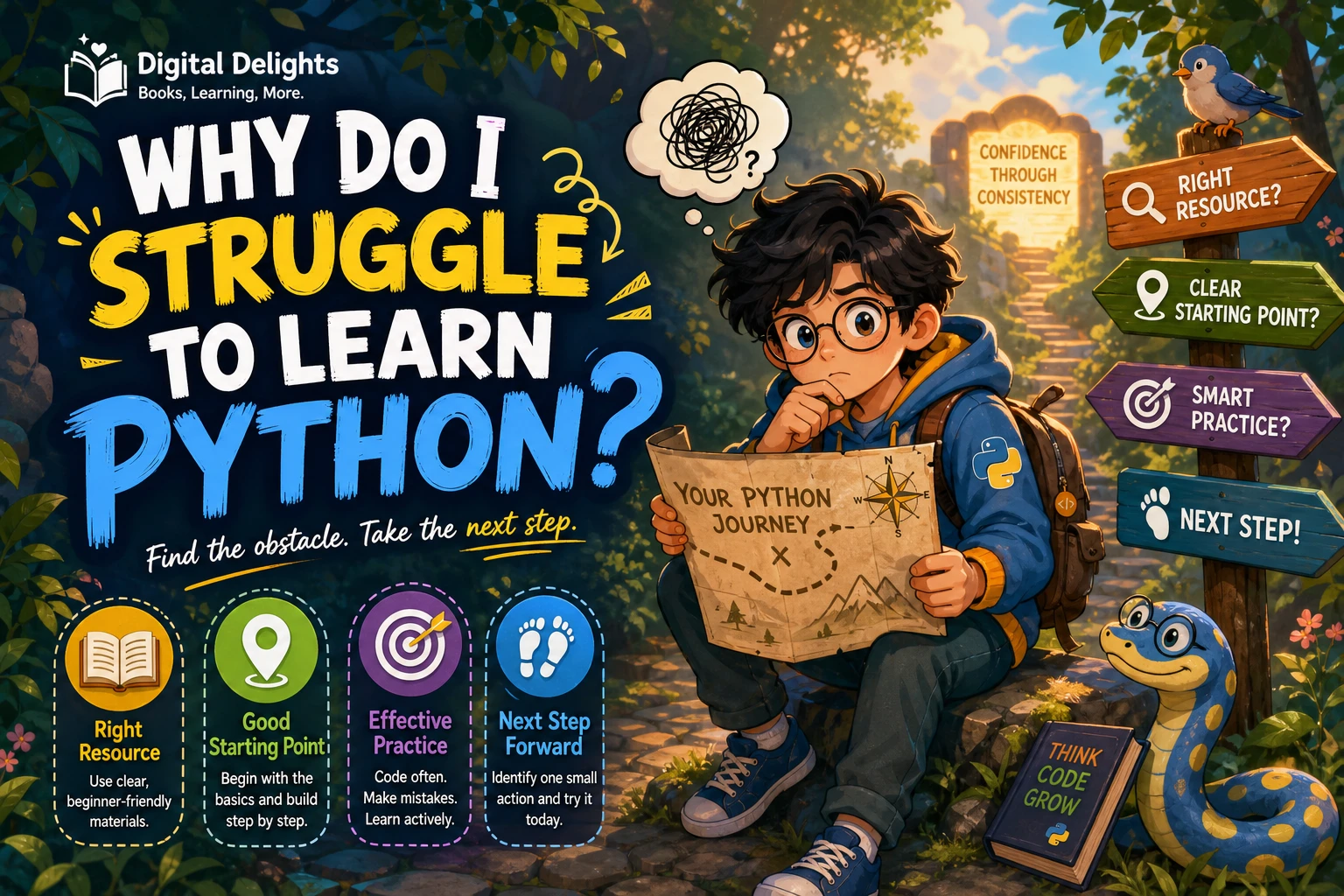
Why Do I Struggle to Learn Python?
If Python feels harder than you expected, it does not automatically mean you lack the ability to learn it. The difficulty may come from a mismatch: a tutorial may assume you already know programming, you may be stuck on problem-solving rather than Python syntax, or you may be reading examples without getting enough chances to write and adjust code yourself.
The useful first step is to identify what kind of difficulty you are having. Once you know whether the obstacle is concepts, errors, setup, or independent practice, you can choose a more suitable next step instead of starting another course at random.
Why learning Python can feel difficult
Learning a programming language involves more than memorizing commands. You are also learning how to break a task into steps, represent information, make decisions, repeat actions, and check whether the result is correct. If several of those ideas are unfamiliar, Python syntax can feel like one more thing to manage.
It also matters where you start. Some materials teach Python to people who already understand basic programming; others begin with the broader ideas of coding. The official Python Tutorial says it is intended for people new to Python who have some basic programming understanding, rather than people entirely new to programming. That is a difference in intended audience—not proof that one kind of resource is best for everyone.
So, instead of asking only, “Why can’t I learn Python?”, ask: “Which part of the learning process is currently unclear?”
Identify what you are stuck on
Try to describe the obstacle as specifically as possible. “Python is confusing” is difficult to act on; “I understand the example but cannot write the condition myself” points to a clearer practice task.
Are programming concepts confusing, or is the syntax?
Syntax is the exact form Python expects: punctuation, indentation, keywords, and the arrangement of expressions. Programming concepts are the ideas underneath, such as how a loop repeats work or how a function receives information and returns a result.
For example, if you understand that a program should repeat an action for each name, but do not know how to express that in Python, you may need syntax practice. If you are unsure why the action should repeat or what information it needs, work on the concept first.
Are error messages stopping you?
An error message is information about what Python could not parse or do. The official tutorial distinguishes syntax errors from exceptions that occur while code is running, and includes a section on errors and exceptions. Learning to read the first useful line and locate the relevant part of your code is part of learning to program—not a sign that you should never make mistakes.
- Syntax error: Check the line Python identifies for a missing colon, unmatched bracket, quotation mark, or other formatting issue.
- Runtime exception: Check what value or operation was involved and whether the program reached that point with the information you expected.
- Unexpected result: Print or inspect intermediate values to see where the program’s behavior first differs from your expectation.
For a fuller explanation of error types, see the errors and exceptions section in the Python tutorial.
Is setup or a version difference getting in the way?
If your code behaves differently from a lesson, compare the Python version and tools the lesson expects with the environment you are actually using. The Python.org release page lists the release and version details; the examples in a course may have been written for another version. Check its stated requirements before assuming that you have misunderstood the language.
A version mismatch is one possibility to check, not a conclusion to jump to. First confirm the exact error and the lesson’s instructions. If the material relies on a feature or library that differs between setups, follow a compatible setup or use learning material that explains the difference.
Can you follow examples but not start a program alone?
Following code while someone explains it and creating a solution from a blank screen are different tasks. When you read a worked example, the next step has already been chosen for you. Independent practice asks you to choose the steps, decide what information to store, and test whether your solution works.
Bridge the gap gradually: hide the example, write a small version from memory, then change one requirement. For instance, if an example prints one greeting, modify it to greet each name in a short list. That small change asks you to use the idea rather than only recognize it.
Check whether your learning resource fits your background
Before switching resources, check who the material is written for. A complete beginner may need explanations of variables, conditions, loops, and functions as programming ideas—not just their Python spelling. A learner who already knows another language may prefer a Python-focused tutorial that moves more quickly through general programming concepts.
Also notice whether you are using a tutorial, a reference, or a practice resource. They have different purposes. The Python language reference is meant to describe syntax and semantics precisely; it is not presented as a step-by-step beginner course. Reaching for a reference when you need a guided introduction can make learning feel needlessly steep.
- New to programming: Choose a beginner guide that starts with coding concepts as well as Python.
- Know another language: Use Python-specific material and focus on differences in syntax and common practices.
- Understand the basics but feel rusty: Work through short exercises and explain each solution in your own words.
- Have a clear goal, such as data analysis: Build the fundamentals first, then move into subject-specific tools and examples.
The official tutorial’s stated audience is useful to keep in mind: it is aimed at people new to Python who already have basic programming knowledge. If you are starting from zero, look for a resource that explicitly teaches programming from the beginning.
Try this practical reset plan
Rather than restarting a whole course, use this small cycle to find and practise the specific skill that is missing. It is a practical learning routine, not a claim that there is one proven or optimal amount of practice for everyone.
- Choose one small concept. Pick a single topic, such as a condition, loop, list, or function. Avoid trying to review several new ideas at once.
- Read or watch one explanation. Note what the concept is for and what information it uses.
- Type a short example yourself. Run it, then change one input or requirement and predict what should happen before running it again.
- When it fails, inspect the message and the code. Check the reported location, compare the actual result with your prediction, and make one change at a time.
- Use the idea in a tiny task. For a loop, print each item in a short list. For a function, pass in a value and return a simple result.
- Write down what you can now do. Record the concept, one example, and what still needs clarification. This gives your next study session a specific starting point.
For example, a simple loop could look like this:
names = ["Ari", "Sam", "Lee"]

for name in names:
    print("Hello, " + name)
Do not stop at copying it. Try adding another name, changing the message, or predicting what happens with an empty list. Those small variations help reveal whether you understand what the code is doing.
Common learning traps to avoid
- Using a reference as your only teaching resource. References are useful for checking details, but they may not provide the guided progression a new programmer needs.
- Changing courses before trying the material. A new explanation can help, but frequent switching can leave you with many introductions and little time spent applying any one of them.
- Reading code without changing it. Recognition is not the same as being able to write or adapt a solution. Make a small change and observe its effect.
- Trying to understand too many topics at once. Keep the task small enough that you can identify what caused a result or error.
- Treating every error as evidence you are failing. Use the message as a clue, then test one likely explanation at a time.
- Moving to advanced applications too early. If basic loops, functions, or data structures are still unclear, strengthen those foundations before adding a specialized toolkit.
Choose your next resource by what you need
A resource is most useful when it matches your current stage. The catalog examples below serve different purposes: one is positioned as a beginner guide, while the other is an exercise-focused title for readers who already know the fundamentals.
| Your current need | Possible next step | Why it may fit |
|---|---|---|
| You are new to programming and want a guided start. | Python for Beginners: Learn Coding, Programming, Data Analysis and Algorithmic Thinking with the Latest Python Crash Course. A Starter Guide with Tips and Tricks for the Apprentice Programmer | The catalog describes a beginner-oriented introduction covering setup and core topics such as data types, loops, and functions. |
| You know Python basics but want more deliberate exercise practice. | Python Workout: 50 Essential Exercises (MEAP Version 3) | The catalog describes 50 exercises across areas including strings, collections, files, and functions; it is aimed at practising fundamentals rather than starting from zero. |
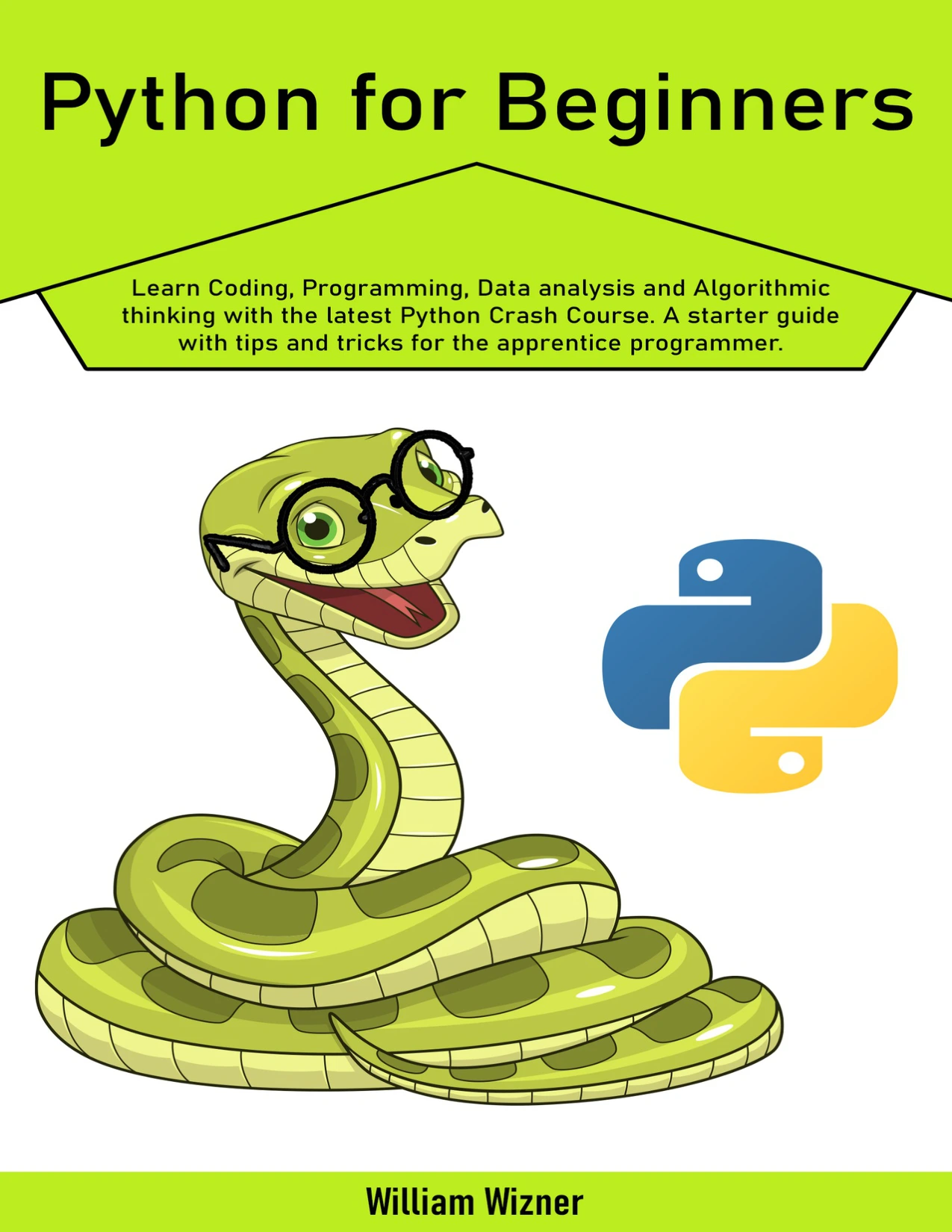
New programmers seeking a beginner-oriented guide covering setup and core Python topics.
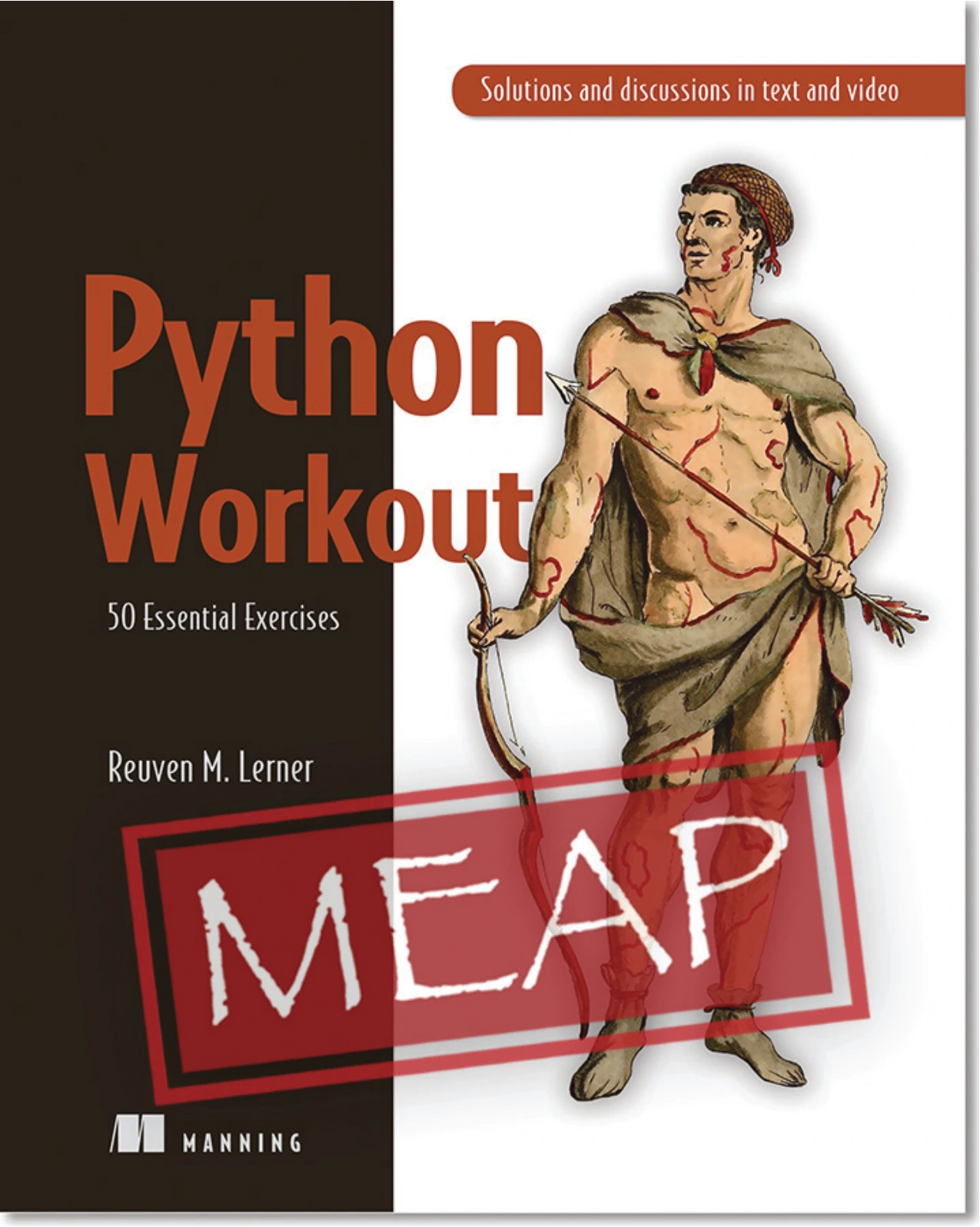
Python Workout: 50 Essential Exercises (MEAP Version 3)
Learners ready to practise topics such as strings, collections, files, and functions through exercises.
Neither option should be treated as a universal answer. Consider whether you need a beginner’s explanation or more opportunities to use what you already know. You can also browse the Python learning resources to compare available materials by their stated focus.
Frequently asked questions
Is Python supposed to be easy?
Python can be approachable, but learning to program still involves concepts, problem-solving, and debugging. Difficulty depends in part on what you already know and whether your learning material suits your starting point. “Beginner-friendly” does not mean every topic will feel effortless.
Do I need prior coding experience to learn Python?
No prior coding experience is required to begin learning Python, but choose material designed for that starting point. The official Python Tutorial assumes some basic programming understanding, so a complete beginner may want a course or book that teaches general programming concepts alongside Python.
How should I practise Python?
Pick one concept, type a short example, run it, and change one part to test your understanding. Then use that concept in a small task of your own. When the code fails, inspect the error and test one correction at a time. The supplied sources do not establish an optimal practice schedule or prove that one method works best for every learner.
Could my tutorial’s Python version matter?
It could, especially if the lesson names a particular version or depends on version-specific features or tools. Compare the tutorial’s requirements with your installed version and use the matching setup where possible. Python.org’s Python 3.14.8 release page provides release information; check the relevant course instructions rather than assuming every difference comes from your code.
Conclusion: make the next step smaller
Struggling to learn Python is a reason to investigate your learning process, not a verdict on your ability. Work out whether the sticking point is programming logic, Python syntax, error messages, setup, or writing code without a worked example. Then choose a resource and a small practice task that address that specific issue.
Start with one concept, make a small change to an example, and use the result to decide what to practise next. A clear next step is more useful than trying to master the whole language at once.
Sources
- The Python Tutorial — Python 3.14.7 documentation, including its stated audience and discussion of errors and exceptions.
- Introduction to the Python 3.12 Language Reference, for the reference’s role in describing syntax and semantics.
- Python Release Python 3.14.8, for release information.