Common Mistakes Beginners Make When Learning Python
When you are learning Python, a program that fails can feel like a verdict on your ability. It is not. Errors are part of writing code, and many beginner stumbling blocks become easier to handle once you know what to look for. The useful skill is not avoiding every mistake; it is learning to investigate problems calmly and make one change at a time.
This guide explains practical Python mistakes for beginners, including inconsistent indentation, confusing assignment with copying, mutable function defaults, and packages installed in the wrong environment. You will also find a simple debugging routine, sensible practice habits, and guidance on choosing a learning resource that matches your experience.
Common Python Beginner Mistakes
These examples are useful pitfalls to understand, not a measured ranking of the mistakes learners make most often. Python’s documentation explains the language behavior behind several of them; your own stumbling blocks will depend on what you are building and learning.
1. Inconsistent indentation and basic syntax errors
Python uses indentation to show which statements belong together. If the lines in a block are not indented consistently, Python may reject the code or interpret its structure differently than you intended. A colon after a condition or function definition also signals that an indented block follows.
if temperature > 20:
    print("A warm day")
    print("Remember your water")
Keep indentation consistent within a block, and let your editor insert spaces or display indentation clearly. When a syntax error appears, inspect the reported line and the lines immediately before it: the visible problem can sometimes be caused by a missing colon, bracket, or quotation mark nearby. The Python tutorial’s introduction explains how indentation groups statements.
2. Treating an error message as a reason to rewrite everything
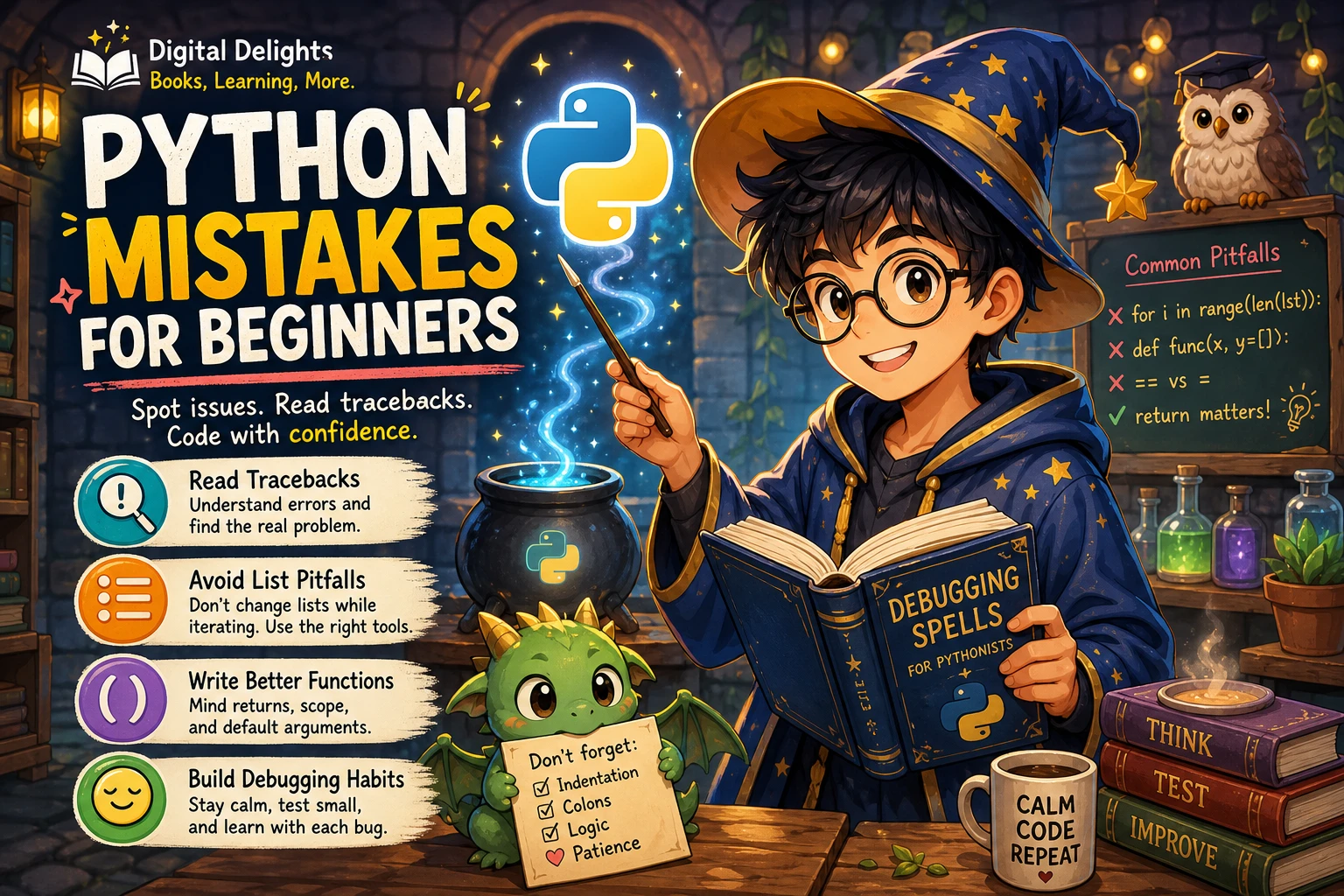
A traceback is information about where and how execution stopped. It is usually more useful to identify the exception type, read the final message, and inspect the referenced line than to change several unrelated parts of a program at once. If you make many changes together, it becomes harder to tell which one helped—or introduced another problem.
Syntax errors prevent Python from parsing code as written. Exceptions such as TypeError or NameError occur while a program is running. The distinction helps narrow your search: check punctuation and structure for a syntax error; for a runtime exception, examine the values and operations involved. Python’s Errors and Exceptions documentation describes both categories and explains how tracebacks identify where an exception occurred.
3. Confusing assignment with making a copy
Assigning a list to another variable does not automatically create a separate list. Both names can refer to the same mutable object, so changing the list through one name also affects what you see through the other.
first = ["red", "blue"]
second = first
second.append("green")

print(first)  # ["red", "blue", "green"]
If you need an independent shallow copy for a simple list, you can use first.copy() or first[:]. A shallow copy does not recursively duplicate objects nested inside the list, so nested data may need additional care. The Python Programming FAQ discusses assignment and shared mutable objects.
4. Using a mutable object as a function default
A list or dictionary used as a default argument is created when the function is defined—not freshly each time it is called. If the function changes that object, the change can remain visible in later calls. This behavior can surprise beginners who expect every call to start with an empty list.
def add_item(item, items=None):
    if items is None:
        items = []
    items.append(item)
    return items
Here, the function creates a new list when no list is supplied. Using None as the default is a common way to avoid unintentionally sharing a mutable default between calls. See the official programming FAQ for the underlying behavior and recommended pattern.
5. Installing a package into the wrong Python environment
A computer can have more than one Python installation or project environment. If you install a package using a different interpreter from the one running your code, an import may fail even though the installation appeared to succeed. This is often an environment mismatch, not a problem with the import statement itself.
For a project that uses third-party packages, create a virtual environment and install packages using the interpreter associated with that environment. For example, a project can start with python -m venv .venv; activation commands differ by operating system and shell. Using python -m pip install package-name helps tie the pip command to the interpreter named by python. The Python guide to virtual environments explains how environments isolate project packages.
6. Rushing into advanced topics before the foundations feel familiar
It is tempting to jump straight to machine learning, web frameworks, or automation. Those subjects can be motivating, but they also rely on smaller ideas such as variables, conditions, loops, functions, collections, and reading errors. If those basics are still unfamiliar, an advanced tutorial may introduce several new layers at once.
You do not need to master every detail before exploring an area that interests you. Instead, keep returning to the fundamentals as you meet them in context. A small program that uses a loop and a function can be a useful bridge between isolated syntax examples and a larger project.
How to Respond When Your Python Code Fails
Try this short debugging routine before rewriting a program:
- Run the code again and read the complete message. Note the exception type and the final explanatory line.
- Find the referenced location. Inspect the indicated line and nearby code, including the values passed into the failing operation.
- Check the kind of problem. For a syntax error, look for structural issues such as missing punctuation or inconsistent indentation. For a runtime exception, trace the values and operations that led there.
- Make one focused change. Avoid changing several unrelated lines before testing again.
- Re-run a small example. Confirm whether the change addressed the problem, then continue from a working state.
This is a practical workflow rather than a guarantee that every bug will be obvious. Some problems require reducing the program to a smaller example or checking documentation. The point is to use evidence from the error and test changes deliberately instead of guessing at many possible fixes.
Habits That Can Reduce Beginner Frustration
- Keep examples small and runnable. Test one idea at a time before combining it with other code.
- Practise reading code, not only typing it. Explain to yourself what each line changes and what value it produces.
- Record the Python version used in a lesson or project. Check whether your course or project specifies a version; otherwise, consult Python.org for a current stable release rather than choosing a prerelease by accident. The Python downloads page lists available releases.
- Use a virtual environment when a project needs packages. Separate environments help keep project dependencies from interfering with one another.
- Build small projects around familiar ideas. A number-guessing game, a simple task list, or a script that renames files can give you a reason to use input, conditions, loops, and functions together. Treat these as practice ideas, not projects you must complete in a particular order.
- Keep a short error notebook. Write down the message, what caused it, and the fix you confirmed. Reviewing your own examples can make recurring patterns easier to recognize.
Choosing a Python Learning Resource That Fits
Not every resource described as beginner-friendly starts from the same place. Some introduce programming concepts for a first-time coder; others are more useful once you already understand how programs work. Check the stated topics and intended audience before choosing, and pair reading with writing and running code.
| Resource | Could suit | Catalog-supported focus |
|---|---|---|
| Python Programming for Beginners: The Easy and Complete Step-by-Step Guide to Learn the Basics of Python. With Tips, Tricks and Practical Examples | Readers seeking a guided introduction and help getting set up | Mark Zane’s guide covers installation and core Python building blocks, including syntax, functions, and loops. |
| Python Illustrated | Beginners who prefer visual explanations alongside instruction | The catalog describes a visual, step-by-step approach that includes setup and core concepts. |
| Python Workout, Second Edition (MEAP V03) | Learners ready to practise applying Python concepts through exercises | The catalog describes varied exercises and identifies this listing as the MEAP V03 early-access edition. |
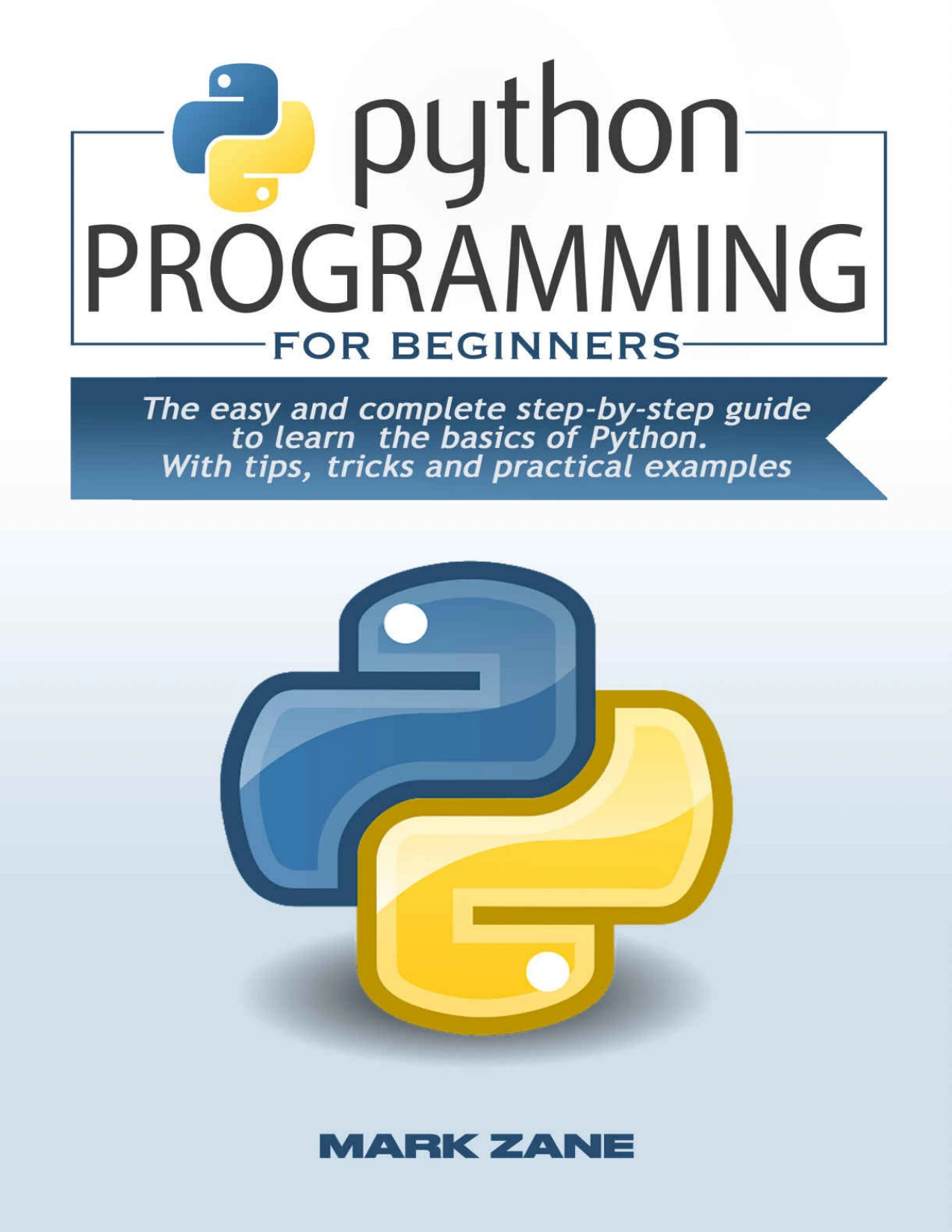
By Mark Zane
Readers seeking a guided introduction that covers installation and core programming building blocks.
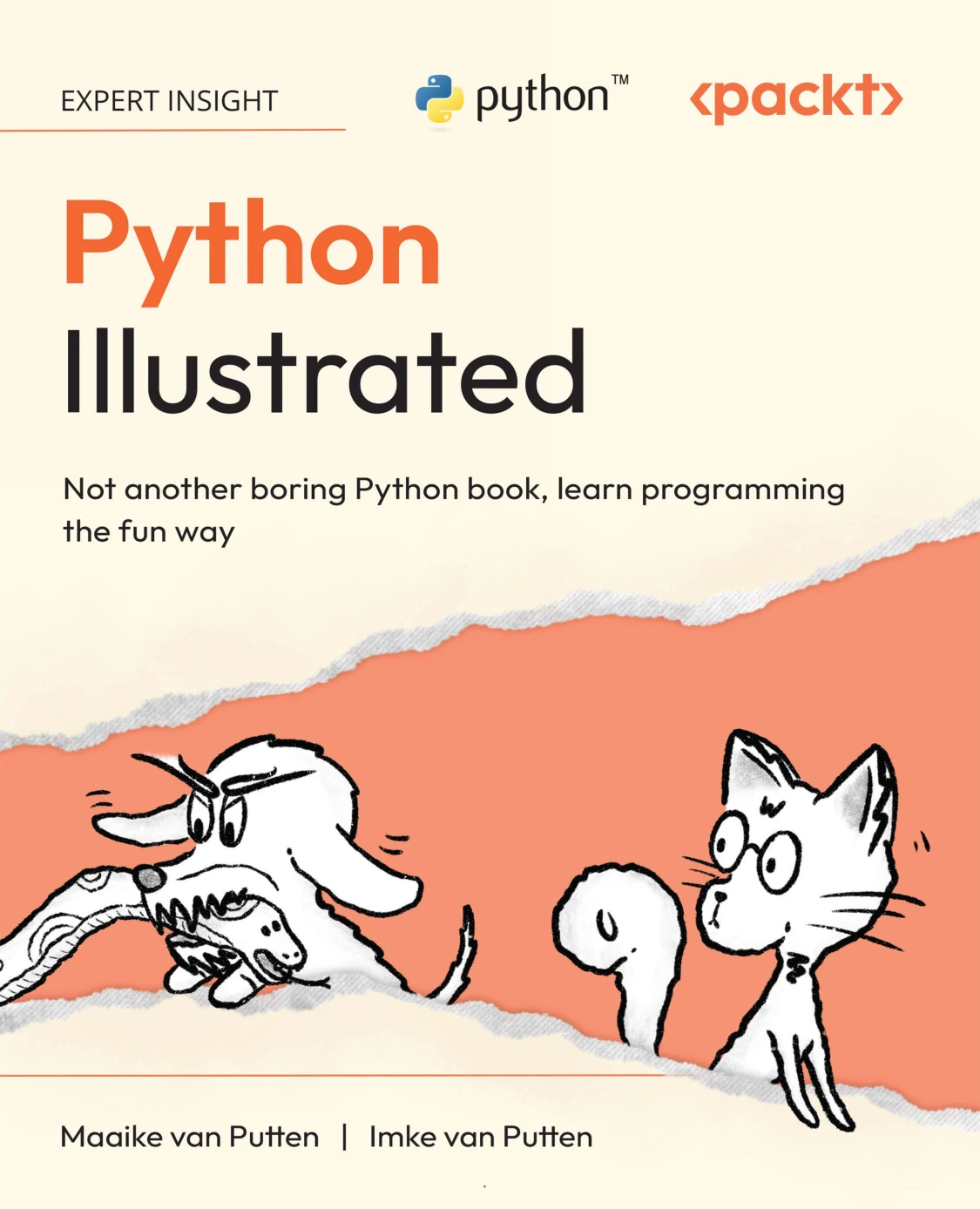
Beginners who want visual explanations alongside introductory Python instruction.
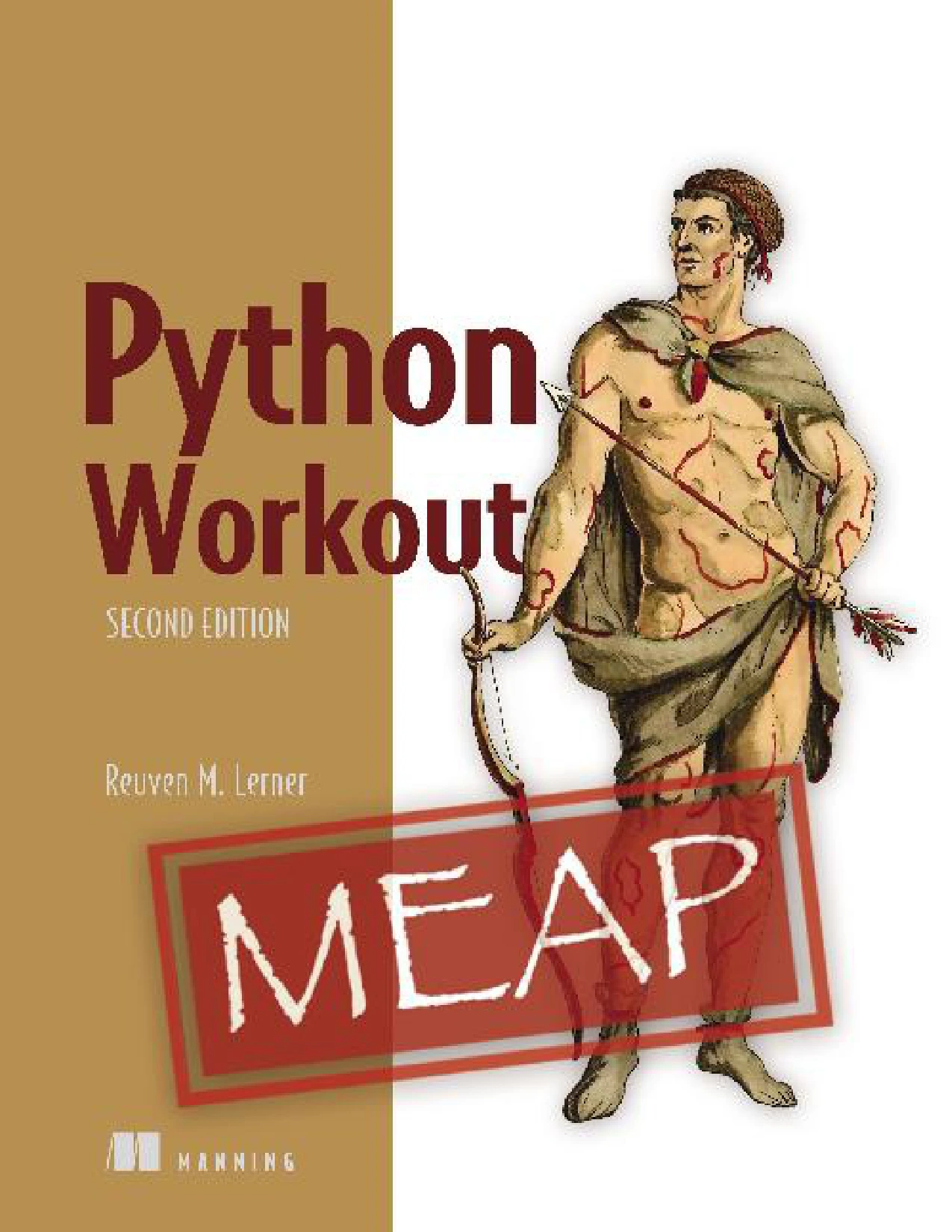
Python Workout, Second Edition (MEAP V03)
Learners ready to work through exercises; the catalog identifies this listing as an early-access MEAP V03 edition.
These are options to compare, not ranked or independently evaluated recommendations. The catalog descriptions establish their stated coverage, but do not provide independent learning-outcome evidence. You can browse the broader Python collection at Digital Delights if you want to compare other catalog resources.
Frequently Asked Questions
Are Python errors normal for beginners?
Yes. Syntax errors and runtime exceptions are ordinary parts of writing and running code. Rather than treating an error as a judgment on your ability, use its type and traceback to investigate what happened. The official Python error guide explains how exceptions and tracebacks work.
Which Python version should a beginner use?
Use the version specified by your course or project when there is one. If not, check Python.org for a current stable release and make sure the examples you follow are compatible with it. When asking for help, include the version you are using because version differences can matter in some contexts.
Should I use the official Python tutorial if I have never programmed?
Read its audience note before relying on it as your only starting point. The official tutorial says it is for people new to Python, not necessarily people new to programming. It can be a useful reference, but a complete first-time programmer may prefer a resource that introduces programming concepts step by step. See the Python tutorial’s introduction.
How should I practise debugging?
Use short examples, read the full error message, inspect the indicated code, and change one thing before running the program again. Keep notes about errors you have understood. When the cause remains unclear, reduce the code to a smaller example that still reproduces the issue.
Conclusion: Make Each Error Useful
Learning Python does not mean writing flawless code on the first try. Focus on a few repeatable habits: keep indentation consistent, understand what assignment does, avoid shared mutable defaults, and make sure packages are installed in the environment running your program. When something breaks, read the message, investigate the relevant code, and test a focused change.
Build your understanding gradually with runnable examples and small projects. Errors are easier to learn from when you treat them as clues—and each one you can explain gives you a clearer picture of how your program works.