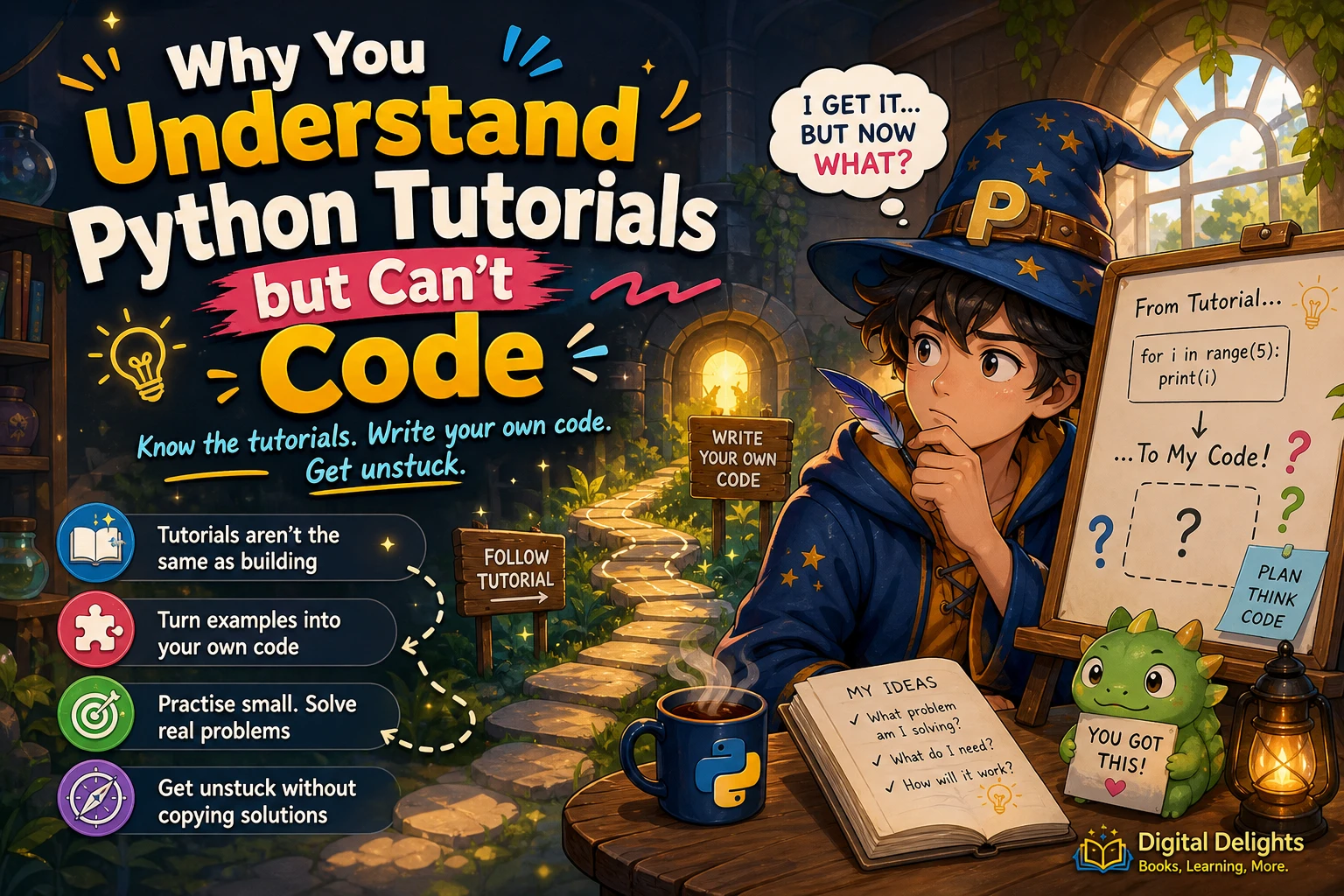
Why You Understand Python Tutorials but Can’t Write Code
If a Python tutorial makes sense while you follow it, but you freeze when asked to write something on your own, that does not mean you have learned nothing. Following a worked example and creating a program from a blank page are different tasks. A tutorial gives you a route; independent coding asks you to choose the route, recall what you need, and put the pieces together.
The practical fix is not to watch more examples without changing how you use them. Pause, predict, alter, recreate, and then adapt what you have seen. This guide explains why the gap happens, walks through a small coding task, and offers a repeatable way to practise without relying on copied solutions.
Why do Python tutorials make sense until you code alone?
When you follow a tutorial, many decisions have already been made for you. The instructor has chosen the task, selected the relevant concepts, arranged the code, and usually shown what to type next. You can concentrate on recognizing what each line does.
Starting on your own adds several decisions: What is the problem asking? What information do I need? Which steps should the program take? Which Python tools fit those steps? How should I check the result? It is possible to recognize a function or loop in a lesson but still need practice choosing when and how to use one.
The official Python tutorial is an introduction to the language, not a promise that reading it alone will prepare you to build every unfamiliar program. Its documentation recommends having an interpreter available for hands-on work. That is a useful reminder: reading and running examples can help you understand material, but you also need opportunities to produce and change code yourself.
What makes independent Python coding difficult?
Copying code can hide the decisions
Typing along can feel active, but if you are mainly reproducing what is on screen, you may not be deciding why each line is needed. The code works, yet the reasoning stays attached to the example rather than becoming a process you can reuse.
A blank page gives you no starting structure
Many beginners are not stuck on a particular Python keyword. They are unsure how to turn a broad request into small, testable steps. “Make a word counter” sounds like one task, but it involves getting text, separating it into words, counting those words, and showing the answer.
Syntax is easy to forget when you are learning
You may remember the idea of a loop or function without recalling every colon, bracket, or method name. That is normal during learning. A moment of uncertainty does not mean you cannot program; it may mean you need to look up a detail and then use it in context.
Errors can make a small problem feel mysterious
An error message may point to a typo, an unexpected value, or a mismatch between what your program expects and what it receives. If you change several things at once or paste in a complete answer, it becomes harder to tell which change mattered.
How should you practise writing Python independently?
Use a short cycle with one example at a time. The aim is not to avoid references; it is to use them in a way that leaves you doing some of the thinking and writing.
- Predict: Before running a short example, write down what you think it will display or return. If you are unsure, say what you expect each important line to do.
- Change one thing: Alter a value, input, or condition. Run the code and compare the result with your prediction. Changing one detail at a time makes cause and effect easier to see.
- Recreate it: Close or cover the example and write a small version from memory. If you forget a detail, try first, then consult a reference rather than immediately copying the whole solution.
- Adapt it: Give the code a nearby but different job. A program that counts items in one list might be adapted to count a different kind of item.
- Explain your choices: In plain language, describe what each part does and why it is there. If you cannot explain a line yet, isolate it and experiment with it.
These steps are a practical learning suggestion, not a guaranteed formula or a schedule proven to work for everyone. The point is to shift some attention from watching code to making decisions about code. The publisher description for Python Workout also distinguishes reading a solution from writing one yourself and describes focused exercises as a way to practise. That is guidance from the publisher, not evidence that one method is best for every learner.
How do you break a small coding task into steps?
Suppose you want a program to count the words in a sentence. Before reaching for Python syntax, describe the task in ordinary language:
- Input: Get a sentence from the user.
- Operation: Separate the sentence into words and count them.
- Output: Display the count.
Now translate those steps into a small program:
sentence = input("Type a sentence: ")
words = sentence.split()
word_count = len(words)

print("Word count:", word_count)
input() gets text, split() separates it into pieces using whitespace by default, and len() counts those pieces. Try predicting what happens with an empty response, multiple spaces, or a sentence with punctuation. Then run the code and check your prediction.
This example is small on purpose. You do not need to invent a large project to practise independent thinking. A modest task gives you room to focus on the process: define the input, choose an operation, produce an output, and test a few cases.
How can you get unstuck without copying the answer?
When a program fails, treat the error as information about one specific attempt—not as a verdict on your ability. Work through the problem in a controlled way:
- Read the full error message. Note its type and the line it points to. The highlighted line is a useful clue, though the underlying issue may begin earlier.
- Check the smallest relevant piece. If a function is misbehaving, try it with one simple input rather than debugging the whole program at once.
- Compare expected and actual results. Write down what you thought would happen and what happened instead. The difference often narrows the question you need to answer.
- Change one thing at a time. Multiple simultaneous edits make it difficult to identify which one fixed or introduced a problem.
- Look up a specific question. Search documentation or an example for the operation you need, such as how a string method behaves. Then return to your own code and apply the idea there.
- Use a complete solution as a last comparison. If you consult one, compare it with your attempt and identify the difference. Afterward, close it and rebuild the solution without looking.
Using documentation is part of programming, not cheating. The useful distinction is between consulting a reference to answer a focused question and letting a finished solution replace the work of understanding the problem.
When do tutorials, exercises, and projects help?
Each format can serve a different purpose. Tutorials introduce ideas in a guided sequence; exercises give you a defined problem to solve; projects ask you to combine ideas into something more open-ended. These are complementary options, not a ranking that applies to every learner.
| Learning format | Useful when you need to | Try this |
|---|---|---|
| Tutorial | Meet a new concept or see a complete example | Pause before each step and predict what comes next |
| Exercise | Practise applying one or several concepts | Attempt a solution before checking hints or answers |
| Small project | Connect concepts to a concrete goal | Write a short plan and build one feature at a time |
If structured practice would help, Python Workout, Second Edition (MEAP V03) is a practice-focused resource built around Python exercises. The catalog identifies it as an early-access MEAP edition, so check that edition detail when deciding whether it suits your needs.
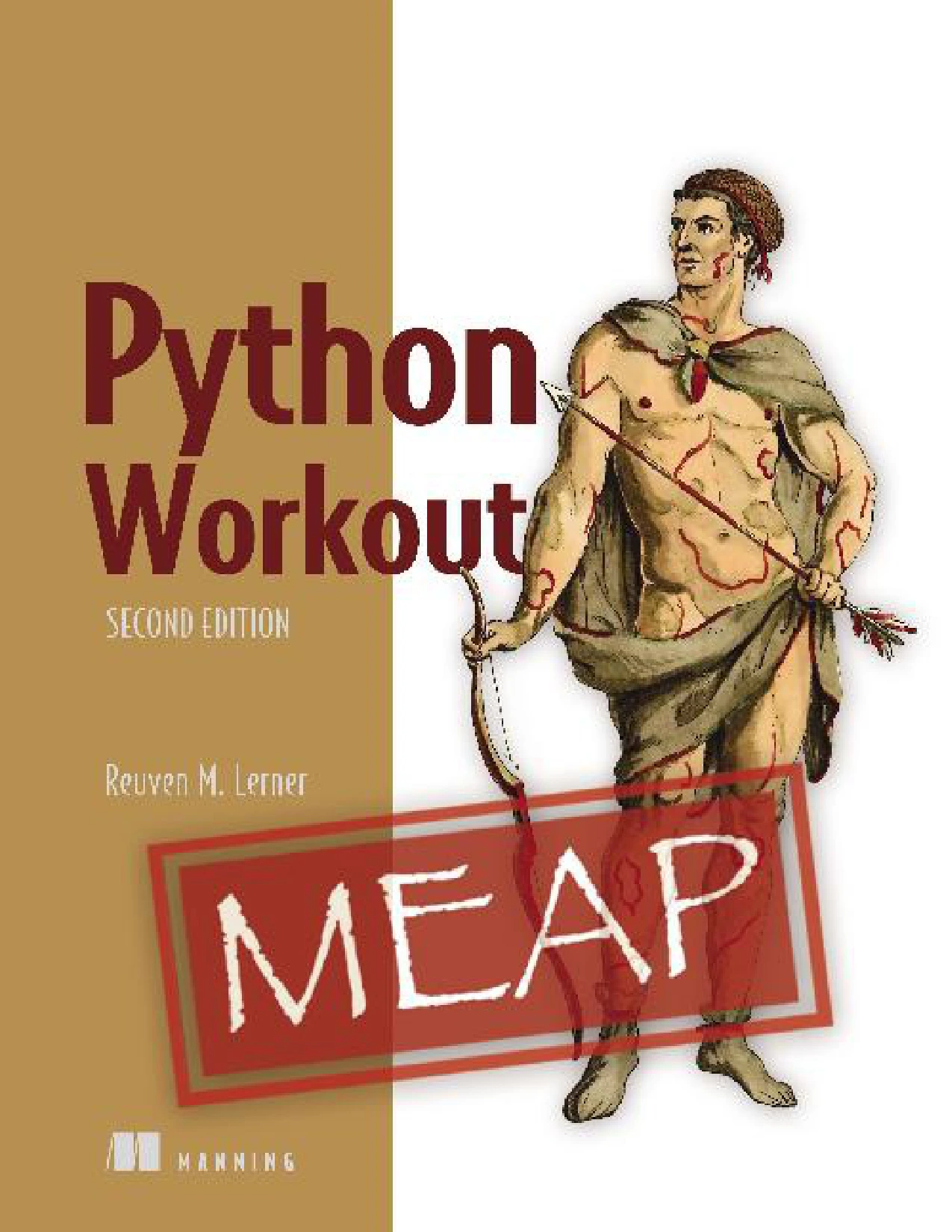
Python Workout, Second Edition (MEAP V03)
Learners who want to practise Python concepts through exercises and are comfortable checking the early-access MEAP edition detail.
If you prefer a project-led structure, Python Projects for Beginners: A Ten-Week Bootcamp Approach to Python Programming organizes its material around a ten-week sequence with tasks and programs. It may suit a beginner looking for a guided route that emphasizes building rather than only reading explanations.
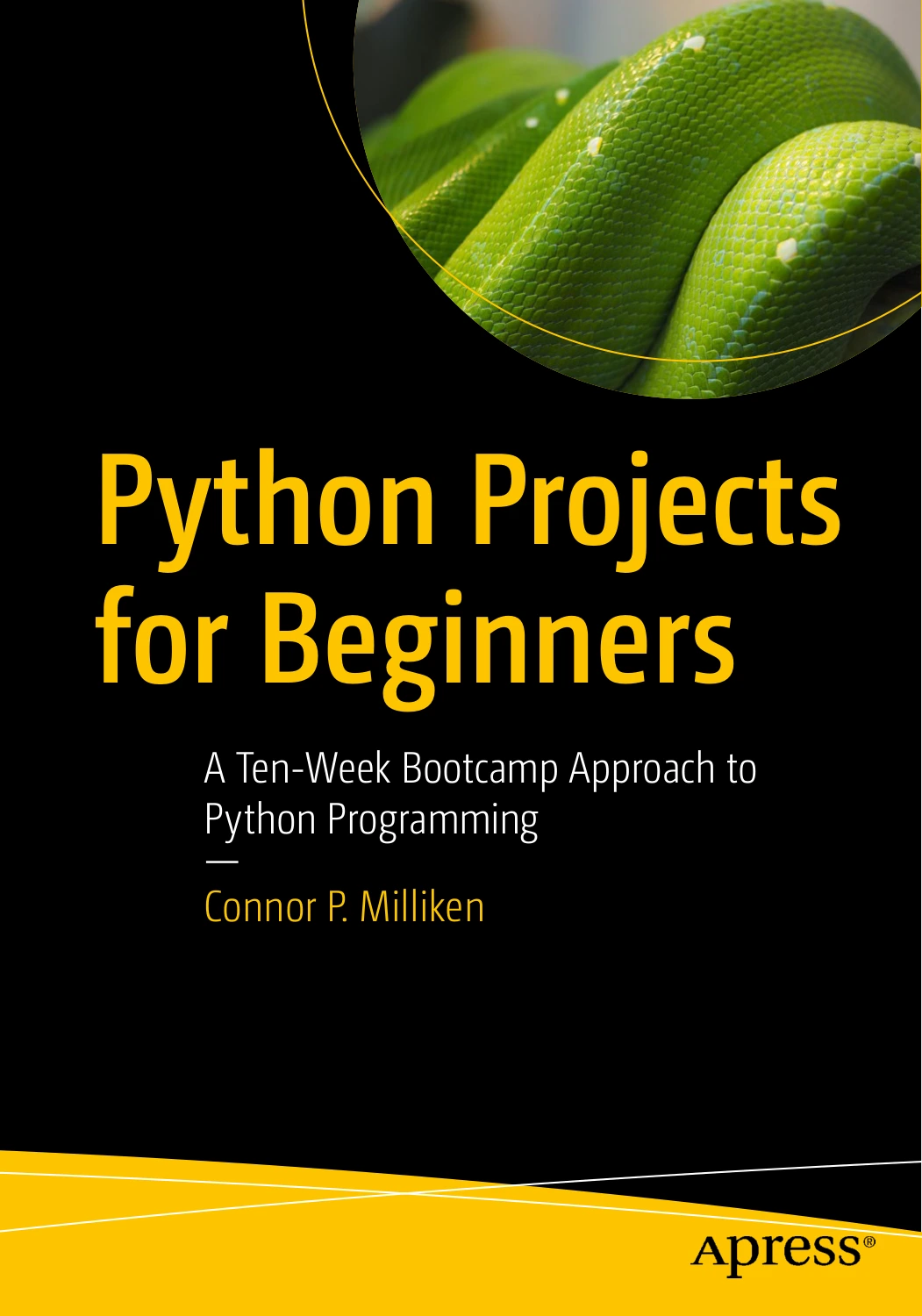
Python Projects for Beginners: A Ten-Week Bootcamp Approach to Python Programming
Beginners who prefer a structured sequence of tasks and small programs.
For a broader foundation in setup and core Python topics, Python Coding & Programming: The Complete Manual covers subjects including variables, functions, conditions, loops, debugging, and files. It may be a useful reference if you want to revisit basics while continuing to practise independently. You can also browse the Python book collection for other relevant resources.
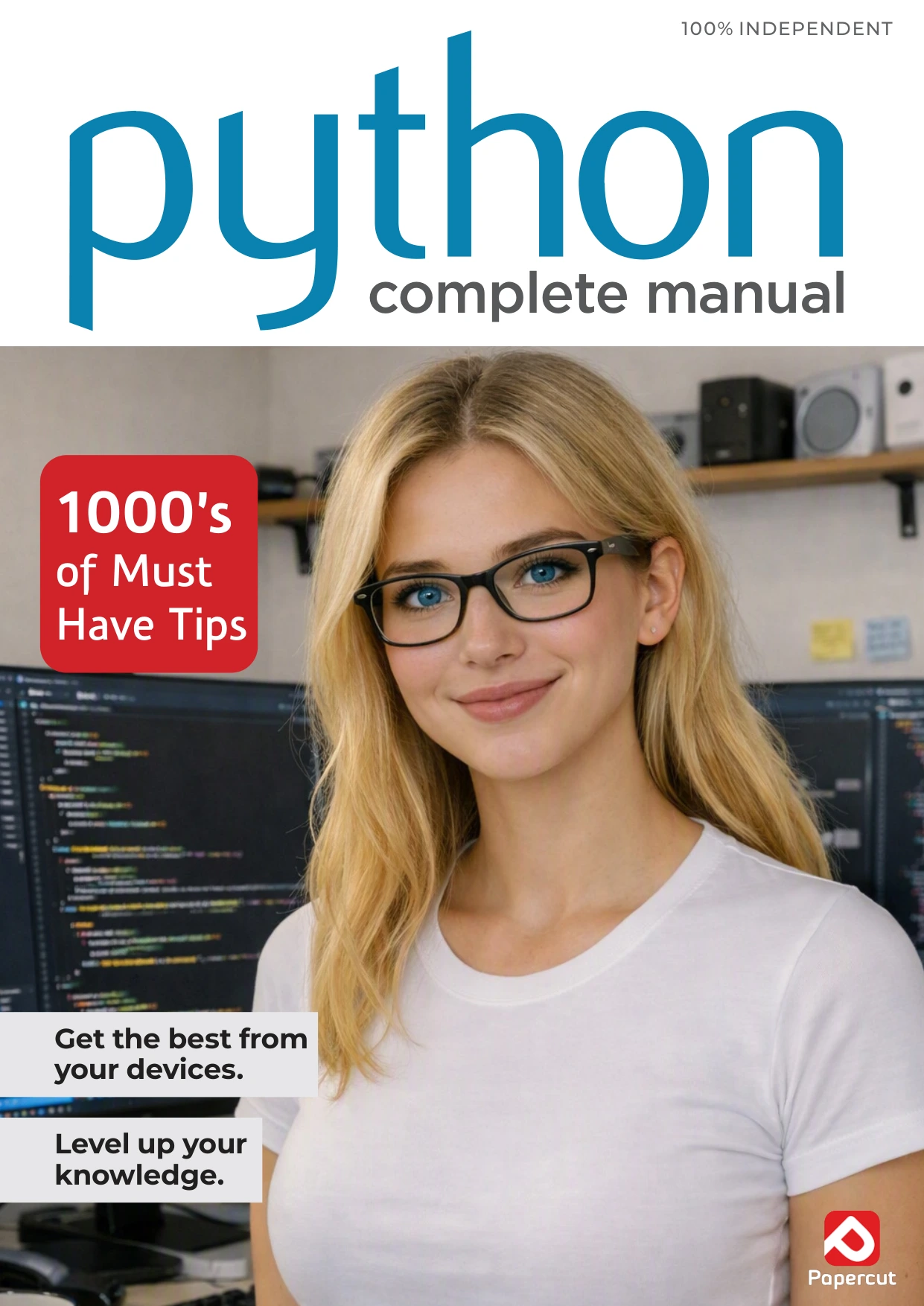
Python Coding & Programming: The Complete Manual
Learners who want to revisit fundamentals such as variables, functions, loops, debugging, and files.
Common mistakes that slow down progress
- Watching without pausing to code: Understanding an explanation as it happens is not the same as being able to reproduce or adapt it later. Build in moments where you try before continuing.
- Starting with a project that is too large: A big idea may involve many unfamiliar pieces at once. Shrink it to a single feature you can describe and test.
- Expecting perfect syntax recall: Remembering concepts and knowing how to find a precise syntax detail are both useful skills. Do not treat every lookup as failure.
- Changing too much at once: Small experiments make it clearer what your code is doing.
- Repeating examples without adapting them: Repetition can help, but a small variation forces you to make a fresh decision about how the code should work.
Progress may feel uneven: some examples will come together quickly, while a new variation may take time. The sources reviewed support hands-on practice as a sensible complement to reading, but they do not establish a universal number of hours, a guaranteed timetable, or one practice method that works best for everyone.
Frequently asked questions
Do I need to memorize Python syntax to write code?
You do not need to recall every detail perfectly before you can build useful programs. Learn common patterns through use, and consult reliable references for details you have forgotten. Try to understand what a line is meant to do rather than memorizing code without context.
Is it okay to look at examples while practising?
Yes. Examples and documentation can help answer specific questions. To practise producing code, first make an attempt, consult the reference for the part you need, then close it and try rebuilding or adapting the code yourself.
Why can I follow a tutorial but not solve a new problem?
A tutorial supplies context and often guides the order of steps. A new problem asks you to identify the steps and select the tools. Practise bridging the two by changing a worked example and using its ideas on a small, related task.
Could differences between Python versions cause a problem?
They can matter in some situations, but the supplied sources do not identify particular beginner-level incompatibilities. Check which Python version a tutorial uses and follow version-specific setup instructions where available. If an example fails, inspect the error and confirm that your environment matches the lesson before assuming the version is the cause.
What should I build if I am still a beginner?
Choose a small task with a clear input and output, such as counting words, converting a temperature, or keeping a short list of items. The goal is to practise turning a plain-language description into a few steps—not to create an impressive application immediately.
Make the next tutorial an active one
You can understand Python lessons and still need practice writing code independently. That gap is a reason to change how you practise, not proof that you are incapable of programming. Start with a short example: predict its result, alter one detail, recreate it without looking, and adapt it to a nearby problem. When you get stuck, reduce the task and look up the precise detail you need.
Use tutorials to meet concepts, exercises to practise them, and small projects to connect them. Keep the task manageable, and let each attempt teach you something about how the code works.